
Google Pixel Mockup Guide for Android Marketing in 2026
Choose and use a Google Pixel frame for Android marketing, compare it with a Galaxy treatment, and prepare accurate Play Store visuals.
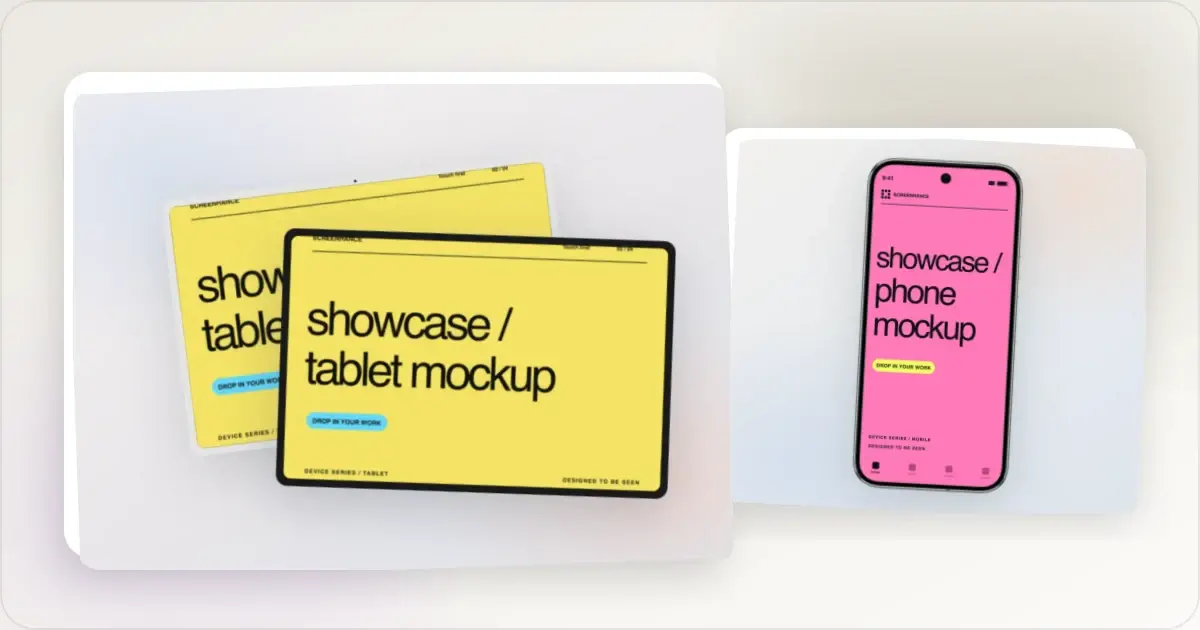
When you market an Android app, the frame establishes hardware context before the viewer reads the caption. A Google Pixel is closely associated with Google's own Android products and can be a clear, recognizable choice. It should not be described as the only “correct” Android reference device.
This guide covers when to reach for a Pixel frame, how it differs from a Samsung Galaxy, and how to build Play Store screenshots that look like they belong on the platform.
Why teams choose a Pixel frame
Android spans devices from many manufacturers, so teams need to choose whether a campaign should show a specific brand or a neutralized frame.
A Pixel uses Google's Pixel software experience; it is not literally an unmodified “stock Android” build. In a mockup, its clean hardware silhouette can keep attention on the app UI, which makes it useful for Play Store sets, developer docs, and Android-oriented product pages.
Our Google Pixel mockup generator ships realistic Pixel 9 Pro frames in Obsidian and Hazel, with straight, tilted, and hero angles. Drop in an Android screenshot and the frame geometry is handled for you.
Pixel vs Galaxy: which Android frame to pick
For Android marketing the choice usually comes down to Pixel or Samsung Galaxy, and they signal different things.
Google Pixel
- Signals: Google's Pixel hardware and Android ecosystem
- Useful for: Play Store listings, developer tools, Material-oriented apps, and documentation
- Why: it gives the visual an immediately recognizable Google Android context
Samsung Galaxy
- Signals: Samsung's consumer hardware ecosystem
- Useful for: campaigns specifically aimed at Galaxy users or showing Samsung-related product behavior
- Why: it can match an audience or feature tied to Samsung devices
If you want either frame, the broader Android mockup generator covers both. Choose based on the devices your audience uses and the product behavior being shown, not an assumed performance advantage.
Building Play Store screenshots with a Pixel frame
Google Play currently requires at least two screenshots across the listing's device types and allows up to eight per supported device type. A Pixel frame is one possible phone treatment, but a minimal Android frame or frameless capture can be just as accurate.
Use an editable master to keep captions and branding consistent, then adapt each output to the real form factor. 1080 × 1920 is a practical portrait phone preset, not a fixed Google requirement. Do not stretch a Pixel phone frame into tablet artwork; capture and present the app's actual tablet experience. Start from the Play Store screenshot generator or browse ready-made Play Store templates, then verify every export in Play Console.
Lead with your strongest screen
Some Play Store placements expose only the beginning of the gallery. Put a clear, representative product screen early, keep captions readable at small sizes, and use consistent visual language across the set. A guide to the current size rules lives in the Google Play screenshot dimensions guide.
Common Pixel mockup mistakes
Wrong aspect ratio. Pixel screens are taller than older 16:9 Android phones. Capture at the device's native resolution so the screenshot fills the frame without letterboxing or stretching. iOS UI in an Android frame. An iOS capture inside a Pixel frame misrepresents the platform unless the comparison is explicitly labelled. Use a real Android capture for an Android product visual. Mismatched status bar. The clock, battery, signal icons, and navigation treatment should match the Android capture and selected device. Mismatched frame. An older frame is not inherently wrong, but it should align with the devices the app supports and the product story. Avoid pairing a current UI claim with hardware details that contradict it. Too many devices. Several frames can make the UI too small to inspect. Use only the devices needed to explain the feature or cross-device behavior.Material You and your screenshots
Material You can adapt supported system and app colors to the user's wallpaper and settings. Use neutral system chrome when it keeps the product legible, or show dynamic color when that behavior is a real feature being explained. Do not present one theme as the only Pixel experience.
Where Pixel mockups belong
- Play Store screenshots — phone visuals for the relevant supported Play Console slots.
- Android-first product marketing — a recognizable way to establish Google Android context.
- Landing pages and Product Hunt galleries — show your app on the device Google itself markets with.
- Developer portfolios and docs — frame Android UI cleanly for case studies and design specs.
Frequently Asked Questions
What Pixel models can I mock up?
Screenhance includes Pixel 9 Pro frames in Obsidian and Hazel. Use them when that device context fits the app; do not imply that a Pixel frame represents every Android device or interface.
Can I make Play Store screenshots with the Pixel frame?
Yes. The Pixel frame is available for phone-oriented mockups. The Play Store editor provides practical presets, but Google accepts a size range rather than one fixed phone canvas. Build separate tablet artwork from real tablet captures when the app supports tablets.
Should I use a Pixel or a Samsung Galaxy frame?
Use a Pixel when Google's hardware context suits the product. Use a Galaxy when Samsung-specific context or audience fit matters. Compare a minimal or frameless version too; there is no universally safer conversion choice.
What's the difference between this and the Android mockup generator?
The Android mockup generator covers Android broadly, including Galaxy frames. The Pixel page is Pixel-specific and includes Pixel 9 Pro framing.
Can I export an animated Pixel mockup?
Yes. Pro users can export animated GIF and WebM mockups — useful for showing a flow or an interaction — in addition to PNG, WebP, and JPEG.
Start your Pixel mockup
Pick a Pixel 9 Pro frame, add an Android screenshot, and create a mockup or coordinated phone-oriented assets with the Google Pixel mockup generator. Verify every store export separately.
Screenhance examples
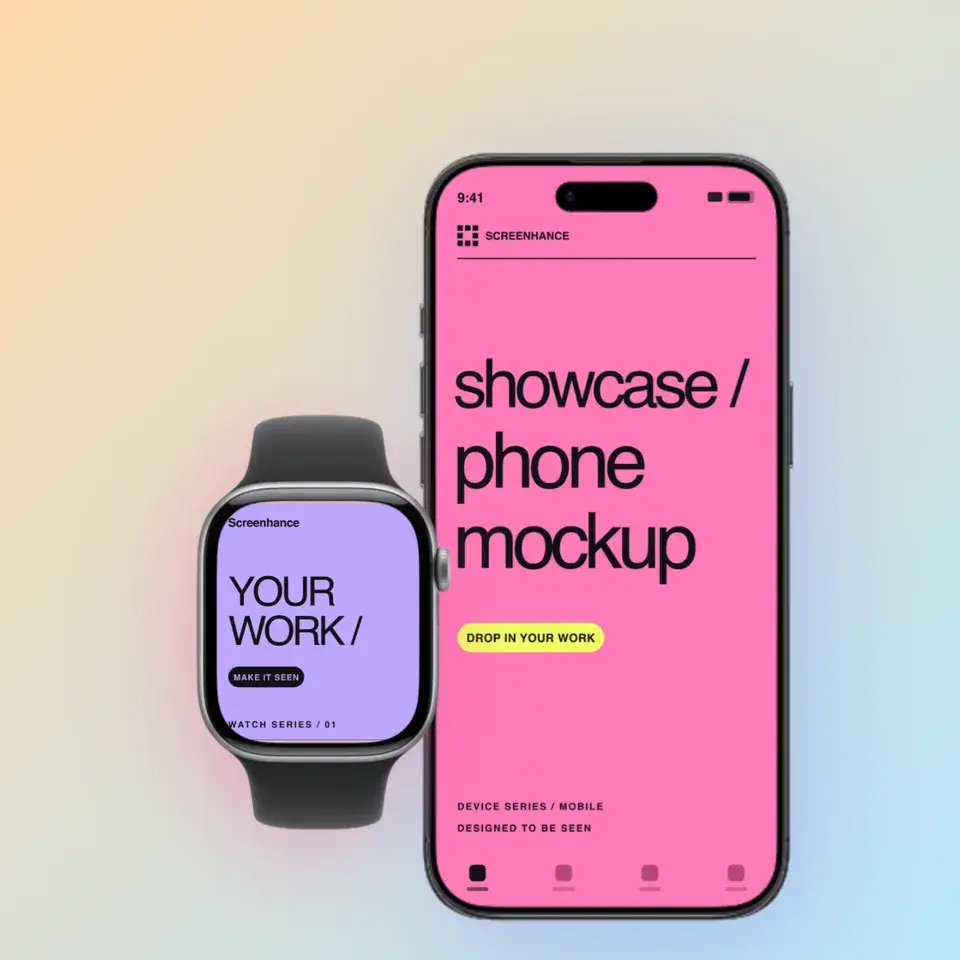
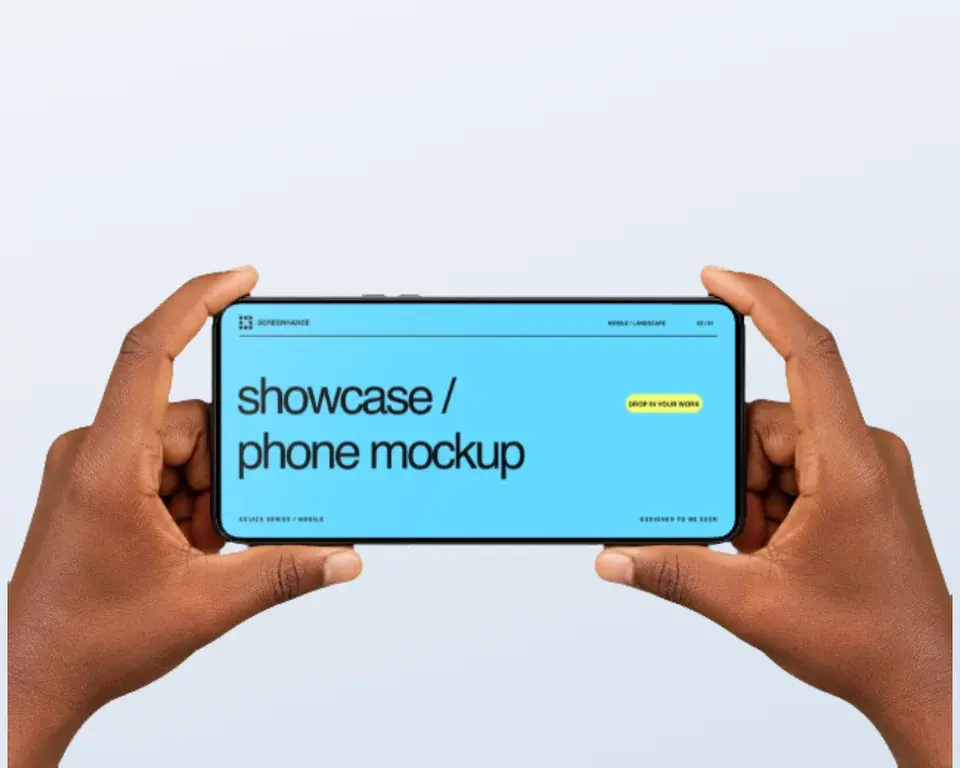
Two editable starting points from the Screenhance library, selected for this mockups guide.
Make a free device mockup
Free to start. No credit card required.
Keep reading
Related, product-tested guides from Screenhance.
Android Mockup Guide: Pixel, Samsung, and More
Android's device diversity is a marketing challenge. How to pick the right Android frames, create Play Store screenshots, and handle cross-platform mockups.
7 Feb 2026 · 10 min read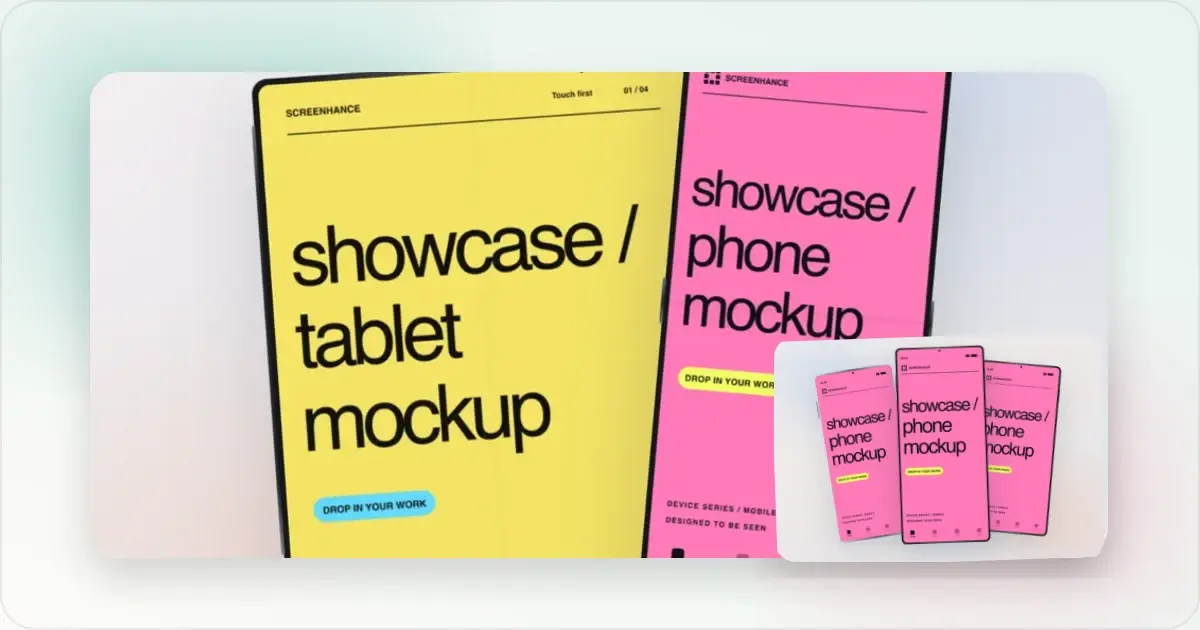
Google Play Store Screenshot Guide: Sizes, Tips, and Templates
Prepare Google Play screenshots with current size rules, editable Android examples, a step-by-step export workflow, and a checklist for your next release.
7 Feb 2026 · 9 min read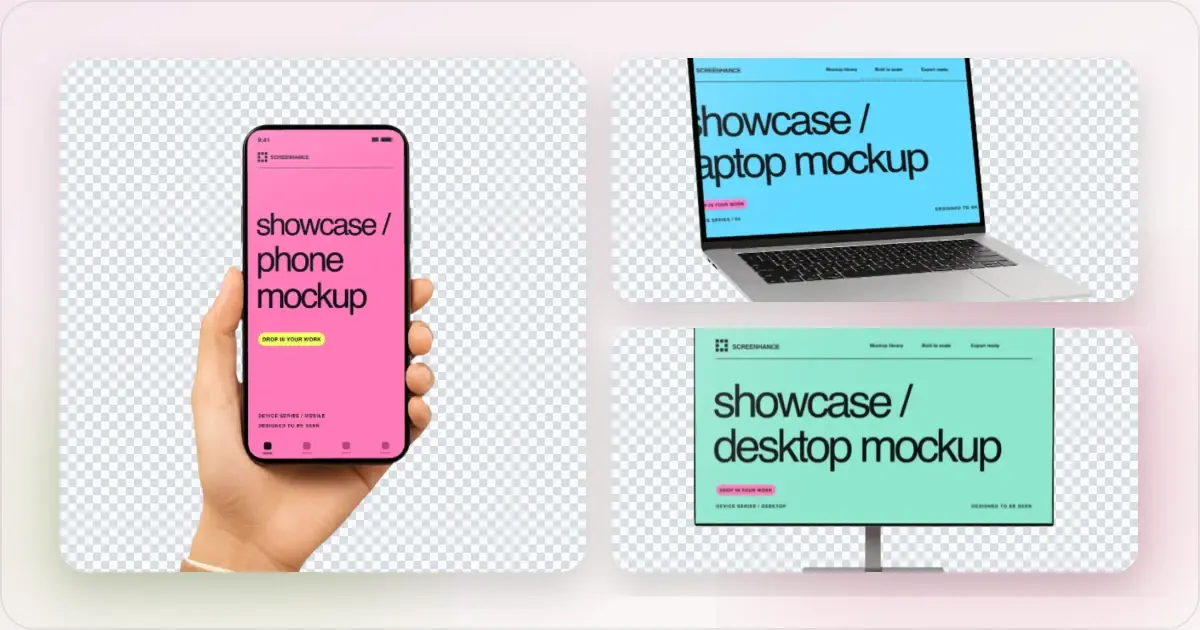
Apple Watch Mockup Guide: Framing watchOS Apps in 2026
How to create Apple Watch mockups that sell a watchOS app: choosing 46mm vs 42mm, capturing clean watch screenshots, and the iPhone-plus-Watch layout.
29 May 2026 · 6 min read