
%2FOlivia%20Rhye.webp&w=64&q=75)
%2FPhoenix%20Baker.webp&w=64&q=75)
%2FLana%20Steiner.webp&w=64&q=75)
%2FDemi%20Wilkinson.webp&w=64&q=75)
%2FDrew%20Cano.webp&w=64&q=75)

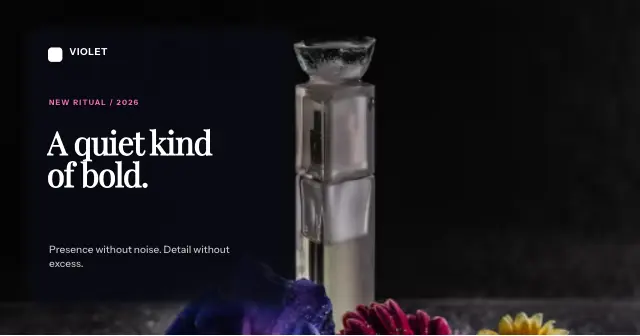
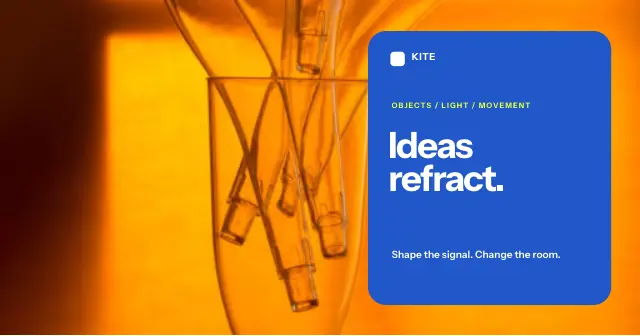
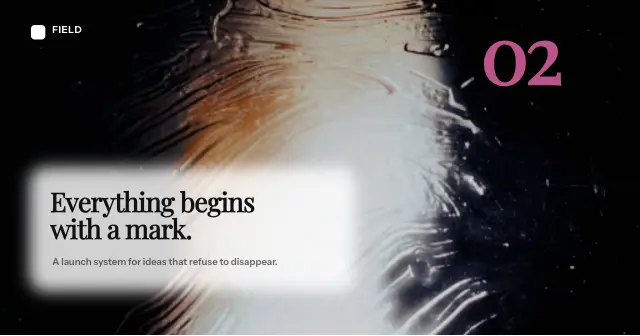
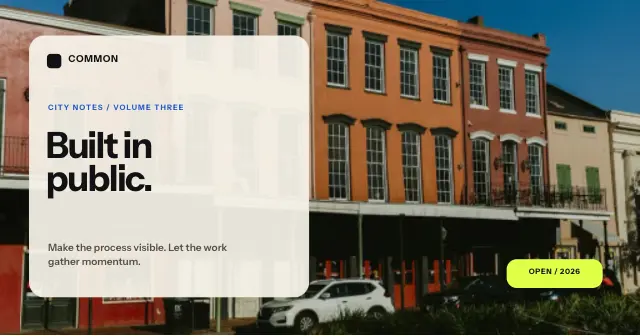

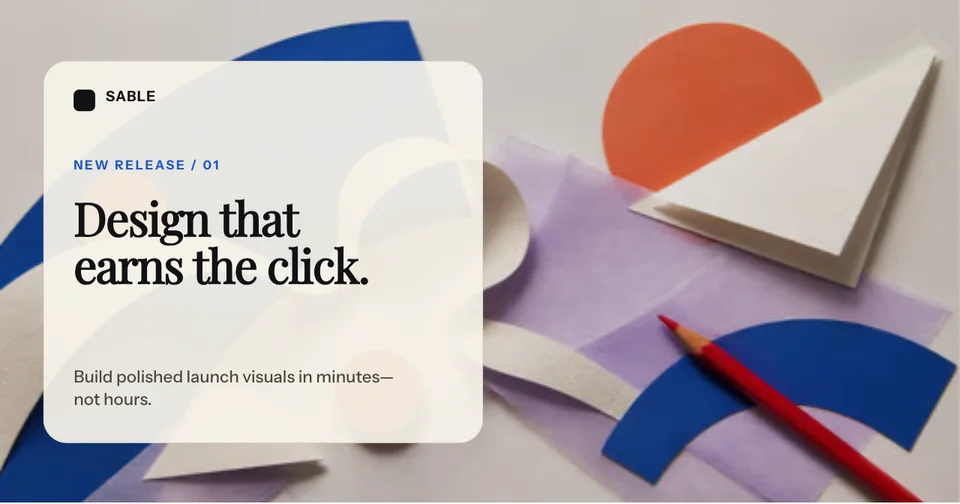
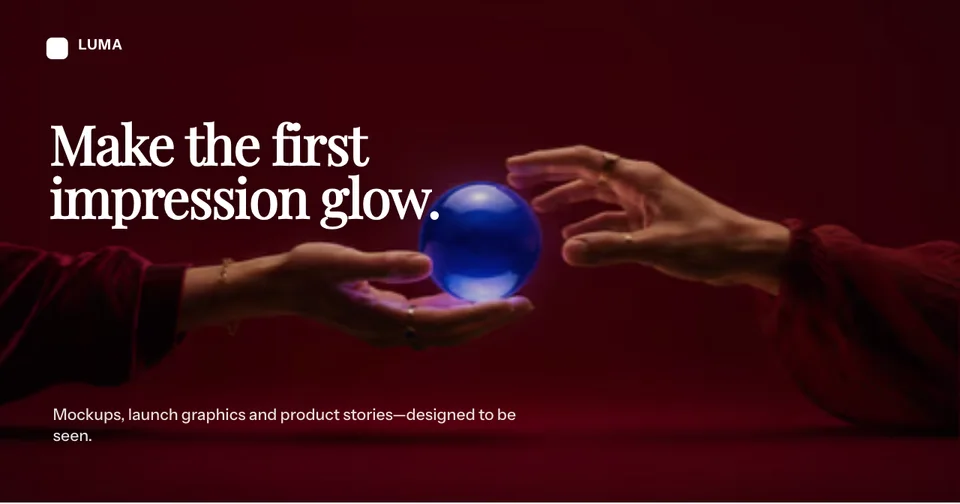
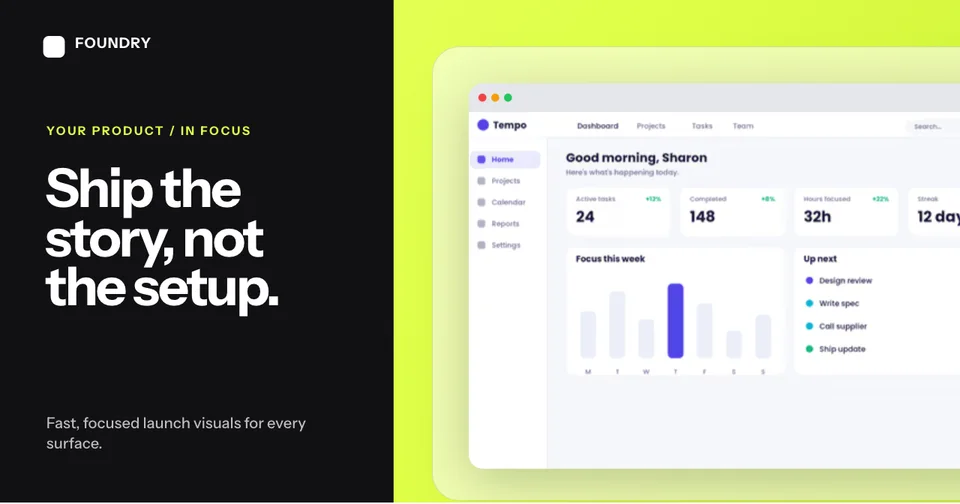
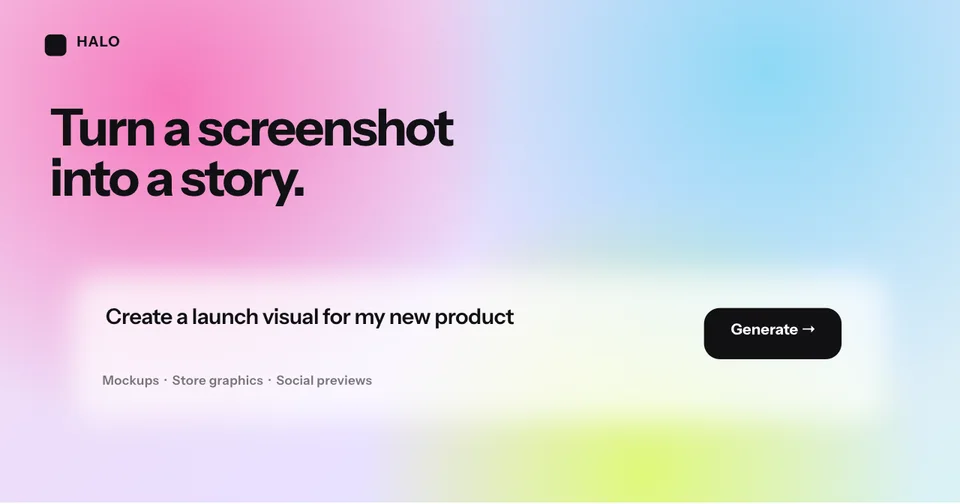
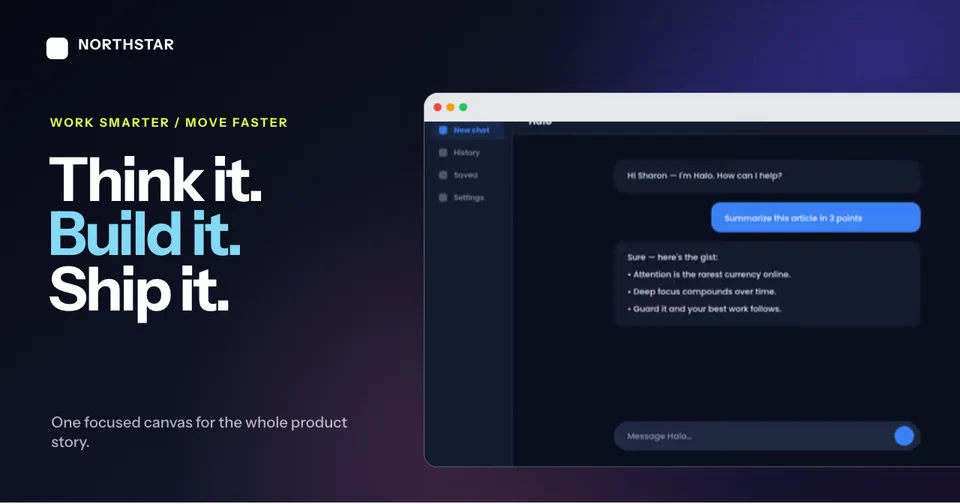
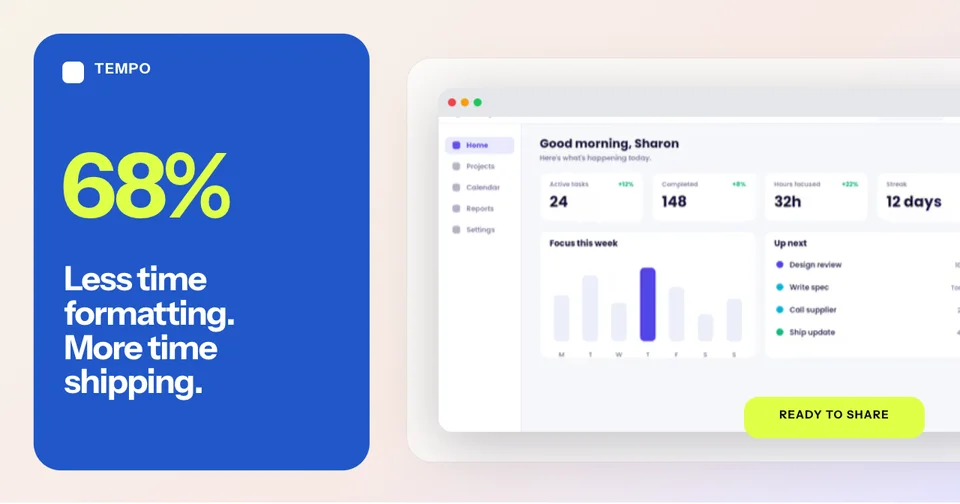
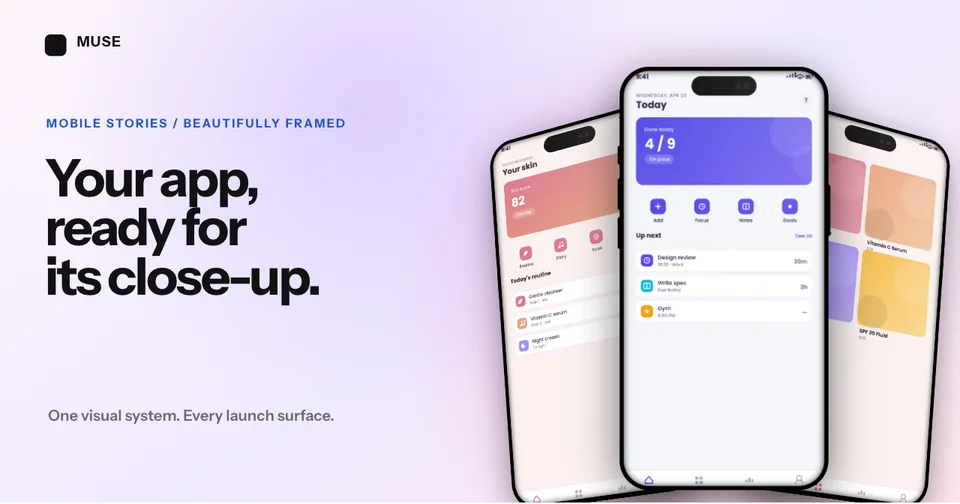
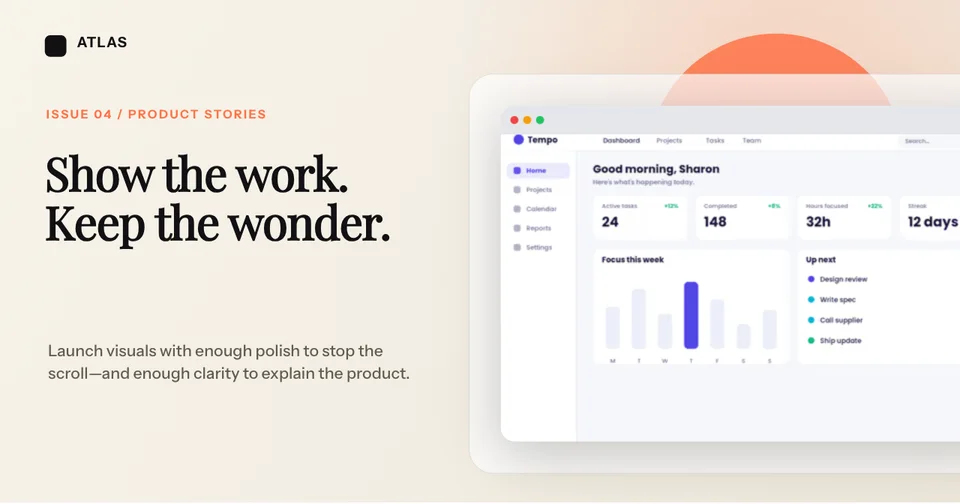
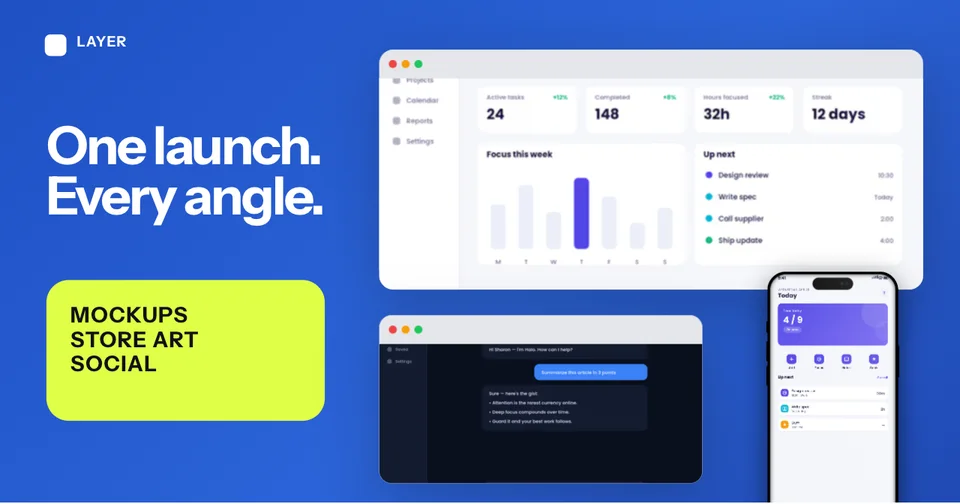
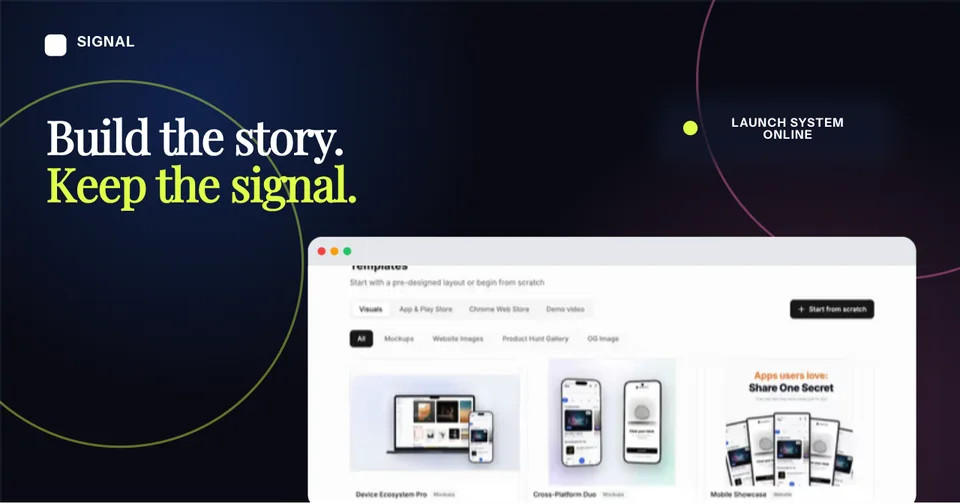
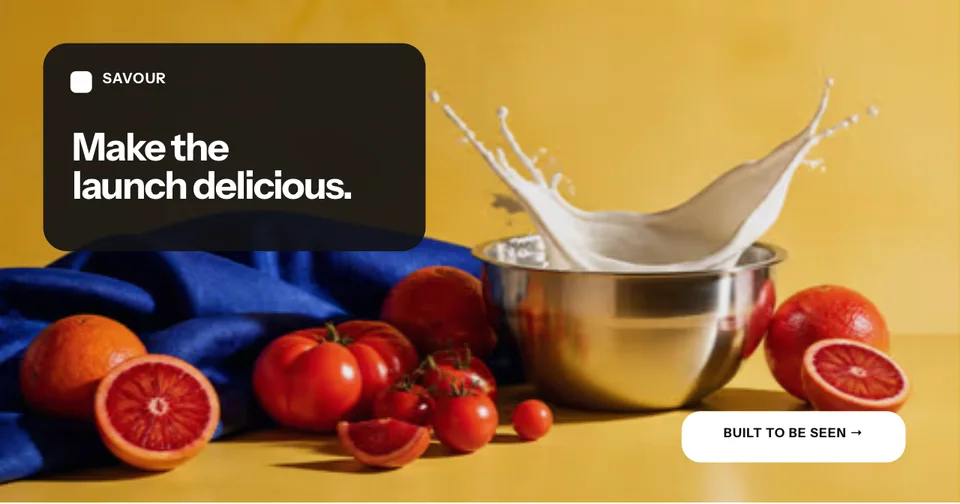
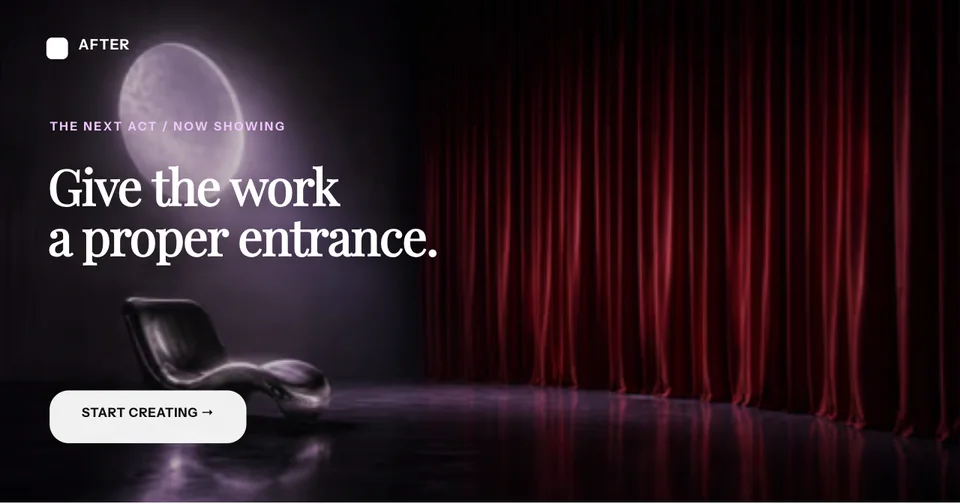
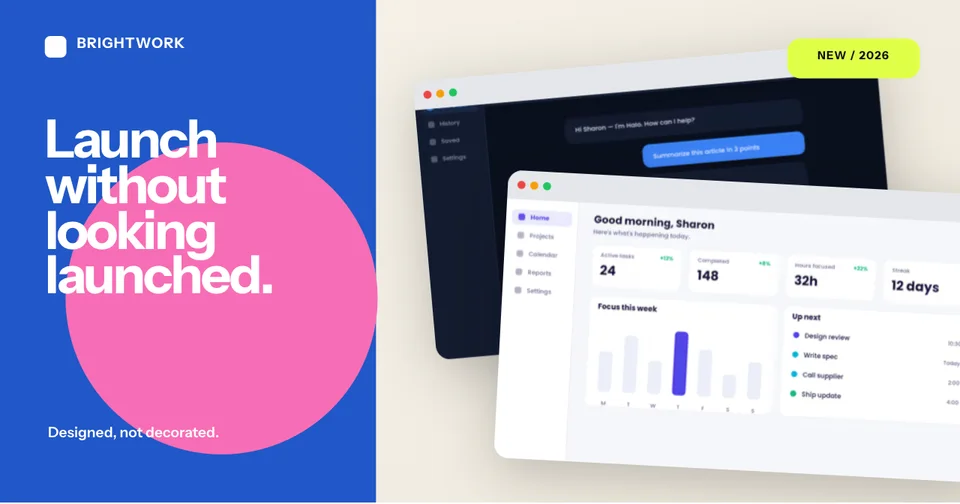
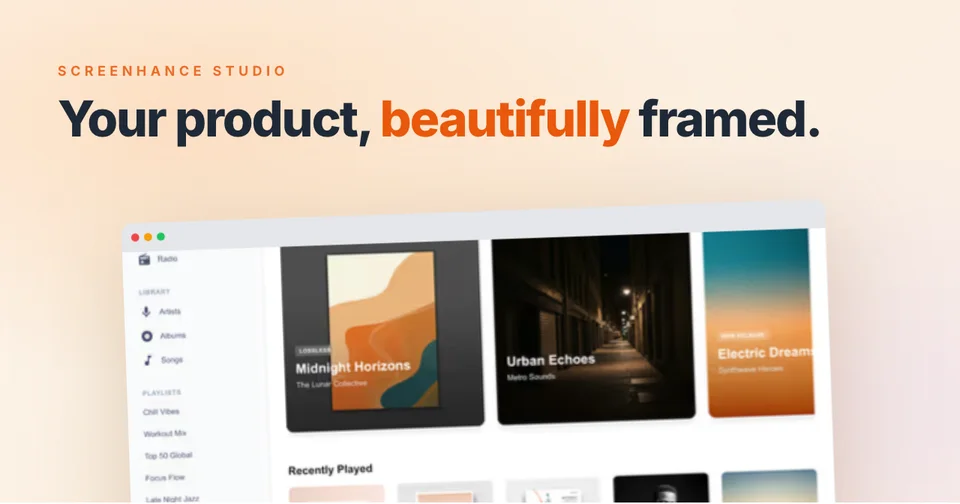
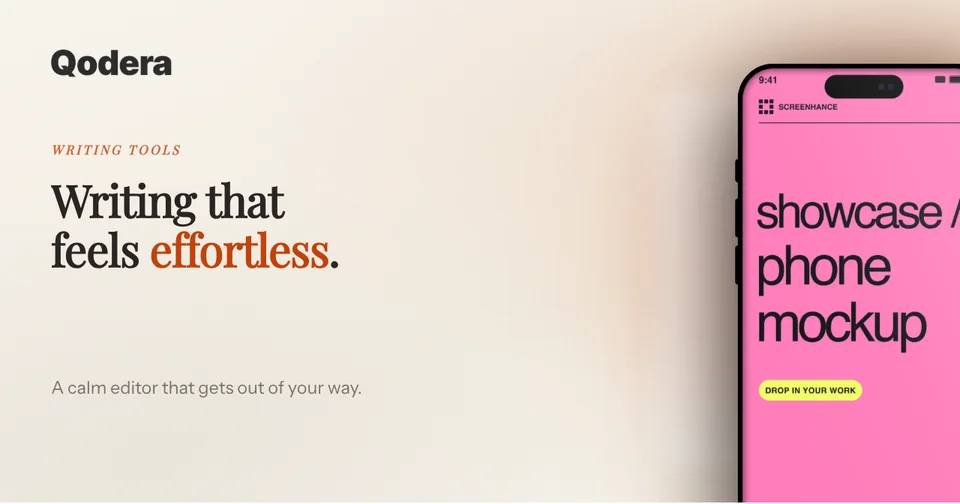
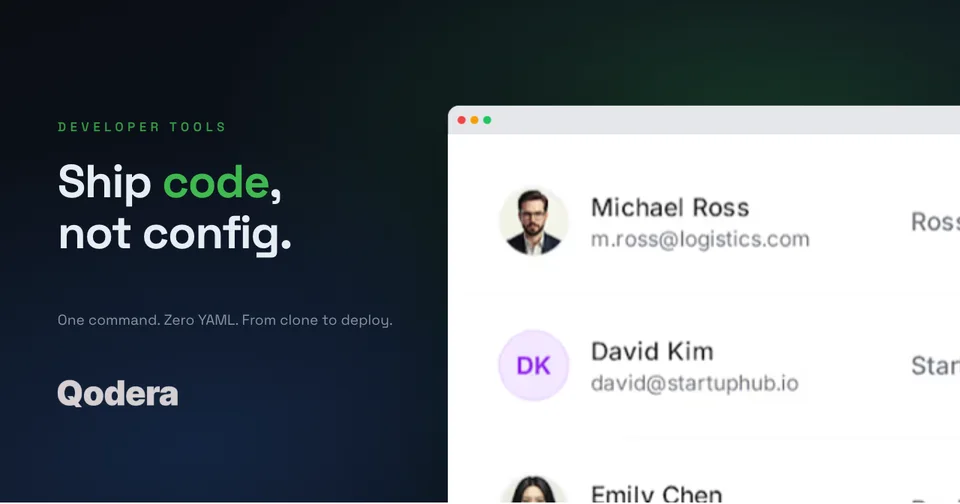
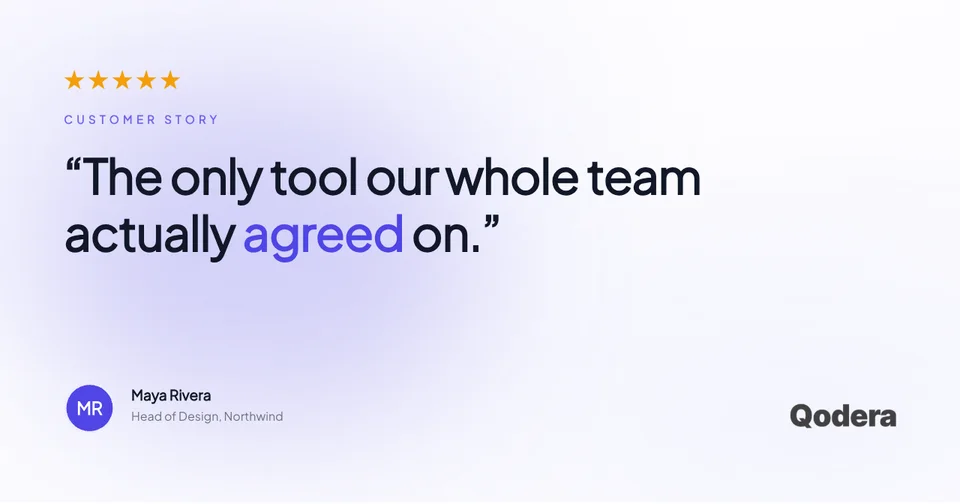
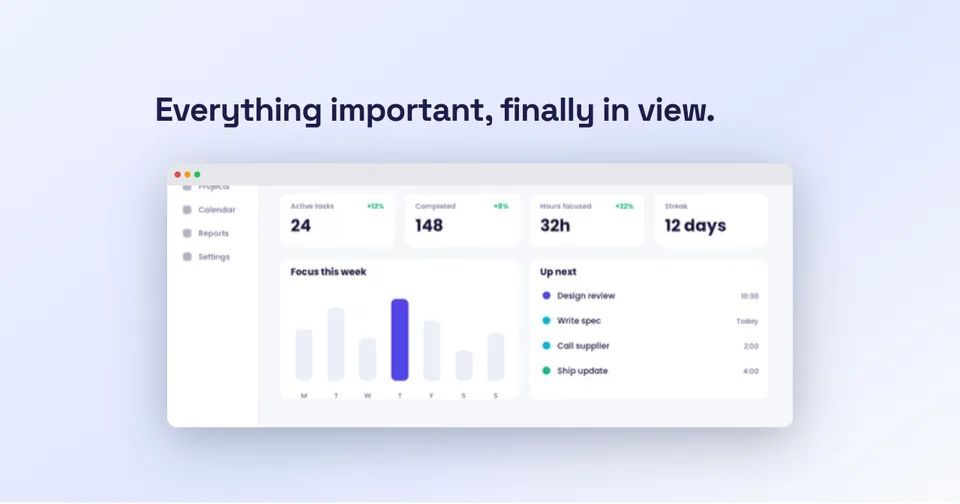
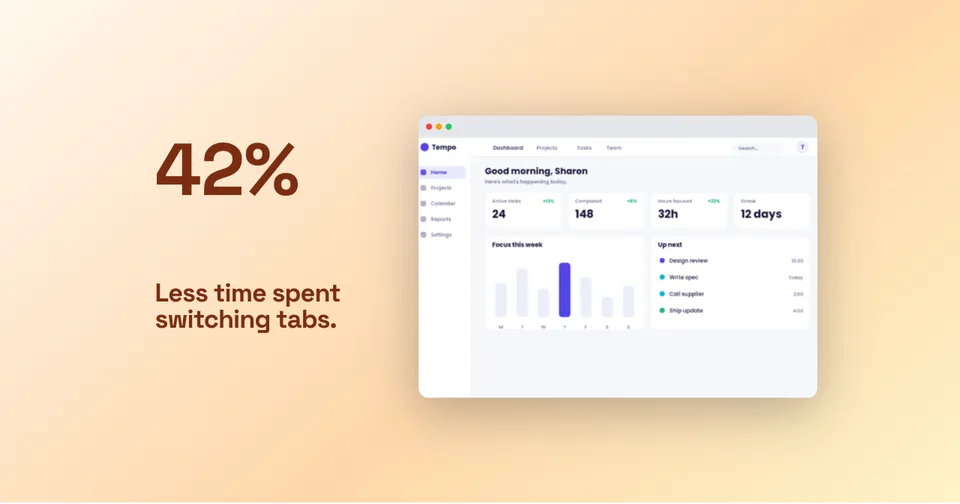
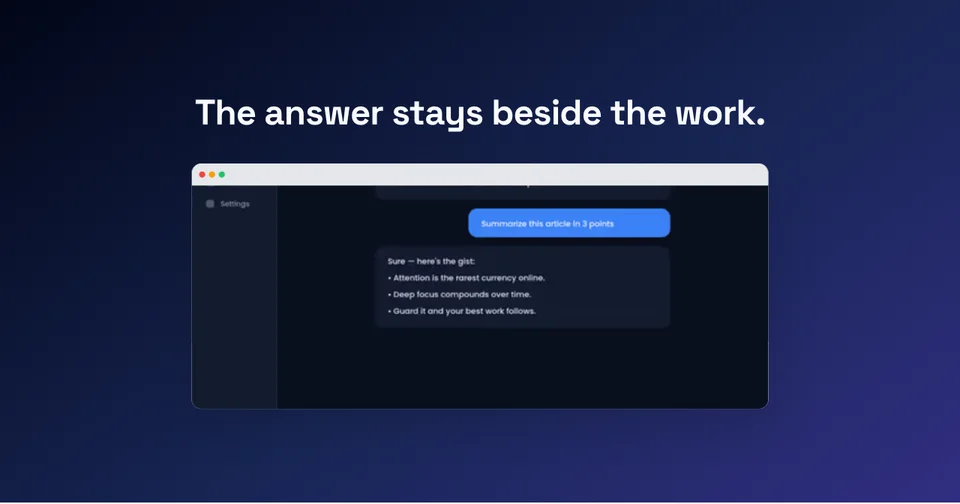
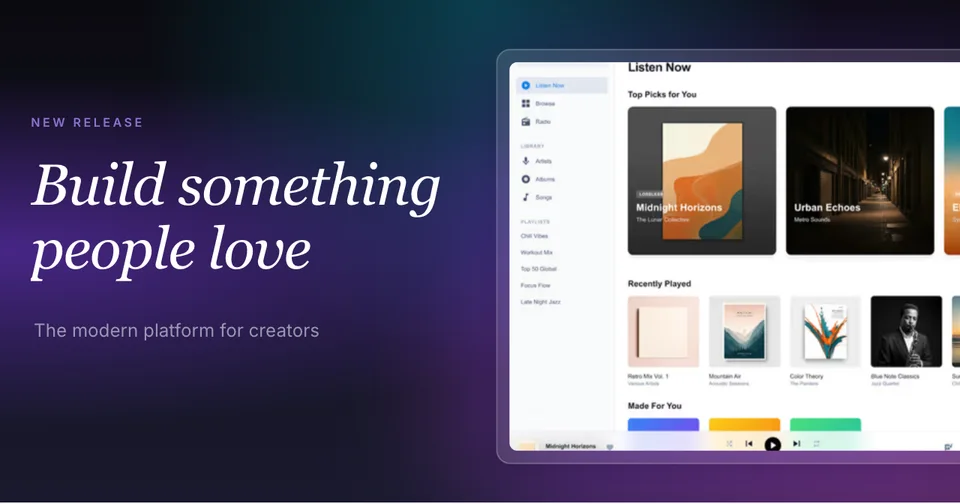
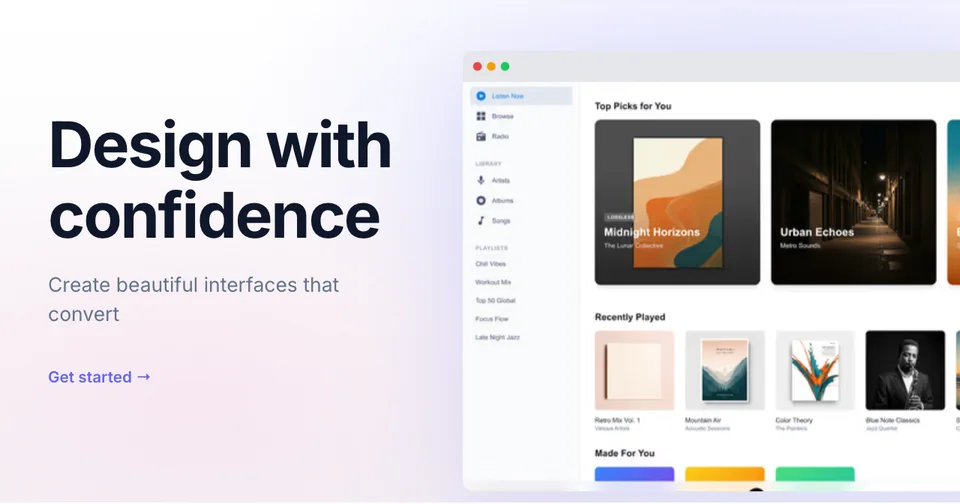



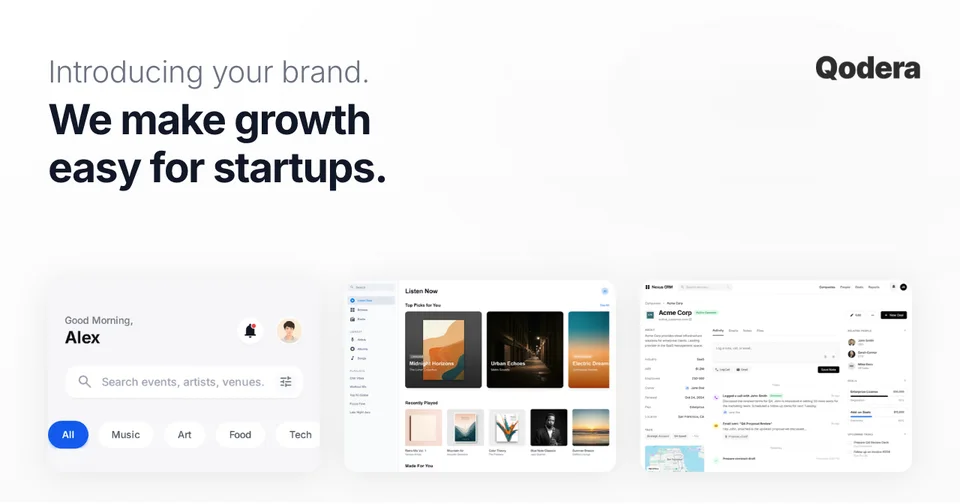
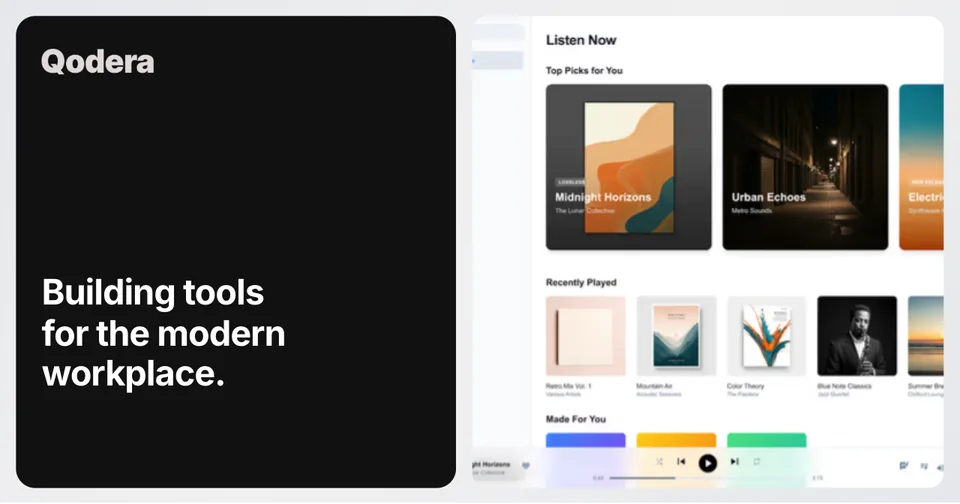
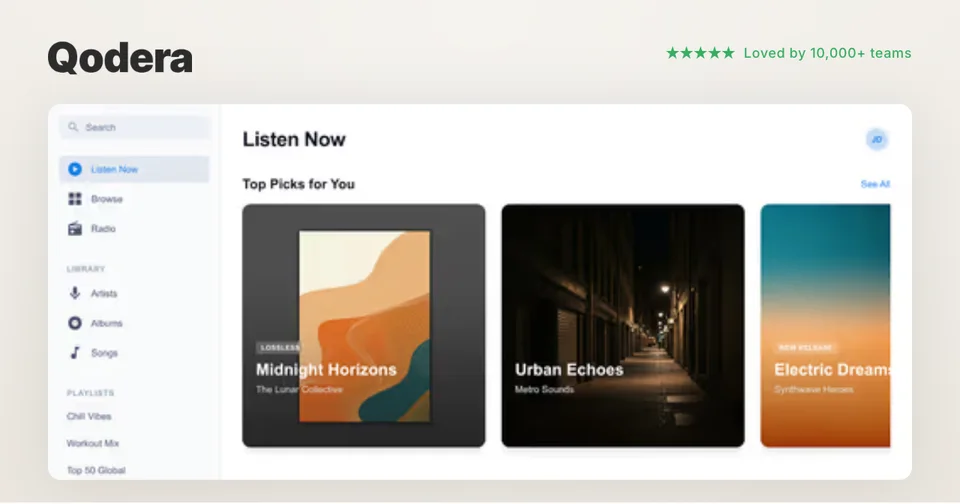
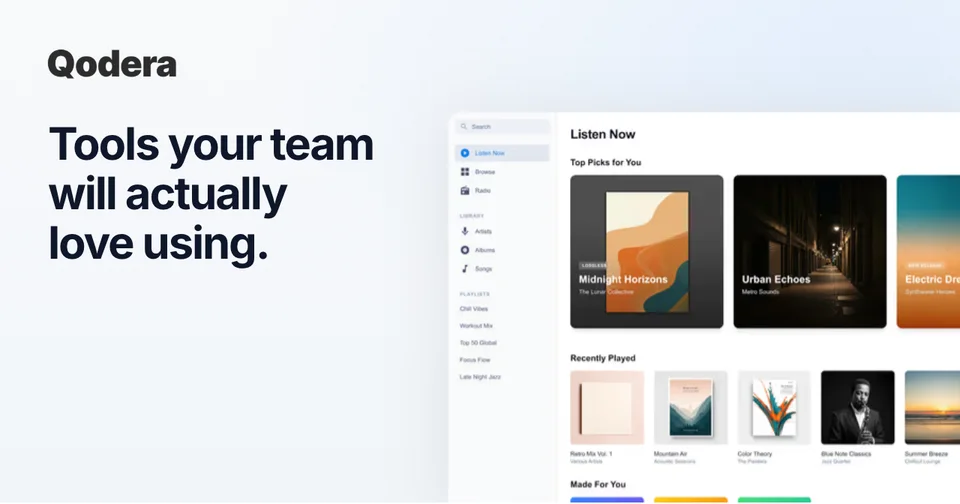
X / Twitter
Large summary card
Create a 1200×630 Open Graph image from a template. Add a real product screenshot, your headline and brand, then export. Free includes 3 watermarked PNG exports per month.
Loved by 3,000+ creators
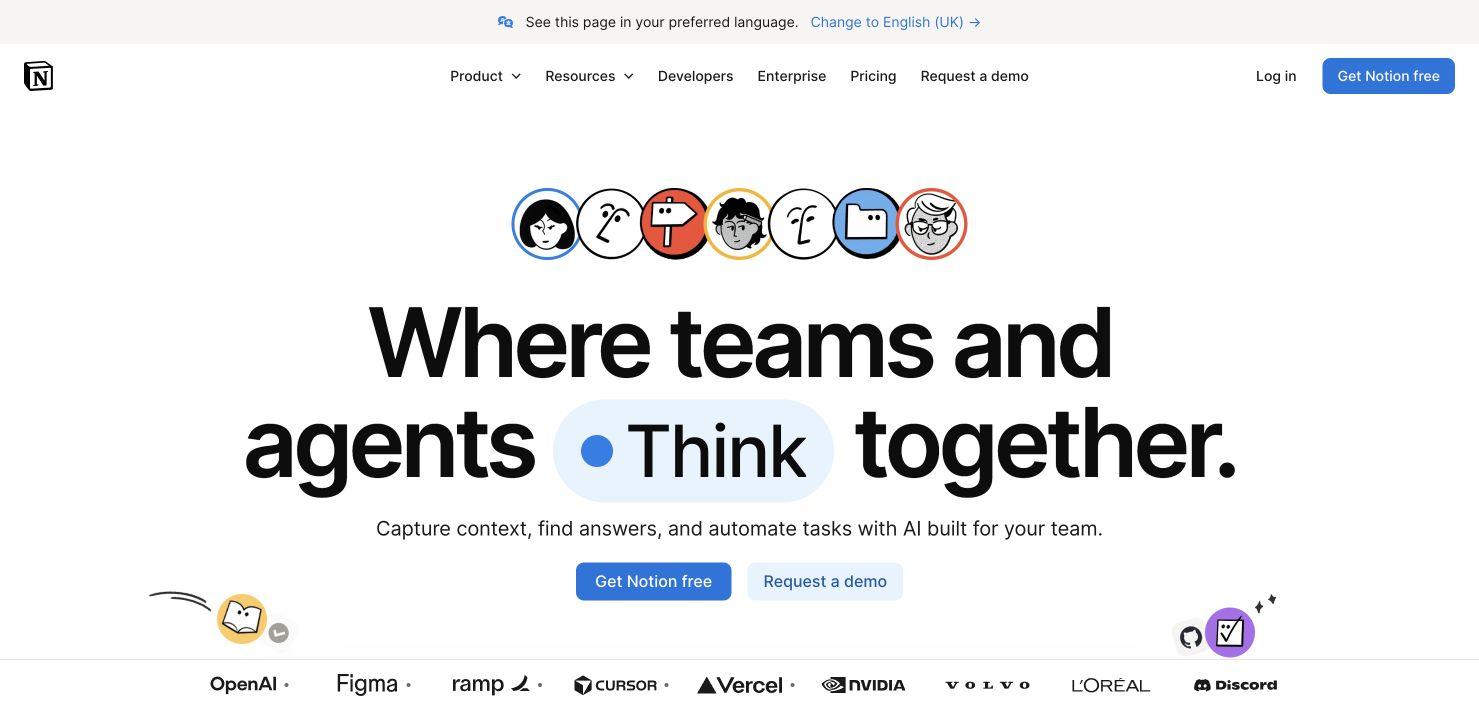
Pre-sized to 1200×630. Pick a template, add your screenshots, and deploy your social cards.
An OG image is the 1200×630 preview people see before they visit. Keep the product recognizable, the headline readable, and the important content away from cropped edges.
Make the benefit readable before the click.
Large summary card
Article and post preview
Link unfurl
Embedded link card
Paste a public URL to inspect its metadata, image dimensions and an approximate preview. Test the published URL on your target platform too.
See how your link looks when shared
Paste a public page URL to inspect its Open Graph tags, image dimensions and missing metadata. The card is an approximation; each platform controls its final preview.
Just want the checker? Open the OG image checker.
Move from source material to a polished launch asset without rebuilding the design in another tool.
Choose a visual template, a store-listing set, a Launch Kit, or an empty canvas for full control.
Add screenshots, photo scenes, device frames, text, icons, annotations, backgrounds, layers, and motion in the browser editor.
Download PNG, WebP, JPEG, GIF, WebM, or MP4, or export organized iOS, Google Play, and Chrome screenshot ZIPs.
Screenhance covers the full path from a raw screenshot or screen recording to coordinated, editable launch assets.
Use current device frames, stylized treatments, or photorealistic placements across phones, tablets, laptops, watches, TVs, print, apparel, and outdoor media.
Start with a complete composition for mockups, Product Hunt, OG images, website heroes, Play feature graphics, or Chrome Web Store promo assets, then edit every layer.
Create coordinated iOS, Google Play, and Chrome Web Store screenshot sets, edit localized copy across supported languages, and export organized PNG ZIPs, including fastlane-ready iOS folders.
Animate layers with editable motion styles and export GIF or WebM, or record and polish a product demo in Studio with frames, cursor motion, captions, audio, and MP4/WebM export.
Start with 1200×630 pixels for a general share image. This is a design starting point: the Open Graph protocol defines metadata, not a universal canvas size. LinkedIn’s link-sharing guidance recommends 1200×627 pixels. Compare sizes and crop examples in the OG image size guide.
Use one short headline and a recognizable product screen. Leave room around the edges and check the image at a small display size. See 12 OG image examples with layout analysis for concrete composition choices.
Export the image, host it at a public HTTPS URL, and reference it with your page’s og:image tag. Add og:title, og:type and og:url, plus an image description in og:image:alt. The generator produces the asset; you publish the metadata on your own site.
A static image suits a homepage, pricing page or launch announcement whose message changes infrequently. Design the composition in Screenhance, export it and serve the file from your site. For large collections of pages with different titles or data, a separate runtime image-generation workflow can reduce manual work.
Both approaches need a crawlable page and an accessible image. Use the OG image checker to inspect the published metadata. Then test on your priority platforms: each service controls its own crop, card treatment and cache. When replacing an image, use a versioned URL when practical and inspect again; there is no guaranteed 24-hour refresh window.
Keep your share card consistent with the rest of your launch. You can create matching social media mockups and X/Twitter cards from the same product screen.
1200×630 pixels, approximately 1.91:1, is a useful starting canvas. Open Graph does not require one universal pixel size. LinkedIn recommends 1200×627 for link previews. Keep important content away from the edges and test the published URL on your priority platforms.
An Open Graph image is the image you nominate in a page’s og:image meta tag for link previews. Social networks and messaging apps may use it alongside your title and description; each service controls the final card layout.
Yes. Upload your product screenshot, add a device frame or browser treatment, and combine it with a short headline, your logo and a background. Preview small text before exporting.
Screenhance’s Free plan includes 3 image exports per month as watermarked PNGs at 1×. Paid plans unlock clean static image exports. See the pricing page for current allowances and formats.
Use a designed static image for pages whose message changes infrequently. Runtime generation can suit many pages with different titles or data. Either approach needs a public image URL and server-rendered metadata that crawlers can read.
Platforms cache metadata and images on their own schedules. Check the live HTML, version the image URL when practical, and inspect the published page with a tool such as LinkedIn Post Inspector. There is no universal refresh delay.
Use the OG image checker to inspect metadata and image dimensions, then share or inspect the published URL on your target platform. A generic checker provides an approximation, not a guarantee of the final crop or layout.
Generate your App Store screenshots, Product Hunt gallery, OG image, and website hero together from one brief.
Shipping a product? Generate matching App Store, Play Store, and Product Hunt visuals from the same brief. Upload your screenshots once and Launch Kit generates them all, on-brand and matching.
Turn the same product story into a post, share card, or launch gallery.
Sponsored feed, lead, app-install, and Story ad previews
Start creatingPolished LinkedIn post visuals
Start creatingMulti-page product launches, frameworks, changelogs, and case studies
Start creatingProduct launches, feature threads, proof, and updates for X
Start creatingLaunch, update, and proof templates for Instagram, LinkedIn, and X
Start creatingLaunch-ready PH gallery images
Start creatingStart with an editable 1200×630 template, add your screenshot and brand, then preview the published result. Free exports include a watermark.