
%2FOlivia%20Rhye.webp&w=64&q=75)
%2FPhoenix%20Baker.webp&w=64&q=75)
%2FLana%20Steiner.webp&w=64&q=75)
%2FDemi%20Wilkinson.webp&w=64&q=75)
%2FDrew%20Cano.webp&w=64&q=75)
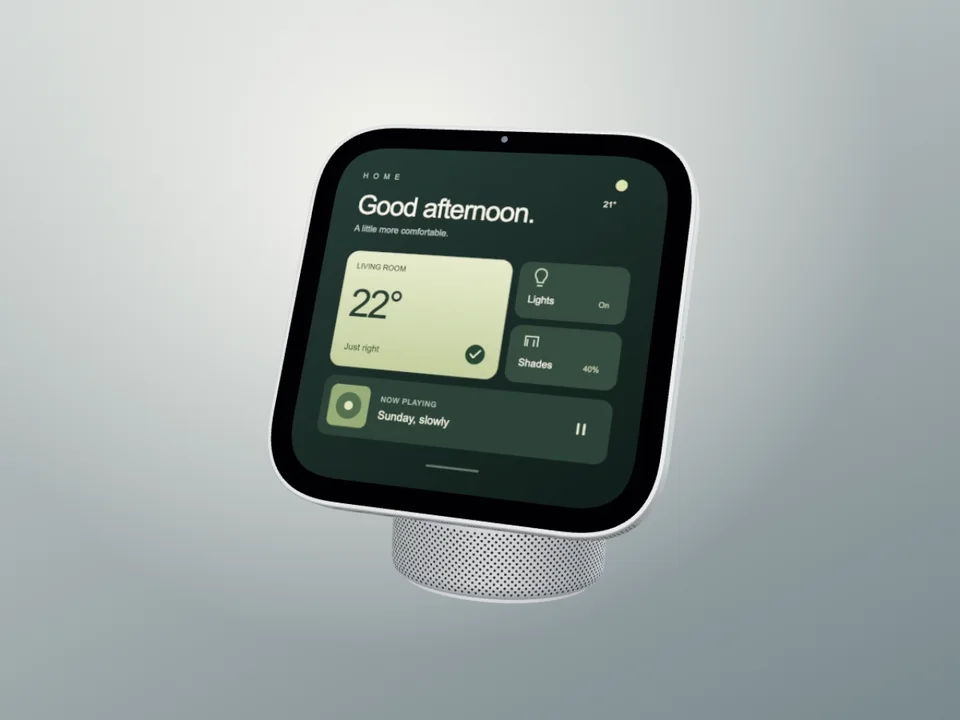
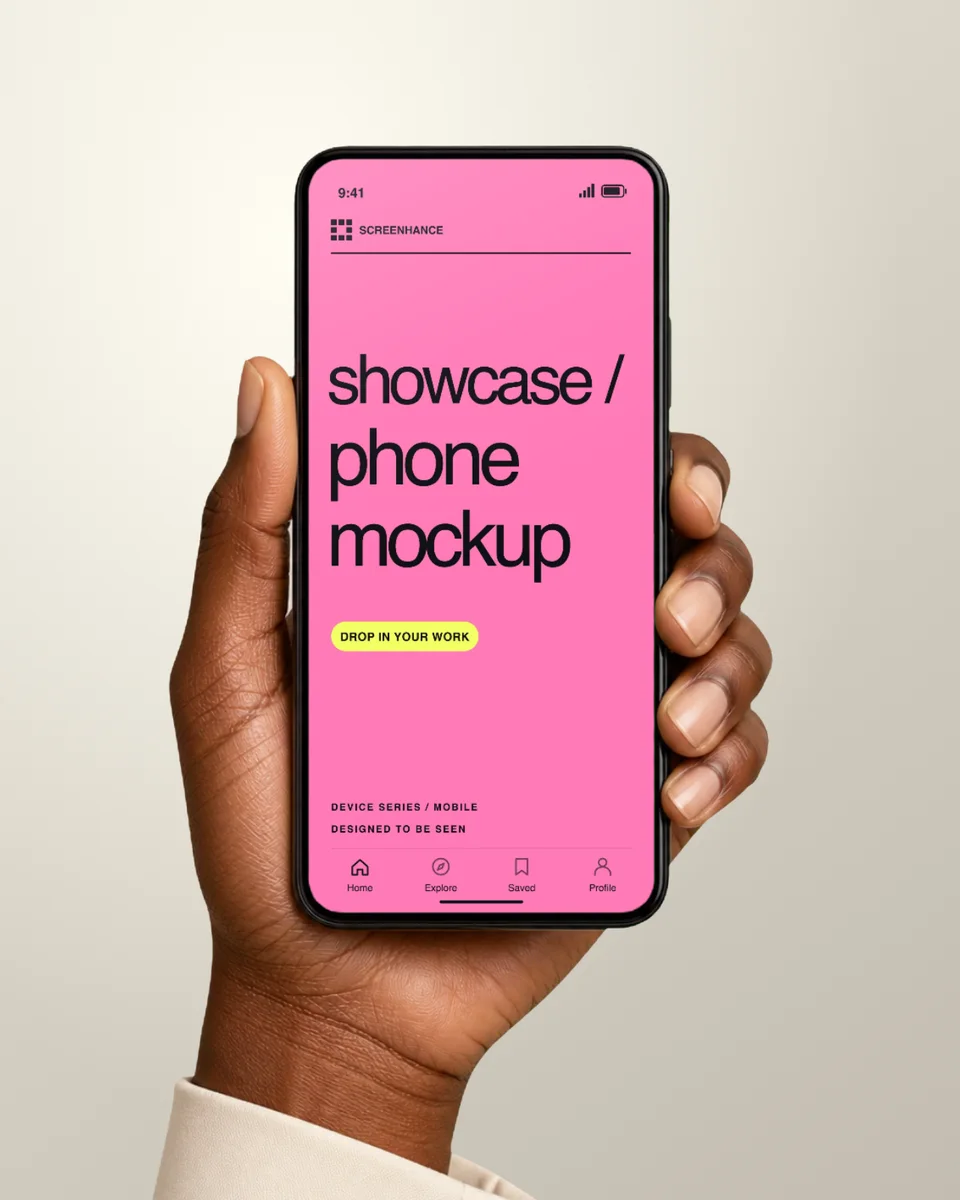

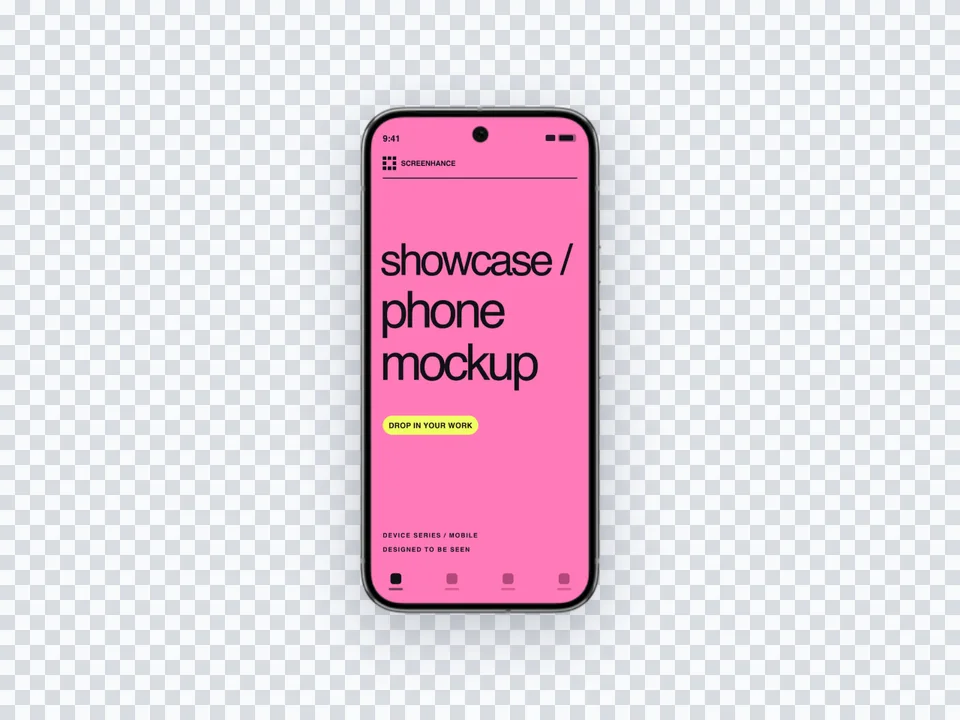
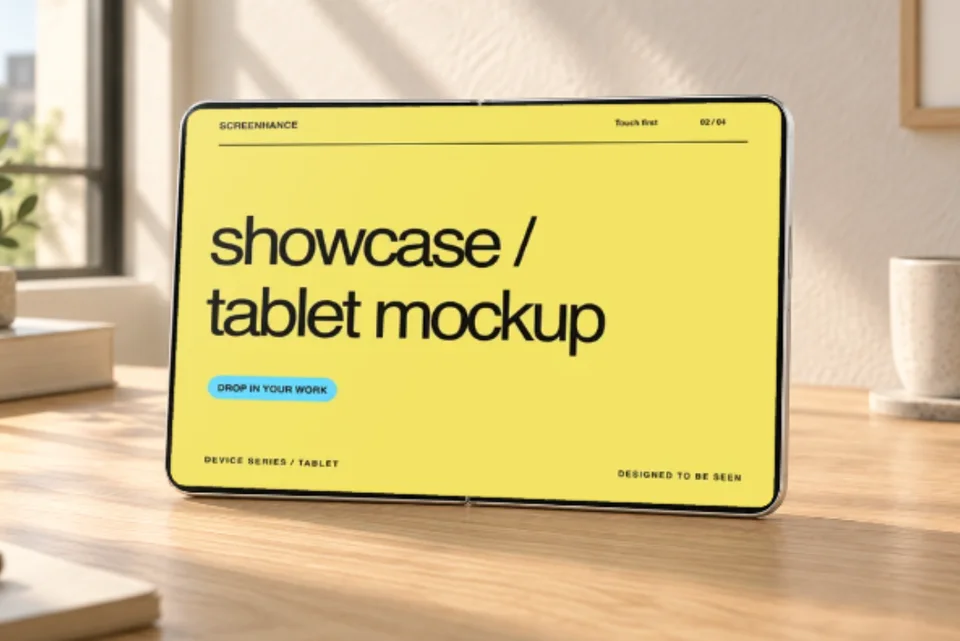
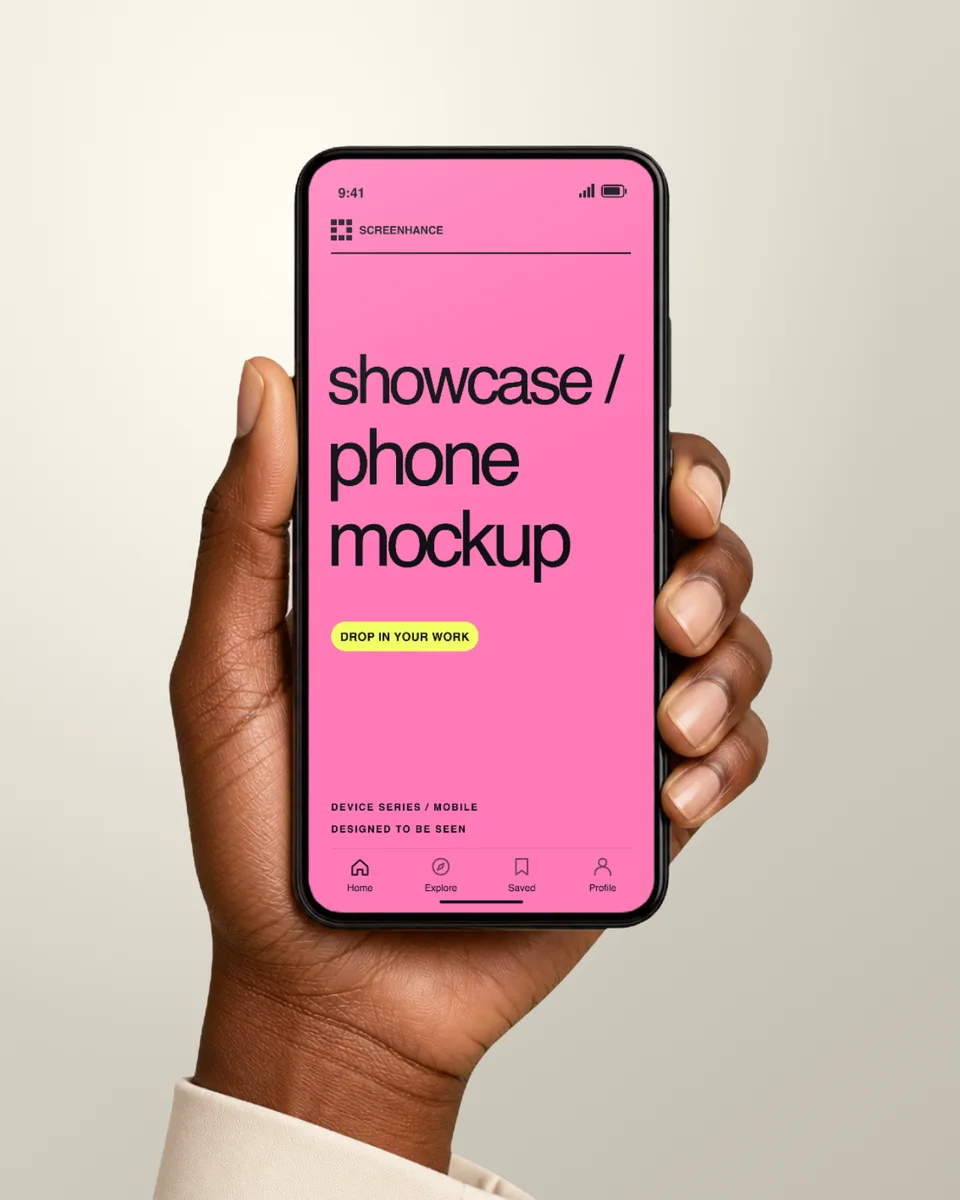
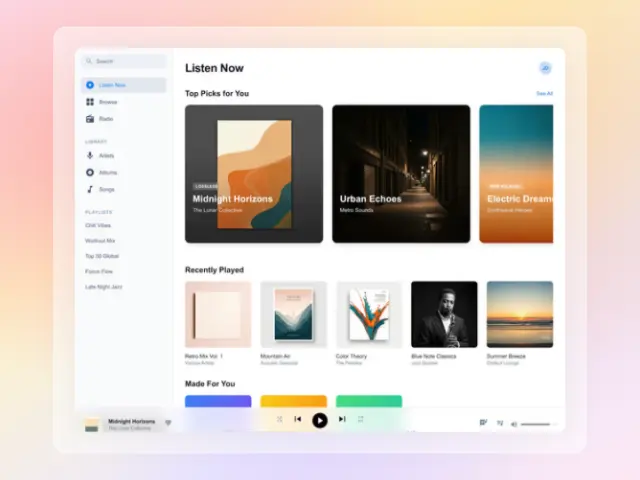
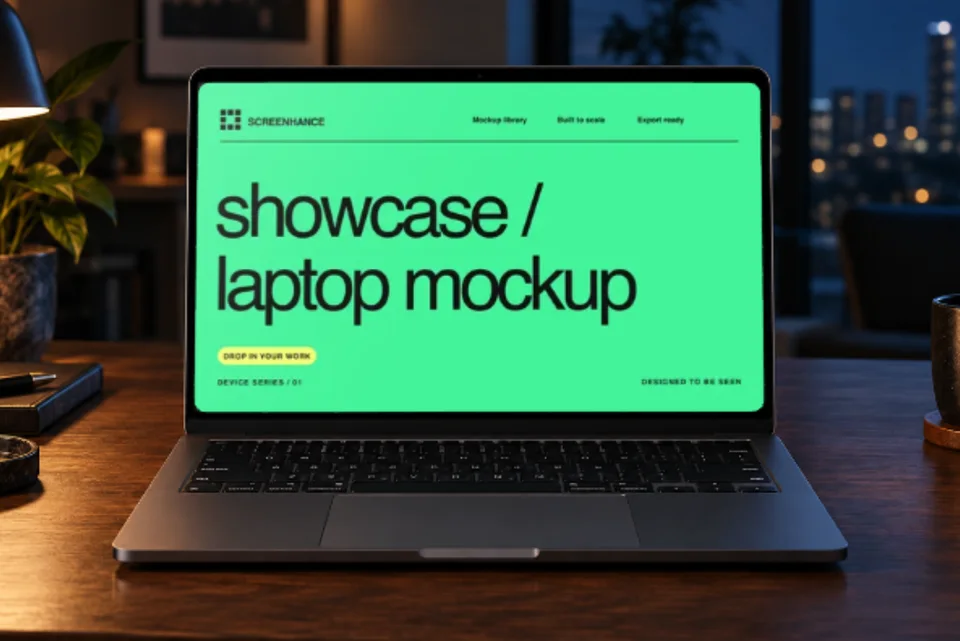
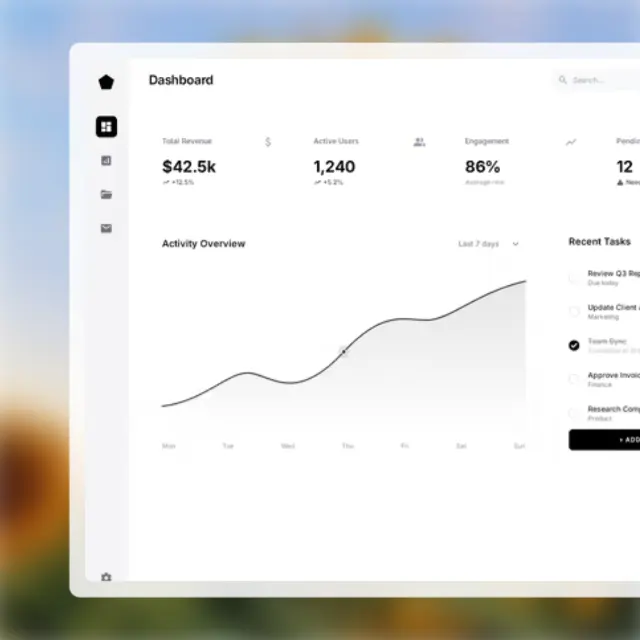
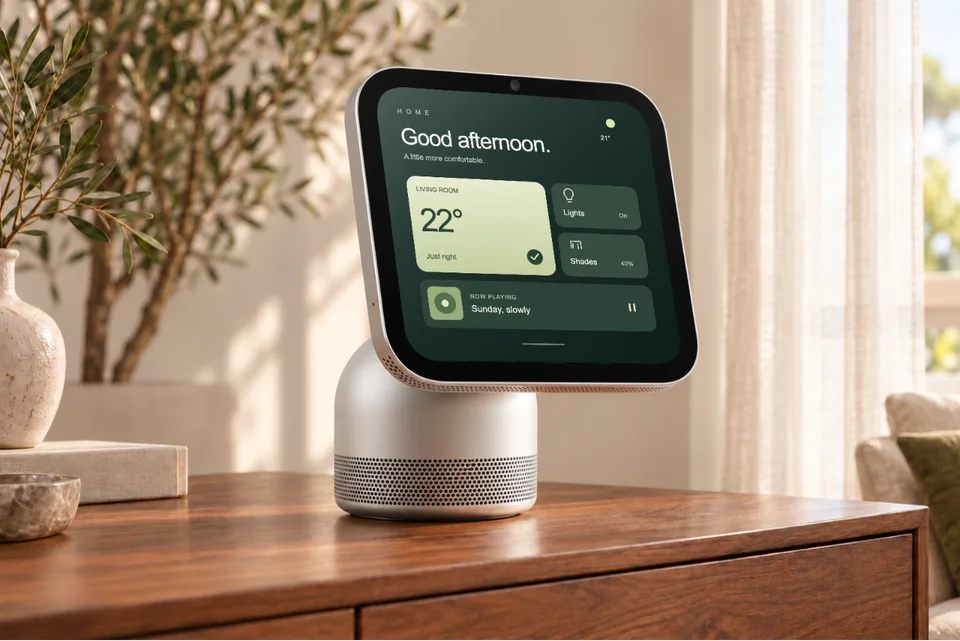
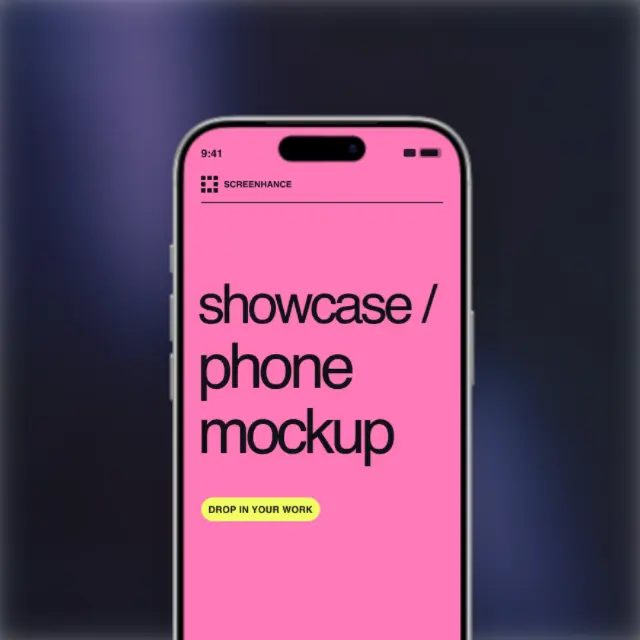
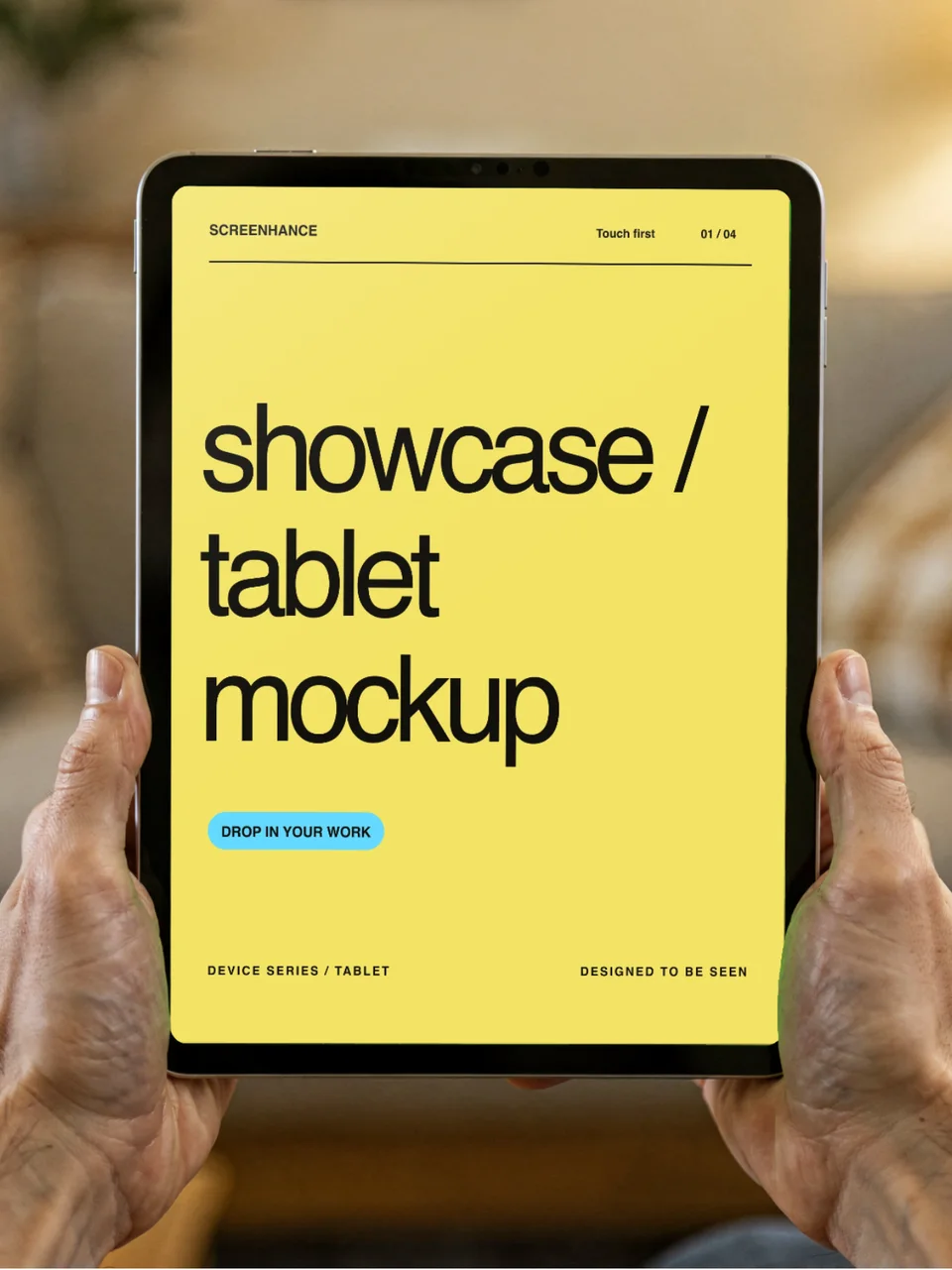
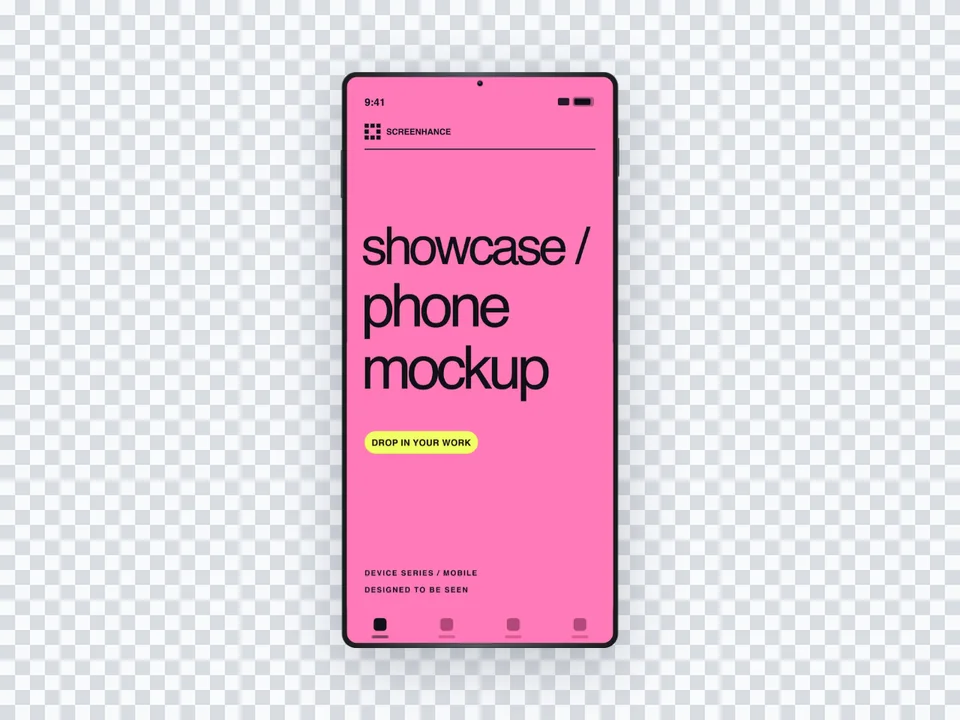

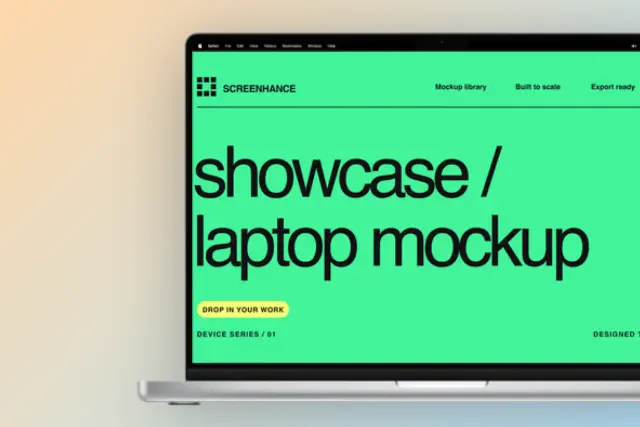
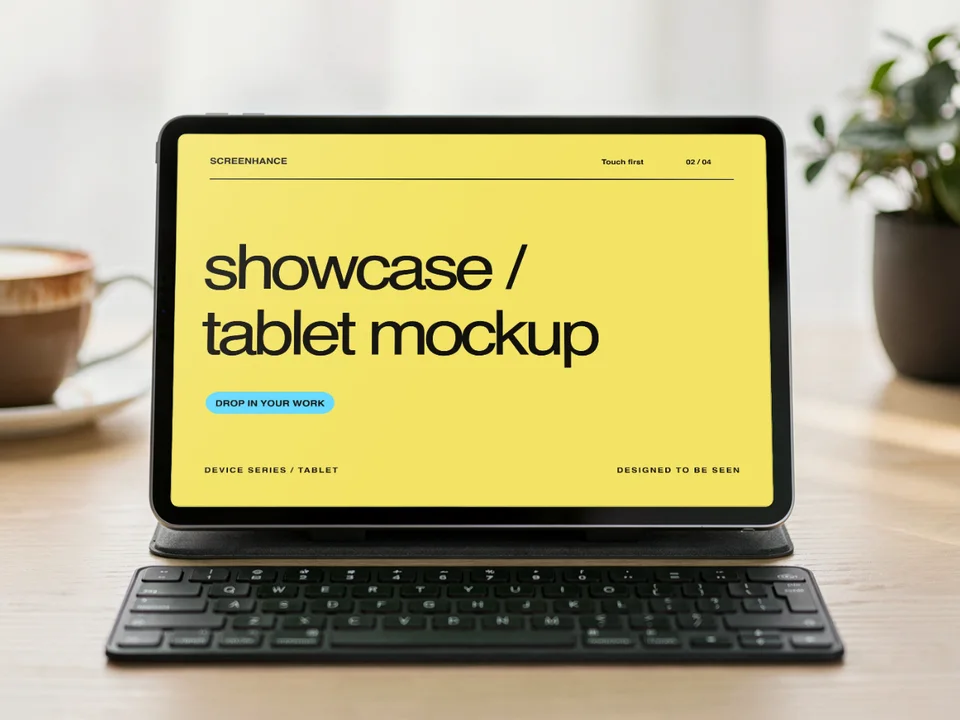

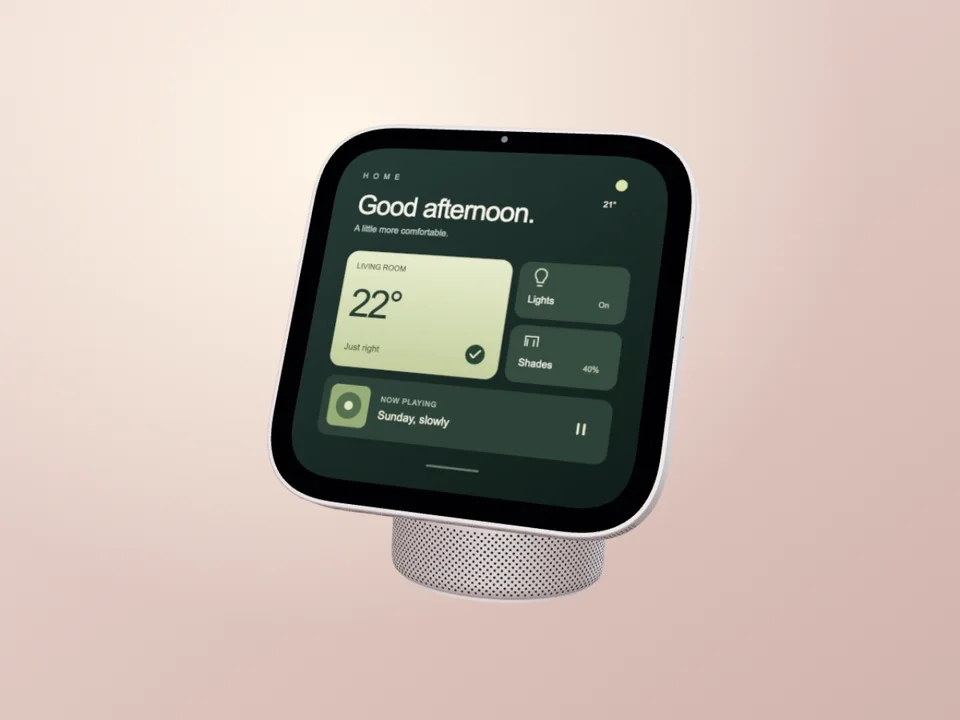
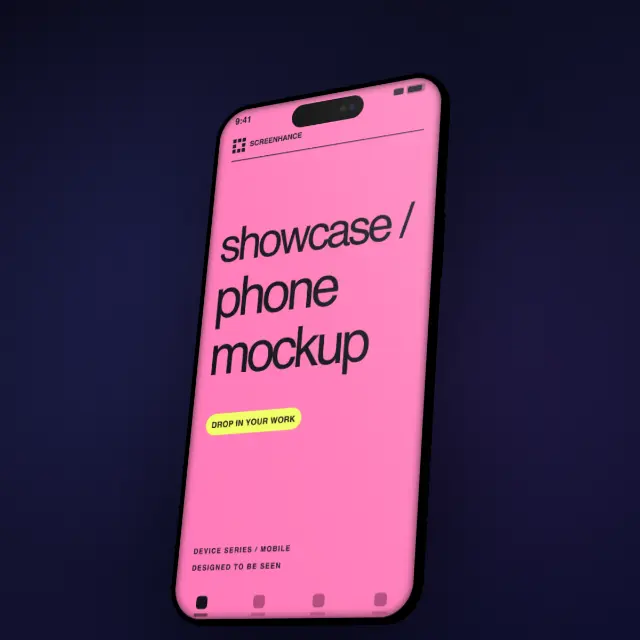
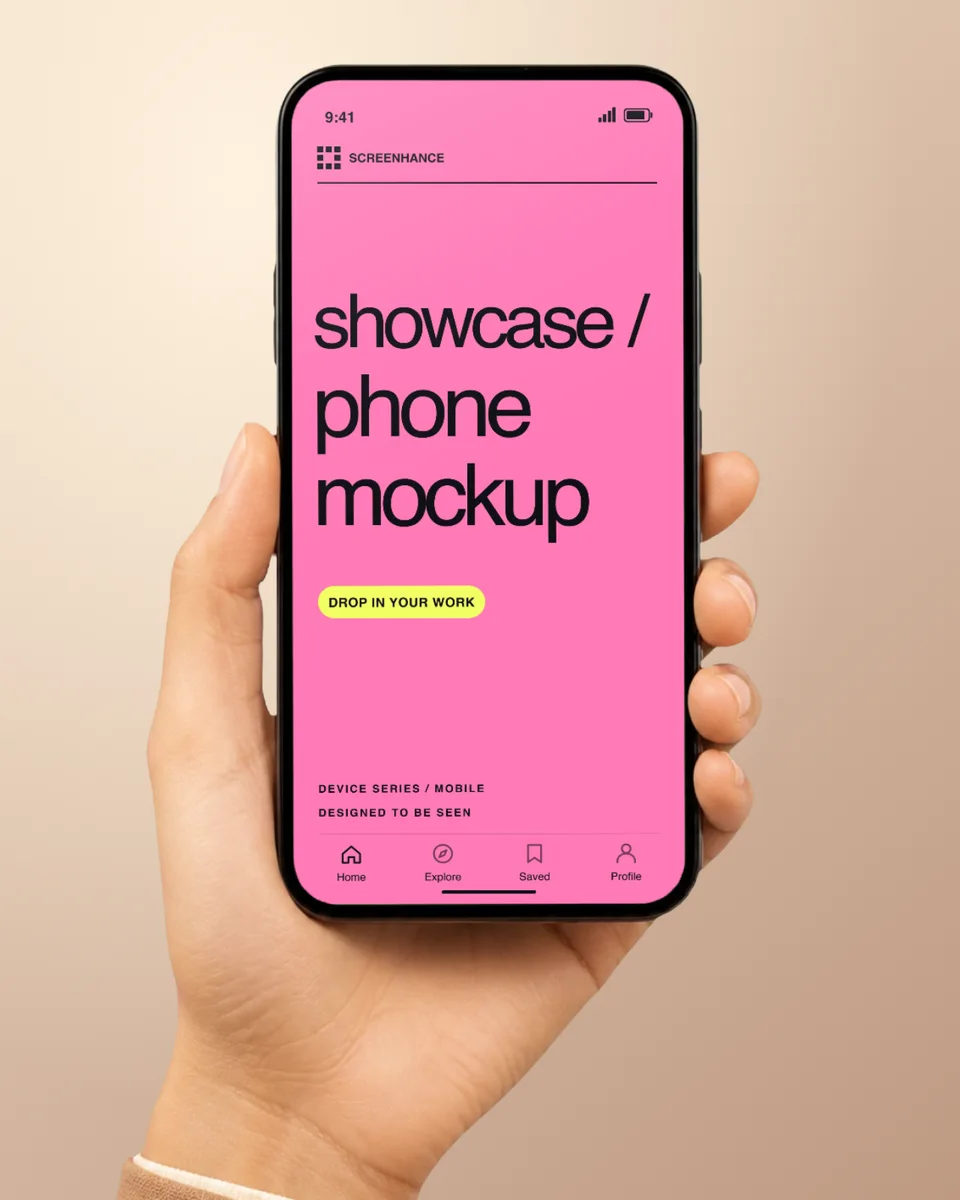

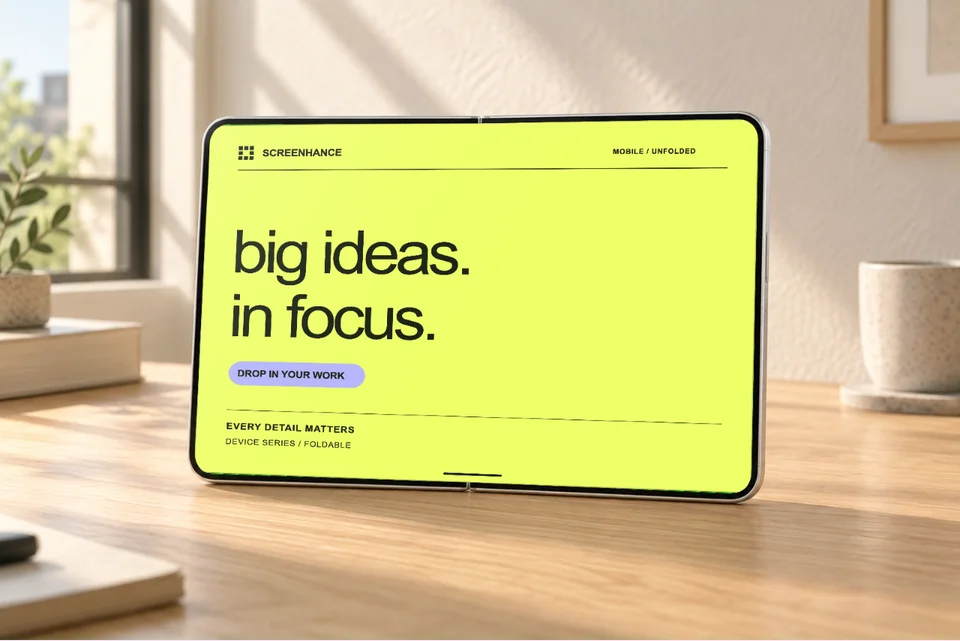
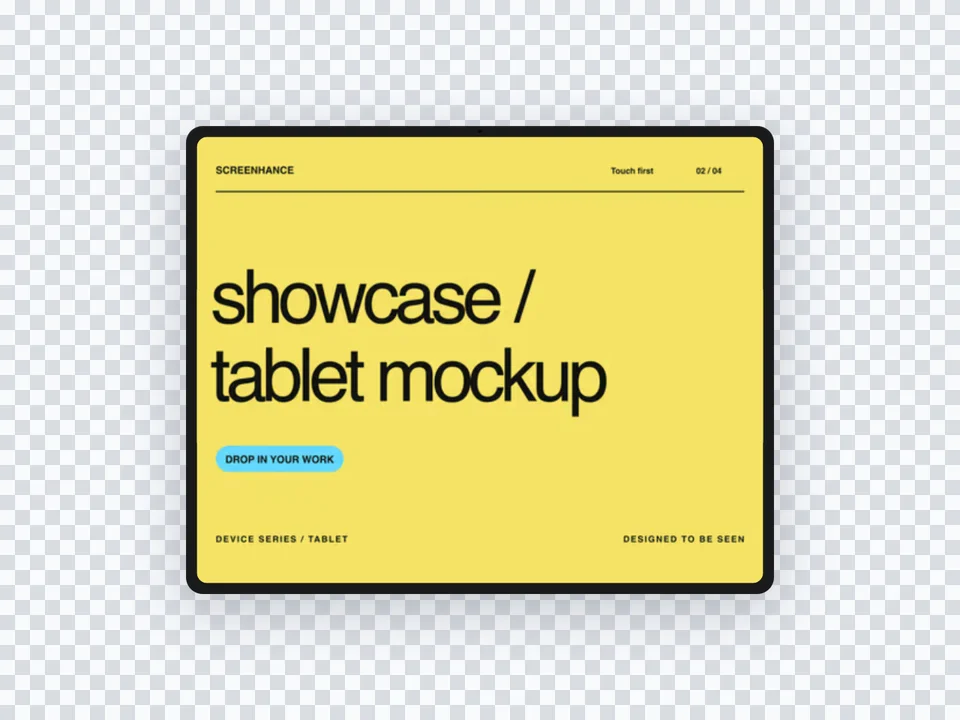
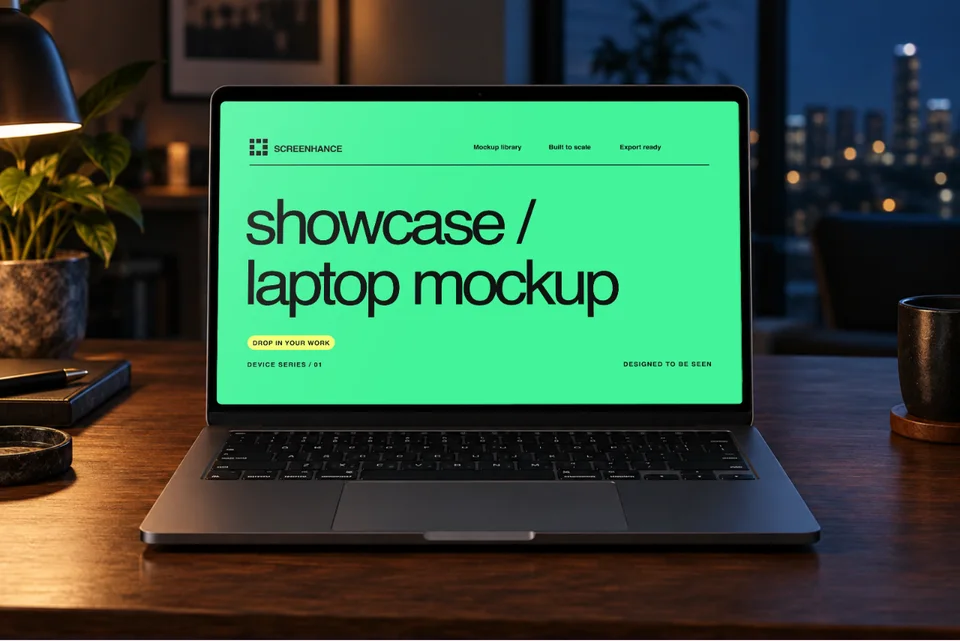
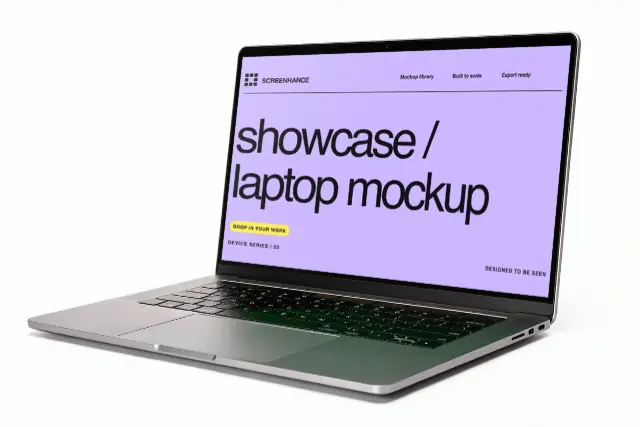
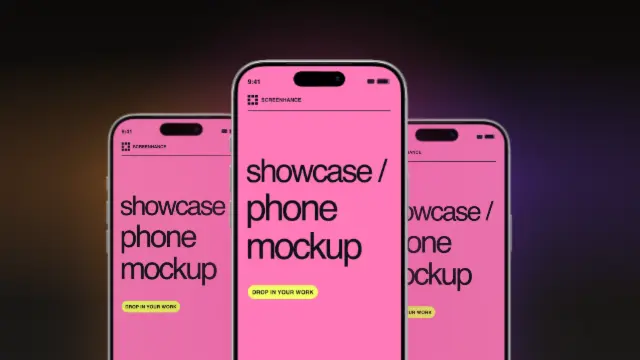
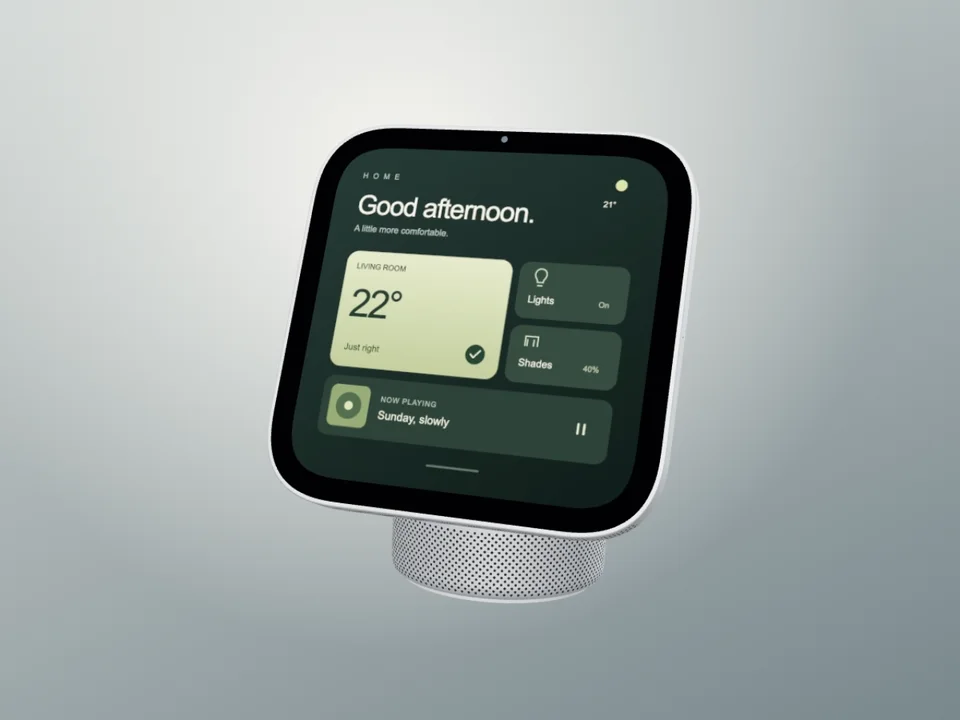
HomeView · Silver Studio Film
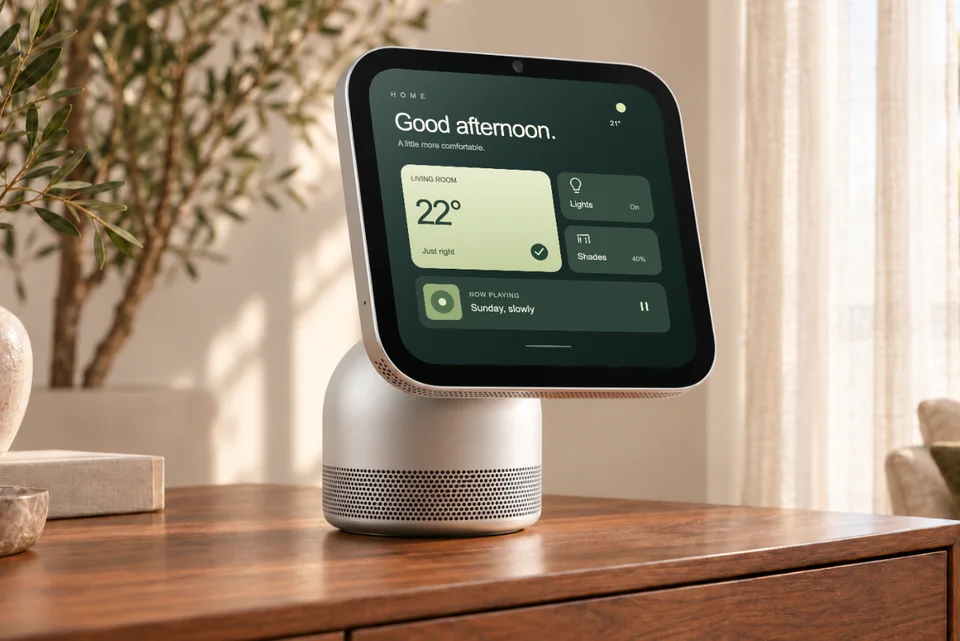
Apple HomeView with its rounded square display, short hinge and tall domed aluminum speaker base. A full hardware turn reveals its screen, silver rail and rounded speaker in an eight-second loop.
Use motion templateChoose a phone, laptop, or browser layout. Replace the example screen with your capture, adjust the crop, and export a finished mockup.
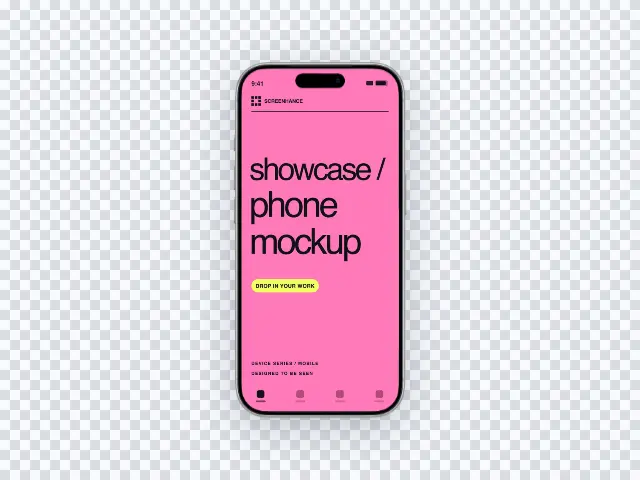
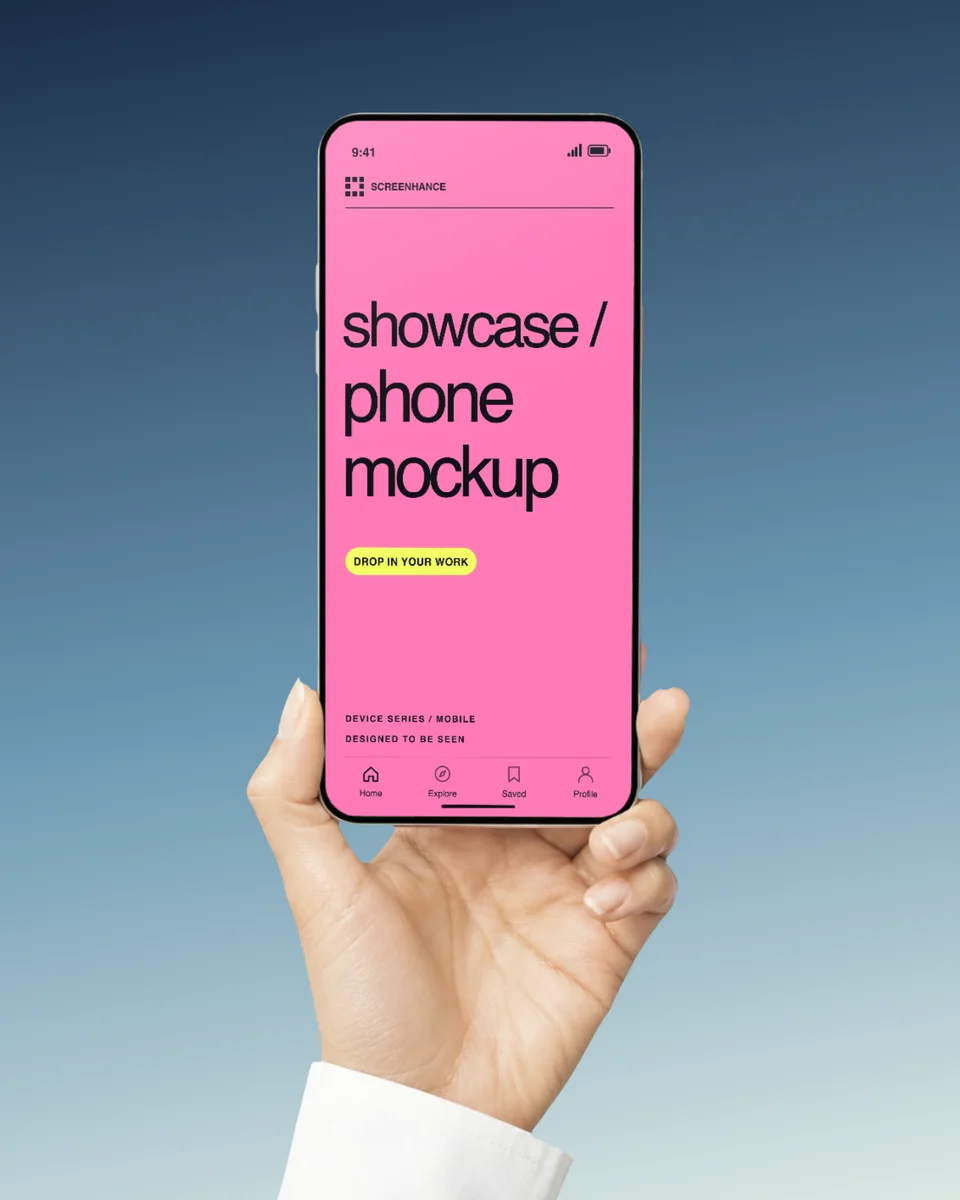
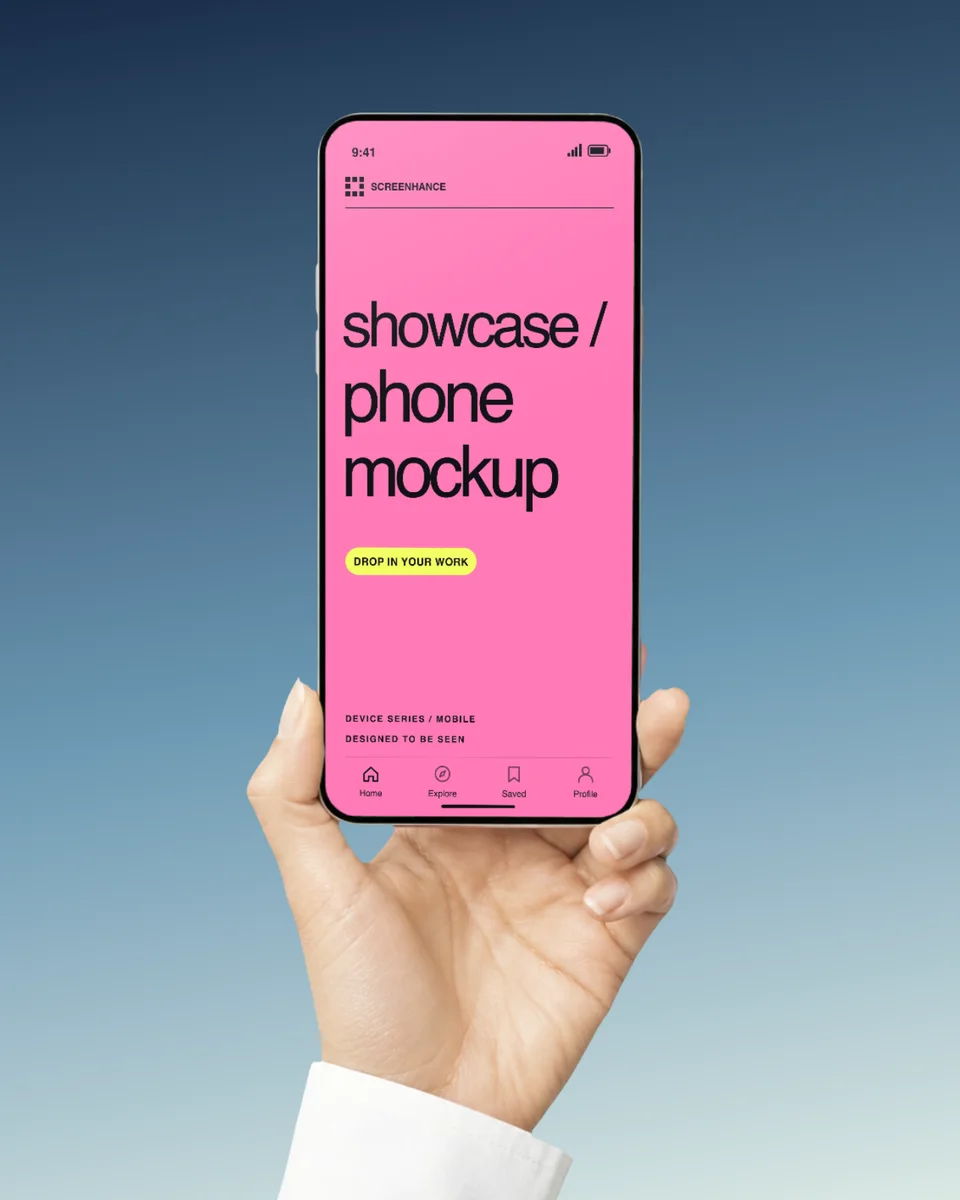
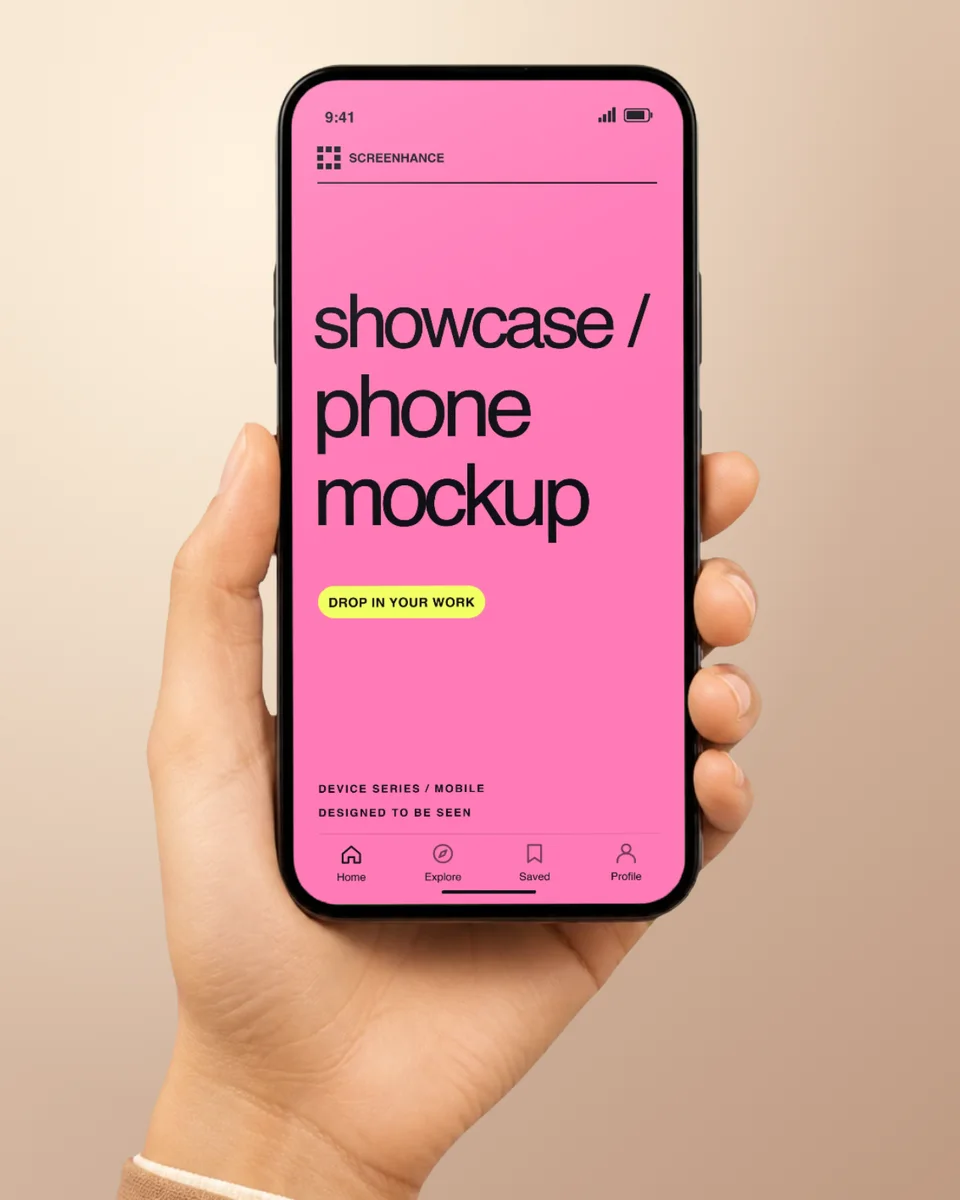
Device frame · 1 screenshot
Use this template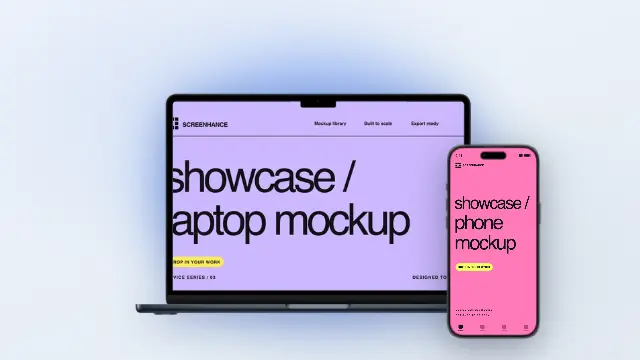
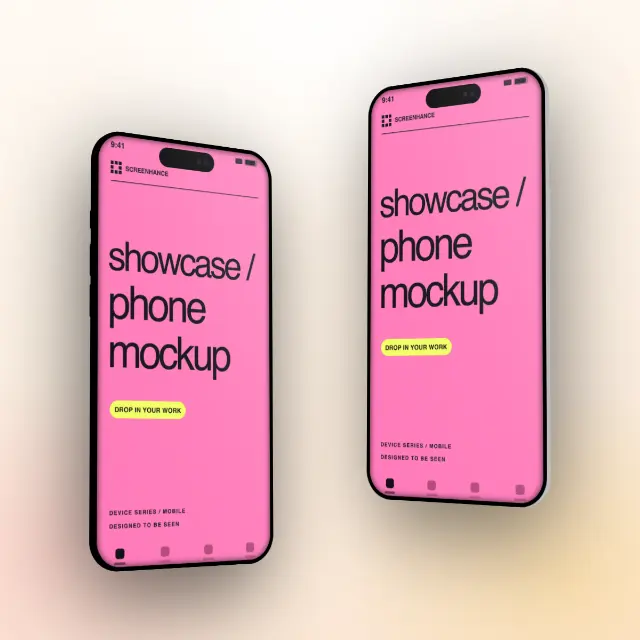
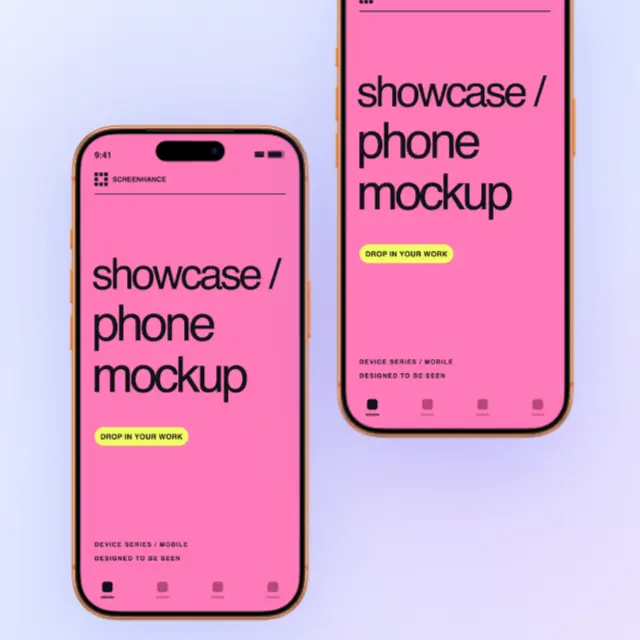
Multi-device layout · 2 screenshots
Use this template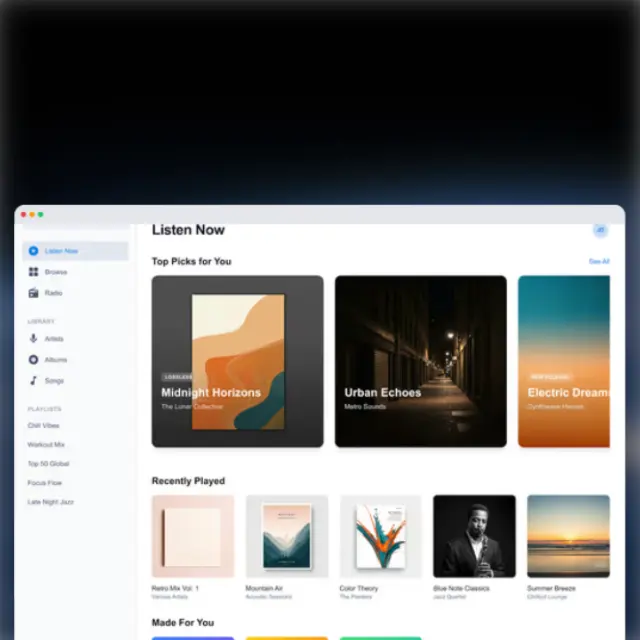
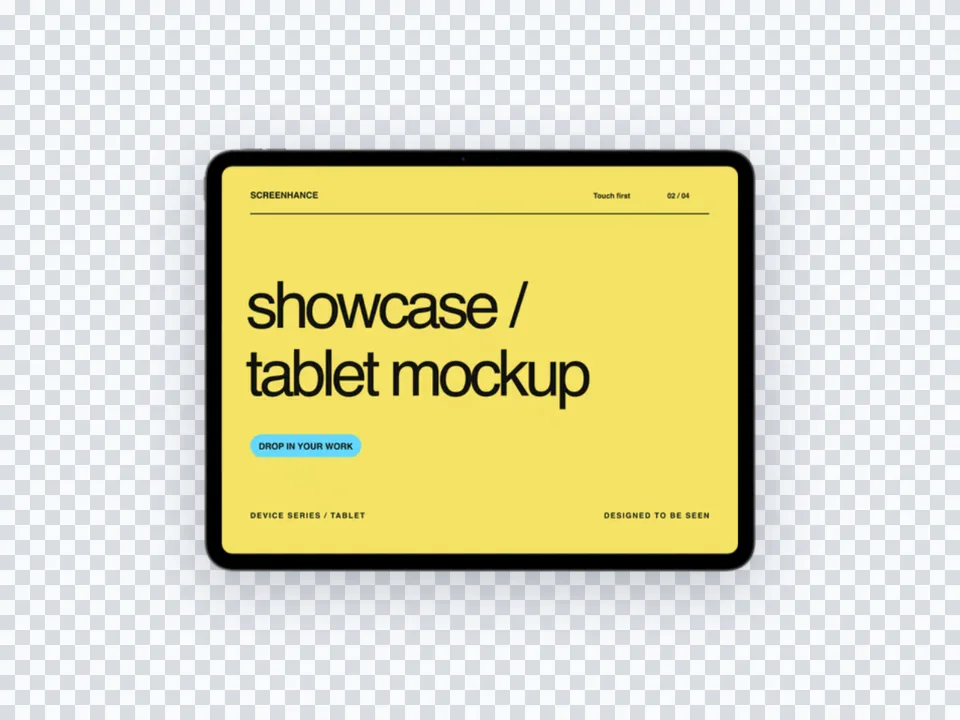
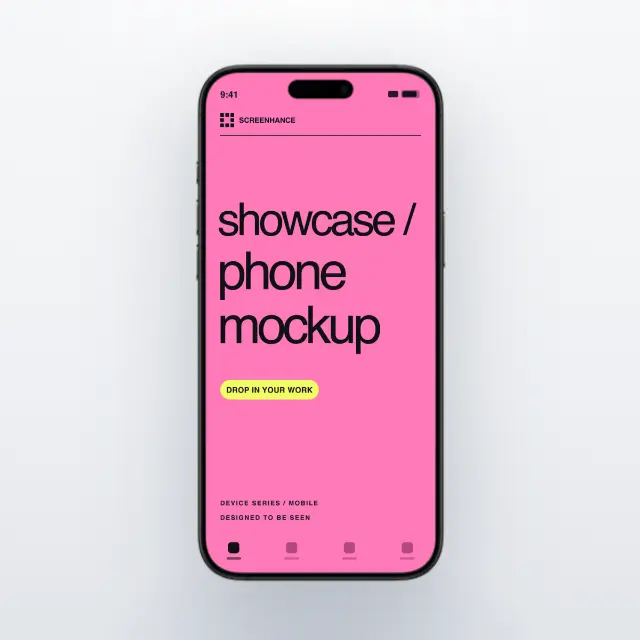
Device frame · 1 screenshot
Use this templateExamples use demo images. Replace them with your own screens. Try editing before signing up; a free account includes 3 watermarked PNG exports per month at 1×. The $6 Launch Pass includes 10 clean image exports over 7 days. Pro is $12/month for ongoing work. Compare export plans.
Loved by 3,000+ creators
Find a phone, tablet, laptop, desktop, watch, TV, or browser composition. Each preview opens its matching editable template.
Open a template to replace the demo image, change the background and finish, and adjust the motion. Each scene keeps one device in focus.
Apple HomeView with its rounded square display, short hinge and tall domed aluminum speaker base. A full hardware turn reveals its screen, silver rail and rounded speaker in an eight-second loop.
Use motion template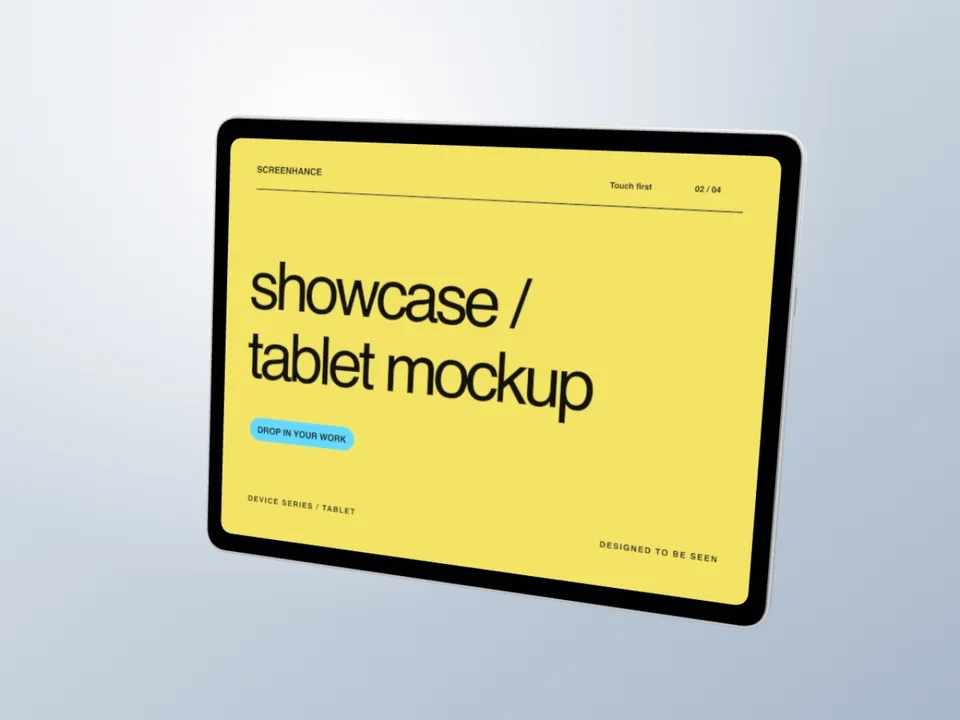
A complete silver iPad Pro hardware turn, revealing the camera, slim aluminum back and your editable landscape screen in an eight-second loop.
Use motion template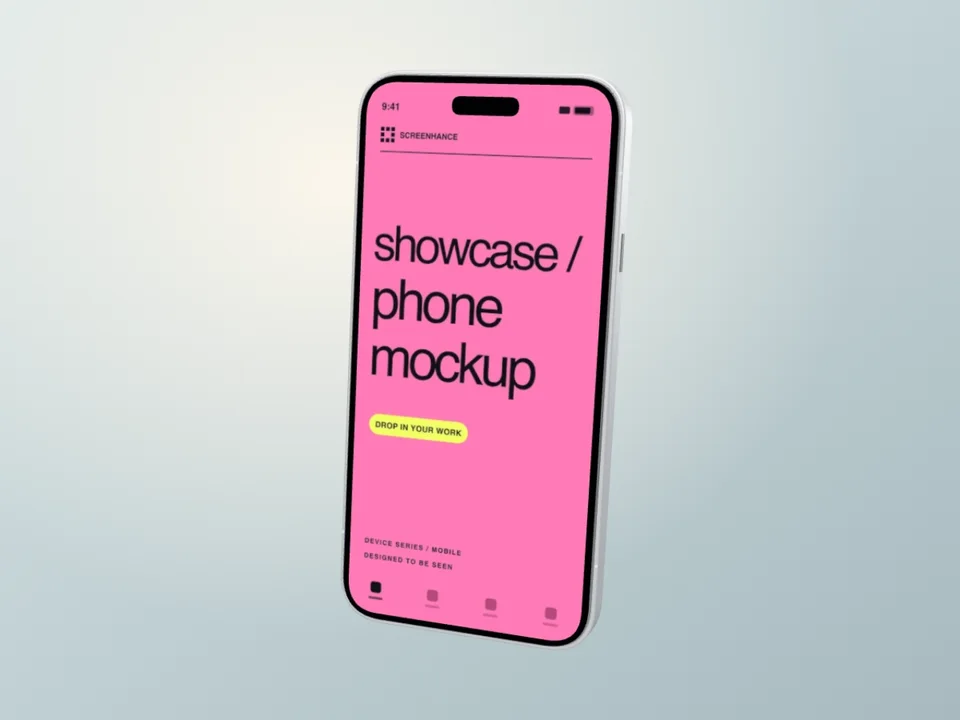
A silver iPhone 18 Pro turns from its wide camera housing, through the polished side rail, into a readable app-screen hold. Original illustrative hardware.
Use motion templateA device frame generator wraps your screenshots in realistic device bezels — iPhones, MacBooks, iPads, browsers, and Android phones — with professional backgrounds. Instead of manually cropping and layering in Photoshop, you pick a frame, upload your screenshot, and export a polished image without manually building the frame stack.
For example, you can take a screenshot of your web app, place it inside a MacBook Pro frame with a gradient background, and have a ready-to-use hero image for your landing page in under a minute.
For a caption, callout, or tighter crop as well as a frame, open the screenshot editor. You can compose the screenshot, text, background, and device together before exporting.
Frame your screenshots in any device. From phones to laptops to browsers.
Move from source material to a polished launch asset without rebuilding the design in another tool.
Choose a visual template, a store-listing set, a Launch Kit, or an empty canvas for full control.
Add screenshots, photo scenes, device frames, text, icons, annotations, backgrounds, layers, and motion in the browser editor.
Download PNG, WebP, JPEG, GIF, WebM, or MP4, or export organized iOS, Google Play, and Chrome screenshot ZIPs.
Screenhance covers the full path from a raw screenshot or screen recording to coordinated, editable launch assets.
Use current device frames, stylized treatments, or photorealistic placements across phones, tablets, laptops, watches, TVs, print, apparel, and outdoor media.
Start with a complete composition for mockups, Product Hunt, OG images, website heroes, Play feature graphics, or Chrome Web Store promo assets, then edit every layer.
Create coordinated iOS, Google Play, and Chrome Web Store screenshot sets, edit localized copy across supported languages, and export organized PNG ZIPs, including fastlane-ready iOS folders.
Animate layers with editable motion styles and export GIF or WebM, or record and polish a product demo in Studio with frames, cursor motion, captions, audio, and MP4/WebM export.
Create a consistent frame treatment, then verify each store's current screenshot policy before upload.
Add polished device frames to hero sections and feature showcases.
Create scroll-stopping visuals with professional device frames for any platform.
Make guides and help docs look polished with consistent device frames.
Impress investors with product screenshots in sleek device frames.
Display your design and development work in professional device frames.
Every device frame falls somewhere on a spectrum from photo-real (titanium reflections, accurate Dynamic Island cutouts, simulated camera lens depth) to abstract (a thin rounded rectangle that hints at a phone without committing). Picking the wrong end of that spectrum is the most common reason a polished screenshot still looks off.
Choose a frame that keeps the app accurate, legible, and suited to its destination. The screenshot should meet the current asset rules, and Google's official preview-asset guidance prioritizes real in-app experience and cautions that device imagery can become obsolete. A recognizable frame can still be useful when the hardware is part of the story, but it should not crowd out the interface.
For landing-page heroes and B2B SaaS pages, a minimal frame often keeps attention on the UI inside. A subtle browser chrome or a simplified laptop silhouette keeps attention on the UI inside, where your actual feature lives. Photo-real MacBook mockups with reflections and trackpad detail can drown a dashboard in chrome, especially above the fold where vertical space is tight.
A useful rule of thumb: if a reader needs to recognize the device to understand the value, go realistic. If the device is just a container, go minimal. For everything else — changelogs, blog posts, and social posts — preview both treatments at the final display size and choose the one that keeps the product easiest to understand.
Once you ship more than a handful of mockups — App Store screenshots, a marketing site, an in-app onboarding, a changelog feed — frame inconsistency becomes a visible brand problem. One screenshot uses a 2023 iPhone 14 frame, another uses an iPhone 16 Pro in titanium, a third uses a generic black slab from a Figma plugin. Visitors can't articulate why your product looks scattered, but they feel it.
The fix is a documented frame system: one phone, one tablet, one laptop, and one browser treatment. Pick the device color and finish deliberately, reuse them across related surfaces, and review the set when hardware or platform guidance changes.
Background treatment matters as much as the frame itself. A consistent gradient palette, shadow direction, and corner radius makes ten mockups feel like one campaign. If you're mixing tools, that's where things drift. Using a single tool like our mockup generator for everything from App Store screenshots to OG images keeps the system intact.
For teams with multiple designers or contractors, save a shared template per surface (hero, feature card, social, gallery) and lock the frame, color, and background. Treat the templates the way you treat your color tokens — small set, strictly enforced, easy to override only when there's a real reason to.
A device frame generator is a tool that wraps your screenshots in realistic device bezels — iPhones, MacBooks, iPads, Android phones, and browsers — so they look like real product photos. No Photoshop or Figma required.
The current catalogue includes iPhone 17 Pro and Pro Max, iPhone Air, iPhone 16 Pro Max and iPhone 15 Pro; iPad Pro 13-inch; MacBook Air 13-inch and Pro 16-inch; Pixel 9 Pro, lightweight Galaxy frames, Apple Watch, and generic browser treatments. Check the live frame picker for the exact angles and finishes.
Static designs can export as PNG, WebP, or JPEG. Designs with motion can export as GIF or video when the selected plan and browser support that path. Higher-resolution static exports are available on paid plans.
Yes. Screenhance offers a free plan with 3 watermarked exports per month and all device frames. The $6 Launch Pass is a one-time seven-day option for ten clean static image exports; Pro is $12 per month or $99 per year and adds unlimited exports, motion formats, and clean video.
Use realistic frames for App Store and Google Play listings, hardware-adjacent products, and anywhere the device itself is part of the value. Use minimal frames for SaaS landing pages, dashboards, and B2B hero sections where you want attention on the UI inside the frame rather than the bezels.
Yes. Pick one phone, one tablet, one laptop, and one browser frame — plus a fixed color and finish — and reuse them everywhere. Saving shared templates with the frame, background, and corner radius locked is the most reliable way to keep multiple designers and contractors aligned.
Prioritize an accurate product view and current store specifications, then compare frame treatments through the store's testing tools when you have enough traffic for a useful result.
Yes. Add motion or a short screen recording to a framed composition, then use an available GIF or video export. This can help explain an interaction in a changelog, social post, or landing-page demo when a still image would miss the sequence.
Try the same screenshot in another device, frame, or scene.
Add Chrome, Safari, and Firefox frames
Start creatingPut an interface or creative on a photorealistic television
Start creatingTransform plain screenshots into beautiful mockups
Start creatingNo-background devices, hands, apparel, and print
Start creatingFree online mockup generator for all devices
Start creatingCreate stunning iPhone device mockups
Start creatingNo credit card required. Choose a frame, add your screenshot, and review the finished composition.