ScreenhanceBeta

Browser Mockup Generator

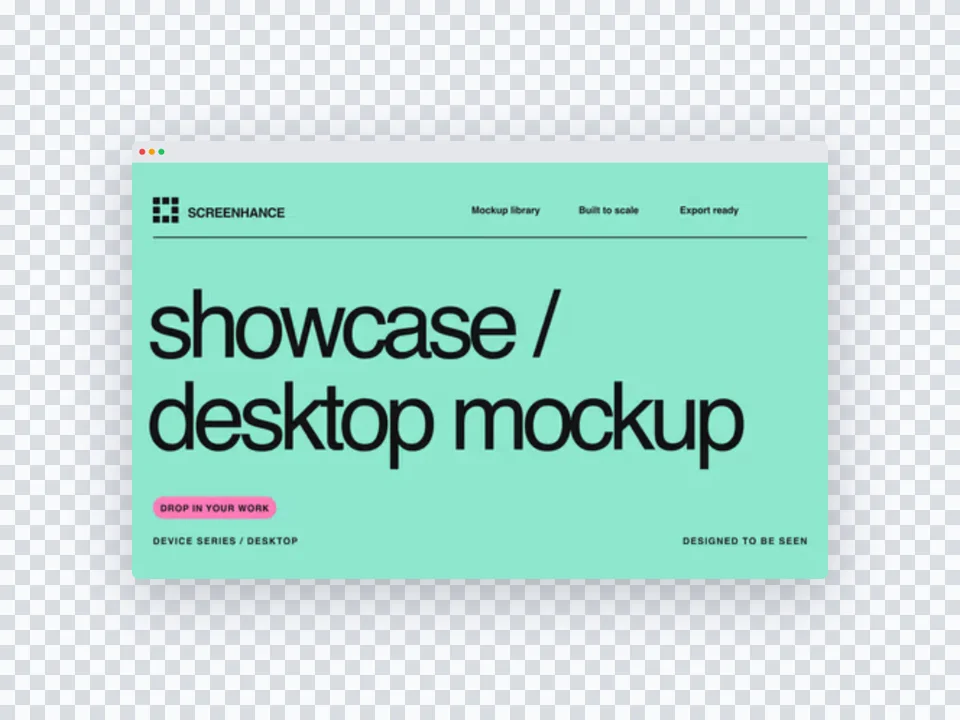
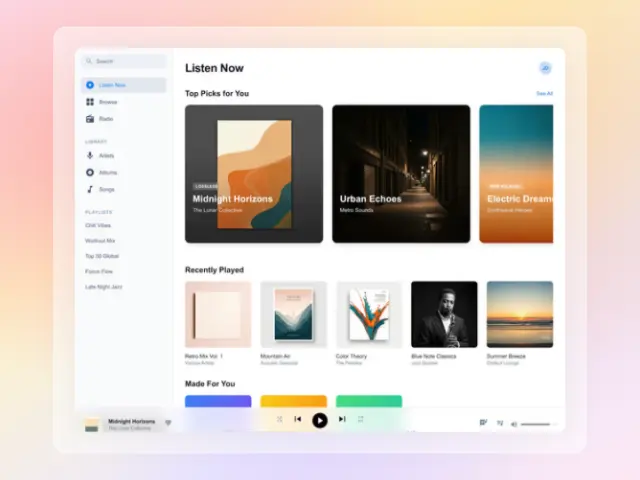
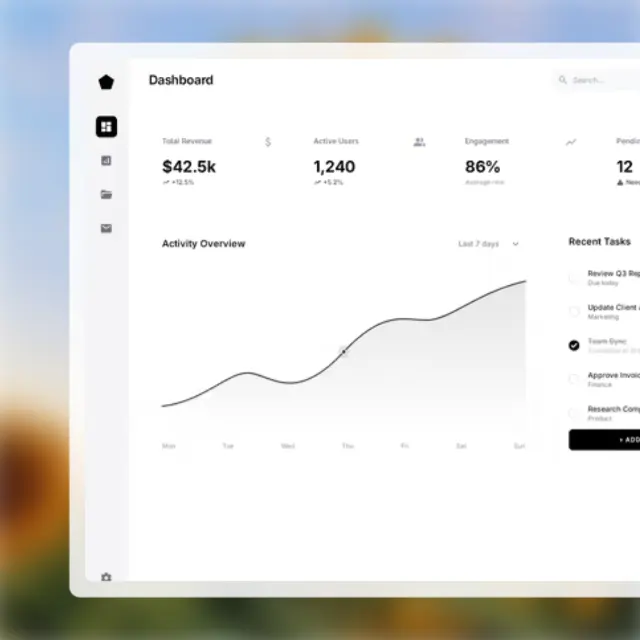
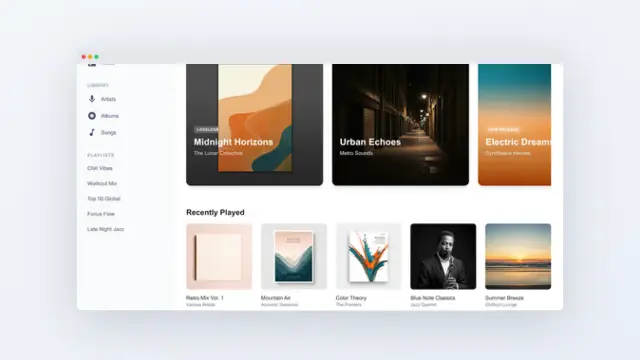
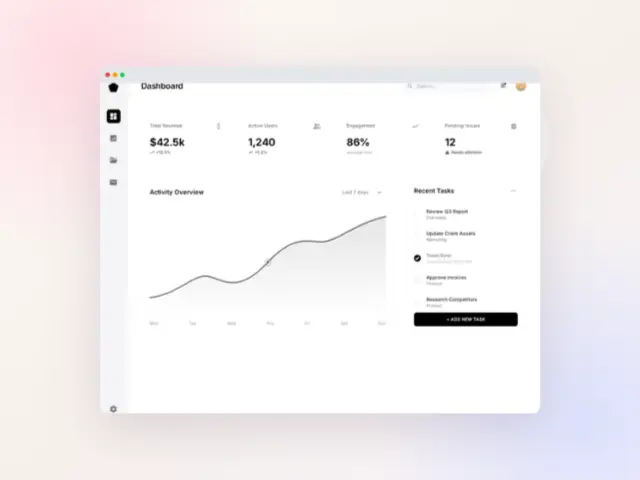
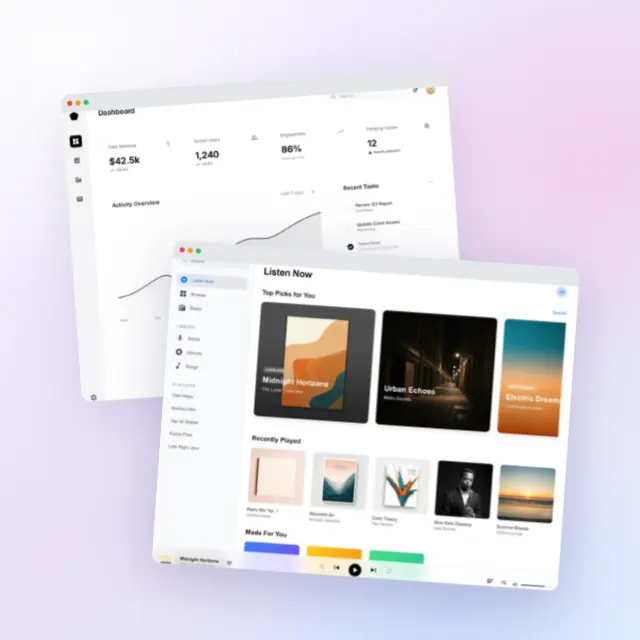
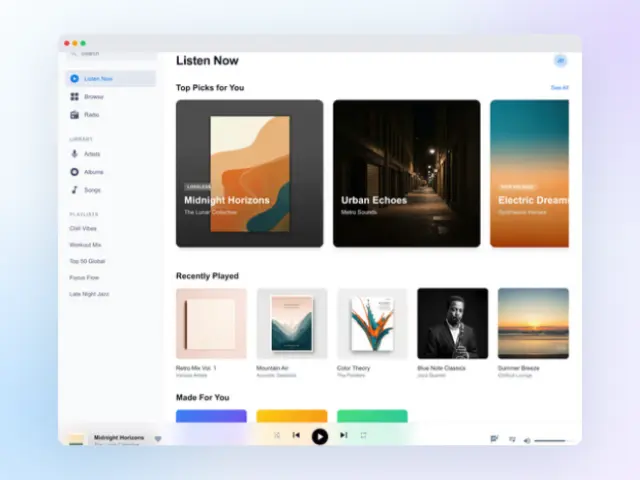
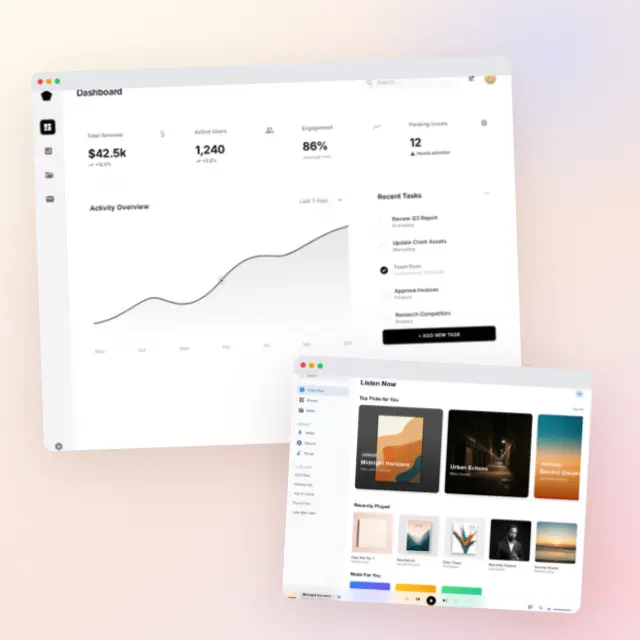
Frame your website screenshots in realistic browser windows. Choose from Chrome, Safari, Firefox, Arc, and more. Export static PNGs for OG cards and landing-page heroes, or animated GIF and WebM browser mockups for Product Hunt openers and Twitter/X demo clips.

Olivia RhyePhoenix BakerLana SteinerDemi WilkinsonDrew Cano
4.9

Loved by 2,000+ creators

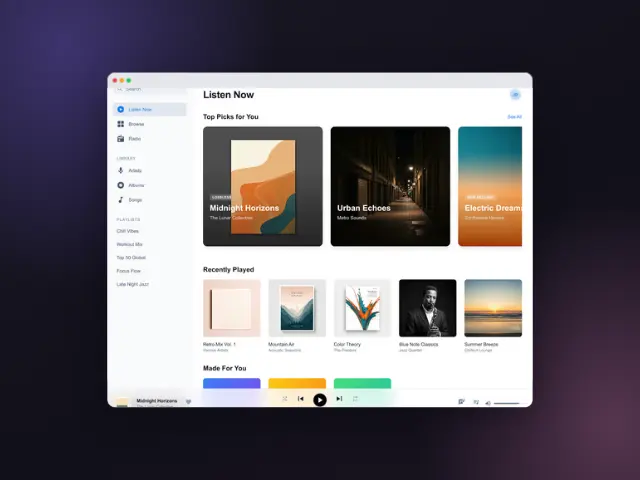
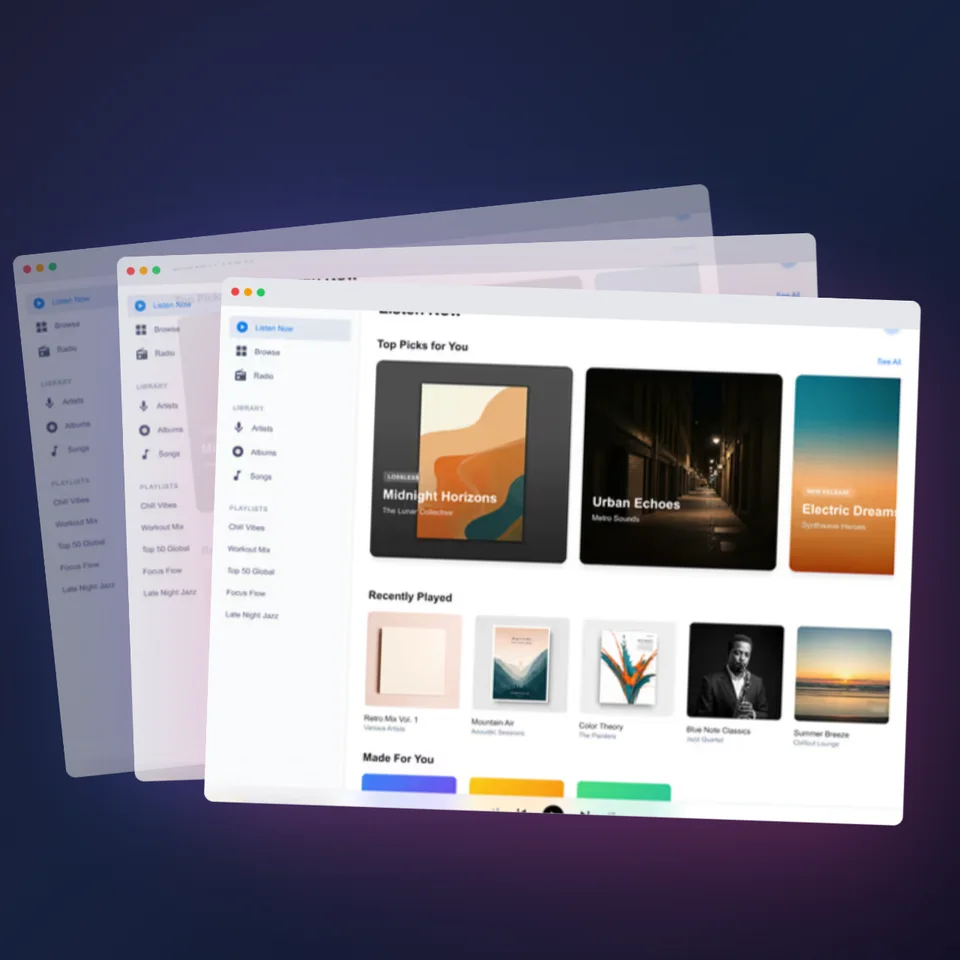
Website screenshot in Safari browser frame with dark gradient background

Supported Browsers

Chrome

Most popular browser frame

Safari

Clean macOS aesthetic

Firefox

Privacy-focused option

Arc

Modern, minimal design

Edge

Windows default browser

Brave

Privacy-first alternative

Light Mode

Classic bright theme

Dark Mode

Sleek dark interface

How It Works

Create professional mockups in three simple steps. No design skills required.

Step 1

Upload your screenshot

Drag and drop or select any screenshot, design, or image from your device.

Step 2

Choose frame & background

Pick from iPhone, iPad, MacBook, browser frames and beautiful gradient backgrounds.

Step 3

Export & share

Download as PNG, WebP, JPEG, GIF, or video. Ready for marketing in seconds.

Why Choose Screenhance?

Two capabilities that separate Screenhance from every other mockup tool in 2026: animated exports and App Store screenshot localization.

Animated GIF & WebM exports

Template-driven motion — float, reveal, parallax. Export animated mockups at Product Hunt, landing-page, and Twitter/X dimensions. Most mockup tools are static-only.

App Store localization in 80+ languages

One master design, per-locale captions, every required Apple and Google Play size per language. RTL and CJK support. Apple reports localized listings drive 2-3x install lifts.

Every required Apple & Google size

iPhone 17 Pro Max (1320×2868), iPhone Air (1260×2736), iPad Pro M4 (2064×2752), and the full Google Play set — exported from one design in a single pass.

30 seconds, zero design skills

Pick a template, drop in your screenshot, export. No Figma, no Photoshop, no learning curve. Free tier covers 3 exports a month; $6 Week Pass unlocks unlimited for a launch.

Why Add Browser Frames?

Context & Clarity

Browser frames instantly communicate that you're showing a website or web app.

Professional Look

Raw screenshots look unfinished. Browser frames add polish and credibility.

Better Presentations

Clients and stakeholders understand your work better with proper context.

Social Media Ready

Stand out on Twitter, LinkedIn, and Product Hunt with polished visuals.

Picking the right Chrome vs Safari frame

Default to Chrome. It is the browser most of your audience is staring at all day, so a Chrome frame reads as “a real product on a real screen” without anyone consciously registering the chrome. If your target market skews to designers, agency people, or Apple-first founders, Safari starts to make more sense — the rounded toolbar and traffic-light buttons signal a different kind of polish and pair well with light, minimal backgrounds. Arc and Firefox frames work as differentiation: pick them when your screenshot is going on a Twitter feed full of Chrome mockups and you want the thumbnail to feel slightly off-pattern.

Match the theme to the screenshot, not the brand. A light UI inside a dark Safari frame looks wrong even if your marketing site is dark mode. The two should agree, otherwise the eye reads the frame as a separate object rather than as the “window” the product lives in. For SaaS dashboards we usually recommend the light Chrome frame with a single muted gradient background. For developer tools and AI products, a dark Arc or Safari frame on a near-black background photographs better in feeds and decks. Try both in our mockup generator before committing — it takes a few seconds to swap.

Screenshot mistakes that ruin browser mockups

The most common failure mode is capturing at the wrong viewport. A screenshot taken on a 13-inch laptop, then placed in a 16:10 browser frame, gets either letterboxed or stretched — both look amateurish. Capture at 1440 wide as a default; it is the most common desktop breakpoint and slots cleanly into every browser frame we ship. If you are showing a wide dashboard, grab 1920 and let the mockup downscale. Never resize a screenshot up after the fact.

The second mistake is leaving real personal data in the screenshot. Avatars of your team, draft emails, calendar events with client names — Google reverse-image-searches all of them. Use a clean demo account before you capture, or blur the relevant pixels. The third mistake is forgetting to clear notification badges and unread counts: a red “47” in your sidebar tells viewers you screenshot this five minutes before the launch tweet went out, which undermines the “production-ready” vibe a browser mockup is supposed to create. Spend the ninety seconds to seed a believable empty state. Also check our blog for capture and export tips that keep mockups sharp across Twitter, LinkedIn, and Product Hunt feeds.

Frequently Asked Questions

What is a browser mockup?

A browser mockup places your screenshot inside a realistic browser frame (Chrome, Safari, Arc, Firefox) to give context and make your product look polished.

What browser frames are available?

Chrome, Safari, Arc, Firefox, and generic browser frames. Both light and dark themes available for most browsers.

Can I use browser mockups for landing pages?

Absolutely. Browser mockups are perfect for hero images, feature sections, and case studies on your marketing site.

Is this browser mockup tool free?

Yes. The free plan includes 3 exports per month with all browser frames and templates. Pro plans unlock higher resolution.

Should I show the URL bar in my browser mockup?

Usually yes. A visible URL anchors the screenshot to a real product and reinforces brand recall. Use your real domain in production marketing; for early-stage product previews, a placeholder like app.yourdomain.com works fine.

Can I add a custom favicon to the browser tab?

Yes. Upload your favicon and the browser frame will render it inside the active tab, which makes the mockup feel like a real session rather than a stock template.

What screenshot resolution should I capture at?

1440 wide is the safest default for desktop web. Capture at 2x device pixel ratio if you plan to export at 3x Retina from Screenhance — that gives you headroom to crop and avoid soft text.

Do browser mockups work for mobile-web screenshots?

We recommend pairing mobile-web screenshots with an iPhone or Android frame instead. Browser mockups are designed for desktop web. For mobile web, the iPhone mockup generator is a better fit.

Can I export a transparent PNG of just the browser window?

Yes. Toggle the background off in the editor and export — you will get a PNG with only the browser frame and screenshot, perfect for compositing into custom designs in Figma or Photoshop.

Frame Your Website Beautifully

Upload any screenshot and add a professional browser frame in seconds.