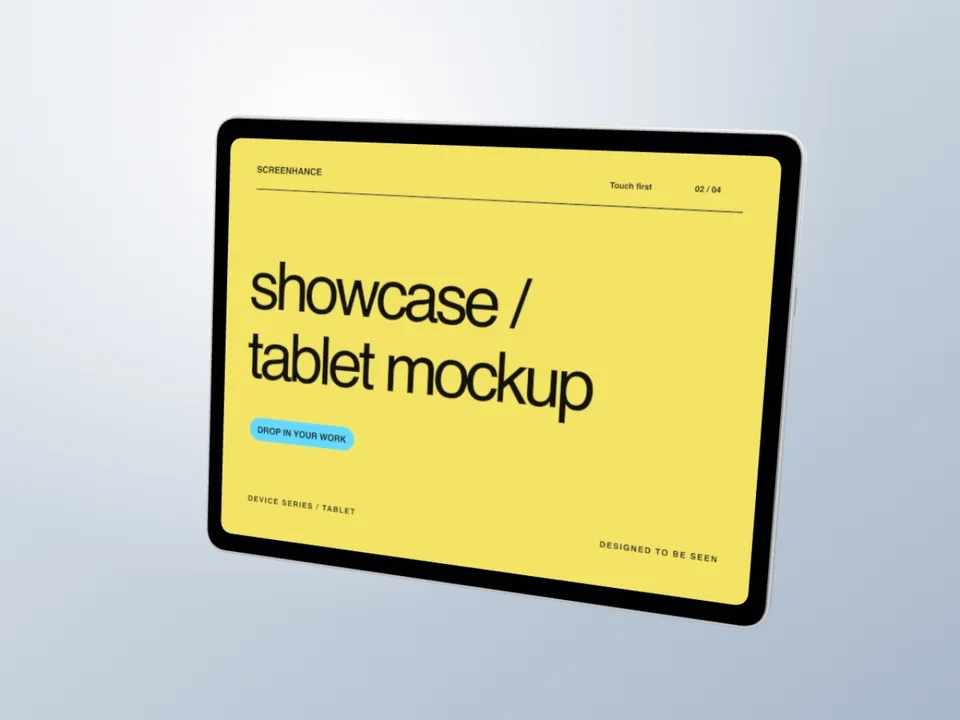
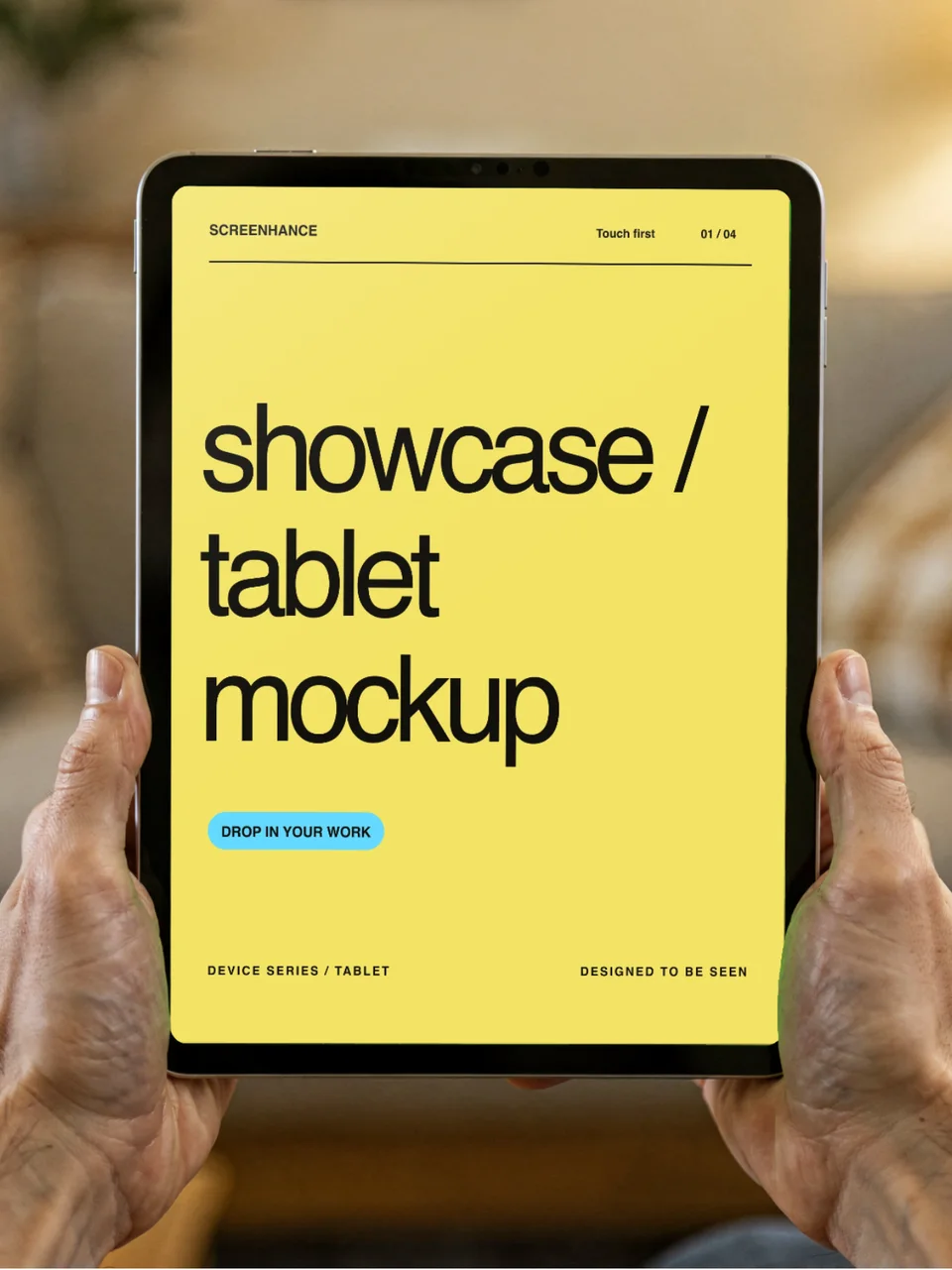
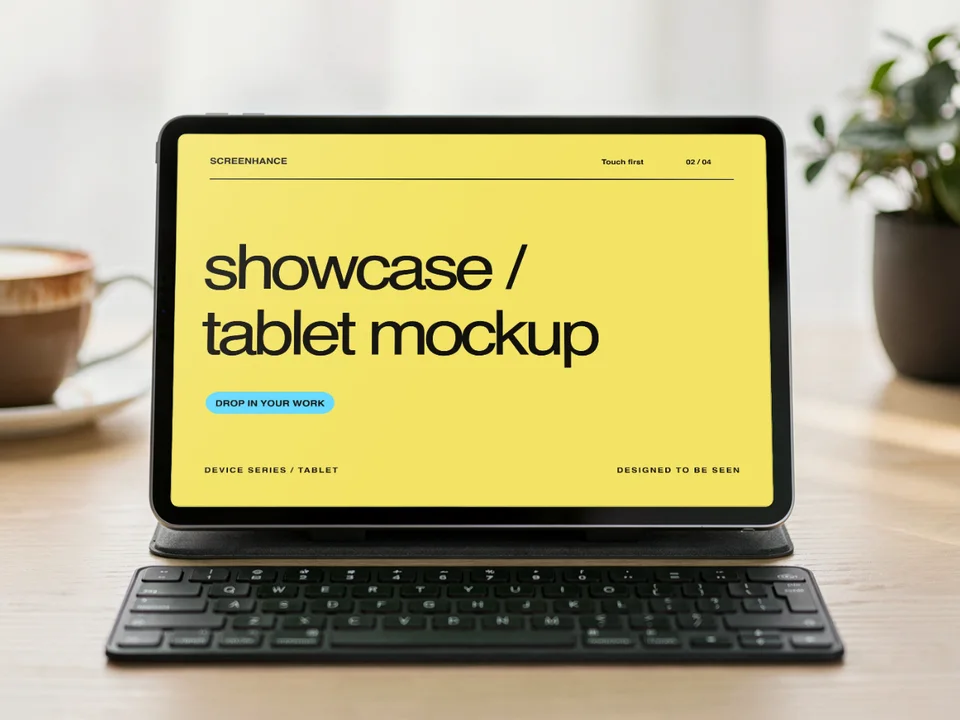
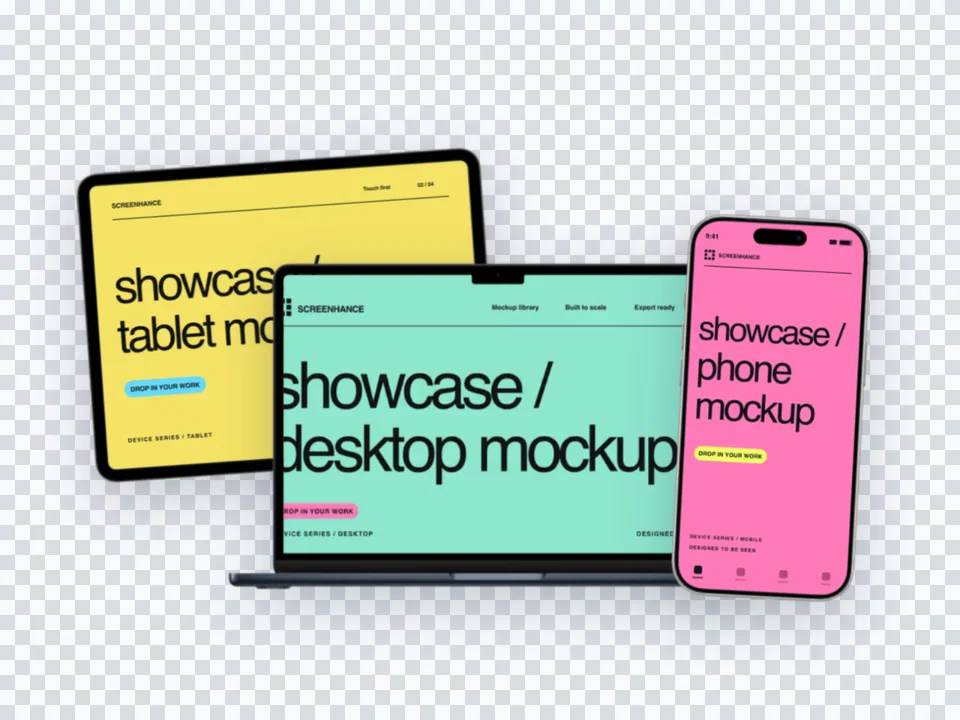
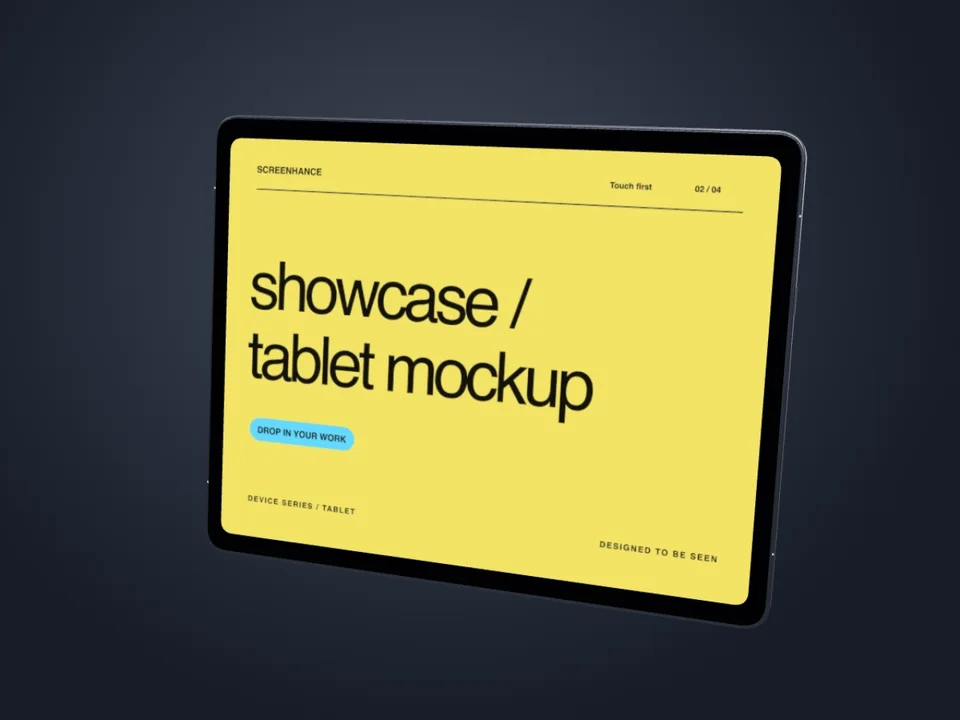
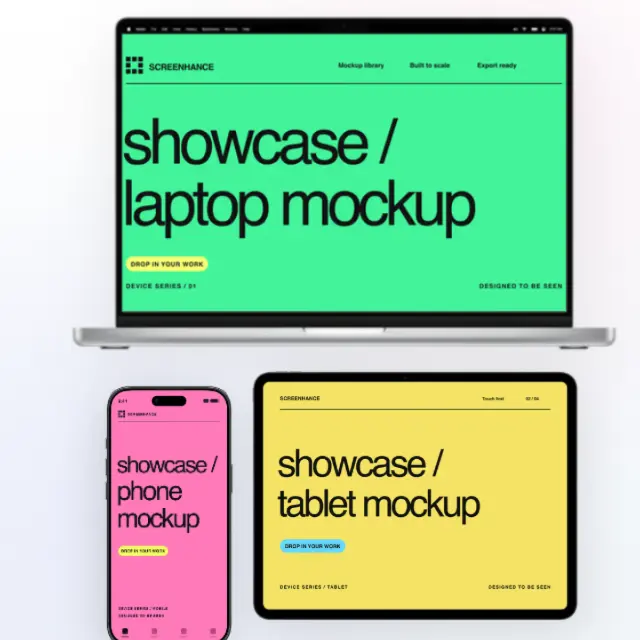
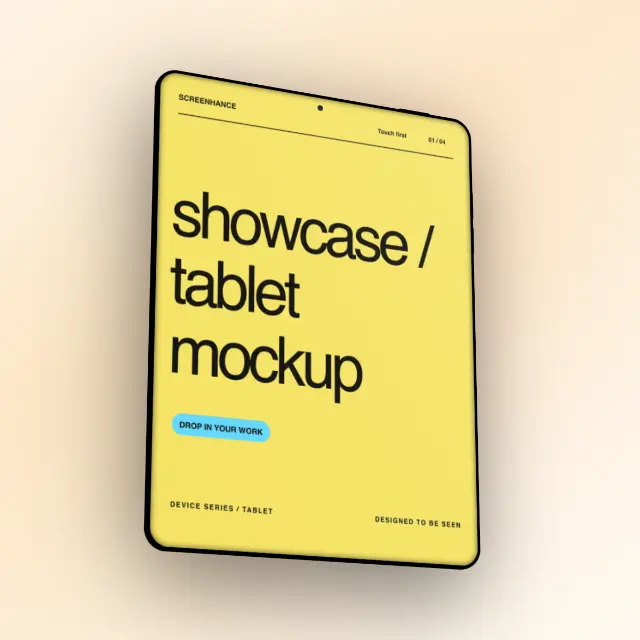
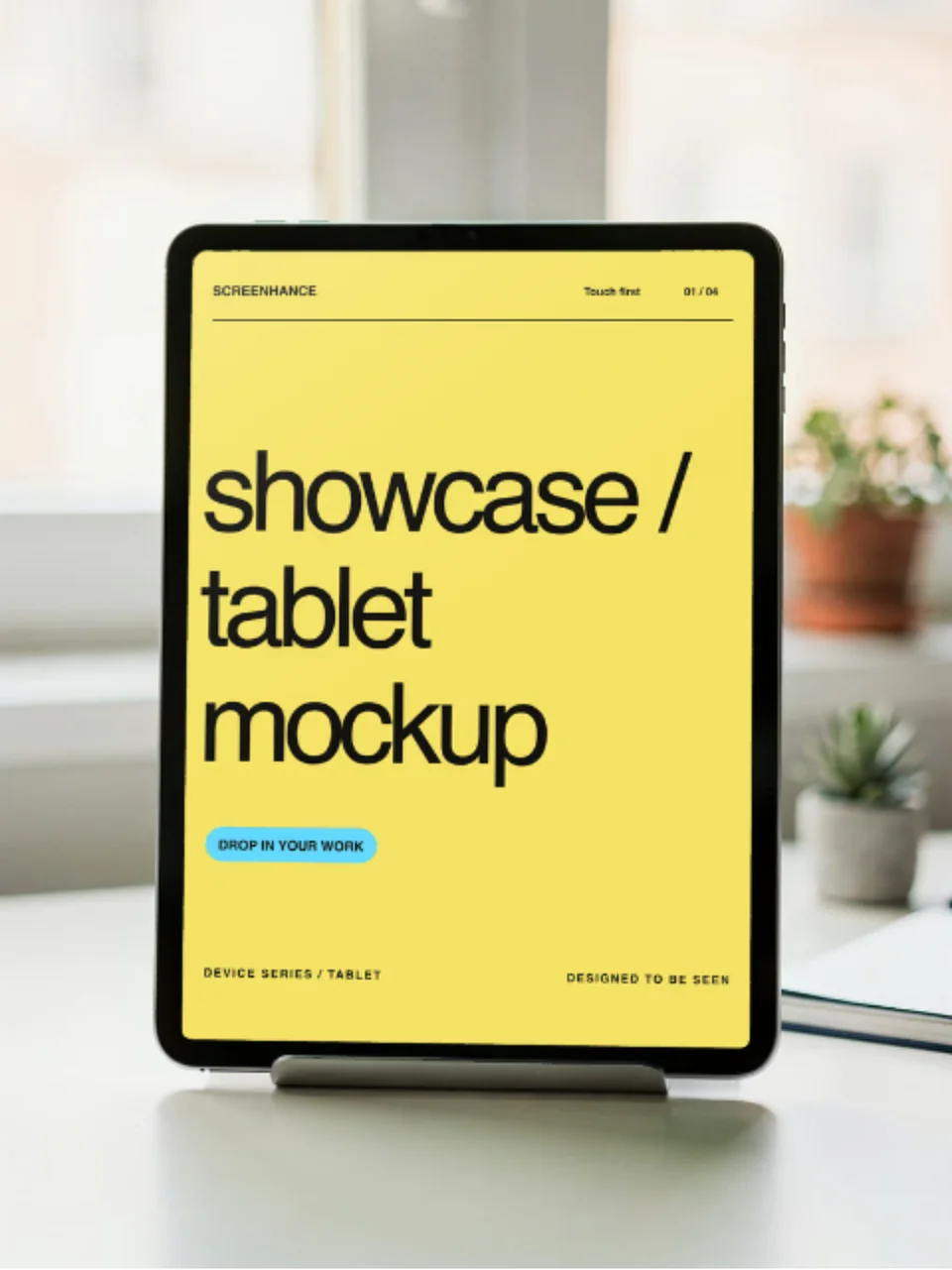
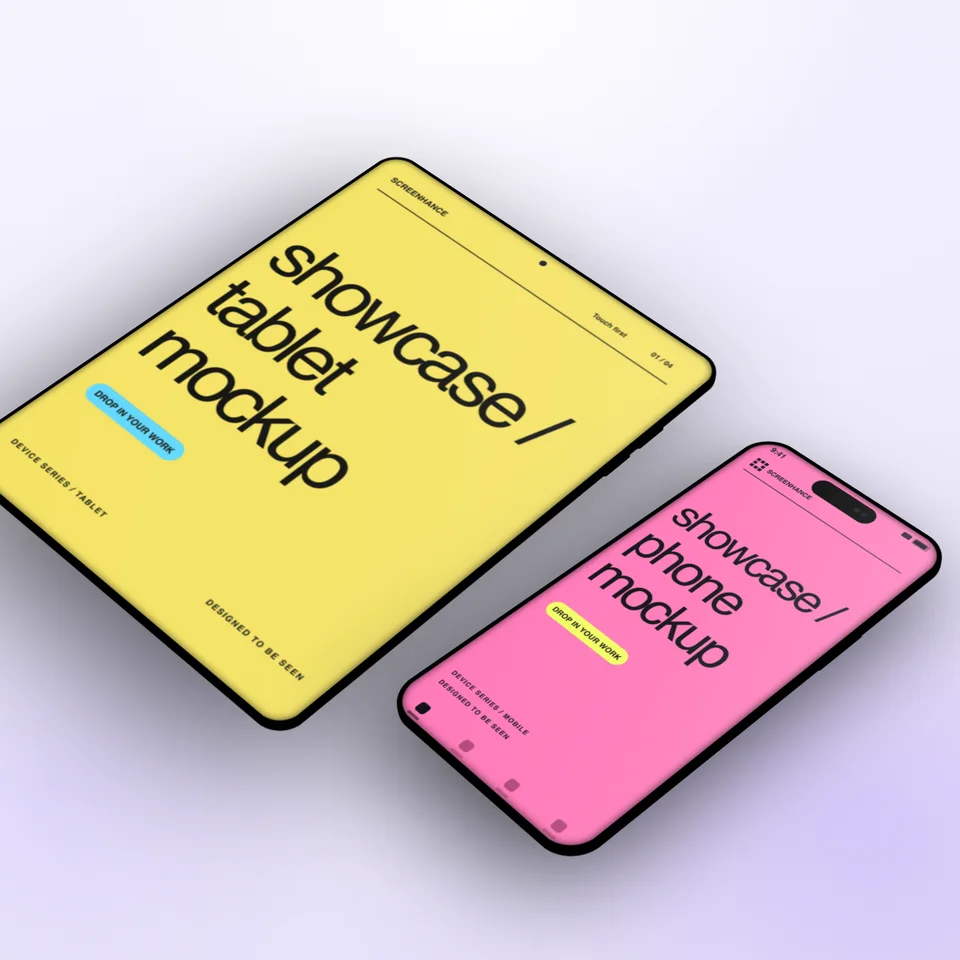
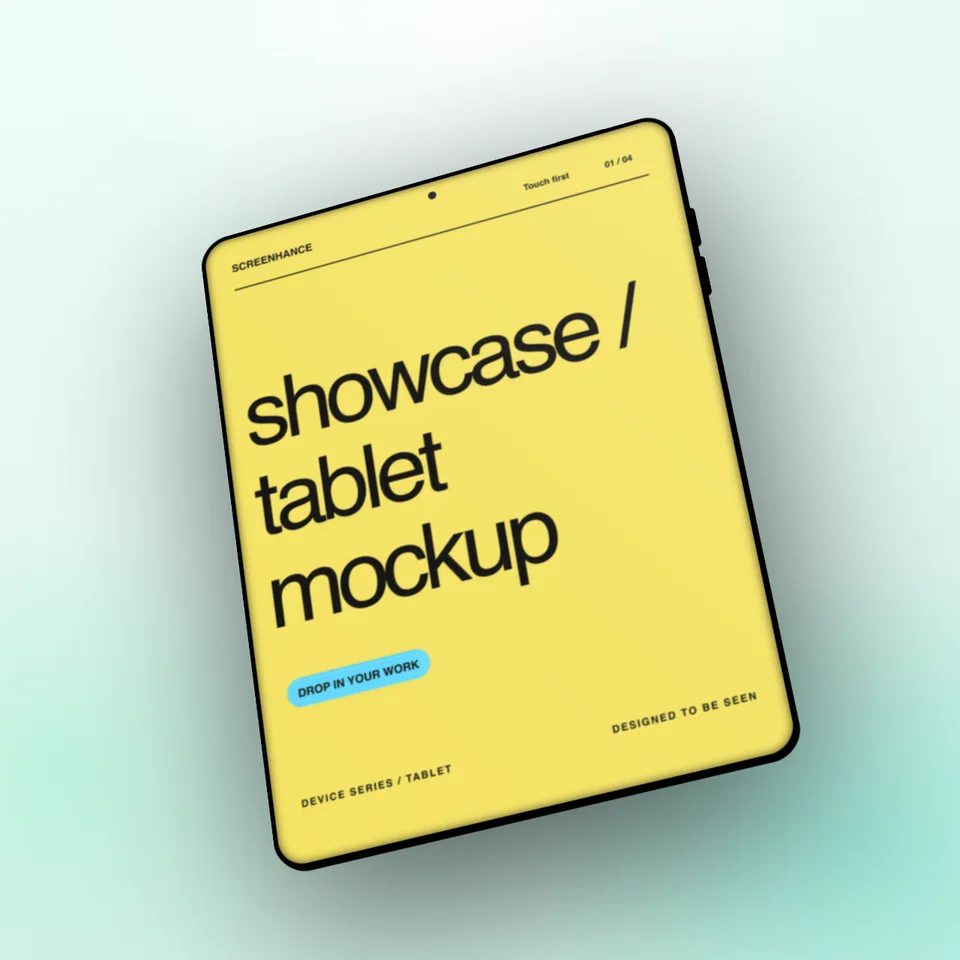
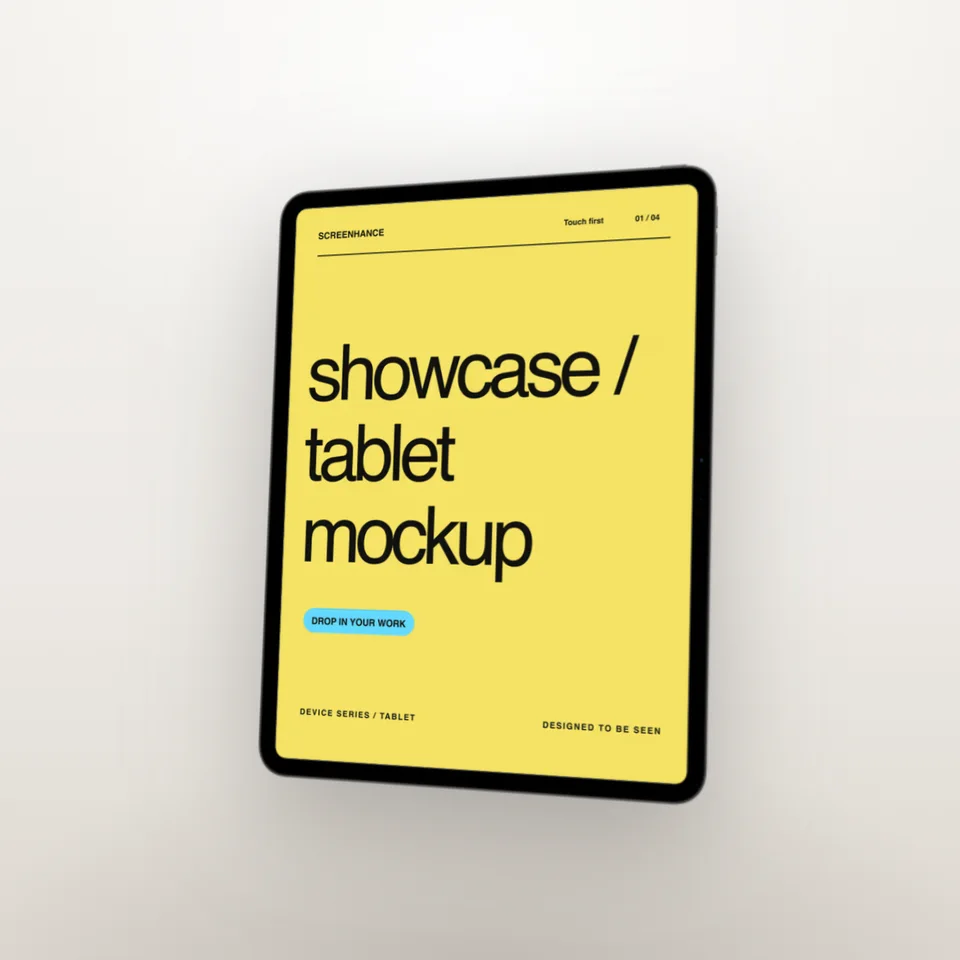
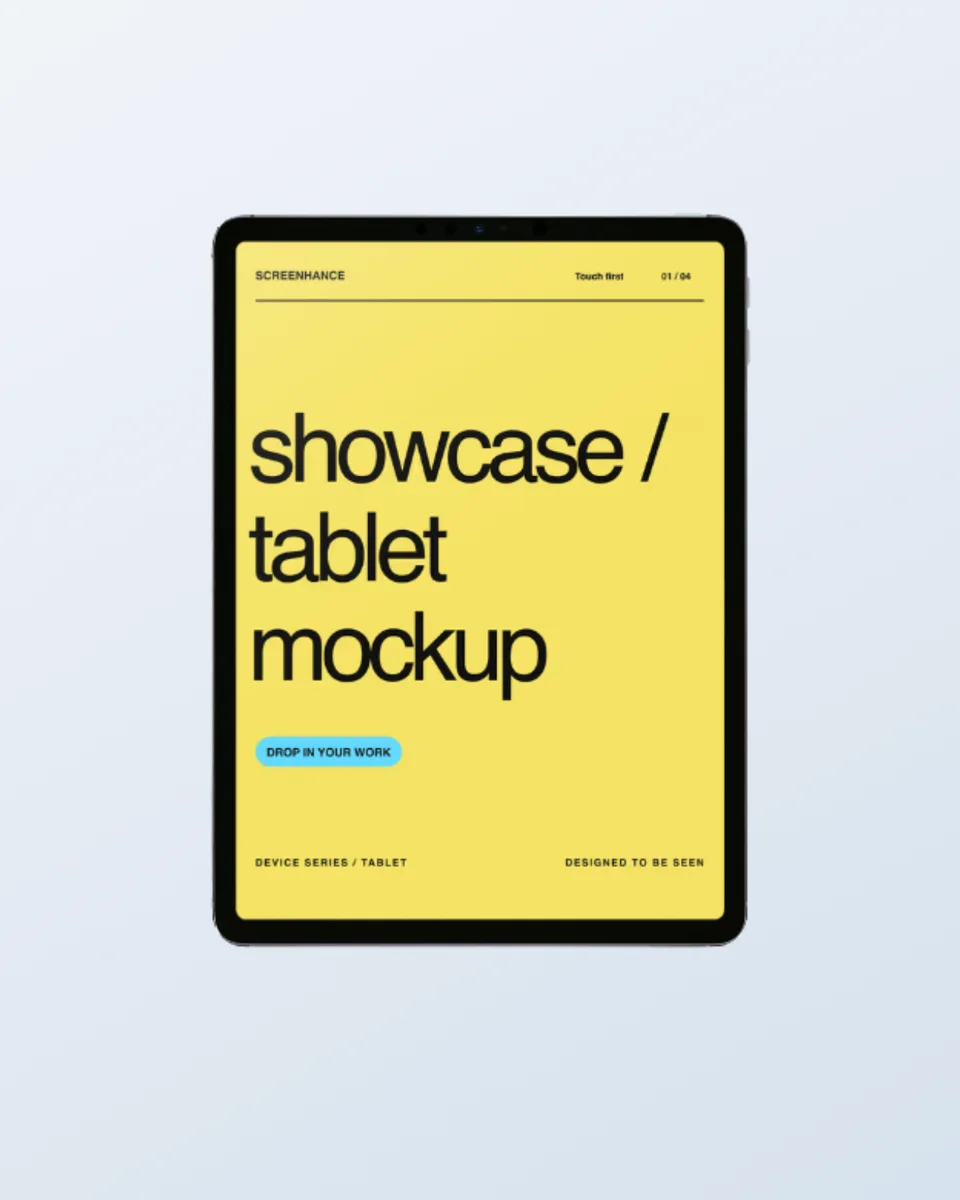
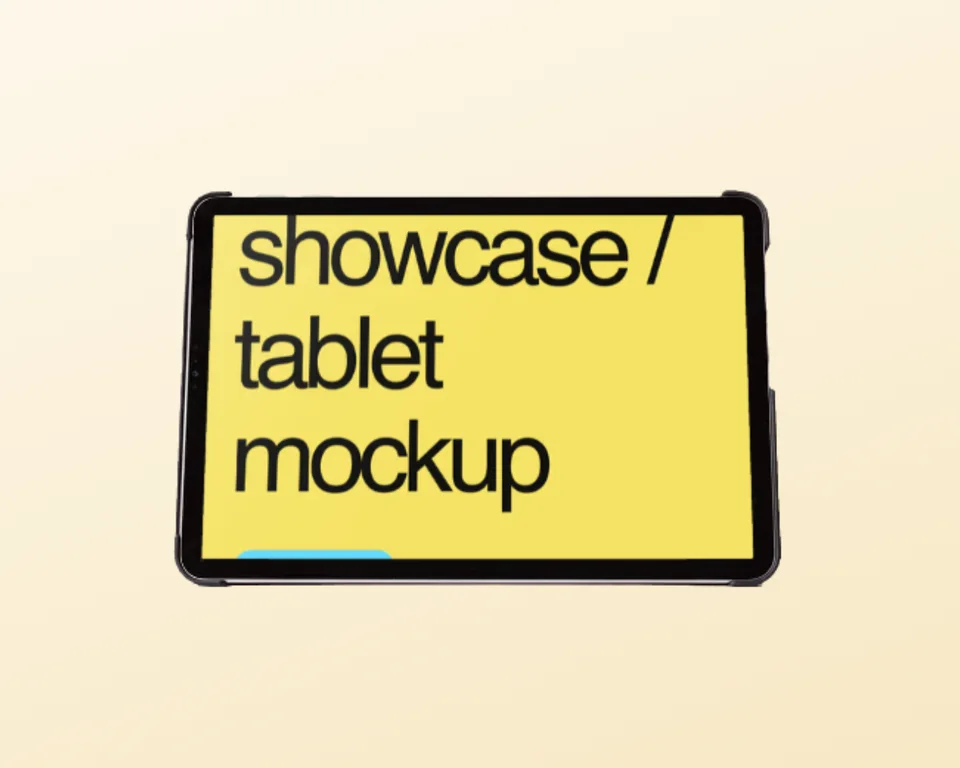
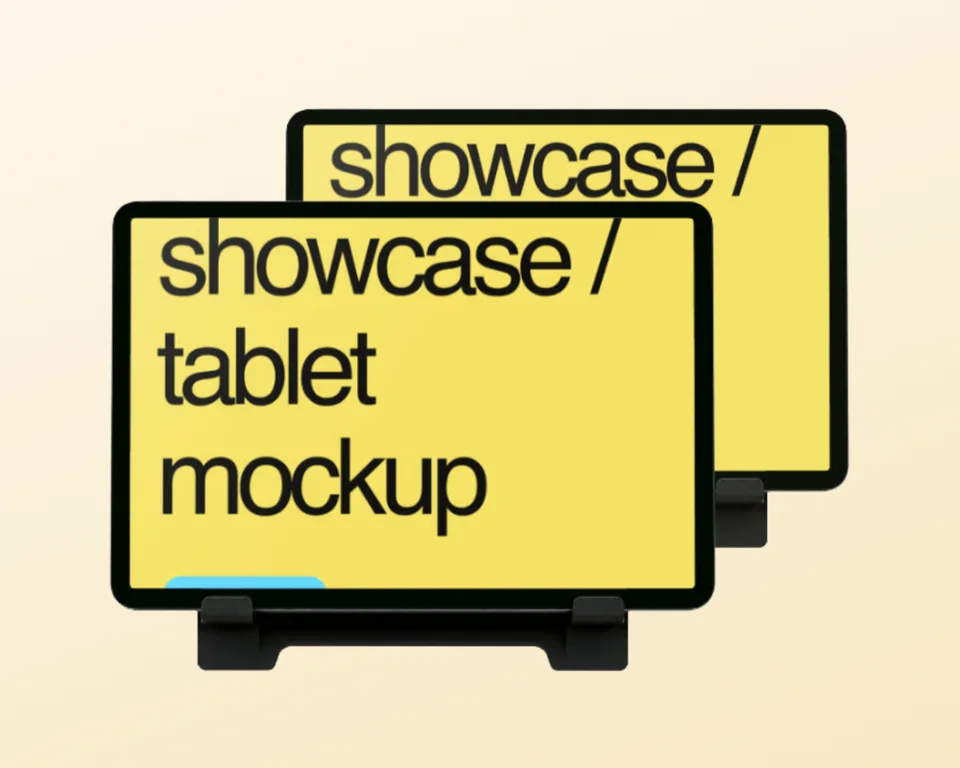
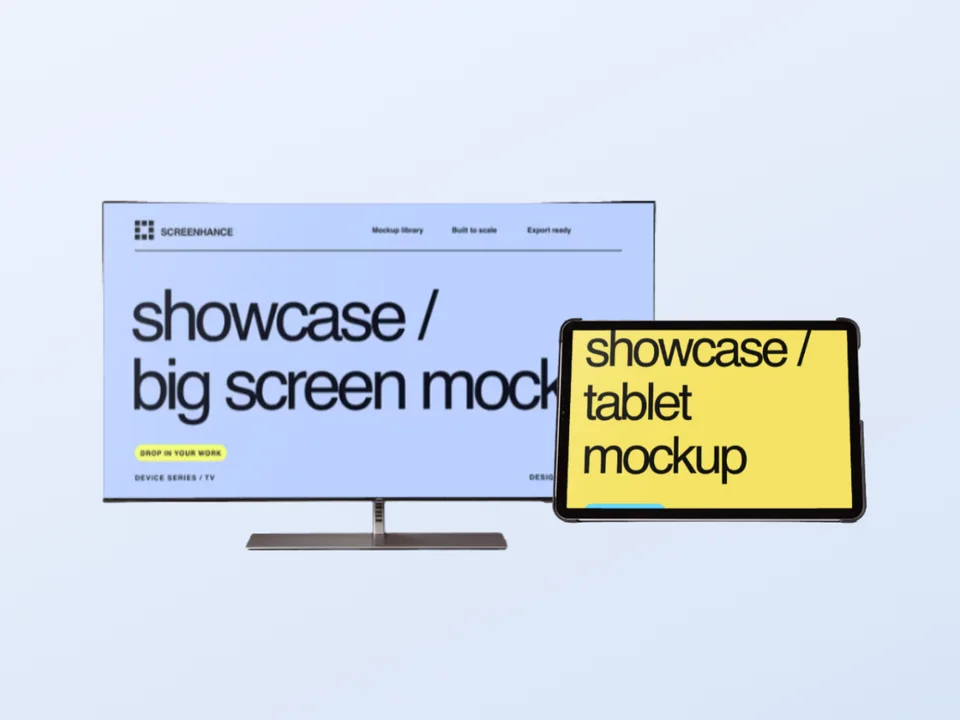
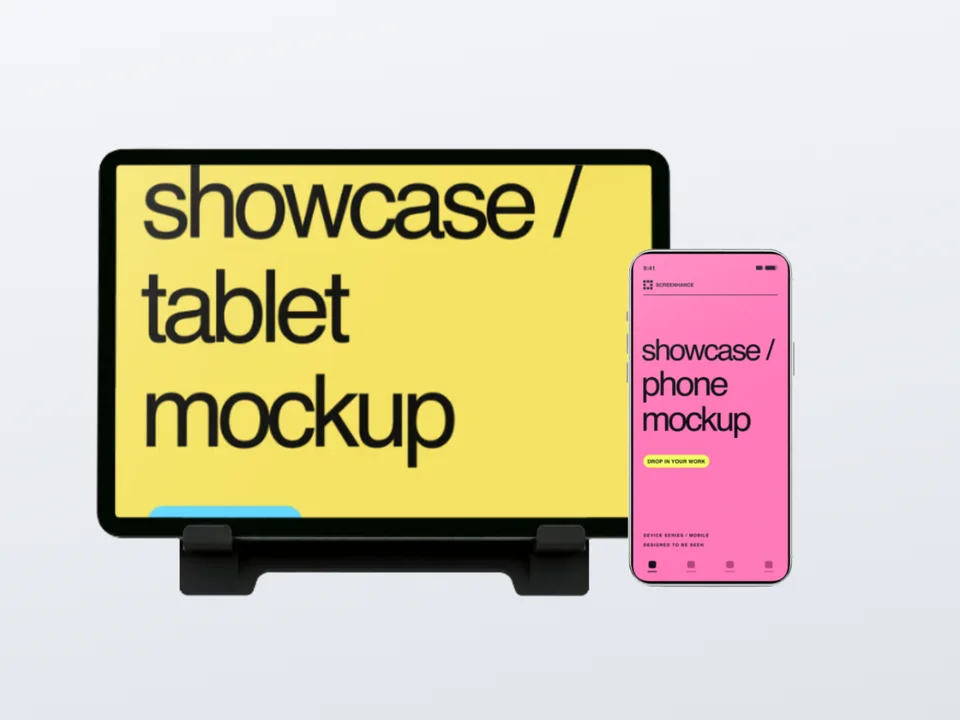
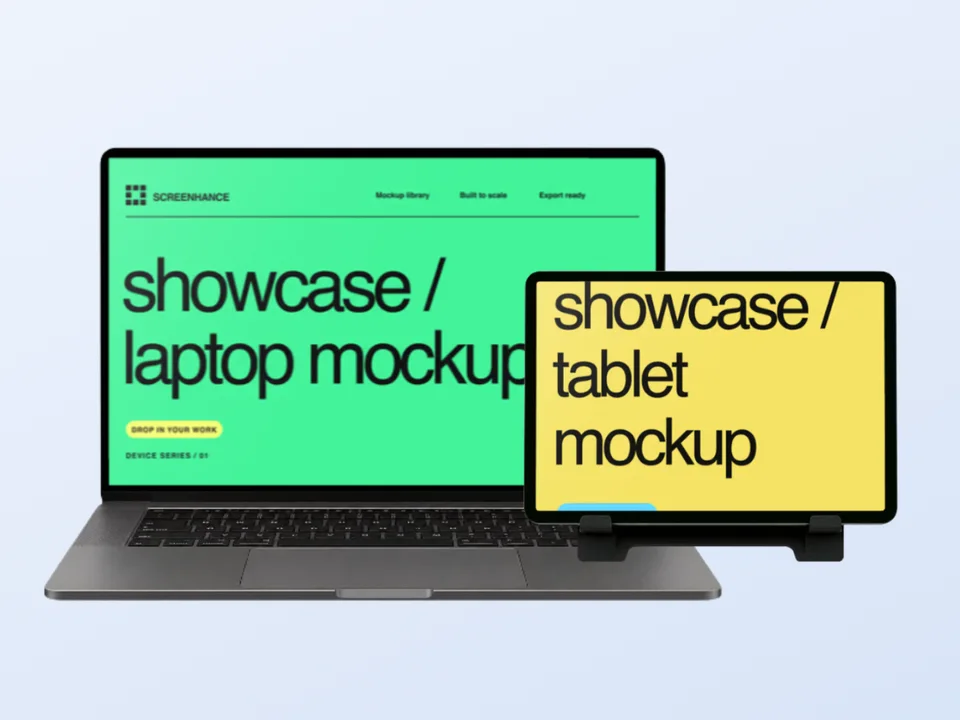
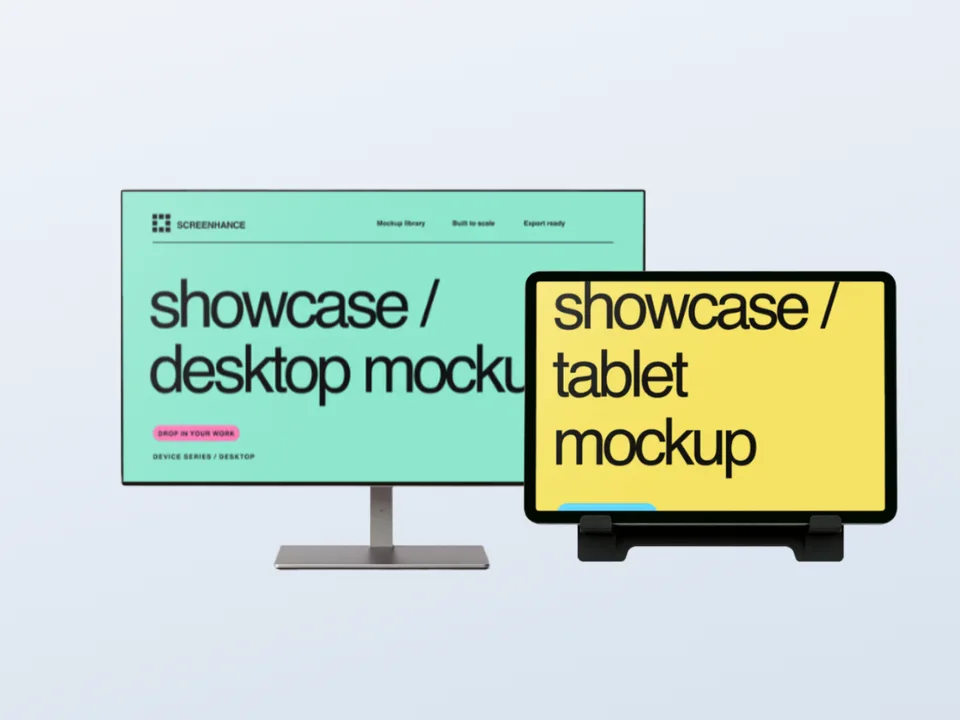
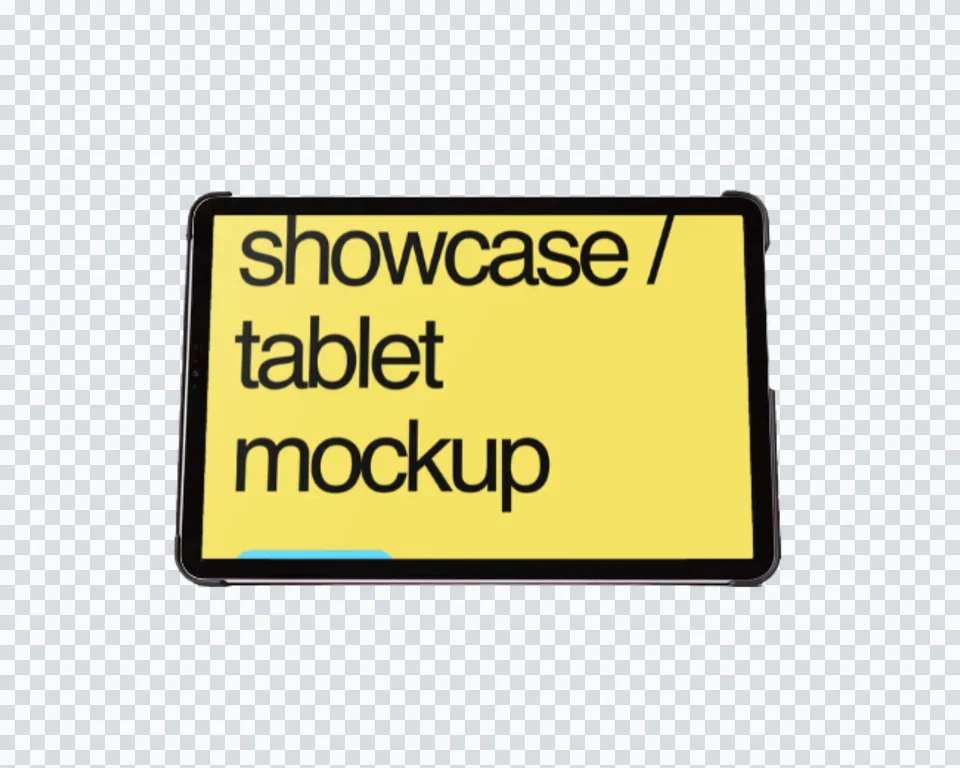
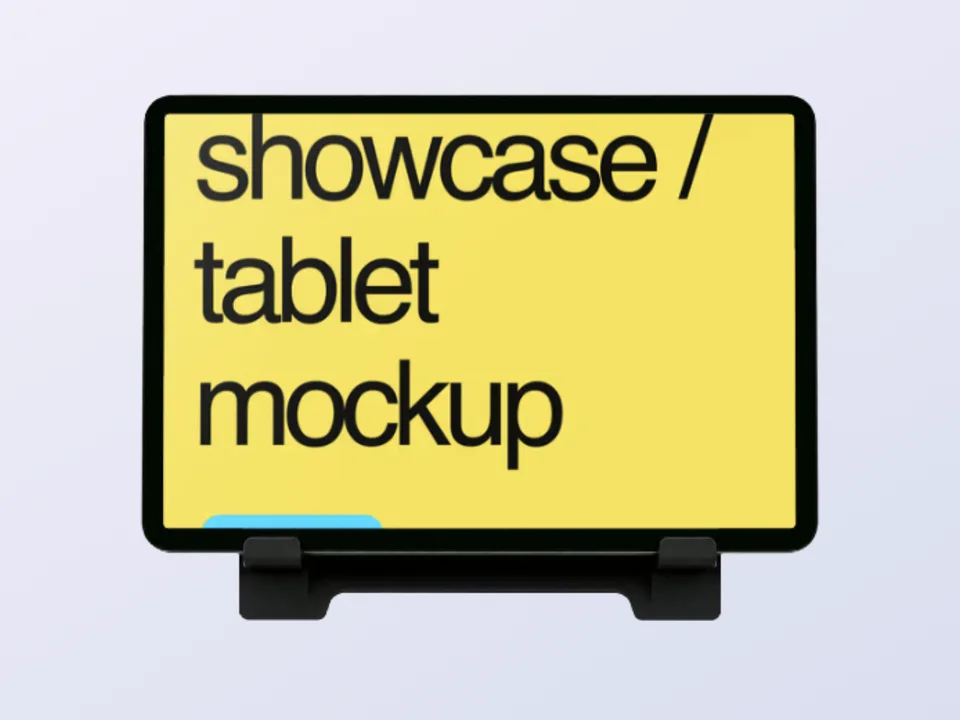
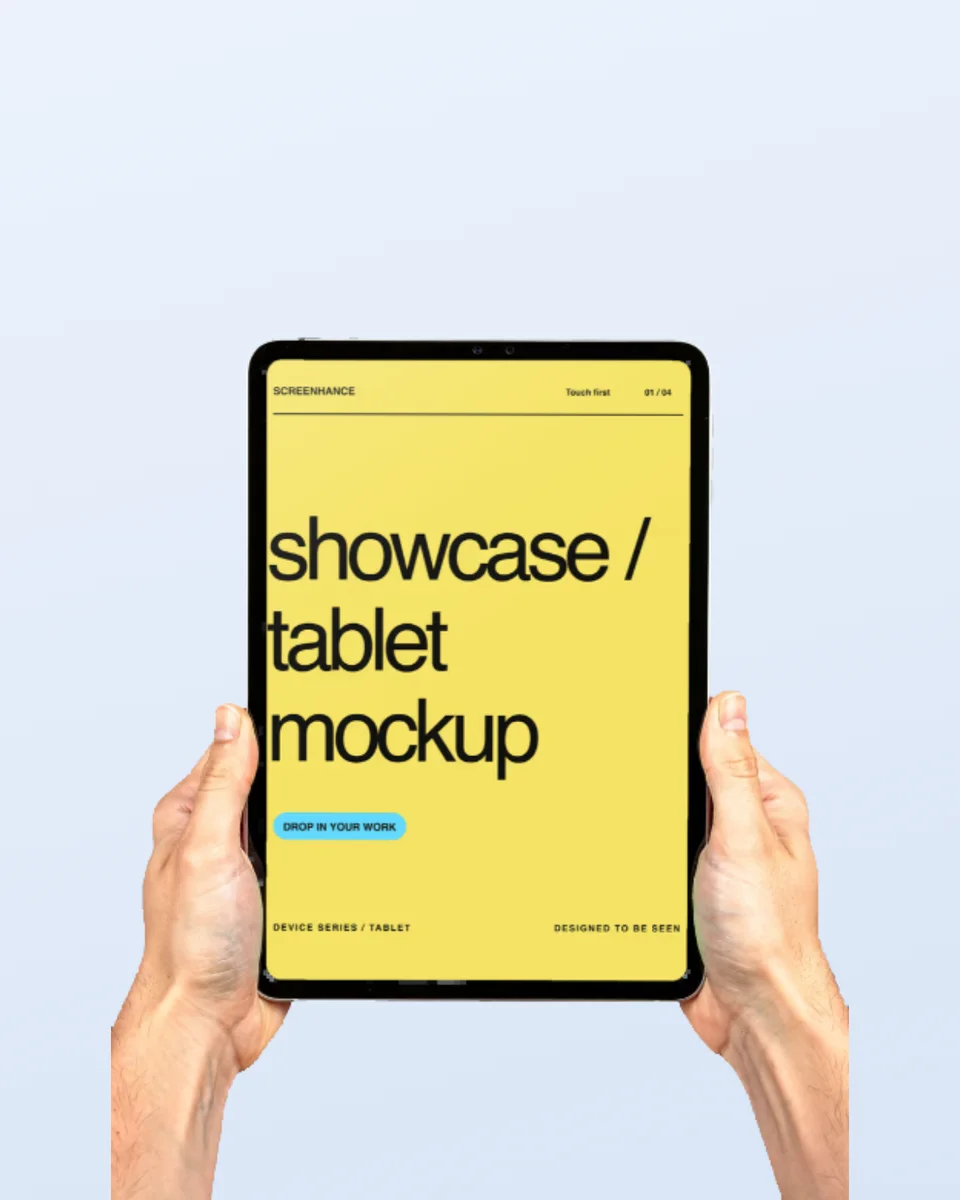
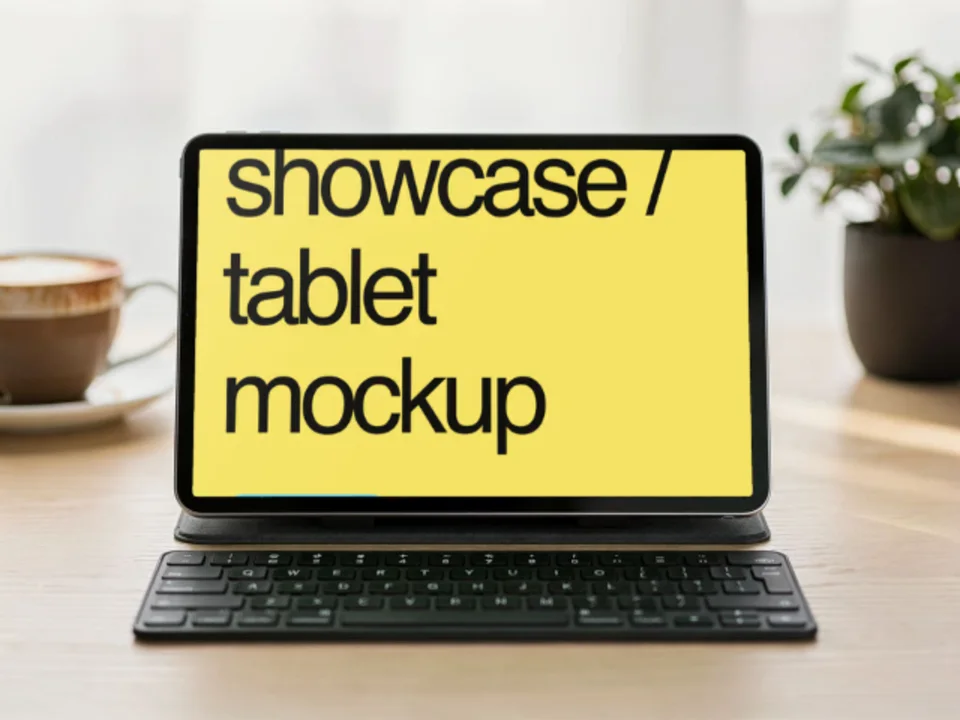
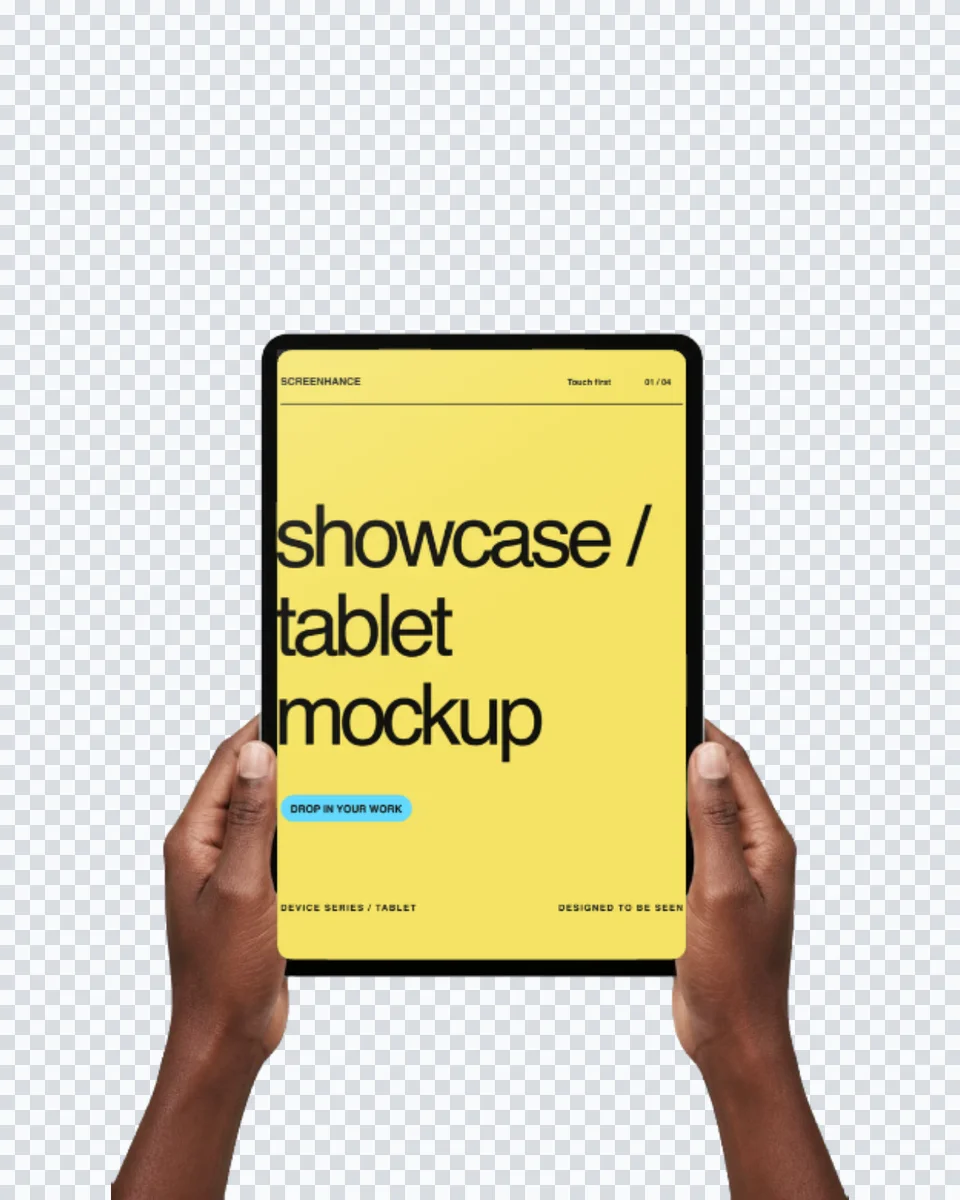
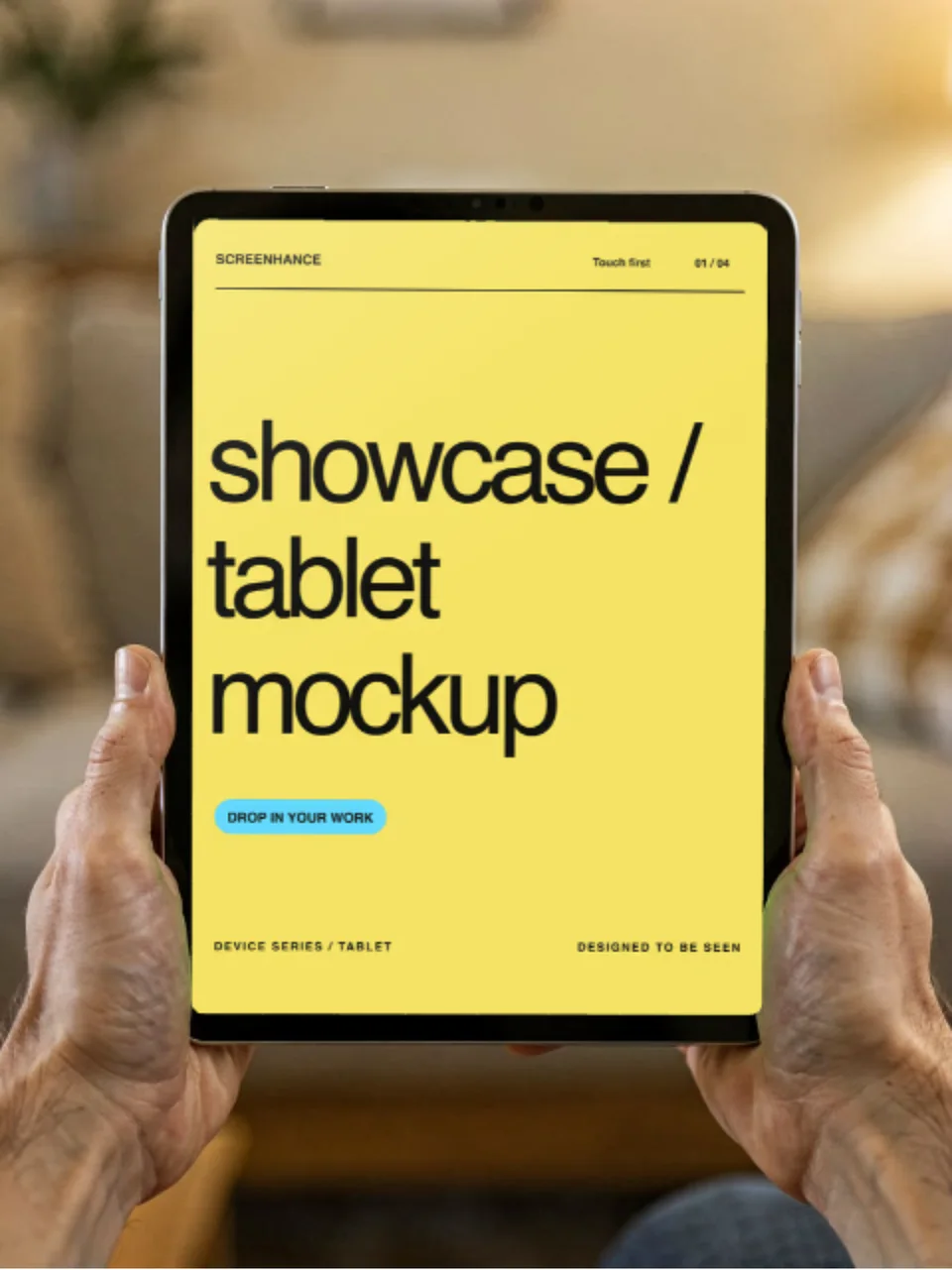
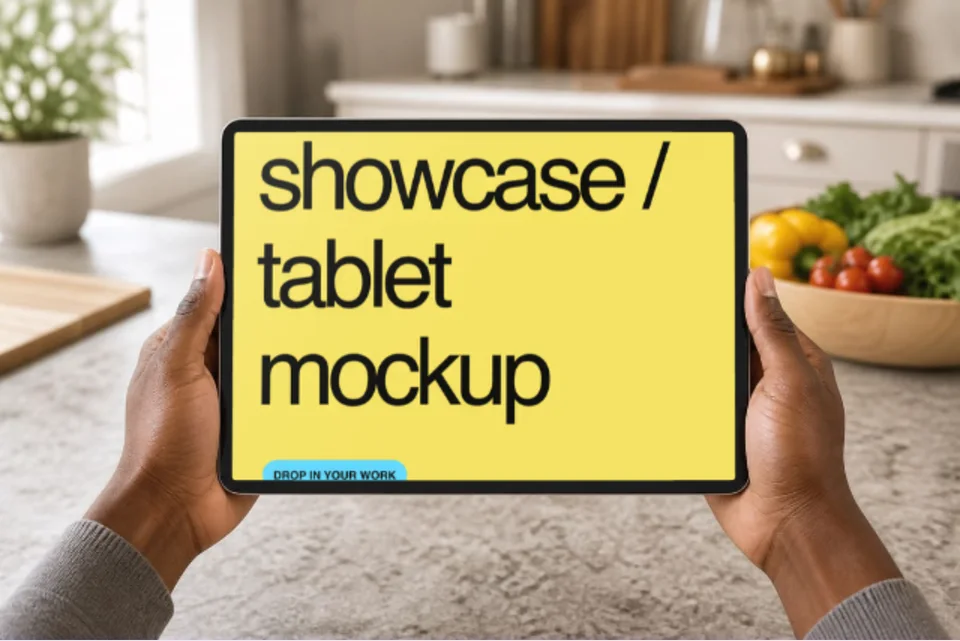
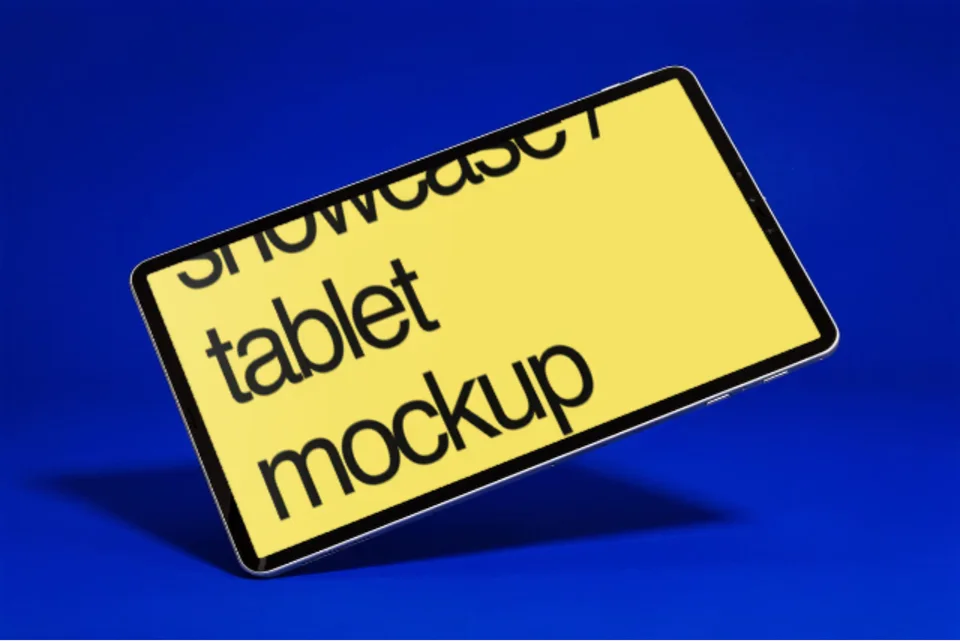
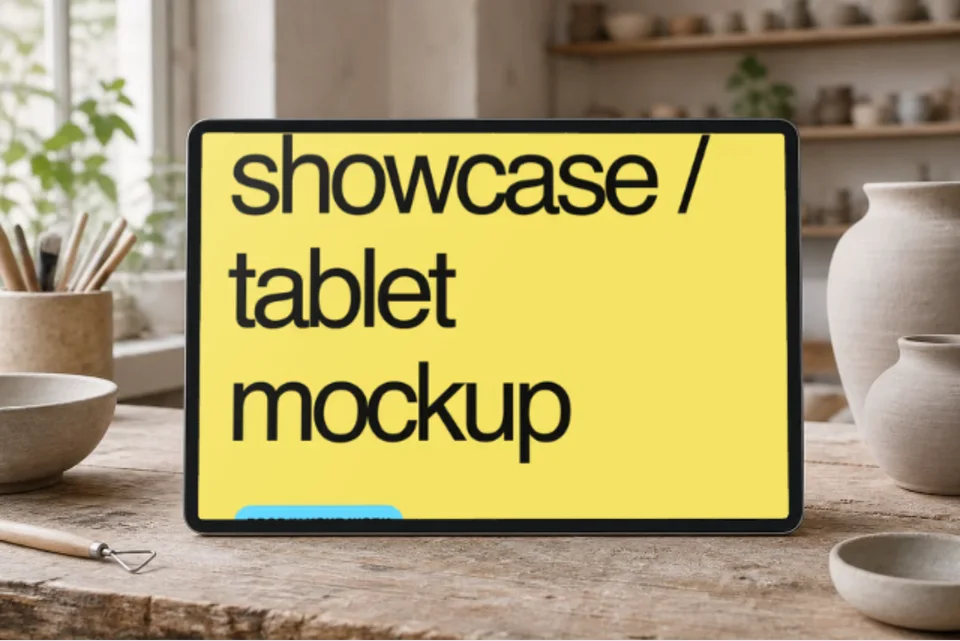
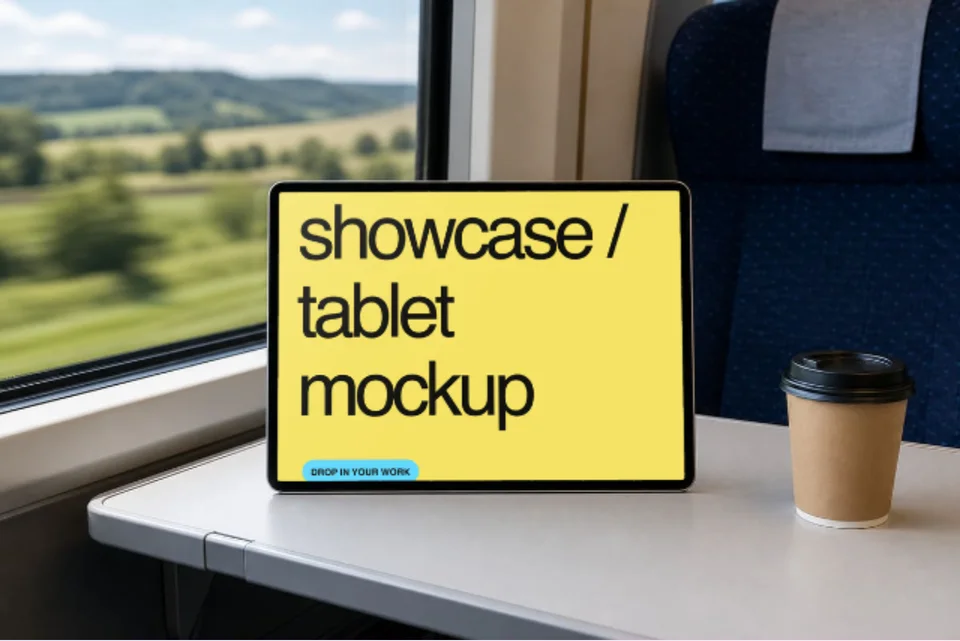
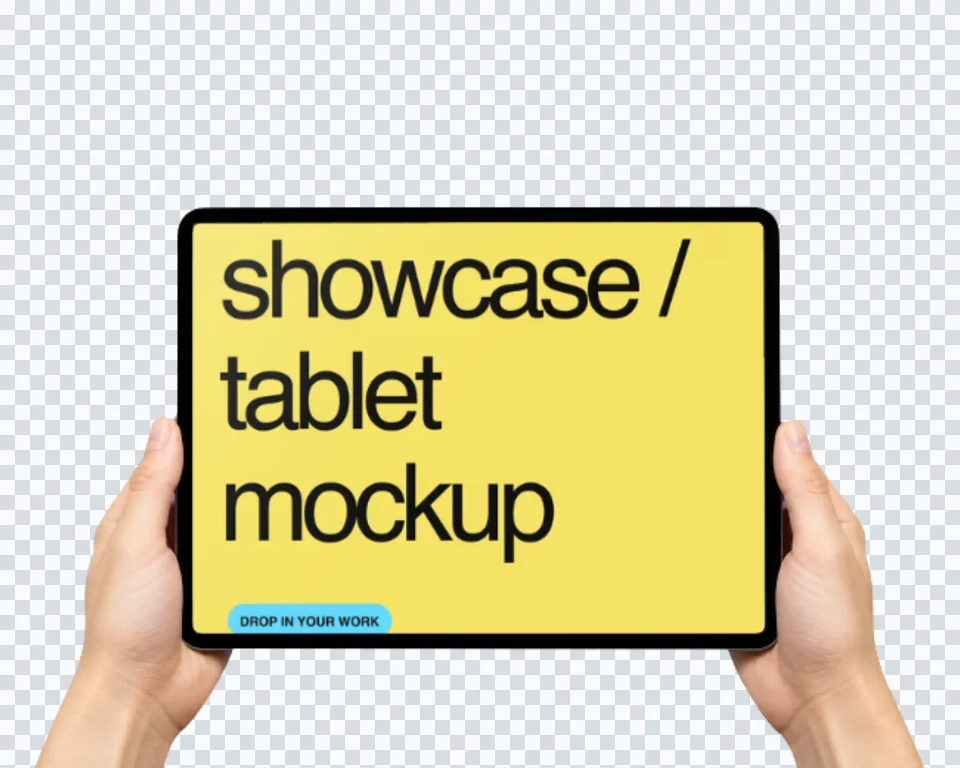
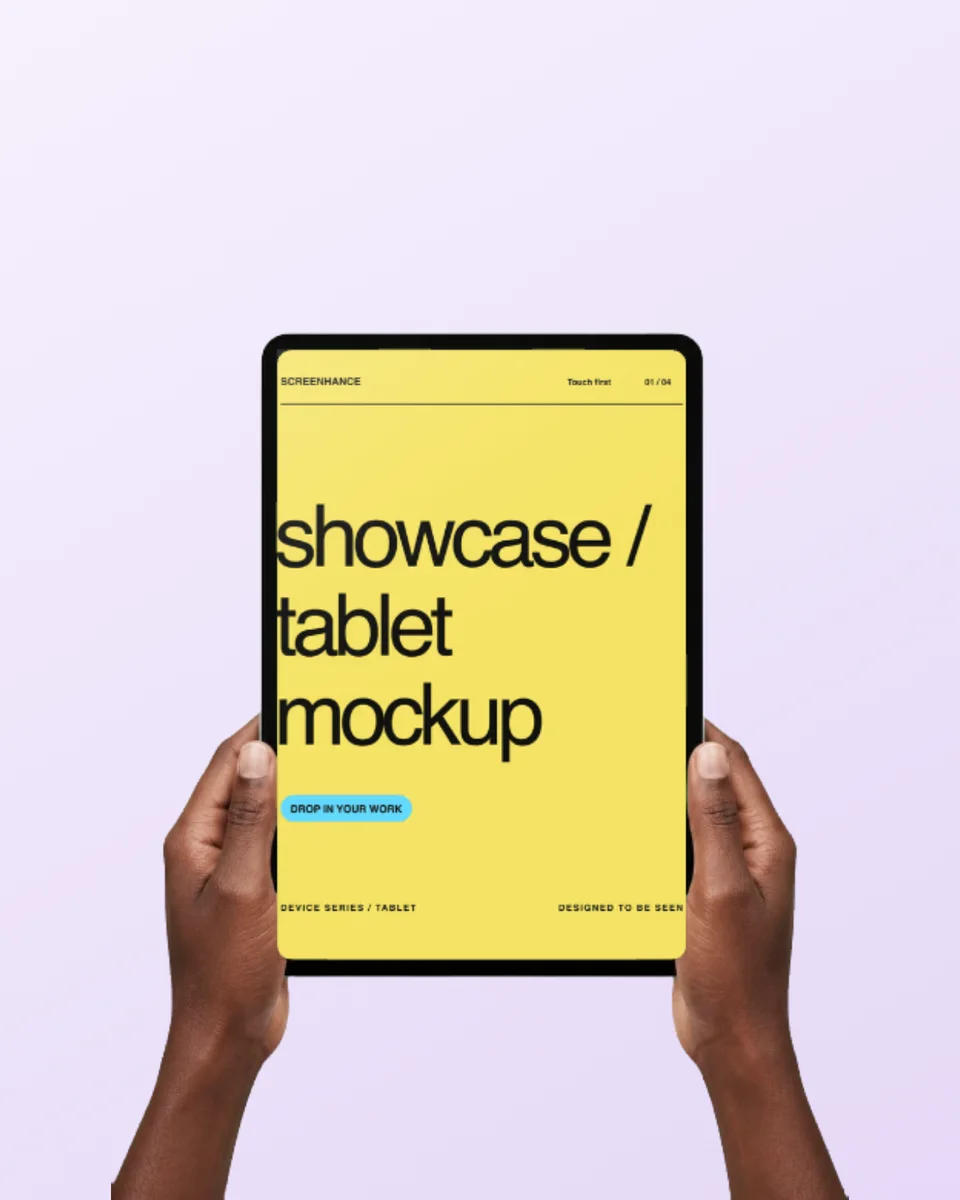
Transform your app screenshots into stunning iPad mockups. Choose from iPad Pro, iPad Air, and iPad Mini frames. Perfect for App Store listings and presentations.

We support all modern iPad models with accurate, pixel-perfect frames.
iPad Pro 12.9"
iPad Pro 11"
iPad Air
iPad Mini
iPad (10th gen)
iPad (9th gen)
Create professional mockups in three simple steps. No design skills required.
Drag and drop or select any screenshot, design, or image from your device.
Pick from iPhone, iPad, MacBook, browser frames and beautiful gradient backgrounds.
Download as PNG, WebP, JPEG, GIF, or video. Ready for marketing in seconds.
The fastest way to create professional mockups without learning complex design tools.
Unlike Figma or Photoshop, Screenhance is built for non-designers. Anyone can create professional mockups.
Generate polished mockups in seconds, not hours. Perfect for fast-moving teams and launches.
Export as PNG, WebP, JPEG for images, or GIF and WebM for animated visuals.
Choose from gradients, solid colors, or transparent backgrounds. No need to design your own.
Create professional App Store screenshots that convert. Show your iPad app in the best light with beautiful device frames.
Showcase your work in pitch decks and presentations. iPad mockups add a professional touch to any slide.
Feature your app on your website with stunning iPad visuals. Perfect for SaaS landing pages.
Display your iPad app development work professionally. Great for design and developer portfolios.
Screenhance supports all modern iPad models including iPad Pro 12.9-inch, iPad Pro 11-inch, iPad Air, iPad Mini, and standard iPad. Both landscape and portrait orientations are available.
Yes! Screenhance is perfect for creating iPad App Store screenshots. Export in the exact dimensions required by Apple and make your app listing stand out with beautiful mockups.
iPad Pro frames feature the latest design with minimal bezels and Face ID. iPad Air frames have the home button design. Choose based on which device your target users have.
Explore more ways to create stunning visuals with Screenhance.
Free online mockup generator for all devices
Try it freeTransform plain screenshots into beautiful mockups
Try it freeCreate stunning iPhone device mockups
Try it freeShowcase websites in MacBook frames
Try it freeNo Photoshop or Figma required. Just upload your screenshot and download a polished mockup.