
%2FOlivia%20Rhye.webp&w=64&q=75)
%2FPhoenix%20Baker.webp&w=64&q=75)
%2FLana%20Steiner.webp&w=64&q=75)
%2FDemi%20Wilkinson.webp&w=64&q=75)
%2FDrew%20Cano.webp&w=64&q=75)
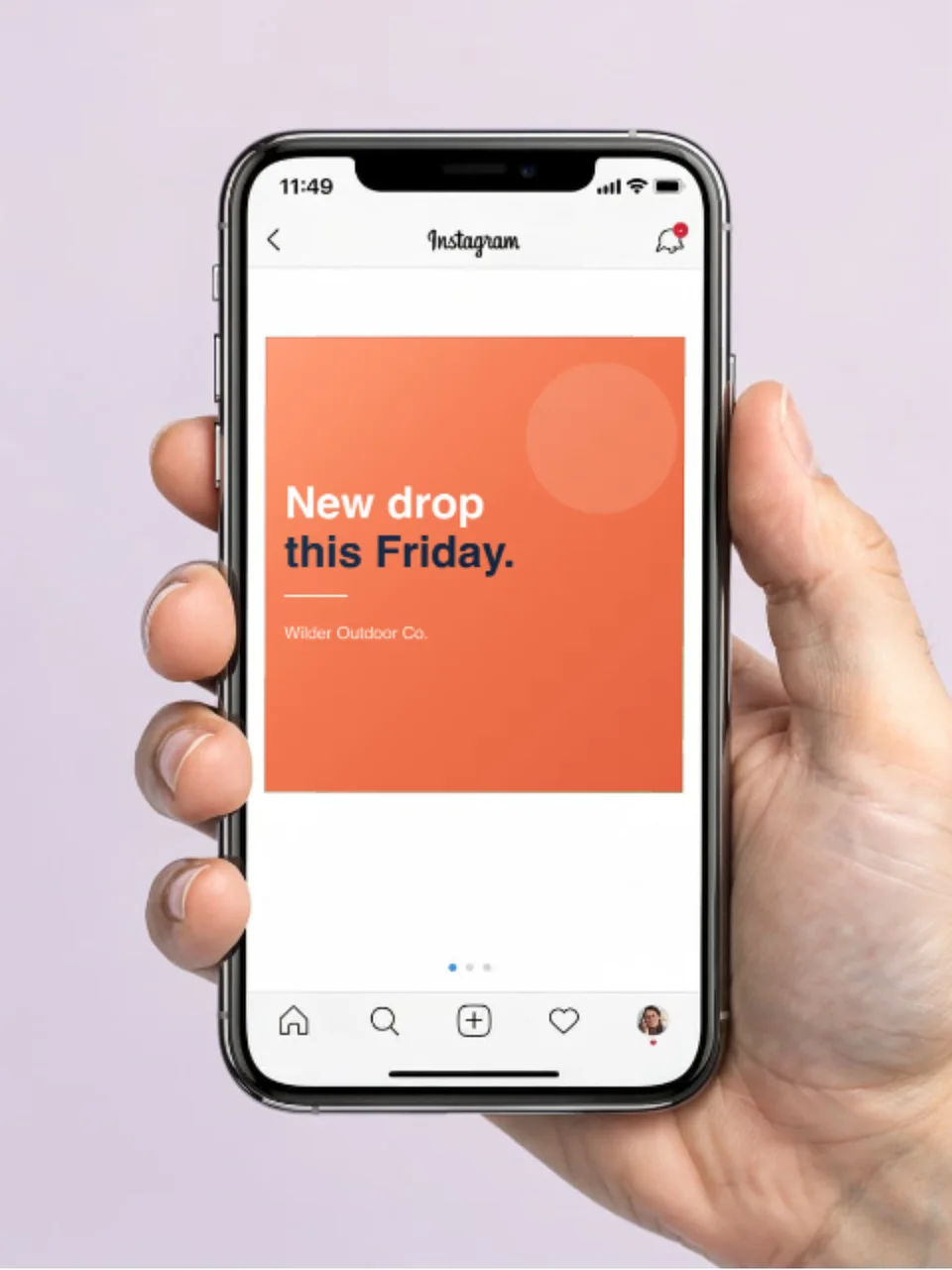
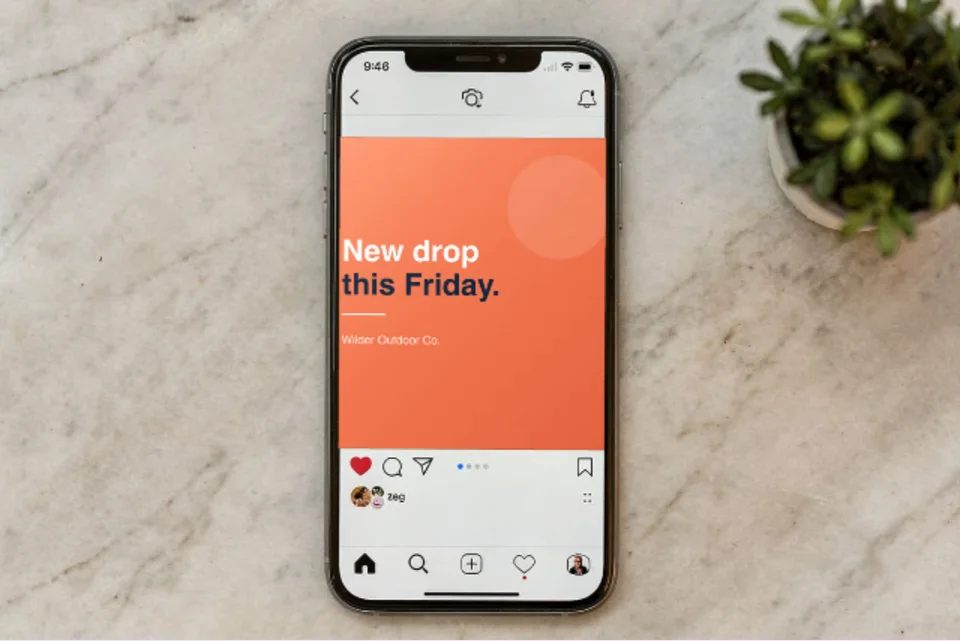

Use a post mockup
Show how a draft caption, carousel, poll, profile, or sponsored post will read before it is published. This is useful for approvals, portfolios, and campaign documentation.
Browse social templates →Choose from 130 designed posts, editable platform views, profiles, ads, carousels, mobile feeds, and real-phone scenes for Instagram, LinkedIn, Facebook, and X. Replace the screens and copy, then export a campaign-ready still or motion design.
Loved by 3,000+ creators
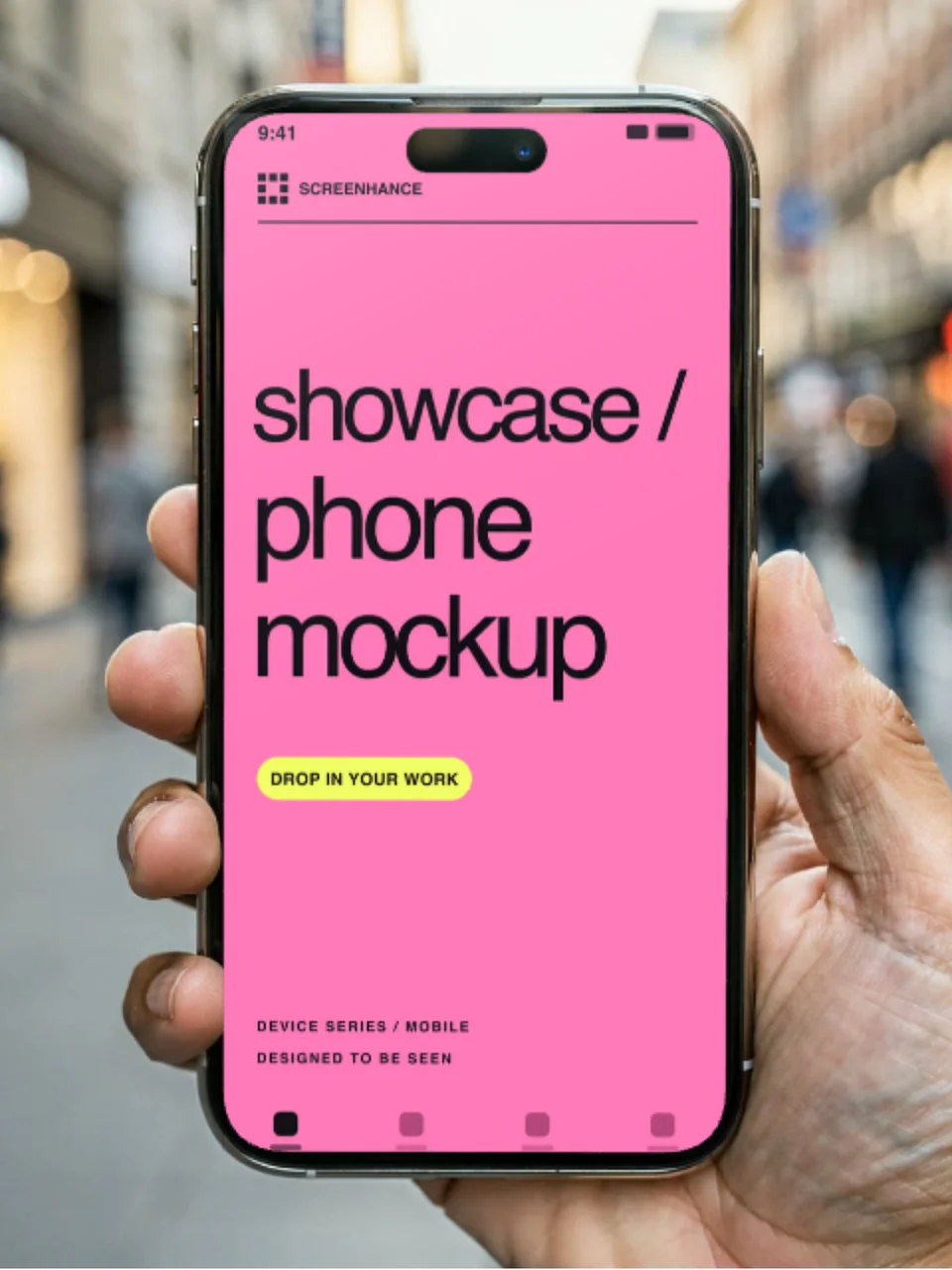
These six editable scenes place your image inside a real phone, hand, desk, or studio setting without sending you through the full library.
A mockup is useful when the surrounding post or device adds context. If people will see the asset inside the real platform anyway, a clean image without simulated interface chrome is often clearer.
Show how a draft caption, carousel, poll, profile, or sponsored post will read before it is published. This is useful for approvals, portfolios, and campaign documentation.
Browse social templates →Export the artwork without a fake feed wrapper when the real platform will supply the name, actions, and engagement controls. This avoids showing interface elements twice.
Create post artwork →Put the post or product screen in a device when the physical viewing context matters—for a case study, landing page, pitch, or announcement about the mobile experience.
View phone scenes →Social templates expose the parts that need to change. Replace the product media, then edit the included text layers instead of painting over a finished screenshot.
A platform mockup is still an illustration. Social interfaces and publishing rules change, so compare the final design with the live composer before using it as product documentation.
Drop in a product screenshot, image, or campaign artwork wherever the template provides a media slot.
Change the names, handles, captions, labels, timestamps, and display metrics included in that template.
Reposition, hide, or restyle text, assets, device frames, backgrounds, and supporting elements.
Save the composition, replace the content for the next update, and review each version before export.
These common shapes help you choose a canvas. Verify the current requirements and preview in the platform you will publish to; placement, device, and interface changes can affect the crop.
A flexible starting point for feed posts and approval mockups.
More vertical space for a product screen, headline, and supporting detail.
Keep important copy away from the interface areas at the top and bottom.
Preview the real link card before launch; crops can differ by destination.
A polished mockup can still fail if the platform crops the message, the type is unreadable, or the image has no useful description.
Upload a draft privately and inspect it on desktop and mobile. A template ratio is a starting point, not a promise about every feed surface.
Keep the headline, logo, and primary screen away from edges that may be covered by controls, rounded corners, or a responsive crop.
Visible text inside an exported image is not a substitute for platform alt text. Describe the product state and the point the image makes.
Compare results in your own analytics. When testing two compositions, keep the audience, message, and destination as consistent as possible.
Static visual
Use the visual editor for a still post, feed mockup, carousel page, or phone scene.
Designed motion
Add motion to supported layers when a short loop explains a transition better than a still frame.
Browse motion templates →Recorded walkthrough
Record or import a product flow, add camera or voice when needed, edit the pacing, and export an MP4 from Studio.
Explore Studio →Screenhance social templates use separate layers for the product media and the visible copy. Depending on the template, you can replace screenshots and edit names, handles, captions, timestamps, display metrics, colours, and supporting text. Platform interface artwork is an editable representation, not a live or official preview.
The visual editor accepts PNG, JPG or JPEG, WebP, HEIC, and HEIF images up to 10 MB. HEIC and HEIF files are converted to a browser-safe image before editing.
Use PNG for a crisp general-purpose image, WebP for a smaller web asset, or JPEG when a solid-background photo-style visual needs broad compatibility. A motion design in the visual editor can export as GIF or WebM on Pro. Use Screenhance Studio for a recorded walkthrough or an MP4 video.
Yes. The Free plan includes three 1× PNG image exports each month with a small Screenhance watermark. The Launch Pass includes ten clean PNG, WebP, or JPEG exports at up to 3× over seven days. Pro includes unlimited clean image exports and motion export.
Image preparation happens in your browser. Guest project images stay in local browser storage. When you are signed in, saved project images are uploaded to private storage so autosave can reopen the project. Use fictional demo data where possible and remove private information before publishing.
No. Screenhance creates the visual file; you upload it through the social network or scheduling tool you already use. That final upload is also the best place to check the current crop, safe zones, file limits, and alt-text controls.
Choose a social template, replace the real product screens and copy, then review the final crop before you publish.
Refine social posts
iPhone 18 Pro · Instagram Launch
Instagram · Designed social post
iPhone 18 Pro · Instagram Story
Instagram · Designed social post
Instagram Product Image Post
Instagram · post mockup
Instagram Carousel Post
Instagram · post mockup
Instagram Reel Preview
Instagram · Mobile post mockup
Instagram Collab Post
Instagram · post mockup
Instagram Customer Review Post
Instagram · post mockup
Instagram Milestone Post
Instagram · post mockup
Instagram Story Teaser Mockup
Instagram · Mobile post mockup
Instagram Story Poll Mockup
Instagram · Mobile post mockup
LinkedIn Product Image Post
Linkedin · post mockup
LinkedIn Founder Text Post
Linkedin · post mockup
LinkedIn Document Carousel Post
Linkedin · post mockup
LinkedIn Poll Post
Linkedin · post mockup
LinkedIn Link Preview Post
Linkedin · post mockup
LinkedIn Hiring Post
Linkedin · post mockup
LinkedIn Event Post
Linkedin · post mockup
LinkedIn Company Milestone Post
Linkedin · post mockup
Facebook Product Image Post
Facebook · post mockup
Facebook Link Preview Post
Facebook · post mockup
Facebook Carousel Ad Post
Facebook · post mockup
Facebook Video Post
Facebook · post mockup
Facebook Event Post
Facebook · post mockup
Facebook Offer Post
Facebook · post mockup
Facebook Customer Review Post
Facebook · post mockup
Facebook Page Milestone Post
Facebook · post mockup
Instagram SaaS Profile Mockup
Instagram · profile mockup
Instagram Creator Profile Mockup
Instagram · profile mockup
Instagram Shop Profile Mockup
Instagram · profile mockup
Instagram Music Profile Mockup
Instagram · profile mockup
Instagram Mobile SaaS Profile
Instagram · Mobile profile mockup
Instagram Mobile Creator Profile
Instagram · Mobile profile mockup
Instagram Mobile Shop Profile
Instagram · Mobile profile mockup
Instagram Mobile Music Profile
Instagram · Mobile profile mockup
Facebook Product Ad Mockup
Facebook · Ad mockup
Facebook Lead Form Ad Mockup
Facebook · Ad mockup
130 social templates across four platforms
Browse designed posts, editable native mockups, desktop and mobile profiles, Facebook ads, LinkedIn carousels, X posts, and realistic phone scenes. Filter by platform, template type, format, use case, and style.