
%2FOlivia%20Rhye.webp&w=64&q=75)
%2FPhoenix%20Baker.webp&w=64&q=75)
%2FLana%20Steiner.webp&w=64&q=75)
%2FDemi%20Wilkinson.webp&w=64&q=75)
%2FDrew%20Cano.webp&w=64&q=75)
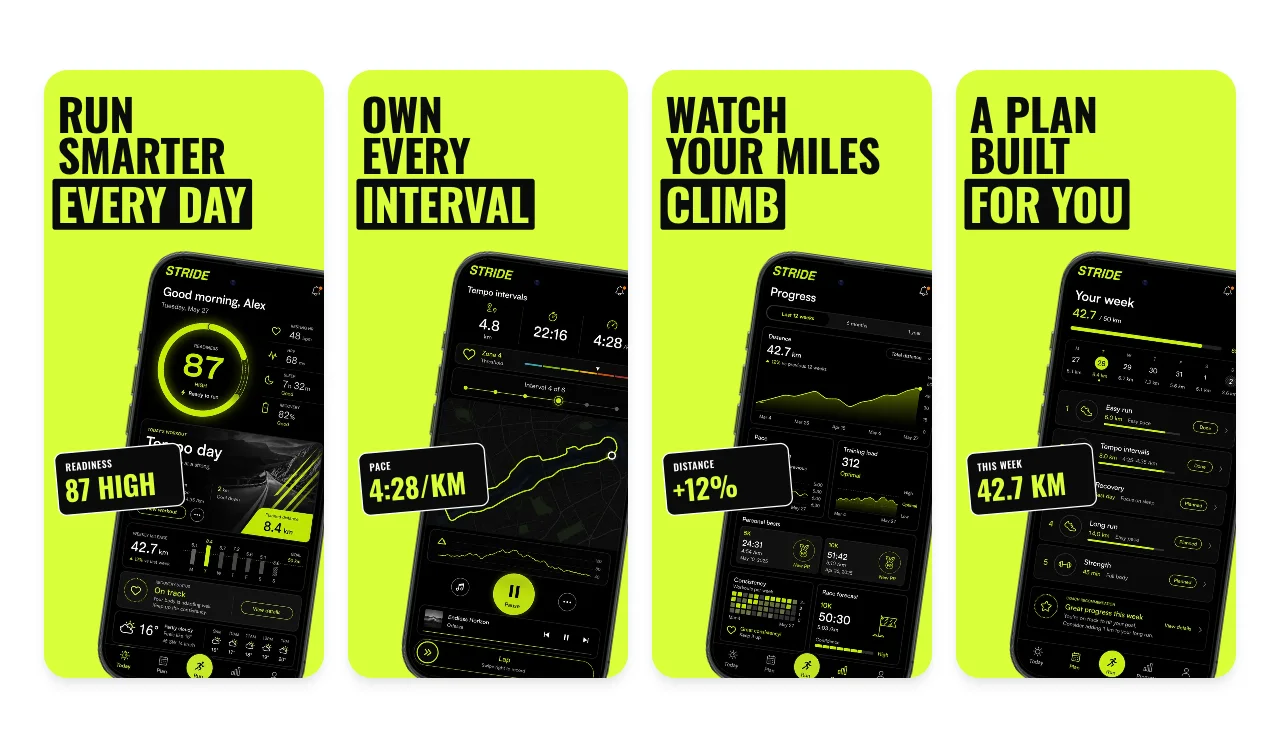
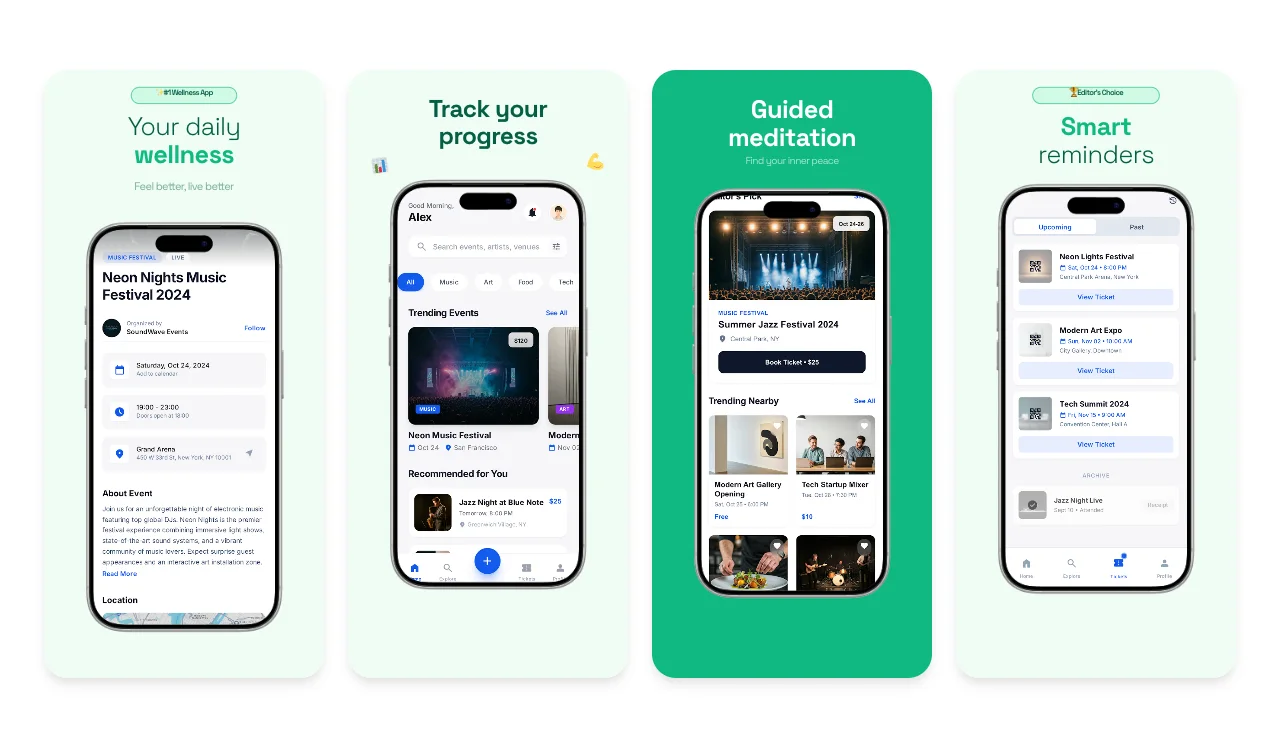
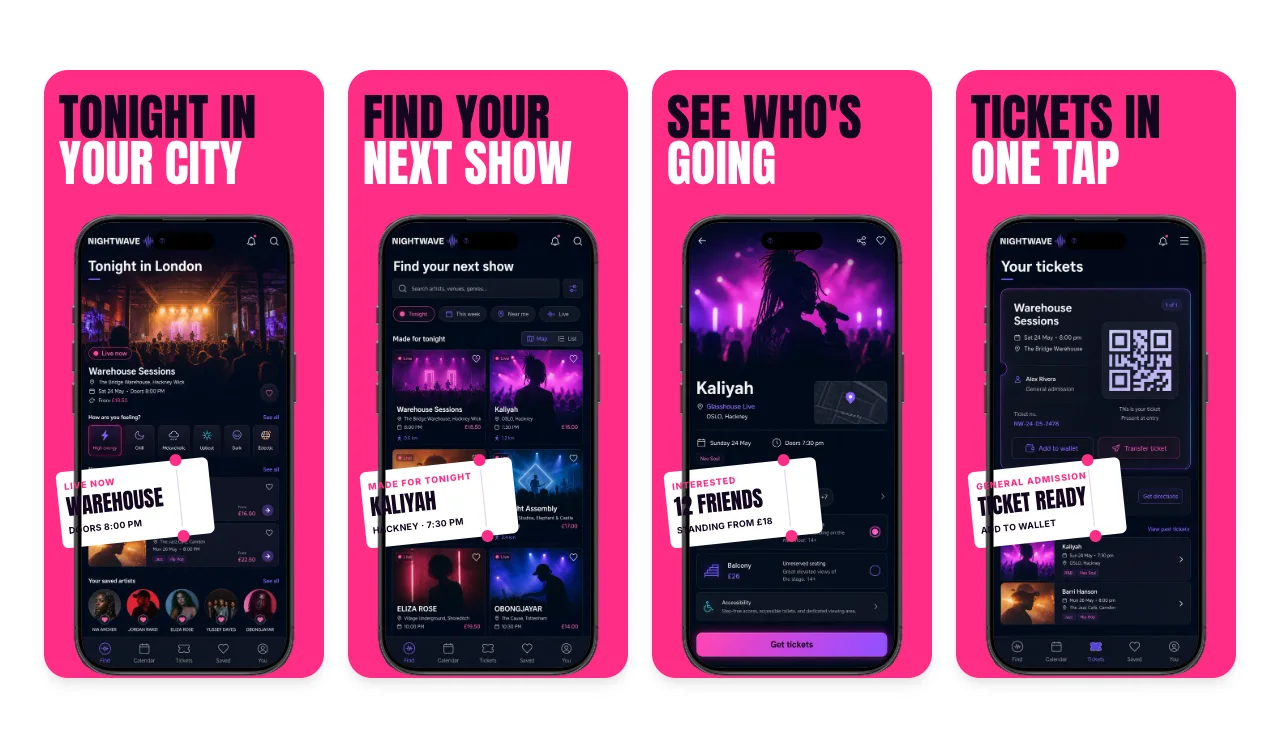
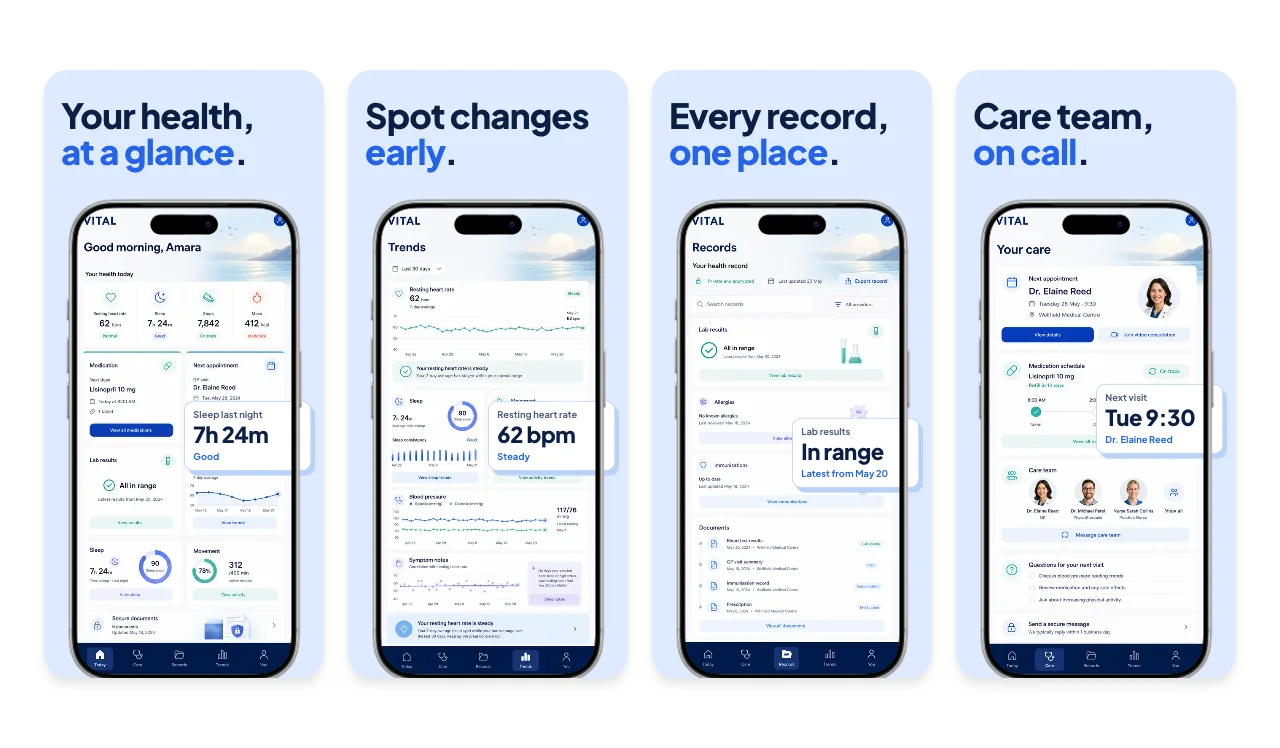
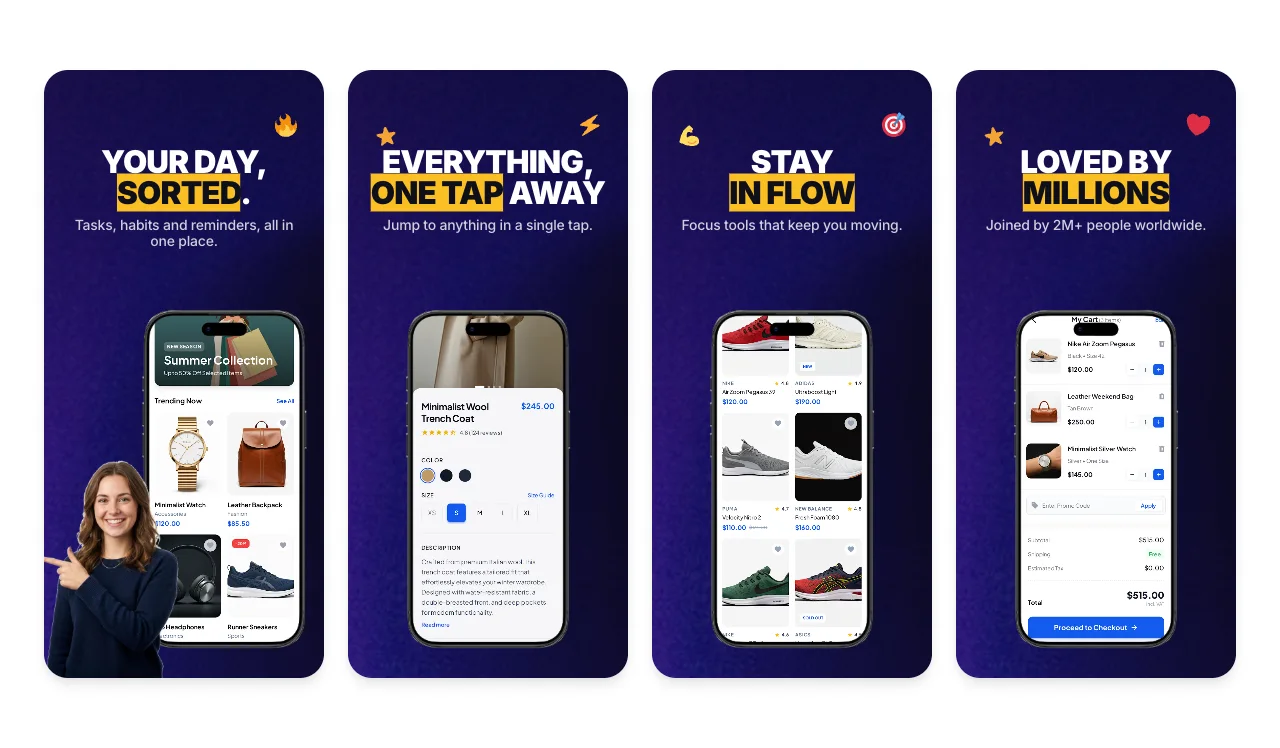
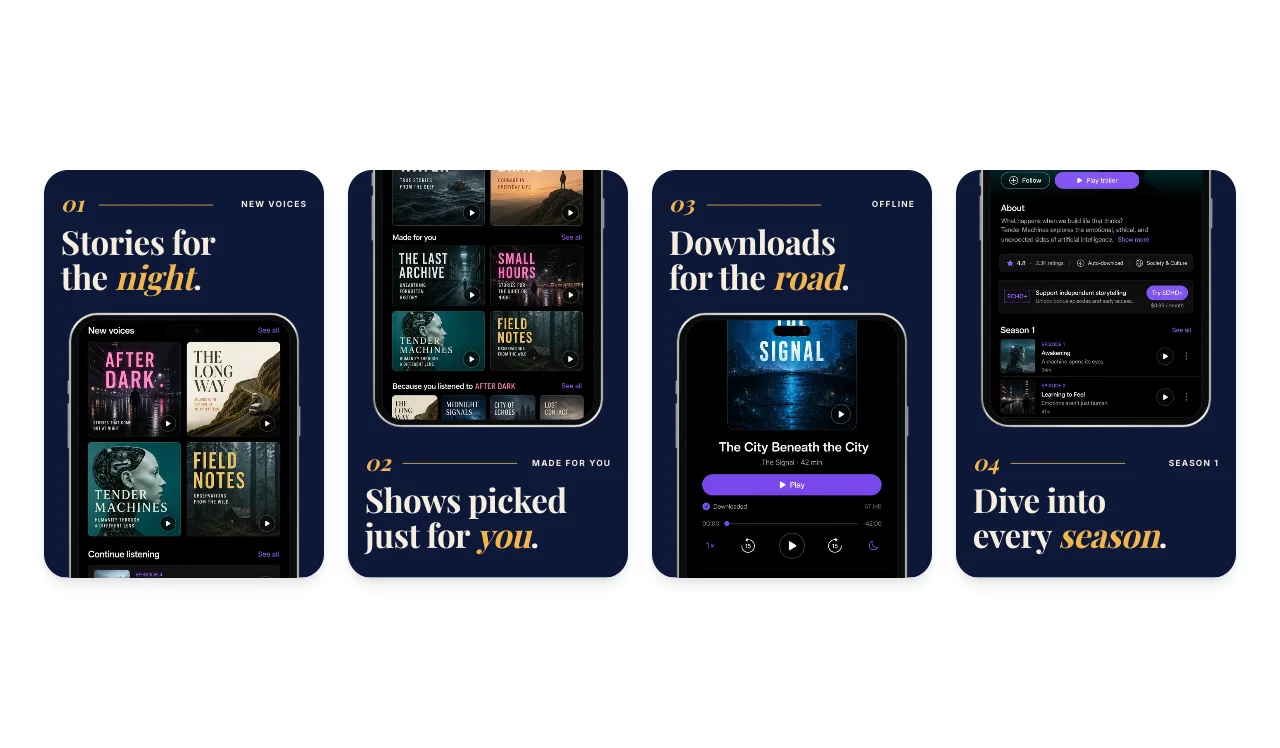
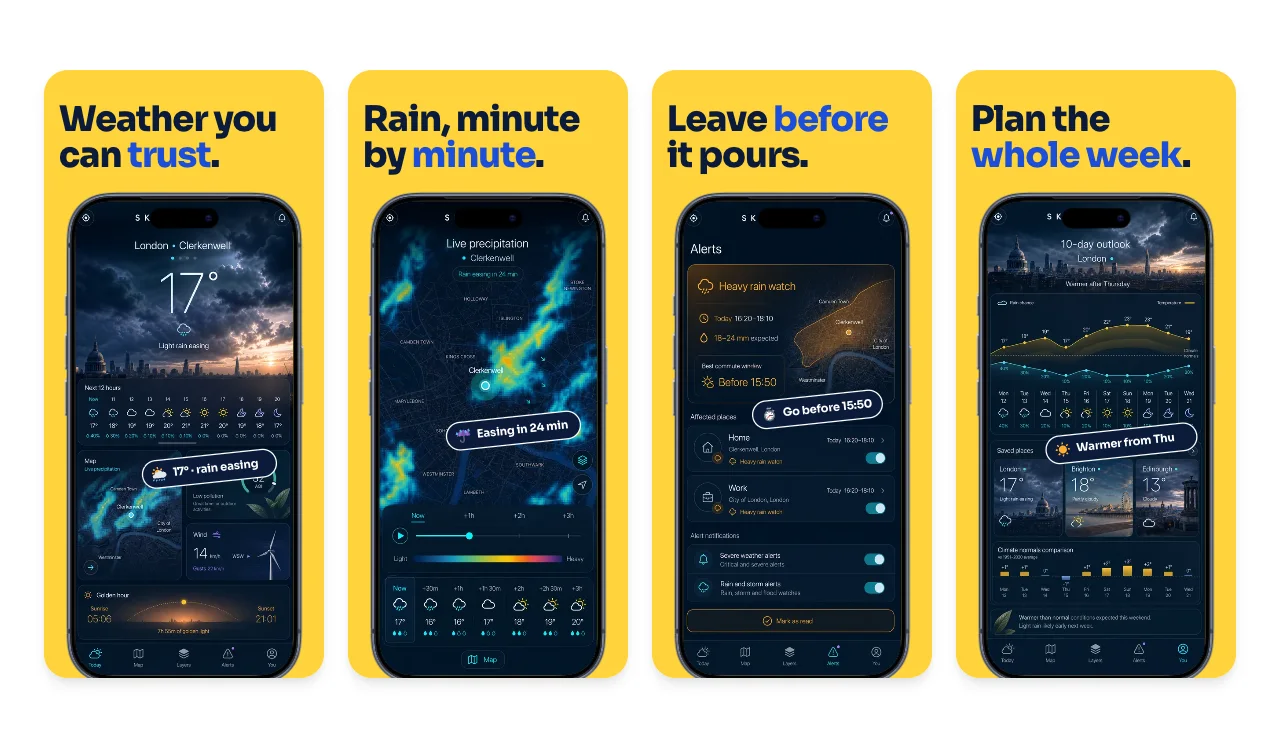
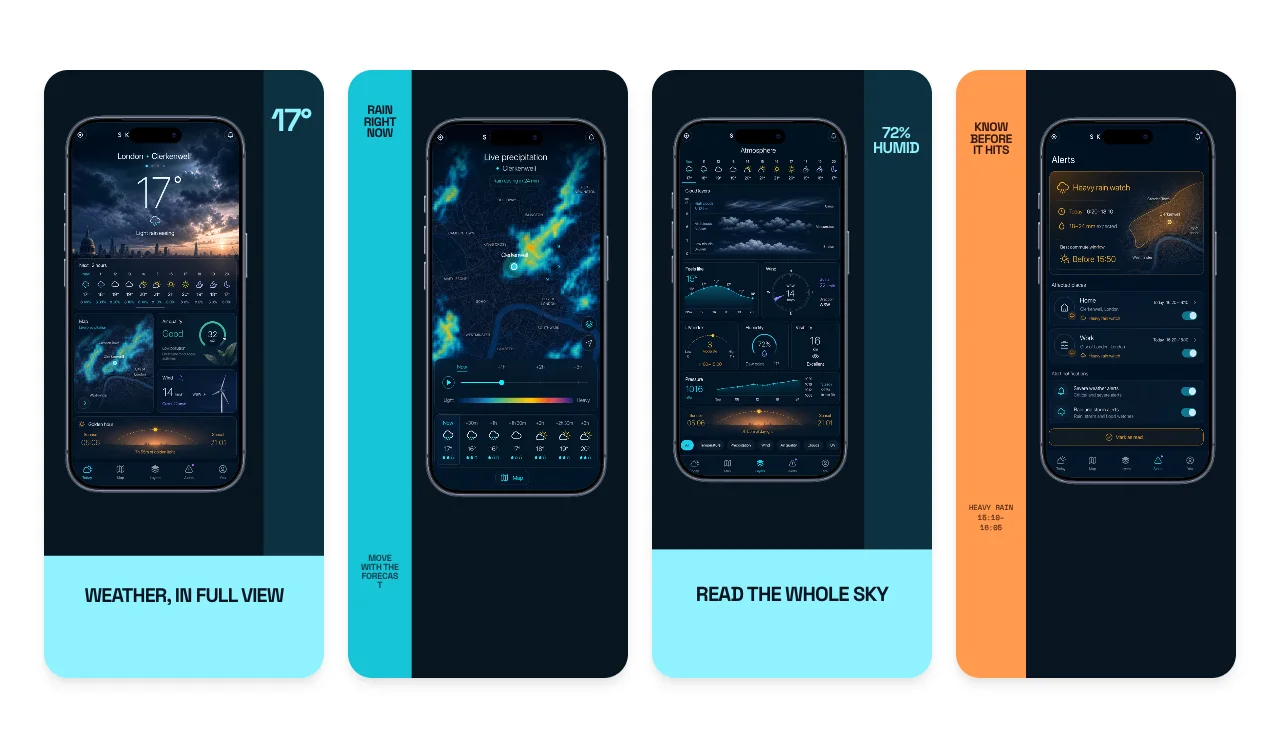
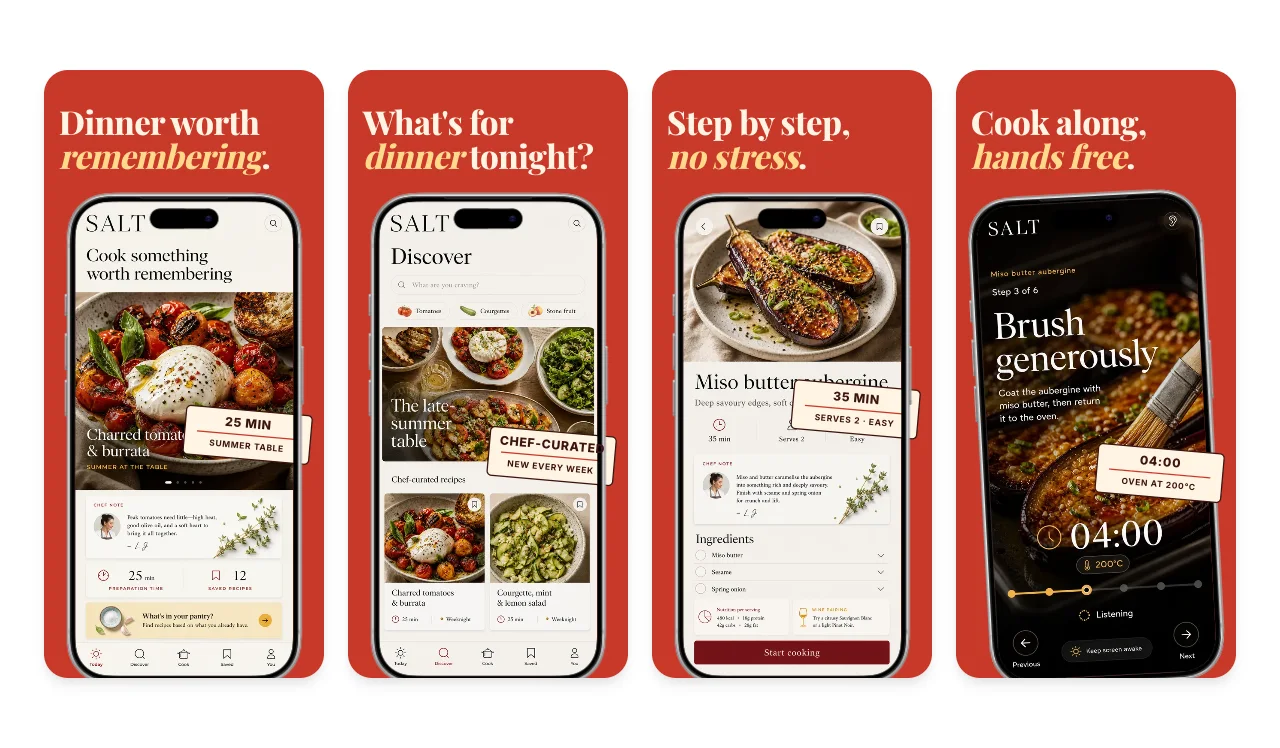
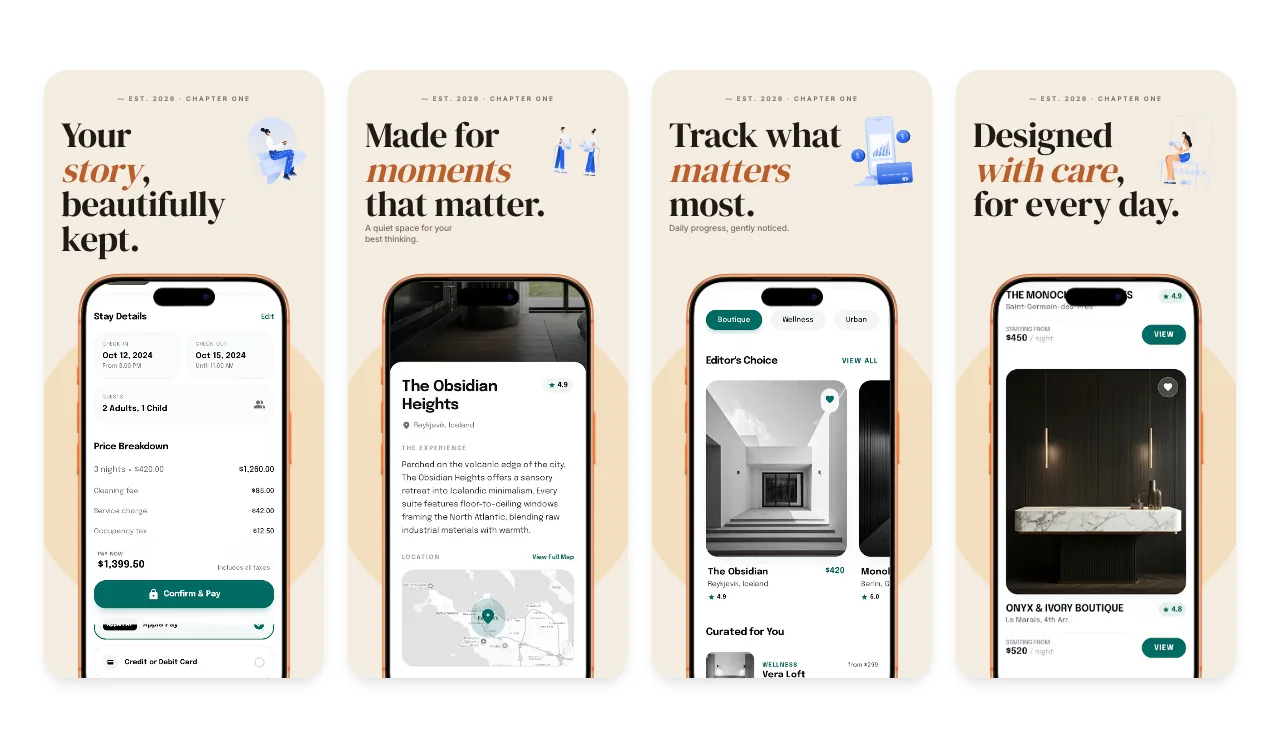
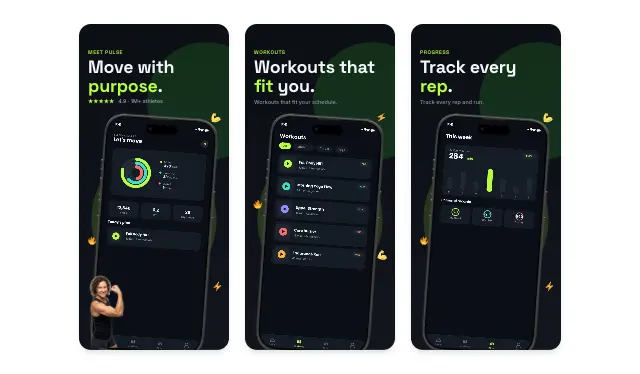
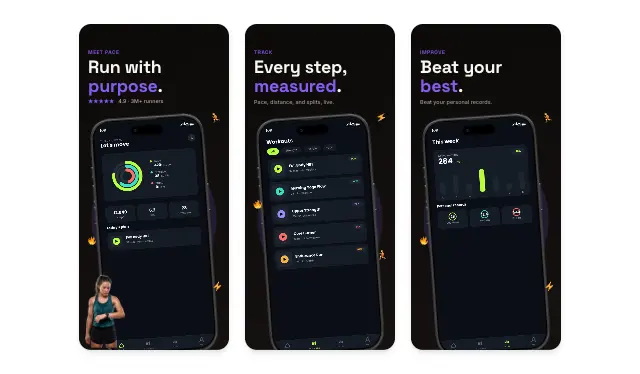
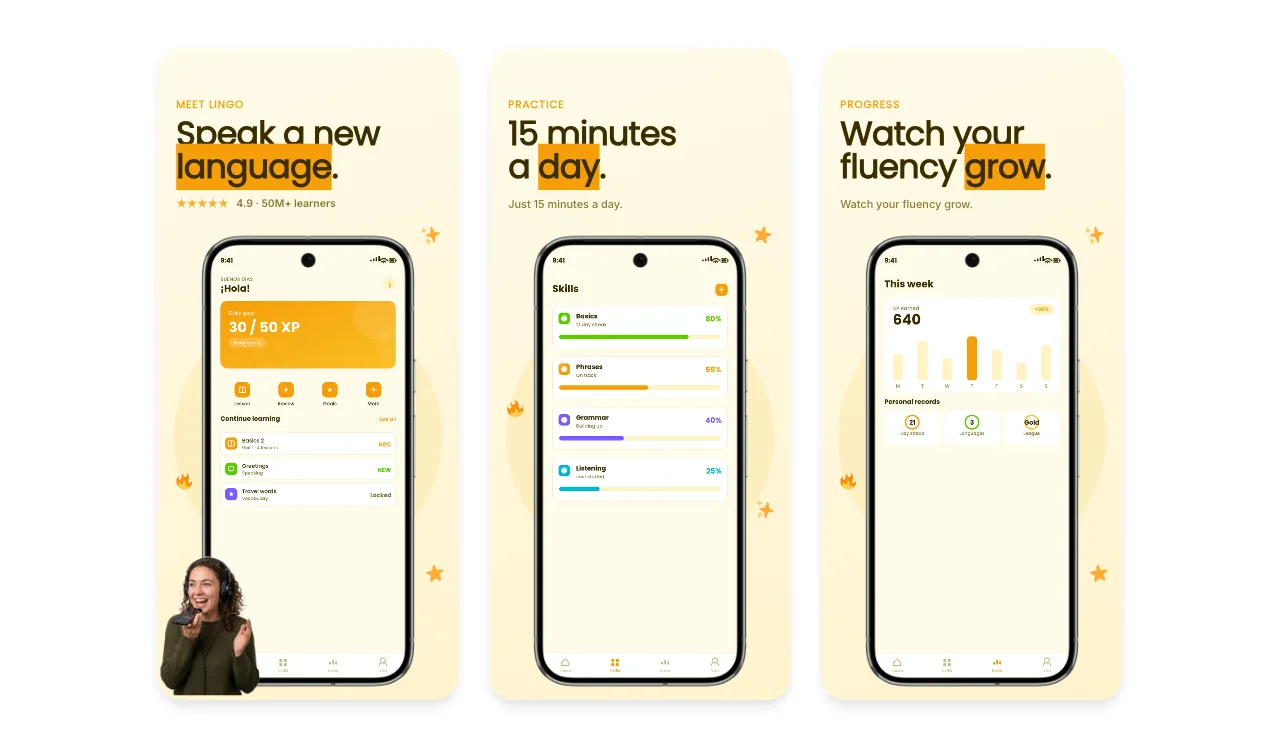
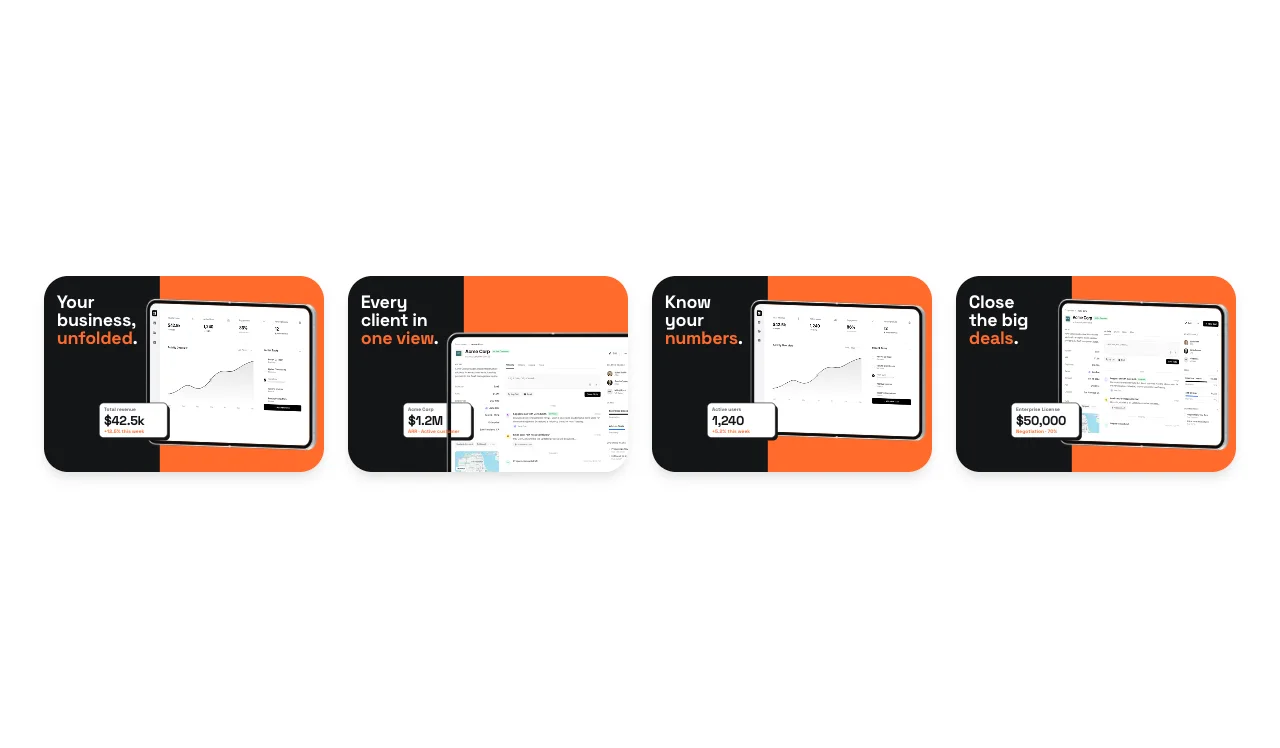
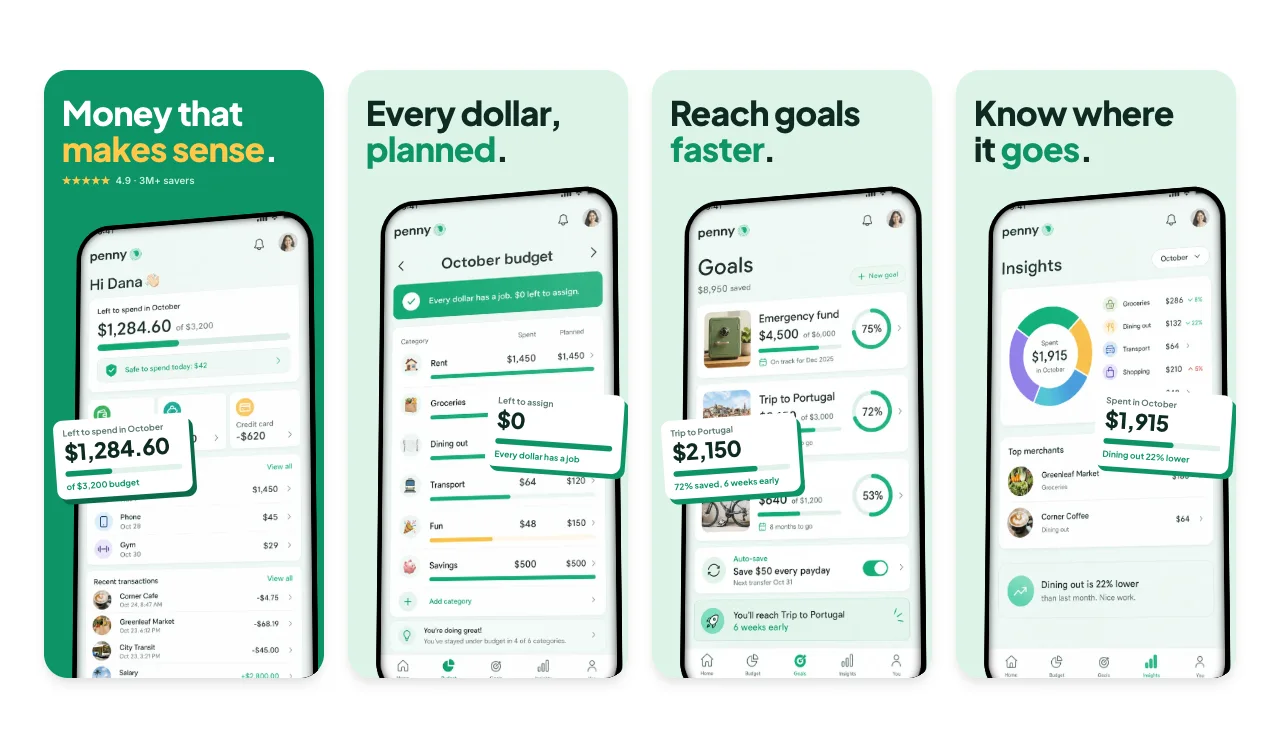
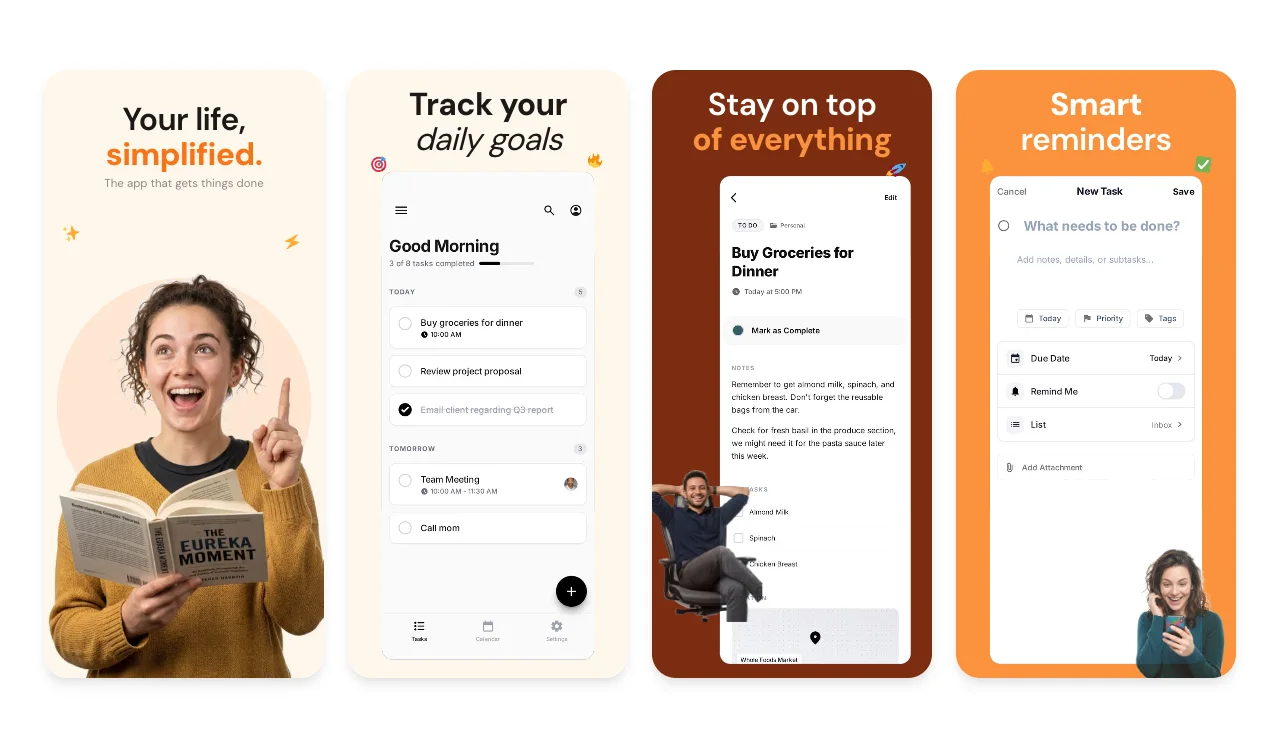
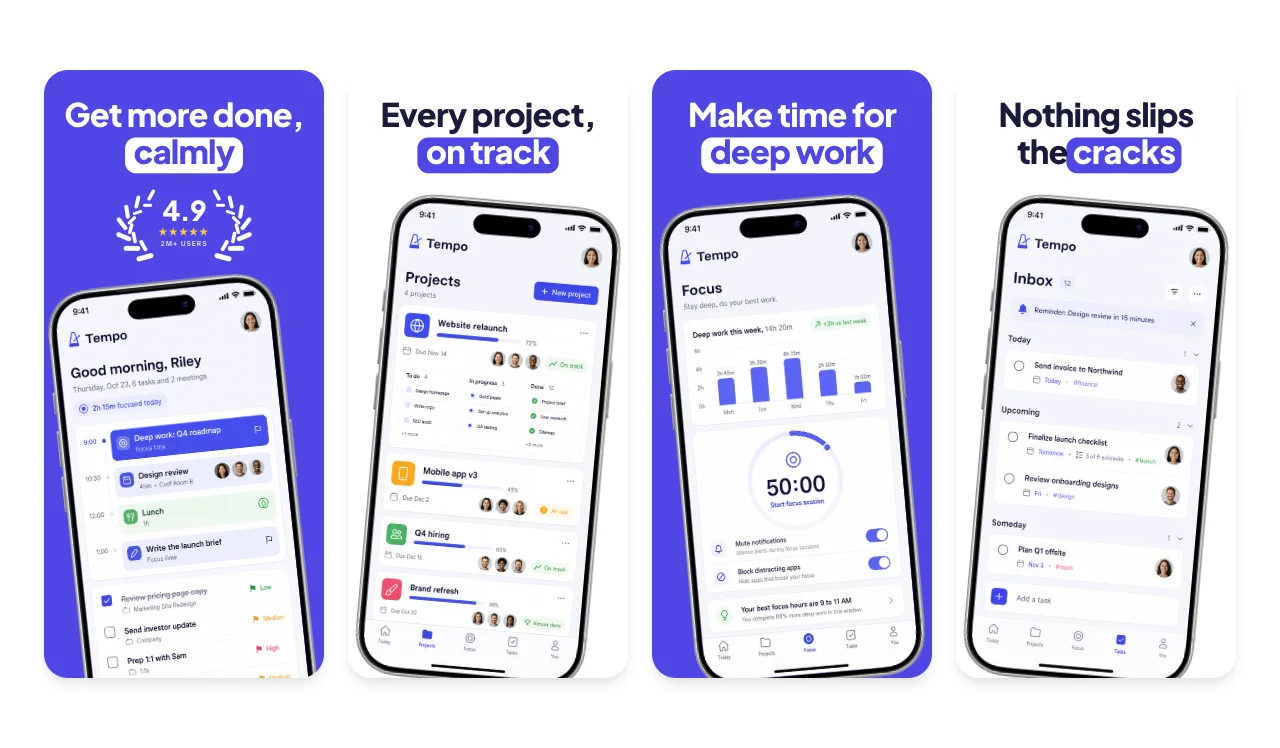
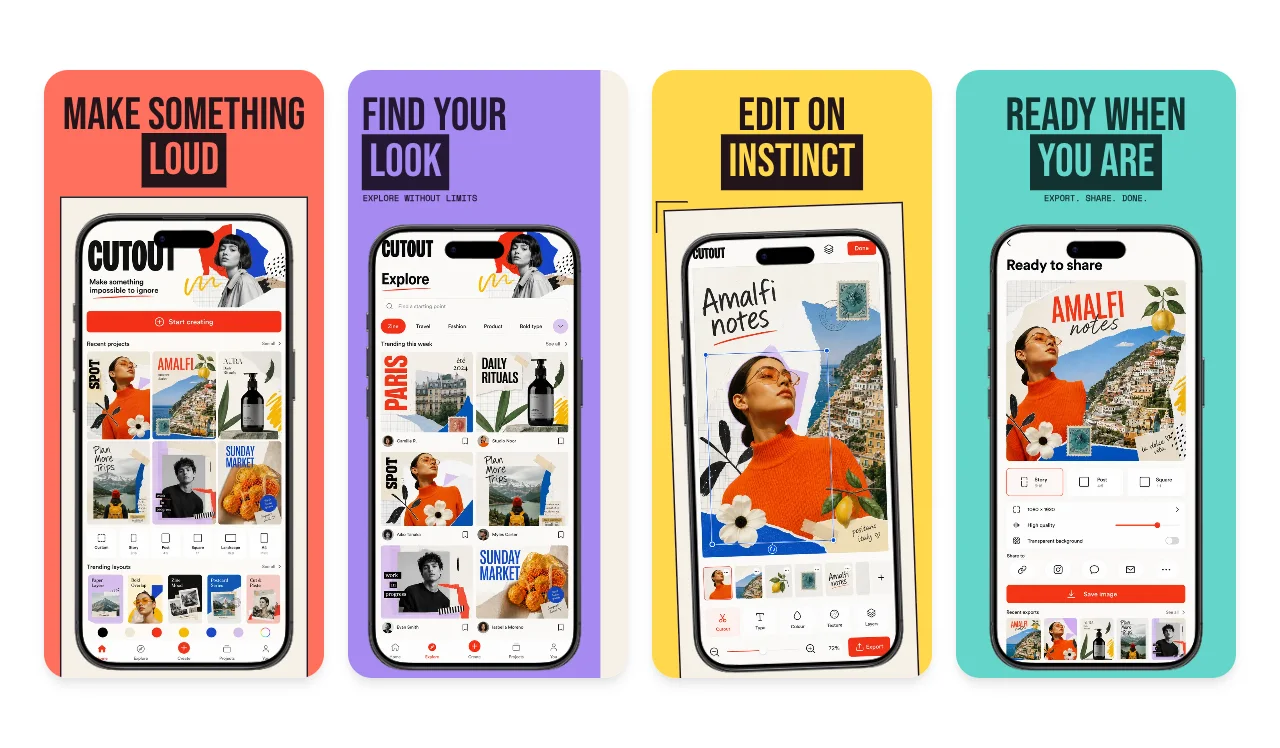
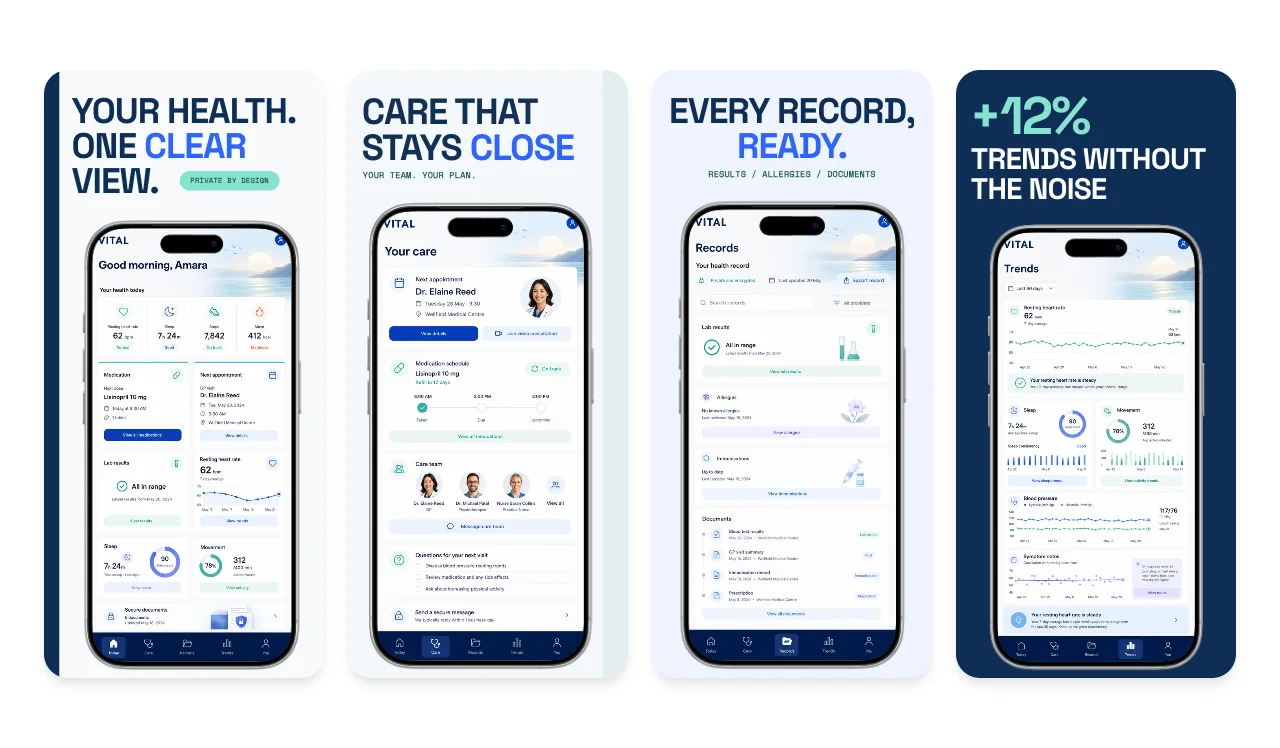
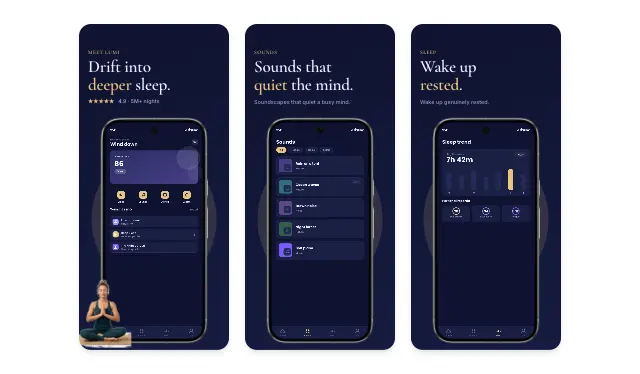
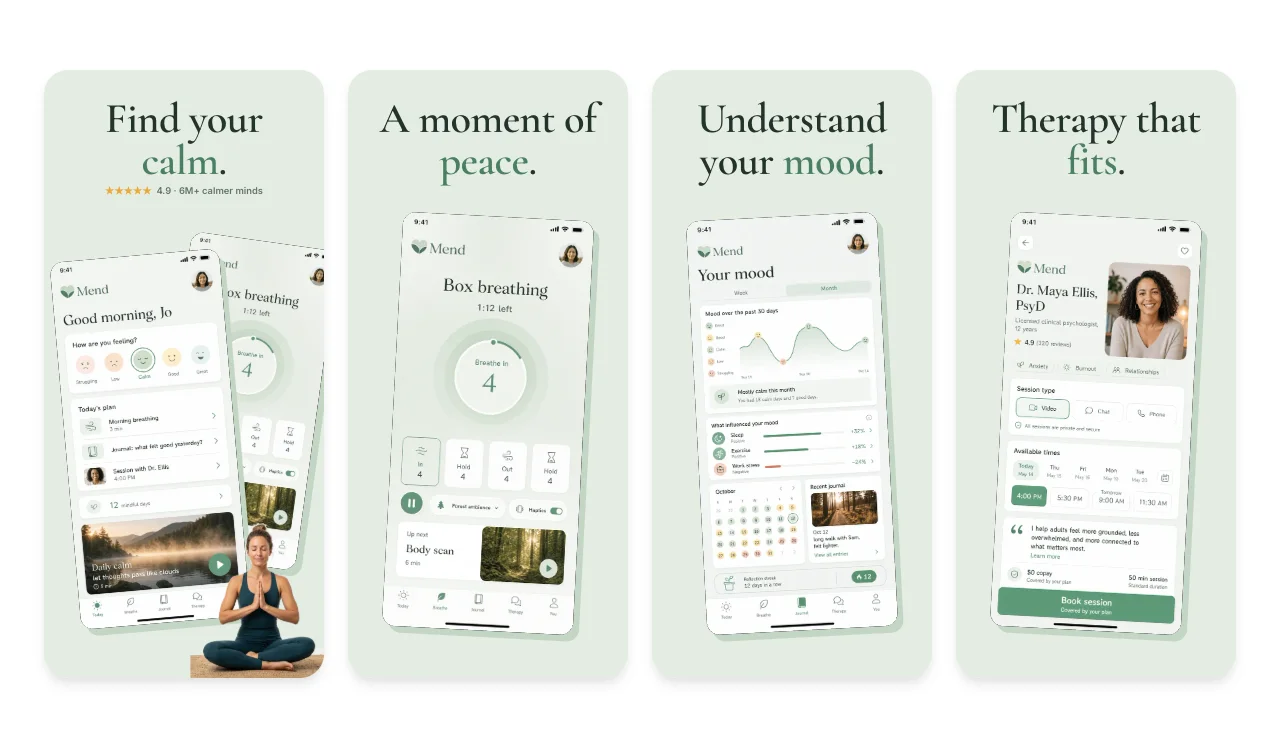
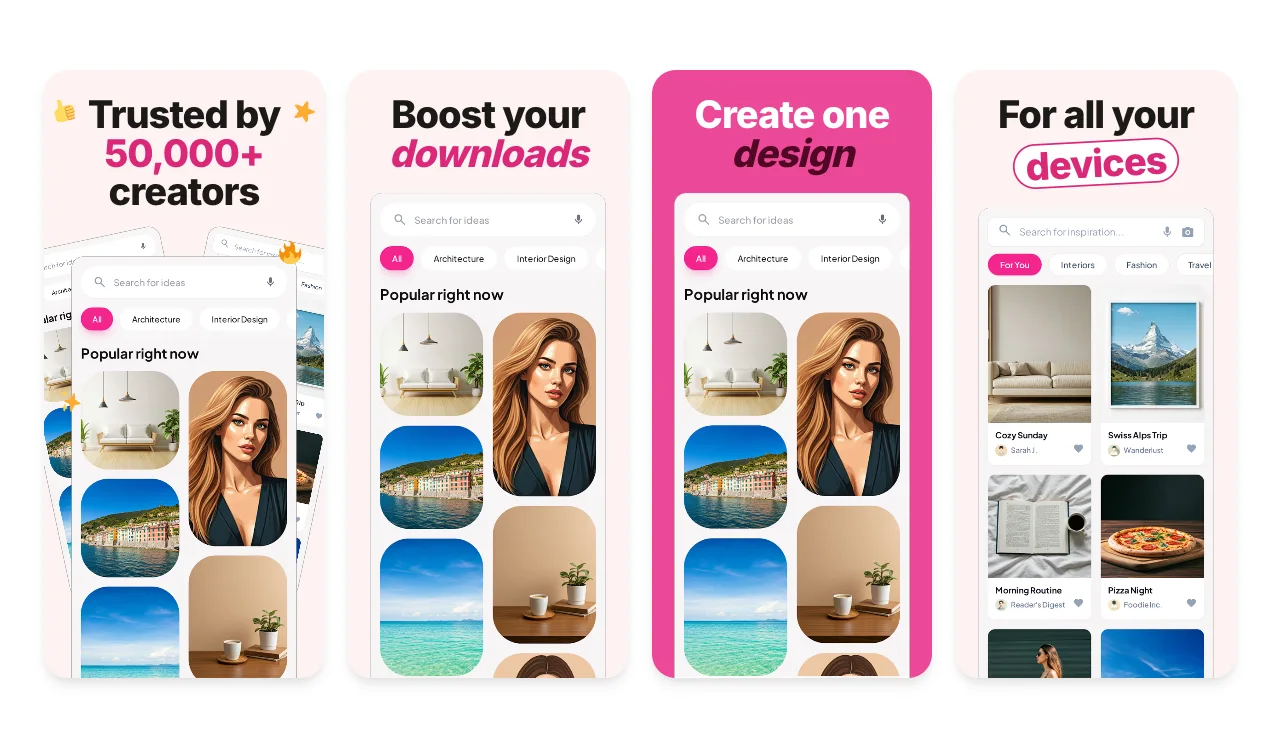
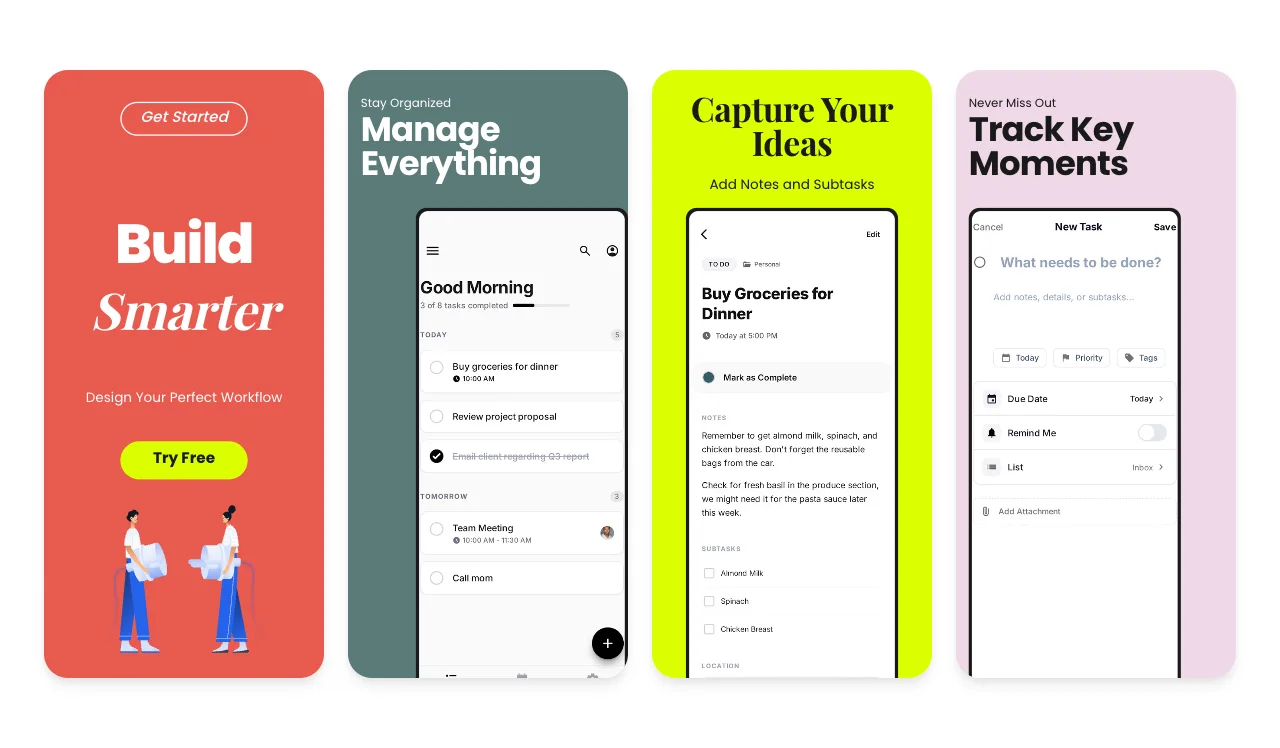
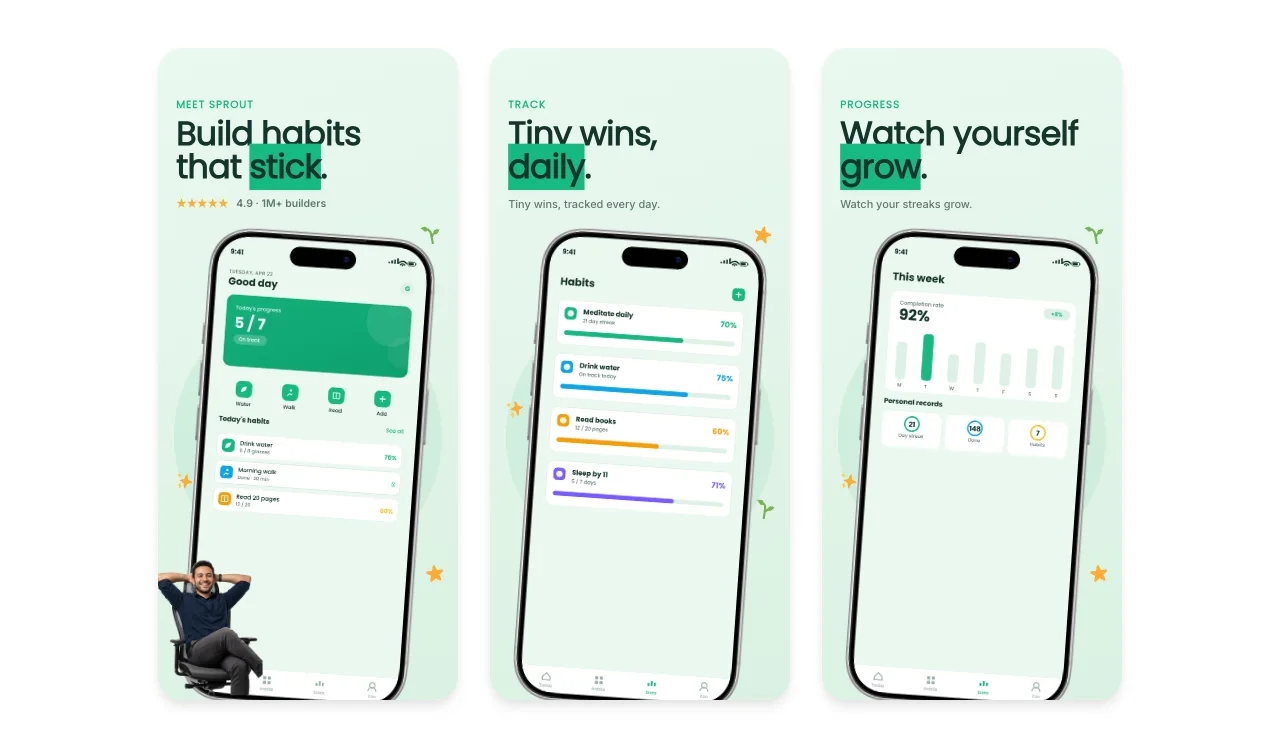
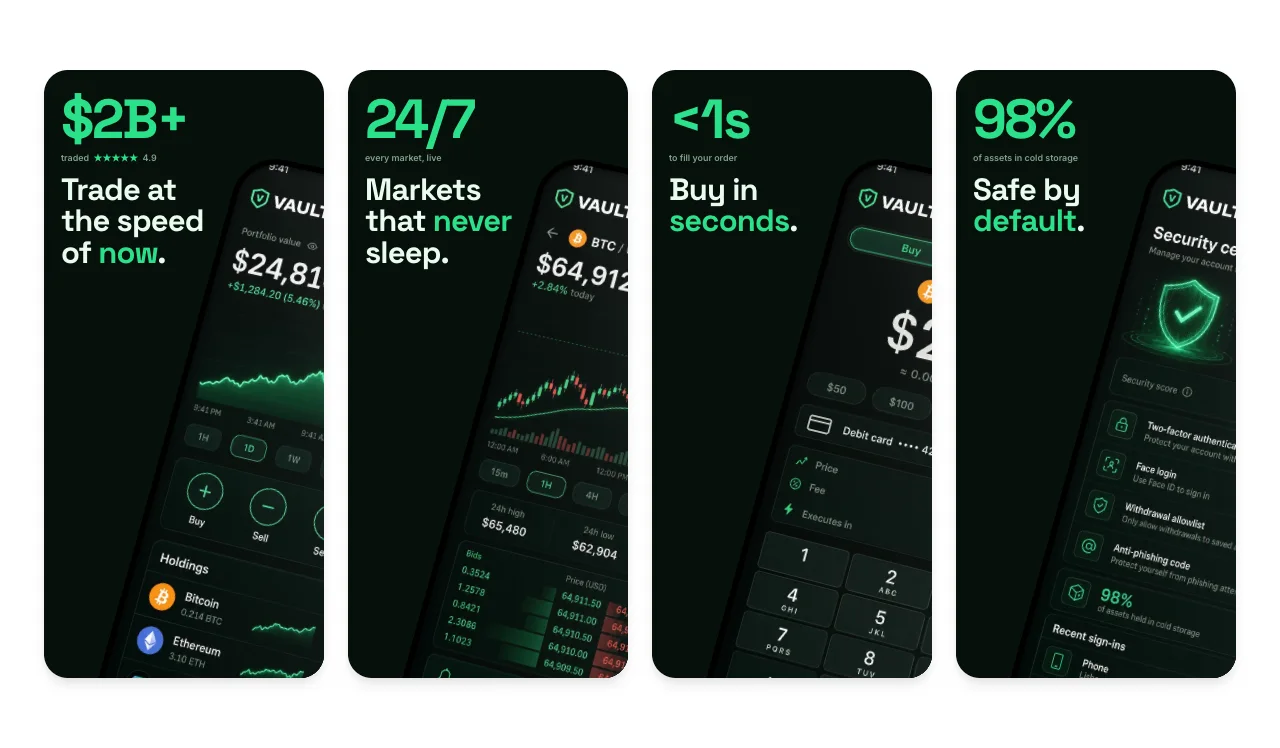
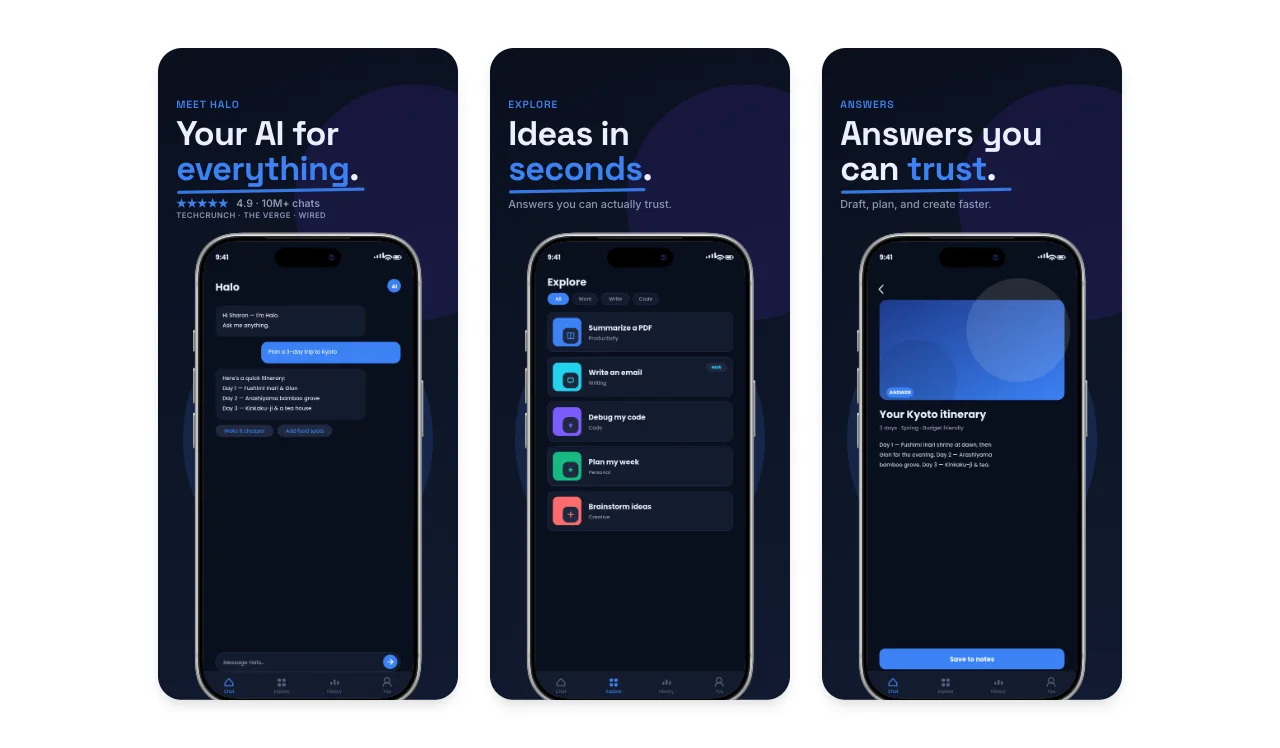
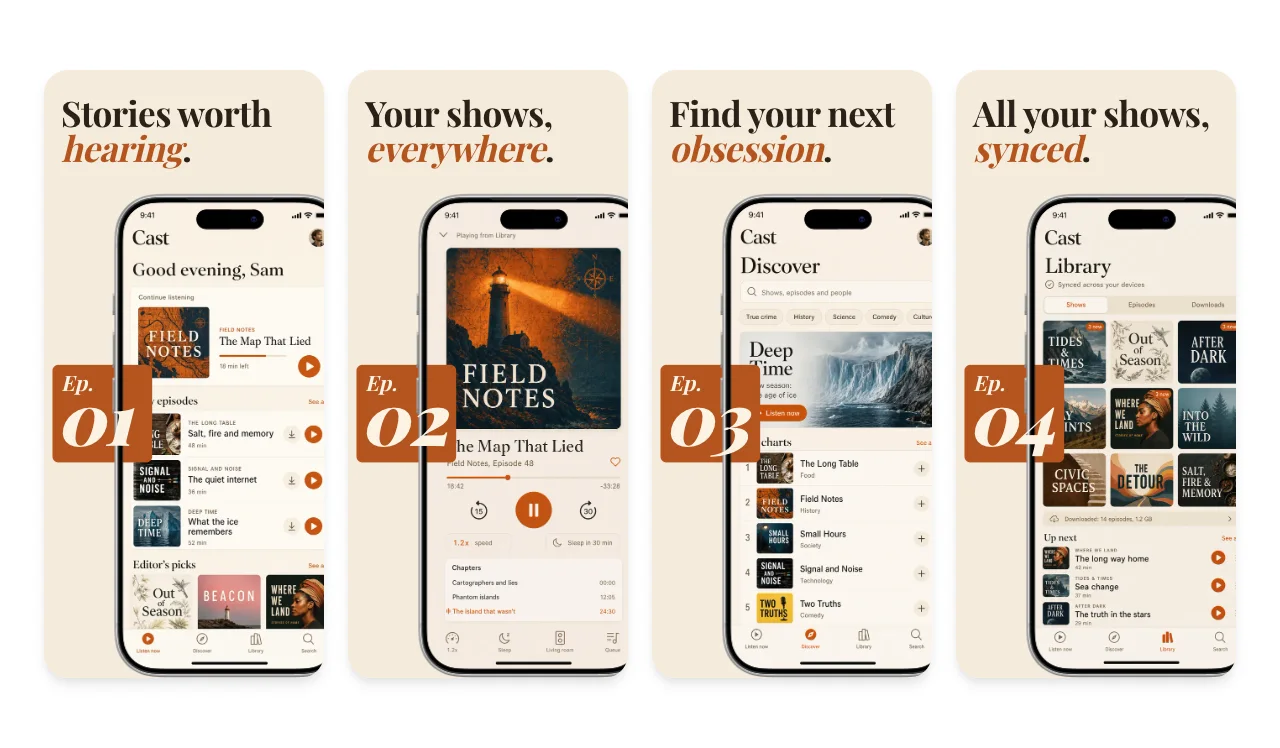
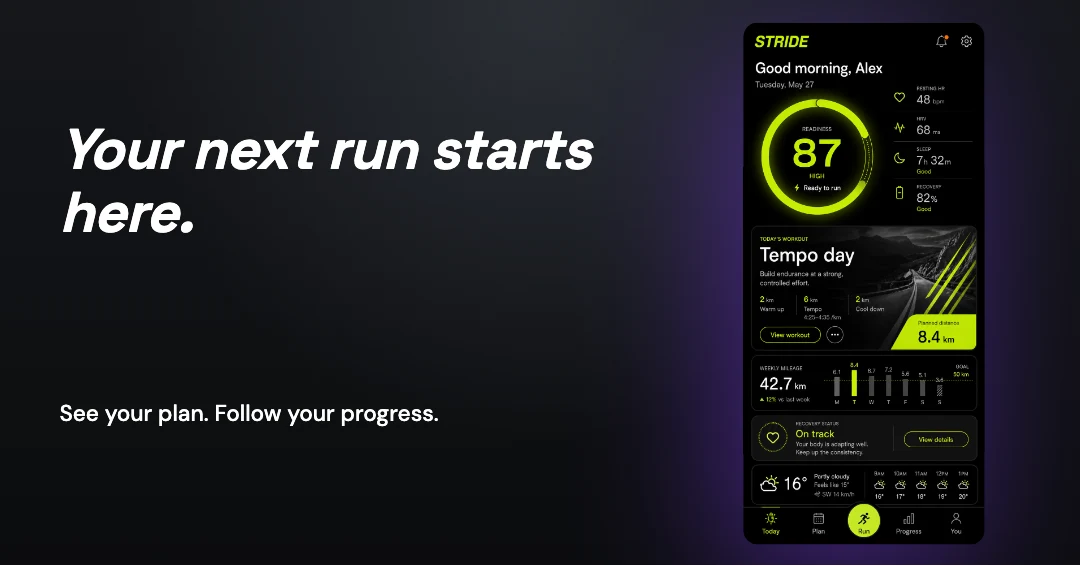
Stride · Fitness app
A training app, from first impression to store listing. App Store and Google Play sets, Apple header and search artwork, a link card and motion.
Explore the complete Stride exampleChoose a complete iOS template, replace the example screens and captions, then export the iPhone and iPad presets your listing needs from one design. Translate the same set across 16 locales or switch to the Google Play sizes.
Free includes 3 watermarked PNG exports per month. The $6 Launch Pass adds 10 clean image exports over 7 days; Pro is $12/month for ongoing releases. Compare export plans.
Loved by 3,000+ creators
Browse complete App Store screenshot sets. Replace the example screens and captions in an editable slide sequence.
No credit card required
Screenhance is a free App Store screenshot generator: choose an iPhone or iPad template, replace the screens and captions, and export PNG files at Apple's accepted sizes. One design covers sizes such as 1206 × 2622 and 1320 × 2868, in up to 16 locales. Free exports one size and language at a time with a small watermark; the $6 Launch Pass, Pro and Teams export every selected size and locale without it. Pick a template above to start.
Complete screenshot templates
Multi-slide App Store and Google Play stories, ready to edit
Apple + Google Play sizes
iPhone, iPad, Android phone, and tablet export presets
Localize in 16 locales
Per-locale captions, Arabic RTL review, and organized export folders
Device Frames
iPhone, iPad, Android bezels built in
An App Store screenshot generator creates the marketing images you submit to Apple's App Store and Google Play. Instead of plain screenshots, you can build a coordinated set with optional device frames, backgrounds, and captions while keeping every layer editable.
For example, you design one screenshot set with captions like "Track your spending" and "Set budgets instantly," then export the Apple or Google Play presets your release needs from a single design. Check the final package against the current store requirements before upload.
New to the topic? Start with the complete App Store screenshots guide — sizes, sequencing, localization, and upload troubleshooting.
Building for a particular kind of app? Browse App Store screenshot templates by app category, from finance and fitness to shopping and travel.
Read the guide: How to Create App Store Screenshots That Convert →
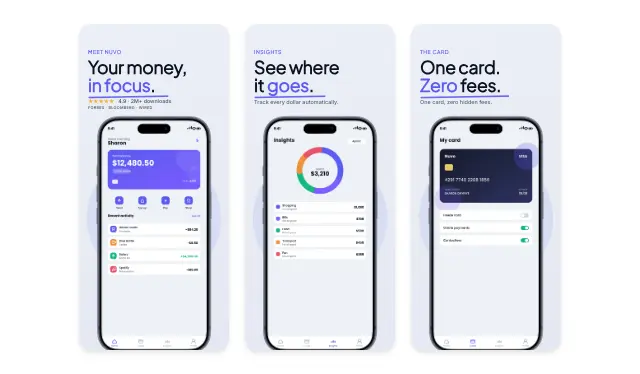
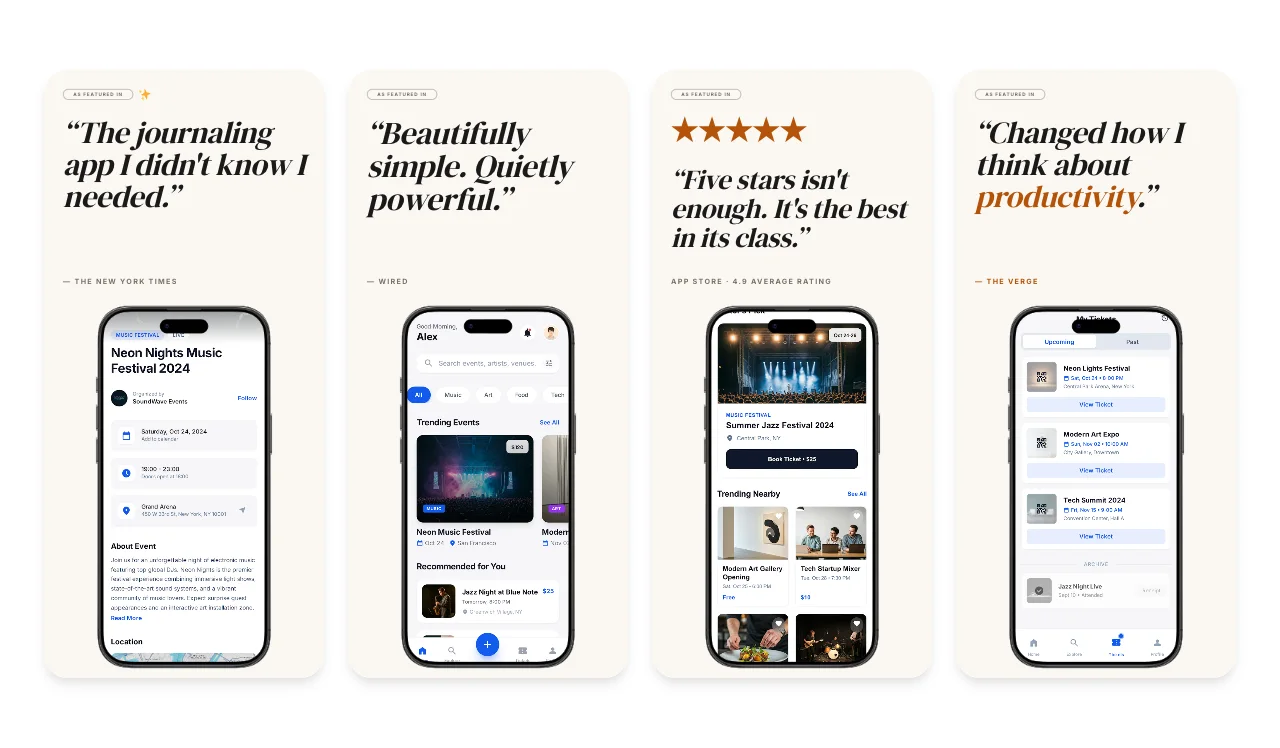
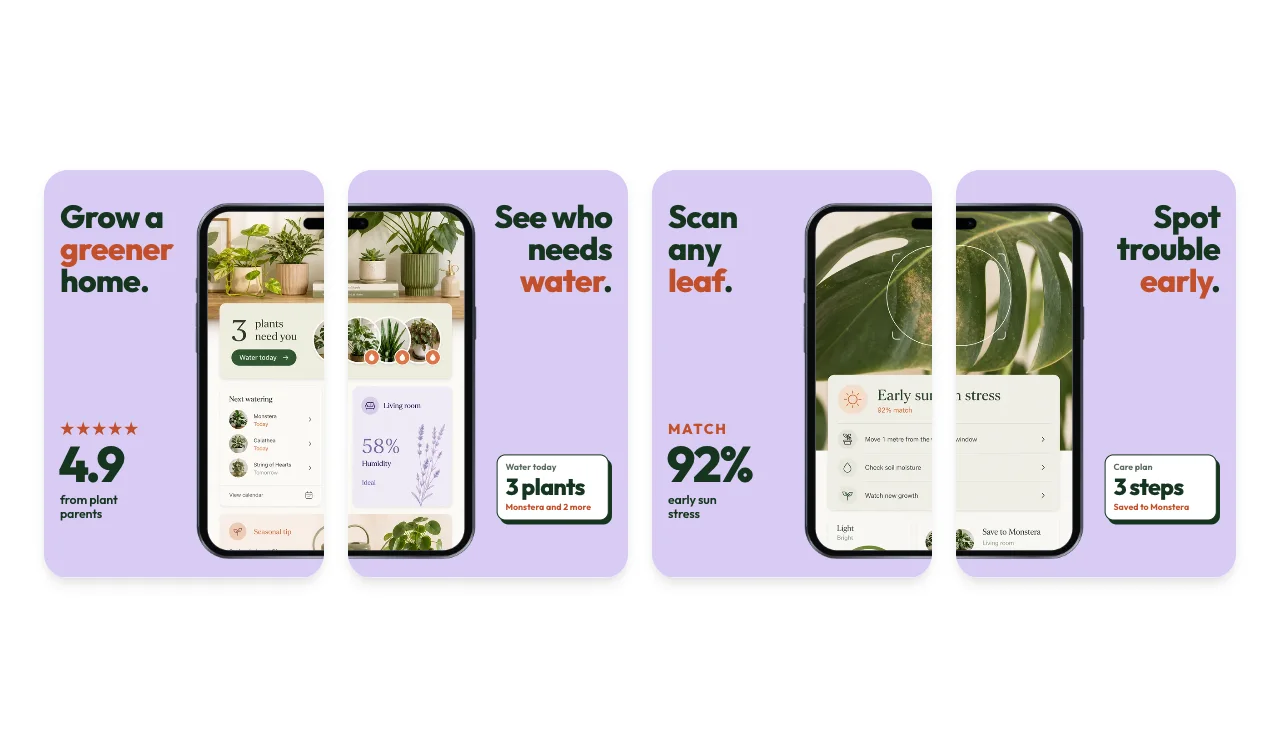
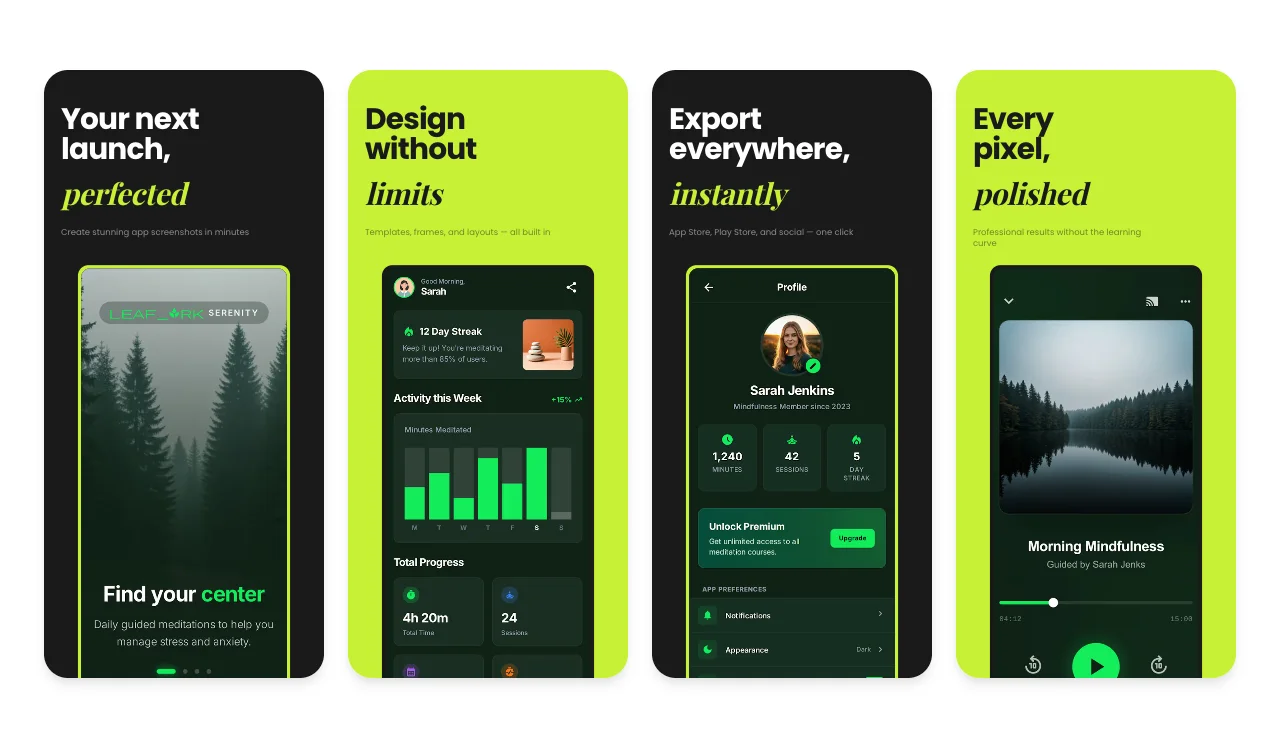
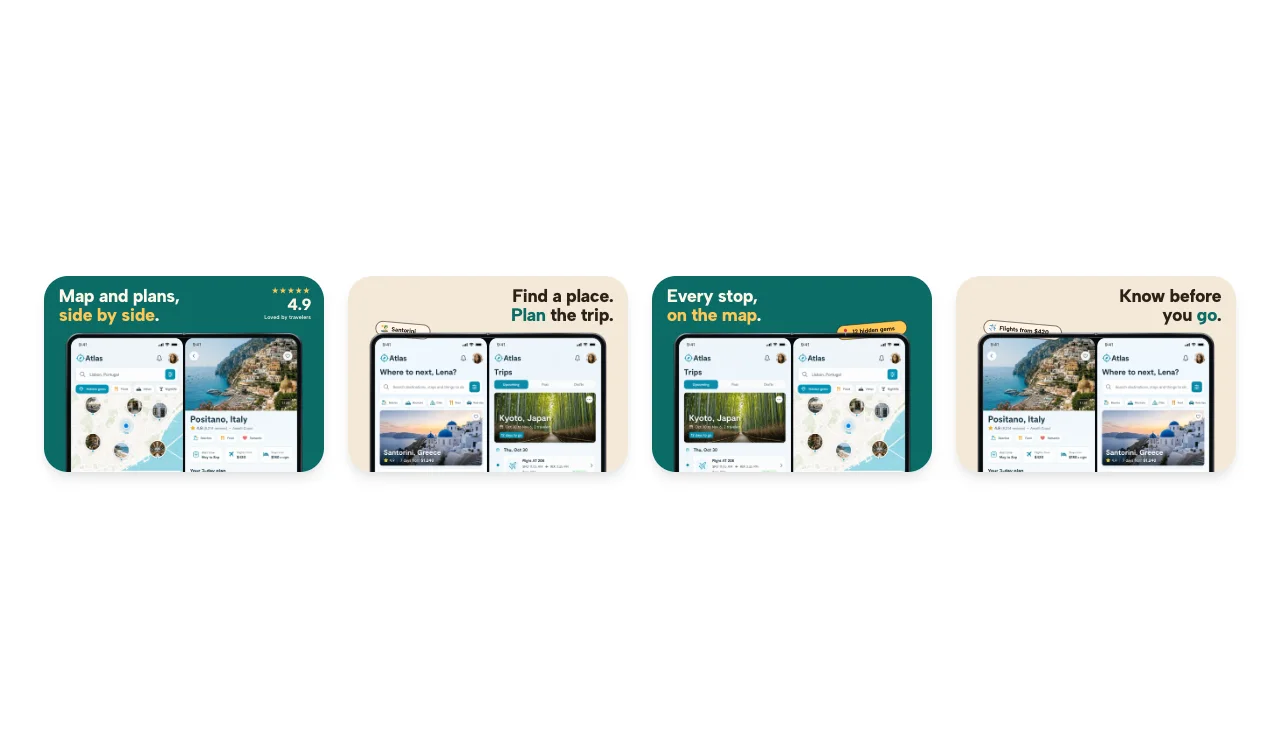
See which image goes where, then load the same screens and editable copy in Launch Kit. These are fictional product examples made with the actual editors.
A training app, from first impression to store listing. App Store and Google Play sets, Apple header and search artwork, a link card and motion.
Explore the complete Stride example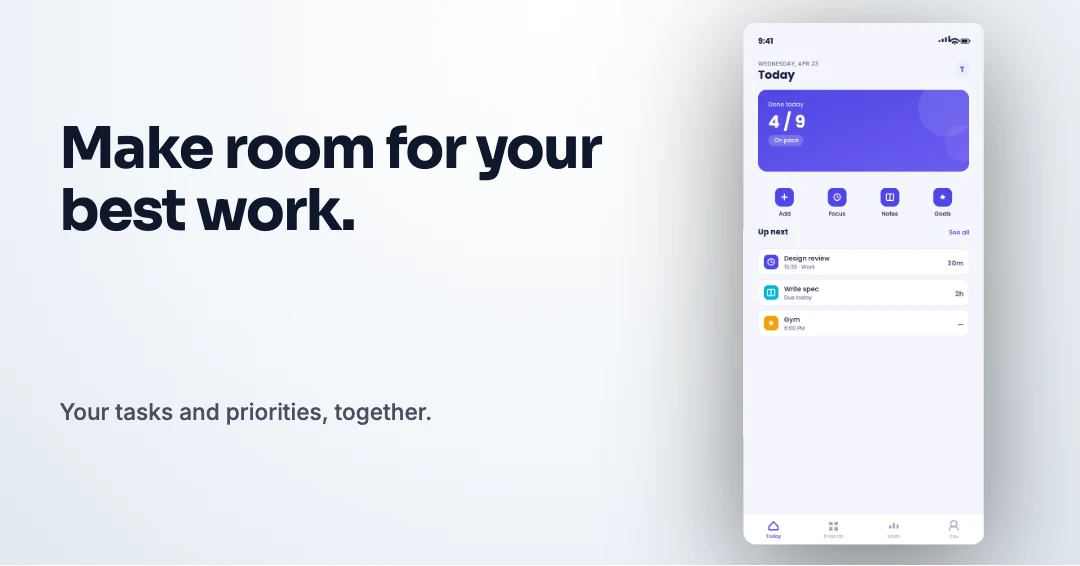
A calmer workday, across a coordinated launch. App Store and Google Play sets, Apple header and search artwork, a link card and motion.
Explore the complete Tempo exampleApple currently lists at least one iPhone with Dynamic Island (medium display) screenshot for iPhone apps, plus a 13-inch iPad screenshot if the app supports iPadOS. Check the selected submission slot and the display-scaling notes in App Store Connect.
Build one editable screenshot set, then export the current iPhone and iPad presets from the same design. Apple accepts additional pixel pairs for some display classes, so confirm the destination slot against Apple's live specification before upload.
| Device class | Devices | Portrait (px) | Landscape (px) |
|---|---|---|---|
| iPhone Duo outer | iPhone Duo outer display | 1398 × 2034 | 2034 × 1398 |
| iPhone Duo inner | iPhone Duo inner display | 2007 × 2853 | 2853 × 2007 |
| iPhone Dynamic Island (large display) | iPhone 18 Pro Max, iPhone 17 Pro Max, iPhone 16 Pro Max | 1320 × 2868 | 2868 × 1320 |
| iPhone Dynamic Island (large display) | iPhone 16 Plus, 15 Pro Max, 15 Plus, 14 Pro Max | 1290 × 2796 | 2796 × 1290 |
| iPhone Face ID (large display) | iPhone 14 Plus, 13 Pro Max, 12 Pro Max, 11 series, XS Max, XR | 1284 × 2778 | 2778 × 1284 |
| iPhone Dynamic Island (medium display) | iPhone 18 Pro, 17 Pro, 17, 16 Pro, 16, 15 Pro, 15, 14 Pro | 1206 × 2622 | 2622 × 1206 |
| iPhone Home Button (large display) | iPhone 8 Plus, 7 Plus, 6S Plus, 6 Plus | 1242 × 2208 | 2208 × 1242 |
| iPad 13" | iPad Pro (M5/M4 and supported generations), iPad Air (M4/M3/M2) | 2064 × 2752 | 2752 × 2064 |
| iPad 13" | iPad Pro (M5/M4 and supported generations), iPad Air (M4/M3/M2) | 2048 × 2732 | 2732 × 2048 |
Source: Apple's current screenshot specification. Getting the “screenshot dimensions are wrong” error in App Store Connect? See how to fix App Store screenshot dimensions, or check your screenshot size before you upload. For the full device reference, read the App Store screenshot dimensions guide for 2026.
Drop your screenshots to confirm each one matches an accepted App Store size before you upload.
Check the pixel size and file format for App Store screenshots. Files stay in your browser and are not stored.
This checks dimensions and file type only. Check the selected display slot, colour profile, transparency and artwork separately. A matching size does not guarantee store approval.
Specifications checked 2026-10-13. Apple’s source requirements.
Just want the checker? Open the App Store screenshot size checker.
Build one set, then select the iPhone, iPad, or Google Play outputs your release needs. See the iPhone and iPad presets available in Screenhance in the export preset table above.
Place screenshots in an optional device frame, or leave the interface unframed. Need a single framed device shot? Use one of the dedicated generators:
Google Play accepts a range of screenshot dimensions and has placement-specific requirements. Verify the current rule in Play Console. Building for Android too? Open the Play Store screenshot generator. Preparing the iOS submission? Check the App Store Connect screenshot requirements.
Keep the design consistent across every slide while the value unfolds one screen at a time.
Start with a visual system built for a full App Store or Google Play sequence, not a disconnected single screen.
Replace every placeholder with your interface, edit the captions, and keep one visual rhythm across the whole set.
Download the Apple or Google Play presets your release needs, then adapt the same design across enabled locales without rebuilding it.
Screenhance keeps the screenshots, captions, frames, sizes, and localized variants connected so a release still feels like one product.
Tell the full value story in the order customers will see it.
Export iPhone, iPad, Android phone, and tablet presets from one design.
Adapt captions per locale and review Arabic in its right-to-left layout.
Export store screenshots without the alpha channel Apple rejects.
Build with the same templates and editing tools on every plan. The plan changes the export allowance, watermark, and whether one export can include multiple sizes and locales.
$0
Three watermarked PNG exports at 1× each month. Export one selected size and locale at a time.
$6 once
Ten clean image exports over seven days, with multi-size and multi-locale store export included.
$12 monthly
Unlimited clean image exports, with multi-size and multi-locale store export included. Yearly billing is also available.
Store screenshots export as opaque PNG files. Follow the App Store Connect upload walkthrough to place each size and locale in the correct slot. See the complete pricing details. Need video too? Edit an app demo video in Studio, then check Apple's current App Preview requirements before uploading it.
It surpassed what I expected. The flow is direct, with great layouts and templates for screenshots.
Clean, easy to use, and I especially love the one-week pass.
The subtle motion adds a premium feel without becoming distracting.
It looks great. I really like the pricing, especially being able to try it without entering a card.
Well designed and useful for decks and product launches.
Apple accepts several exact pixel pairs for each display class. The currently required medium Dynamic Island group accepts 1179×2556 or 1206×2622 portrait files. The large Dynamic Island group accepts 1260×2736, 1290×2796, and 1320×2868; the 13-inch iPad class includes 2064×2752 and 2048×2732. Check the current Apple specification and the target App Store Connect slot before export.
Confirm that the pixel pair and orientation match an accepted size for the selected display class, that the file is JPEG or PNG, and that it has no alpha channel. The size checker can identify accepted dimensions before you upload.
Apple currently allows a minimum of one and a maximum of ten screenshots per supported device class. Use only the slides needed to explain the app, and verify the current limit in App Store Connect before submission.
Yes. This app screenshot maker exports Google Play and Android sizes as well, including phone portrait (1080×1920), landscape, and tablet formats — from the same design you use for the App Store.
Yes. The free plan includes all templates and core editing tools plus three watermarked PNG exports at 1× each month. Launch Pass adds ten clean image exports over seven days, including multi-size and multi-locale export. Pro includes unlimited clean image exports.
Both. Choose a complete multi-slide template when you want a faster starting point, or open a blank canvas and build your own App Store or Google Play screenshot set. Every layer, caption, color, frame, and screenshot remains editable.
No. Add your product screenshots to a ready-made set, replace the captions, choose an optional device frame, and export the iPhone or iPad presets your release needs. Every layer remains editable when you want more control.
Yes. Screenhance keeps the design consistent while you adapt captions across 16 locales, preview Arabic right-to-left layout, and export the Apple or Google Play presets you choose for each enabled locale.
Generate your App Store screenshots, Product Hunt gallery, OG image, and website hero together from one brief.
Continue preparing the same App Store, Google Play, or Chrome listing.
Check screenshots against Google Play's accepted range
Start creatingResolve the App Store Connect wrong-dimensions error
Start creatingLocalize App Store screenshots in 16 locales
Start creating1024×500 Google Play feature graphics
Start creatingPromo tiles, marquee, and screenshots
Start creatingScreenshot sets by app category, from finance to travel
Start creatingStart with an editable set, replace the sample screens, and review the message, order, locale, and dimensions before upload.