Use Cases
Every marketing image you need to launch — mockups, App Store screenshots, OG images, Product Hunt gallery visuals, and website hero images. One tool, no design skills needed.
Loved by 2,000+ creators
Pick a template, drop in your screenshots, customize, and export.
Stop juggling Figma, Canva, and Photoshop. Create every launch visual from one place.
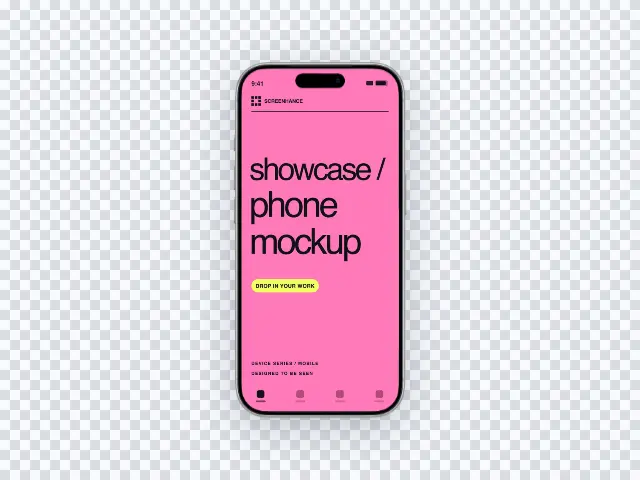
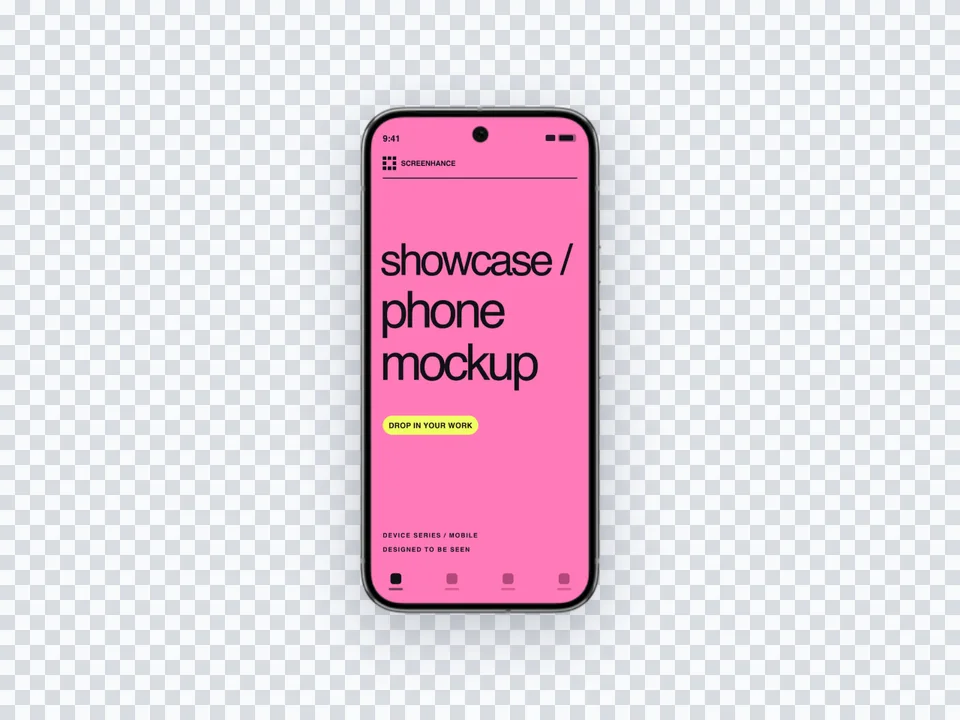
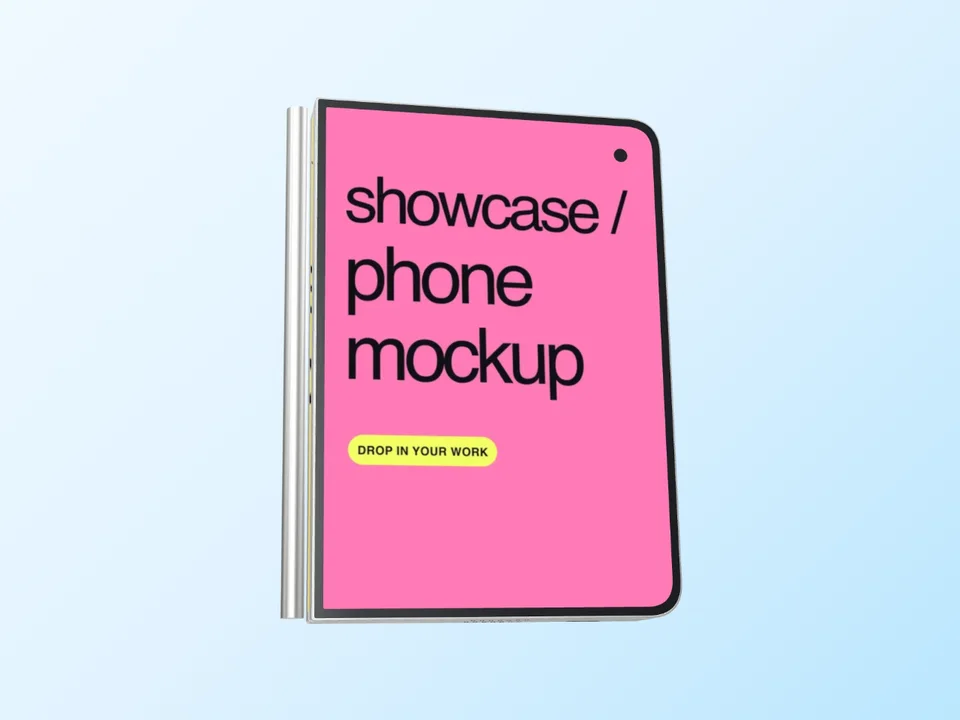
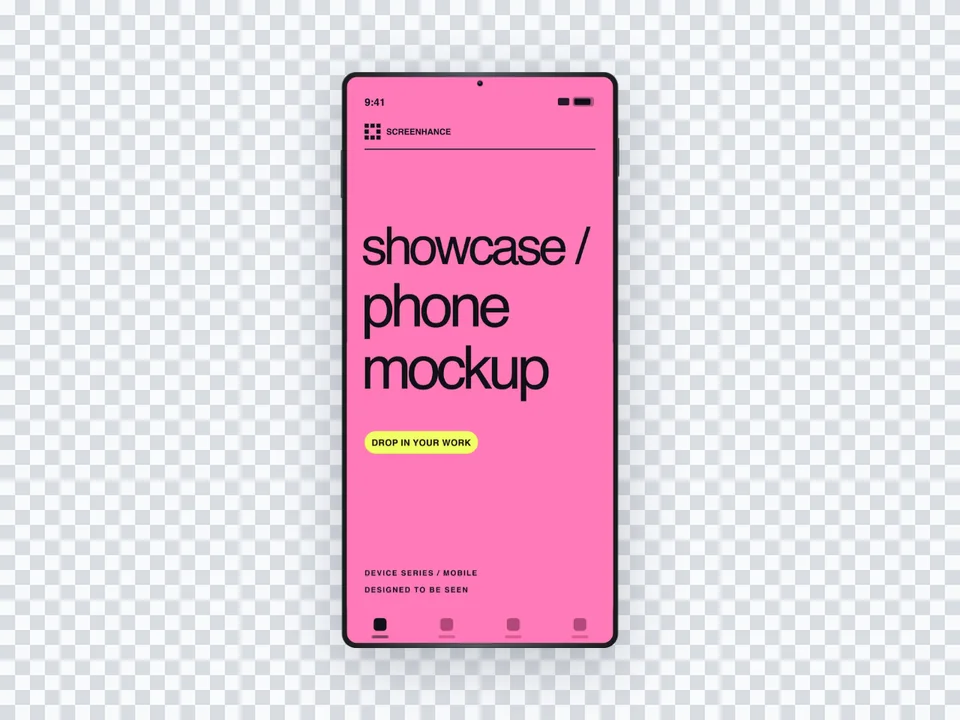
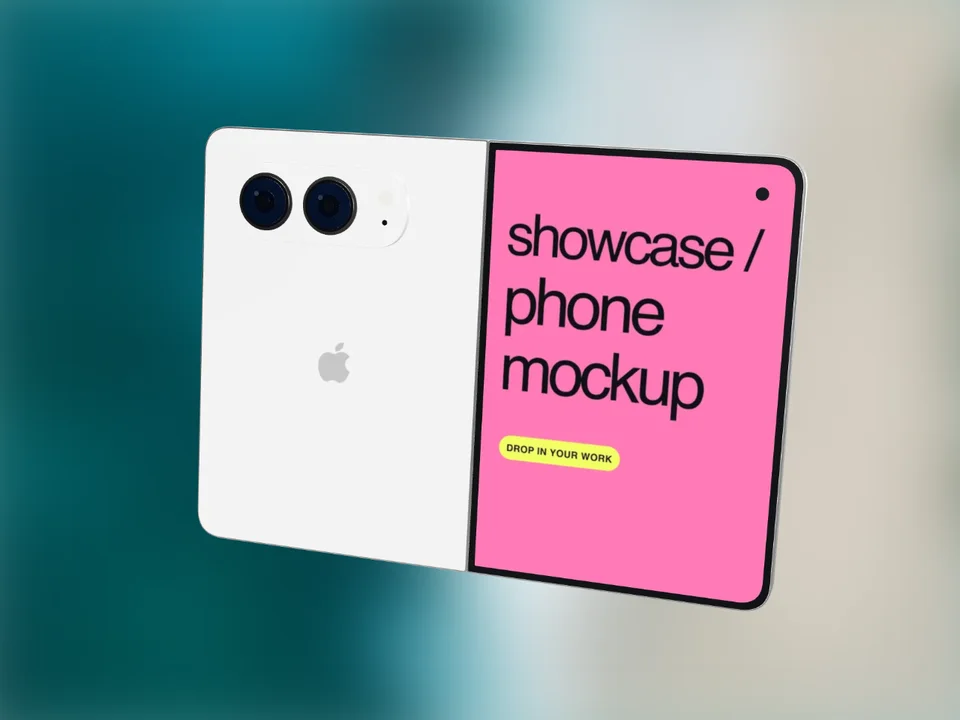
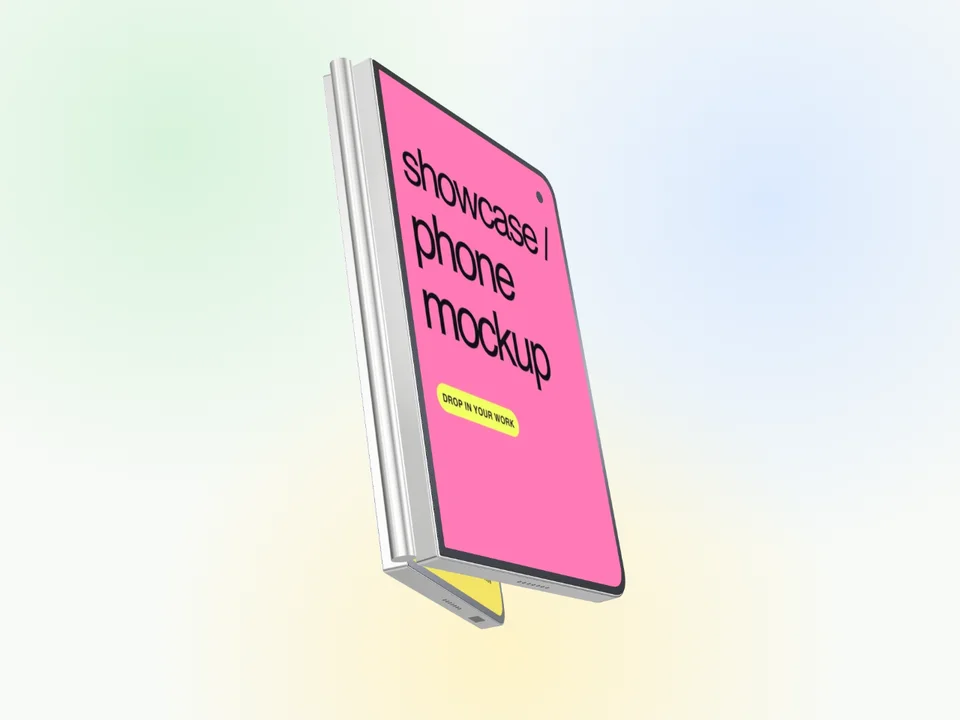
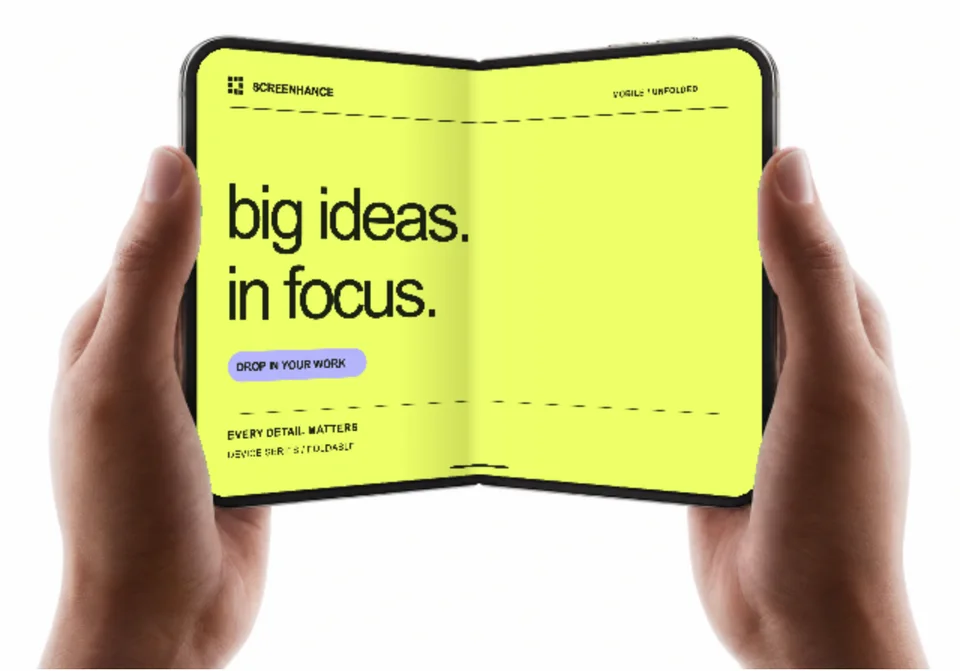
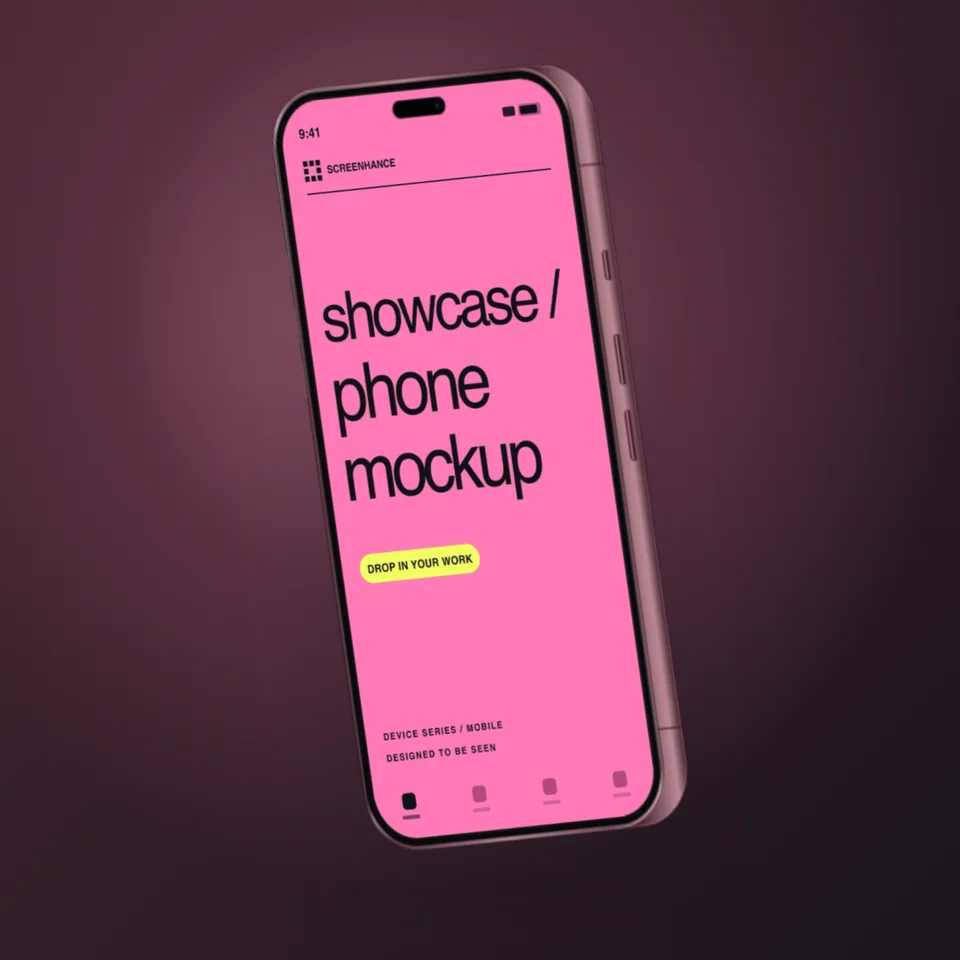
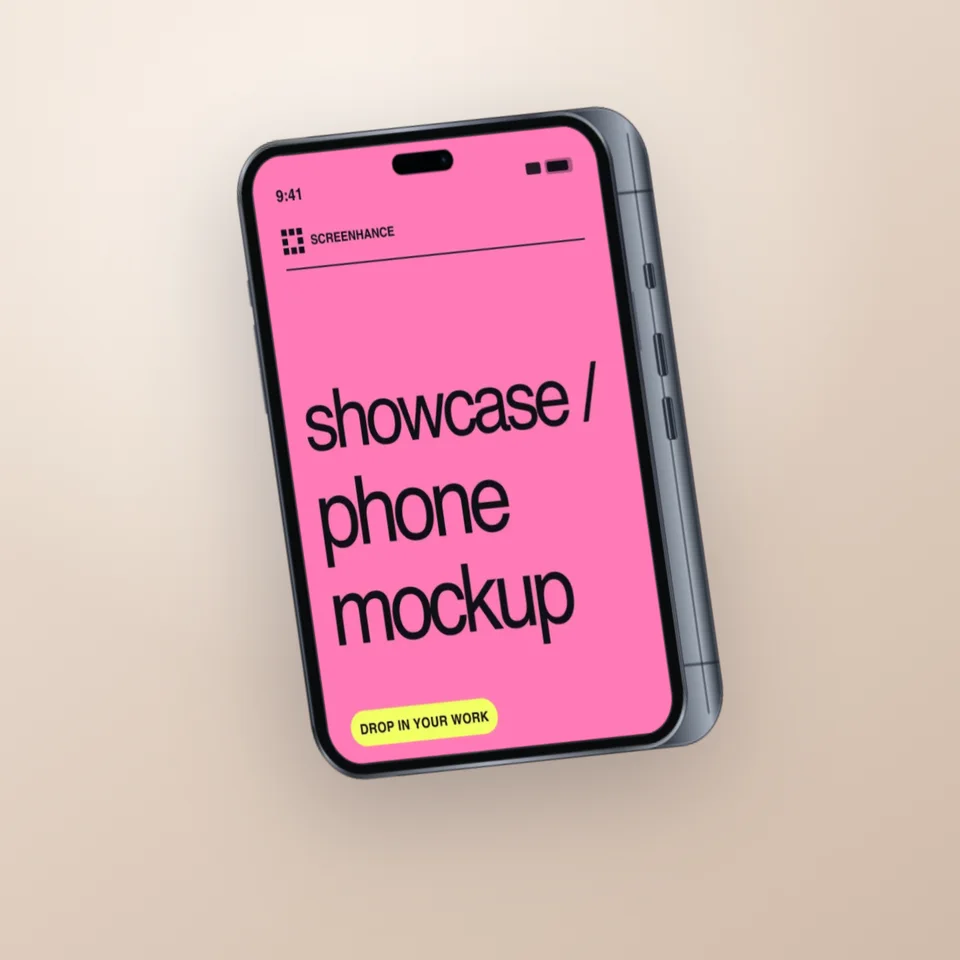
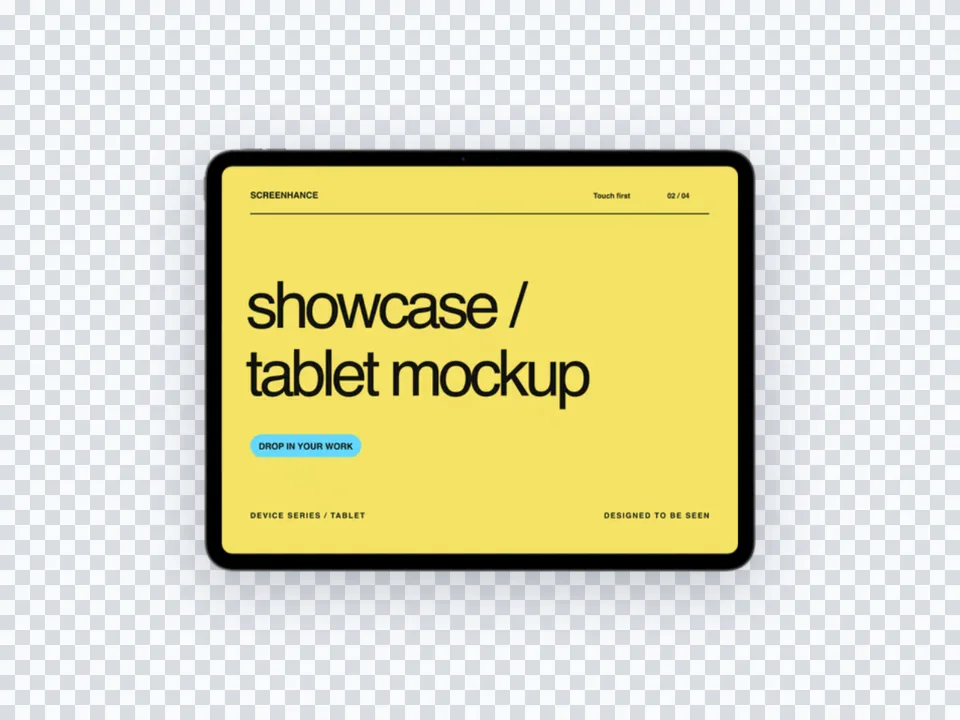
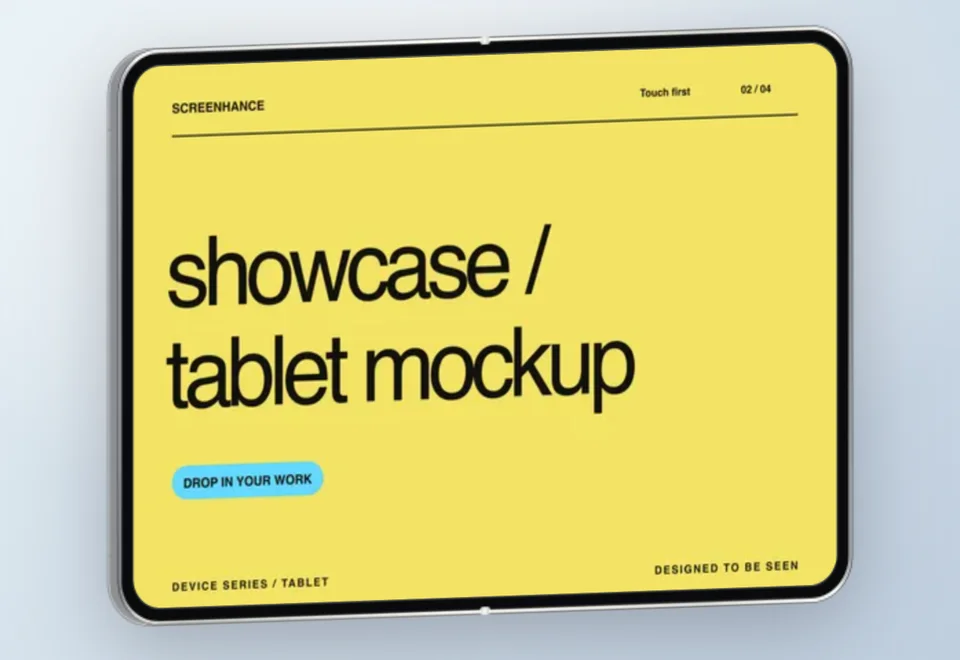
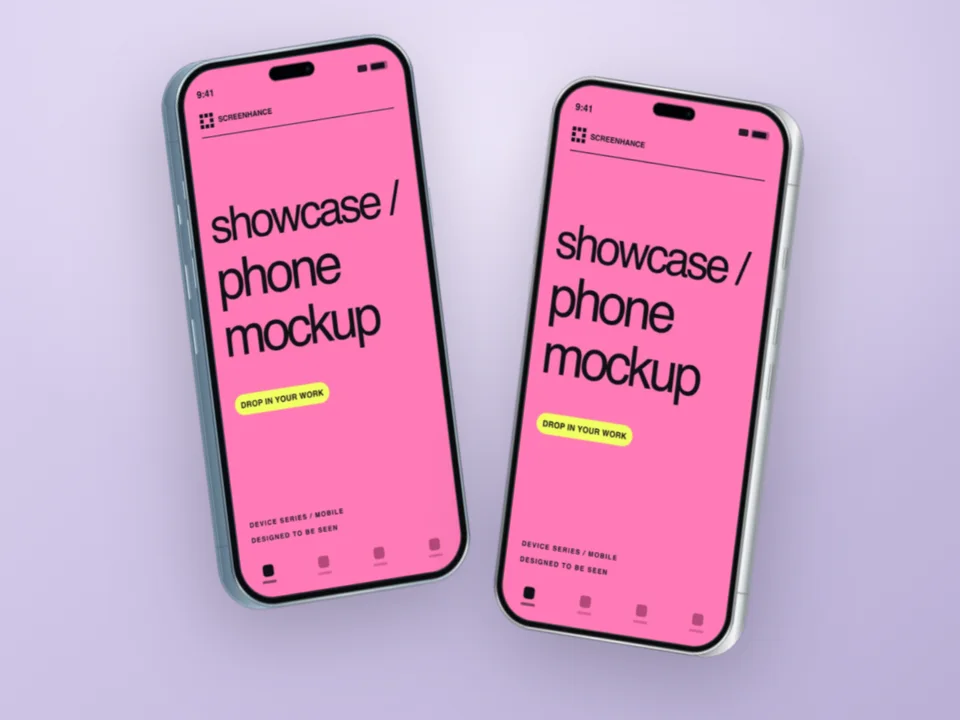
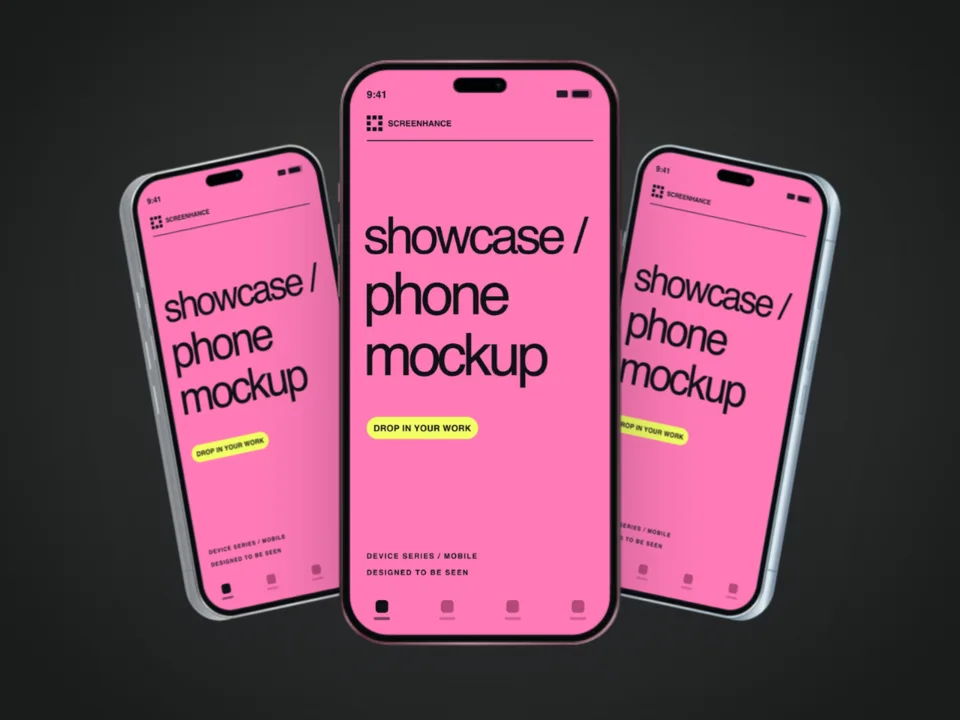
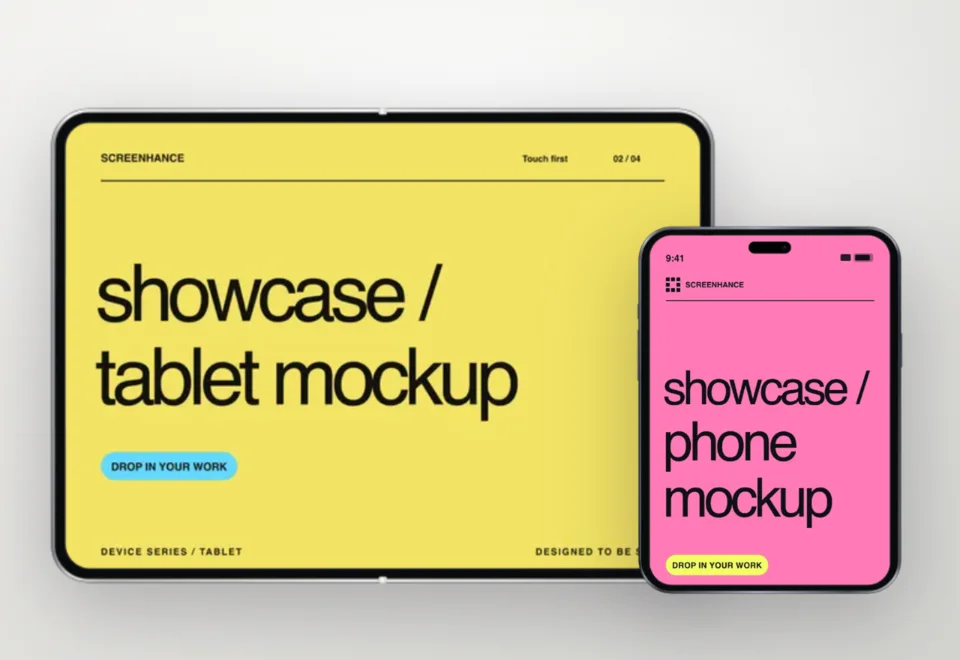
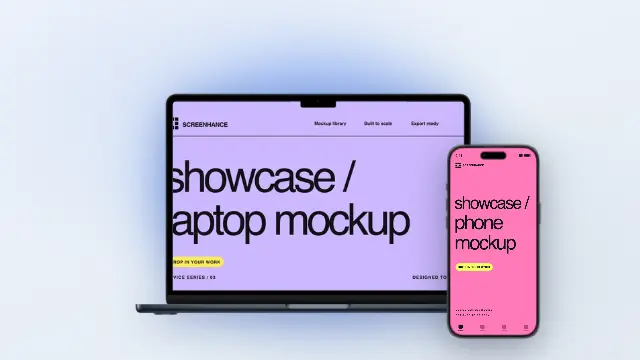
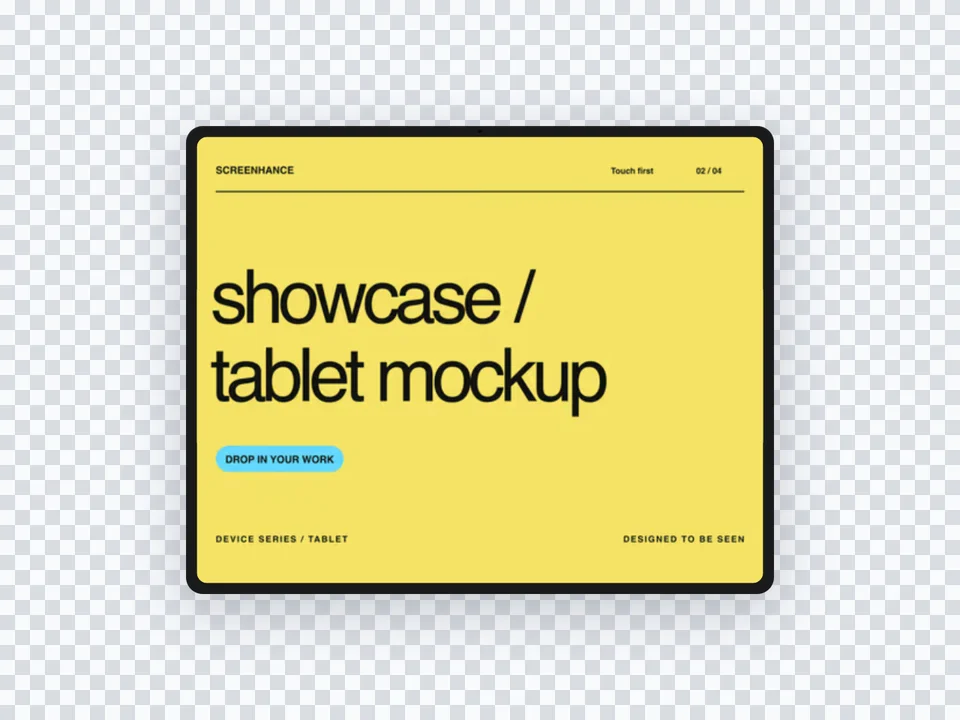
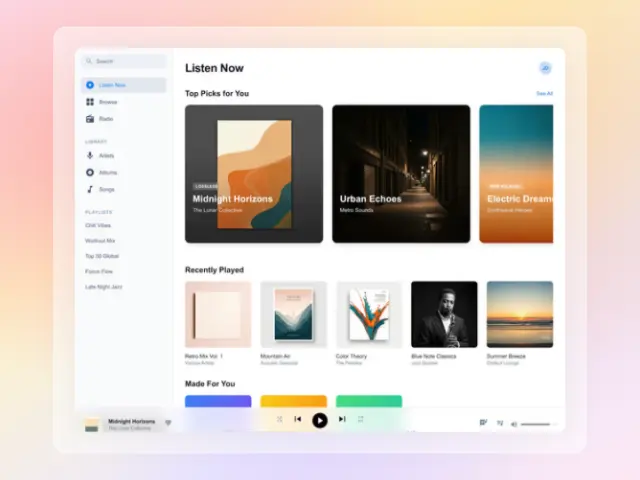
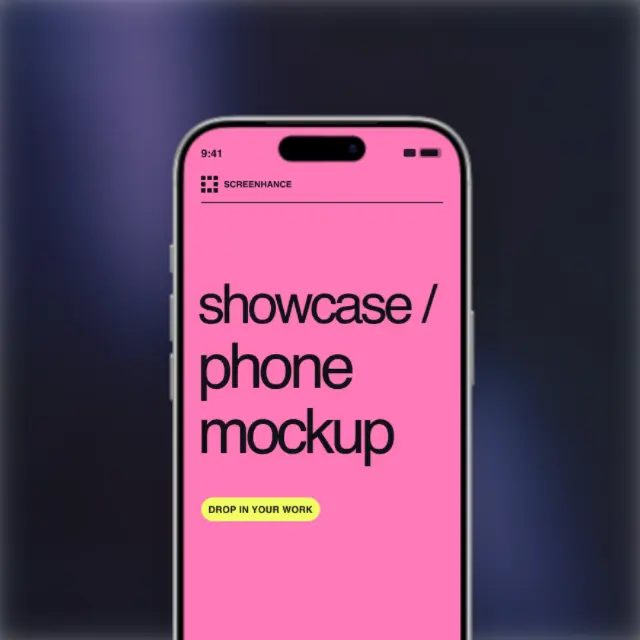
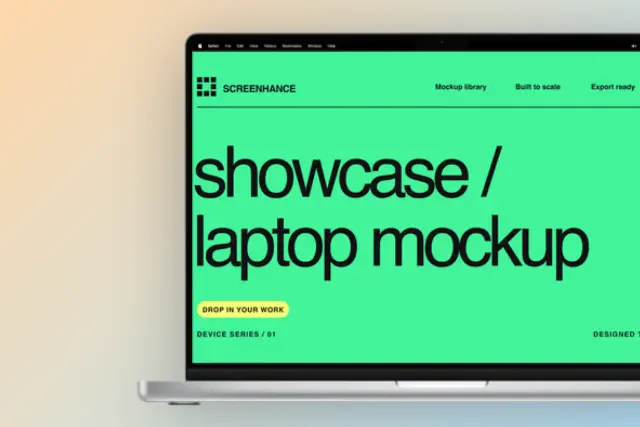
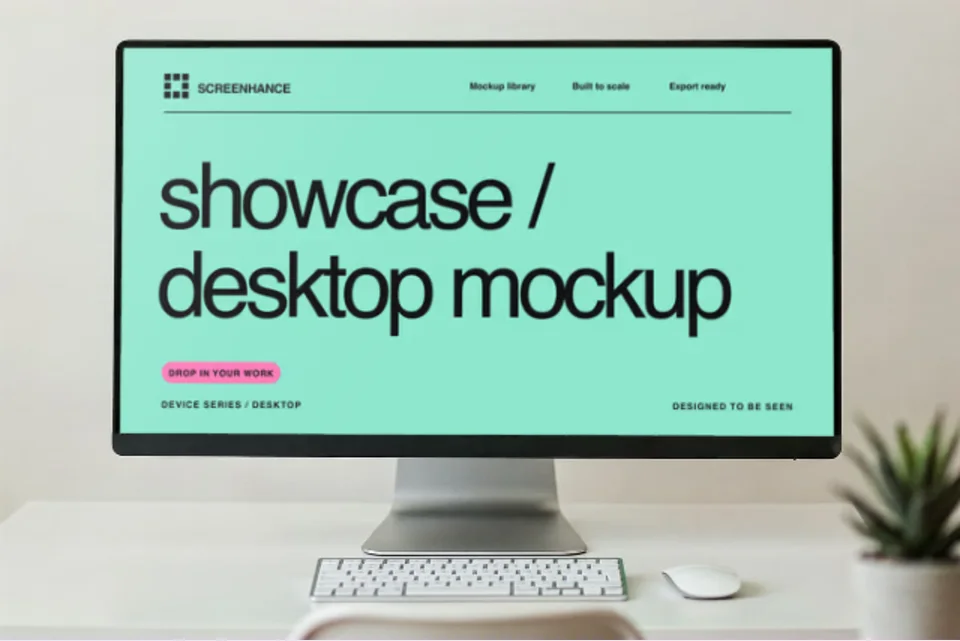
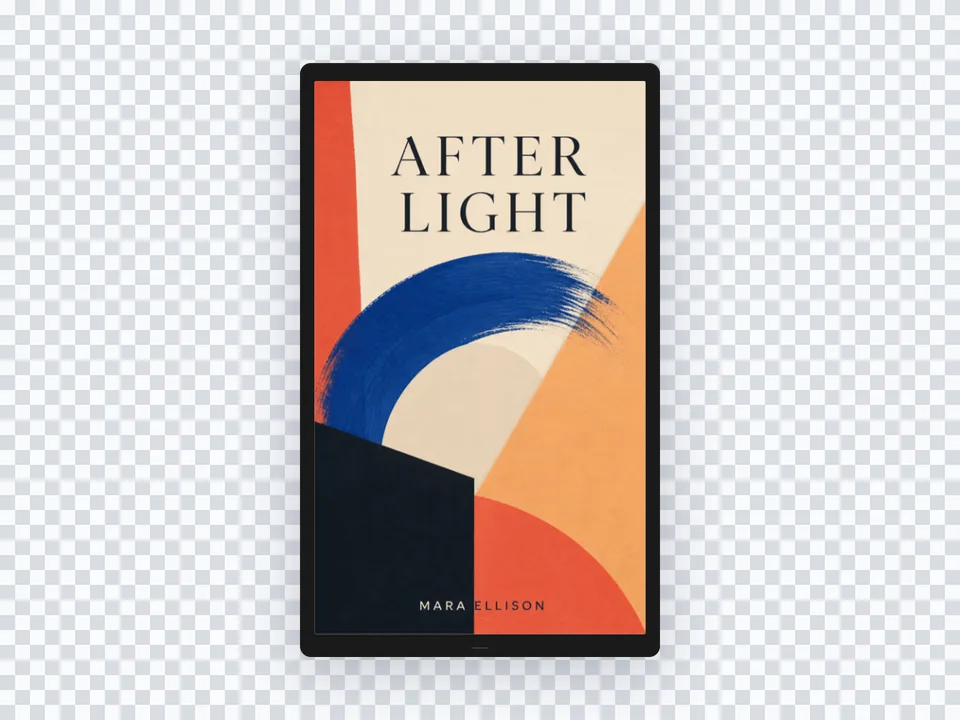
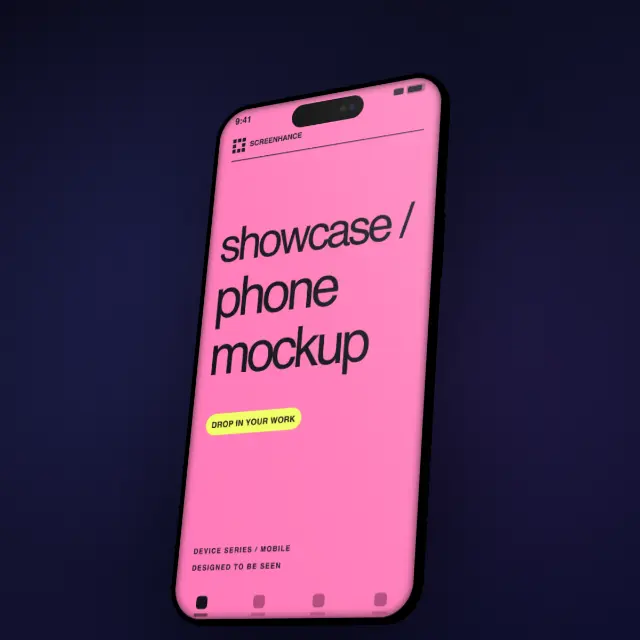
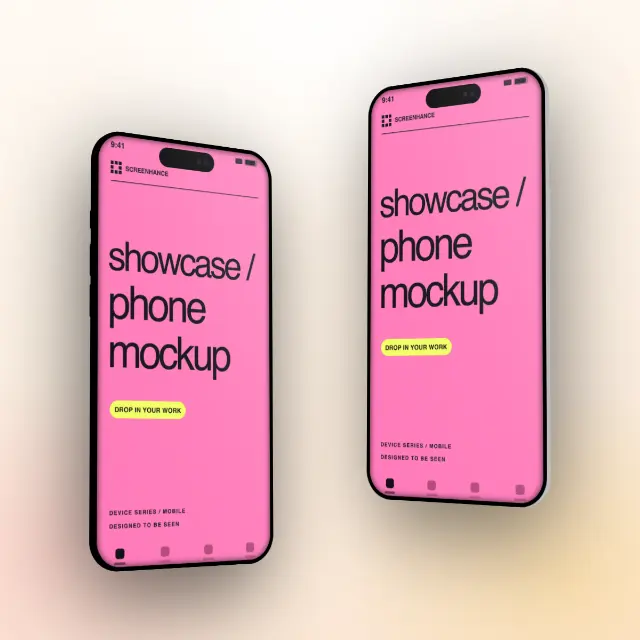
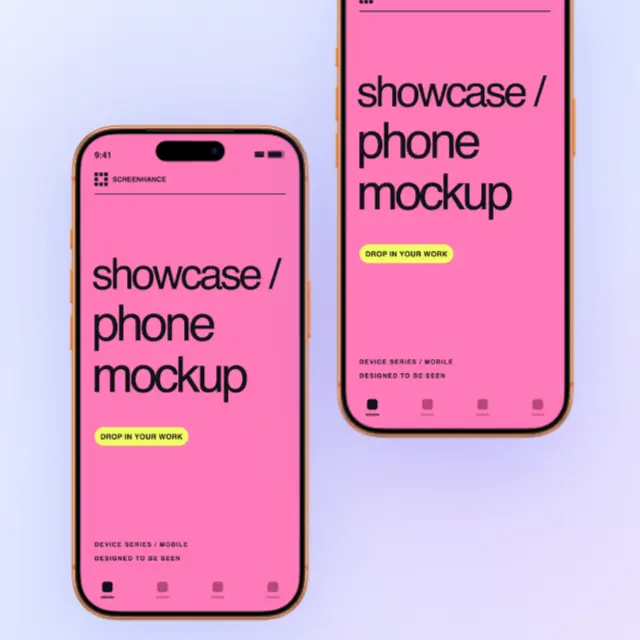
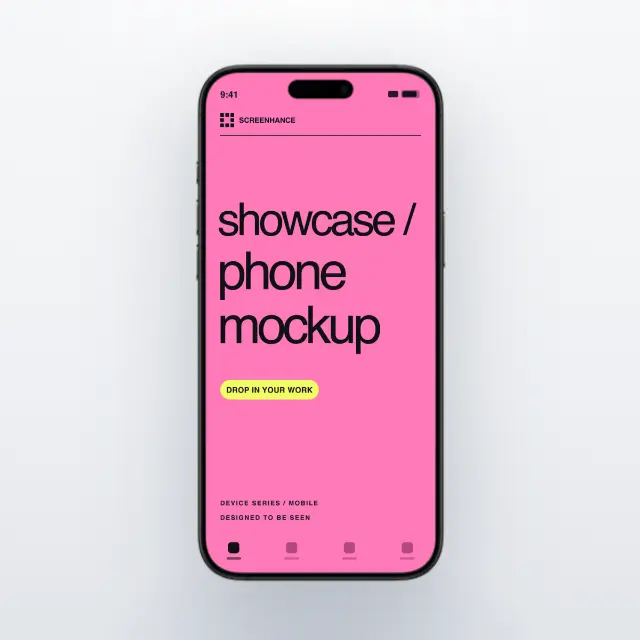
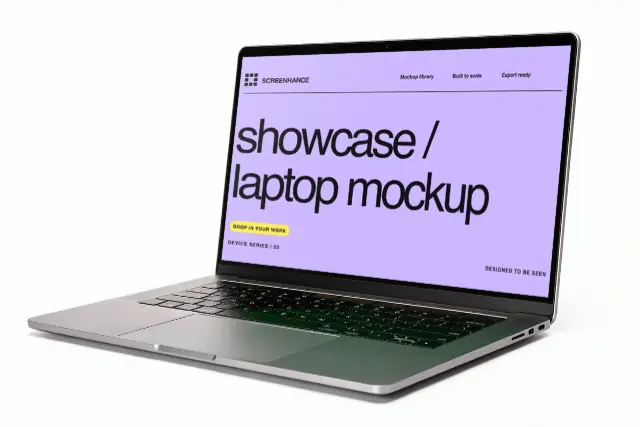
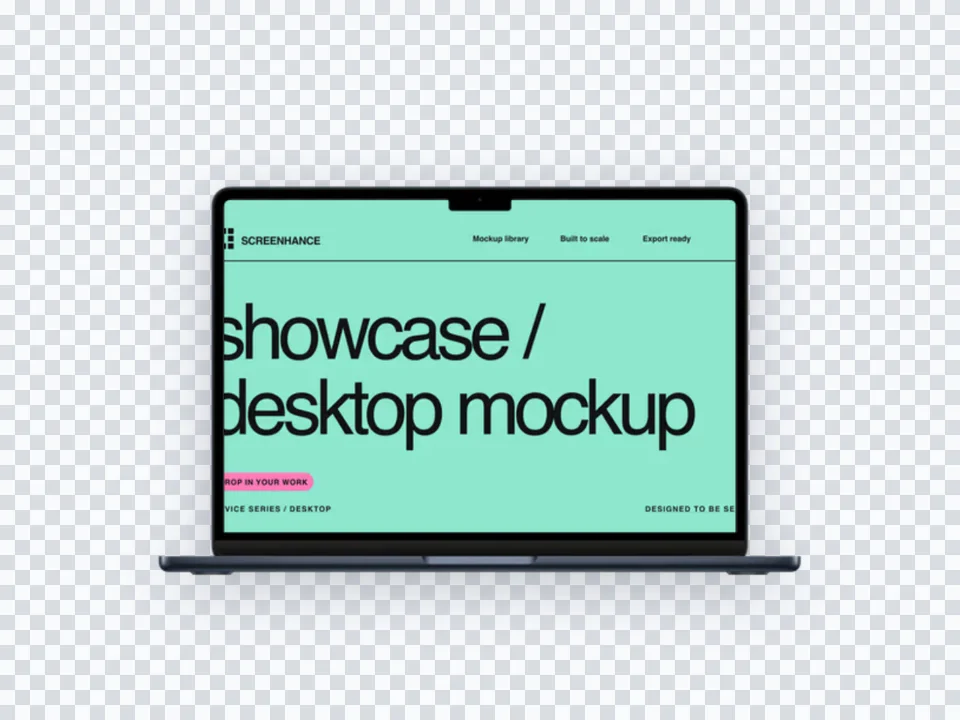
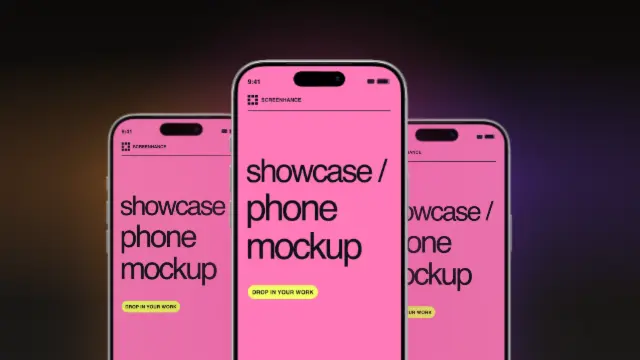
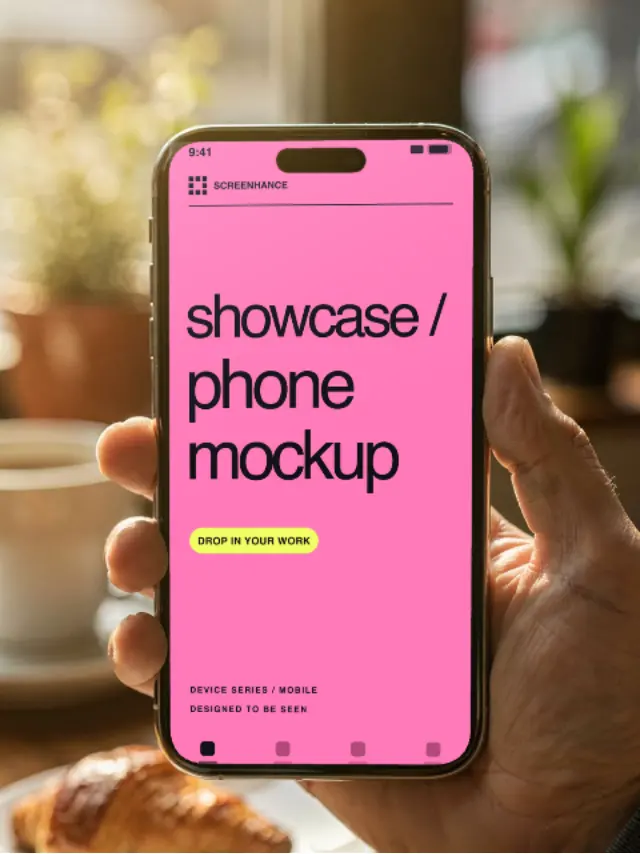
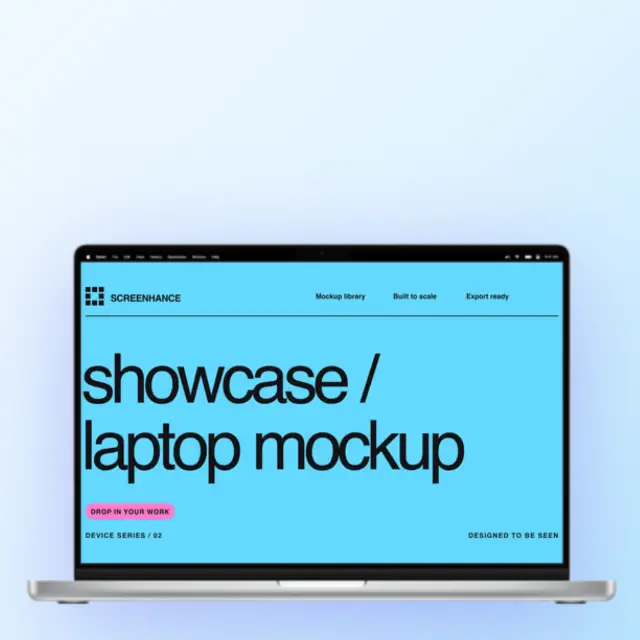
iPhone, MacBook, iPad, browser frames — place your screenshots in realistic device frames.
Learn moreEye-catching screenshot sets for the App Store and Play Store with every required size.
Learn moreLaunch-ready gallery images optimized for the 1270×760 format.
Learn moreBeautiful social share images for Twitter, LinkedIn, and Facebook at 1200×630.
Learn moreHero images, feature sections, and marketing assets for your landing page.
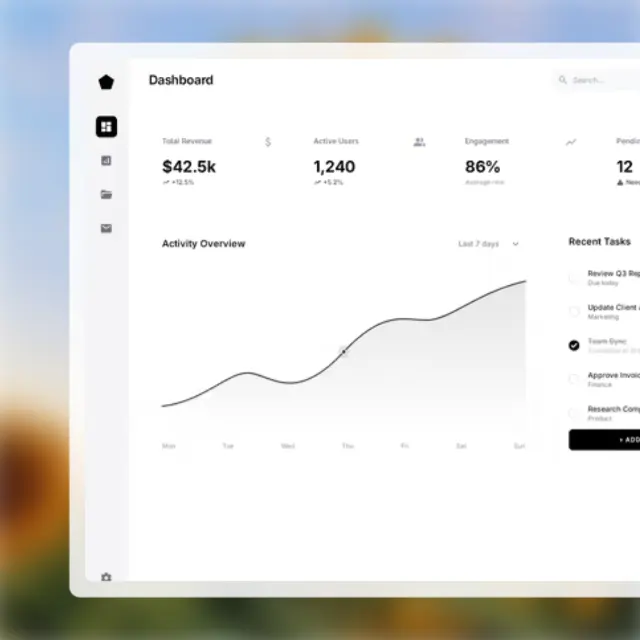
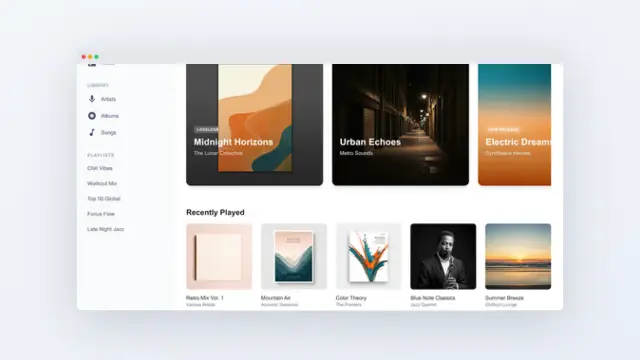
Learn moreMake any screenshot look professional with backgrounds, shadows, and frames.
Learn moreAn image generator transforms your raw product screenshots into polished marketing visuals. Upload any screenshot and get back professional images with device frames, gradient backgrounds, and text — ready for your website, social media, app stores, or Product Hunt launch.
Instead of opening Figma to create a social card, an OG image, and a hero graphic separately, you upload one screenshot to Screenhance and create all three from different templates in minutes.
Create professional mockups in three simple steps. No design skills required.
Drag and drop or select any screenshot, design, or image from your device.
Pick from iPhone, iPad, MacBook, browser frames and beautiful gradient backgrounds.
Download as PNG, WebP, JPEG, GIF, or video. Ready for marketing in seconds.
The fastest way to create professional mockups without learning complex design tools.
Unlike Figma or Photoshop, Screenhance is built for non-designers. Anyone can create professional mockups.
Generate polished mockups in seconds, not hours. Perfect for fast-moving teams and launches.
Export as PNG, WebP, JPEG for images, or GIF and WebM for animated visuals.
Choose from gradients, solid colors, or transparent backgrounds. No need to design your own.
See how Screenhance compares to other image creation tools.
| Feature | Screenhance | Shots.so | Canva | Adobe Express |
|---|---|---|---|---|
| Built for product visuals | Yes | Yes | General design | General design |
| Design skills needed | None | None | Basic | Basic |
| Device mockup frames | 40+ devices | 20+ | Limited clipart | Limited |
| Template library | 100+ purpose-built | 30+ | 1000+ (general) | 500+ (general) |
| App Store screenshot sets | Yes | No | No | No |
| Product Hunt gallery (1270x760) | Yes | No | No | No |
| OG images (1200x630) | Yes | No | Manual resize | Manual resize |
| Animated exports (GIF/WebM) | Yes | No | Limited | Limited |
| Free plan | 3 exports/month | 5 exports/month | Free tier | Free tier |
| Price (paid) | $6/week or $8/month | $5/month | $13/month | $10/month |
Screenhance creates device mockups, App Store screenshots, Product Hunt gallery images, OG social cards, website hero images, and landing page feature visuals. One tool for every marketing image you need.
No. Screenhance is built for founders, marketers, and developers. Pick a template, drop in your screenshots, and export. No Figma, Photoshop, or design experience needed.
Export as PNG, WebP, or JPEG for static images. For animated visuals, export as GIF or WebM video. Pro users get up to 3x resolution for Retina displays.
Yes, Screenhance offers a free plan with 3 exports per month. Use all templates, device frames, and backgrounds. Pro plans unlock higher resolution, more exports, and additional features.
Explore more ways to create stunning visuals with Screenhance.
Free online mockup generator for all devices
Try it freeTransform plain screenshots into beautiful mockups
Try it freeCreate stunning iPhone device mockups
Try it freeShowcase apps in iPad Pro and Air frames
Try it freeProfessional visuals for every stage of your launch. Create mockups, social cards, and marketing images in minutes.