
%2FOlivia%20Rhye.webp&w=64&q=75)
%2FPhoenix%20Baker.webp&w=64&q=75)
%2FLana%20Steiner.webp&w=64&q=75)
%2FDemi%20Wilkinson.webp&w=64&q=75)
%2FDrew%20Cano.webp&w=64&q=75)
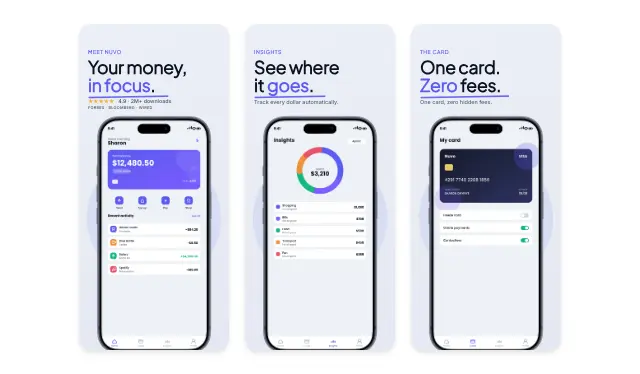
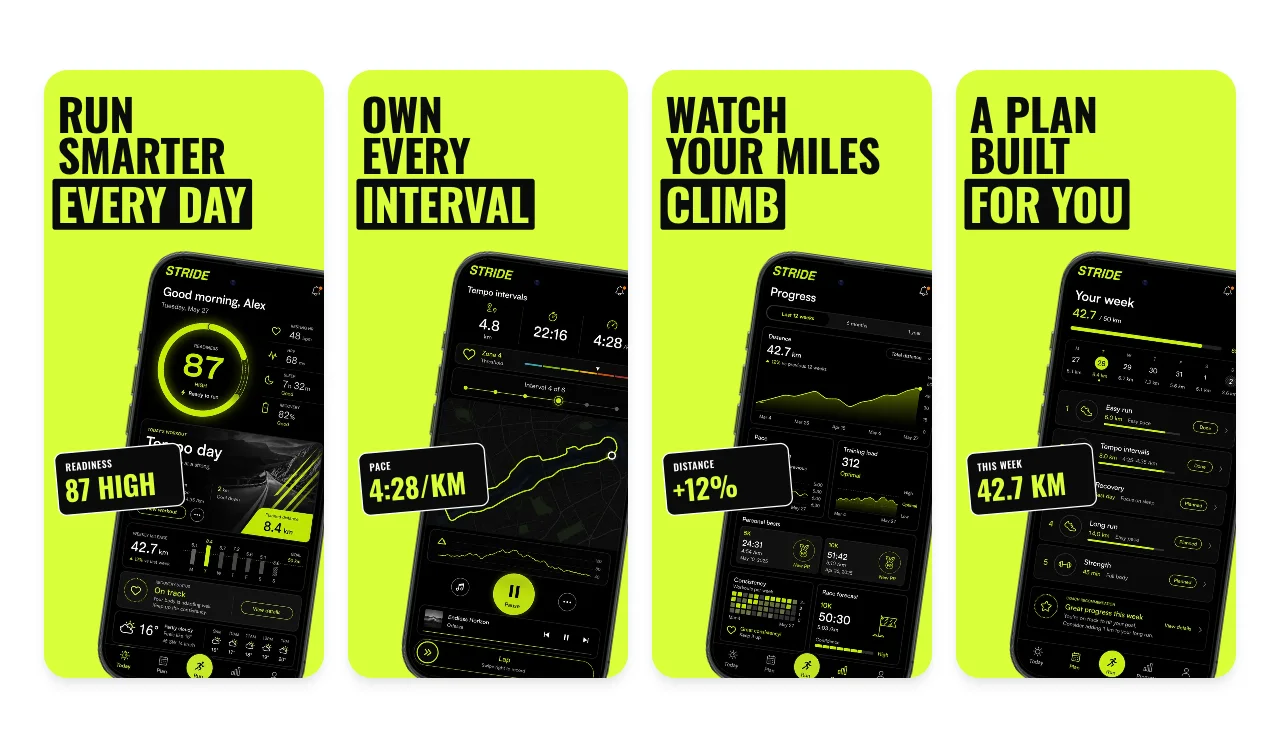
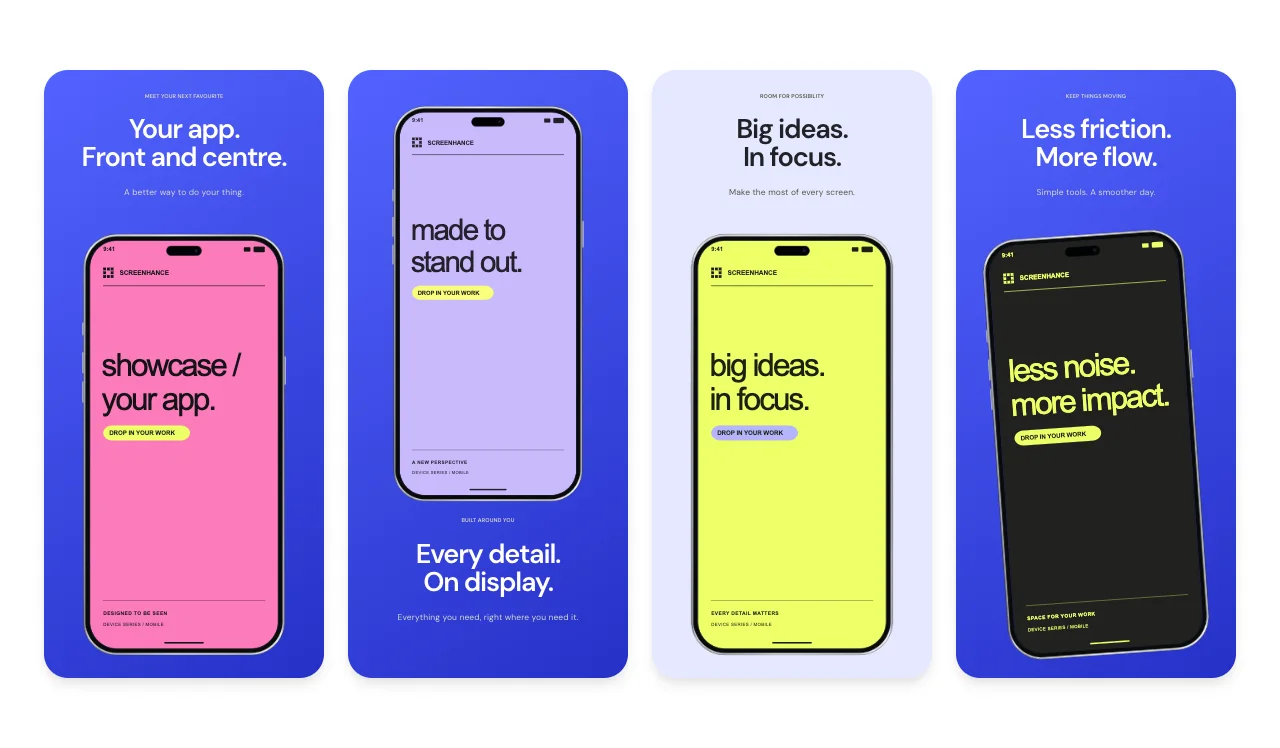
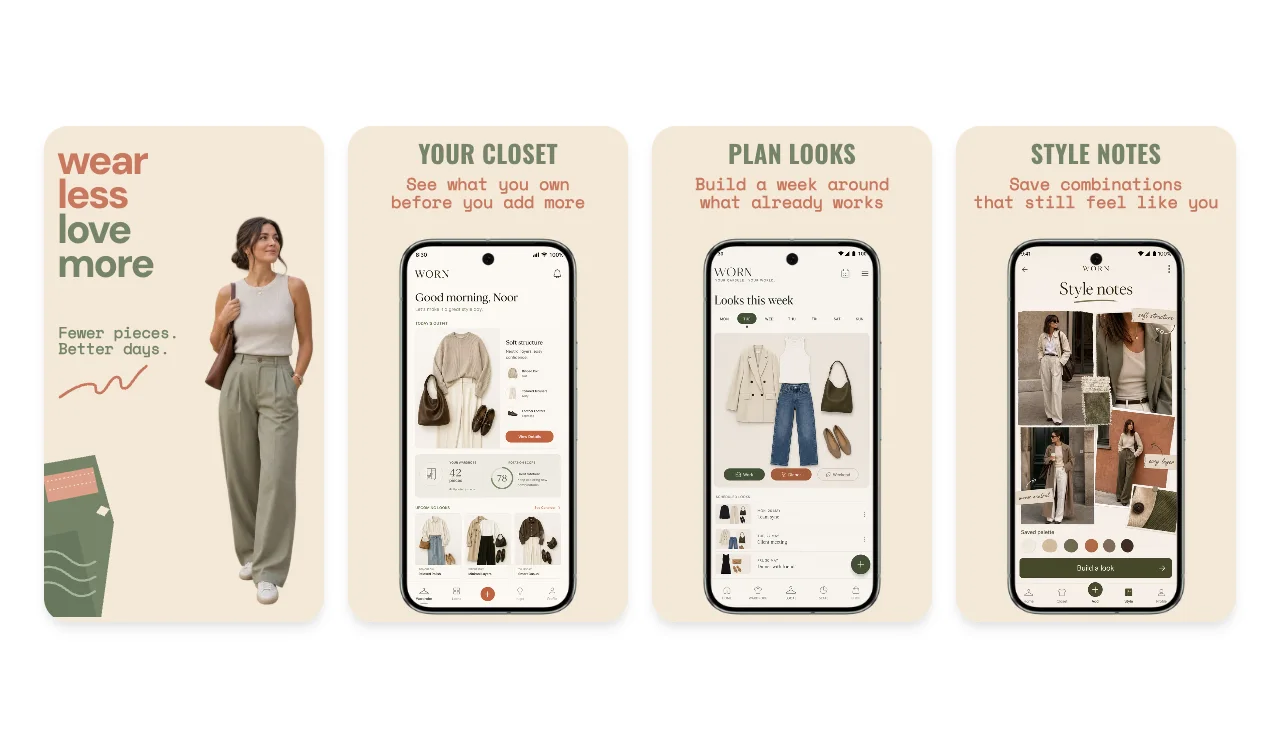
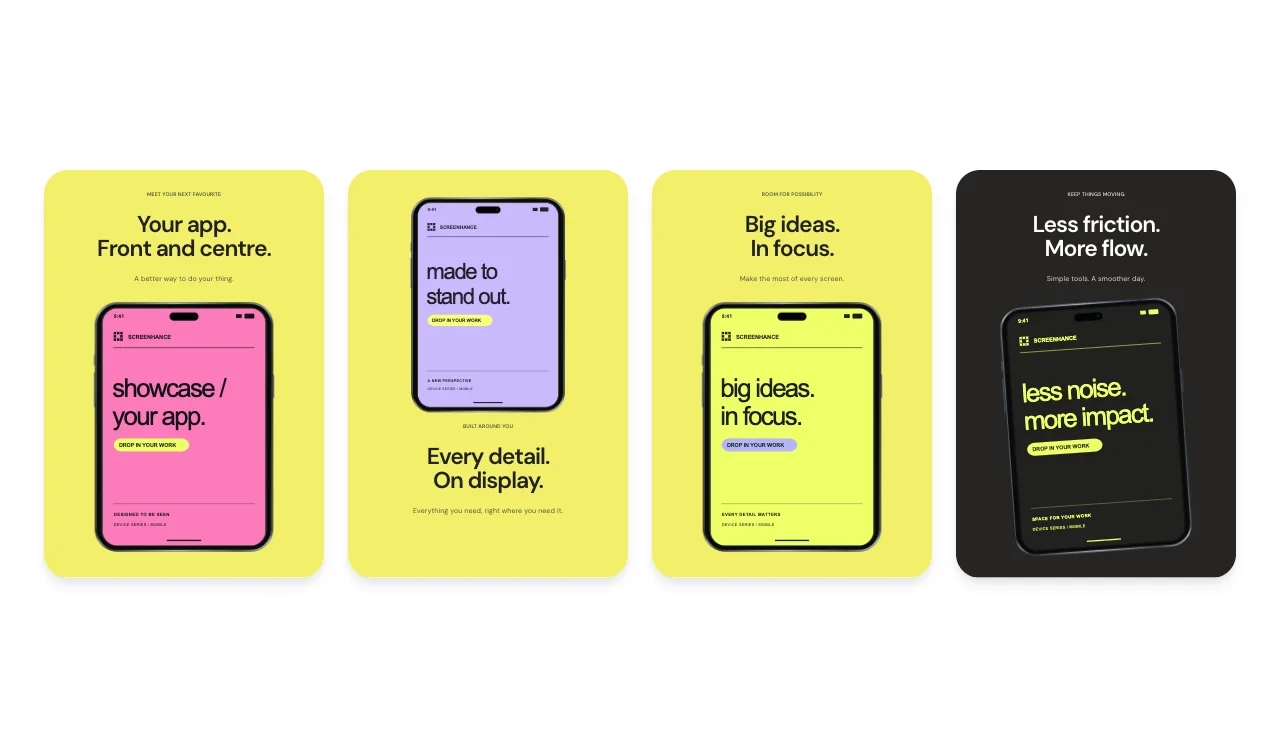
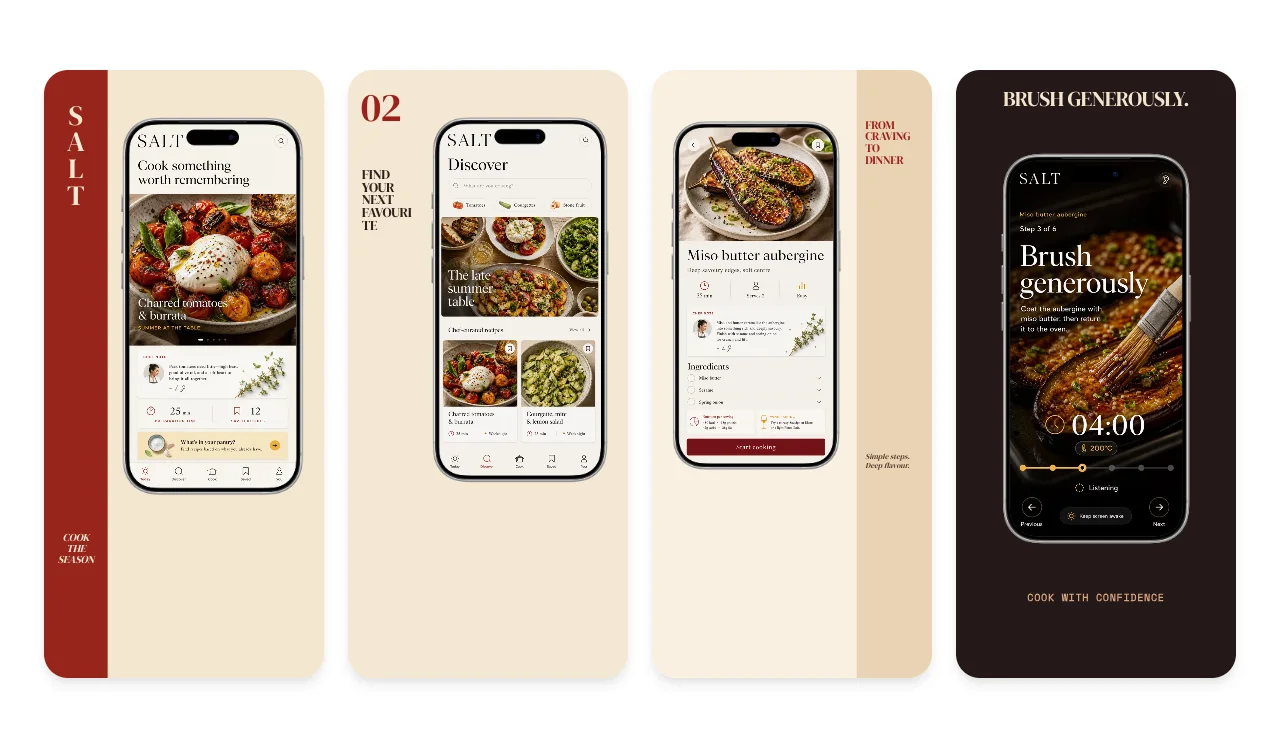
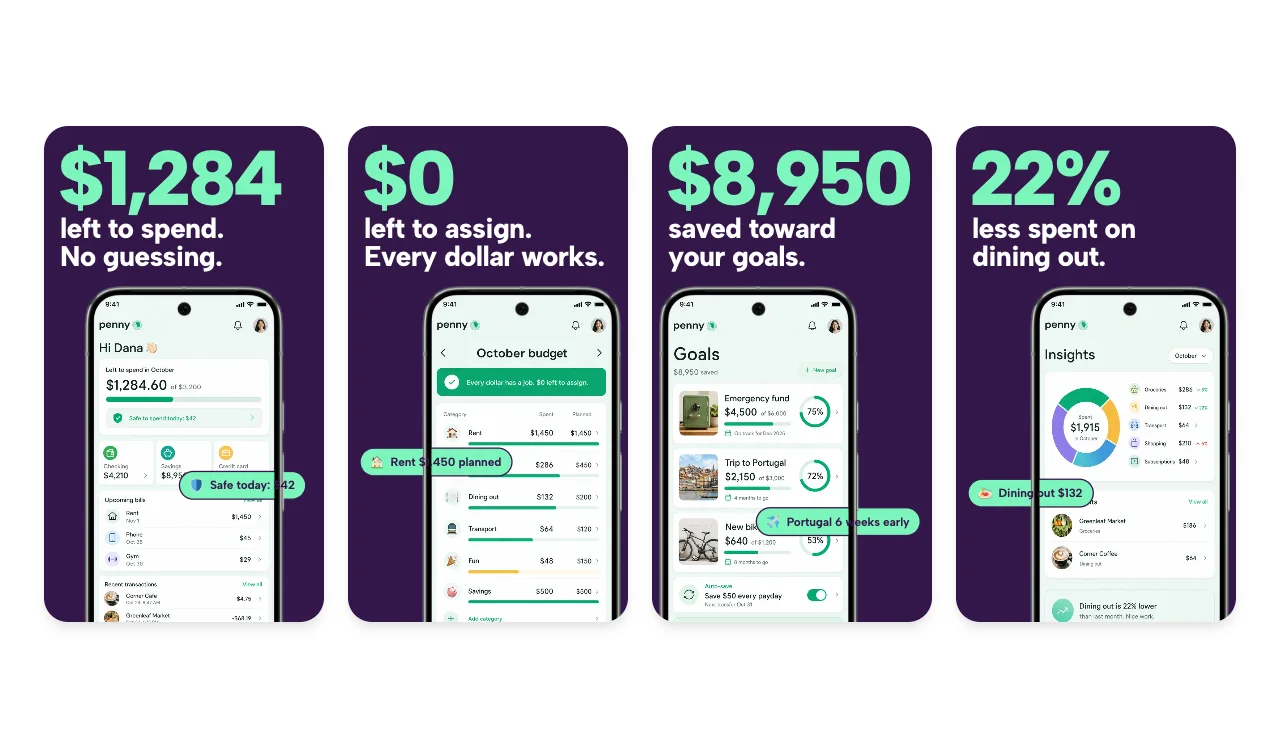
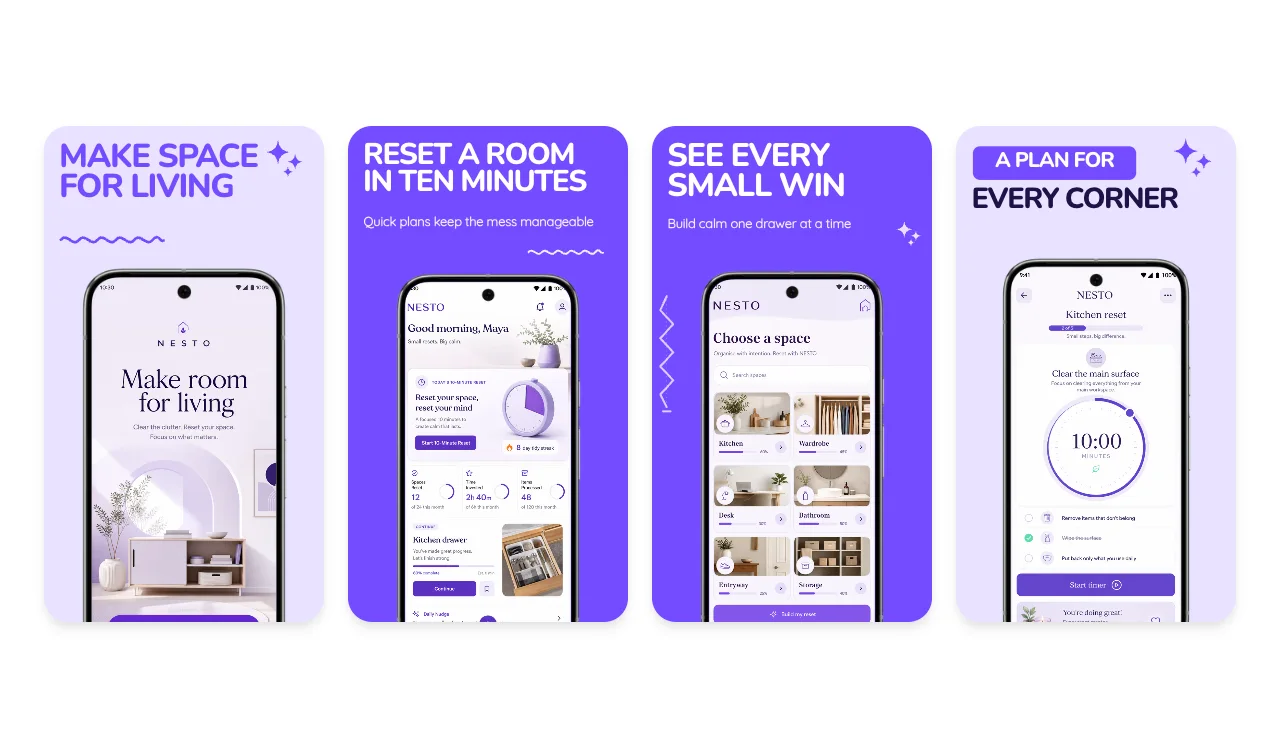
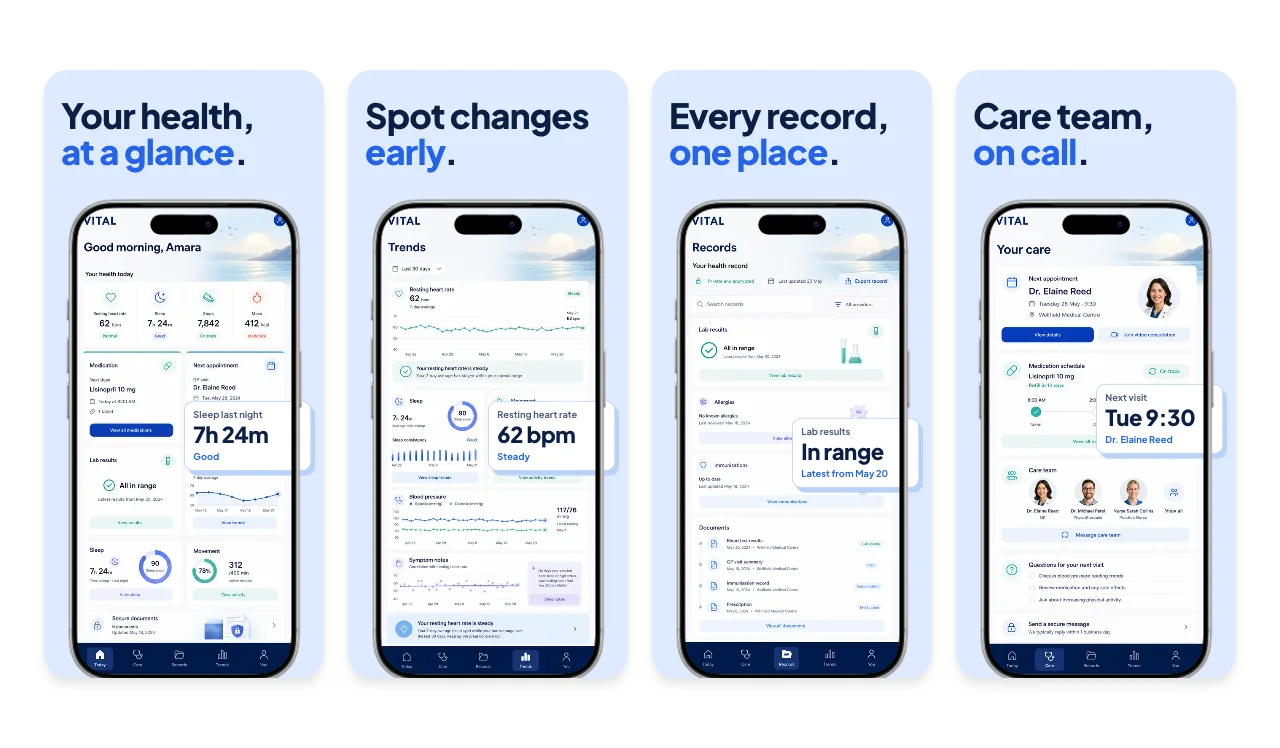
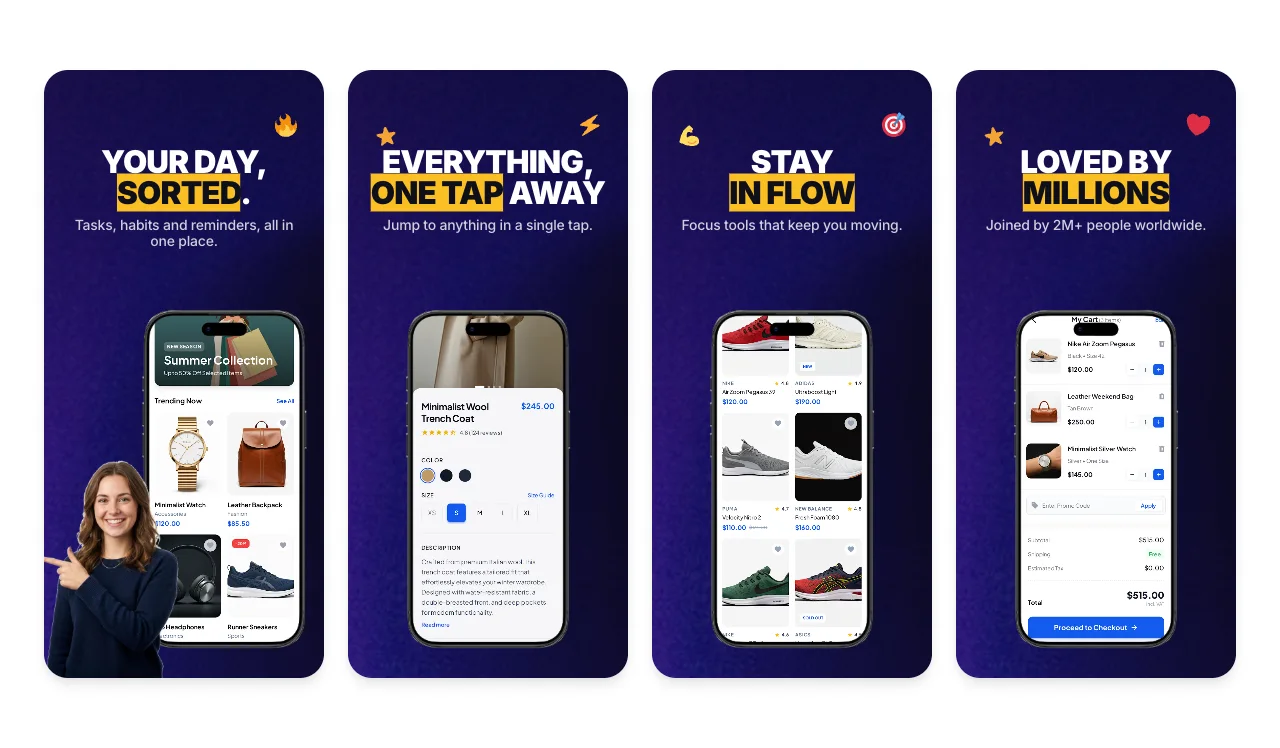
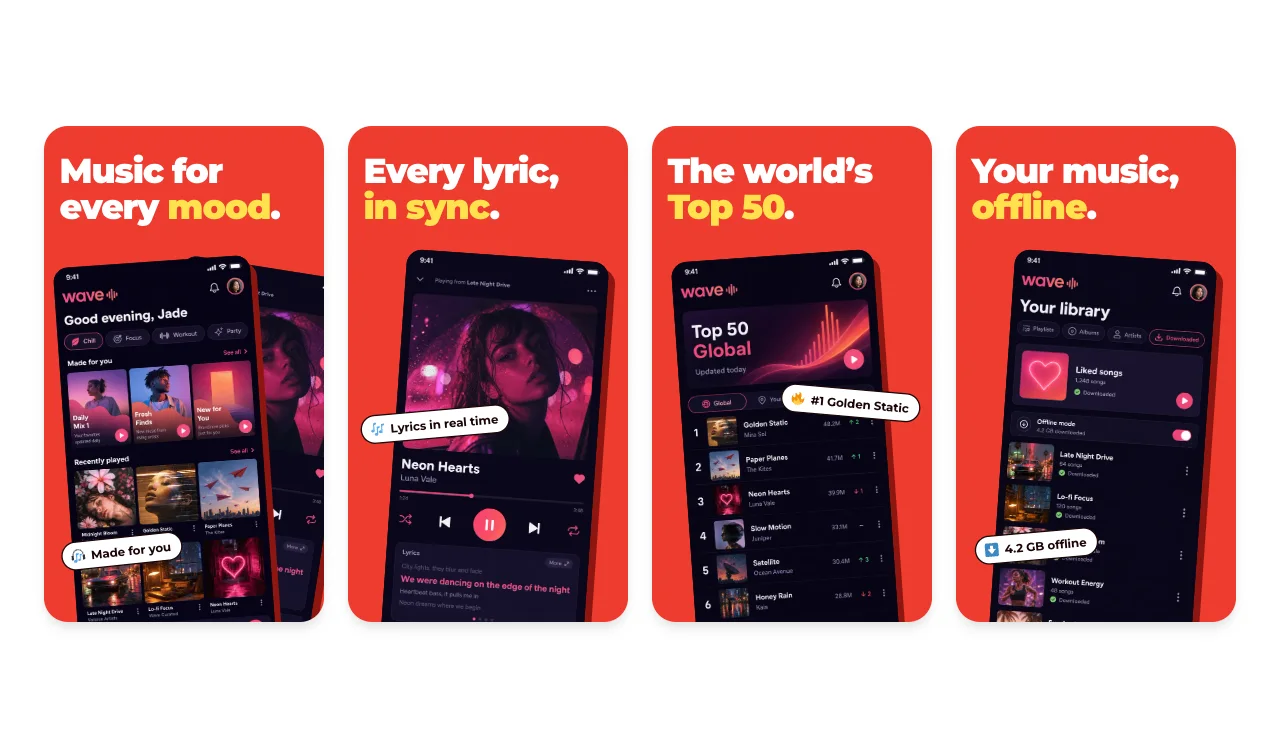
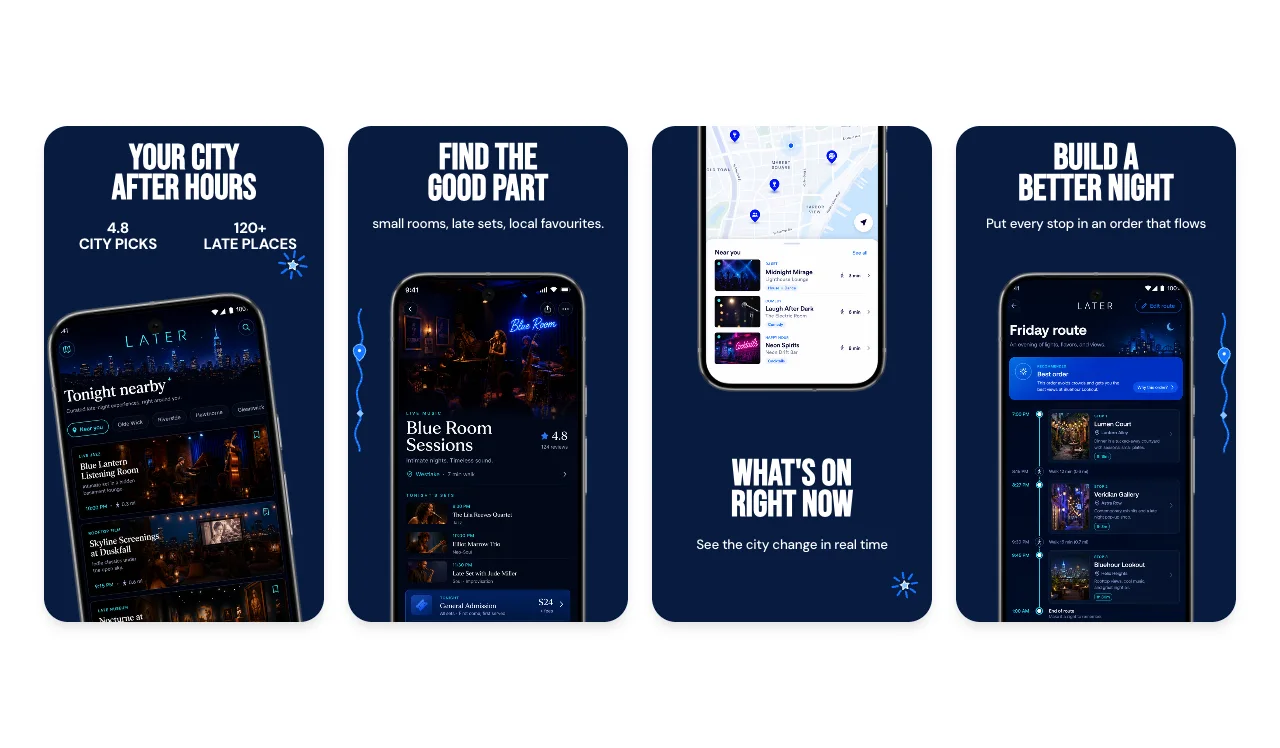
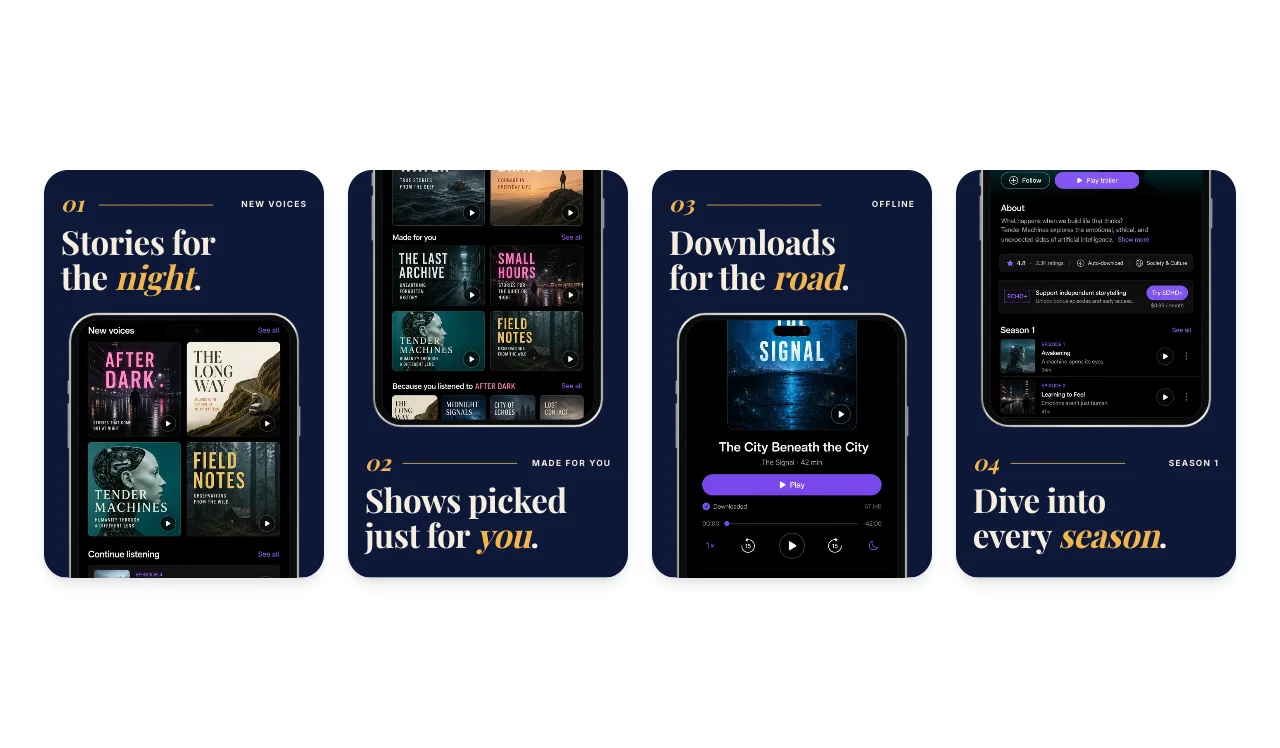
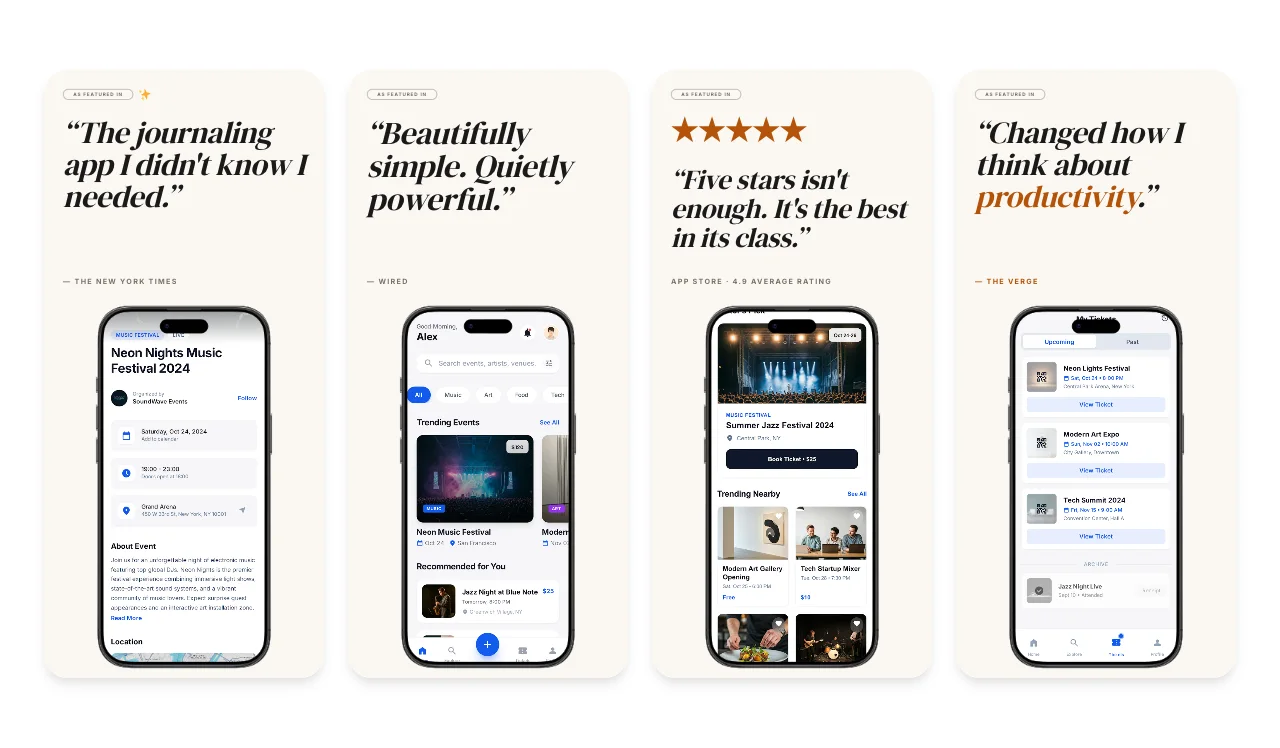
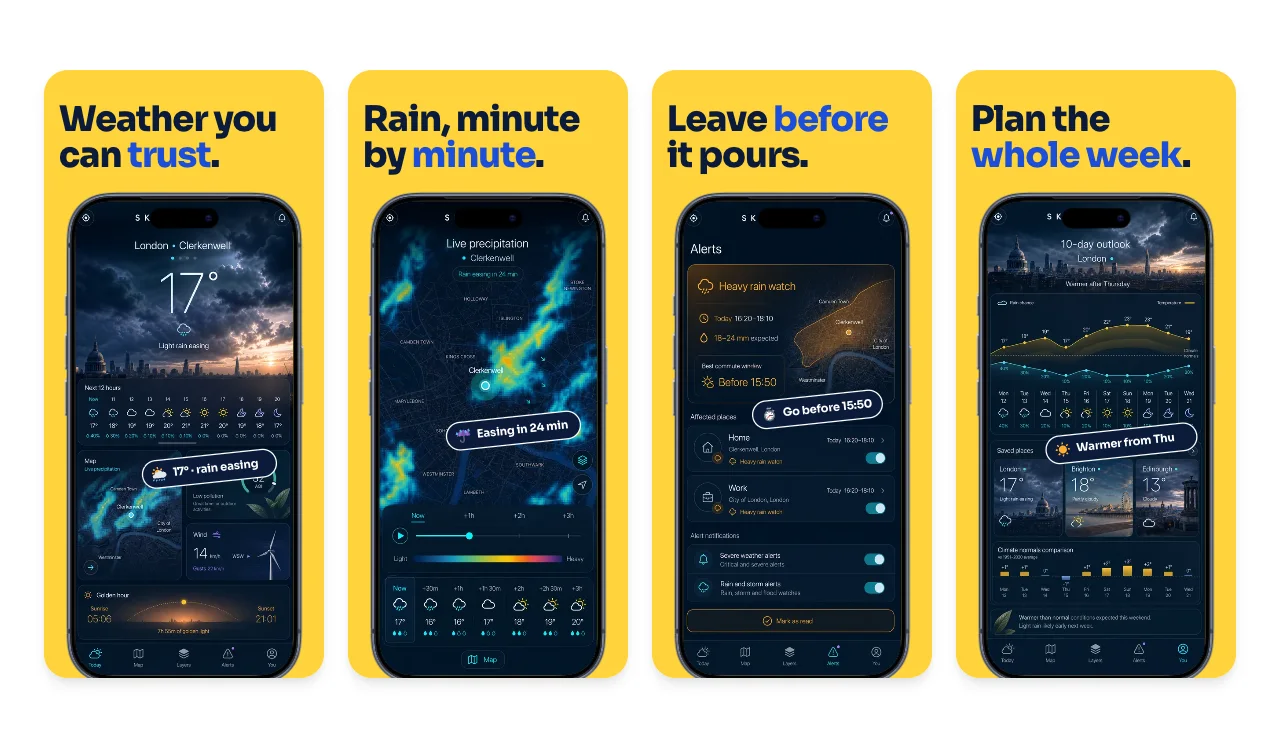
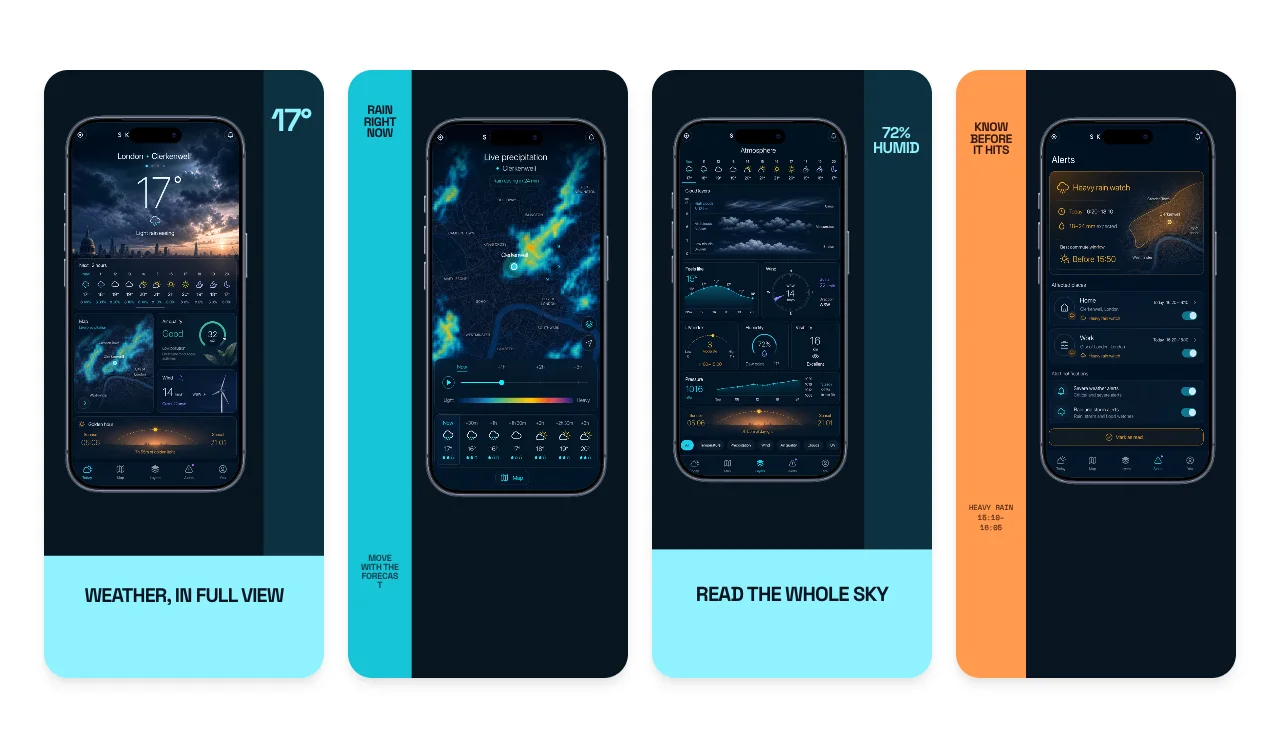
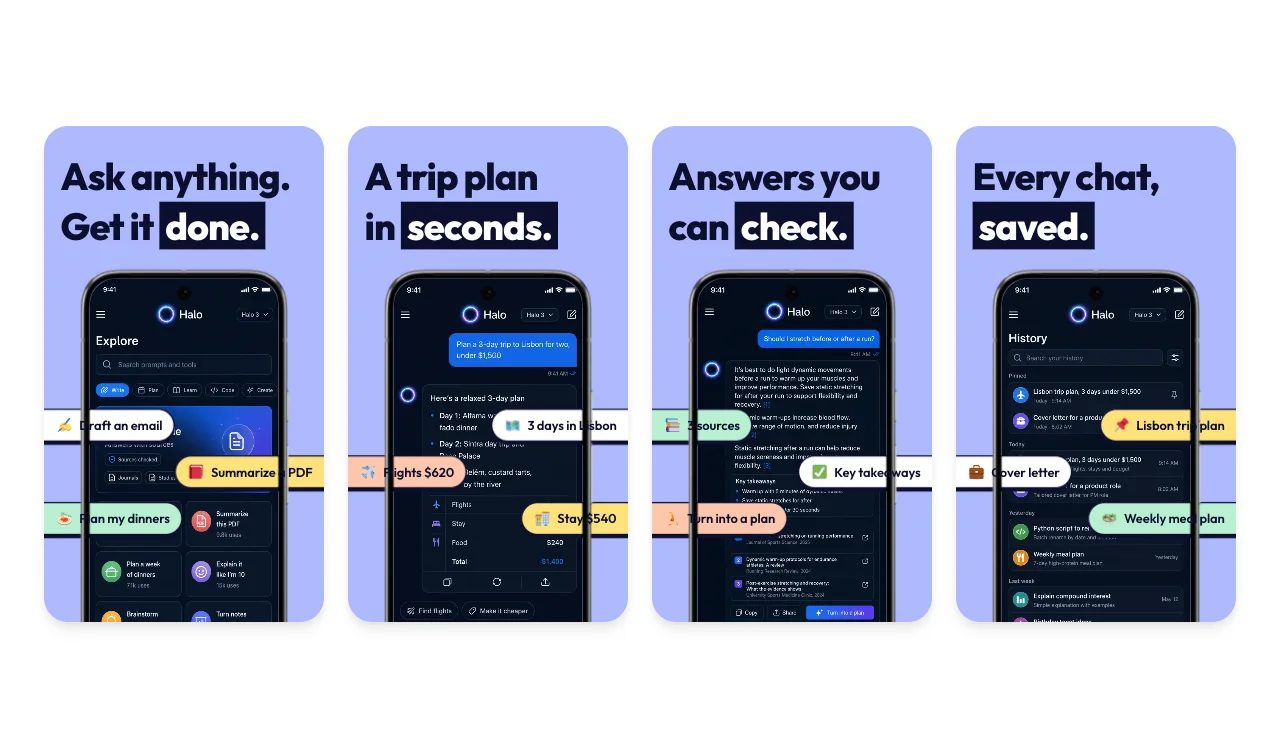
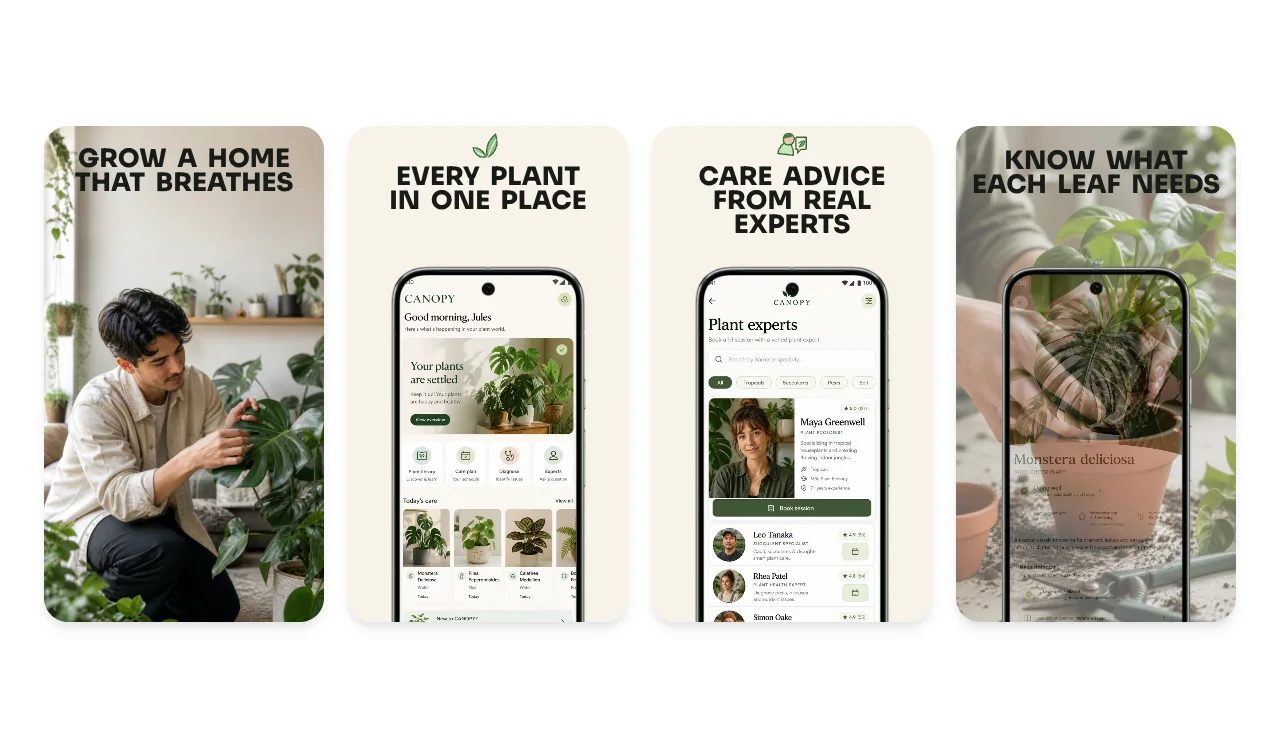
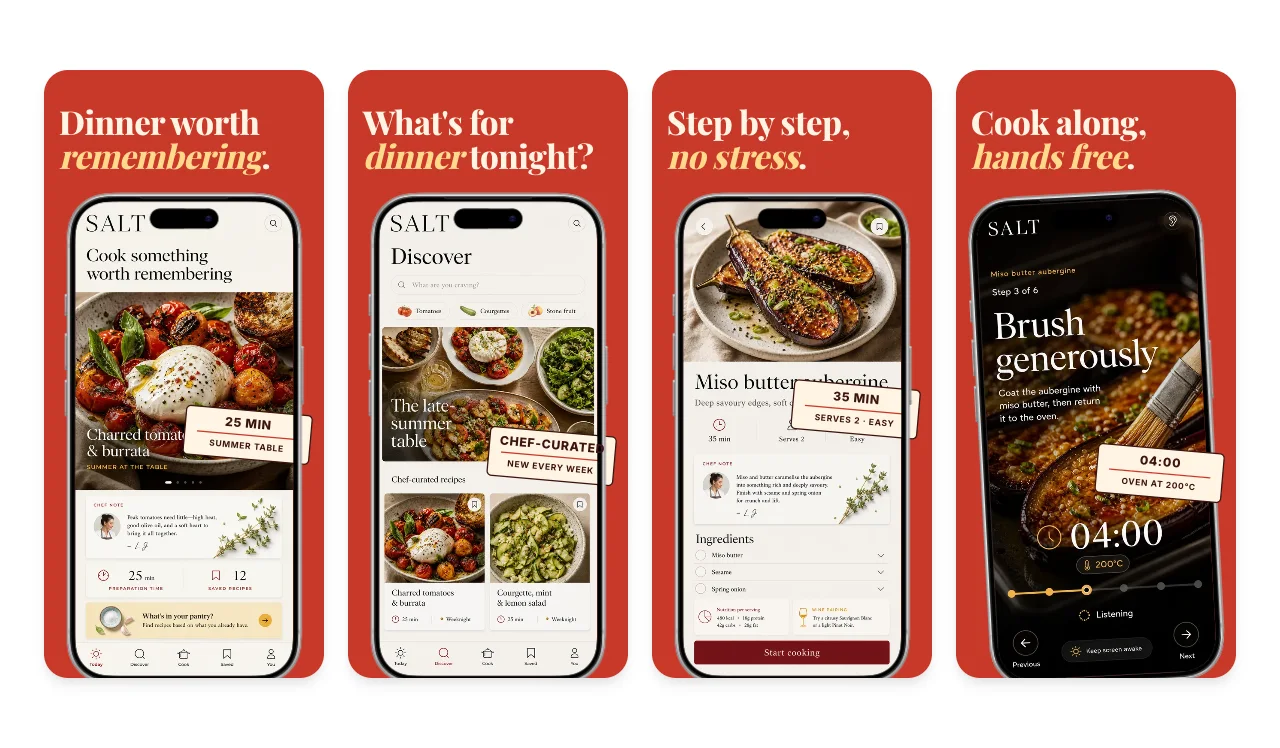
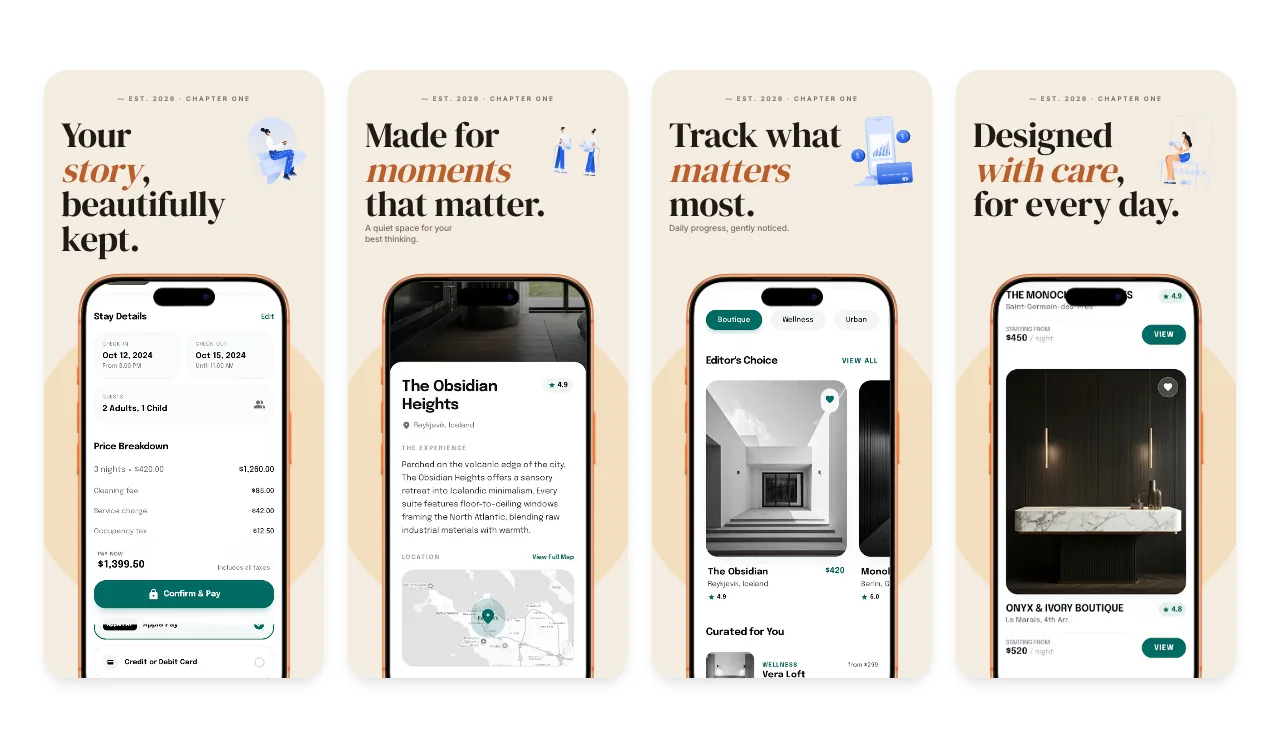
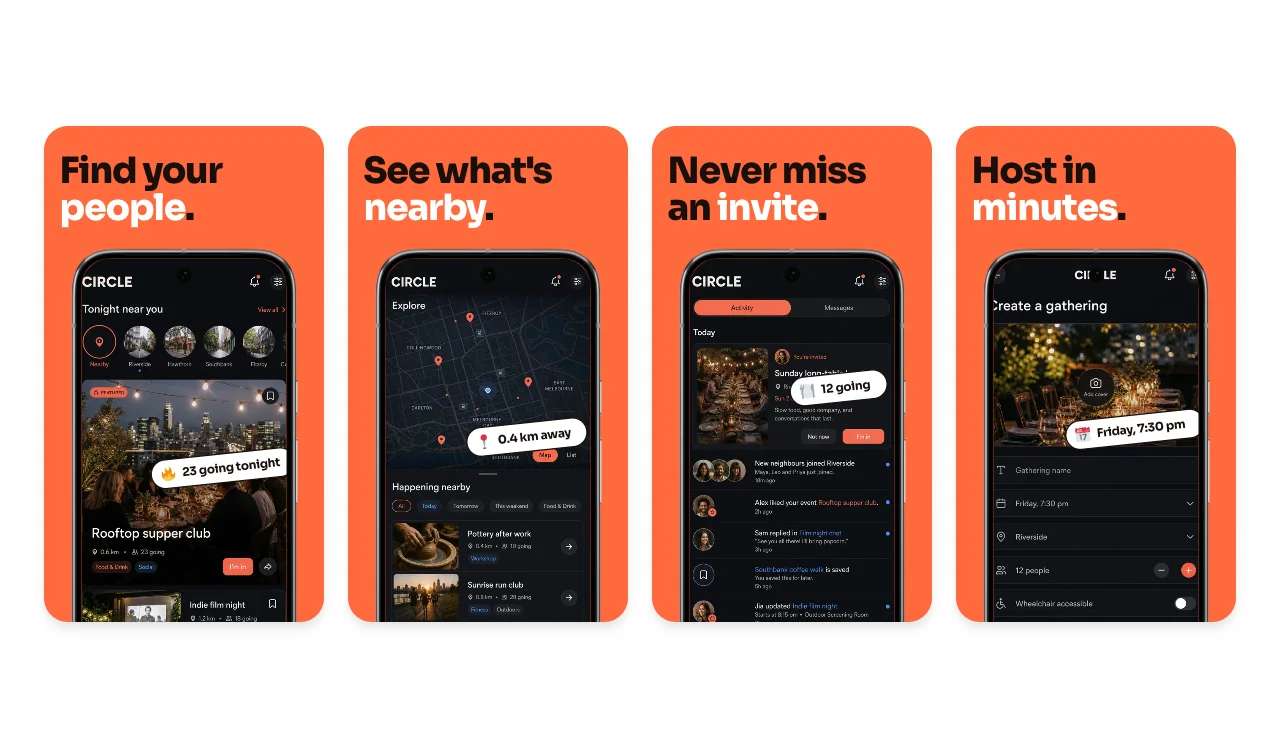
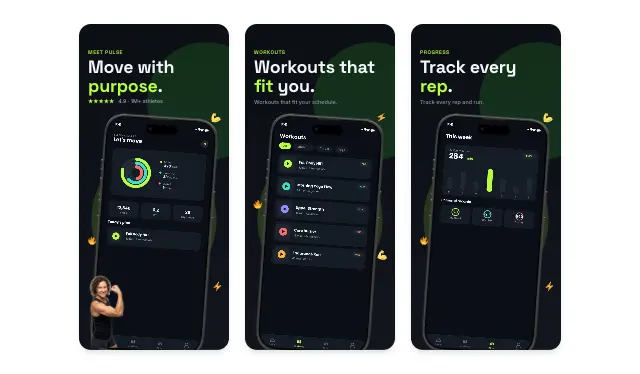
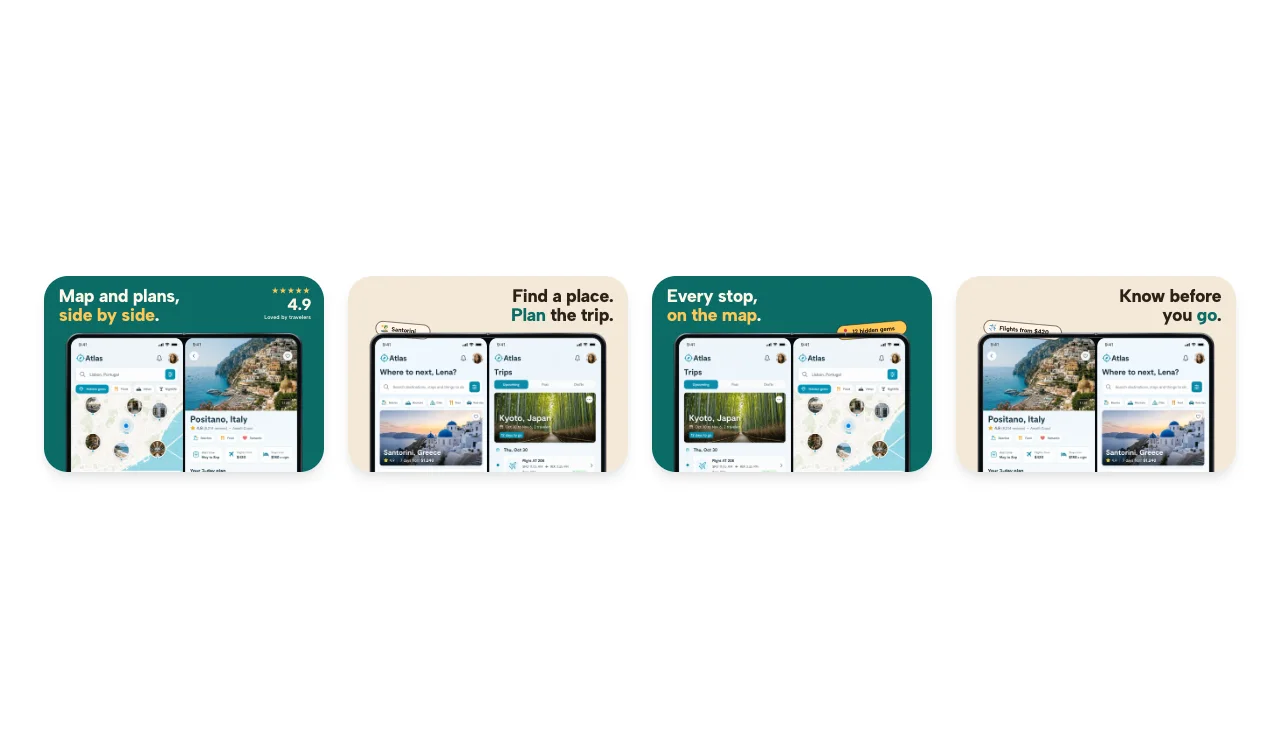
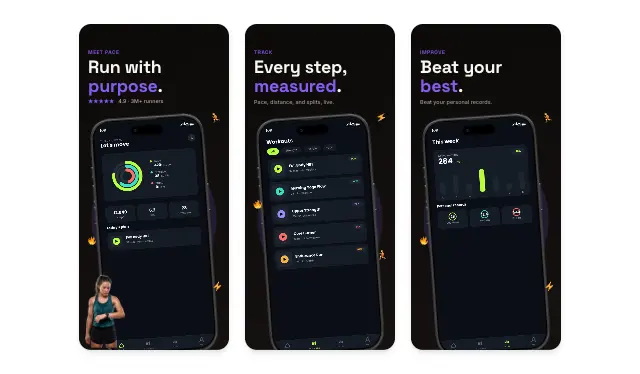
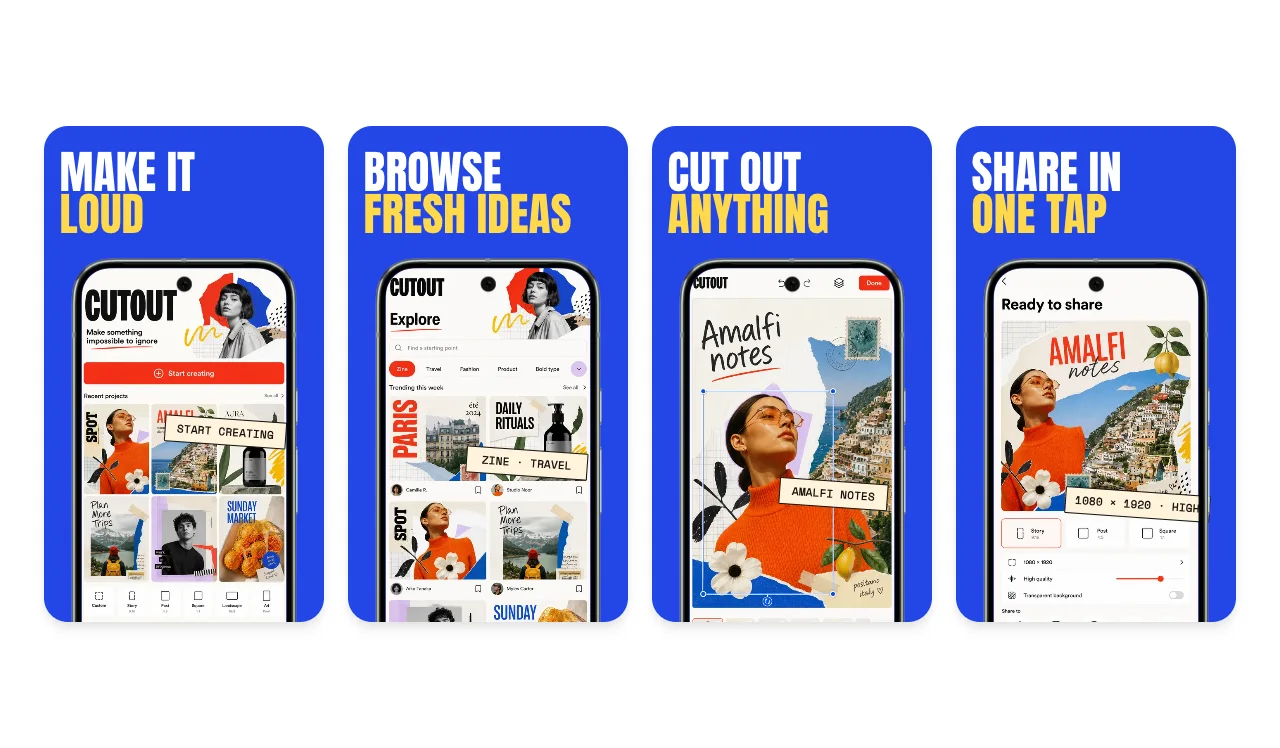
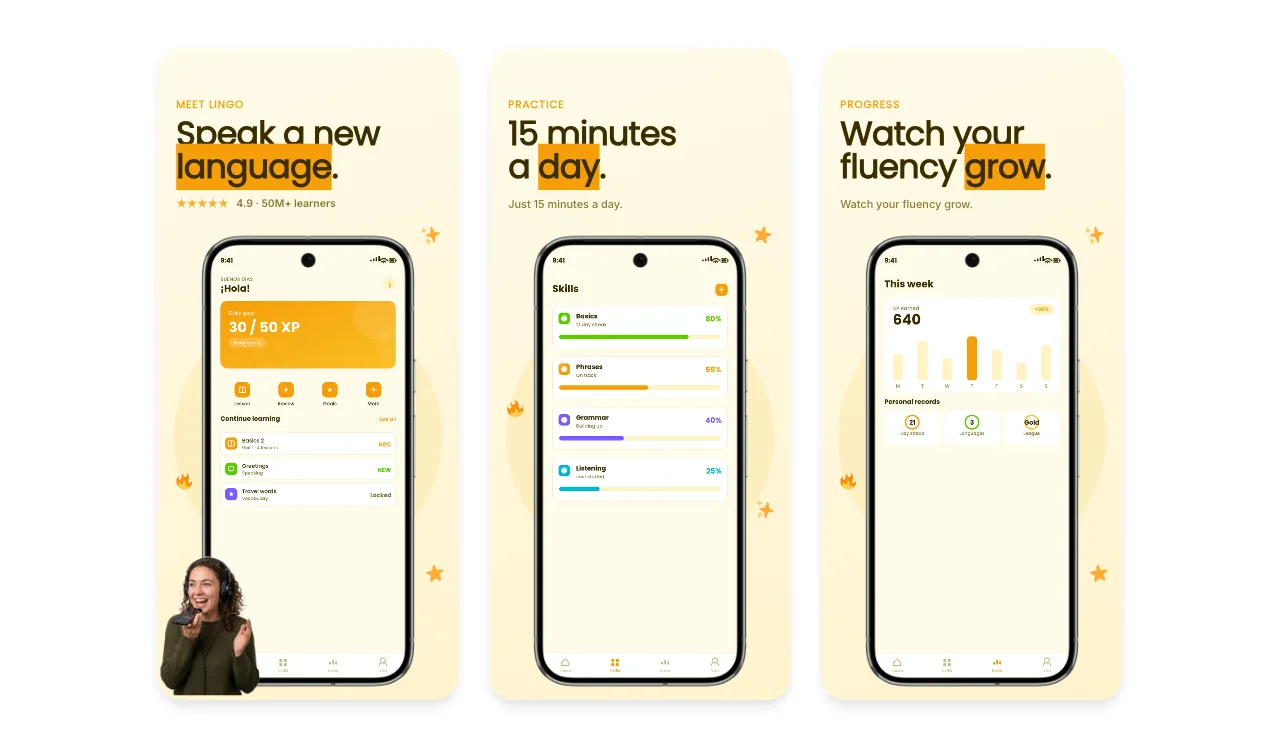
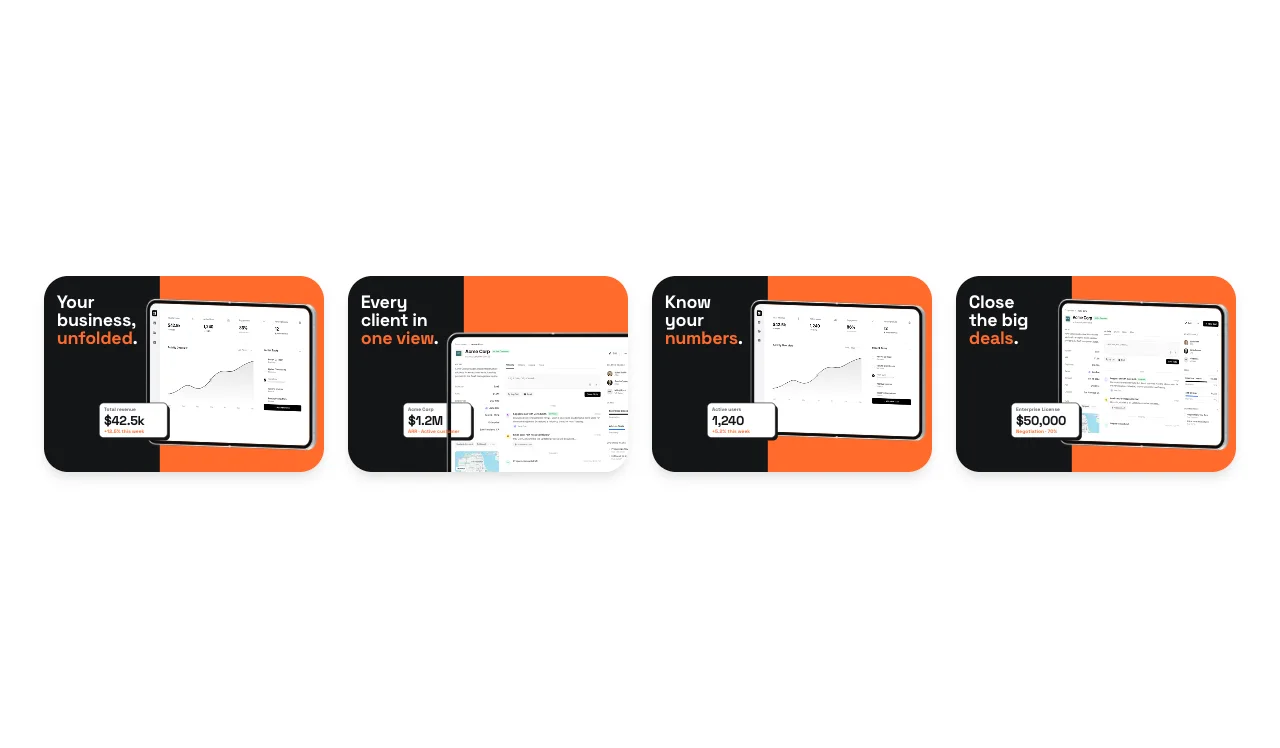
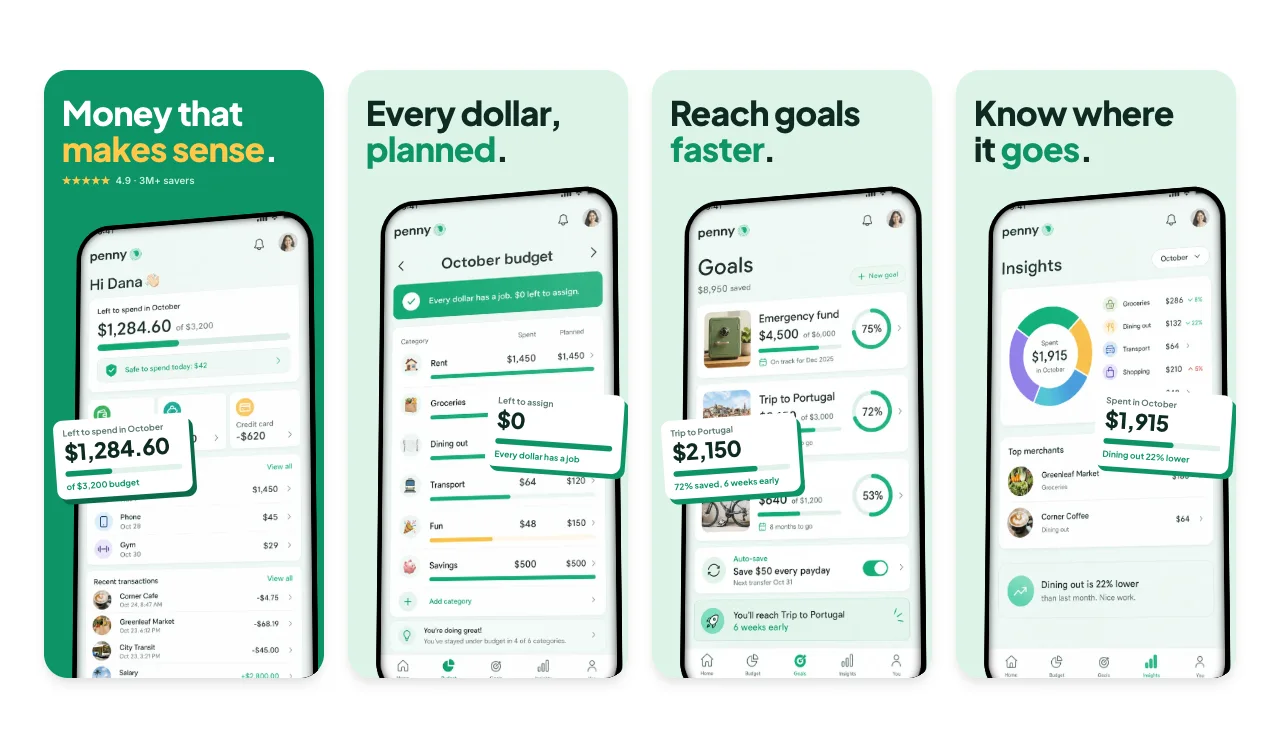
Check the crop
Confirm the product screen, frame, and important UI remain visible at the final aspect ratio.
Build an editable iOS screenshot set, adapt it to the device slots shown in App Store Connect, review every size and locale, then export organized PNG files.
Loved by 3,000+ creators
An iOS screenshot generator turns iPhone and iPad screens into the images App Store Connect accepts. With Screenhance you edit one set, then export PNG files for the device slots you need, such as 1206 × 2622 for current iPhones and 2064 × 2752 for 13-inch iPad. Every plan, Free included, can create and export a store set; paid plans remove the watermark and export several sizes at once.
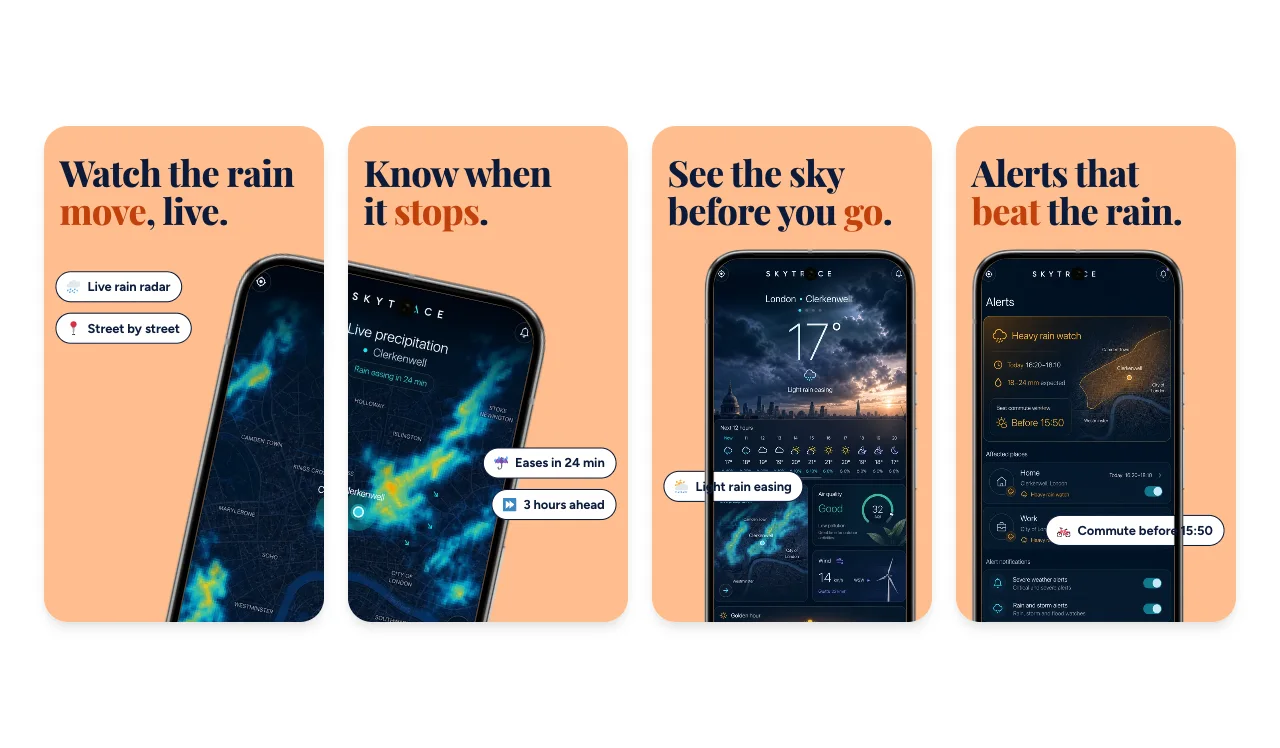
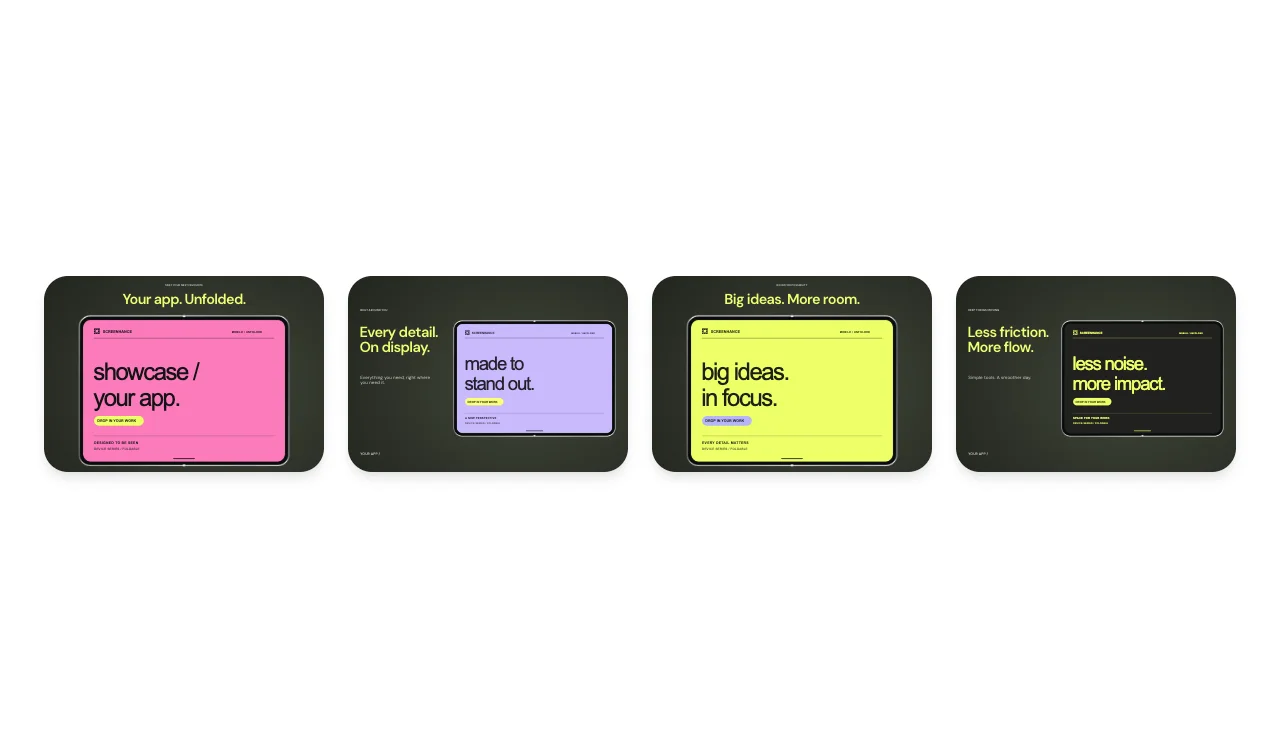
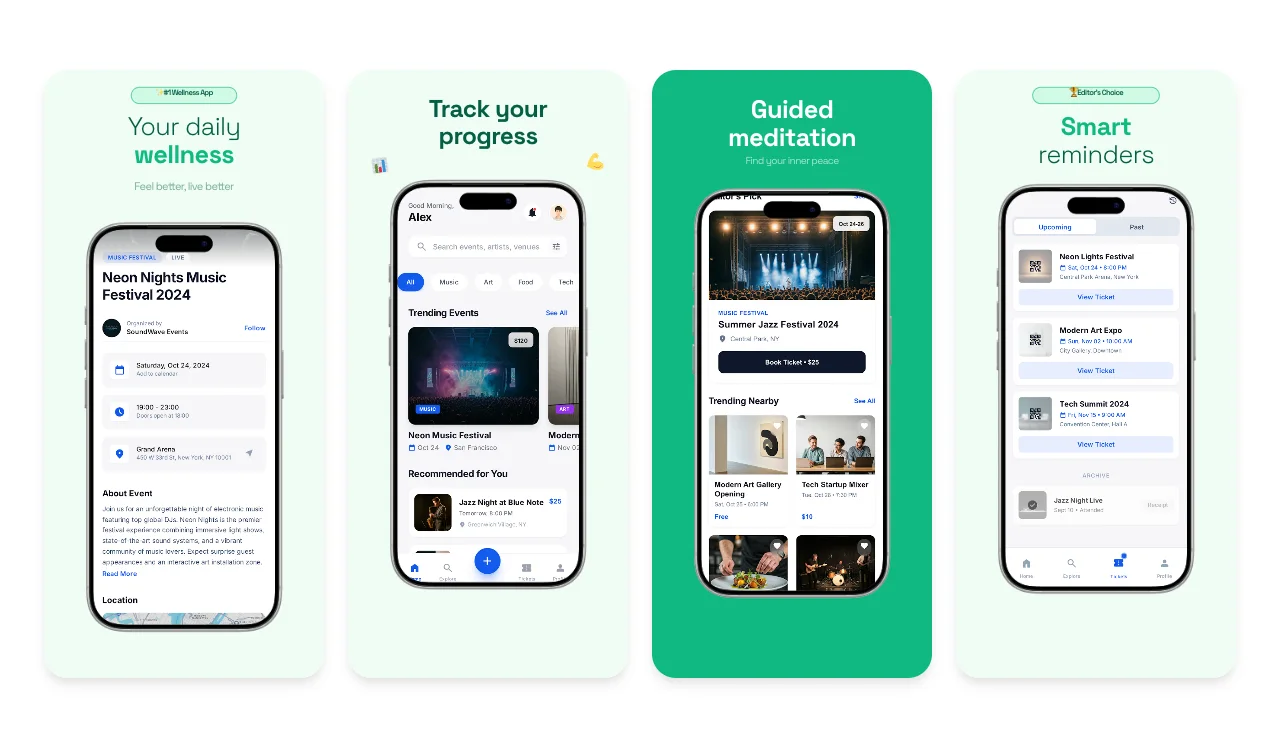
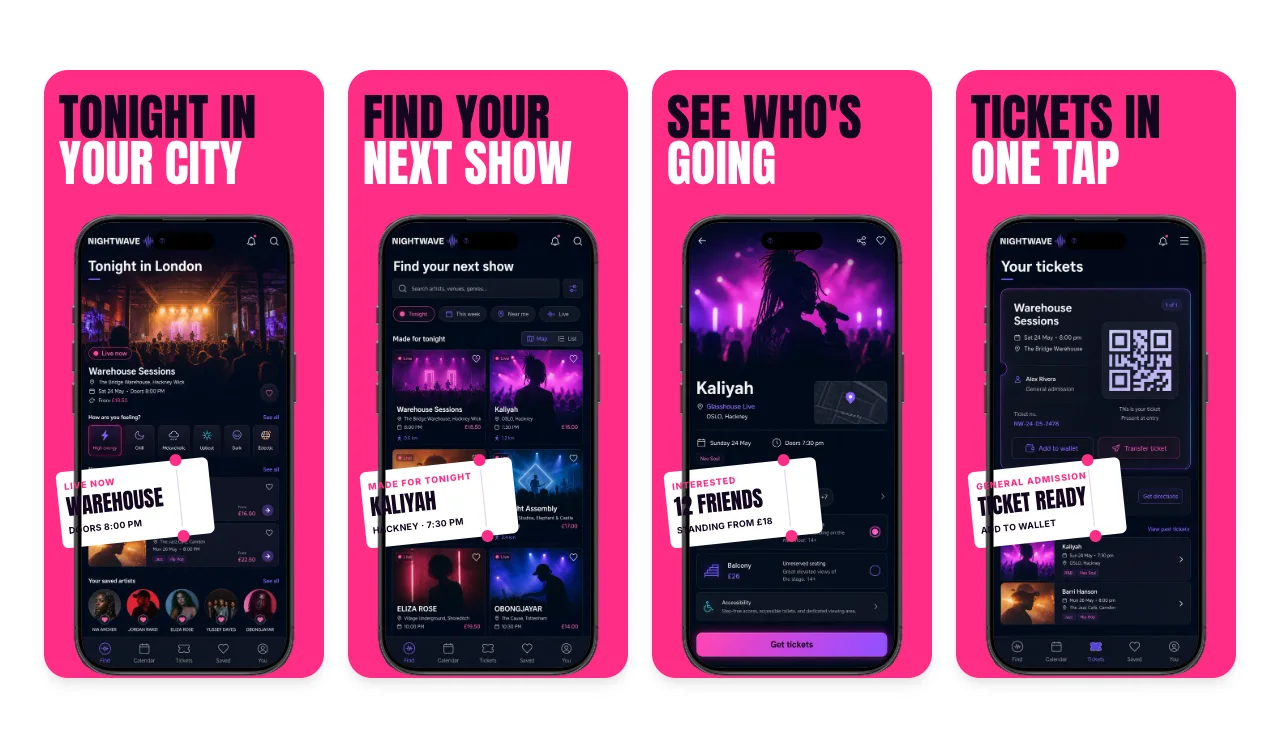
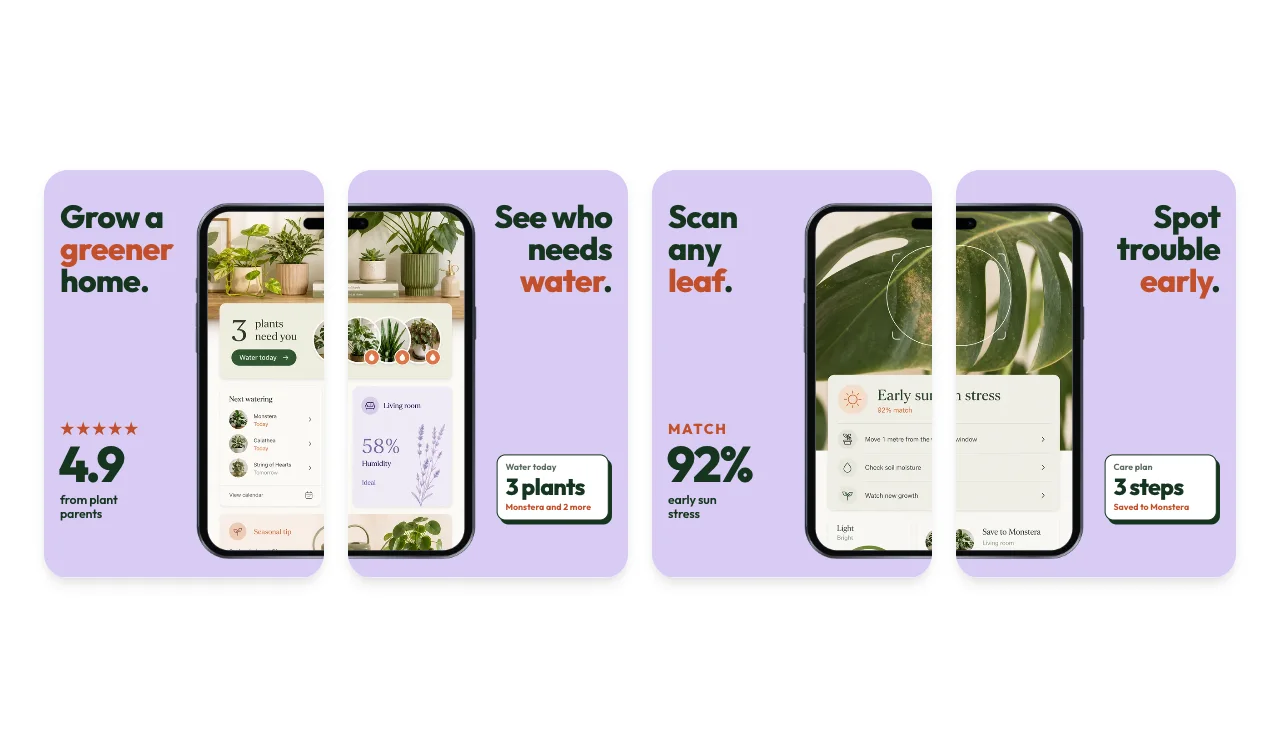
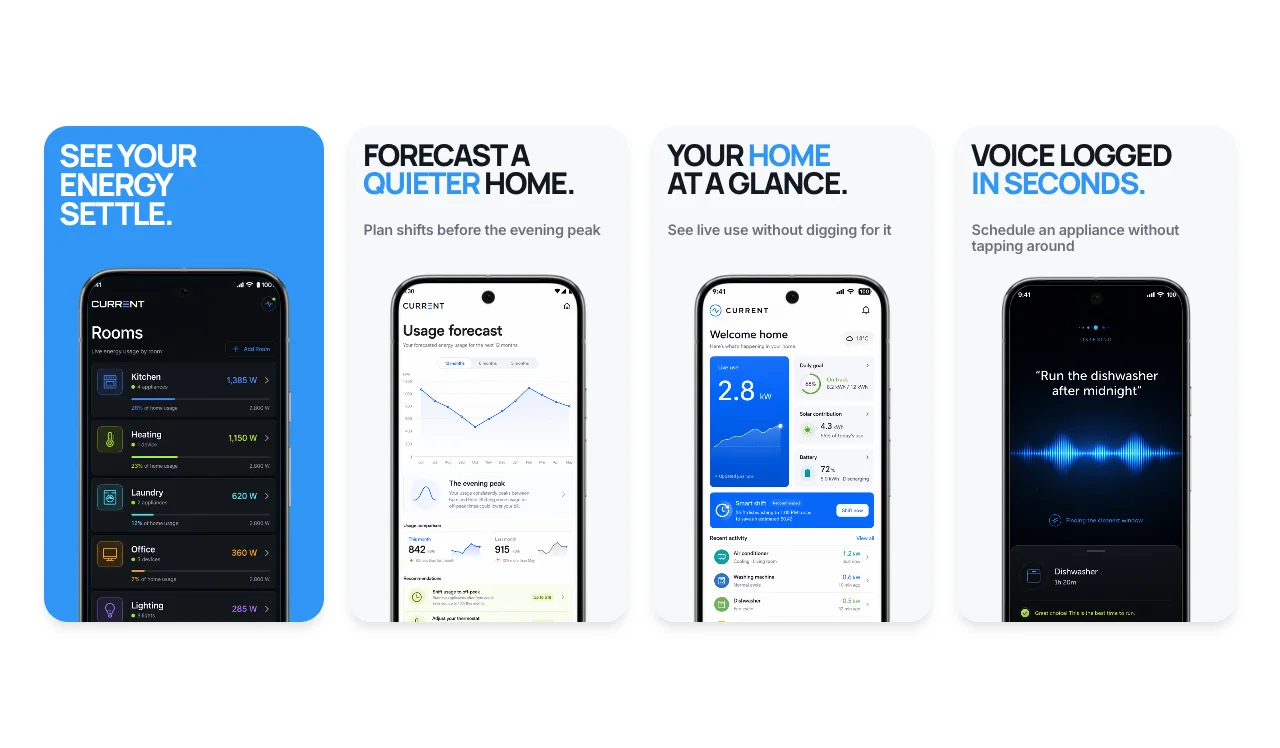
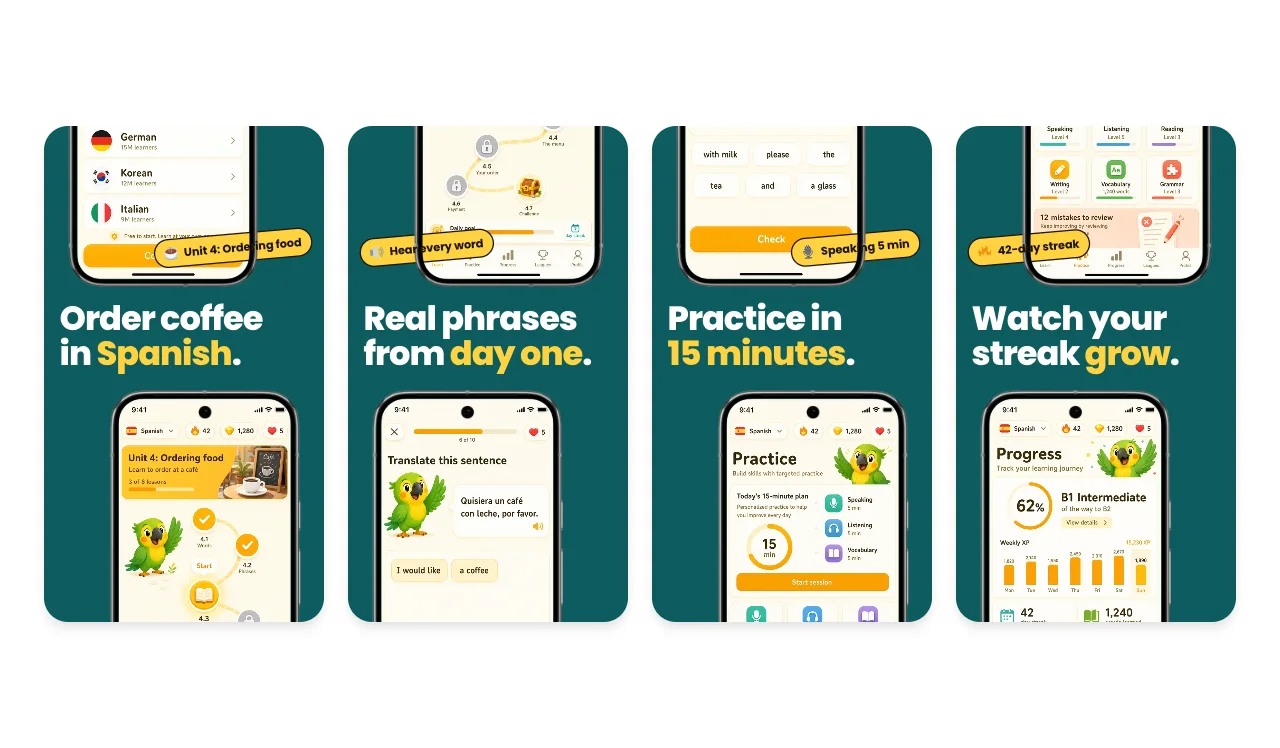
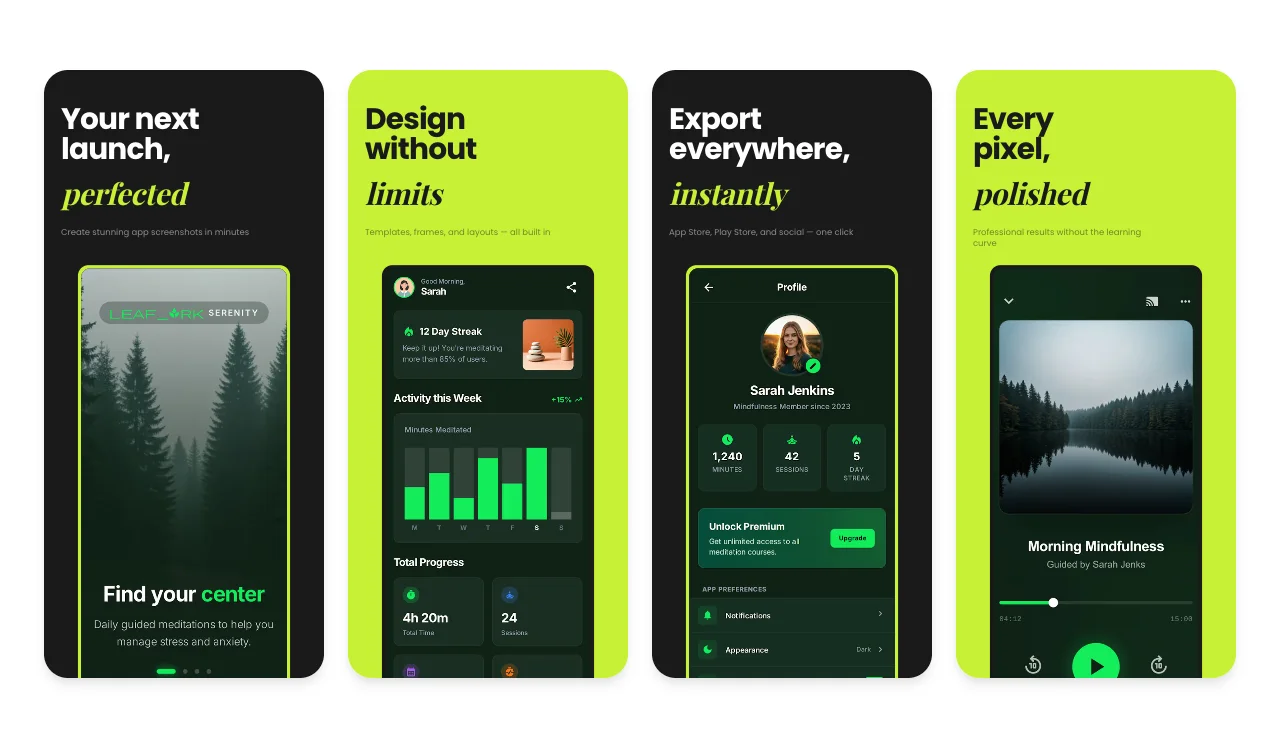
Browse complete App Store and Google Play stories. Every template includes a ready-to-customize slide sequence.
No credit card required
A generator can remove repetitive production work. App Store Connect still decides which slots your build needs, and every exported composition still deserves a visual check.
Start with a coordinated iOS template, then replace the sample captures and rewrite the captions around what the screen actually shows.
Choose the iPhone or iPad sizes shown for your build in App Store Connect. Each selected output uses an accepted pixel pair from the current Apple list.
Responsive export adapts the composition, but it does not make every crop correct. Check text size, spacing, frame placement, and screenshot content at each final size.
Preview each enabled locale, review its copy and line breaks, then export the selected PNG sets in organized language and size folders.
Apple lists more than one accepted pair for some display classes. These current examples come from Screenhance's canonical Apple-size registry; landscape uses the same pair in reverse.
Before exporting, open your app version in App Store Connect and note the screenshot fields it presents. That is the safest way to choose the relevant device families instead of assuming every historical size is required.
Read Apple's screenshot specificationScreenhance carries the composition into each selected size. Review the actual output before upload, especially when moving between iPhone and iPad or between languages with very different text lengths.
Confirm the product screen, frame, and important UI remain visible at the final aspect ratio.
Read the copy at export size. Fix wrapping, font fallback, and hierarchy instead of relying on auto-fit alone.
Review meaning, terminology, dates, currency, reading direction, and the language shown inside the app capture.
Templates, device frames, and editing are available before you choose a paid plan.
Free
3 watermarked PNG exports at 1× each month. Export one selected size at a time.
Launch Pass · $6
10 clean static exports over 7 days, with multi-size and multi-locale export and up to 3× resolution.
Pro · $12/month or $99/year
Unlimited clean exports for teams and makers who update store visuals regularly.
No. Apple groups screenshots into device-display slots, and the slots available for your app depend on its supported devices and the current App Store Connect requirements. Open the version in App Store Connect and check the fields it presents before exporting. Apple's specification lists the accepted pixel pairs for each display class.
Screenhance includes Apple's current accepted portrait pairs, including 1260×2736, 1320×2868, and 1290×2796 for 6.9-inch iPhone displays; 1284×2778 and 1242×2688 for 6.5-inch displays; and 2064×2752 and 2048×2732 for 13-inch iPad displays. Landscape uses the corresponding pair in reverse. Confirm the precise slot in App Store Connect before submission.
You can export one editable composition to selected iPhone and iPad sizes, and Screenhance adapts it to each aspect ratio. Review every result before uploading: a layout authored for a tall iPhone may need a separate iPad composition when responsive scaling leaves too much space or changes the visual hierarchy.
Keep captions as editable text, enable the locales you support, and add reviewed copy or use auto-translation as a first draft. Preview each locale and check terminology, font support, line breaks, layout, and the language shown inside the app capture before publishing.
Yes. Free includes 3 watermarked PNG exports at 1× each month and lets you export one size at a time. The $6 Launch Pass includes 10 clean static exports over 7 days, multi-size and multi-locale export, and up to 3× resolution. Pro costs $12 per month or $99 per year and includes unlimited clean exports for ongoing work.
Continue preparing the same App Store, Google Play, or Chrome listing.
Screenshot sets by app category, from finance to travel
Start creatingAndroid-ready Google Play visuals
Start creatingValidate screenshots before App Store Connect rejects them
Start creatingCheck screenshots against Google Play's accepted range
Start creatingResolve the App Store Connect wrong-dimensions error
Start creatingLocalize App Store screenshots in 16 locales
Start creatingReplace the sample screens, choose the slots App Store Connect shows for your build, and inspect every file before submission.