Use Cases
Smartmockups charges $14/month for basic mockups. Screenhance gives you 100+ templates, every device frame, and 3 free exports per month. No watermarks.
Loved by 2,000+ creators
Professional mockup templates you can use for free. No subscription required.
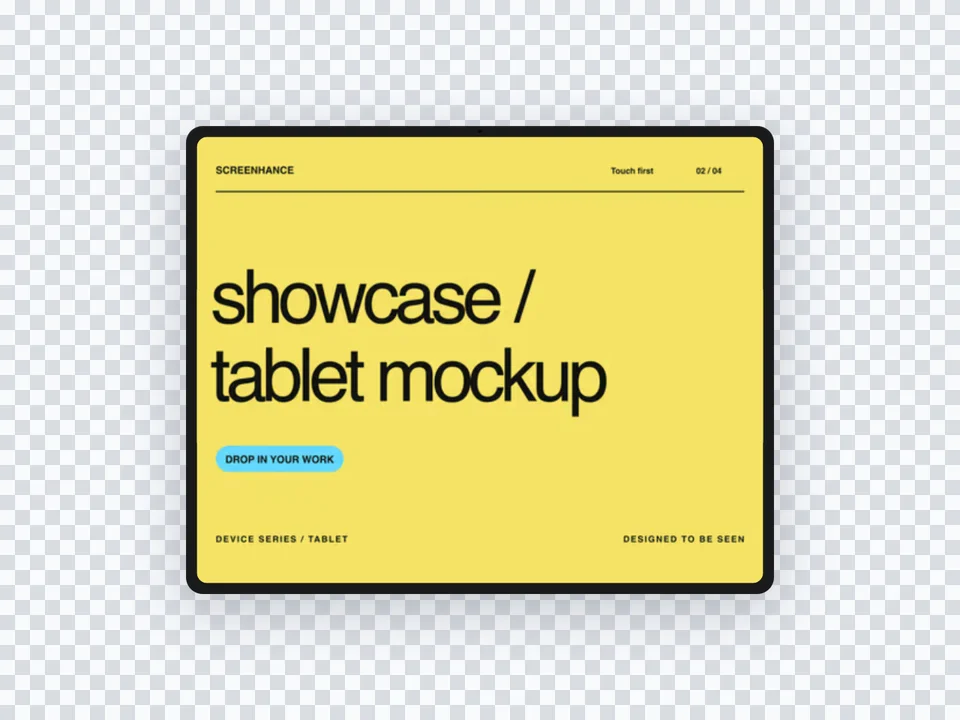
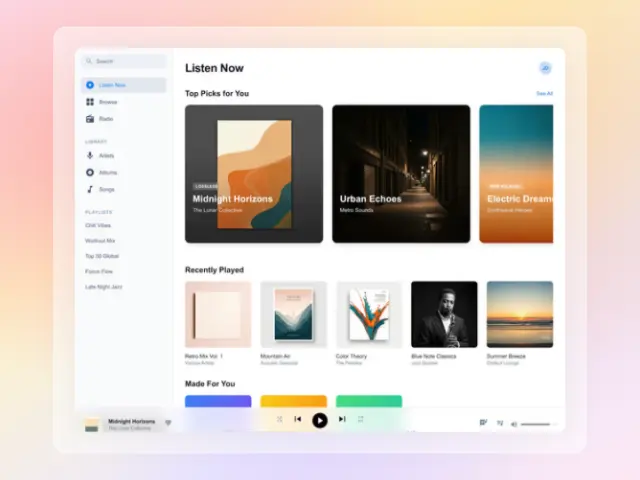
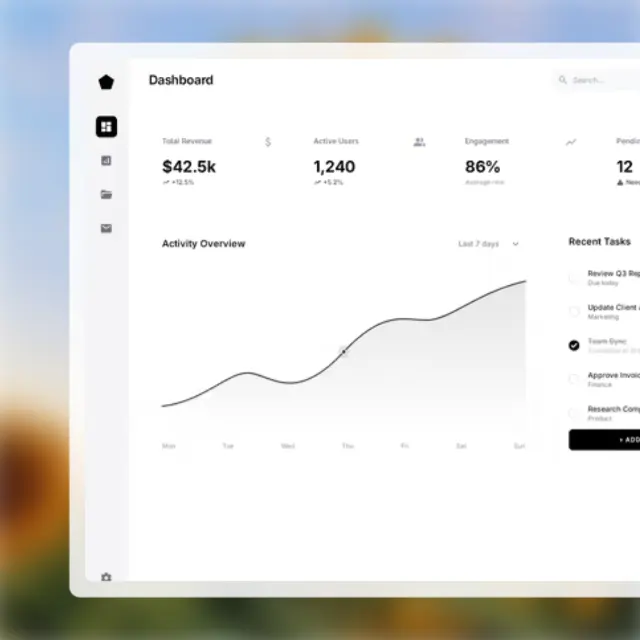
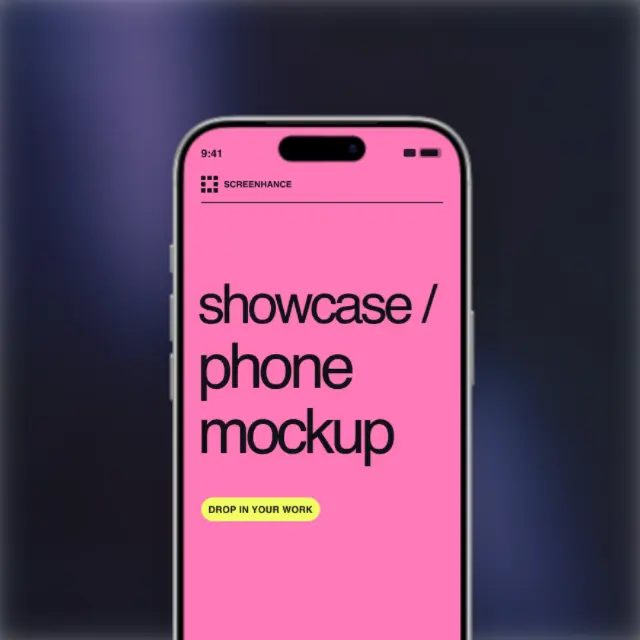
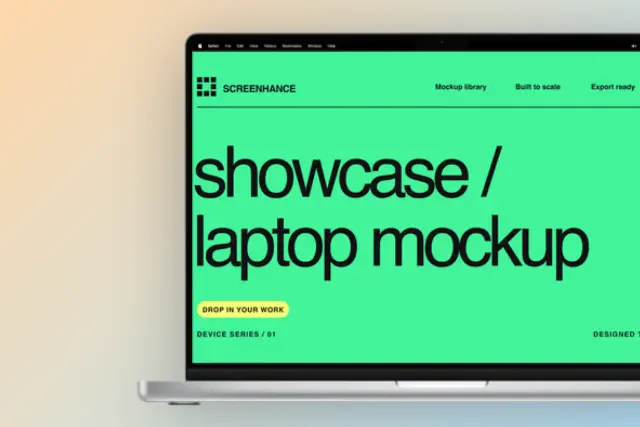
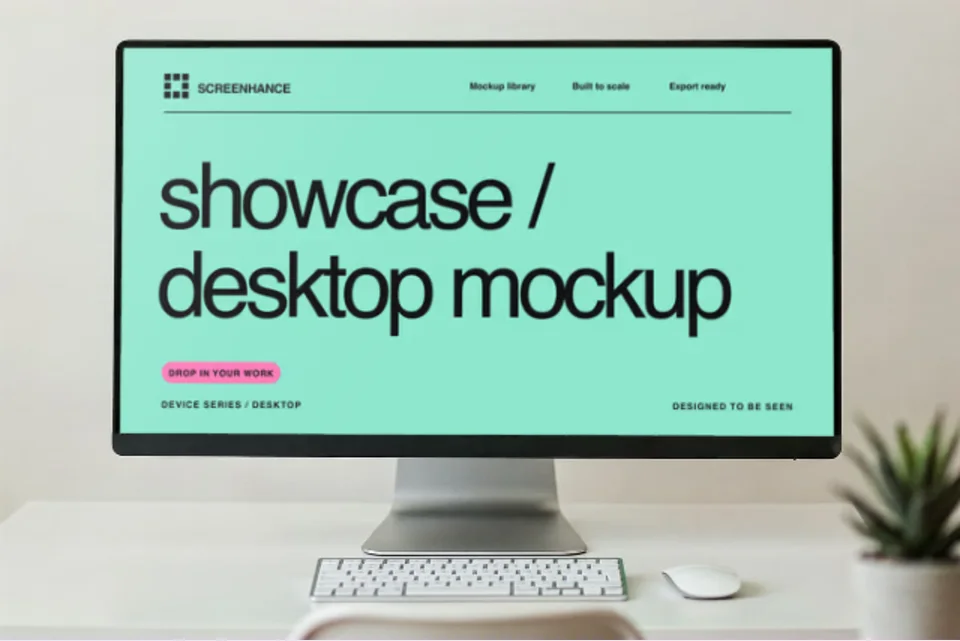
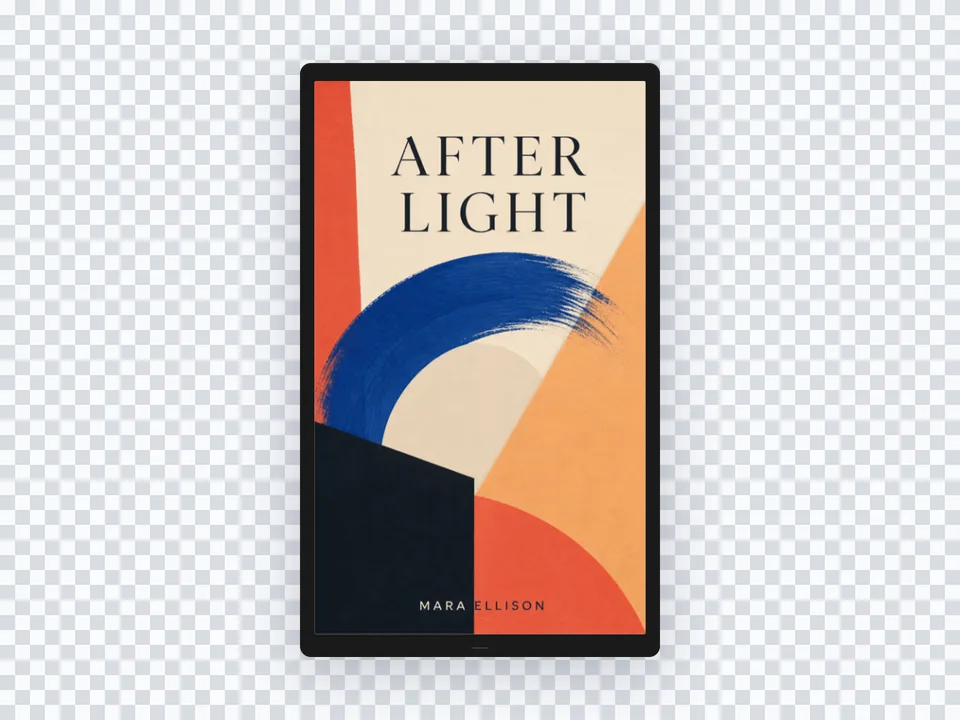
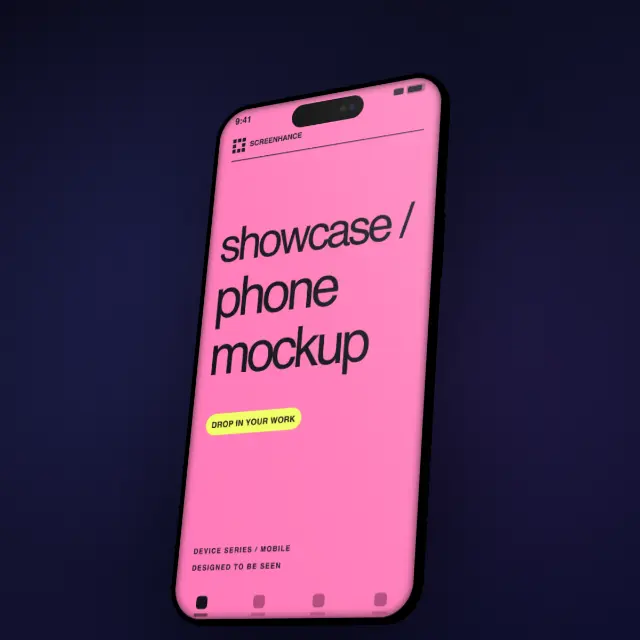
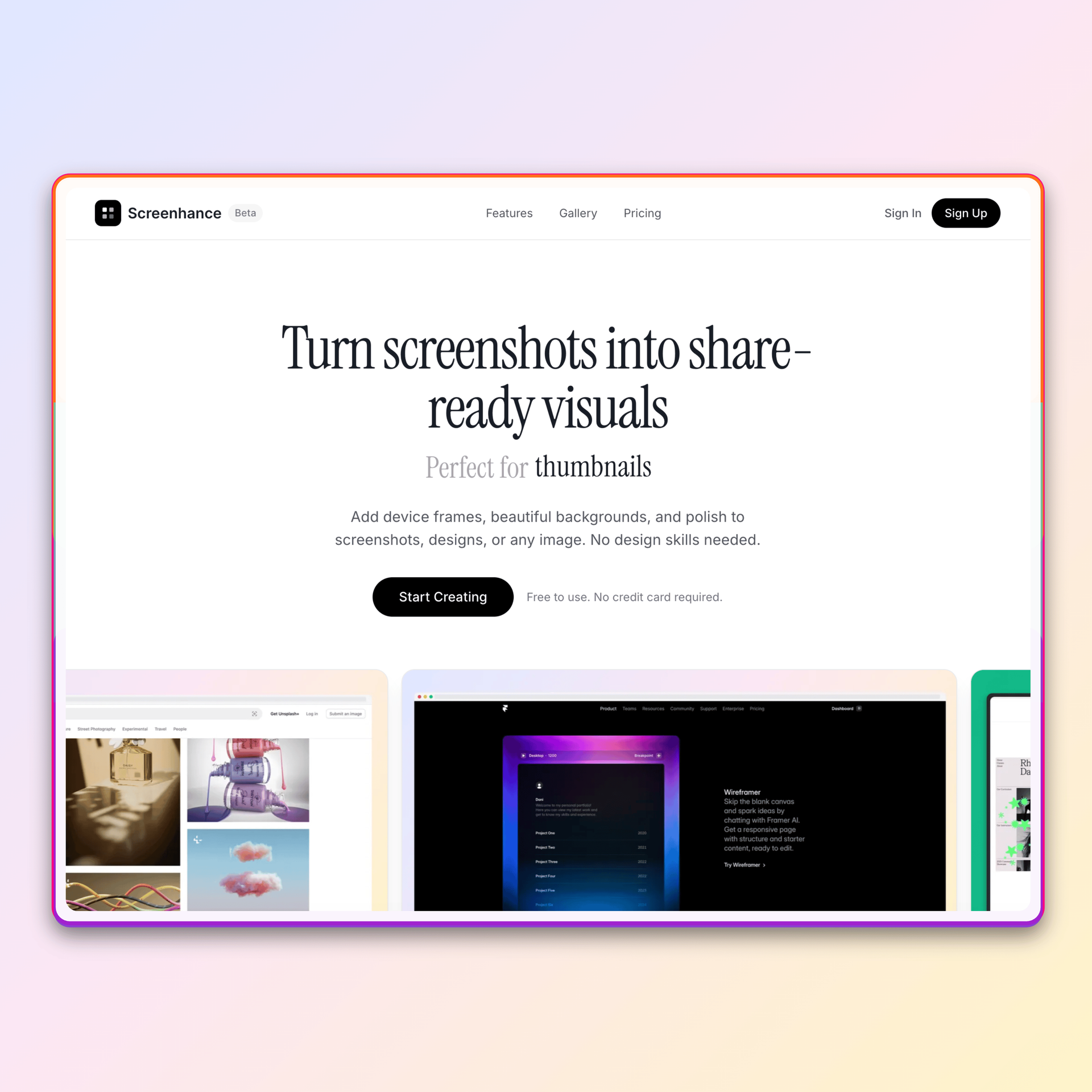
See what's possible. Real outputs from the editor.


Create professional mockups in three simple steps. No design skills required.
Drag and drop or select any screenshot, design, or image from your device.
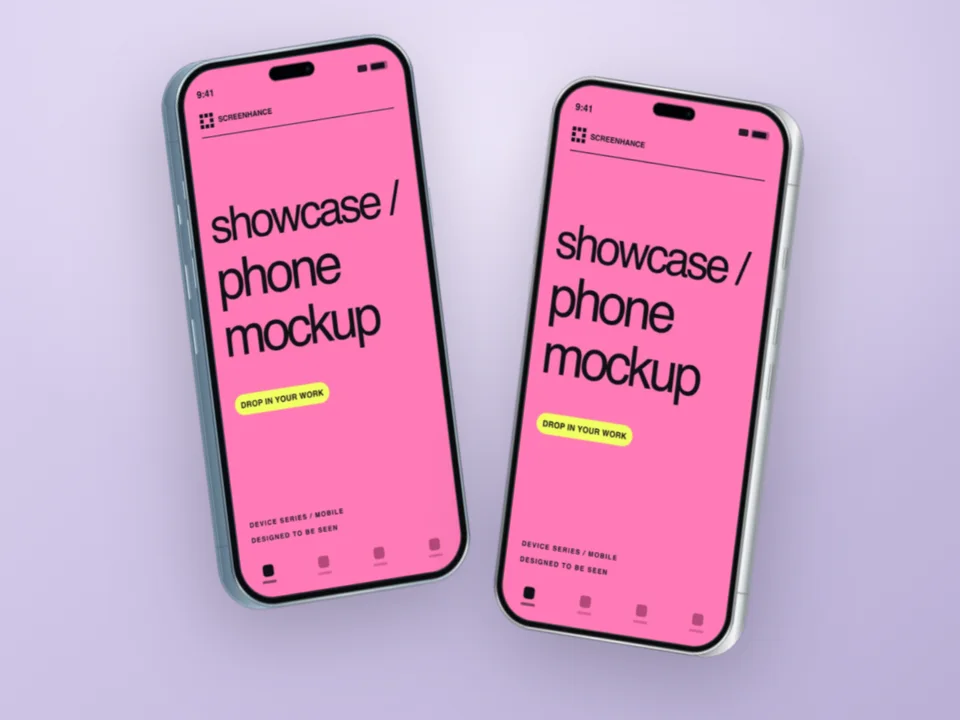
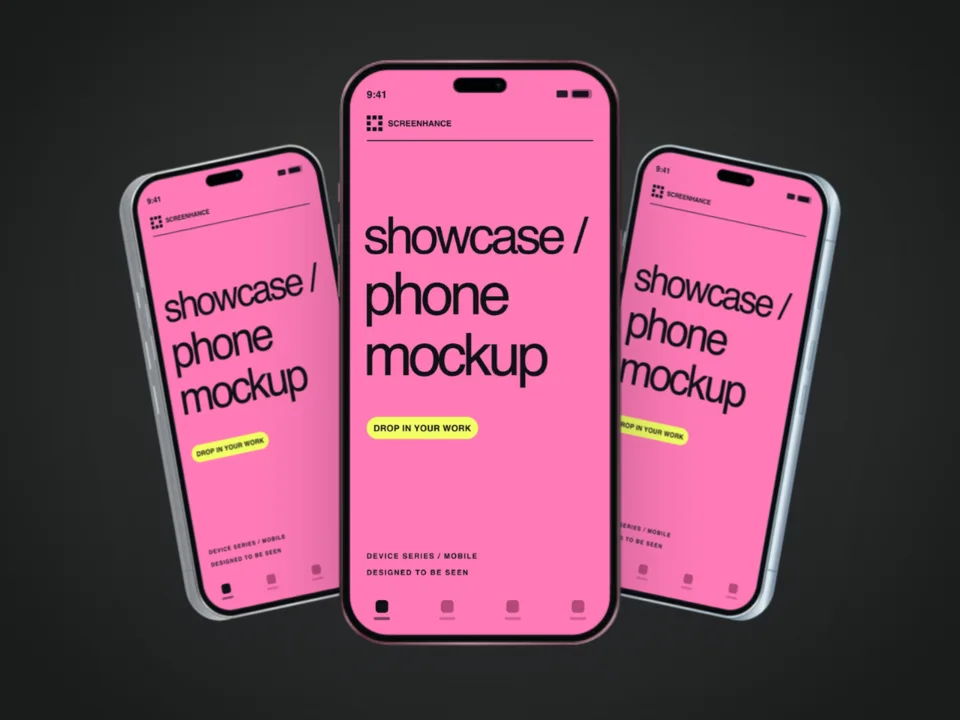
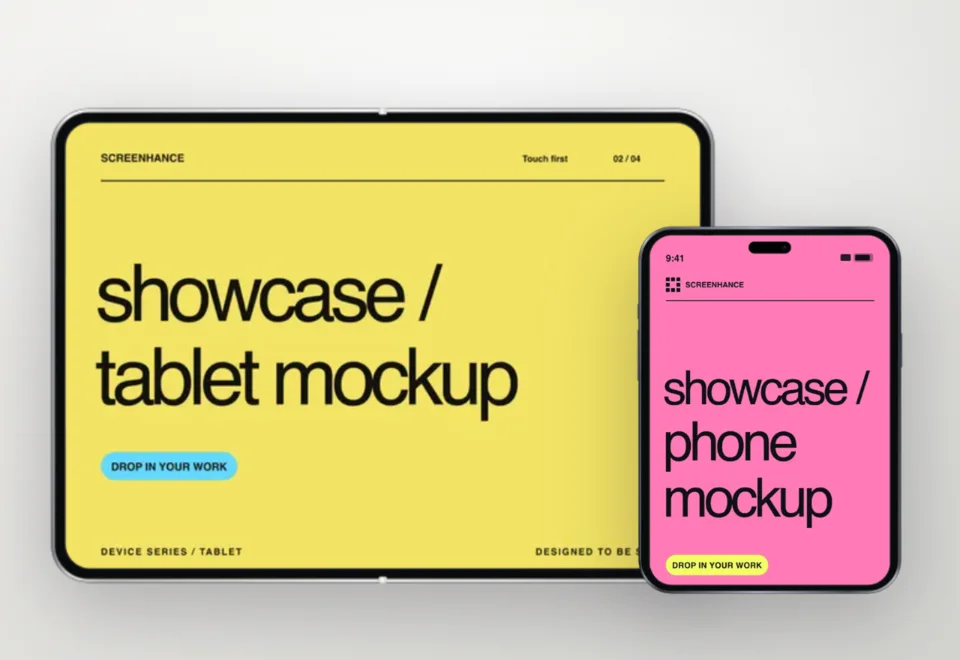
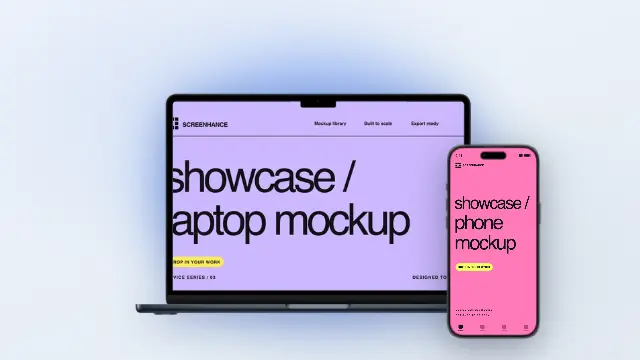
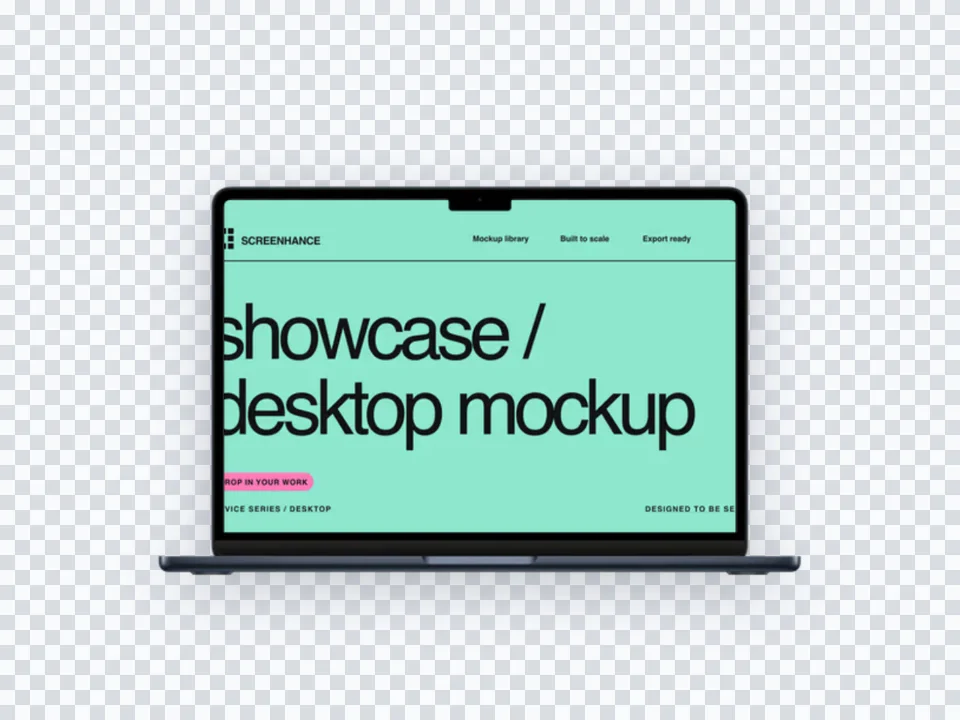
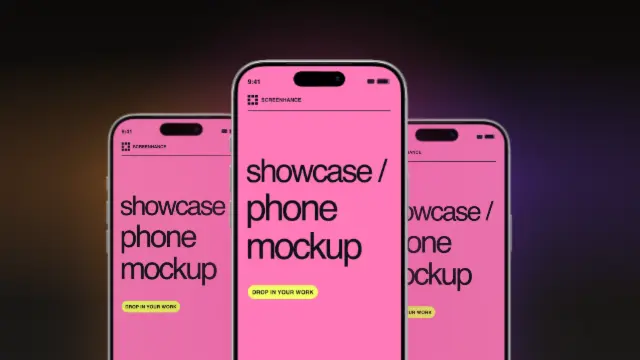
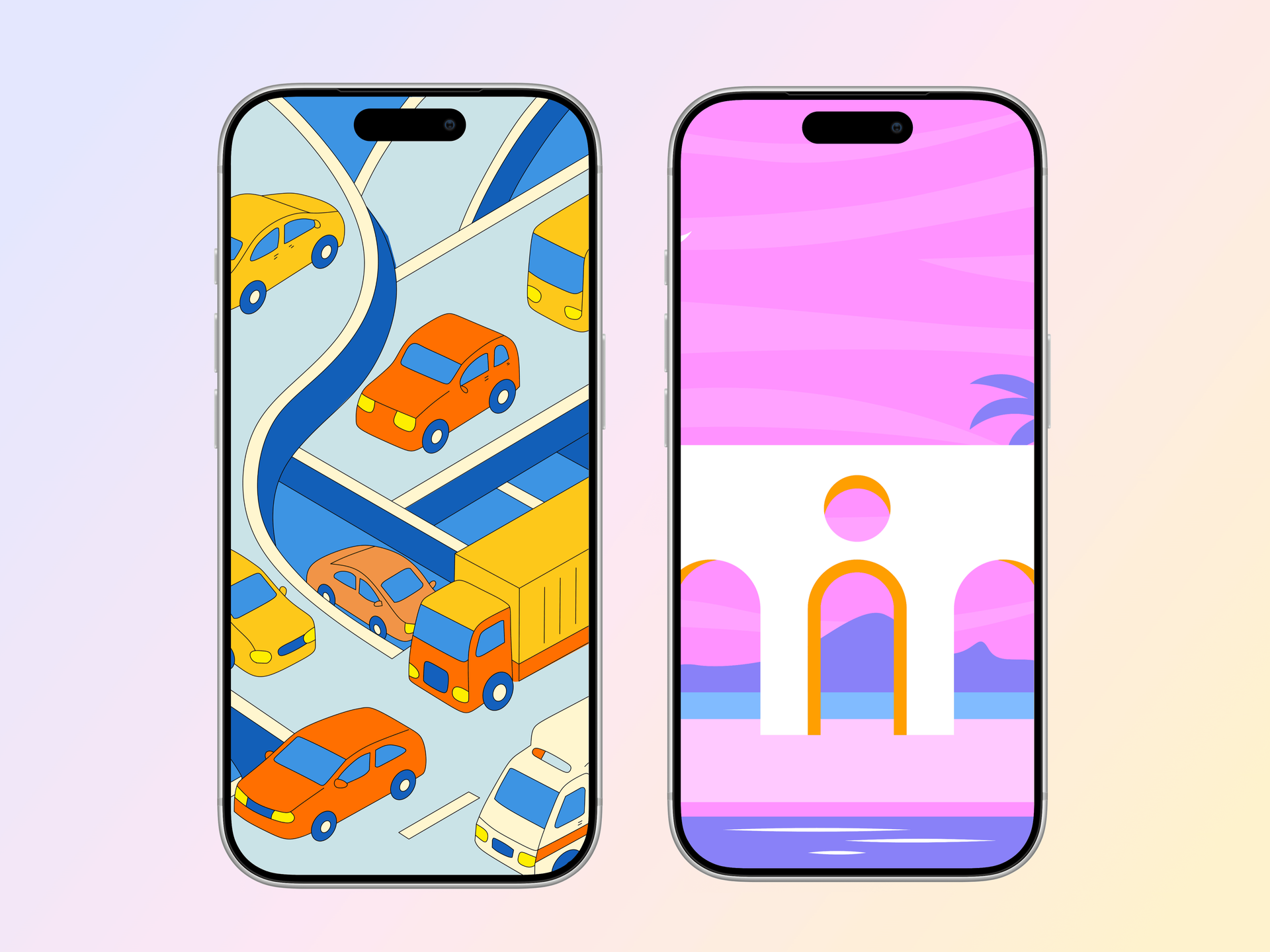
Pick from iPhone, iPad, MacBook, browser frames and beautiful gradient backgrounds.
Download as PNG, WebP, JPEG, GIF, or video. Ready for marketing in seconds.
Two capabilities that separate Screenhance from every other mockup tool in 2026: animated exports and App Store screenshot localization.
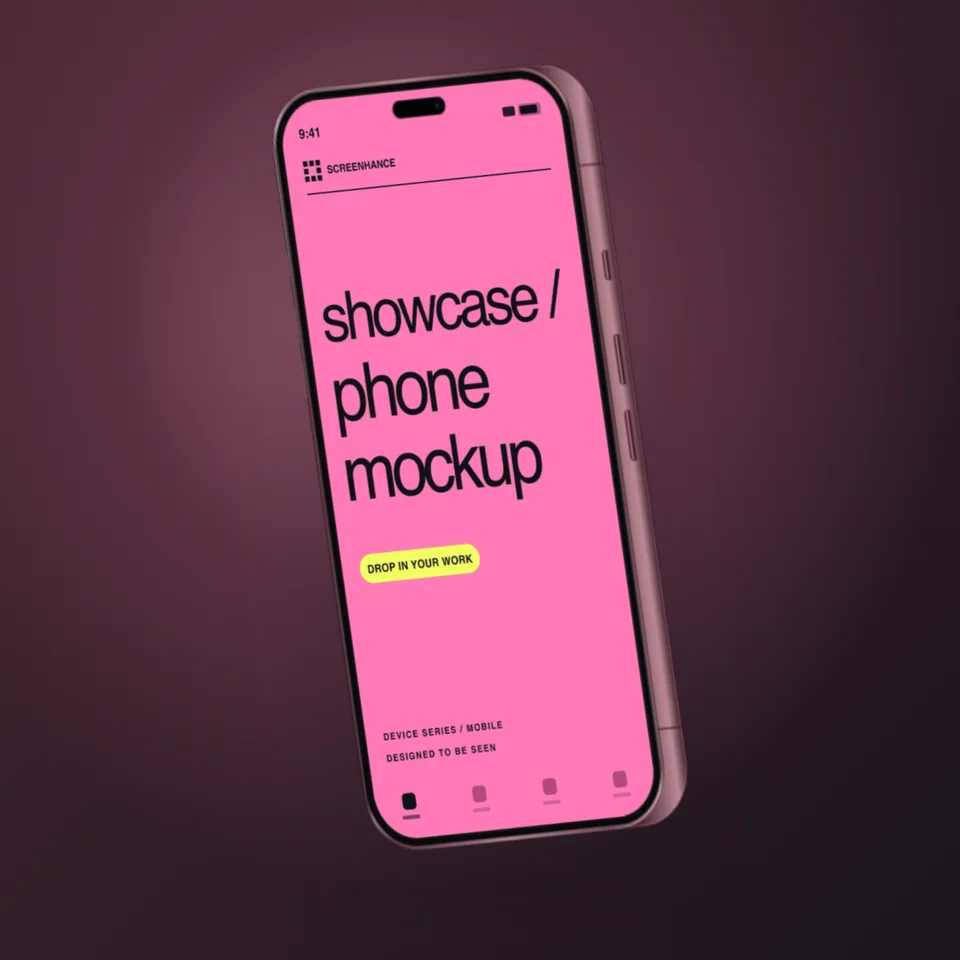
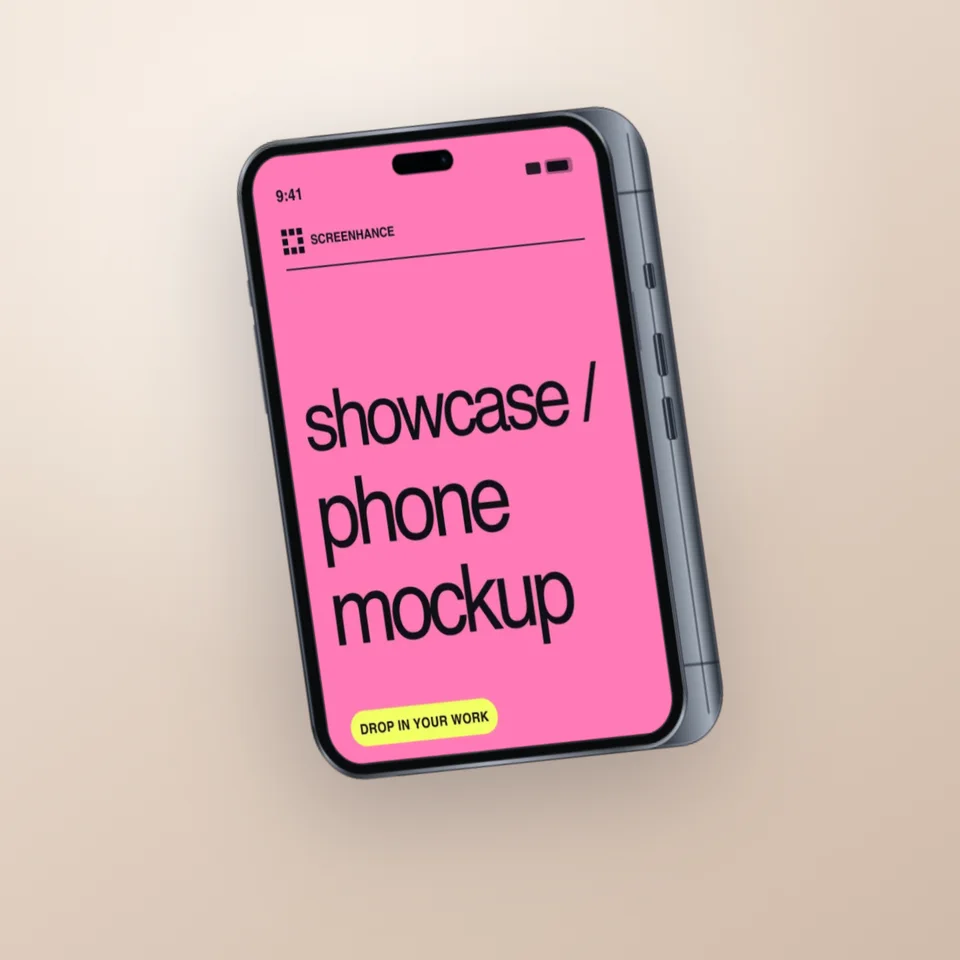
Template-driven motion — float, reveal, parallax. Export animated mockups at Product Hunt, landing-page, and Twitter/X dimensions. Most mockup tools are static-only.
One master design, per-locale captions, every required Apple and Google Play size per language. RTL and CJK support. Apple reports localized listings drive 2-3x install lifts.
iPhone 17 Pro Max (1320×2868), iPhone Air (1260×2736), iPad Pro M4 (2064×2752), and the full Google Play set — exported from one design in a single pass.
Pick a template, drop in your screenshot, export. No Figma, no Photoshop, no learning curve. Free tier covers 3 exports a month; $6 Week Pass unlocks unlimited for a launch.
Stop paying $14/month for basic mockups. Get started for free.
Create client-ready mockups without a subscription.
Professional App Store screenshots without the overhead.
On-brand device mockups without waiting for design.
Smartmockups was built around physical-product photography. If you sell t-shirts, mugs, tote bags, candles, or anything that lives on a Shopify storefront, their lifestyle library is genuinely useful. Hands holding the product, the product on a wooden desk, the product on a model — that catalog is years deep and Canva keeps adding to it.
The same is true for apparel and packaging mockups. If your output is a printable mockup of a hoodie or a coffee bag for an ecommerce listing, Screenhance is the wrong tool. We do not pretend to compete on apparel SKUs, lifestyle staging, or print-on-demand workflows. Stay on Smartmockups for that work — or use Placeit if you need an even larger library of physical scenes.
If most of your Smartmockups exports are screenshots inside an iPhone, iPad, MacBook, or browser frame, the migration takes about ten minutes. Export your raw screenshots out of Smartmockups (or just grab them from your phone), open Screenhance, pick a template, and drop them in. Backgrounds, device frames, captions, and layouts come pre-built — you are not rebuilding scenes from scratch.
The bigger shift is mental. Smartmockups treats your screenshot as decoration inside a photo. Screenhance treats your screenshot as the subject and builds the composition around it. That is why teams shipping App Store screenshot sets, Product Hunt galleries, and landing page hero images tend to leave. The output looks like product marketing instead of stock photography.
Most users keep both tools for a month, then drop the Smartmockups subscription once they realize they have not touched a lifestyle mockup in three weeks.
Generic mockup tools try to cover every surface — tees, mugs, hoodies, magazines, billboards, phones, tablets, laptops, and books. The tradeoff is depth. When a tool tries to ship 3,000 scenes, none of the screenshot-specific scenes get the polish that screenshot-specific work actually needs. The result is a library full of laptops on coffee tables where the screen is two inches wide and the UI is unreadable.
Screenhance starts from the opposite premise: software is the entire job. That means iPhone 16 Pro Max at the exact pixel dimension the App Store wants, MacBook Pro 16-inch with bezels that match the current generation, browser chrome that updates when Chrome updates, and device frames whose corner radius and notch line up with reality — not with a stock photo taken three OS versions ago. The library is narrower on purpose. The depth is the product.
That focus shows up in the operations the editor supports. Multi-screen App Store sets that render eight panels at iOS-correct dimensions in one pass. Animated MP4 and GIF exports for landing-page heroes. Per-template typography controls tuned for headline-and-caption layouts, not body copy. Background presets graded specifically against device frames, so the bezel reads cleanly instead of fighting the gradient. None of these matter if your output is a hoodie. All of them matter if your output is a SaaS launch.
The lifestyle-mockup tools and the screenshot-mockup tools are not really competing. They serve different jobs. The mistake teams make is paying for a generalist tool when 100% of their actual exports are screenshots inside device frames. Audit your last three months of exports. If they are all software, the generalist tool is dead weight. Move to a software-first tool and the workflow gets faster, the output gets sharper, and the subscription disappears.
Smartmockups charges $14/month and adds watermarks on the free plan. Screenhance gives you 3 free exports per month with no watermarks, plus 100+ templates built specifically for screenshot mockups.
Yes. The free plan includes 3 exports per month with all templates, all device frames, and no watermarks. Pro plans start at $6 for a 7-day pass.
Screenhance templates are purpose-built for screenshot mockups with device frames, gradient backgrounds, and professional layouts. Every template is designed to make your screenshots look stunning.
Yes. Try Screenhance for free, and if it fits your needs, you can cancel Smartmockups and save $14/month.
Yes. Canva acquired Smartmockups in 2021 and has been folding parts of its catalog into Canva's mockup library. If you are already paying for Canva Pro, you probably already have most of what Smartmockups offers — which is a reason to consider a tool that does something different.
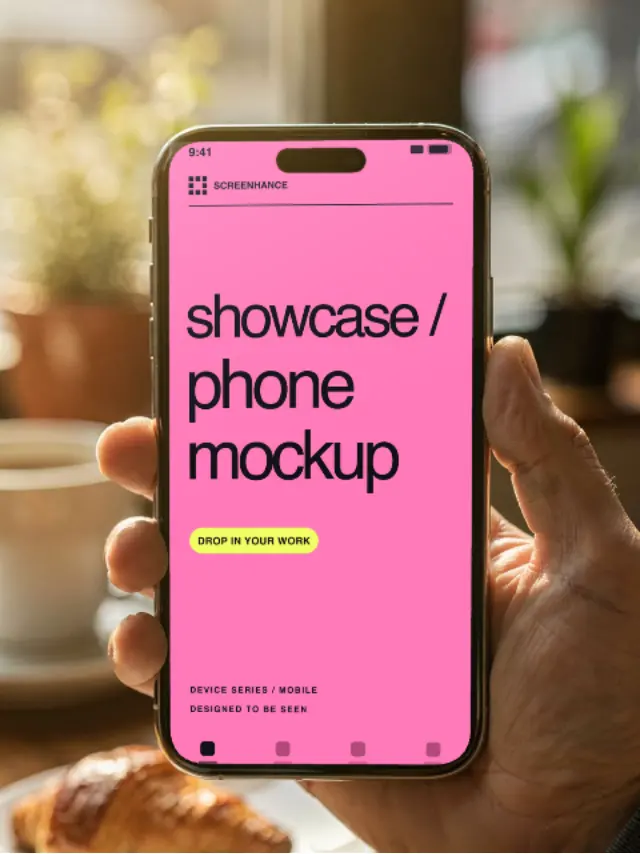
Yes, and we are unapologetic about it. Screenhance is software-first. App screenshots, web app screenshots, browser windows, device frames — that is the entire focus. If you need a hand holding a phone in a coffee shop, Smartmockups is built for that scene and we are not.
Smartmockups has bundled more of its plans under Canva subscriptions, which means standalone pricing has shifted. The free plan still watermarks exports, the paid tier still runs around $14/month, and total cost climbs once you add Canva Pro on top. Screenhance stays at $6 for a 7-day pass or a flat monthly Pro plan.
Smartmockups exports rendered scenes at fixed photo dimensions. Screenhance exports flat PNGs at the dimensions you actually need — App Store 6.7 inch sizes, Product Hunt galleries, social card ratios, custom resolutions. No upscaling, no rerendering, no waiting in a queue.
Most people are productive in five minutes. There are no scenes to set up, no smart objects, no render times. Pick a template, drop your screenshot in, tweak the background, export. The interface is closer to a screenshot tool than a design app.
Explore more ways to create stunning visuals with Screenhance.
Series 11 frames for watchOS apps
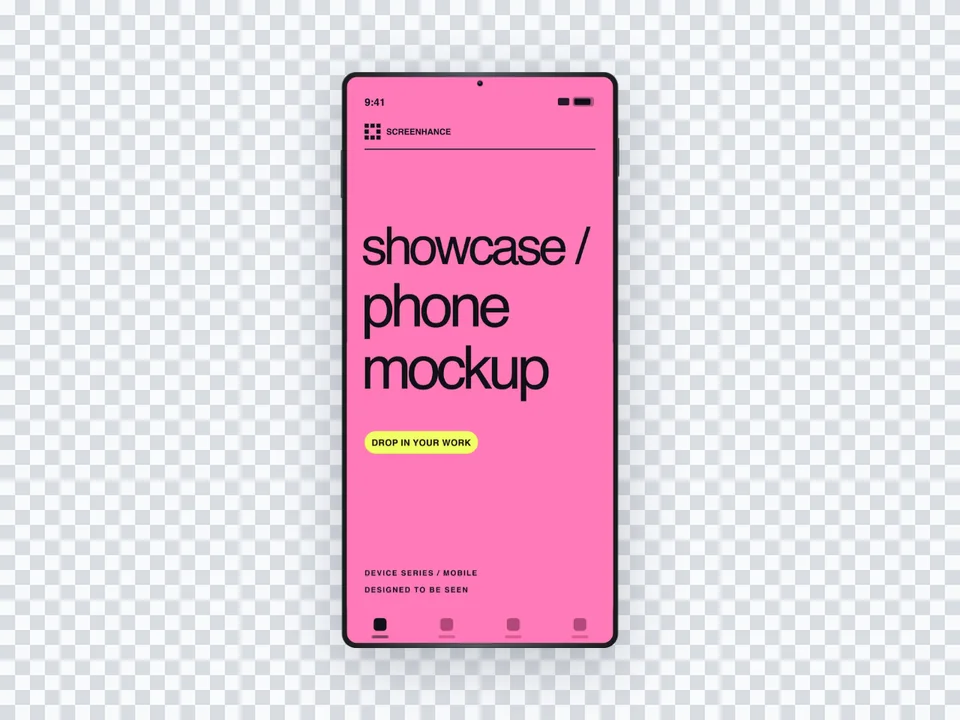
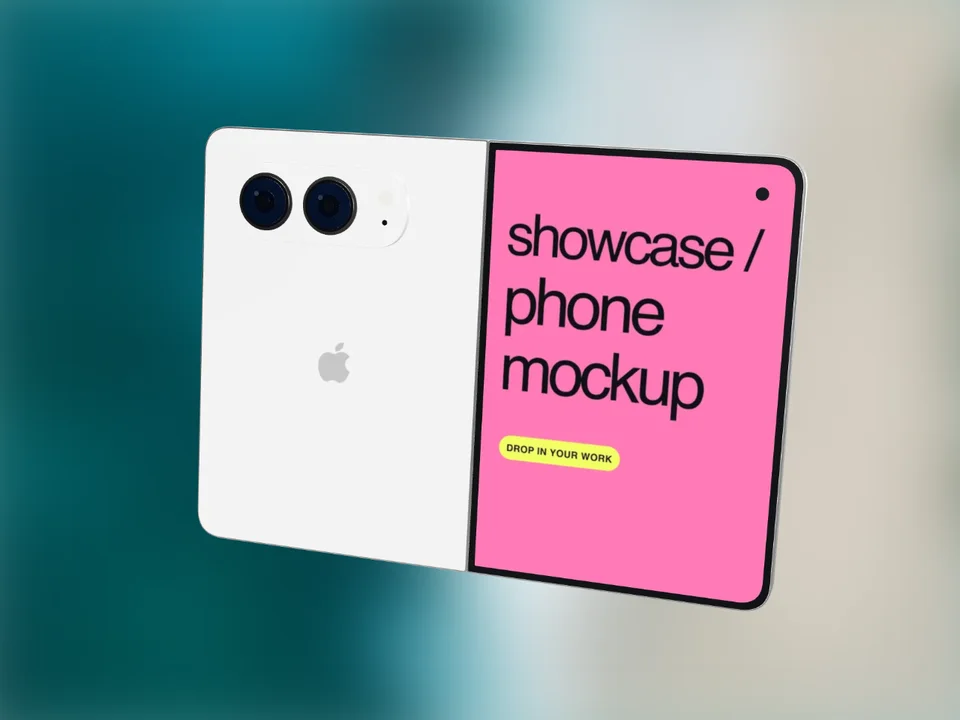
Try it freeSamsung Galaxy and Pixel device mockups
Try it freeRealistic Pixel 9 Pro frames, stock Android
Try it freeAdd Chrome, Safari, and Firefox frames
Try it freeCreate iOS and Android store visuals
Try it freeGenerate compliant App Store screenshots
Try it freeStop paying $14/month. Create stunning mockups for free.