
%2FOlivia%20Rhye.webp&w=64&q=75)
%2FPhoenix%20Baker.webp&w=64&q=75)
%2FLana%20Steiner.webp&w=64&q=75)
%2FDemi%20Wilkinson.webp&w=64&q=75)
%2FDrew%20Cano.webp&w=64&q=75)

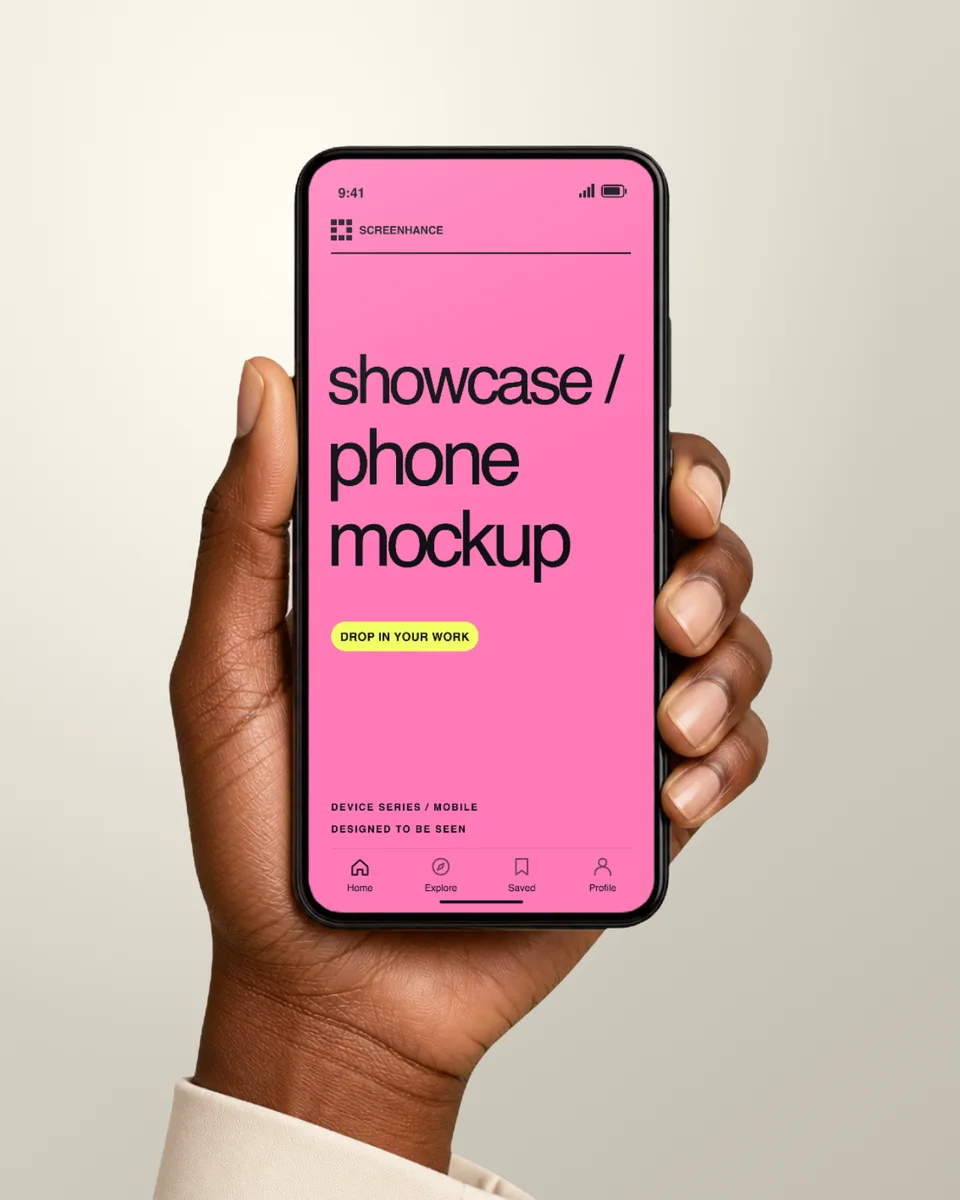

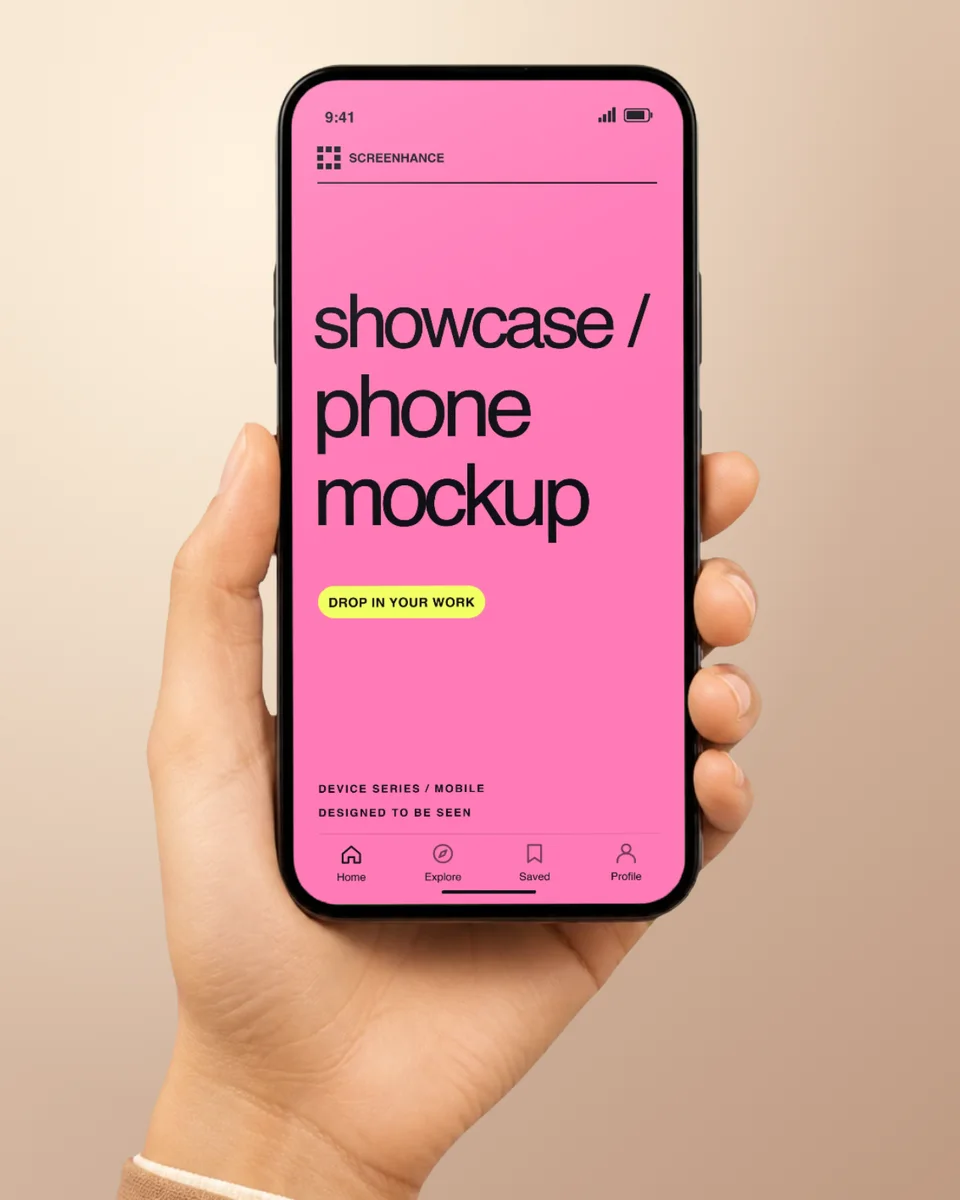
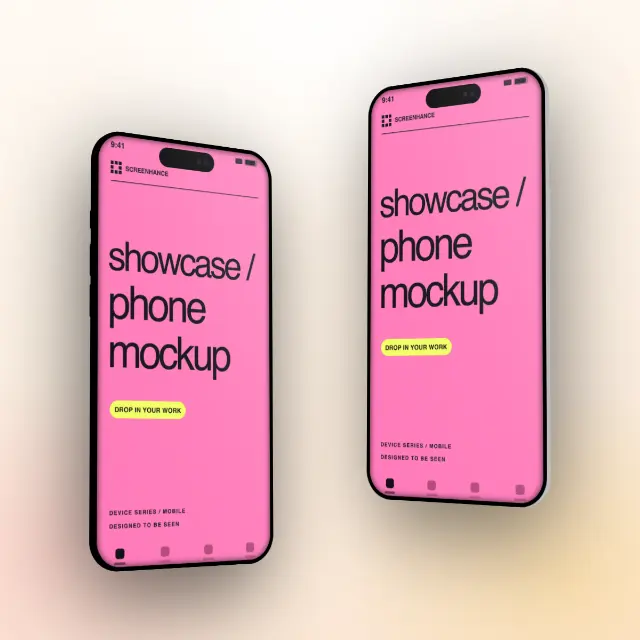
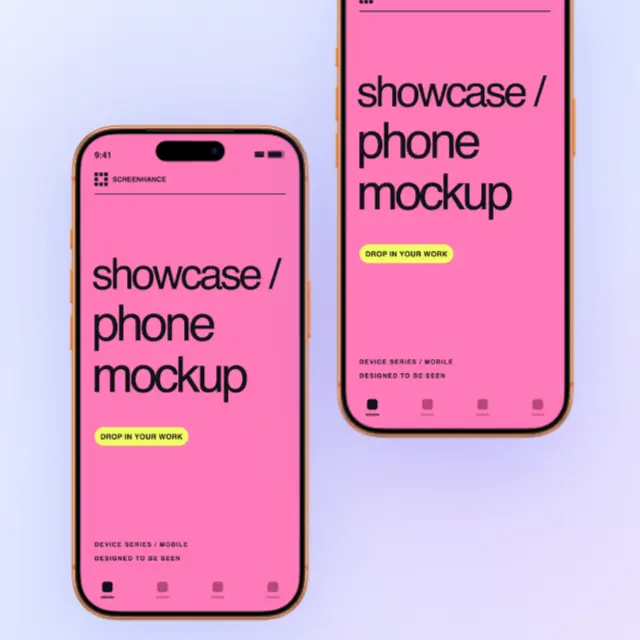
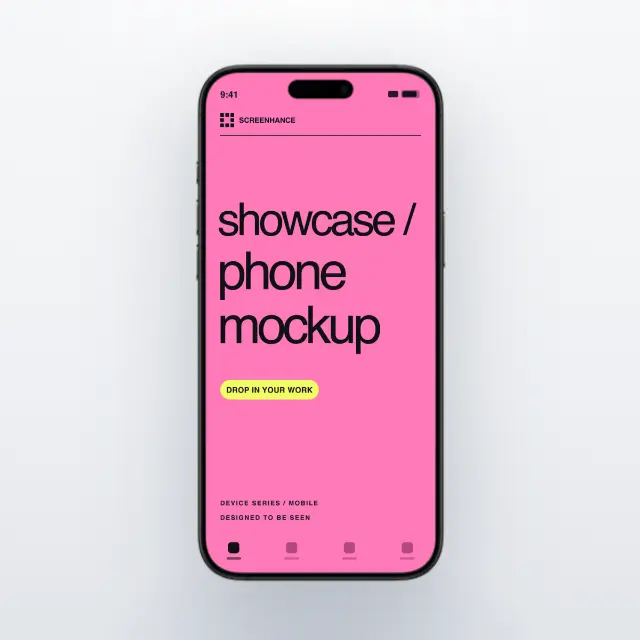

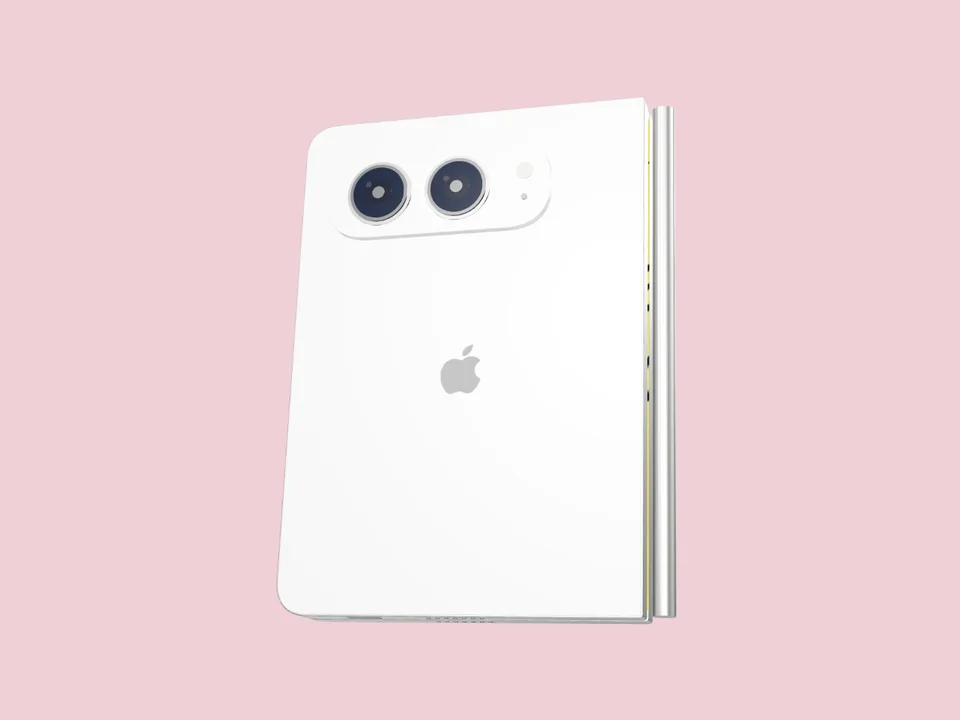
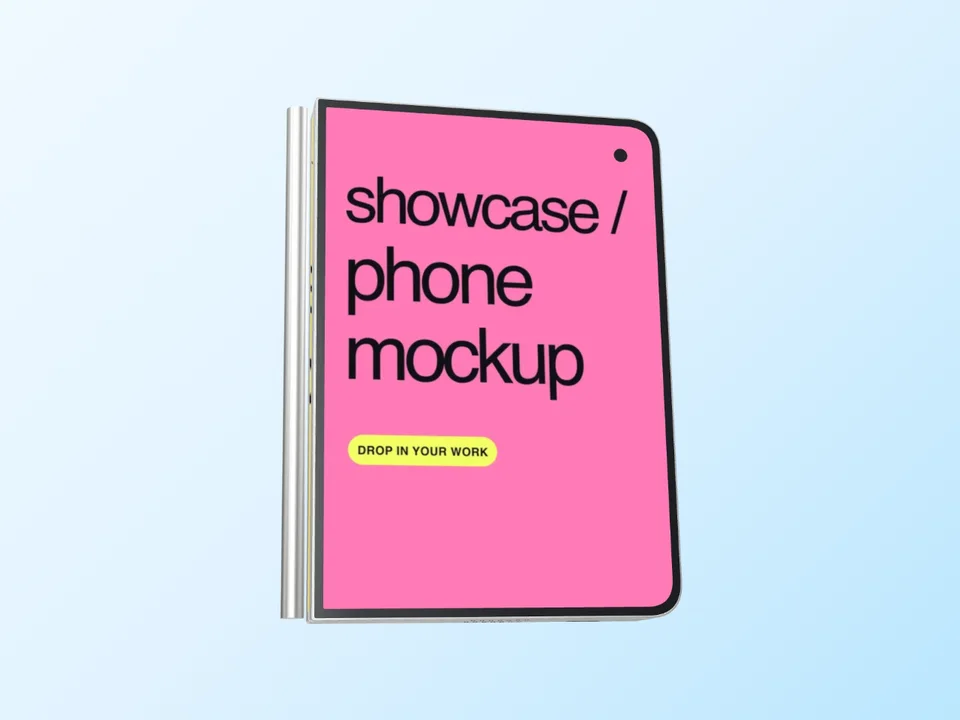
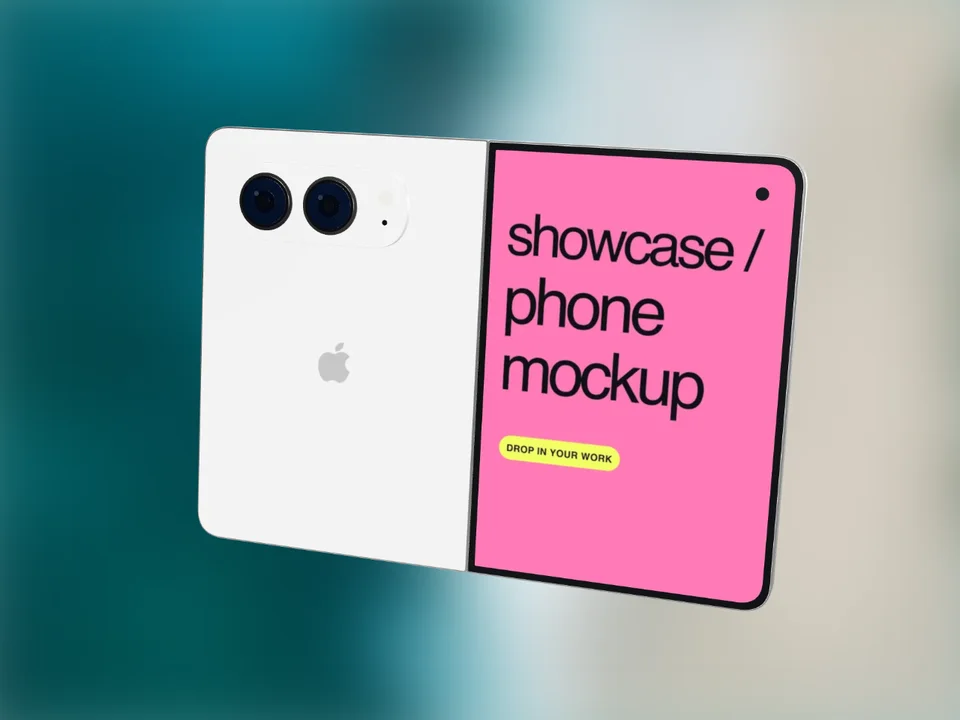
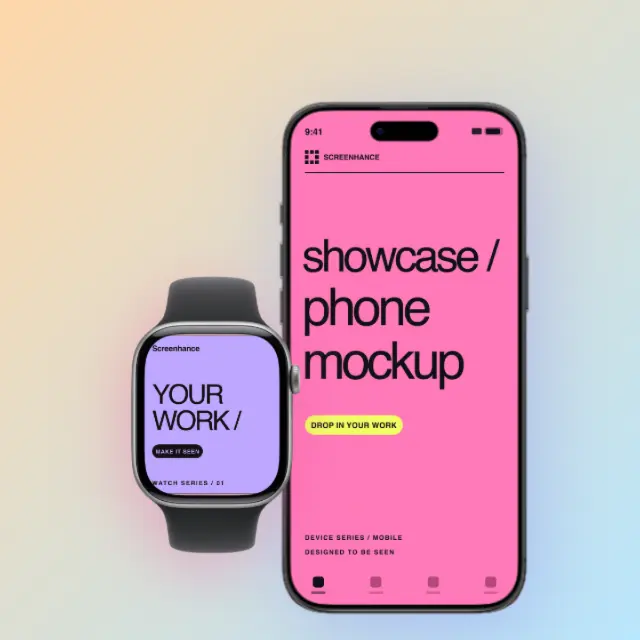
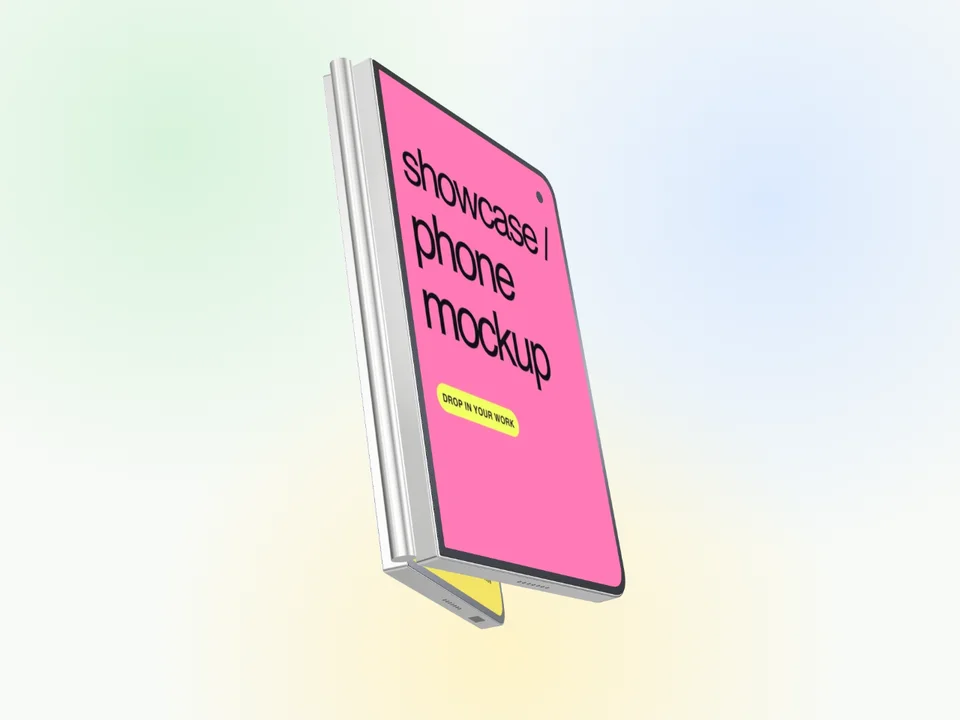
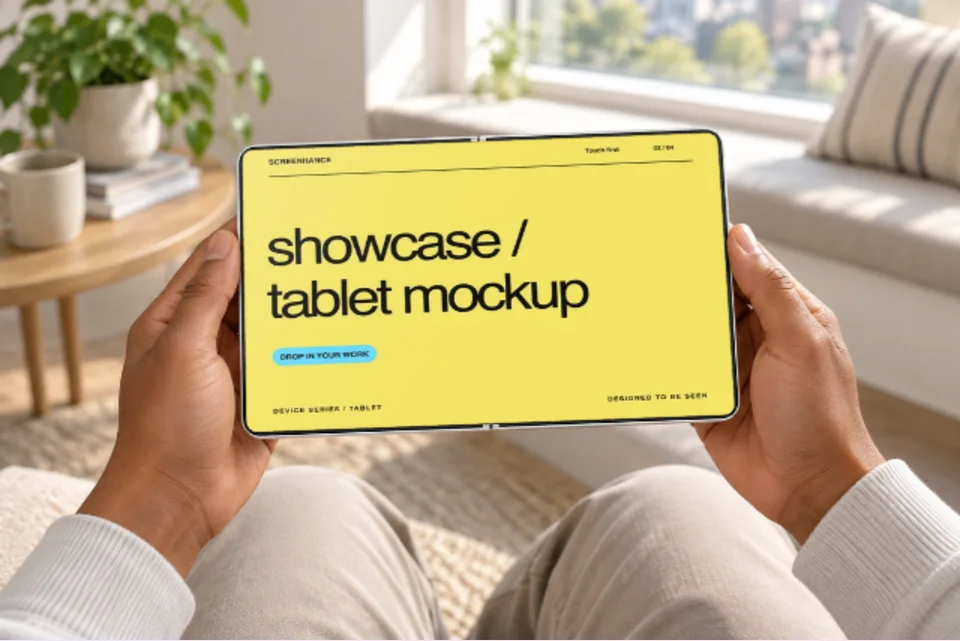
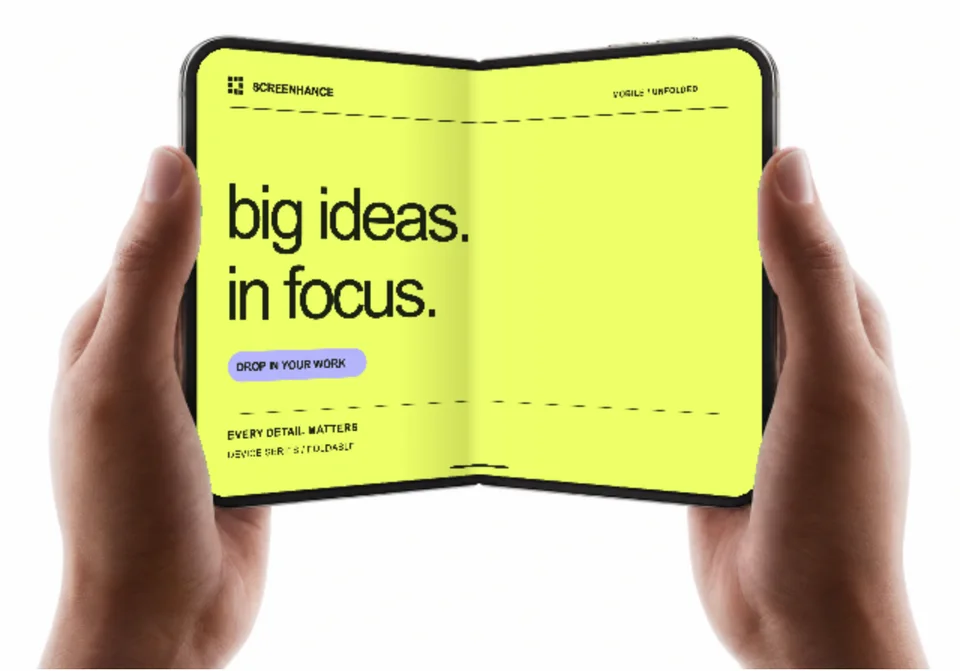

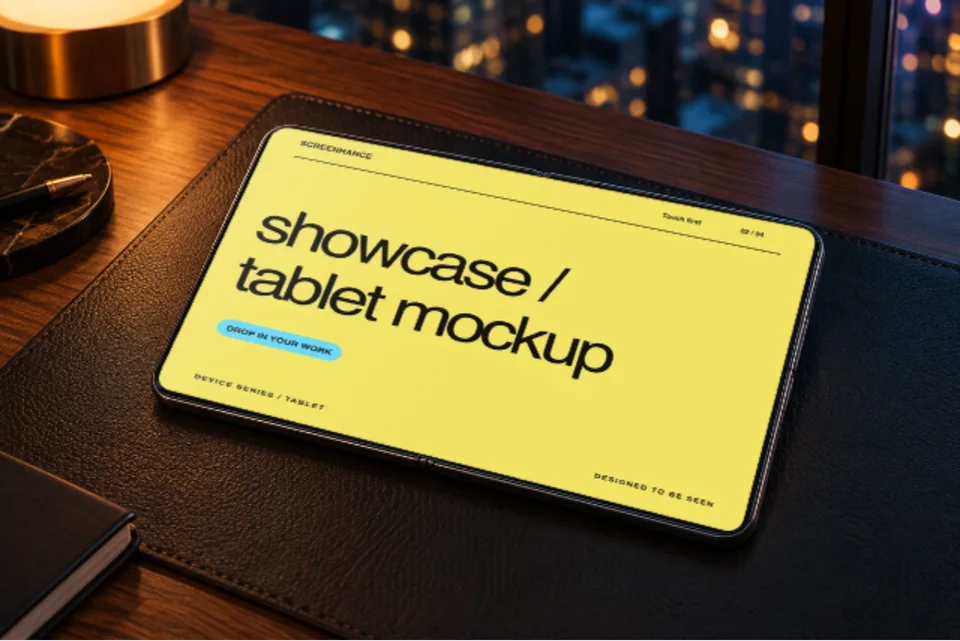
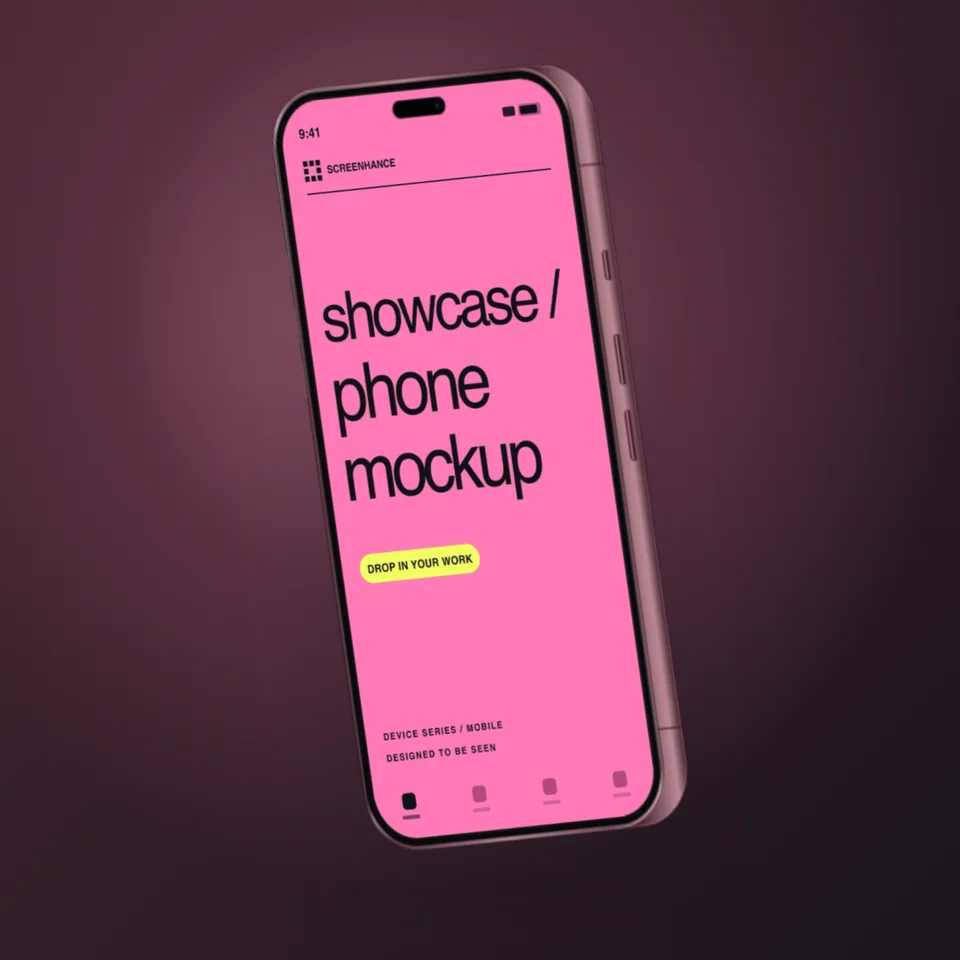
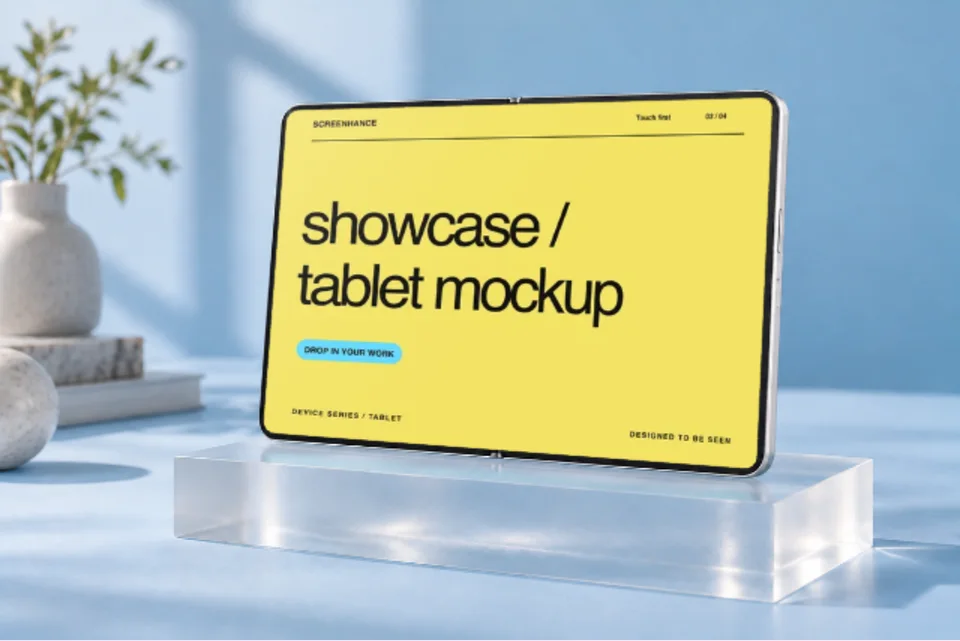

iPhone Duo · White Folding Tour
One connected device unfolds and turns over a soft cream-to-peach gradient. Both screens are replaceable.
Use motion templateCreate iPhone Duo and iPhone 18 Pro mockups with your screenshots. Choose a realistic photo scene, an editable frame or a folding animation.
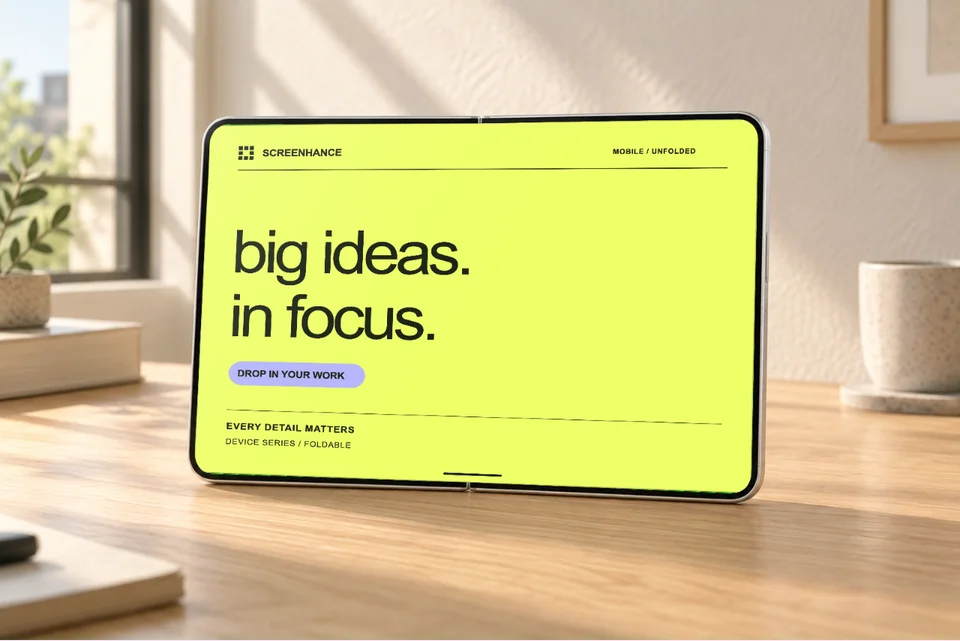
Photo scene · 1 screenshot
Use this templateFolding animation · 2 screenshots
Use this template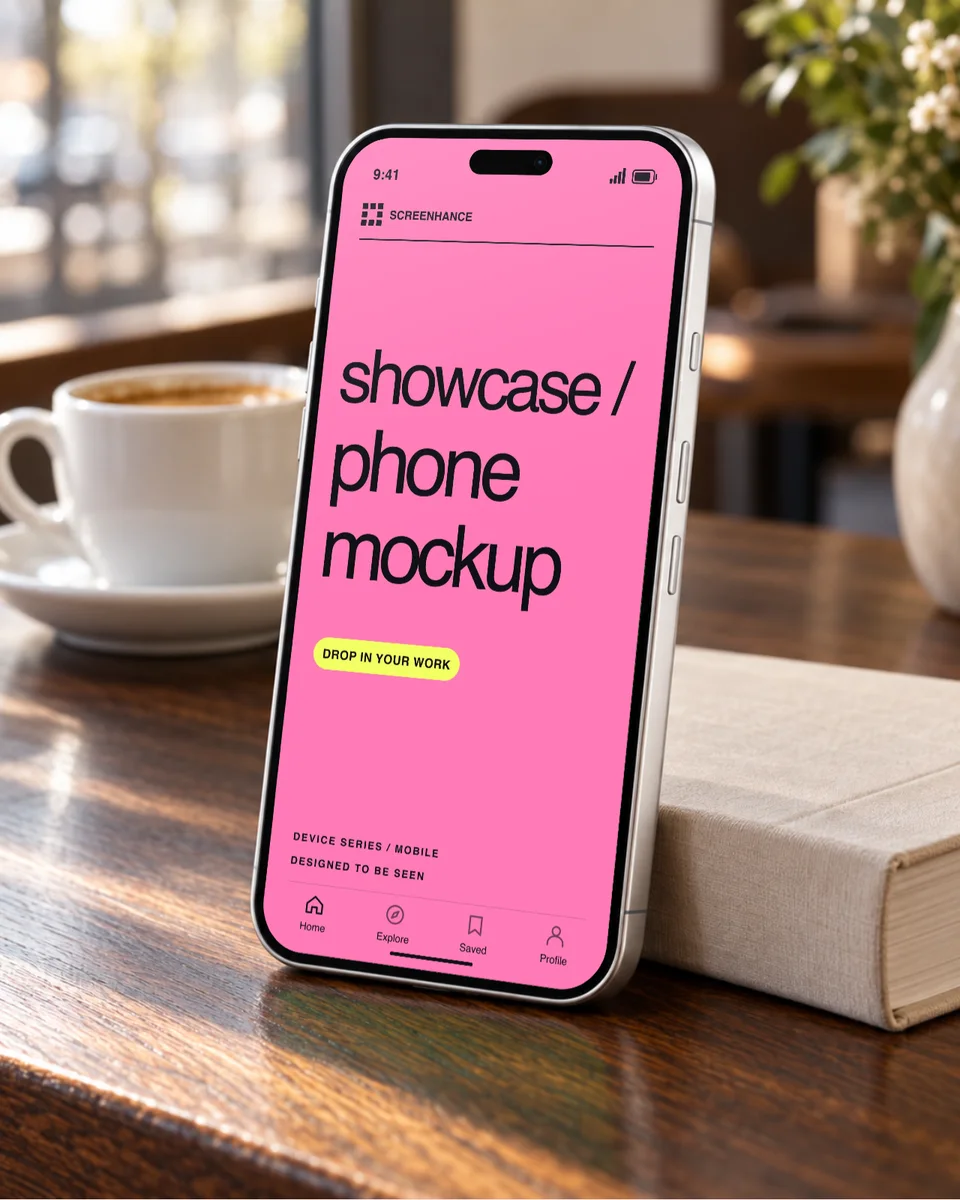
Photo scene · 1 screenshot
Use this templateNine Duo photo scenes, iPhone 18 Pro settings and earlier iPhone frames are in the library below. For the folding version, follow the guide to replacing and cropping both screens. Every Duo frame and 3D view is on the iPhone Duo mockup page, and every finish and angle of the new Pro models is on the iPhone 18 Pro mockup page.
Try editing before signing up. A free account includes 3 watermarked PNG exports per month at 1×. The $6 Launch Pass includes 10 clean image exports over 7 days. Pro is $12/month and includes motion exports. Compare export plans.
Loved by 3,000+ creators
Screenhance is a free online iPhone mockup generator. Upload a screenshot, place it in an iPhone frame or a photographed scene, including iPhone 18 Pro and iPhone Duo, then export it for a website, store listing or social post. Every frame and scene is free to use, and the plan details are just above.
Explore the new iPhone 18 Pro and Duo collection alongside hand-held scenes, transparent cutouts, and earlier iPhone frames.
Open a template to replace the demo image, change the background and finish, and adjust the motion. Each scene keeps one device in focus.
One connected device unfolds and turns over a soft cream-to-peach gradient. Both screens are replaceable.
Use motion template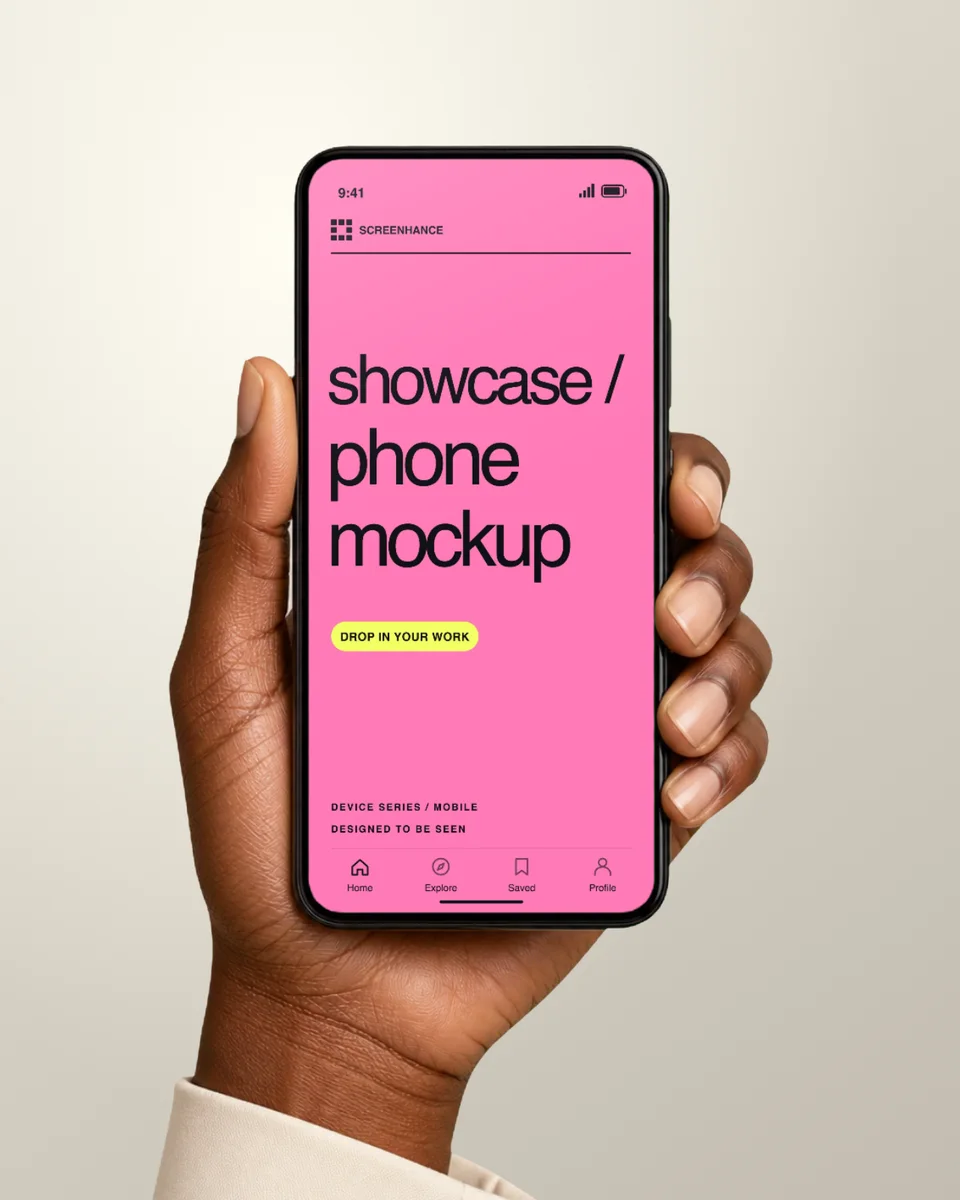
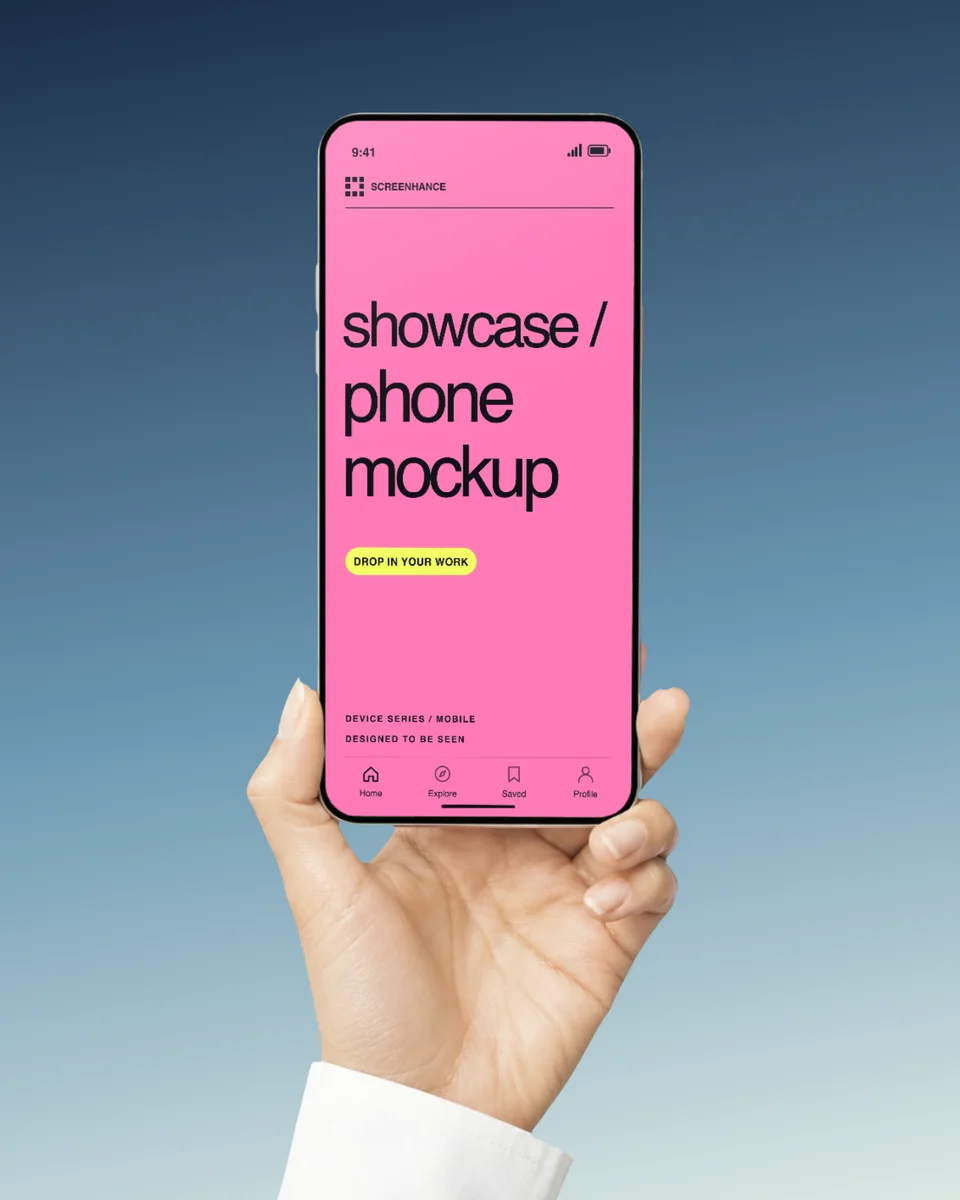
A photographic hand and phone over an editable cream studio background. The hand and its replaceable screen move together in a gentle eight-second camera loop.
Use motion template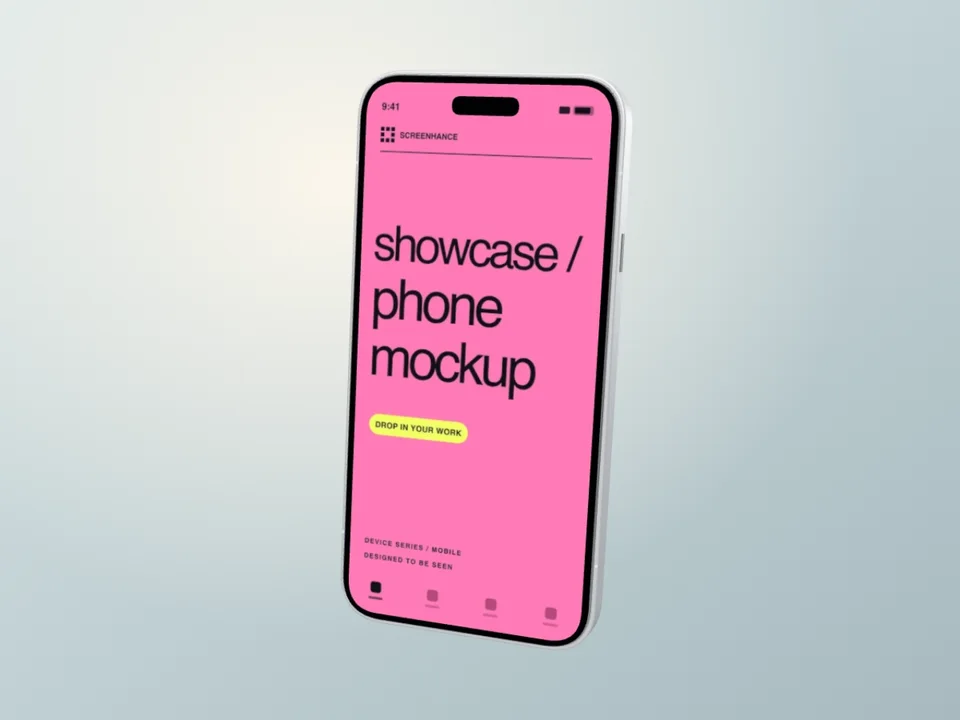
A silver iPhone 18 Pro turns from its wide camera housing, through the polished side rail, into a readable app-screen hold. Original illustrative hardware.
Use motion template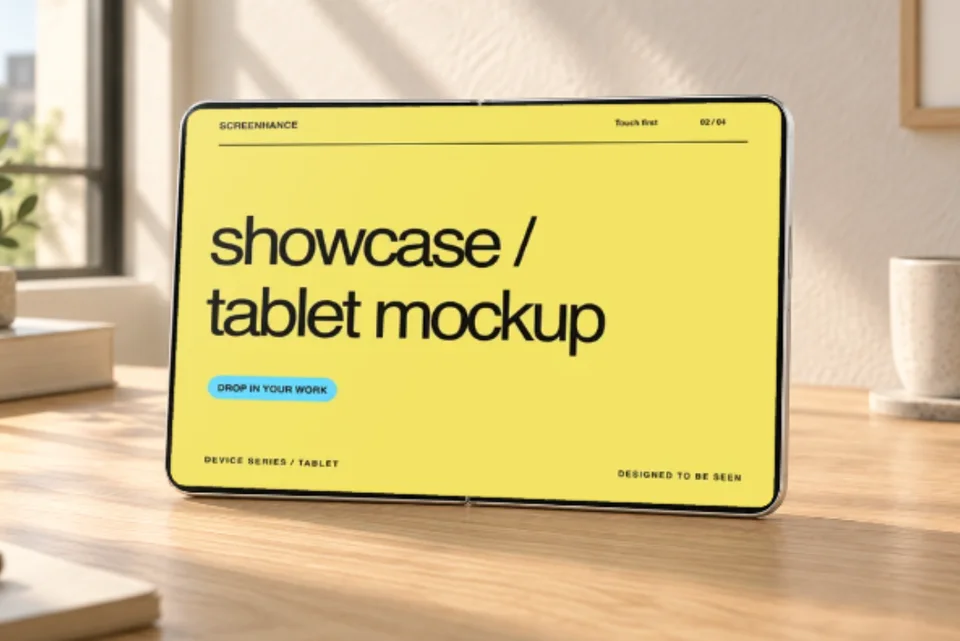
A slow camera push across a sunlit oak desk. One open Duo, one editable screen and a calm, seamless loop.
Use motion template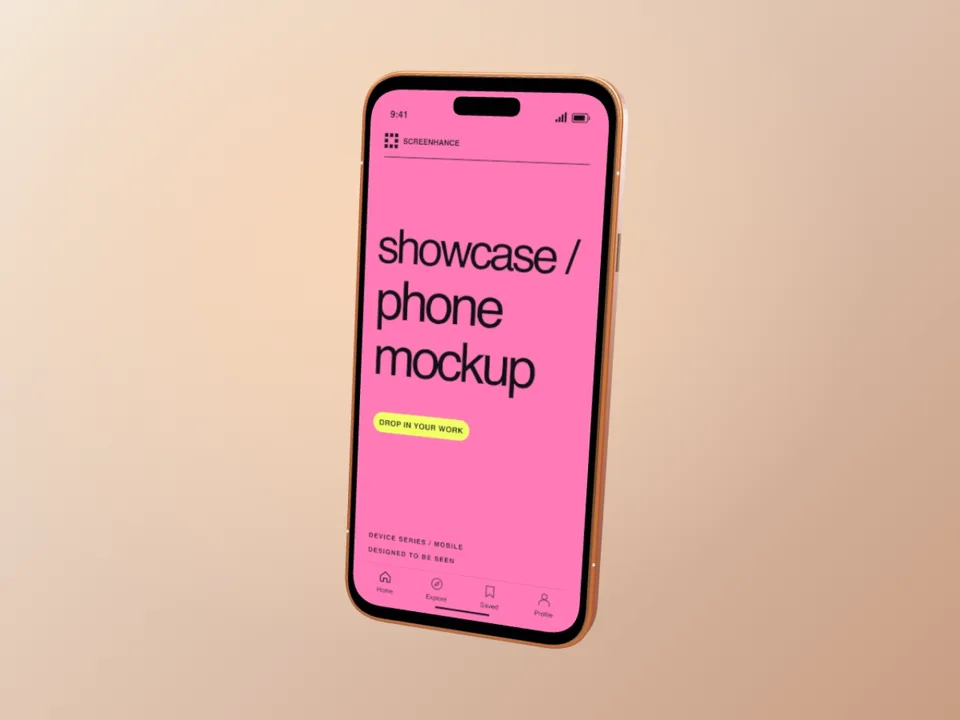
A copper iPhone turns from the app to the camera housing, lens glass and polished side controls.
Use motion template
One rose phone follows a soft, suspended arc over a quiet blush pastel.
Use motion template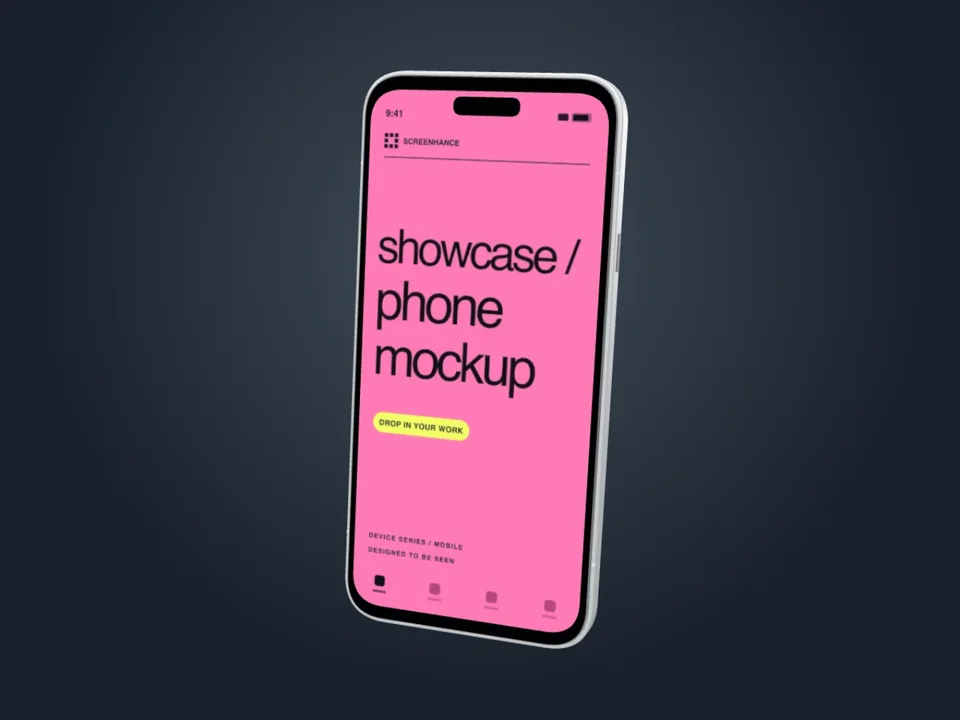
A precise camera move traces the silver rail and camera cluster before returning to the screen.
Use motion template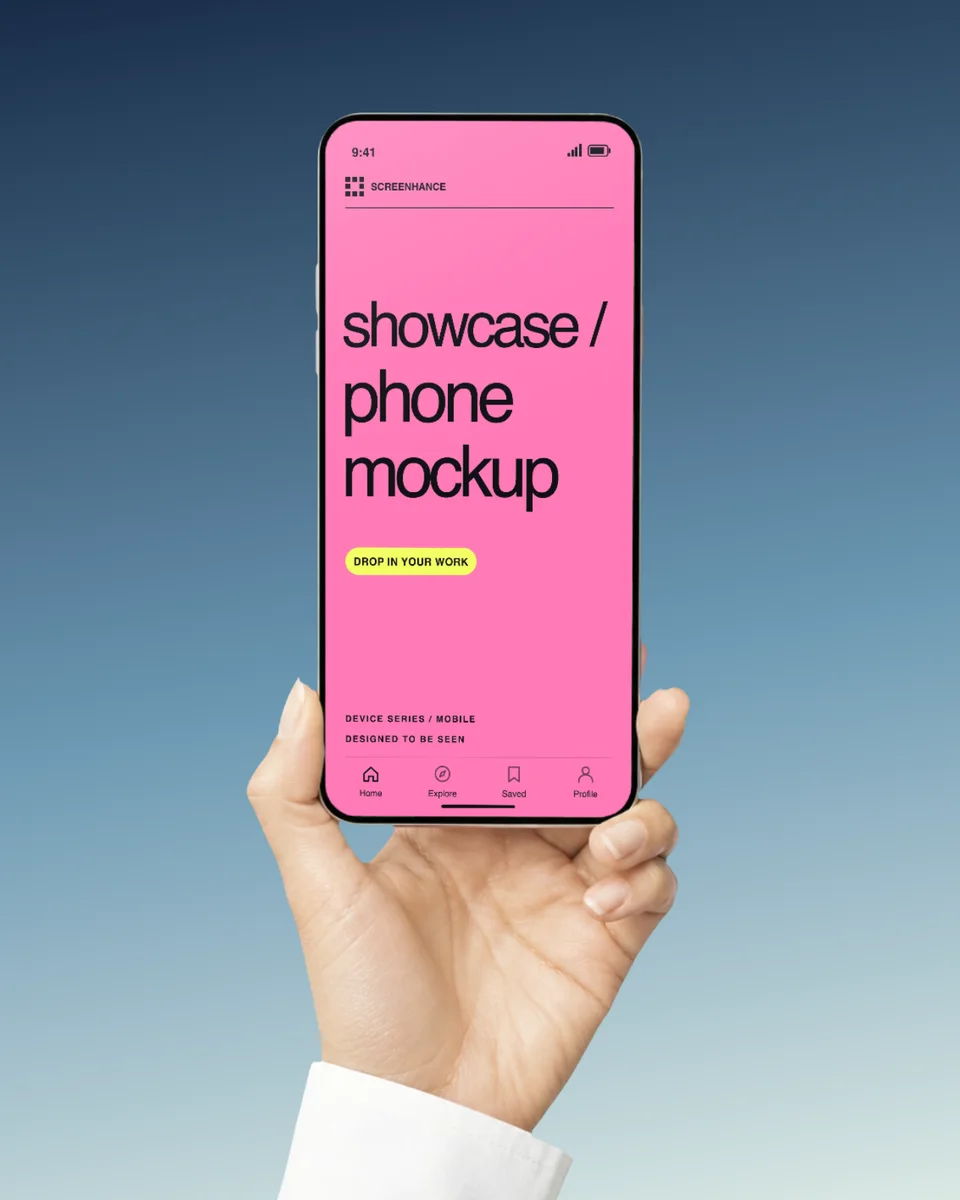
A photographic hand and phone over an editable blue hour background. The hand and its replaceable screen move together in a gentle eight-second camera loop.
Use motion template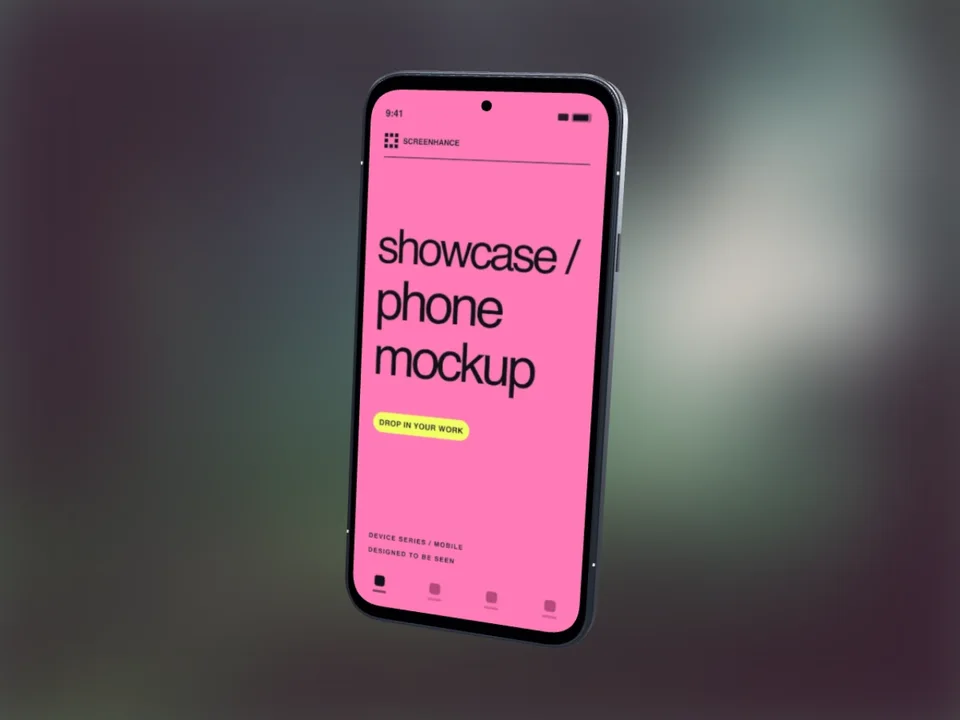
A single graphite Pixel floats over out-of-focus forest light, with a crisp, replaceable app screen.
Use motion template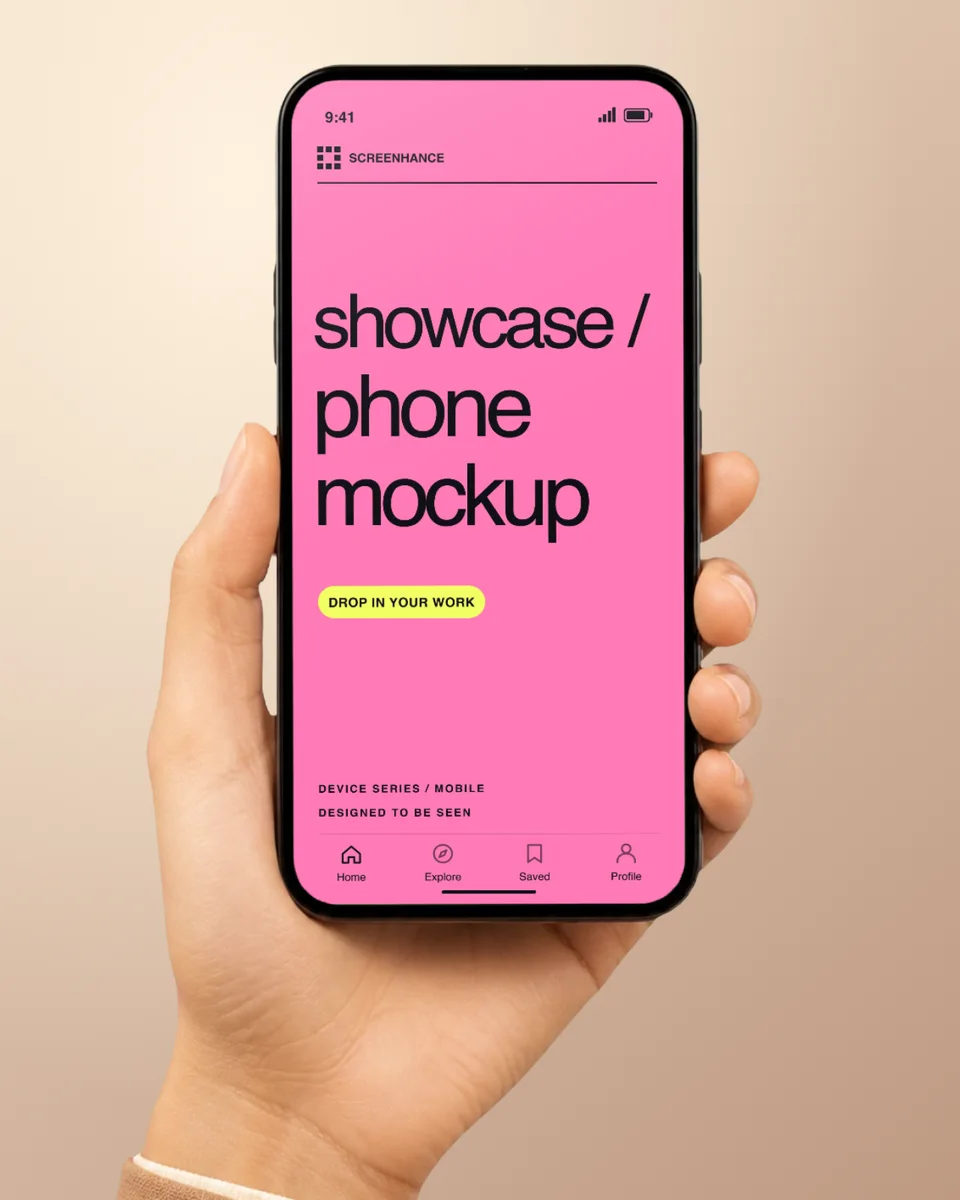
A photographic hand and phone over an editable warm sand background. The hand and its replaceable screen move together in a gentle eight-second camera loop.
Use motion templateBrowse current and recent iPhone frames, then choose the model and angle that fit the product capture.
iPhone Duo
iPhone 18 Pro
iPhone 17 Pro Max
iPhone 17 Pro
iPhone Air
iPhone 16 Pro Max
iPhone 15 Pro
Start with a screenshot or an interface exported from your design tool. You do not need a PSD or Photoshop smart object.
Open an iPhone composition from the gallery. Choose a frame that matches your screenshot's device and orientation, or a transparent cutout for a website or slide.
Replace the example screen with your own app capture or exported design. Adjust the crop so the interface fills the screen, then check the corners, status bar, and Dynamic Island at full size.
Set the canvas size and preview the text and interface at the size people will see. Export PNG or WebP for a transparent background; use the store-screenshot workflow when you need an App Store submission size.
The free plan includes three watermarked image exports per month. See export limits and clean-export plans.
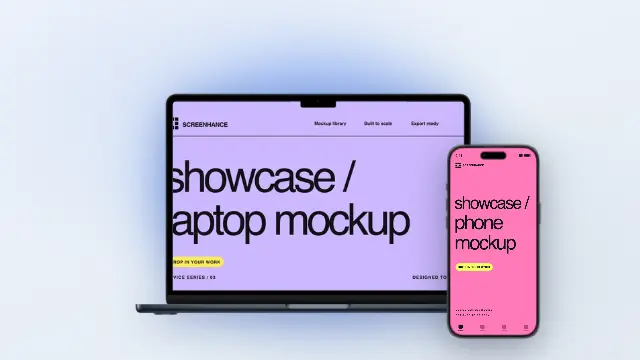
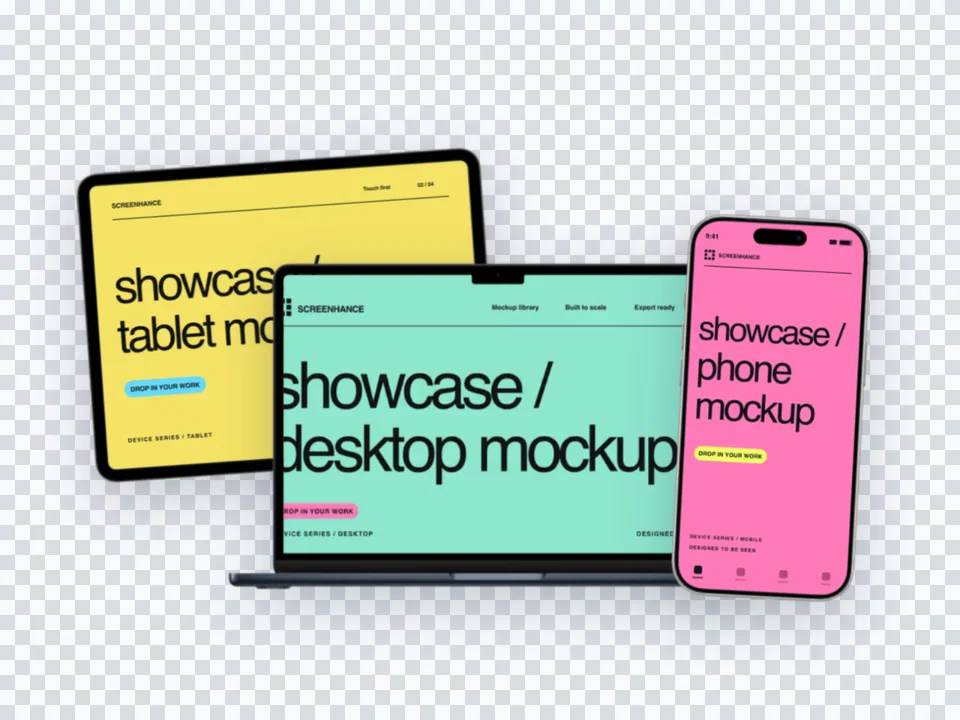
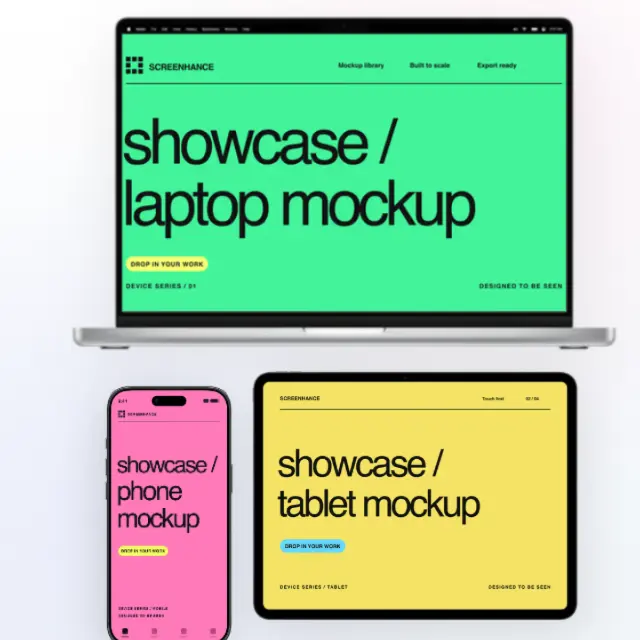
Follow the iPhone mockup guide with editable examples for a transparent cutout or a matching laptop-and-phone composition.
The same product screen can become a transparent website asset, a store-listing slide, or a presentation image made from a Figma export.
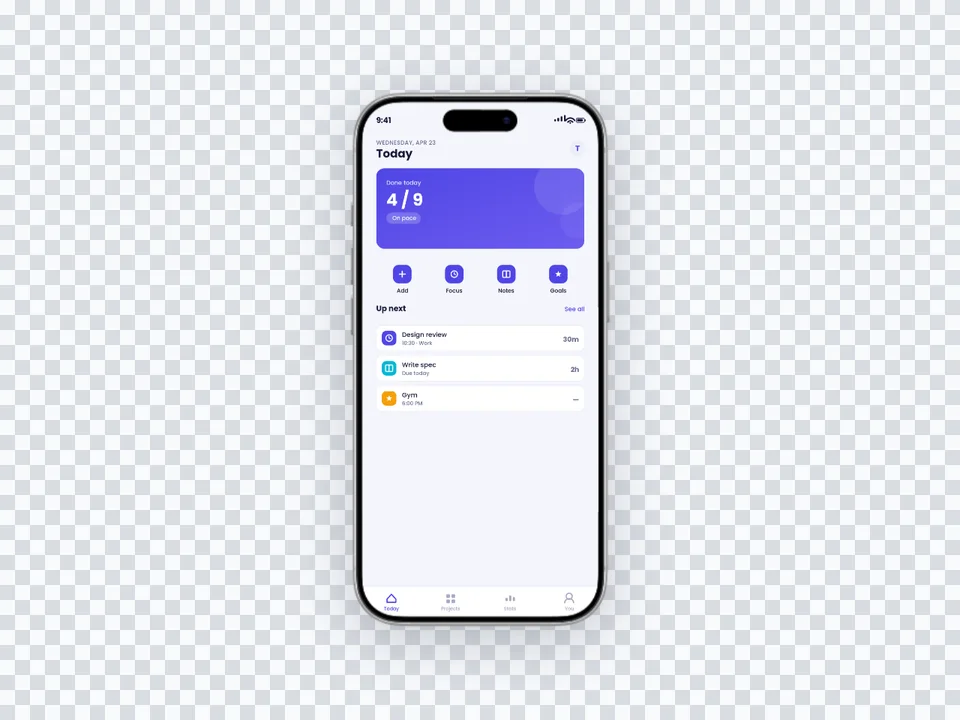
Use a no-background iPhone cutout when another page, deck, or campaign will supply the final setting.
Browse transparent mockups →Carry the device treatment across a coordinated sequence, then export the Apple display sizes selected for the listing.
Build a store screenshot set →Export the finished interface from Figma, then use Screenhance for the frame, scene, marketing copy, and final output.
See the Figma workflow →Screenhance covers the full path from a raw screenshot or screen recording to coordinated, editable launch assets.
Use current device frames, stylized treatments, or photorealistic placements across phones, tablets, laptops, watches, TVs, print, apparel, and outdoor media.
Start with a complete composition for mockups, Product Hunt, OG images, website heroes, Play feature graphics, or Chrome Web Store promo assets, then edit every layer.
Create coordinated iOS, Google Play, and Chrome Web Store screenshot sets, edit localized copy across supported languages, and export organized PNG ZIPs, including fastlane-ready iOS folders.
Animate layers with editable motion styles and export GIF or WebM, or record and polish a product demo in Studio with frames, cursor motion, captions, audio, and MP4/WebM export.
Build a consistent screenshot set with accurate product screens and an iPhone frame that supports the story.
Product hunt launches, social media posts, website heroes - make your app look polished everywhere.
Impress investors with professional app mockups. Show your product in realistic device frames.
Display your iOS development work professionally. Perfect for designers and developers.
The iPhone frame you choose changes how the mockup reads — even when the screenshot inside it is identical. Choose a current frame for current-product marketing, or an older frame when that hardware is relevant to compatibility, documentation, or the story.
iPhone 17 Pro / Pro Max. Use these frames when the Pro hardware is relevant to the product or when the rest of the campaign uses the same current-generation treatment.
iPhone Air. This is a useful current-generation alternative when the campaign does not need Pro-specific hardware detail. Its thin profile is especially visible in angled scenes.
iPhone 16 Pro Max. Use this when it matches the device in your source captures, an existing campaign, or the hardware your compatibility message refers to.
iPhone 15 Pro. A recent older frame can be the right choice for support documentation, compatibility pages, historical comparisons, or a campaign already built around that device. Check that the frame and status-bar treatment agree with the screen inside it.
Whichever model you pick, use the same frame consistently across the launch. Mixing iPhone 17 Pro and iPhone 14 mockups inside one App Store screenshot set or Product Hunt gallery should be an intentional comparison, not an accidental mismatch.
Screenhance ships both realistic iPhone frames (with full bezels, Dynamic Island, side buttons, and accurate corner radii) and minimal frames (a clean outline without hardware detail). They serve different jobs.
Realistic frames work for landing-page heroes, Product Hunt gallery images, App Store listings, and anywhere you want the viewer to picture the app on their phone. The hardware detail signals "this is a real product, not a wireframe."
Minimal frames work for documentation, in-app onboarding, blog post screenshots, and design specs. The reduced detail keeps focus on the screenshot itself and avoids competing with body copy. They also age better — a minimal phone outline in 2026 still looks current; a realistic iPhone 14 frame doesn't.
If you're shipping App Store screenshots, Apple's official screenshot specification defines accepted formats and dimensions, not a preferred decorative frame style. Pick the treatment that leaves the app legible, then test alternatives if your listing has enough traffic.
Wrong status bar. The notch / Dynamic Island, the battery icon, and the time should match the frame. iPhone 17 Pro mockups showing a notch (instead of Dynamic Island) leak that the screenshot came from a different device.
Misaligned screenshot. Use a source capture with enough resolution for the final placement, then inspect the crop, corners, and status-bar alignment. For App Store delivery, it is the exported canvas that must match an accepted Apple dimension.
Outdated frame on a current app. An older frame can be accurate, but it should be an intentional compatibility or documentation choice. Avoid mixing device generations accidentally across one campaign.
Too many models in one composition. Multiple phones can explain responsive states or a sequence, but each extra device reduces the space available to the interface. Preview the composition at its real destination size and remove any frame that does not add information.
Fake or placeholder data. Obvious placeholders can distract from the feature you are trying to show. Use realistic sample data that is clearly fictional and contains no private customer information. The full guide is in the iPhone mockup guide.
Yes. The Duo collection includes six connected-device views and a folding tour. Replace the inner and outer screens separately, choose Star White or Night Sky, and use the still or motion editor to finish your composition.
The catalogue includes iPhone 18 Pro and Pro Max in Black, Silver, Glacier, and Burgundy, plus open and closed Duo frames in Night Sky and Star White. iPhone 17, Air, and earlier device frames remain available.
Yes. Add an app capture to an iPhone frame, then use Screenhance's store-screenshot workflow to select the output preset for your listing. Apple accepts a defined set of pixel dimensions, so verify the current App Store Connect specification before upload.
No specialist mockup software is required. Upload a screenshot, choose a frame or scene, adjust the crop, background, and text if needed, then preview the finished composition before export.
Static iPhone mockups can export as PNG, WebP, or JPEG. Designs with motion can use an available GIF or video export on Pro, and paid plans include higher-resolution static exports.
Yes. Start with a transparent iPhone cutout or remove the canvas background, then export as PNG or WebP, which support transparency. JPEG always has an opaque background.
No. Screenhance fits your screenshot into an editable iPhone frame in the browser, so there is no Photoshop smart object or PSD file to download. You can still prepare the source interface in Figma or another design tool before uploading it.
Yes. The free plan includes three watermarked image exports per month. The one-time $6 Launch Pass includes ten clean static image exports over seven days; Pro adds unlimited clean exports and motion formats.
To make a clearly presented iPhone mockup, place your own app capture inside a compatible iPhone frame, check the crop and status-bar details, and export the composition. Use accurate product screens and do not present a concept as released functionality.
Yes. Screenhance's free plan lets you create an iPhone mockup and includes three watermarked image exports per month. Paid plans add clean and higher-resolution static exports, while Pro also adds motion formats.
Try the same screenshot in another device, frame, or scene.
Realistic and minimal device frames
Start creatingiPhone 18 Pro and Pro Max frames in four finishes
Start creatingOpen, closed and 3D Duo frames plus a folding tour
Start creatingiPad stills, 3D turns and handheld motion
Start creatingShowcase websites in MacBook frames
Start creatingSamsung Galaxy and Pixel device mockups
Start creatingNo Photoshop or Figma required. Just upload your screenshot and download a polished mockup.