
12 Places to Get Free iPhone Mockup PNGs (Transparent Device Frames, 2026)
12 sources for free transparent iPhone mockup PNGs in 2026. Apple's official frames, Figma plugins, download bundles, and when to switch to a generator.
A free transparent iPhone mockup PNG is the cheapest way to dress up a product screenshot. The honest answer in 2026: most "free PNG" sources fall into 3 buckets: Apple's own marketing resources (free, official, requires registration), community-shared bundles on Figma Community and Behance (free, varied quality), and licensed stock libraries that gate the best frames behind paywalls. The 12 sources below are curated for actual usable free PNGs in 2026, with notes on which frames are current (iPhone 17 Pro, iPhone Air, iPhone 16) versus dated (iPhone 13 and earlier). Skip the dated frames; they make products look abandoned.
For one-off PNGs, the curated list below covers it. For launches that need a framed screenshot, background, headline, and current App Store dimensions, a generator can keep the composition and export presets together. Review every exported size before upload.
1. Apple Marketing Tools (official)
URL: tools.applemediaservices.com
Apple's own marketing tools page hosts official product imagery for app developers, with frames for current iPhone, iPad, MacBook, and Apple Watch. Requires Apple Developer registration (free).
What you get: PNG and PSD device images, marketing-grade. Always current. Caveats: Apple's usage terms restrict modification of the device frame itself. Read the terms before using commercially.2. Apple Design Resources (Figma and Sketch)
URL: developer.apple.com/design/resources
Apple ships free design kits for iOS, macOS, watchOS, and visionOS, including device frames embedded in Figma and Sketch files. Export individual PNGs from there.
What you get: Current frames, official, design-tool ready. Caveats: Requires Figma or Sketch to extract. Not a direct PNG download.3. Figma Community (Apple Devices)
URL: Figma Community search for "Apple Devices" or "iPhone mockup"
The community-published "Apple Devices" file by Andre Soares is one of the most popular free Figma resources for device frames. Includes iPhone, iPad, MacBook, Apple Watch in light and dark variants.
What you get: 200+ device frames, free, exportable as PNG. Caveats: Free Figma account required. Some frames may lag behind the latest iPhone release.4. Mockuphone
URL: mockuphone.com
Free web-based tool that wraps an uploaded screenshot in a device frame and exports a PNG. No signup required.
What you get: Quick framed PNG export with no friction. Caveats: Device frame library is broader than it is deep. Some iPhone variants are older. Output quality is functional but not polished for landing-page use.5. Facebook Design
URL: facebook.design
Meta's design team publishes free device template bundles for iPhone, Android, and desktop. The iPhone PNGs are clean, current, and consistently styled.
What you get: High-quality PNGs and PSDs from a reputable source. Caveats: Resources update at Meta's pace, sometimes a generation behind the latest iPhone.6. Pixsellz
Pixsellz offers a rotating selection of free iPhone mockup PNGs and PSDs. The free tier requires email signup.
What you get: 5 to 10 current iPhone mockup files at any given time. Caveats: Email signup. Free selection rotates; the iPhone you need might not be in the current rotation.7. Freepik
URL: freepik.com
Freepik hosts thousands of iPhone mockup PNGs and PSDs from independent designers. Free with attribution; Premium removes attribution.
What you get: Massive variety, including current iPhone frames. Caveats: Quality varies widely by designer. Attribution required on free downloads. Some are mislabeled (sold as "iPhone 15" but actually iPhone 12 with the wrong name).8. Vecteezy
URL: vecteezy.com
Similar to Freepik. Mix of free and Pro content. Free downloads require attribution.
What you get: Vector and PNG iPhone frames. Caveats: Same quality and labeling caveats as Freepik.9. Mockup World
URL: mockupworld.co
Curated free PSD mockup site with categories for iPhone, MacBook, iPad, and Android. Most files are PSD, not raw PNG, so Photoshop is needed to extract the frame.
What you get: Well-curated free PSD bundles. Caveats: Requires Photoshop or Photopea. PSDs are heavier than raw PNGs.10. Behance
URL: behance.net search for "free iPhone mockup"
Independent designers regularly publish free iPhone mockup PSDs and PNGs as portfolio pieces. Quality is often high because designers are showcasing their craft.
What you get: High-quality, designer-published mockups, often free for personal use. Caveats: License terms vary per file. Some are personal-use only. Some are commercial-use with attribution. Read each license.11. Dribbble
URL: dribbble.com search for "iPhone mockup free download"
Similar to Behance. Designers post mockups as shot attachments, often with downloadable file links in the description.
What you get: Trend-driven, often very current iPhone frames. Caveats: Same license-varies caveat. Not all shots have attached files.12. Screenhance free tier
URL: screenhance.com/iphone-mockup-generator
Screenhance's free tier gives you the complete visual editor plus current iPhone frames, including iPhone 17 Pro Max, 17 Pro, 17, iPhone Air, 16 Pro, 15 Pro, and earlier models. Drop in a screenshot, choose a frame, refine the background and composition, and export a finished PNG.
What you get: Three finished 1× PNG mockups per month with a small watermark, using the full template, frame, background, text, asset, and layer workflow. When you need clean delivery: The $6 Launch Pass removes the watermark for 10 static image exports over seven days; Pro covers ongoing clean exports and motion. Screenhance produces a complete composed mockup rather than a raw transparent frame, which makes it the stronger choice when the finished marketing visual is the goal.When a static PNG is the wrong tool
A transparent iPhone PNG is useful for one job: drop it into a design tool (Figma, Photoshop, Canva) where you compose a final mockup with your own backgrounds, text, and effects. For 5 specific cases, a static PNG falls short:
- App Store screenshots: use a current accepted App Store screenshot class and verify it in App Store Connect. A dedicated App Store screenshot generator can keep captions, frames, and size presets coordinated.
- Animated mockups: Static PNGs cannot animate. Website heroes and social launch teasers can use GIF and WebM exports from a generator that supports motion; Product Hunt itself uses static gallery images plus an optional YouTube video.
- Multi-device compositions: A phone next to a laptop next to a tablet in one frame requires layout work that static PNGs don't accelerate.
- Multi-language sets: Localizing App Store screenshots across 5+ languages means rebuilding the entire mockup per language with a static PNG workflow. A generator handles this in one pass.
- Brand-consistent series: 8 mockups for an App Store listing need to share a consistent background, headline style, and frame treatment. Building each from scratch in Figma drifts; a template enforces consistency.
For these cases, a tool like the iPhone mockup generator or App Store screenshot generator is faster and produces more consistent output than a Figma workflow built on free PNGs.
Frequently Asked Questions
Are free iPhone mockup PNGs legal to use commercially?
Most are, with conditions. Apple's official resources allow commercial use with restrictions on modifying the device frame. Facebook Design and Figma Community files are typically commercial-use friendly. Freepik and Vecteezy free downloads usually require attribution. Behance and Dribbble files vary per designer license. Always check the license file or description before commercial use.
Where can I find the most current iPhone 17 and iPhone Air PNG mockups?
Apple's own marketing tools page is always current and was updated within days of the iPhone 17 launch. Facebook Design and Figma Community files update within weeks of a new iPhone release. Pixsellz and Freepik take longer (sometimes months). For a fresh iPhone 17 Pro or iPhone Air mockup today, Apple's tools or the iPhone mockup generator free tier are the most reliable sources.
Can I use Apple's iPhone PNGs in App Store screenshots?
Yes, with caveats. Apple's marketing terms allow developers to use Apple's product imagery in app marketing as long as the imagery is not modified and the app is genuinely available on iOS. Standard practice in App Store screenshots is to use the device frame as Apple provides it, with the in-frame screen content being the real app UI.
Why do most free iPhone mockup PNGs look old?
Free designer-published mockups lag the latest iPhone release because the designer needs time to model the new frame, render it, and publish. Apple's official tools update faster (often the same day as a new release). For the most current frame, prefer Apple's tools or a generator that updates with new Apple releases.
Do I need a transparent PNG or a generator?
A transparent PNG is right if you have an existing design composition (in Figma, Photoshop, Canva) and want to drop a device frame into it. A generator is right if the device frame is the centerpiece of the composition and you want backgrounds, headlines, and exact dimensions handled for you. Most launches use a generator; most blog post hero images use a transparent PNG composed in Figma.
Related reading
- iPhone Mockup Generator
- How to Create iPhone Mockups That Convert
- iPhone 15 Pro Mockup Free: Create Professional Mockups in Seconds
- App Store Screenshot Generator
- Best Mockup Generators in 2026
Conclusion
The 12 sources above cover the realistic options for free transparent iPhone mockup PNGs in 2026. Apple's own resources and Figma Community files are the most reliable for current iPhone 17, iPhone Air, and iPhone 16 frames. Freepik, Behance, and Dribbble offer designer-published variety with attribution caveats. For the cases a static PNG cannot handle (App Store screenshots, animated mockups, multi-language sets, brand-consistent series), a dedicated iPhone mockup generator or App Store screenshot generator ships better output in less time than composing manually from free PNGs.
Screenhance examples
Two editable starting points from the Screenhance library, selected for this mockups guide.
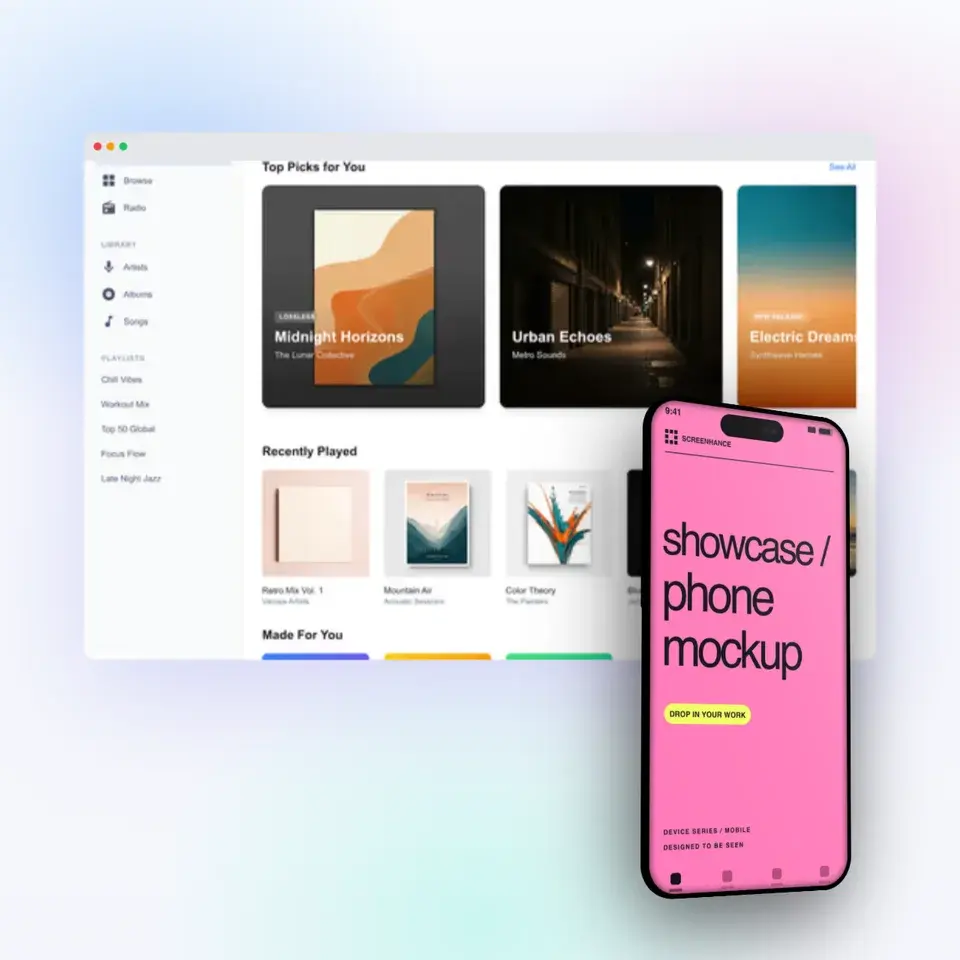
Make a free device mockup
Free to start. No credit card required.
Keep reading
Related, product-tested guides from Screenhance.
iPhone 15 Pro Mockup Free: Create Professional Mockups in Seconds
Need a free iPhone 15 Pro mockup? Here's how to create stunning device mockups without Photoshop or design skills.
21 Apr 2026 · 9 min read
Best Free Mockup Tools in 2026: A Practical Comparison
We tested 8 free mockup generators in 2026 and ranked them by speed, quality, and device frame variety. See which ones are actually worth using.
24 Feb 2026 · 9 min read
Apple Watch Mockup Guide: Framing watchOS Apps in 2026
How to create Apple Watch mockups that sell a watchOS app: choosing 46mm vs 42mm, capturing clean watch screenshots, and the iPhone-plus-Watch layout.
29 May 2026 · 6 min read