Screenhance

Book Mockup Generator

Turn your book cover into a photorealistic mockup. Upload a hardcover, paperback, or ebook cover, drop it into a scene, and export a marketing-ready image. Free, in the browser, no Photoshop.

Olivia RhyePhoenix BakerLana SteinerDemi WilkinsonDrew Cano
4.9

Loved by 2,000+ creators

Every format, one cover upload

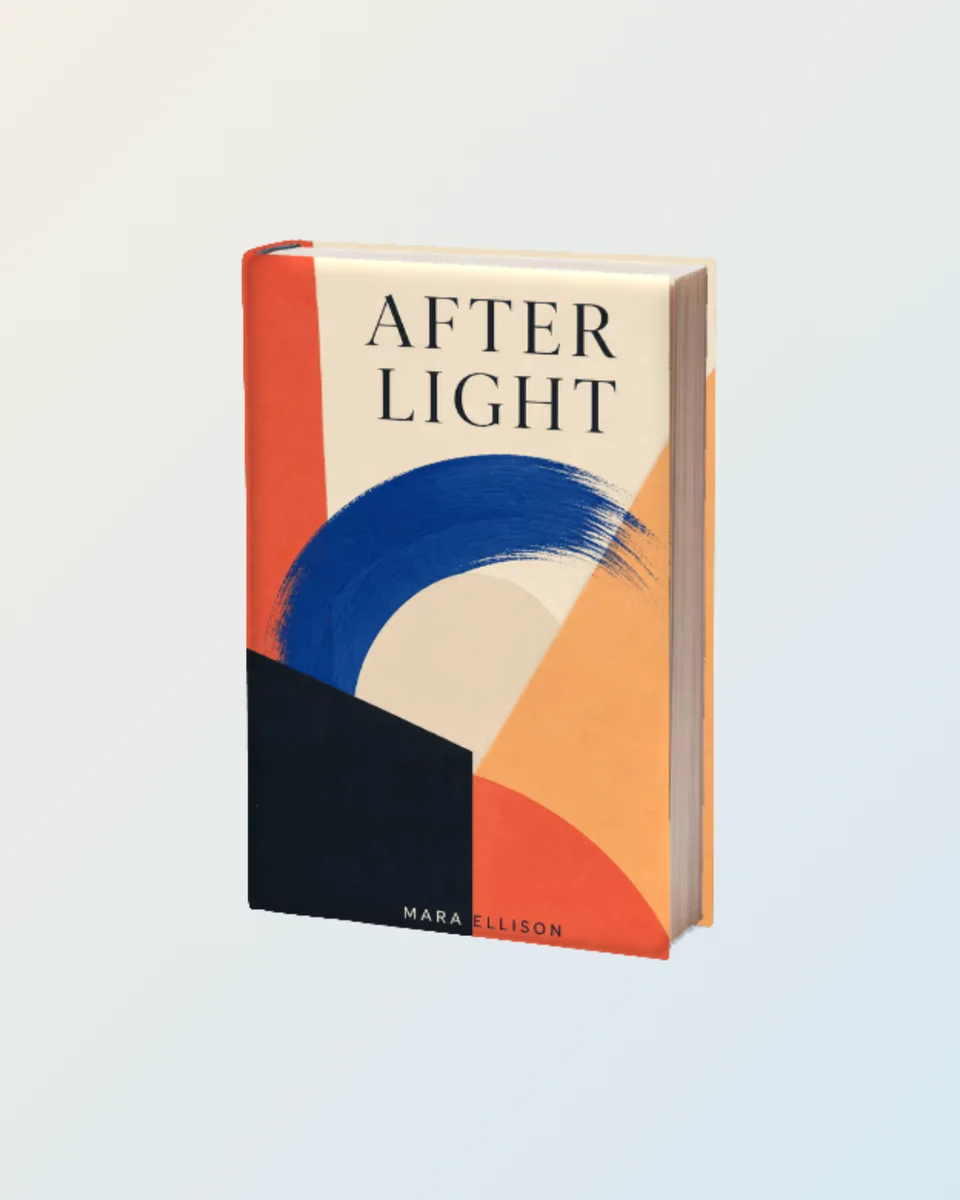
Upload your cover once and present it in the format your listing needs. Matte compositing gives the cover the scene’s real light and shadow, so it looks printed, not pasted.

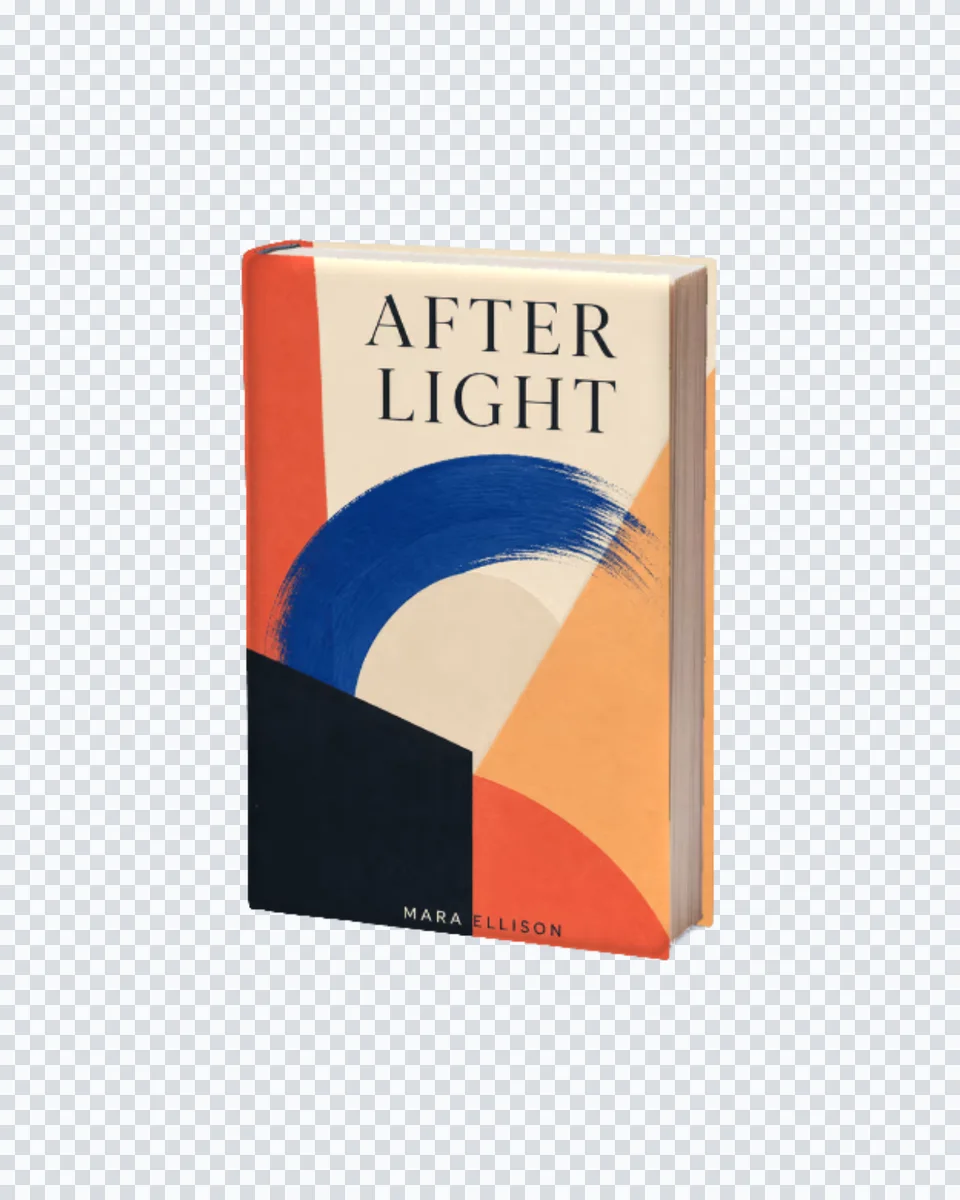
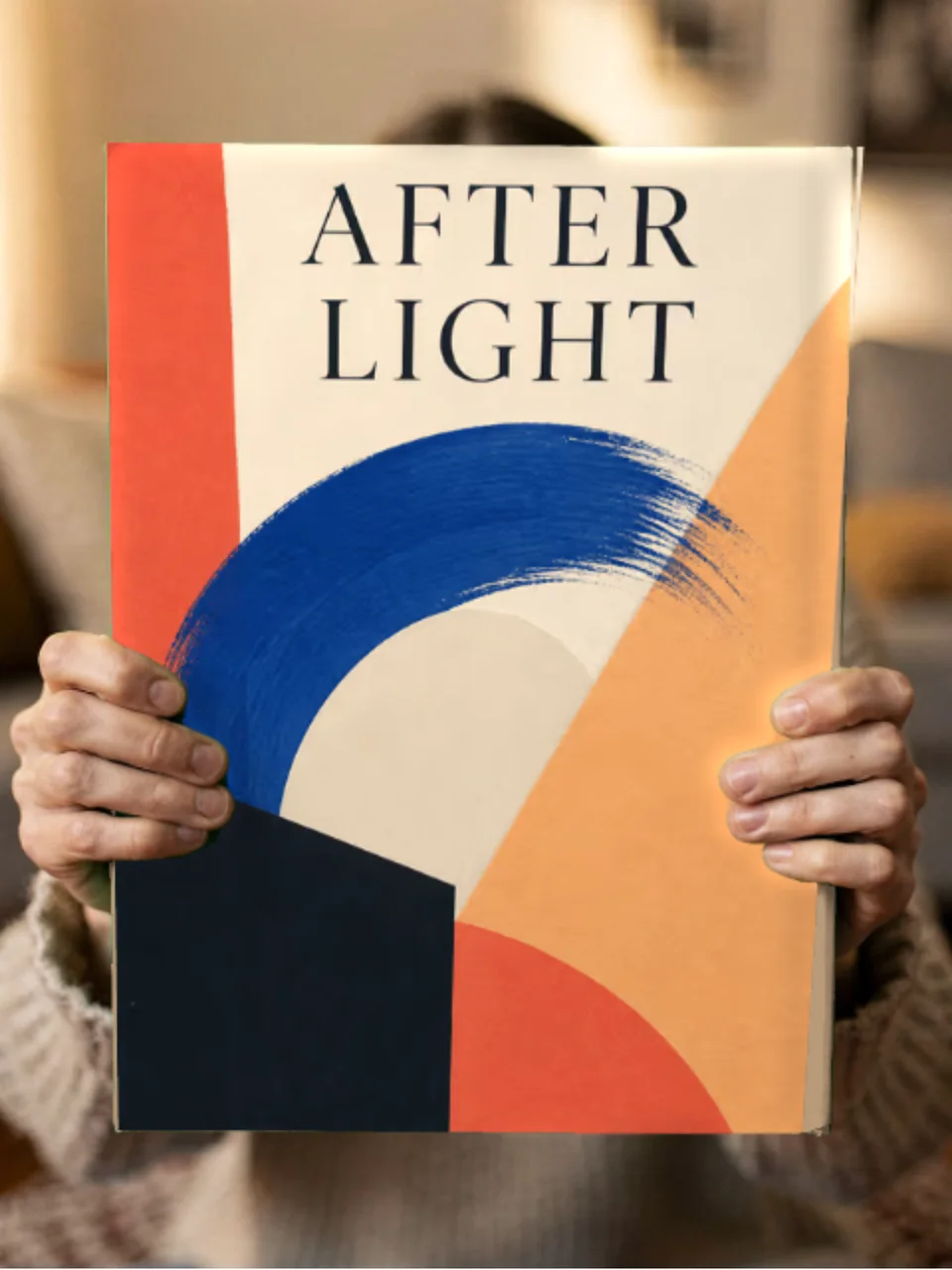
Hardcover

A standing hardcover with a natural spine and shadow.

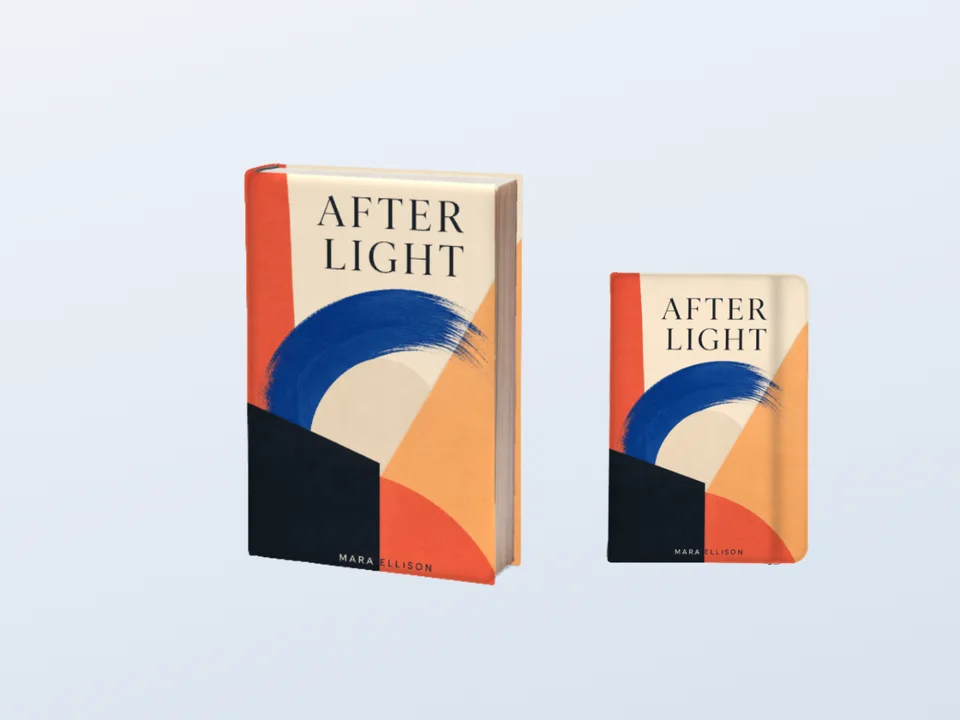
Paperback

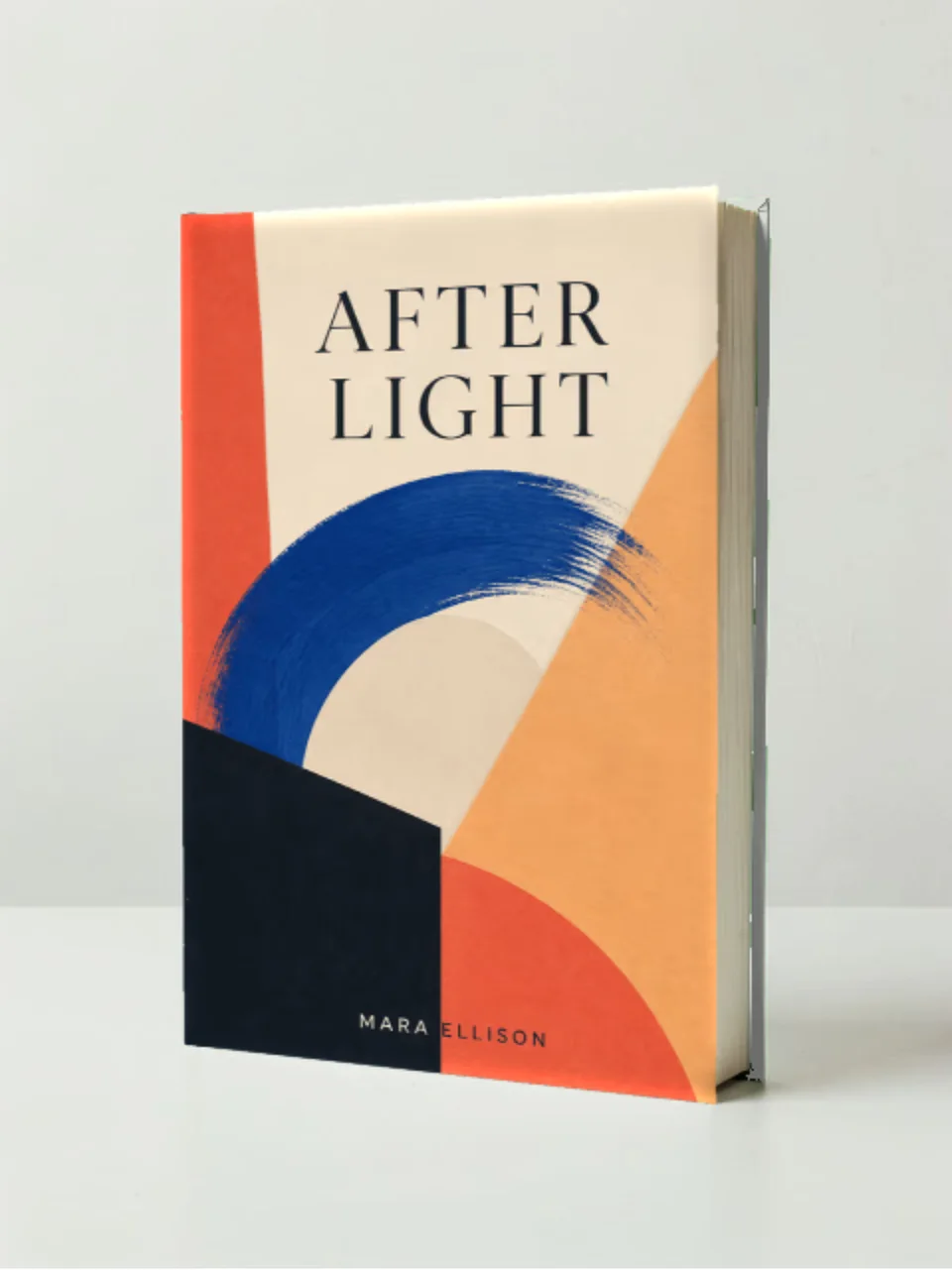
A soft-cover trade paperback for fiction and non-fiction.

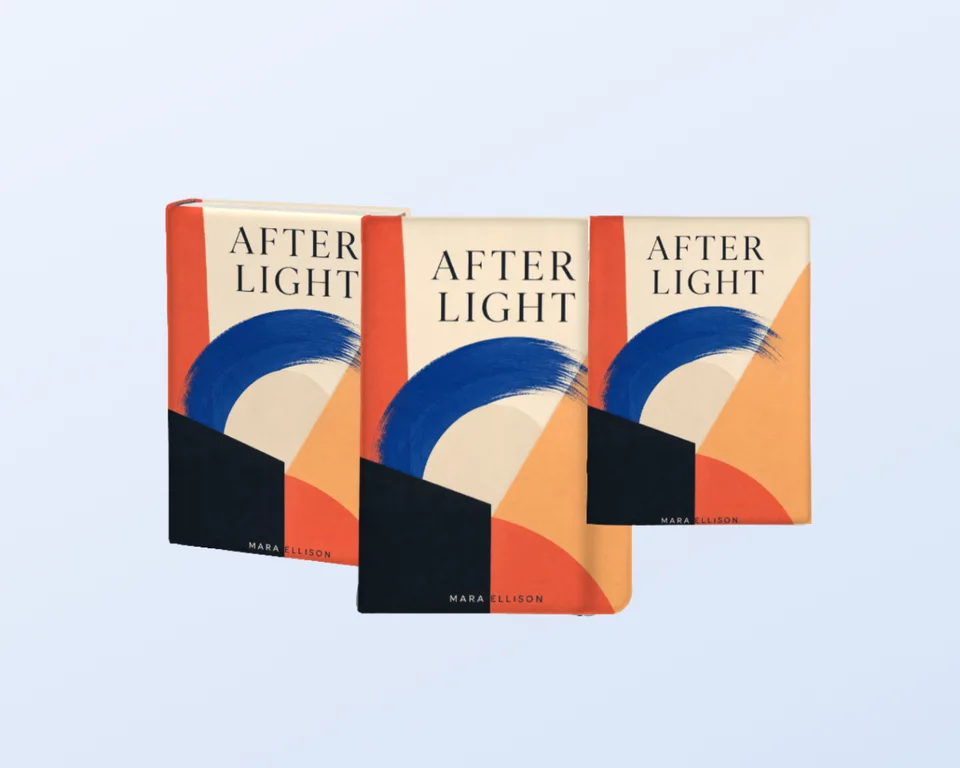
Ebook and KDP

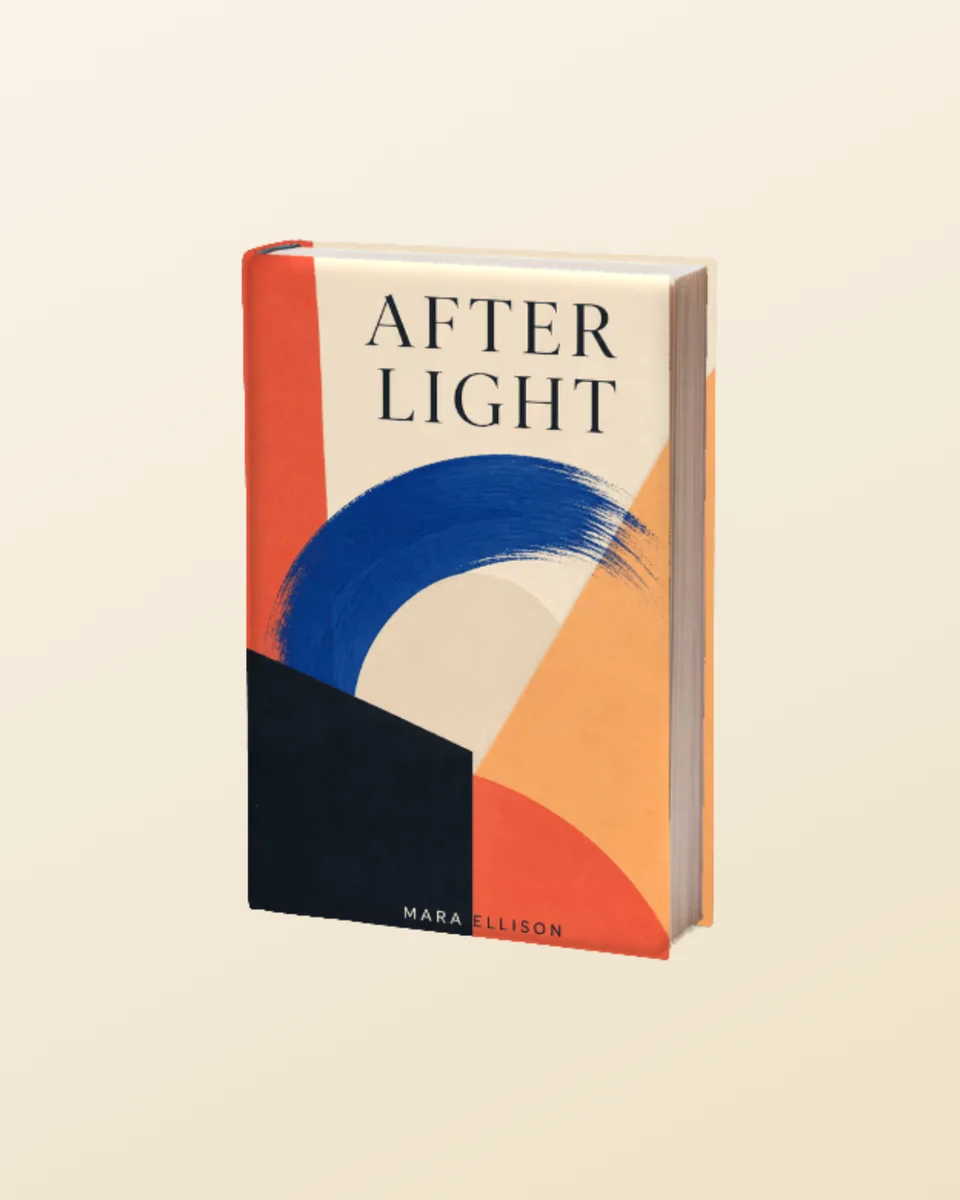
A crisp digital presentation for Amazon and retailer listings.

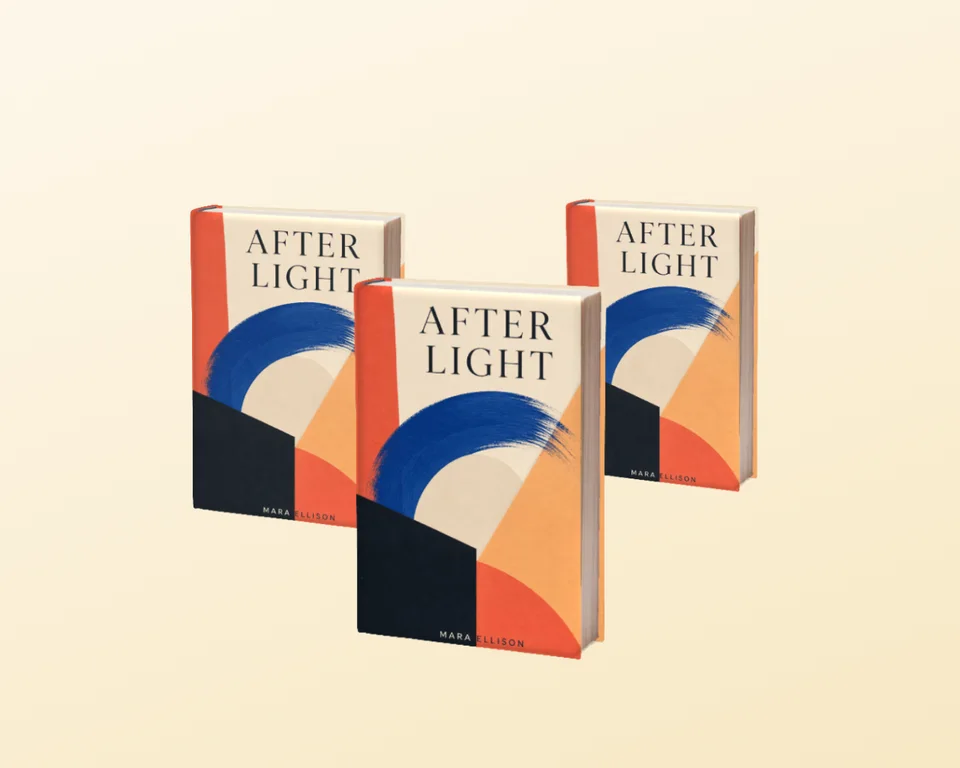
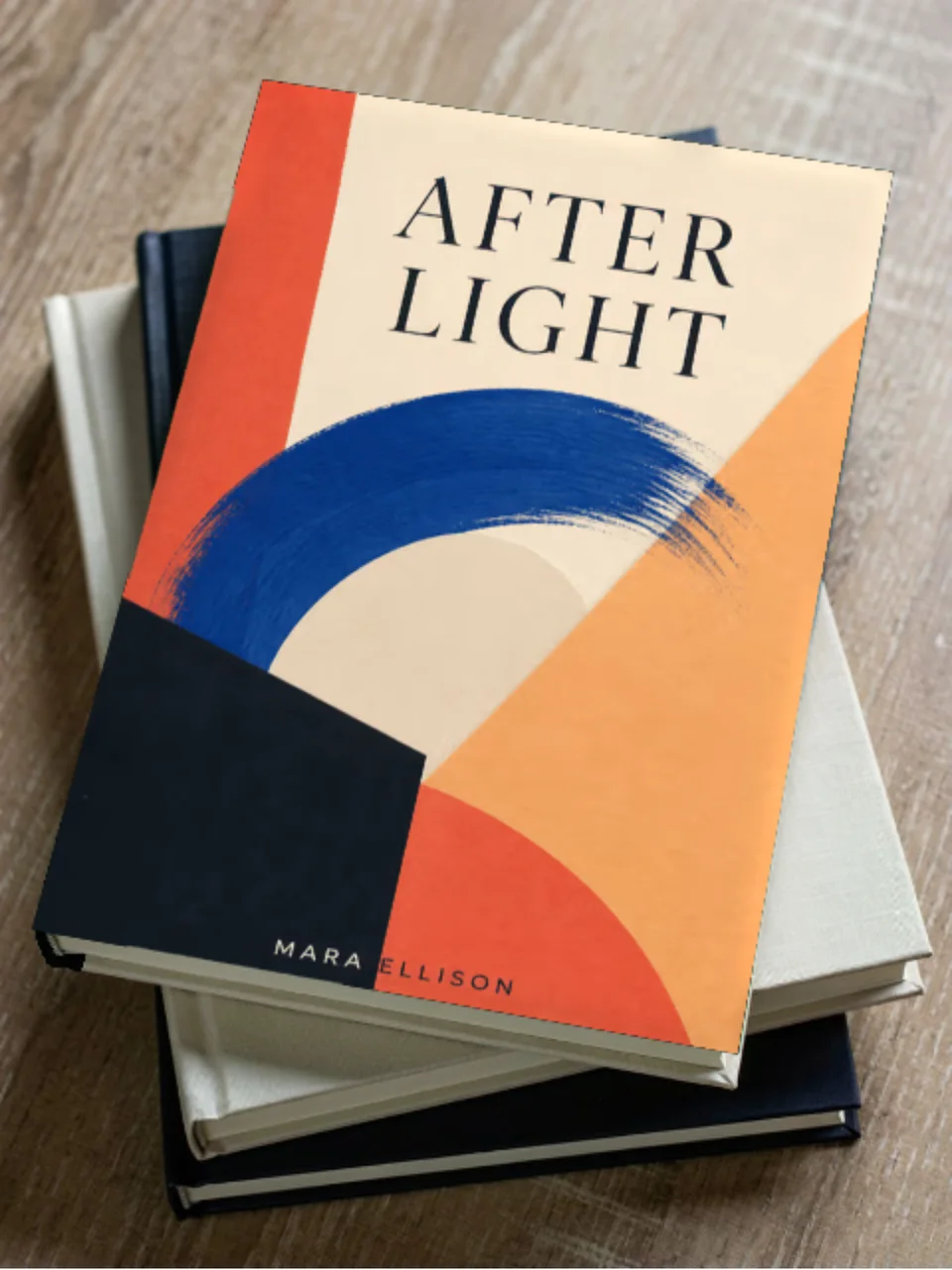
On a table

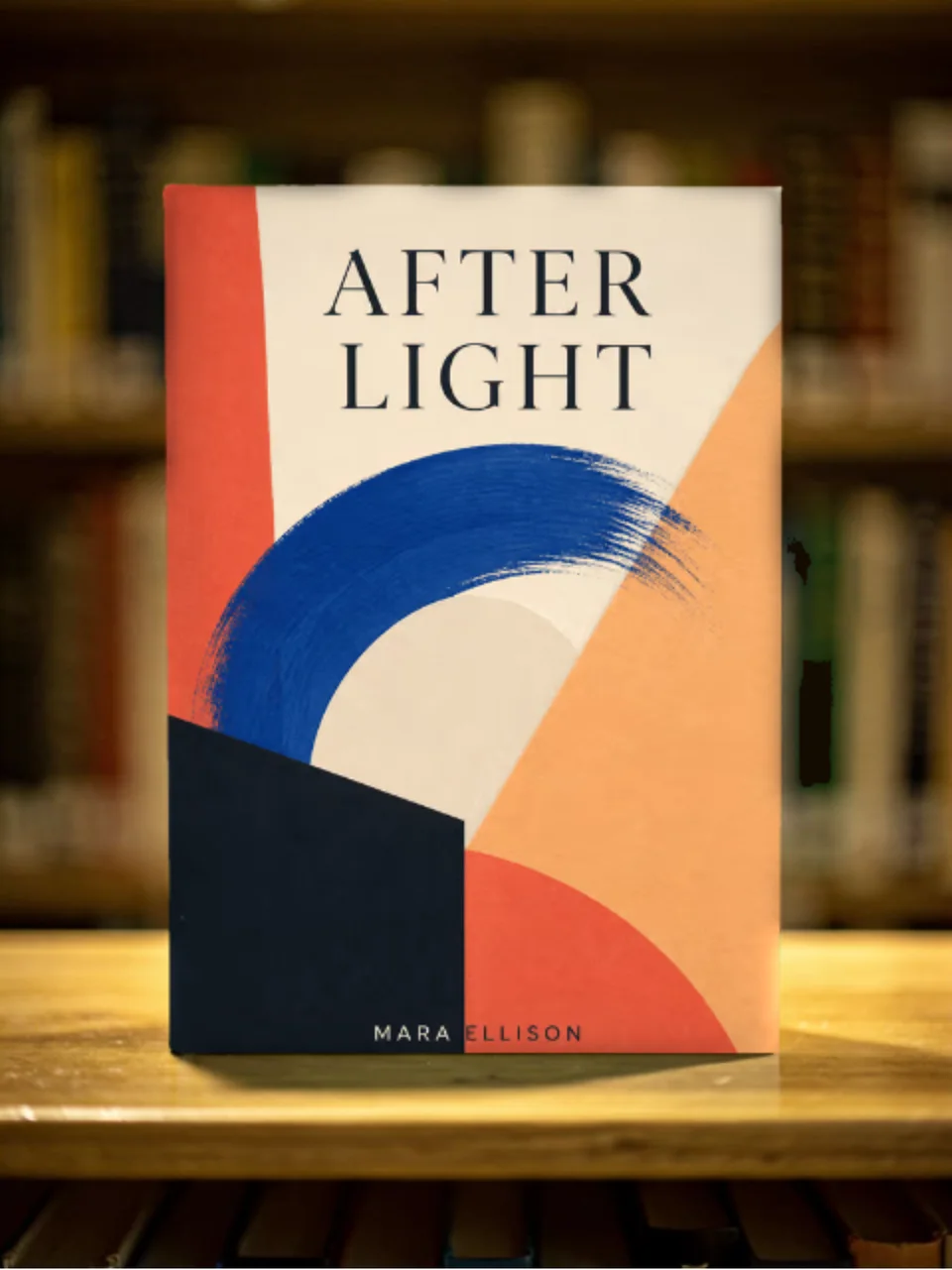
A photographic scene that gives the book a real place to live.

How It Works

Create professional mockups in three simple steps. No design skills required.

Step 1

Upload your screenshot

Drag and drop or select any screenshot, design, or image from your device.

Step 2

Choose frame & background

Pick from iPhone, iPad, MacBook, browser frames and beautiful gradient backgrounds.

Step 3

Export & share

Download as PNG, WebP, JPEG, GIF, or video. Ready for marketing in seconds.

Why Choose Screenhance?

Two capabilities that separate Screenhance from every other mockup tool in 2026: animated exports and App Store screenshot localization.

Animated GIF & WebM exports

Template-driven motion — float, reveal, parallax. Export animated mockups at Product Hunt, landing-page, and Twitter/X dimensions. Most mockup tools are static-only.

App Store localization in 80+ languages

One master design, per-locale captions, every required Apple and Google Play size per language. RTL and CJK support. Apple reports localized listings drive 2-3x install lifts.

Every required Apple & Google size

iPhone 17 Pro Max (1320×2868), iPhone Air (1260×2736), iPad Pro M4 (2064×2752), and the full Google Play set — exported from one design in a single pass.

30 seconds, zero design skills

Pick a template, drop in your screenshot, export. No Figma, no Photoshop, no learning curve. Free tier covers 3 exports a month; the $6 Launch Pass covers a launch with 10 watermark-free image exports.

Perfect for

Authors and self-publishers

Turn a flat cover file into a shelf-ready product shot for your launch.

Retailer and KDP listings

A 3D presentation next to the flat cover lifts perceived quality on the page.

Newsletters and ads

Give your promo a real object to sell instead of a floating rectangle.

Cover designers

Present concepts to clients in context without opening Photoshop.

Why a book mockup sells better than a flat cover

A flat cover file is a design asset. A book mockup is a product. When a reader sees a physical hardcover with a spine, a shadow, and a place in the world, the book stops being an idea and starts being something they can imagine holding. That shift is worth a surprising amount on a retailer page or an ad.

The catch has always been the tooling. Traditional book mockups are Photoshop smart objects: download a PSD, place your cover, fight the perspective, and export. Screenhance replaces that with an upload and a click. Your cover is composited onto the book with the scene’s own lighting, so the highlights and shadows fall where a camera would put them.

More than book covers

Screenhance is a full mockup studio. The same upload-and-composite flow powers device mockups for apps, a billboard mockup generator for launch flexes, and clean device mockups for screenshots. If you make more than books, one tool covers the set.

Frequently Asked Questions

How do I make a book mockup from my cover?

Upload your book cover image, choose a book scene, and Screenhance composites the cover onto the book with realistic lighting and shadow so it looks physically printed. Export a high-resolution PNG. There is no Photoshop and no smart-object file to wrestle with.

Is the book mockup generator free?

Yes. You can create and preview book mockups for free, with a small watermark on free exports. Every scene is included on the free plan. Pro just removes the watermark, starting at a $6 one-time week pass.

Which book formats are supported?

Book scenes cover hardcover and paperback covers, and the library is expanding to open-book, square, and ebook presentations. Because a scene inherits its lighting from a real photograph, the cover sits on the book naturally rather than looking pasted on.

Can I make an ebook or KDP mockup?

Yes. Upload your ebook or KDP cover just like a print cover. The result is a marketing-ready image for your Amazon listing, author website, newsletter, or ads.

Do I need Photoshop or a PSD template?

No. Most book mockups online are PSD smart objects that require Photoshop and manual placement. Screenhance does the compositing in the browser and shows your real cover, not a placeholder.

Can I use the book mockups commercially?

Yes. Exports are yours to use on retailer listings, your author site, social posts, ads, and press kits. Every export is your own composition over your own cover art.

Make your cover a product

Upload your cover, pick a scene, and export a photorealistic book mockup in under a minute.