Use Cases
Put your cover or spread on a real magazine. Upload your artwork, pick a cover, an open spread or a held magazine, and export a print-ready presentation image. Free, in the browser, no Photoshop.
Loved by 2,000+ creators
Real magazine photographs with your artwork printed onto the page. Click one to open it in the editor and drop in your design.
Each magazine is a real photograph, so your artwork inherits the paper’s glossy sheen, the gutter shadow and the natural page curl.
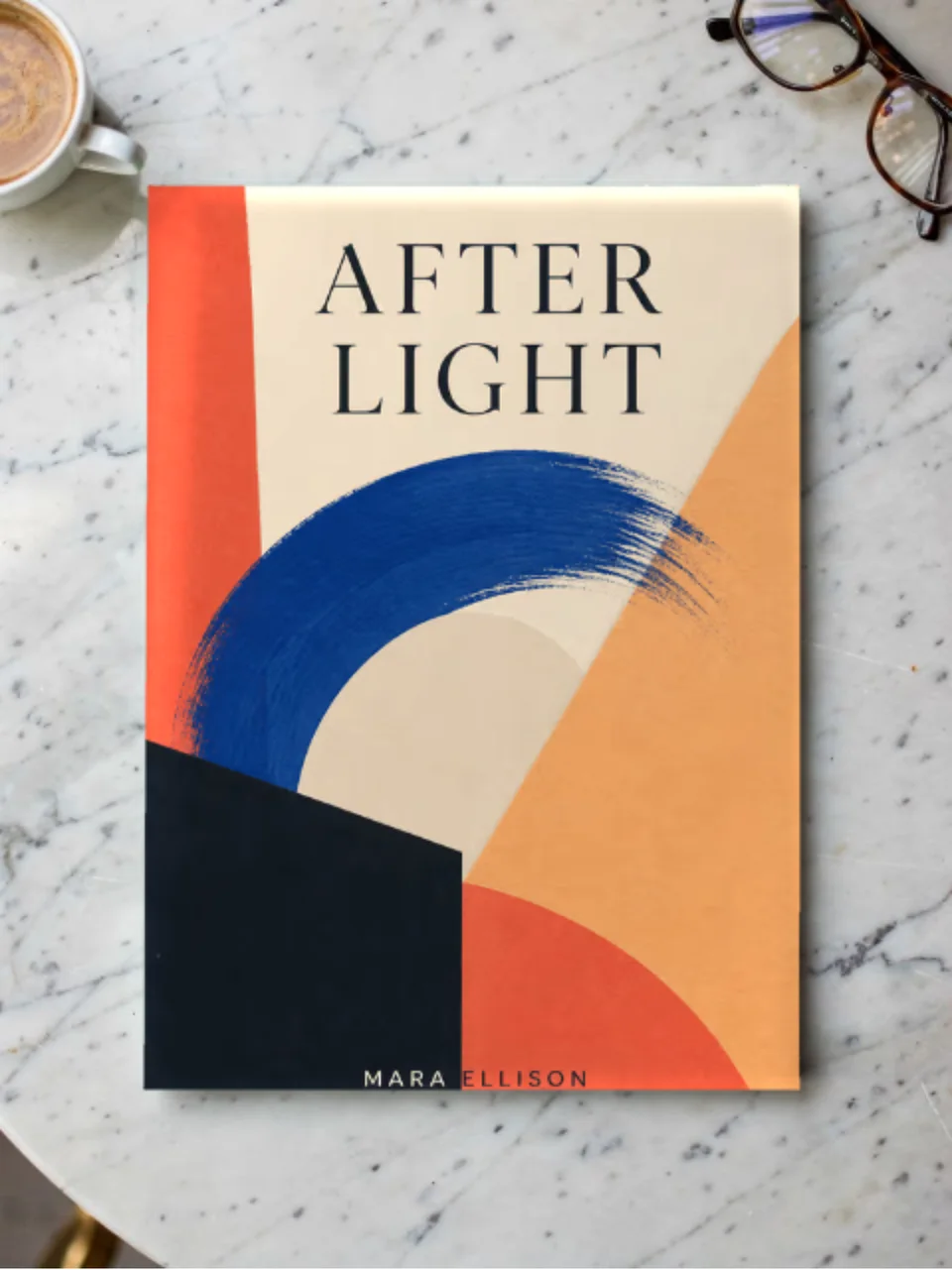
Shot from directly above on marble. The standard editorial presentation.
Both inner pages with a soft gutter shadow, for showing a layout.
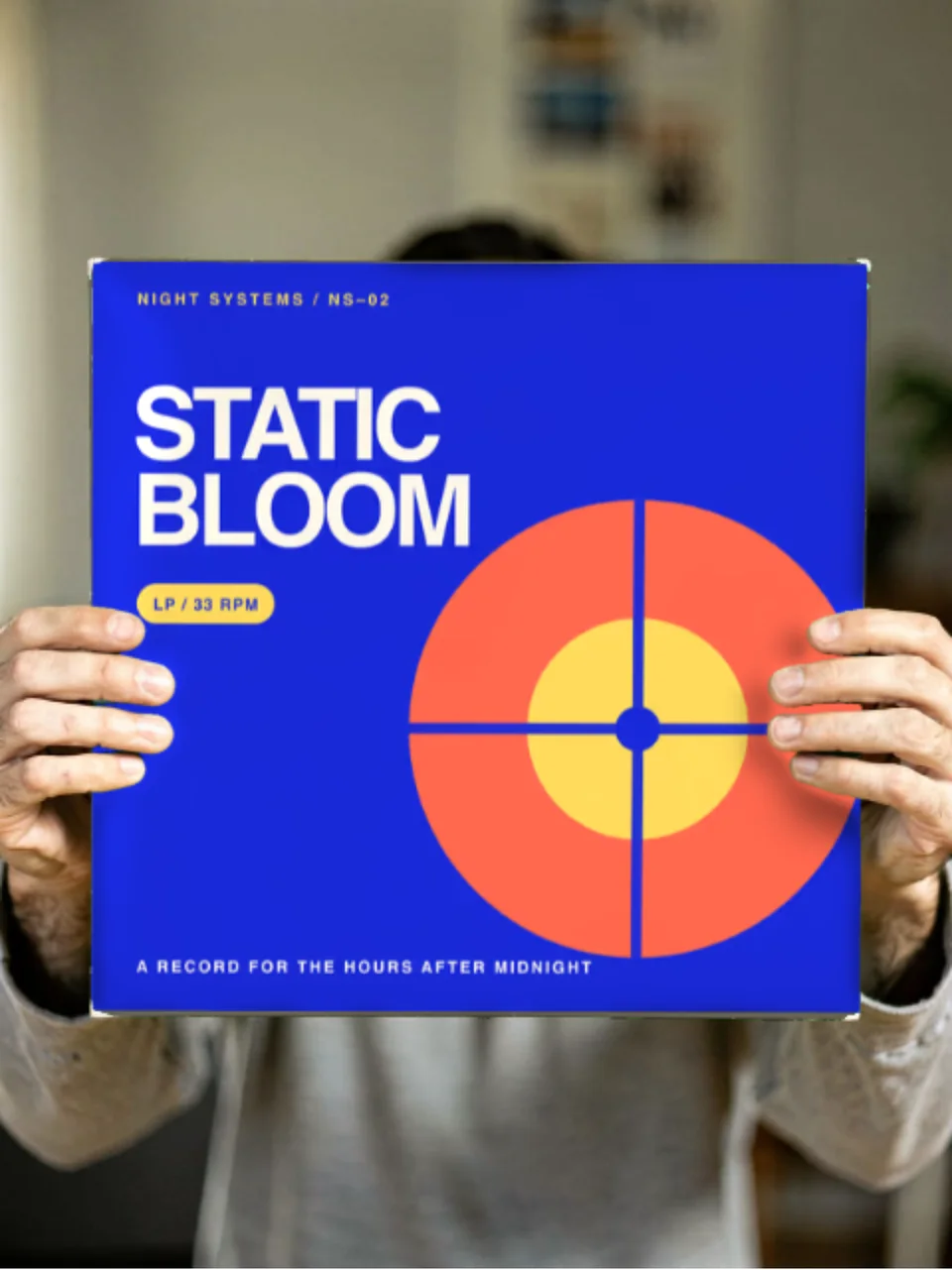
A reader holding the cover, which sells an editorial concept far better.
Create professional mockups in three simple steps. No design skills required.
Drag and drop or select any screenshot, design, or image from your device.
Pick from iPhone, iPad, MacBook, browser frames and beautiful gradient backgrounds.
Download as PNG, WebP, JPEG, GIF, or video. Ready for marketing in seconds.
Two capabilities that separate Screenhance from every other mockup tool in 2026: animated exports and App Store screenshot localization.
Template-driven motion — float, reveal, parallax. Export animated mockups at Product Hunt, landing-page, and Twitter/X dimensions. Most mockup tools are static-only.
One master design, per-locale captions, every required Apple and Google Play size per language. RTL and CJK support. Apple reports localized listings drive 2-3x install lifts.
iPhone 17 Pro Max (1320×2868), iPhone Air (1260×2736), iPad Pro M4 (2064×2752), and the full Google Play set — exported from one design in a single pass.
Pick a template, drop in your screenshot, export. No Figma, no Photoshop, no learning curve. Free tier covers 3 exports a month; the $6 Launch Pass covers a launch with 10 watermark-free image exports.
Present a cover or spread in context instead of as a flat PDF.
Show an issue before it goes to press, or promote one that already has.
Present a brand publication or report as a real printed object.
Show editorial work as if it were on a newsstand.
Editorial work is judged on how it feels in print. A spread exported as a flat PDF page loses the paper, the gutter and the light, which is most of what makes a layout land.
Screenhance composites in the browser. Your cover or spread is placed into a real magazine photograph and the scene’s own light is multiplied back over it, so the ink sits on the page. Swap the artwork and the mockup updates immediately.
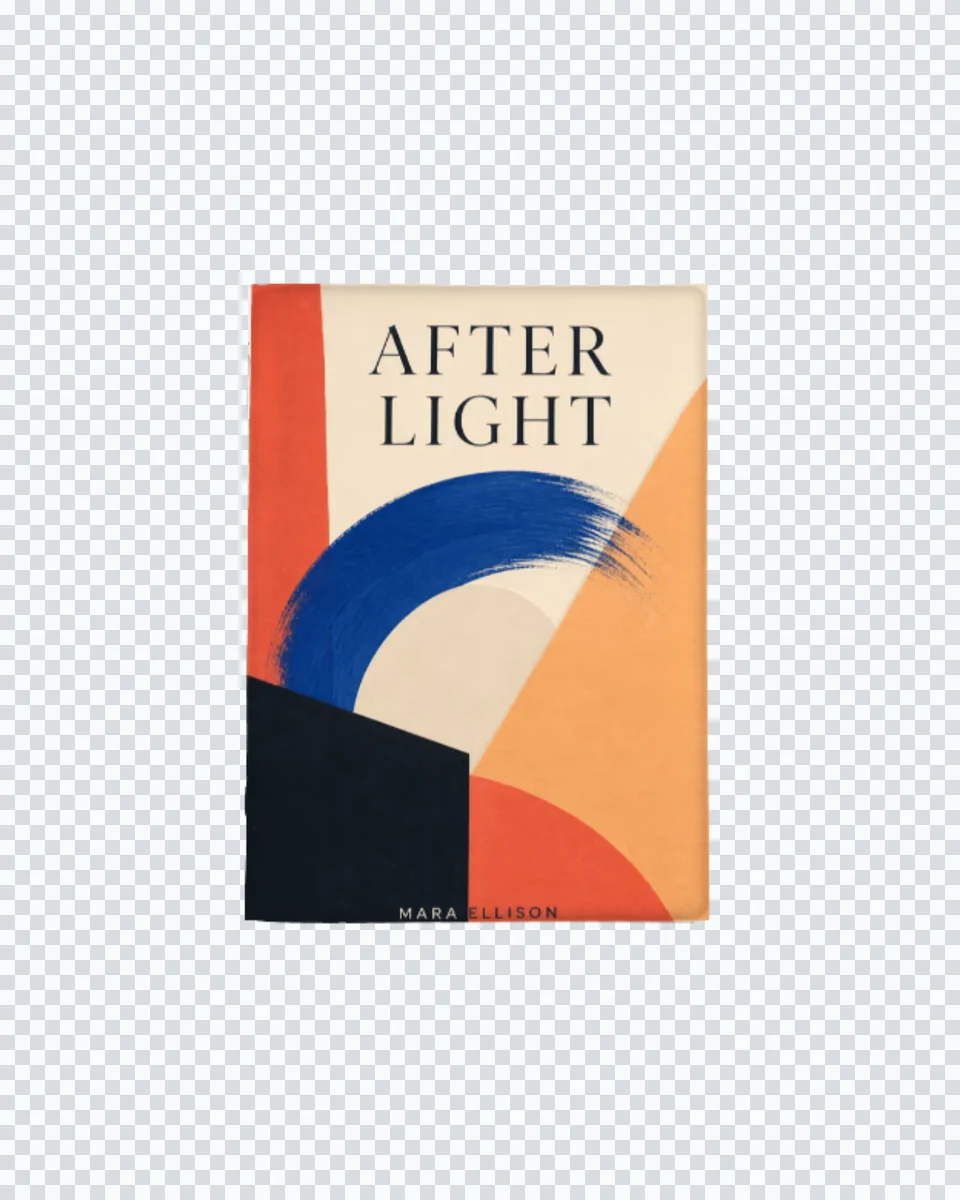
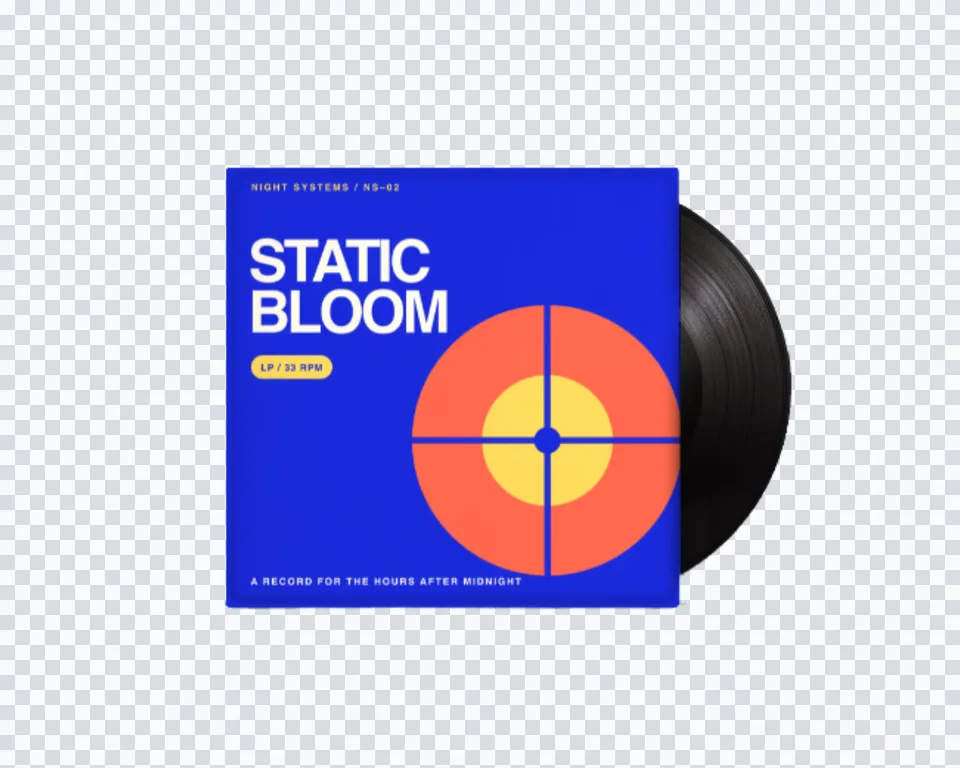
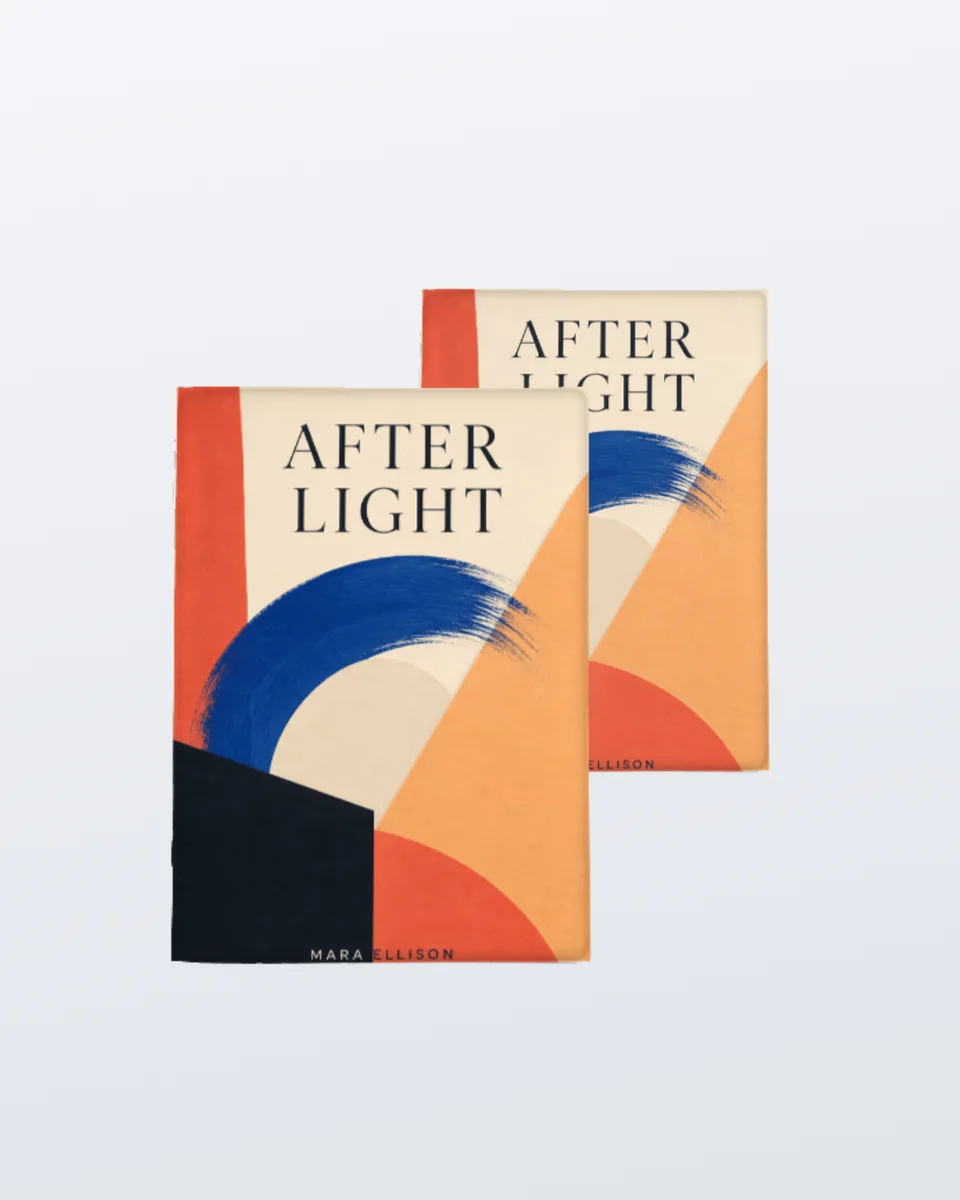
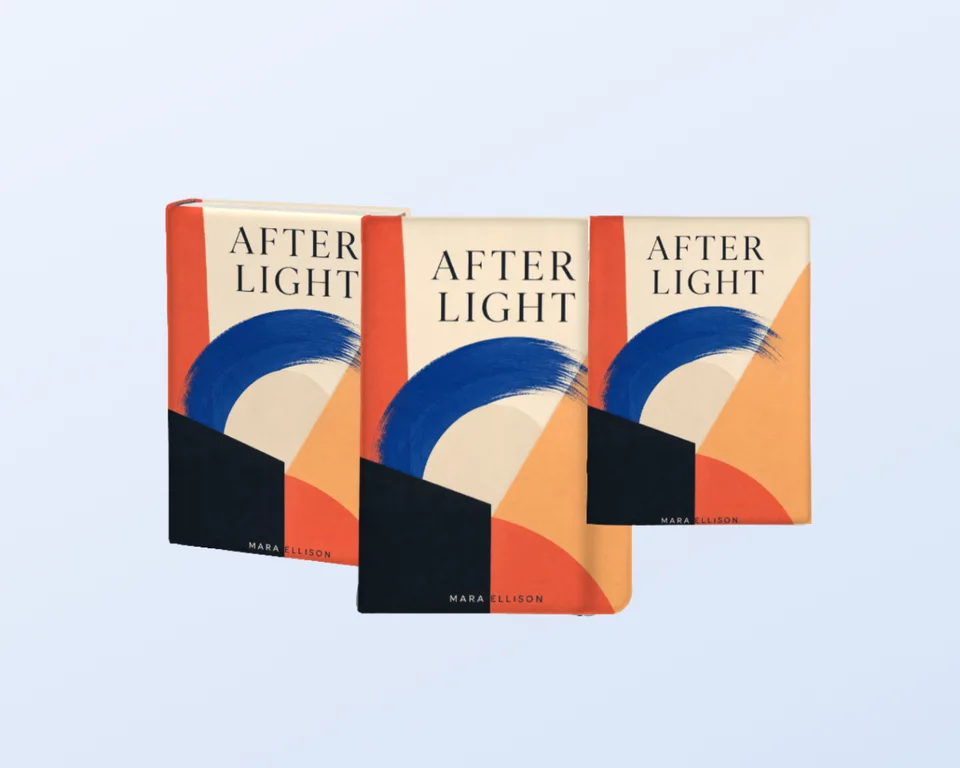
The same compositing works across every surface:a book, a brochure, a poster, a business card. Upload once, present it anywhere.
Upload your cover or spread artwork, pick a magazine scene, and Screenhance composites it into the page area of a real photograph, keeping the paper sheen and gutter shadow. Export a high-resolution PNG.
Yes. You can create and preview magazine mockups for free, with a small watermark on free exports. Every scene is included on the free plan. Pro just removes the watermark, starting at a $6 one-time week pass.
Yes. One scene is an open magazine shot from above, with both inner pages forming a single artwork area and a soft fold shadow down the centre, so a full spread layout reads correctly.
Any portrait artwork works for the cover scenes and any landscape artwork for the spread. Your upload is centre-cropped to fit rather than stretched, so A4 and US Letter proportions both sit correctly.
No. Most magazine mockups online are PSD smart objects that need Photoshop. Screenhance composites in the browser and shows your real design immediately, with nothing to install.
Yes. Exports are yours to use in client presentations, portfolios, and press. Every export is your own design composited onto a licensed scene.
Explore more ways to create stunning visuals with Screenhance.
Showcase apps in iPad Pro and Air frames
Try it freeCreate iOS and Android store visuals
Try it freeAndroid-ready Google Play visuals
Try it freeClean mockups, not stock photos
Try it freePolished demo videos with click-to-place zoom
Try it freeUpload your cover or spread and export a photorealistic magazine mockup in under a minute.