App Store templates · Education
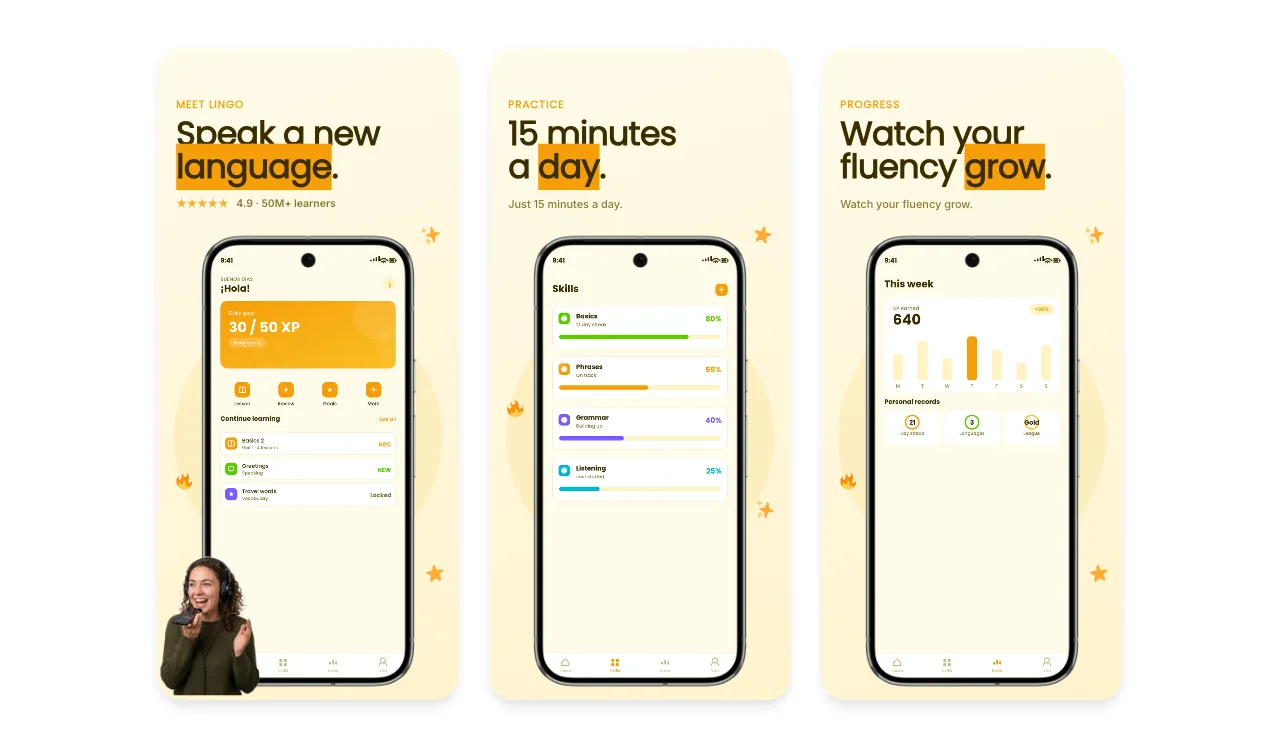
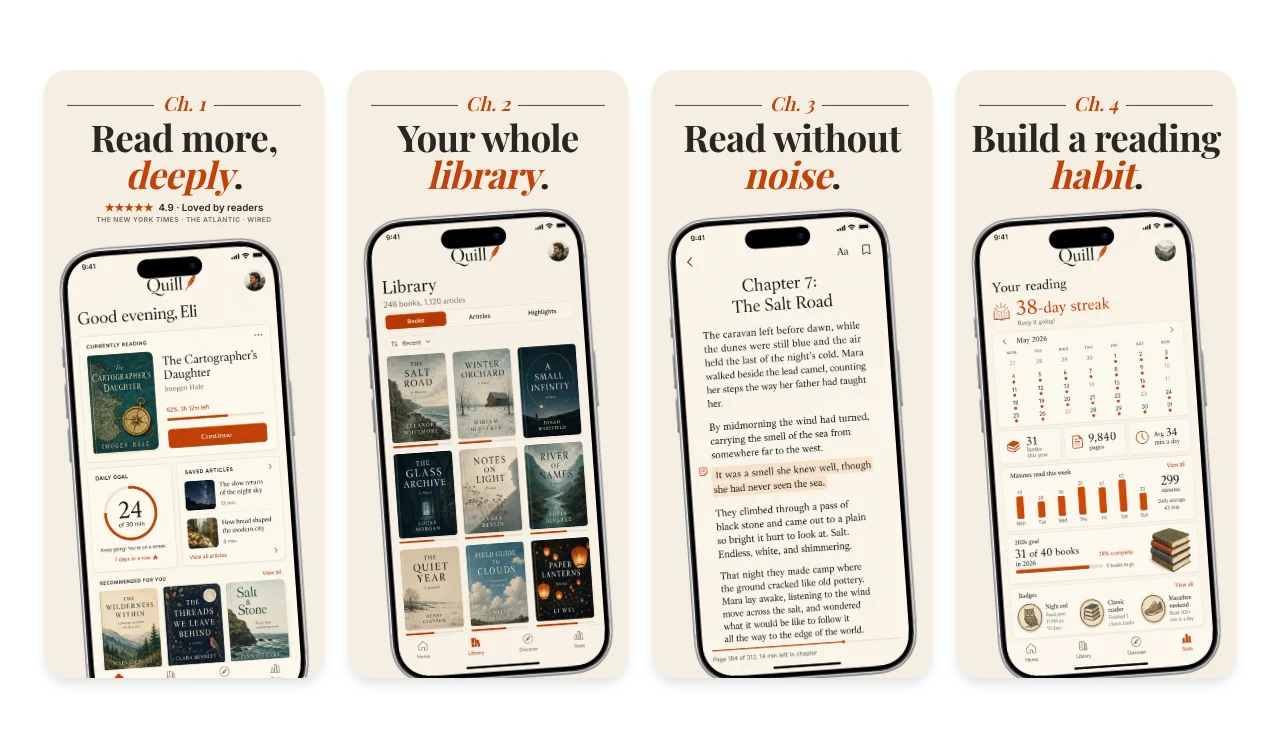
Education apps sell visible progress. Show a lesson in action first, then the streaks, levels or reading progress that make learning feel achievable in short daily sessions.
Show a real lesson, not a mascot.
A question, exercise or reading view shows how learning works in the app. Apple's guideline 2.3.3 asks for the app in use rather than title art.
Make progress concrete.
A streak, a level map or a finished chapter gives people a goal they can picture.
Mark premium courses.
If featured lessons or courses need a purchase, guideline 2.3.2 asks that screenshots make that clear.
Free to edit. A free account includes 3 watermarked PNG exports a month, one size at a time. Compare export plans.
Loved by 3,000+ creators
Language learning, reading and study apps. Each set has 5 slides with sample screens and captions written for this kind of app. Open one to replace them with yours in the App Store editor.
App Store Connect accepts exact pixel sizes only. Apple currently lists at least one iPhone with Dynamic Island (medium display) screenshot for iPhone apps, plus a 13-inch iPad screenshot if the app supports iPadOS. Check the selected submission slot and the display-scaling notes in App Store Connect. The medium Dynamic Island group accepts 1179 × 2556 or 1206 × 2622, and the 13-inch iPad group accepts 2064 × 2752 or 2048 × 2732.
Export at an accepted size from the App Store editor, then check the files with the App Store screenshot size checker. The full table, with CSV and JSON downloads, is in the App Store screenshot sizes guide for 2026.
Localizing captions or preparing iPhone and iPad versions from one design? The App Store screenshot generator walks through the whole workflow.

A lesson or exercise in progress with a caption about the outcome, such as speaking a new language. Keep the interface large enough that a learner or a parent can read it in a product-page preview.
Use the app's own progress screens: streaks, levels, completed lessons or reading time. Fill them with realistic, fictional data so the numbers look achievable.
Yes. You can open and edit every template for free. The free plan includes 3 watermarked PNG exports at 1× each month, one size at a time. The $6 Launch Pass adds 10 clean static exports over 7 days with multi-size and multi-locale export, and Pro costs $12 per month or $99 per year for unlimited clean exports.
Each template opens on an iPhone canvas in the App Store editor. Choose an Apple preset such as the required medium Dynamic Island size (1206 × 2622) or the large 1320 × 2868 size, and add a 13-inch iPad set if your app supports iPadOS. Apple updates its accepted sizes, so check the current list before you upload.
Continue preparing the same App Store, Google Play, or Chrome listing.
Resolve the App Store Connect wrong-dimensions error
Start creatingLocalize App Store screenshots in 16 locales
Start creating1024×500 Google Play feature graphics
Start creatingPromo tiles, marquee, and screenshots
Start creatingCreate iOS and Android store visuals
Start creatingScreenshot sets by app category, from finance to travel
Start creatingStart from the Lingo set or any template above, add your own screens and captions, and export from your browser.