Use Cases
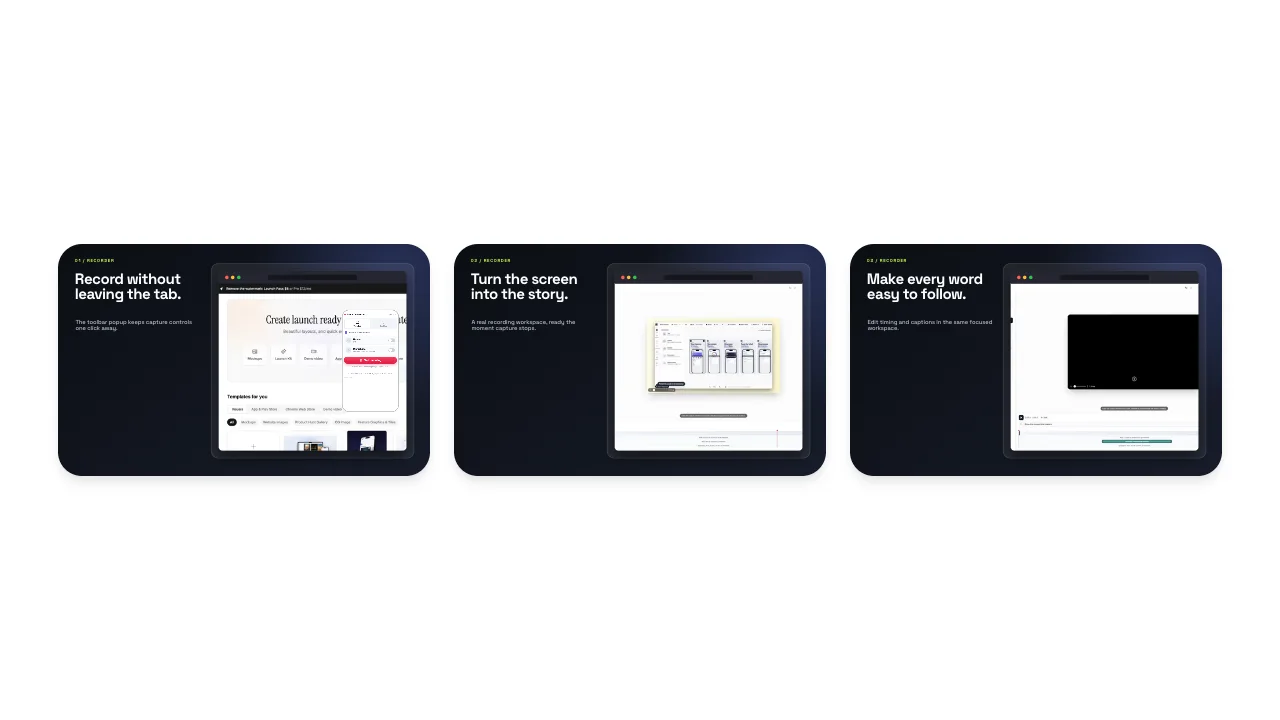
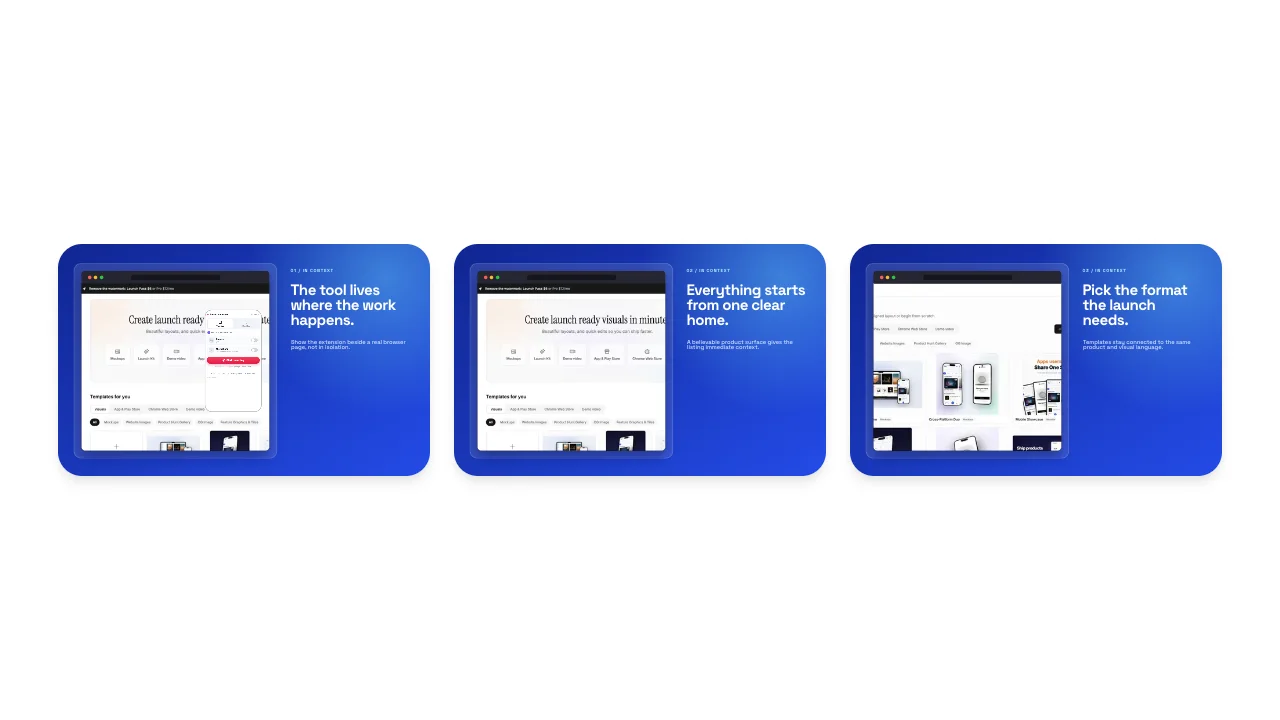
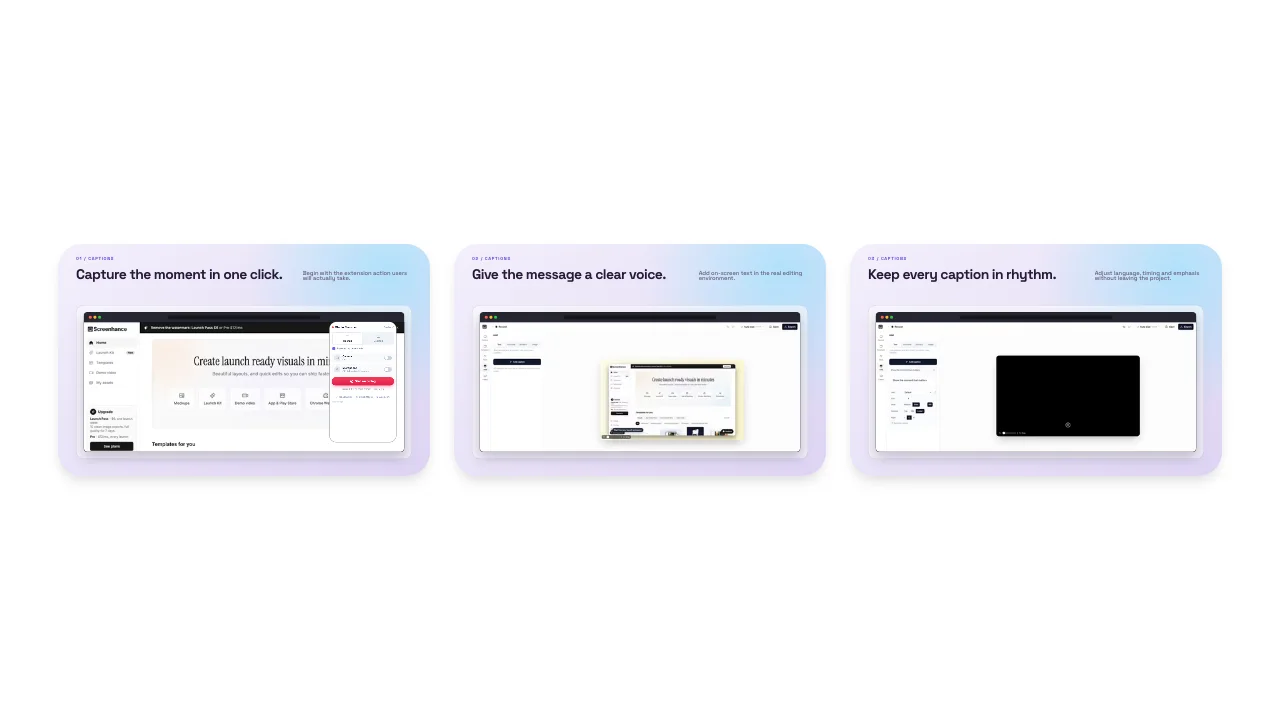
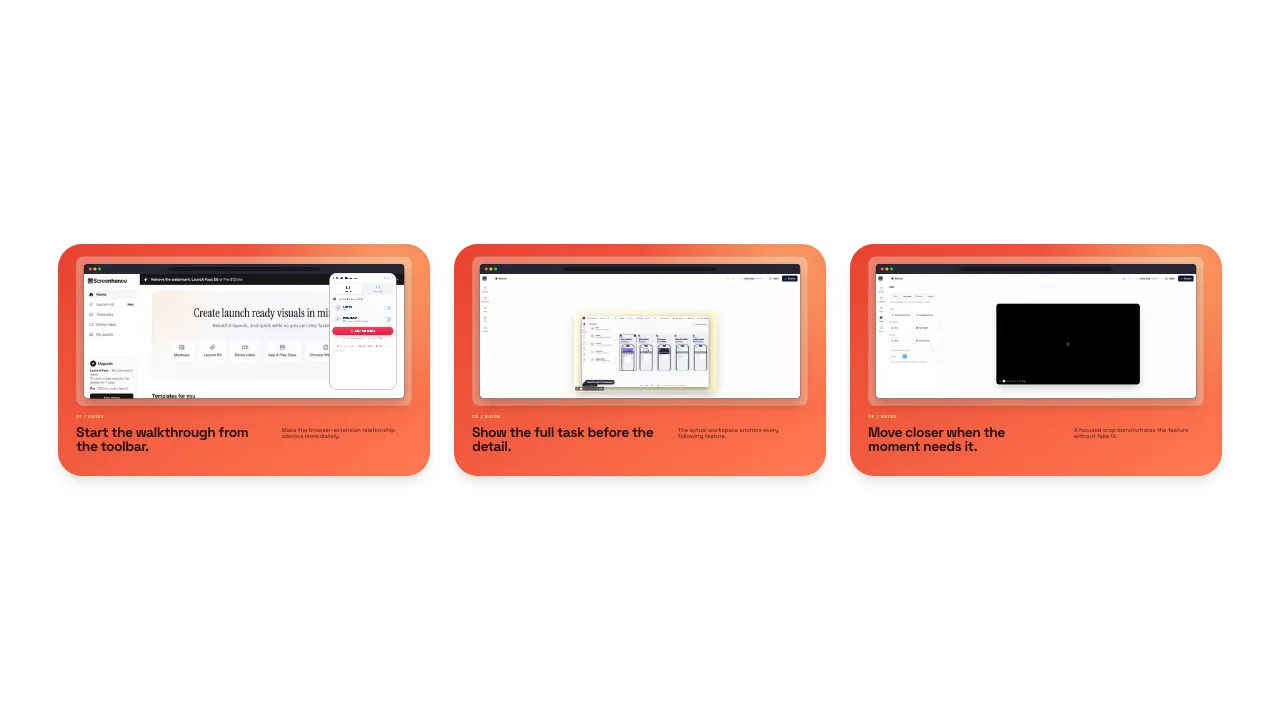
Design every image your Chrome extension listing needs: the 440×280 small tile, the 1400×560 marquee, and 1280×800 screenshots. Pre-sized templates, exported flat with no transparency.
Loved by 2,000+ creators
Pre-sized to the marquee (1400×560) and small tile (440×280). Pick one, add your branding, and export a flat image. (Screenshot sets open in the full editor. Use “Create Screenshots” above.)
Exact Sizes
Small tile, marquee, and screenshot dimensions built in
No Transparency
Exports flat, so tiles never render with a black box
Brand-Forward
Gradients, solids, and your palette in two clicks
Get Featured
A marquee makes you eligible for store promotion
A complete Chrome Web Store listing uses three kinds of image, and they each do a different job. Getting all three right is what separates a listing that looks shipped from one that looks abandoned.
Screenshots (1280×800) show your extension in action and carry most of the install decision. You can upload up to five. The small promo tile (440×280) sits next to your extension in search results and category pages, so it's the first impression most people get. The marquee (1400×560) is the wide hero the store uses only when it features you. Without one you simply aren't eligible for those placements.
If you also ship a mobile or desktop app, keep the visual style consistent with your Google Play feature graphic and App Store screenshots so your brand reads the same everywhere it's listed.
The exact dimensions the Chrome Web Store accepts. Screenhance ships a template for each.
1280 × 800 (or 640 × 400)
Up to 5 · at least one required
440 × 280
Shown in search & category lists
1400 × 560
Required to be featured
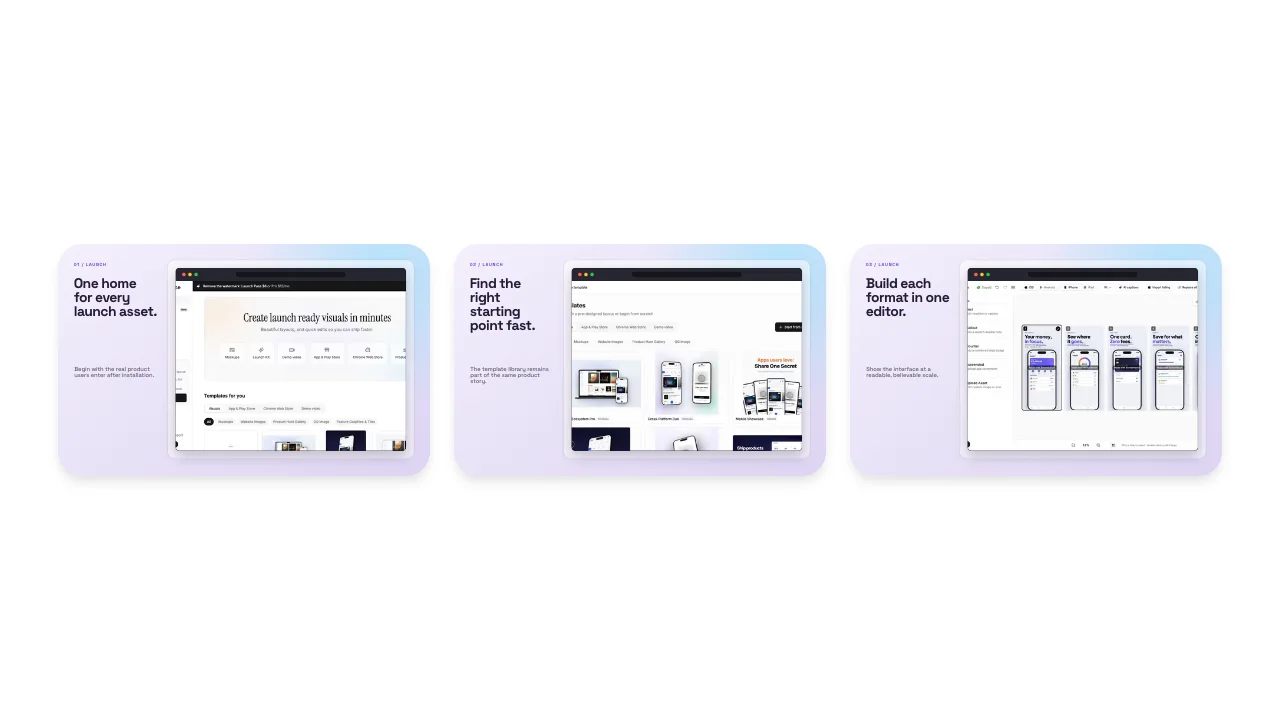
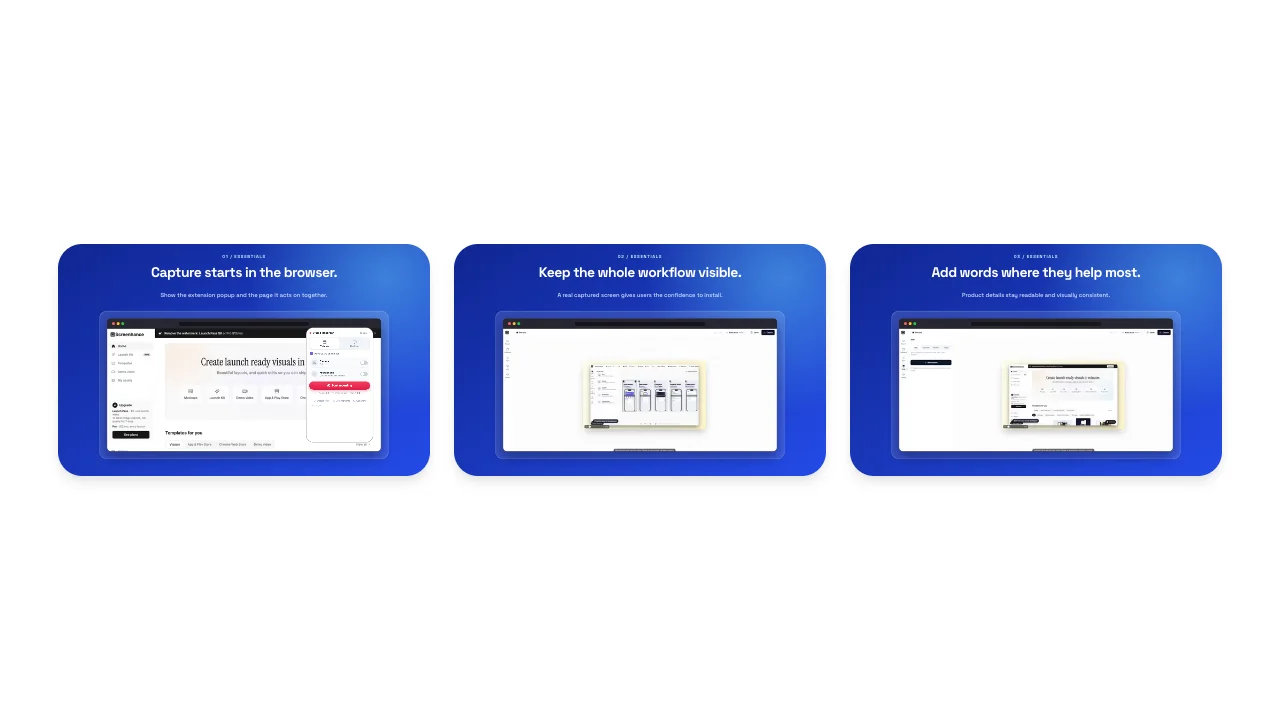
Create professional mockups in three simple steps. No design skills required.
Drag and drop or select any screenshot, design, or image from your device.
Pick from iPhone, iPad, MacBook, browser frames and beautiful gradient backgrounds.
Download as PNG, WebP, JPEG, GIF, or video. Ready for marketing in seconds.
Two capabilities that separate Screenhance from every other mockup tool in 2026: animated exports and App Store screenshot localization.
Template-driven motion — float, reveal, parallax. Export animated mockups at Product Hunt, landing-page, and Twitter/X dimensions. Most mockup tools are static-only.
One master design, per-locale captions, every required Apple and Google Play size per language. RTL and CJK support. Apple reports localized listings drive 2-3x install lifts.
iPhone 17 Pro Max (1320×2868), iPhone Air (1260×2736), iPad Pro M4 (2064×2752), and the full Google Play set — exported from one design in a single pass.
Pick a template, drop in your screenshot, export. No Figma, no Photoshop, no learning curve. Free tier covers 3 exports a month; $6 Week Pass unlocks unlimited for a launch.
The Chrome Web Store is unusual in how much it rewards complete promo assets. Extensions that supply a small tile and a marquee in a consistent style don't just look more credible; they become eligible for the editorial and category features that drive the bulk of organic installs. Skip the marquee and you opt out of that entire surface, no matter how good the extension is.
Yet most developers ship a single rushed tile, because the assets feel like busywork next to writing the actual extension. That's the opportunity: a clean, on-brand small tile and marquee take a few minutes from a template and immediately make a listing look maintained and trustworthy: the two things that move a browsing user to click Install.
There's also a technical gotcha worth knowing. Promo tiles must be flat, opaque images; a PNG exported with an alpha channel can be rejected or render with an ugly black background in the store. Screenhance flattens these exports onto a solid background automatically, so the file you download always displays correctly. It runs entirely in your browser, and the free plan lets you design a full set of Chrome Web Store images at no cost (free exports carry a small Screenhance watermark; the $6 Week Pass or Pro removes it).
Treat the set as one campaign: same logo, same palette, same short value proposition across the tile, marquee, and screenshots. If you also build OG images for your extension's site, carry the same look there so a shared link and the store listing feel like the same product.

Screenshots must be 1280×800 (or 640×400). The small promo tile is 440×280, and the marquee promo tile is 1400×560. At least one 1280×800 screenshot is required; the promo tiles are optional but power the store's featured placements.
The marquee is a 1400×560 promotional banner the Chrome Web Store uses when it features your extension on the homepage and in curated collections. You won't be featured without one, so it's worth designing even though it's optional.
No. Promo tiles and screenshots should be flat, opaque images. A PNG saved with an alpha channel can be rejected or render with a black background. Screenhance flattens these exports onto a solid background automatically.
The small tile (440×280) appears next to your extension in search results and category listings. The marquee (1400×560) is the wide hero used only in featured spots. Most extensions need both to look complete and be eligible for promotion.
Yes. Start from a pre-sized template, swap in your name, tagline, and brand colors, and export. No Photoshop or Figma required. Everything runs in your browser.
Yes. The free plan lets you design a full set of Chrome Web Store images at no cost; free exports include a small Screenhance watermark, removed by the $6 one-time Week Pass or Pro.
Launching an extension? You'll also want a Product Hunt gallery, an OG image, and a website hero. Upload your screenshots once and Launch Kit generates them all, on-brand and matching.
Explore more ways to create stunning visuals with Screenhance.
Showcase apps in iPad Pro and Air frames
Try it freeCreate iOS and Android store visuals
Try it freeAndroid-ready Google Play visuals
Try it freeiPhone 17, 17 Pro, Pro Max & Air frames
Try it freeLatest iPhone 16 and 16 Pro frames
Try it freeShowcase websites in MacBook frames
Try it freeSmall tile, marquee, and screenshots: pre-sized, flattened on export, ready for the Web Store. Start from a template and finish in minutes.