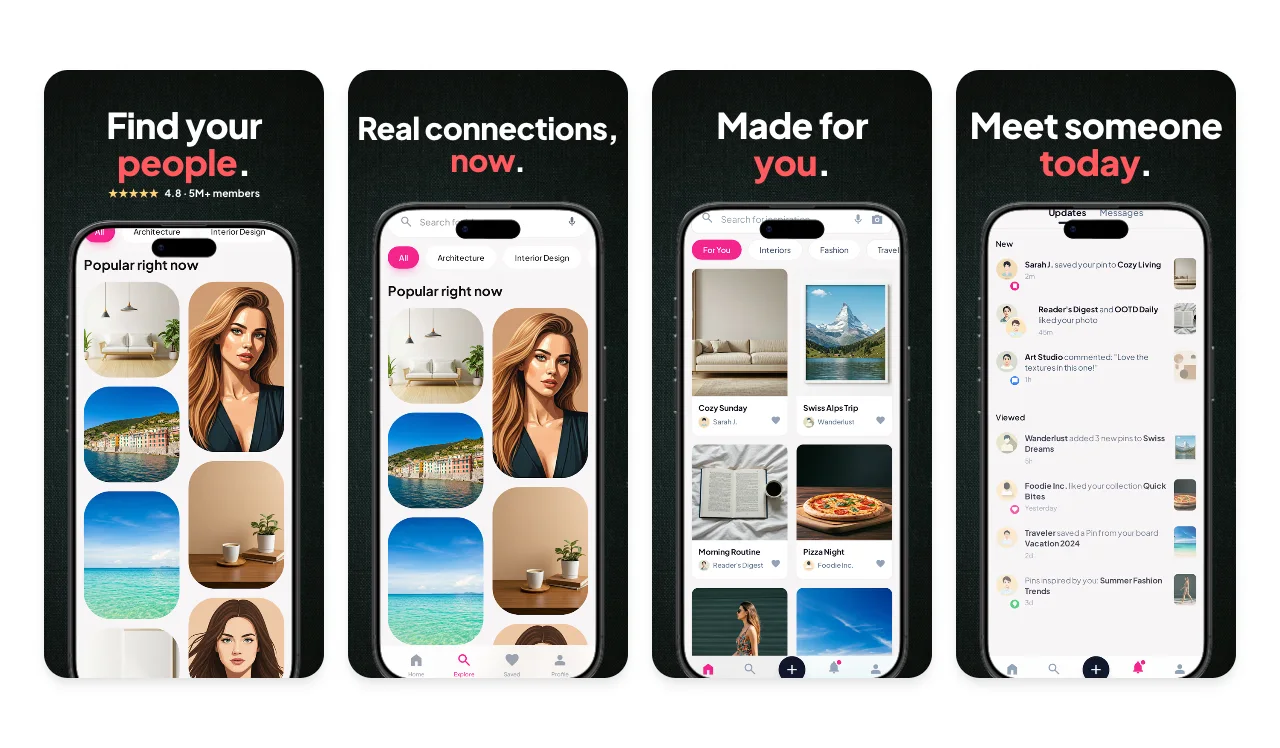
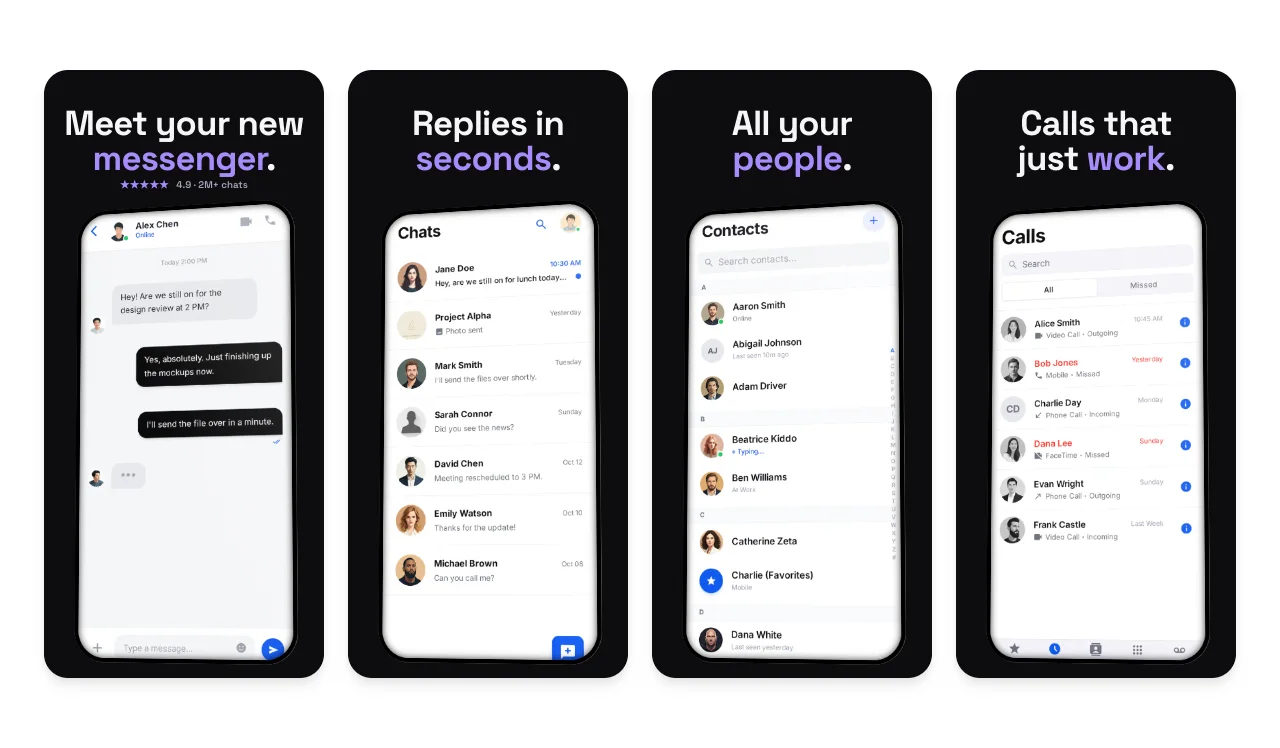
App Store templates · Social & Dating
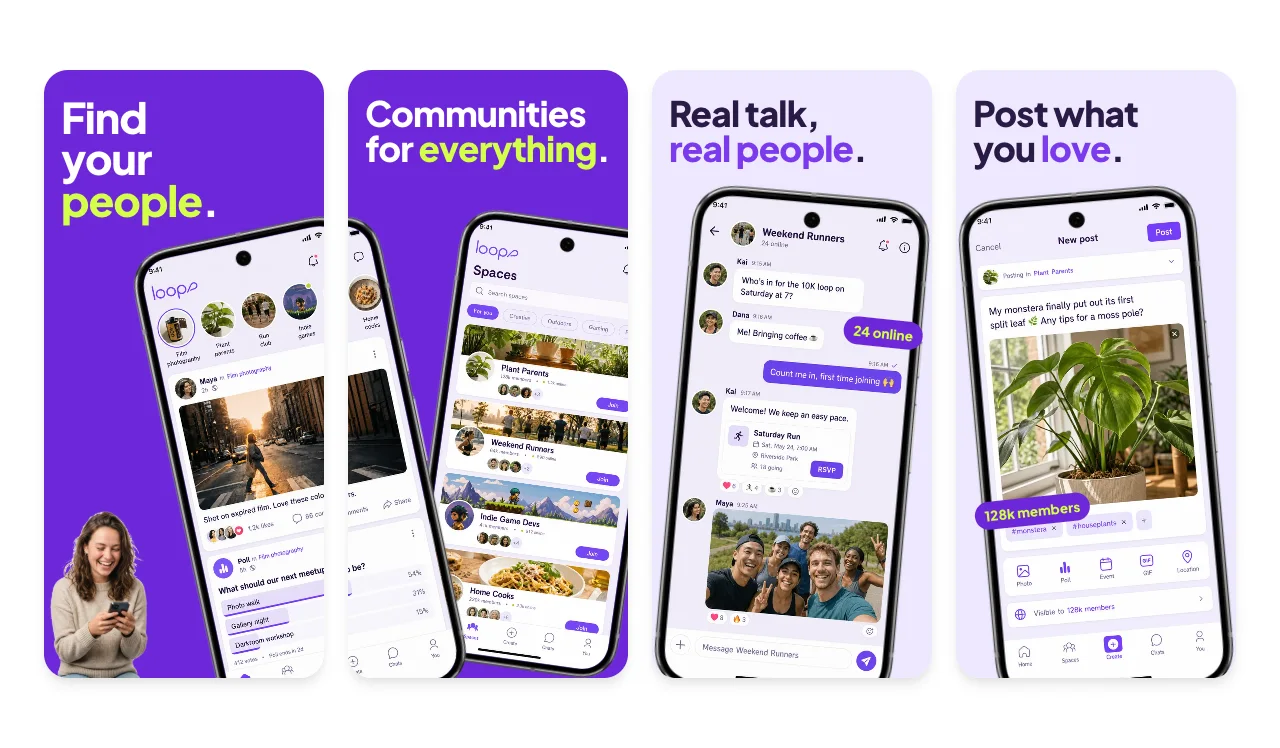
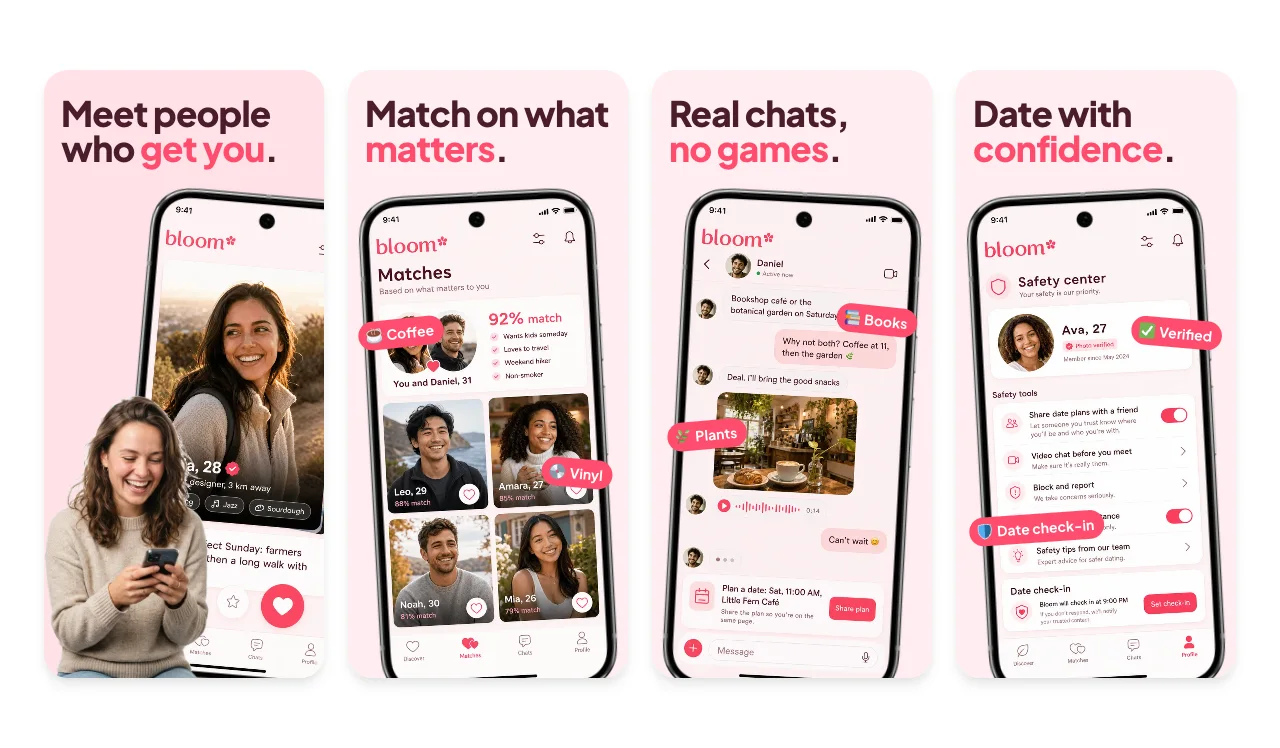
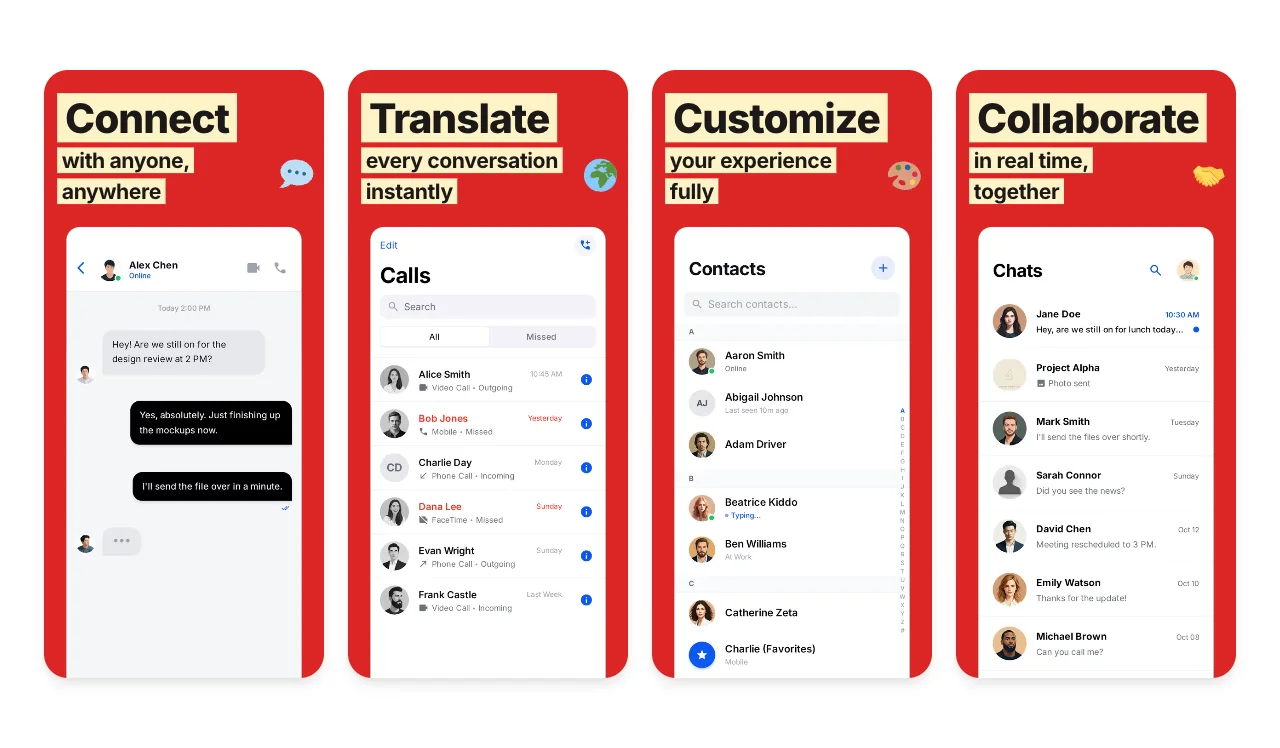
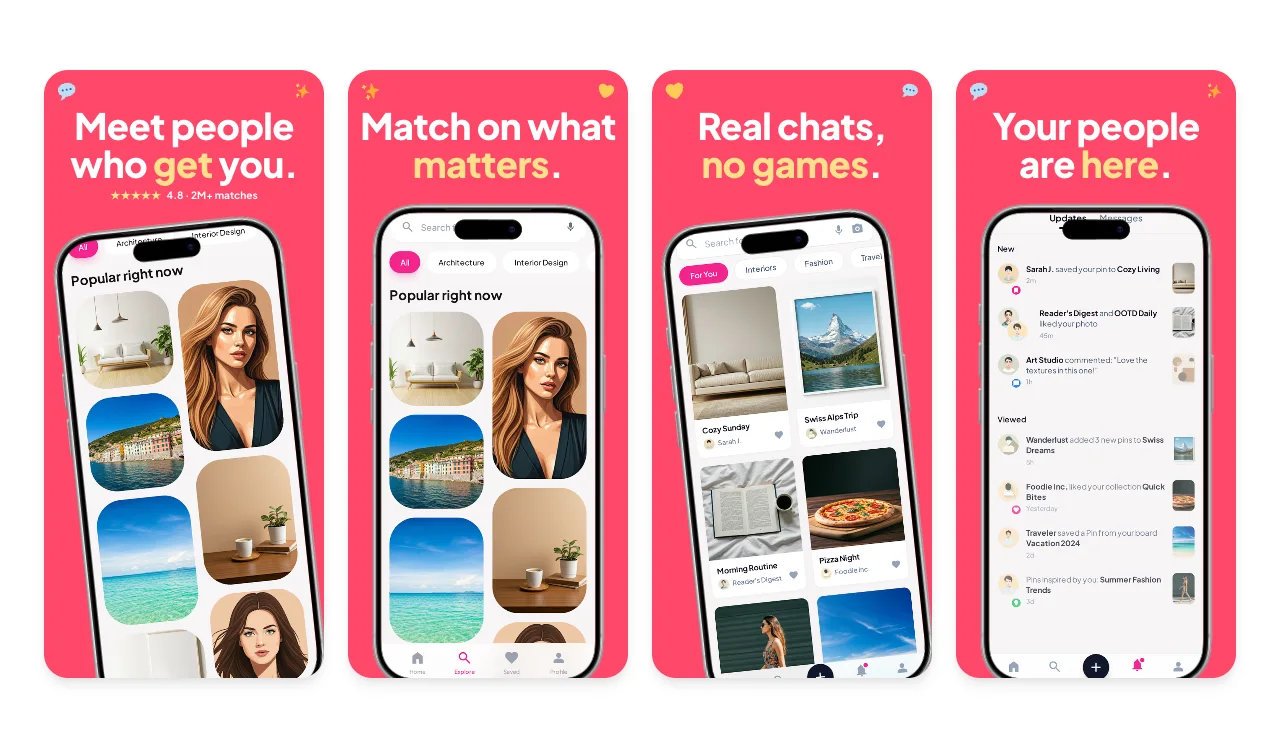
Social and dating apps sell the people and the conversations, so lead with a profile, a match or a lively feed instead of a sign-up form. Show what makes your community different, such as prompts, interests, spaces or safety tools, one per screenshot, and keep every image suitable for all audiences.
Keep every screenshot 4+.
Apple's guideline 2.3.8 says screenshots must adhere to a 4+ age rating even when the app is rated higher. Choose photos and copy that work for every audience.
Use licensed photos and fictional profiles.
Guideline 2.3.9 makes you responsible for the rights to every image and asks for fictional account information, so use licensed or original photography and invented names.
Show the moment of connection.
A match, a reply or a busy community space says more than a list of features. Put the most human screen first.
Free to edit. A free account includes 3 watermarked PNG exports a month, one size at a time. Compare export plans.
Loved by 3,000+ creators
Social network, community, messaging and dating apps. Each set has 5 slides with sample screens and captions written for this kind of app. Open one to replace them with yours in the App Store editor.

5 slides · playful

5 slides · bold

5 slides · bold

5 slides · bold

5 slides · bold

5 slides · dark
App Store Connect accepts exact pixel sizes only. Apple currently lists at least one iPhone with Dynamic Island (medium display) screenshot for iPhone apps, plus a 13-inch iPad screenshot if the app supports iPadOS. Check the selected submission slot and the display-scaling notes in App Store Connect. The medium Dynamic Island group accepts 1179 × 2556 or 1206 × 2622, and the 13-inch iPad group accepts 2064 × 2752 or 2048 × 2732.
Export at an accepted size from the App Store editor, then check the files with the App Store screenshot size checker. The full table, with CSV and JSON downloads, is in the App Store screenshot sizes guide for 2026.
Localizing captions or preparing iPhone and iPad versions from one design? The App Store screenshot generator walks through the whole workflow.

Yes, as long as you have the rights to the photos and the images suit a 4+ age rating, which Apple requires for screenshots. Use invented names and profile details rather than real members.
The feed, profile or conversation that shows what happens after someone joins. Apple can show the first one to three screenshots in search results when there is no app preview, so the people and the activity should be visible at a glance.
Yes. You can open and edit every template for free. The free plan includes 3 watermarked PNG exports at 1× each month, one size at a time. The $6 Launch Pass adds 10 clean static exports over 7 days with multi-size and multi-locale export, and Pro costs $12 per month or $99 per year for unlimited clean exports.
Each template opens on an iPhone canvas in the App Store editor. Choose an Apple preset such as the required medium Dynamic Island size (1206 × 2622) or the large 1320 × 2868 size, and add a 13-inch iPad set if your app supports iPadOS. Apple updates its accepted sizes, so check the current list before you upload.
Continue preparing the same App Store, Google Play, or Chrome listing.
Screenshot sets by app category, from finance to travel
Start creatingAndroid-ready Google Play visuals
Start creatingiOS-specific screenshot sets
Start creatingValidate screenshots before App Store Connect rejects them
Start creatingCheck screenshots against Google Play's accepted range
Start creatingResolve the App Store Connect wrong-dimensions error
Start creatingStart from the Loop set or any template above, add your own screens and captions, and export from your browser.