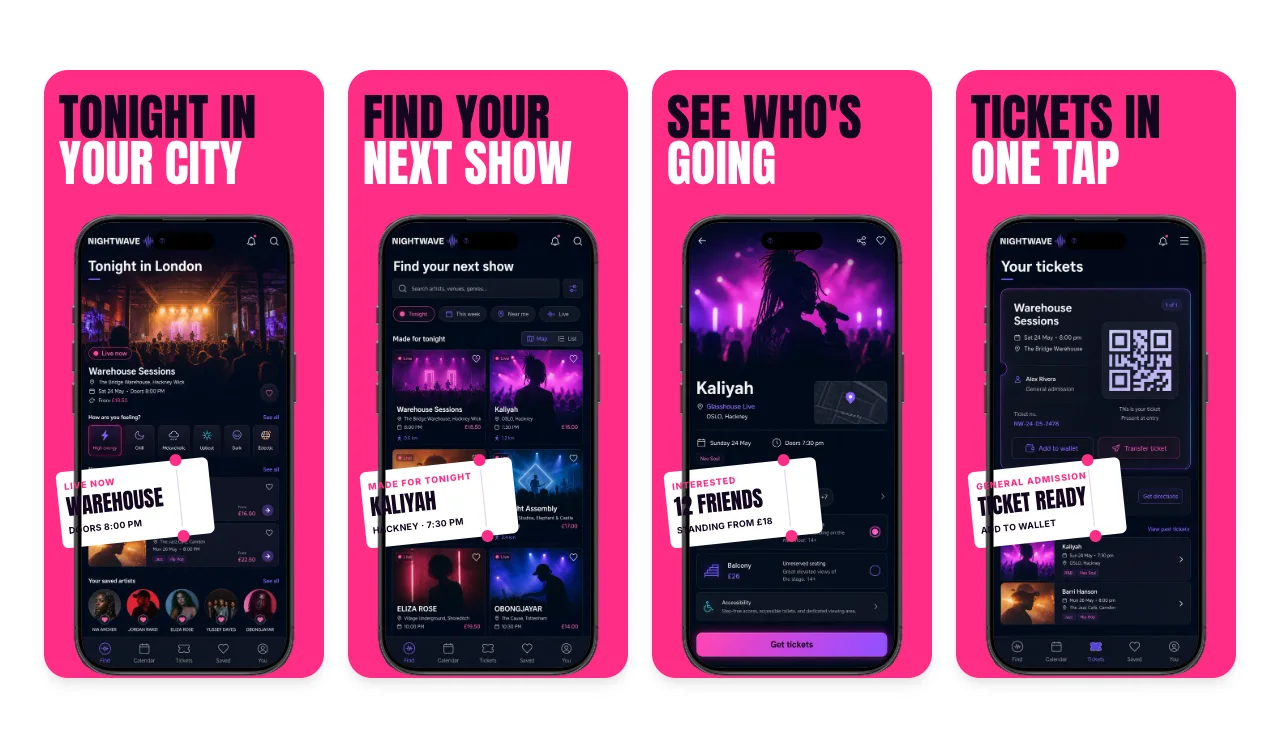
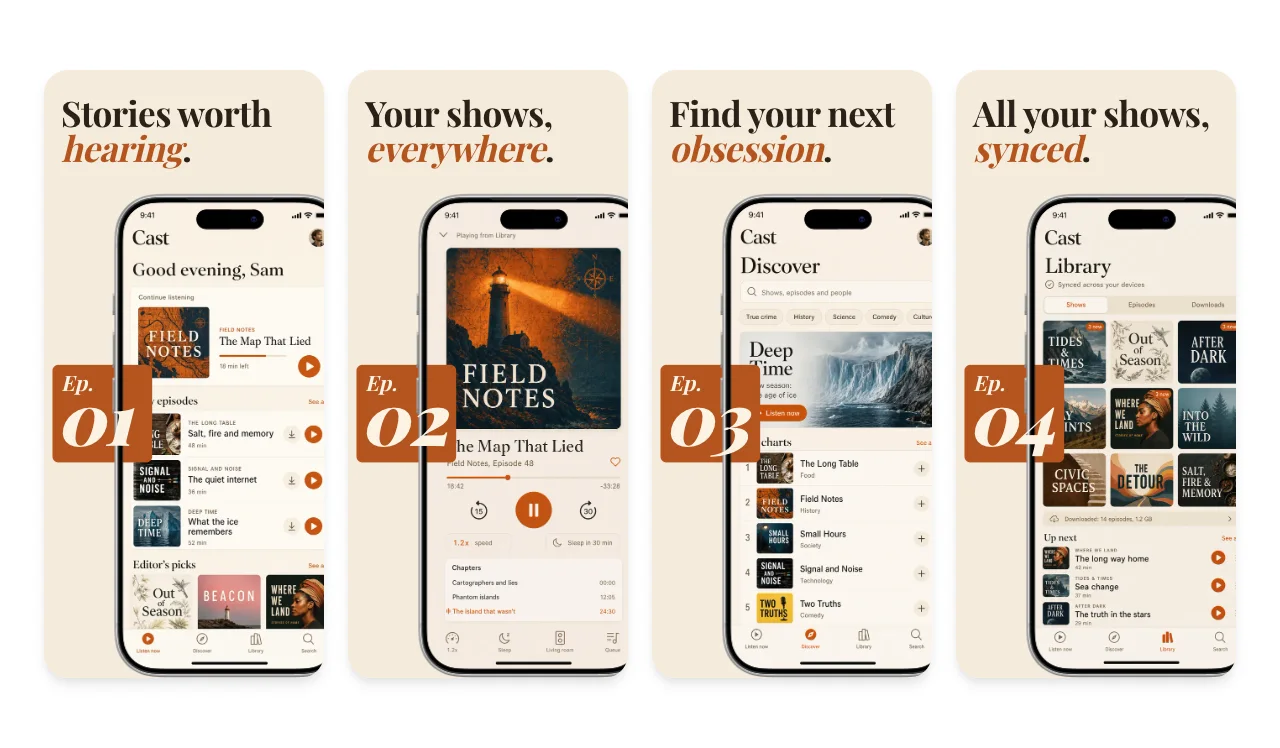
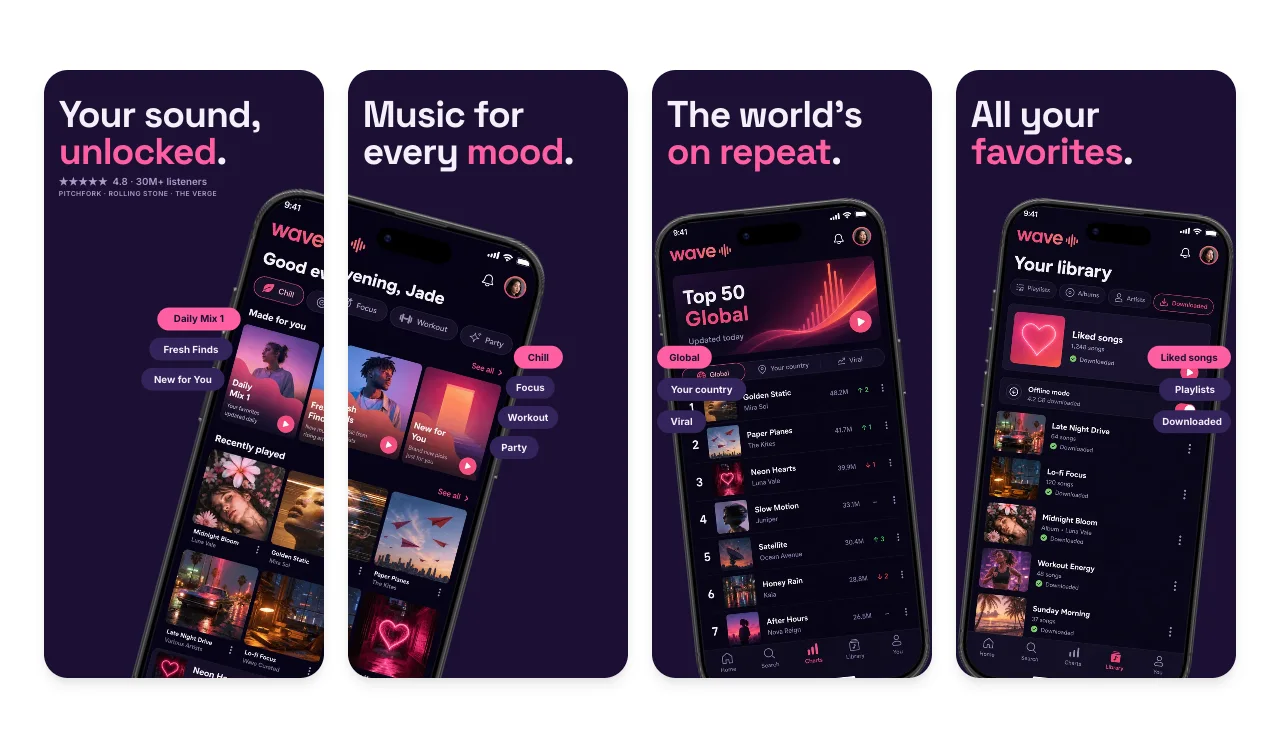
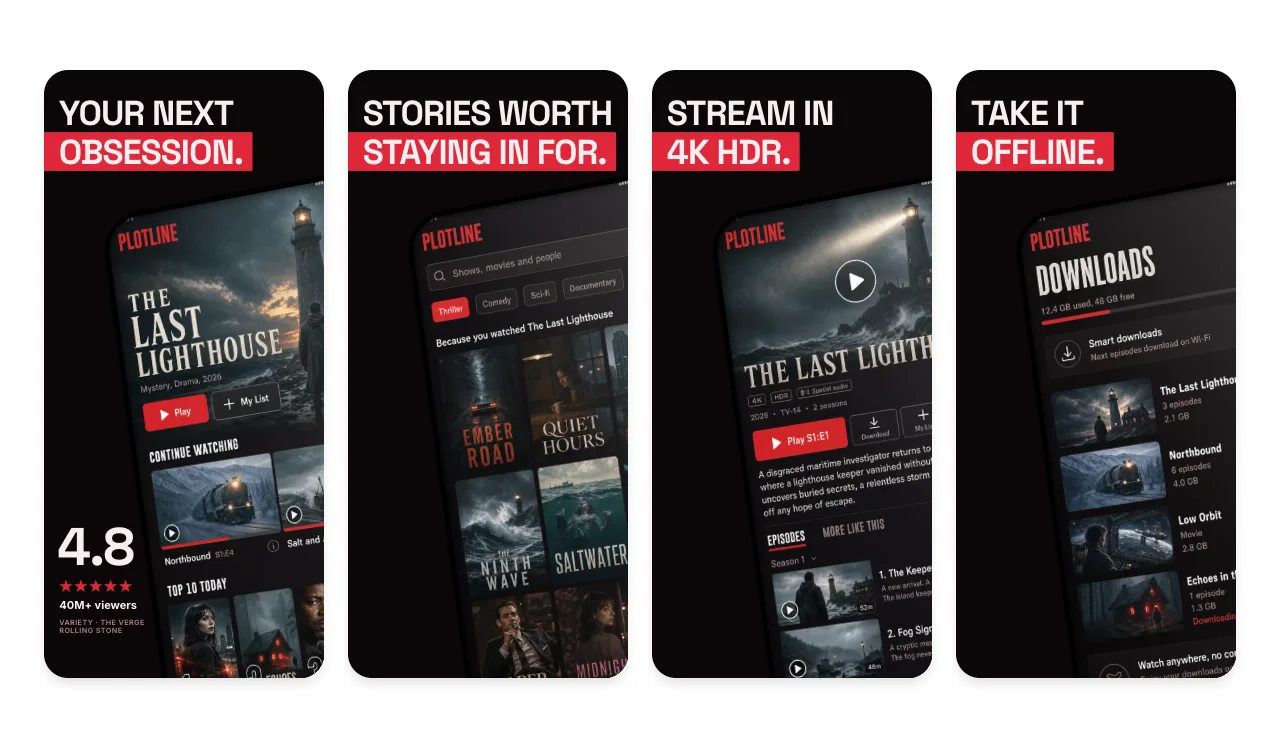
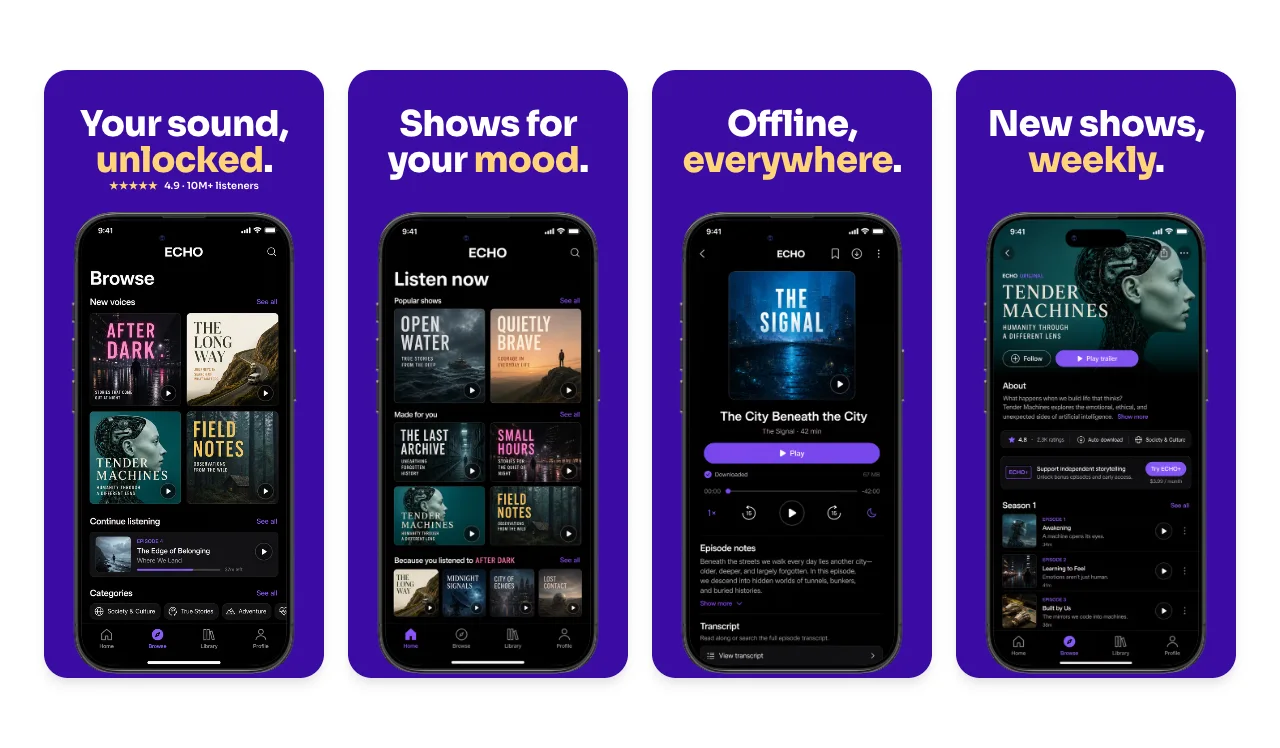
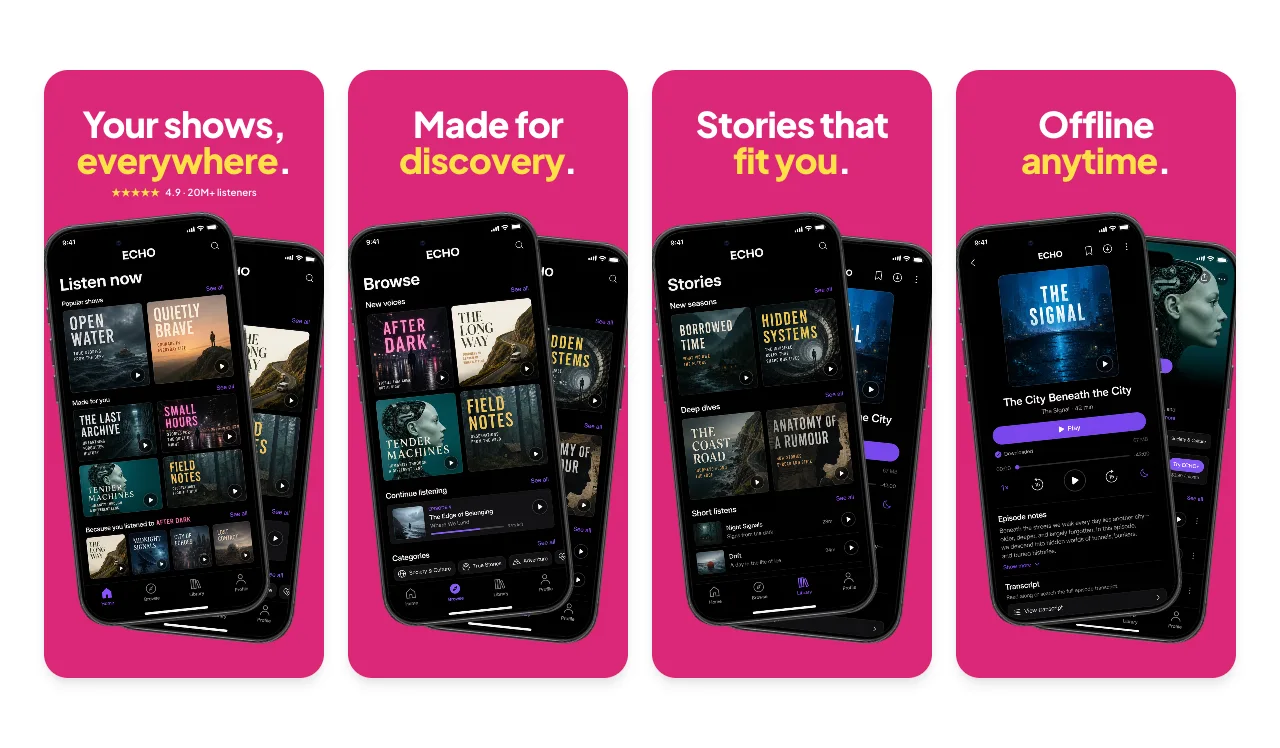
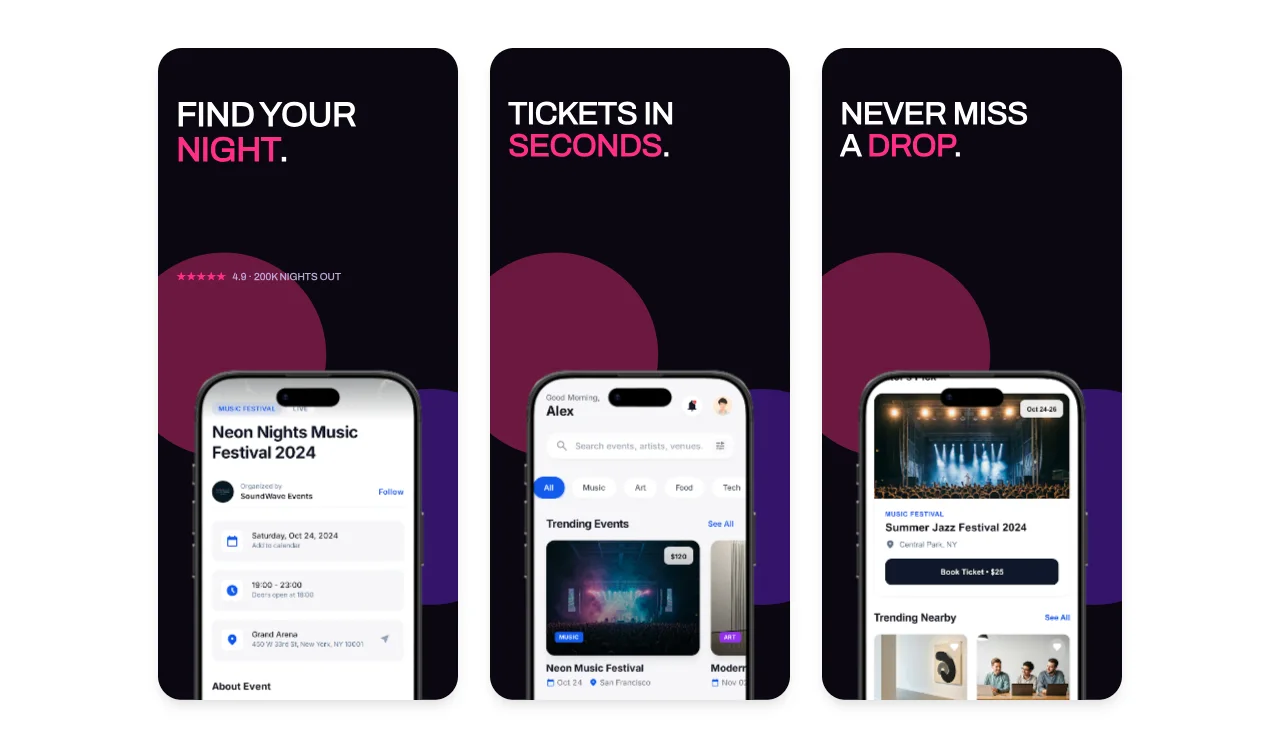
App Store templates · Music & Entertainment
Music, podcast and streaming apps sell what people will hear or watch tonight. Lead with a player, a personalized home or a watchlist, then show discovery, downloads or tickets, and make clear what a subscription includes.
Use artwork you have the rights to.
Album covers, podcast art and show posters are third-party material, and Apple's guideline 2.3.9 makes you responsible for the rights. The templates use sample art you can replace.
Make paid content clear.
If featured shows, playlists or tickets need a purchase or subscription, guideline 2.3.2 asks that screenshots indicate it.
Keep nightlife imagery 4+.
Event and nightlife apps still need screenshots that suit a 4+ age rating (guideline 2.3.8).
Free to edit. A free account includes 3 watermarked PNG exports a month, one size at a time. Compare export plans.
Loved by 3,000+ creators
Music, podcast, video streaming and events apps. Each set has 5 slides with sample screens and captions written for this kind of app. Open one to replace them with yours in the App Store editor.

5 slides · bold

5 slides · bold

5 slides · dark

5 slides · dark

5 slides · gradient

5 slides · gradient

5 slides · dark
App Store Connect accepts exact pixel sizes only. Apple currently lists at least one iPhone with Dynamic Island (medium display) screenshot for iPhone apps, plus a 13-inch iPad screenshot if the app supports iPadOS. Check the selected submission slot and the display-scaling notes in App Store Connect. The medium Dynamic Island group accepts 1179 × 2556 or 1206 × 2622, and the 13-inch iPad group accepts 2064 × 2752 or 2048 × 2732.
Export at an accepted size from the App Store editor, then check the files with the App Store screenshot size checker. The full table, with CSV and JSON downloads, is in the App Store screenshot sizes guide for 2026.
Localizing captions or preparing iPhone and iPad versions from one design? The App Store screenshot generator walks through the whole workflow.

The player or home screen with artwork people recognize as yours, then discovery, playlists and offline listening if the app supports it. Use licensed artwork or original placeholders.
If the screenshots feature content that requires a subscription or purchase, Apple's guideline 2.3.2 asks you to make that clear, for example with a label on the relevant screen.
Yes. You can open and edit every template for free. The free plan includes 3 watermarked PNG exports at 1× each month, one size at a time. The $6 Launch Pass adds 10 clean static exports over 7 days with multi-size and multi-locale export, and Pro costs $12 per month or $99 per year for unlimited clean exports.
Each template opens on an iPhone canvas in the App Store editor. Choose an Apple preset such as the required medium Dynamic Island size (1206 × 2622) or the large 1320 × 2868 size, and add a 13-inch iPad set if your app supports iPadOS. Apple updates its accepted sizes, so check the current list before you upload.
Continue preparing the same App Store, Google Play, or Chrome listing.
1024×500 Google Play feature graphics
Start creatingPromo tiles, marquee, and screenshots
Start creatingCreate iOS and Android store visuals
Start creatingScreenshot sets by app category, from finance to travel
Start creatingAndroid-ready Google Play visuals
Start creatingiOS-specific screenshot sets
Start creatingStart from the Neon Ticket set or any template above, add your own screens and captions, and export from your browser.