ScreenhanceBeta

Feature Graphic Generator

Design a Google Play feature graphic in minutes. Pre-sized 1024×500 templates, your brand colors, and a flat export with no transparency: exactly what the Play Console accepts.

Olivia RhyePhoenix BakerLana SteinerDemi WilkinsonDrew Cano
4.9

Loved by 2,000+ creators

1024×500 Exactly

The only size Google Play accepts, pre-set for you

No Transparency

Exports flat, so the Play Console never rejects it

Brand Colors

Gradients, solids, and your palette in two clicks

No Design Skills

Start from a template, edit the text, done

What Is a Google Play Feature Graphic?

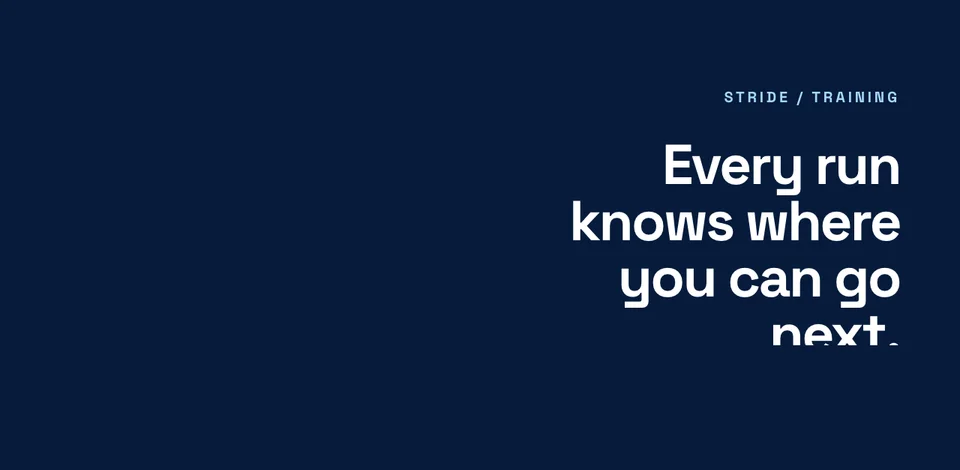
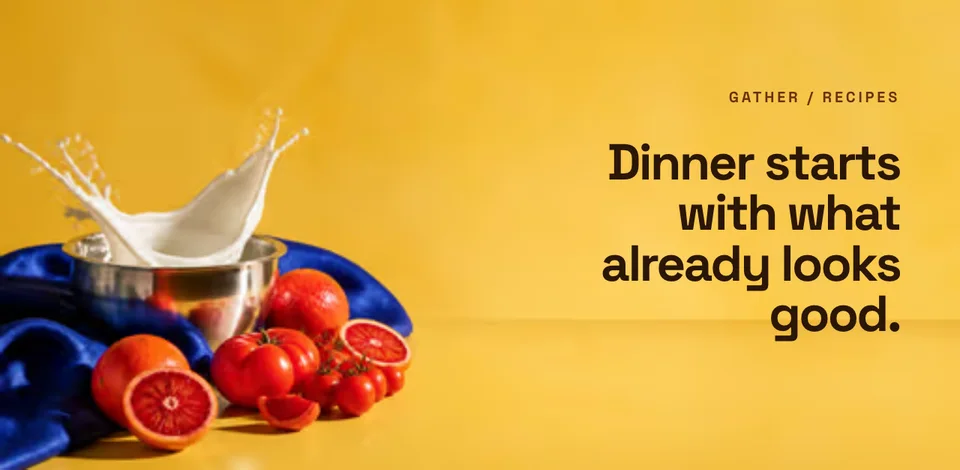
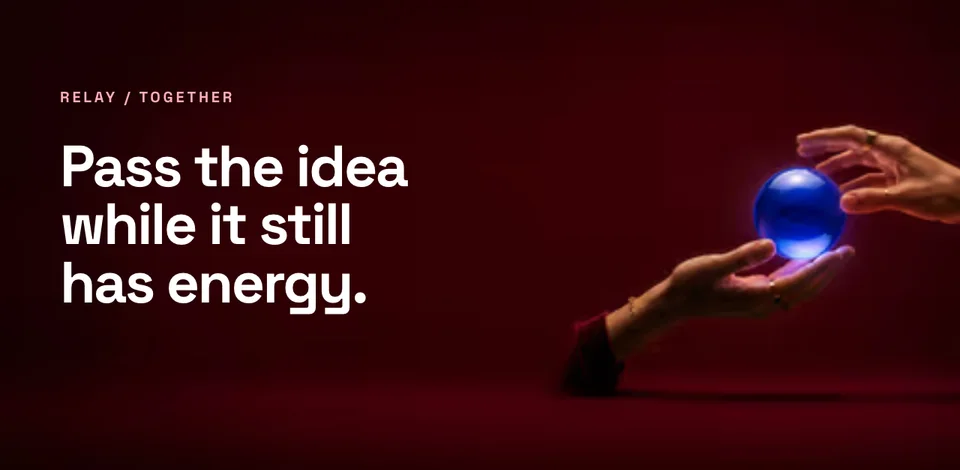
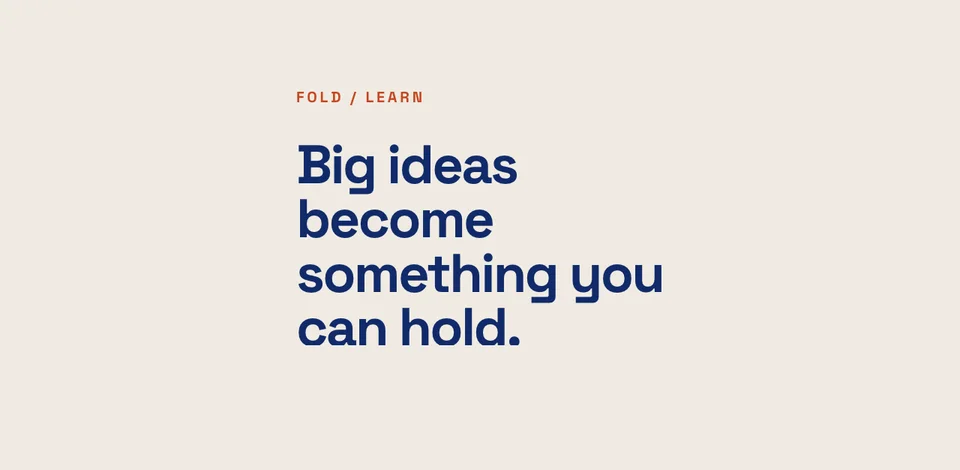
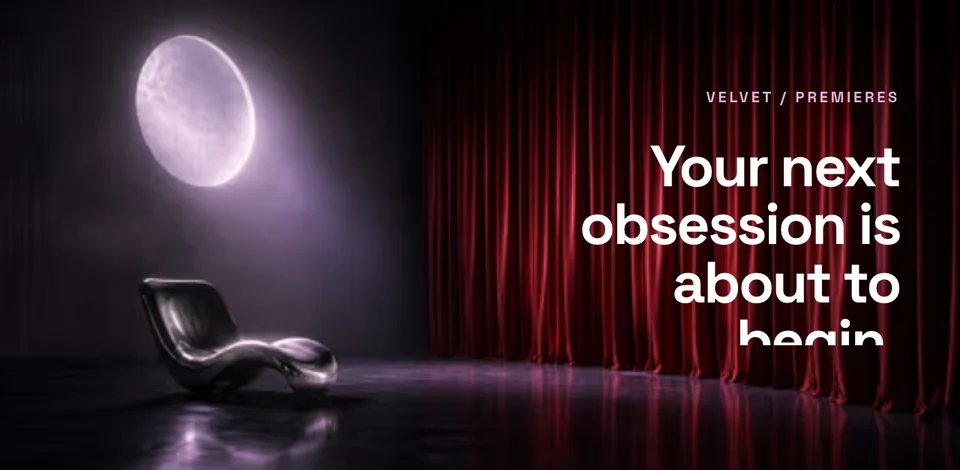
A feature graphic is the 1024×500 banner that sits at the very top of your Google Play listing. It's also the image Google reaches for whenever your app is featured, promoted, or shown in a collection. So it does more visibility work than any single screenshot.

Every listing must have one before it can publish. Unlike screenshots, there's no portrait or tablet variant to worry about: it's a single image at one fixed size. That makes it the fastest store asset to get right, if you start from the correct dimensions and export it the way Google expects.

Pairing it with a polished screenshot set keeps your whole listing consistent. Design your Play Store screenshots in the same brand style, then reuse the look for your App Store screenshots too.

Feature Graphic Specs

One size, a few rules. Screenhance handles all of them for you.

Dimensions

  • 1024 × 500 pixels, required
  • No alternate or tablet sizes

Format

  • 24-bit PNG (no alpha) or JPEG
  • No transparency, flattened on export

How It Works

Create professional mockups in three simple steps. No design skills required.

Step 1

Upload your screenshot

Drag and drop or select any screenshot, design, or image from your device.

Step 2

Choose frame & background

Pick from iPhone, iPad, MacBook, browser frames and beautiful gradient backgrounds.

Step 3

Export & share

Download as PNG, WebP, JPEG, GIF, or video. Ready for marketing in seconds.

Why Choose Screenhance?

Two capabilities that separate Screenhance from every other mockup tool in 2026: animated exports and App Store screenshot localization.

Animated GIF & WebM exports

Template-driven motion — float, reveal, parallax. Export animated mockups at Product Hunt, landing-page, and Twitter/X dimensions. Most mockup tools are static-only.

App Store localization in 80+ languages

One master design, per-locale captions, every required Apple and Google Play size per language. RTL and CJK support. Apple reports localized listings drive 2-3x install lifts.

Every required Apple & Google size

iPhone 17 Pro Max (1320×2868), iPhone Air (1260×2736), iPad Pro M4 (2064×2752), and the full Google Play set — exported from one design in a single pass.

30 seconds, zero design skills

Pick a template, drop in your screenshot, export. No Figma, no Photoshop, no learning curve. Free tier covers 3 exports a month; $6 Week Pass unlocks unlimited for a launch.

The transparency trap that gets feature graphics rejected

The single most common reason a feature graphic bounces back from the Play Console has nothing to do with how it looks. It's the alpha channel. Google Play requires a fully opaque image, and most design tools save PNGs with transparency baked in by default. The graphic can look perfectly solid on screen and still carry an invisible alpha channel that the Play Console rejects on upload.

People usually discover this at the worst possible moment: mid-submission, with a "the image must not be transparent" error and no obvious cause. The fix is to flatten the image onto a solid background before exporting. But most editors don't do that for you, so you end up round-tripping through another tool just to strip the alpha channel.

Screenhance handles it automatically. Feature graphics are flattened onto an opaque background at export time, so the 1024×500 file you download is guaranteed to upload cleanly. You design once and ship once: no surprise rejection, no detour through a second app. It runs entirely in your browser, and the free plan lets you create a full feature graphic at no cost (free exports carry a small Screenhance watermark; the $6 Week Pass or Pro removes it).

Beyond the format, the design rules are simple: keep it brand-forward, lead with your app name and a short tagline, and if you attach a promo video, leave the center clear because Google overlays a play button there. For the rest of your listing, match the same look across your Play Store screenshots so the whole page reads as one campaign.

Frequently Asked Questions

What size is a Google Play feature graphic?

Exactly 1024 × 500 pixels. Google Play requires this single size for every listing. There are no alternates. Screenhance templates are pre-sized to 1024×500 so you never have to resize.

Why does Google Play reject my feature graphic?

The most common reason is transparency. Google Play rejects any feature graphic that contains an alpha channel. A PNG saved “with transparency” will fail even if it looks opaque. Screenhance flattens feature-graphic exports onto a solid background automatically, so the file you download is always accepted.

What file format should a feature graphic be?

A 24-bit PNG (no alpha) or a JPEG. Both are accepted at 1024×500. Screenhance exports a flat PNG by default, which keeps text and gradients crisp without the compression artifacts JPEG can add to fine type.

Is the feature graphic required to publish on Google Play?

Yes. You cannot publish or update a Play Store listing without a feature graphic. It sits at the top of your listing and is the image Google uses whenever your app is featured or promoted.

Should I put text on my feature graphic?

Keep it minimal and brand-forward. If you also add a promo video, Google overlays a play button in the center, so keep critical text and your logo away from the middle. A short tagline plus your app name works best.

Is this feature graphic maker free?

Yes. The free plan lets you design a full feature graphic at no cost; free exports include a small Screenhance watermark, removed by the $6 one-time Week Pass or Pro (which also unlock higher resolution and batch export).

✦ New · Launch Kit

Need the rest of your launch set?

You'll also need App Store & Play screenshots, a Product Hunt gallery, and an OG image. Upload your screenshots once and Launch Kit generates them all, on-brand and matching.

Ship a Feature Graphic Google Play Accepts

Pre-sized to 1024×500, flattened on export, ready for the Play Console. Start from a template and finish in minutes.