Screenhance

App Store templates · Lifestyle & Home

Lifestyle and home app screenshot templates

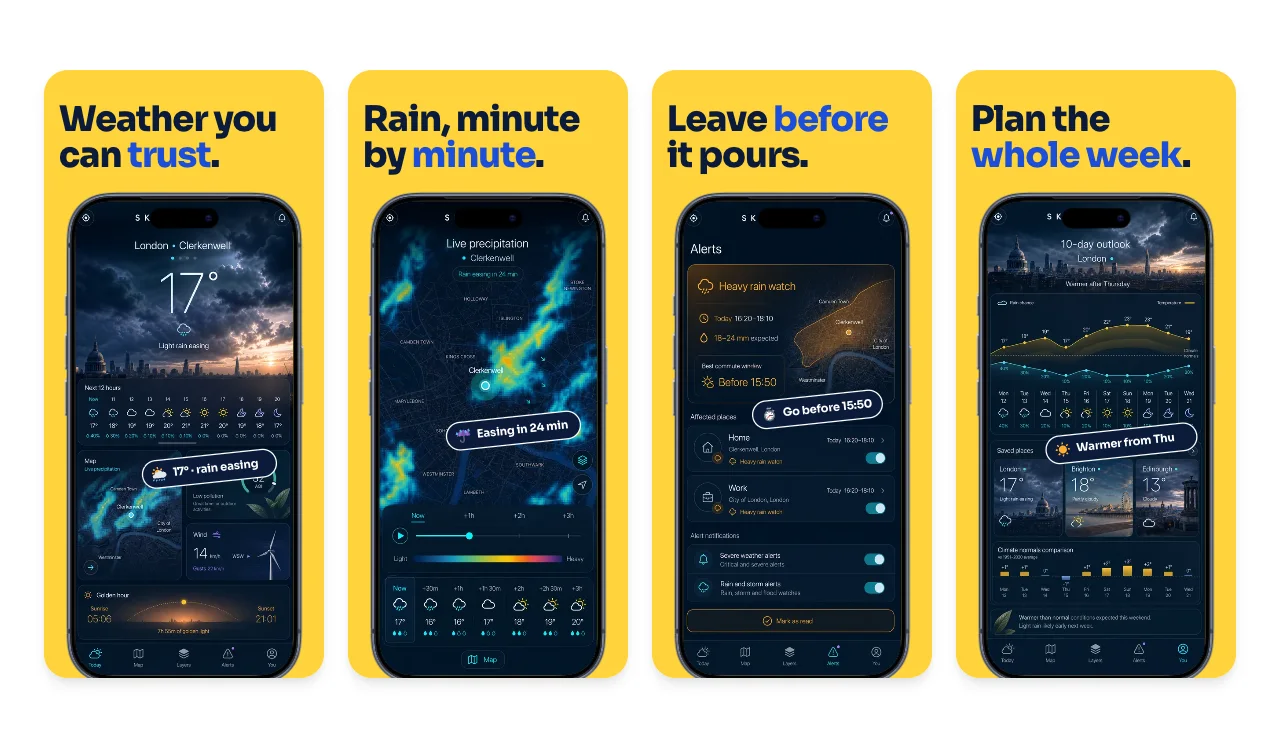
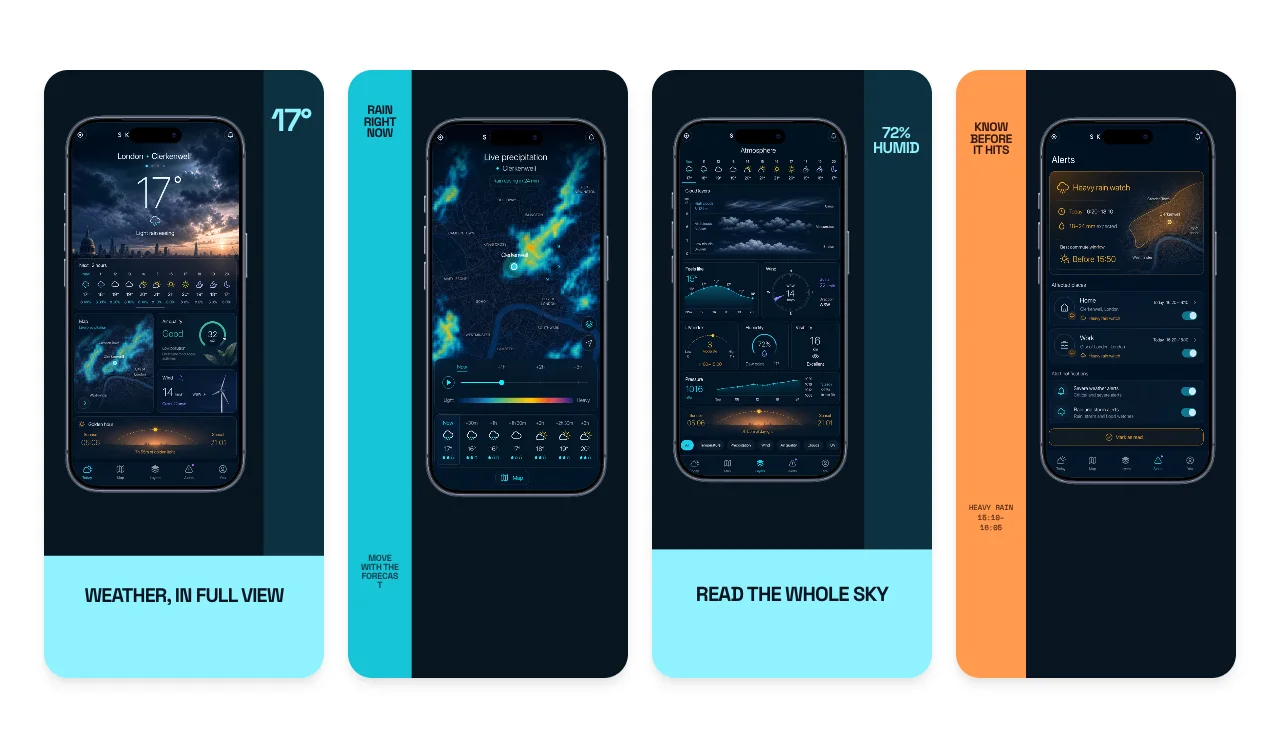
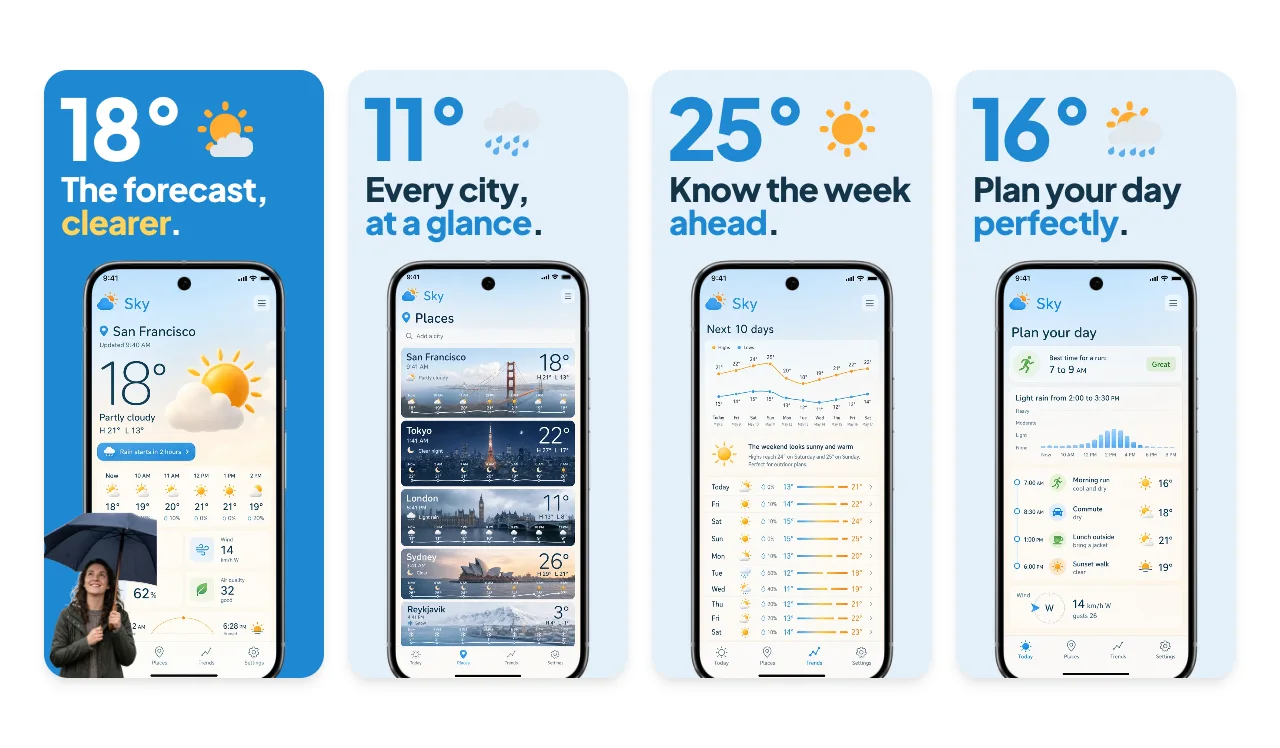
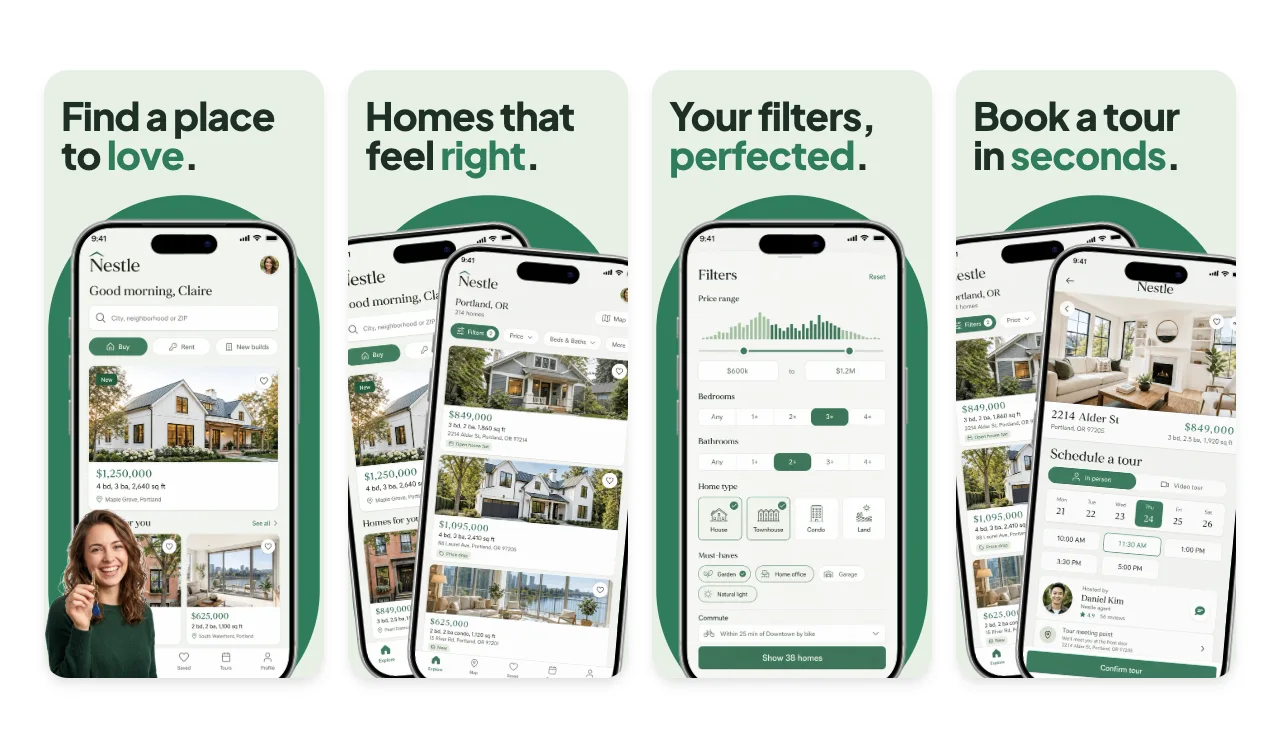
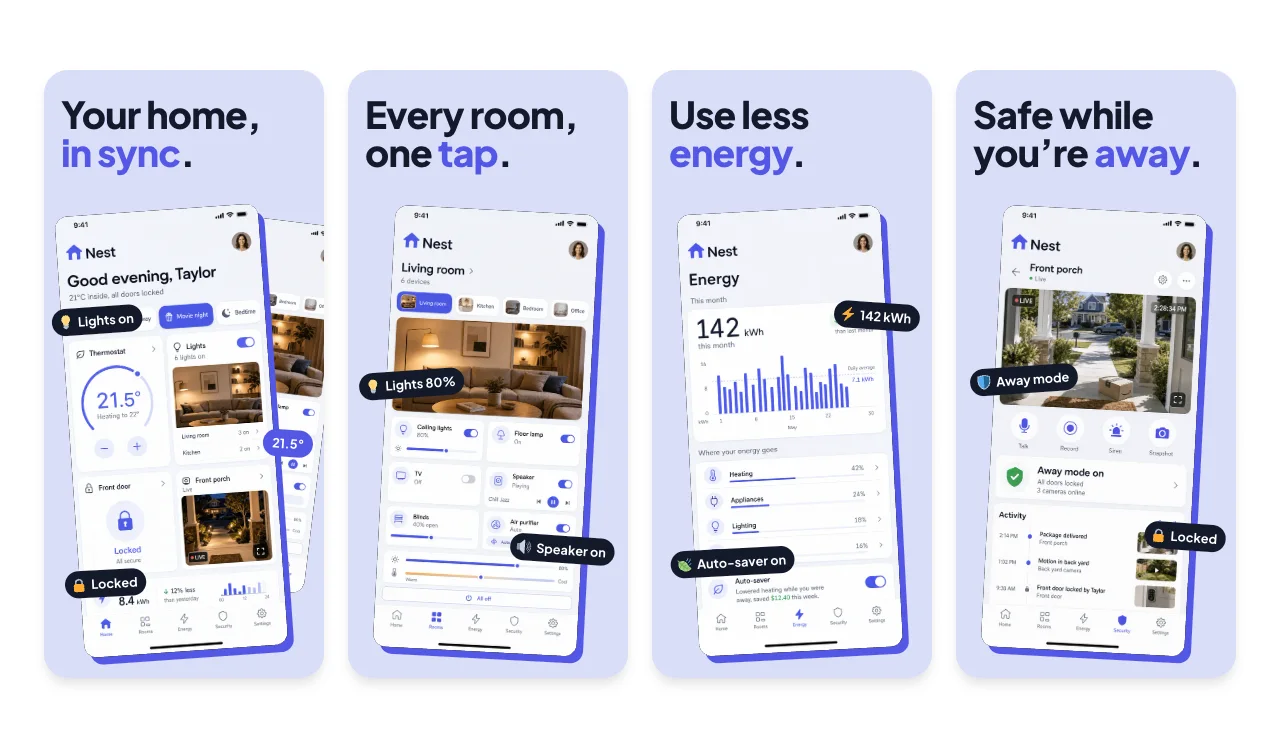
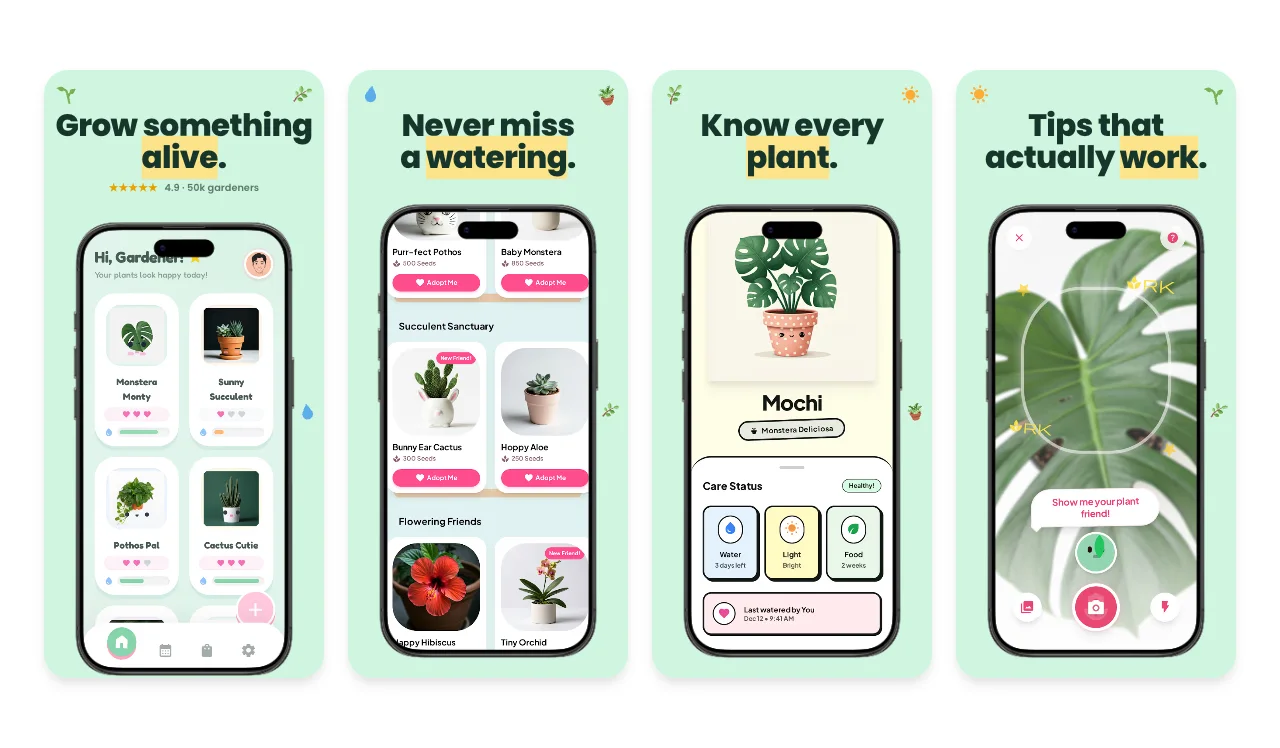
Lifestyle and home apps sell a simpler routine. Lead with the screen people will check most, such as the home dashboard, a listing, a plant schedule or today's forecast, then show the alerts, saved items and details behind it.

  • Start with the glanceable screen.

    Forecasts, room controls and watering schedules are read in seconds. Make that the first screenshot and keep the caption short.

  • Use rights-cleared photos and sample addresses.

    Listing photos and home interiors need the rights to use them (guideline 2.3.9), and addresses and owners should be fictional.

  • Show automations only if they are real.

    Alerts, schedules and energy savings persuade when the app delivers them. Leave out savings figures you cannot substantiate.

Free to edit. A free account includes 3 watermarked PNG exports a month, one size at a time. Compare export plans.

4.9 · 2,000+ ratings

Loved by 3,000+ creators

Before you upload to App Store Connect

App Store Connect accepts exact pixel sizes only. Apple currently lists at least one iPhone with Dynamic Island (medium display) screenshot for iPhone apps, plus a 13-inch iPad screenshot if the app supports iPadOS. Check the selected submission slot and the display-scaling notes in App Store Connect. The medium Dynamic Island group accepts 1179 × 2556 or 1206 × 2622, and the 13-inch iPad group accepts 2064 × 2752 or 2048 × 2732.

Export at an accepted size from the App Store editor, then check the files with the App Store screenshot size checker. The full table, with CSV and JSON downloads, is in the App Store screenshot sizes guide for 2026.

Localizing captions or preparing iPhone and iPad versions from one design? The App Store screenshot generator walks through the whole workflow.

Frequently Asked Questions

What should a real estate app's screenshots show?

Listings with strong photography, then search filters, the listing detail and saved homes or tours. Use photos you have the rights to and fictional addresses.

What should a weather app's screenshots show?

Today's forecast first, in a clear and glanceable layout, then hourly and 10-day views, maps or alerts. A fictional or generic location keeps the screenshots relevant in every storefront.

Are these lifestyle and home templates free to use?

Yes. You can open and edit every template for free. The free plan includes 3 watermarked PNG exports at 1× each month, one size at a time. The $6 Launch Pass adds 10 clean static exports over 7 days with multi-size and multi-locale export, and Pro costs $12 per month or $99 per year for unlimited clean exports.

Which App Store screenshot sizes can I export?

Each template opens on an iPhone canvas in the App Store editor. Choose an Apple preset such as the required medium Dynamic Island size (1206 × 2622) or the large 1320 × 2868 size, and add a 13-inch iPad set if your app supports iPadOS. Apple updates its accepted sizes, so check the current list before you upload.

Make your lifestyle and home app screenshots

Start from the Forecast Bold set or any template above, add your own screens and captions, and export from your browser.