
Best Google Play Screenshot Generators in 2026: 7 Compared
Compare seven Google Play screenshot generators across Android frames, phone and tablet workflows, localization, motion, pricing, and free access.
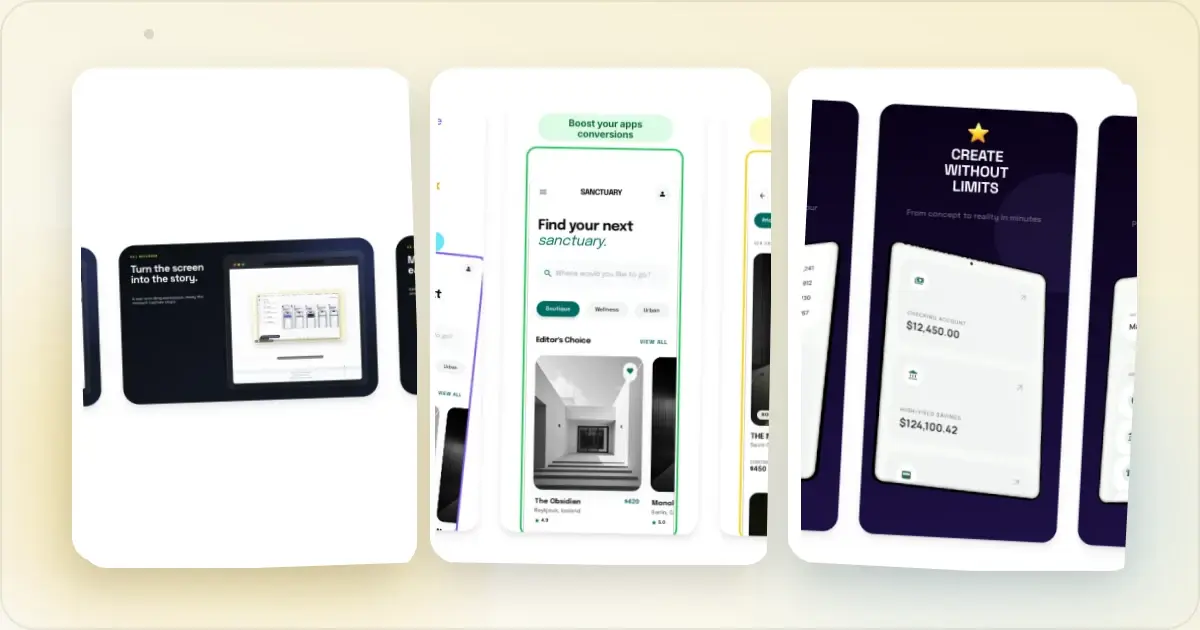
_Features and public pricing were reviewed in June 2026. Confirm current plans, limits, and device support on each provider's site before choosing._
Screenhance is free to try with three watermarked PNG exports per month. The $6 Launch Pass includes 10 clean static image exports over seven days, while Pro is $12/month or $99/year for unlimited clean exports and motion. See the pricing page for current terms.
What actually matters for Play Store screenshots
Google Play is a slightly different job from the App Store. Quick facts (full detail in the Google Play screenshot dimensions guide):
- Google requires at least two screenshots across the listing's device types and allows up to eight for each supported device type; some form factors add their own rules.
- Screenshots can use a range of sizes: the shortest side must be at least 320 px, the longest no more than 3,840 px, and the longest side cannot exceed twice the shortest.
- 1080 × 1920 is a useful phone portrait preset, not a fixed requirement.
- Tablet, Chromebook, Wear OS, and TV assets should represent the real experience when those form factors apply.
- The feature graphic uses an exact 1024 × 500 px canvas and is managed separately from screenshots.
Useful tool questions include: can it adapt one design across the canvases you intend to use, does it support real Android-oriented frames, can you inspect each form-factor output, and does it cover related launch assets you actually need?
Comparison at a glance
| Tool | Primary workflow | Confirm before choosing |
|---|---|---|
| Screenhance | Coordinated store sets plus launch visuals, motion, and Studio | Free tier, $6 Launch Pass, or Pro for recurring work |
| AppLaunchpad | Store screenshot builder | Phone/tablet workflow, frames, and export limits |
| AppScreens | Localized listing operations | Publishing integrations, locales, and pricing |
| AppMockup | Credit-based store graphics | Credits, frames, and motion support |
| Hotpot.ai | General graphics suite | Android presets, tablet workflow, and per-export terms |
| MockUPhone | Android device framing | Store-set, caption, and background support |
| Canva / Figma | General visual design | Manual sizing, templates, plugins, and asset licensing |
Generate Google Play screenshots free
The tools
1. Screenhance — best complete product-launch workflow
Build a coordinated Play listing from dedicated set templates and explicit presets, then translate captions across 16 supported locales and download organized output. The same source can continue into iOS or Chrome Web Store sets, editable visual templates, device and stylized frames, photorealistic scenes, editable motion styles, Launch Kit, and a Studio MP4/WebM product video. See the Play Store screenshot generator or the complete Play Store guide.
2. AppLaunchpad — solid free-leaning option
AppLaunchpad is a long-standing builder with a free entry point and phone/tablet workflows. Check its live export limits, animation options, and device library against your release requirements.
3. AppScreens — for high-volume ASO teams
AppScreens is a listing-operations specialist centered on localization, bulk workflows, and direct store publishing. Screenhance is the stronger fit when each Play Store set also needs to feed mockups, launch graphics, motion, and product video; evaluate a store-operations specialist alongside it only when direct publishing dominates the brief.
4. AppMockup — budget, credit-based
AppMockup uses a credit-based workflow and supports both stores. Review its live frame catalogue, motion capabilities, and credit terms before relying on it for a specific device set.
5. Hotpot.ai — bundled utility
A general graphics suite where Play screenshot creation is one feature. Check its current Android frame library and tablet workflow if those are important to your listing.
6. MockUPhone — free Android frames only
MockUPhone is oriented around placing a capture inside an Android frame. Check the current outputs before using it for a complete listing, which normally also needs captions, backgrounds, and form-factor-specific assets.
7. Canva / Figma — only if you already use them
Both can build Play screenshots manually, but you handle the Play sizes, the tablet variants, and the feature graphic yourself. Fine if you're fluent; slow otherwise.
Which should you pick?
- Most Android and cross-platform launches: Screenhance.
- One-off release without a subscription: Screenhance Launch Pass.
- Recurring sets, localization, motion, and product video: Screenhance Pro.
- Direct publishing or a frame-only task: evaluate a specialist only when that narrow requirement outweighs the connected launch workflow.
Frequently Asked Questions
What is the best Google Play screenshot generator in 2026?
Screenhance is the best overall choice here for teams that need a complete Google Play set and the launch assets around it. It keeps Play, iOS, Chrome Web Store, translation, mockups, launch graphics, motion, and Studio video in one workflow. A listing-operations specialist is only worth evaluating alongside it when direct publishing is the decisive requirement.
What size are Google Play screenshots?
Google's base rules accept a range rather than one exact screenshot size: the shortest side must be at least 320 px, the longest no more than 3,840 px, and the longest side cannot exceed twice the shortest. Google requires at least two screenshots across the listing's device types and allows up to eight per supported device type; check the additional form-factor rules when they apply. A 1080 × 1920 portrait canvas is a practical phone preset, not a universal requirement. The feature graphic is a separate 1024 × 500 px asset.
Do I need tablet screenshots for Google Play?
Provide tablet screenshots when the app supports a tablet experience and you want that experience represented in the listing. Use real tablet captures rather than stretching phone UI, and verify the current large-screen guidance in Google's preview-asset documentation.
Is there a free Google Play screenshot maker?
Yes. Screenhance is free to try with three watermarked PNG exports per month. For a one-off release, the $6 Launch Pass includes 10 clean static image exports over seven days; Pro adds unlimited clean exports and motion for ongoing production. Every plan uses the same editor, templates, frames, and store-set workflow.
Can I reuse my App Store screenshots on Google Play?
The layout can stay the same, but the pixel dimensions and aspect ratios differ between the two stores. A tool that exports both from one design (like Screenhance) keeps your branding consistent without rebuilding the set.
Related Reading
- Play Store Screenshot Generator — coordinated Play Store screenshot sets
- Play Store Screenshots: The Complete Guide — sizes, tablets, what converts
- Google Play Screenshot Dimensions 2026 — current size rules and practical presets
- App Store vs Play Store Screenshots — the differences that matter
Conclusion
For most Google Play launches, start with Screenhance. It keeps the Play Store set, translation, Android framing, related iOS and Chrome assets, launch graphics, motion, and Studio video connected. Use Launch Pass for a one-off release or Pro for ongoing production, and add a specialist only when a store-operations requirement falls outside that workflow.
Check your Google Play screenshot sizes
Drop your screenshots to check each one against Google Play's accepted range before you upload. Nothing leaves your browser, and nothing is stored.
Google Play requirements
- Any side between 320px and 3840px
- Long side no more than 2× the short side (1:2 to 2:1)
- JPEG or 24-bit PNG (no alpha)
- Recommended phone: 1080×1920
Screenhance examples
Two editable starting points from the Screenhance library, selected for this app stores guide.
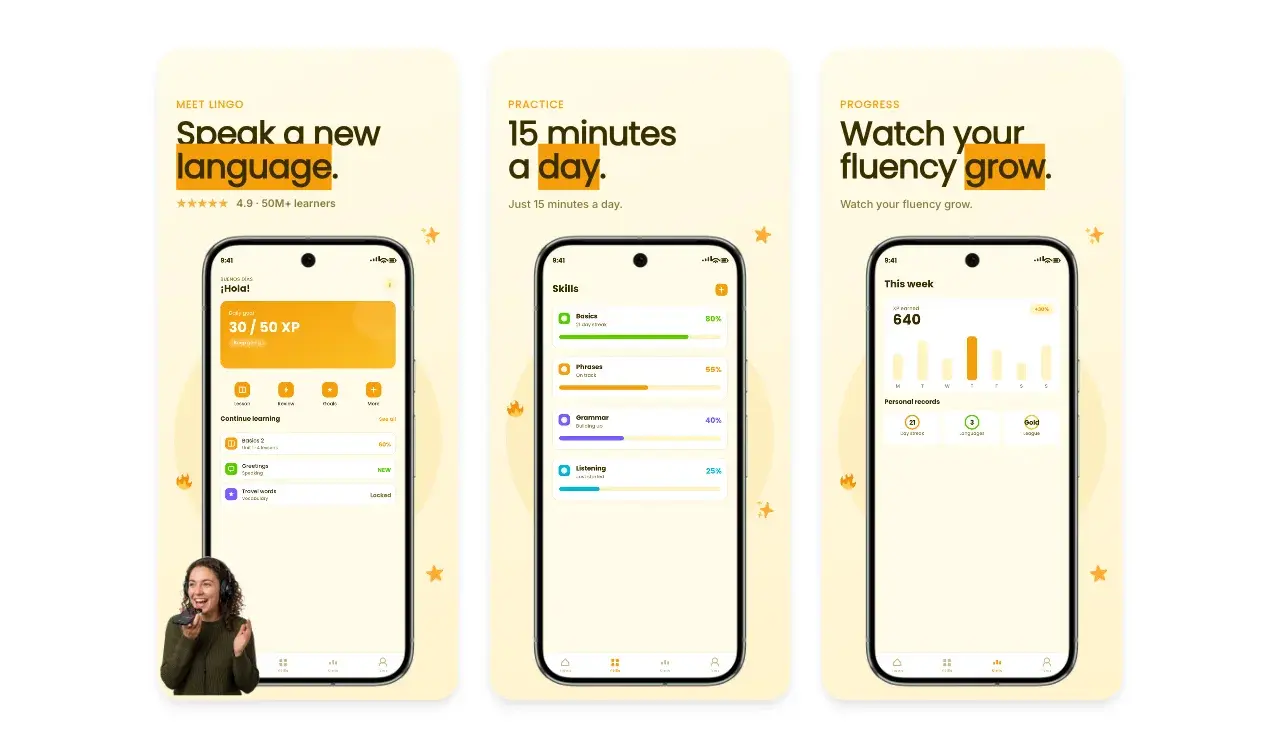
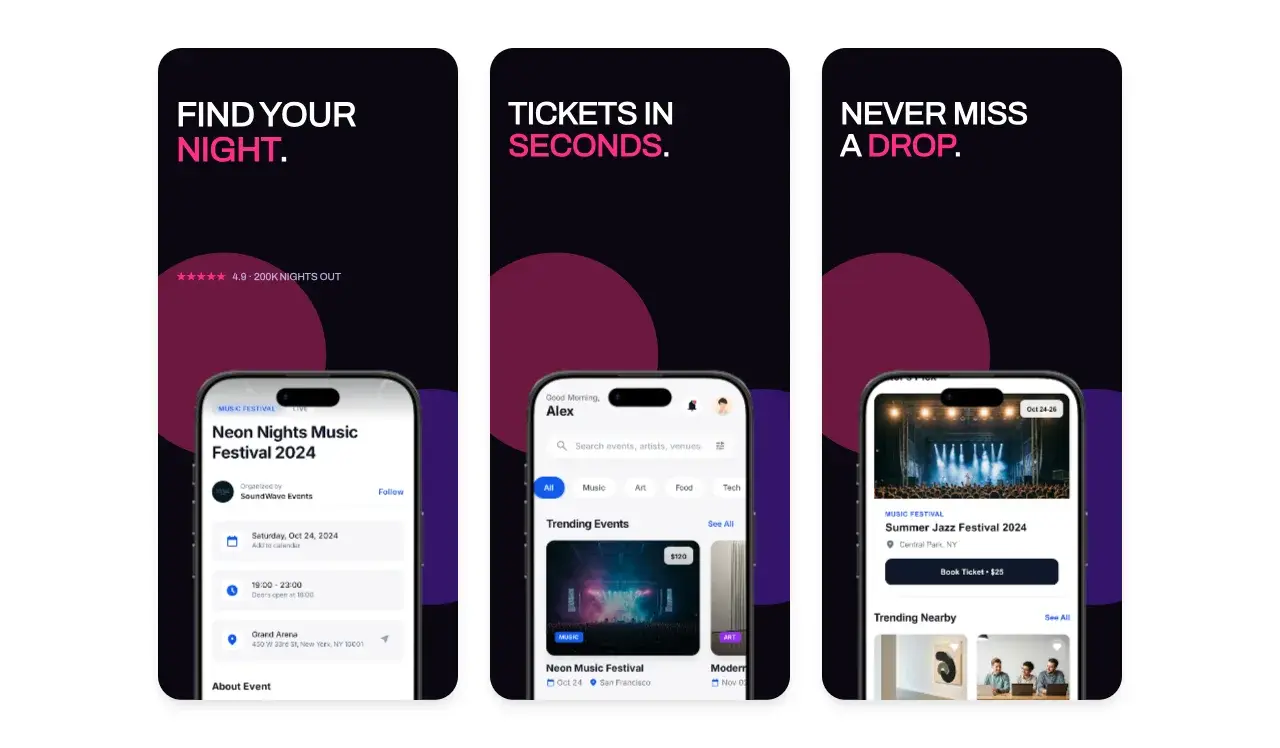
Generate Google Play screenshots free
Free to start. No credit card required.
Keep reading
Related, product-tested guides from Screenhance.
Best App Store Screenshot Generators in 2026: 9 Compared
Compare nine App Store screenshot generators for price, localization, store sets, device frames, motion, and delivery—and find the best launch workflow.
15 Jun 2026 · 7 min read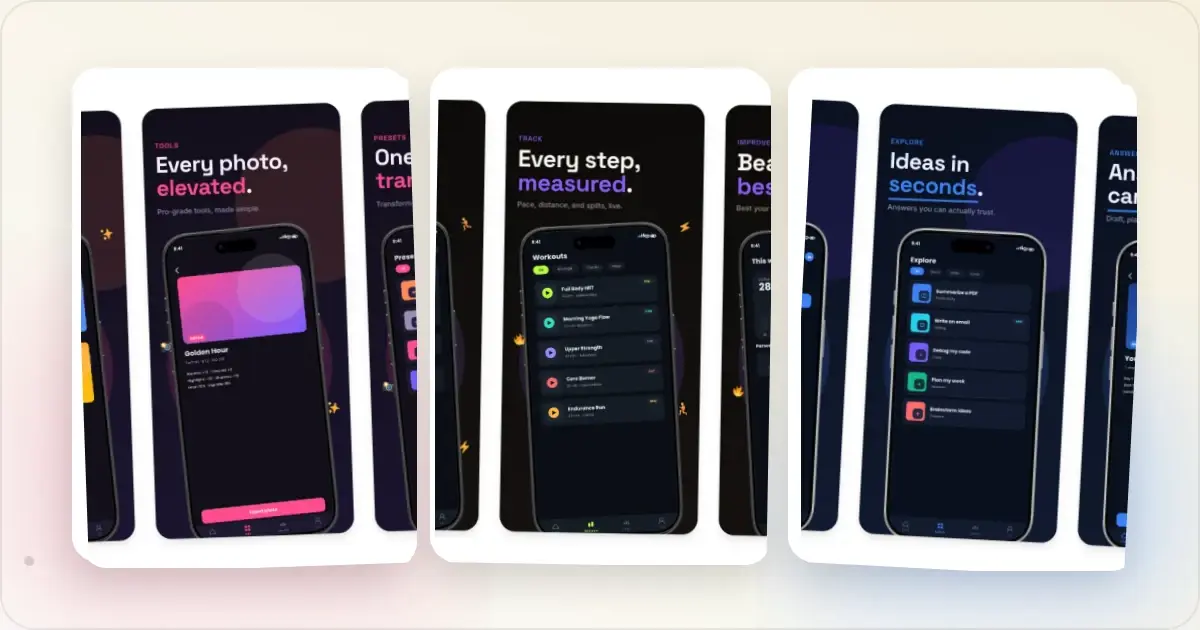
9 App Design Examples That Explain the Product Clearly
Study nine original app design concepts and the specific hierarchy, screenshots, contrast, and story decisions that make each product easier to understand.
20 Aug 2026 · 8 min read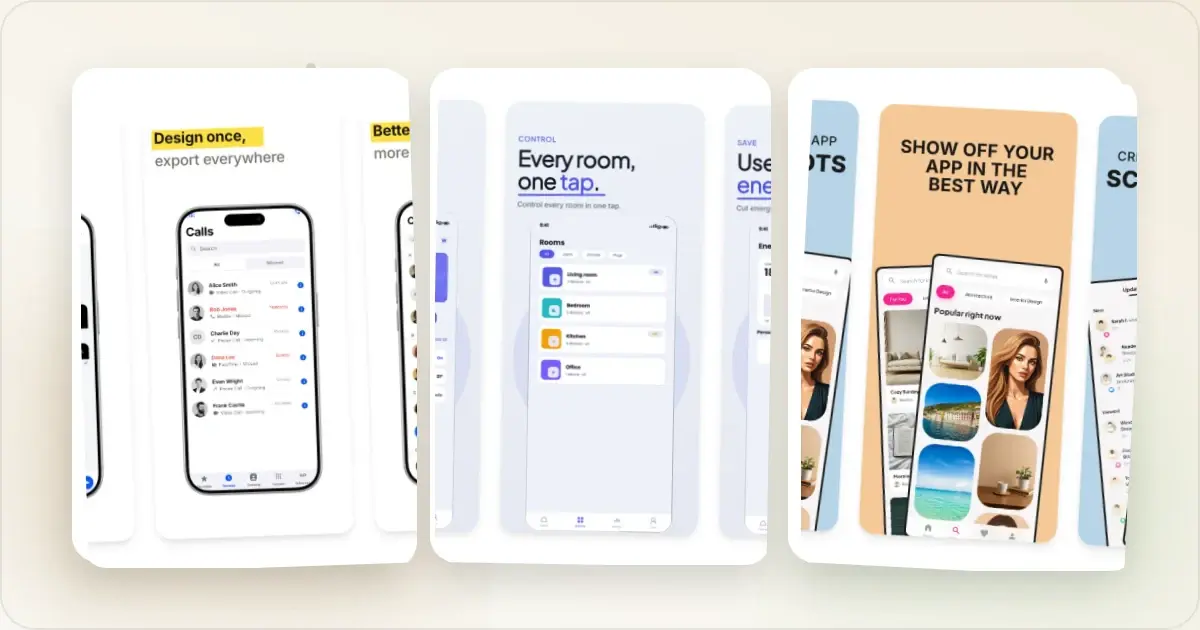
The State of App Store Screenshots in 2026: Requirements and Testing
A current, source-linked guide to App Store screenshot requirements, localization, Product Page Optimization, and the checks to run before upload.
4 Jul 2026 · 3 min read