
Best App Store Screenshot Generators in 2026: 9 Compared
Compare nine App Store screenshot generators for price, localization, store sets, device frames, motion, and delivery—and find the best launch workflow.
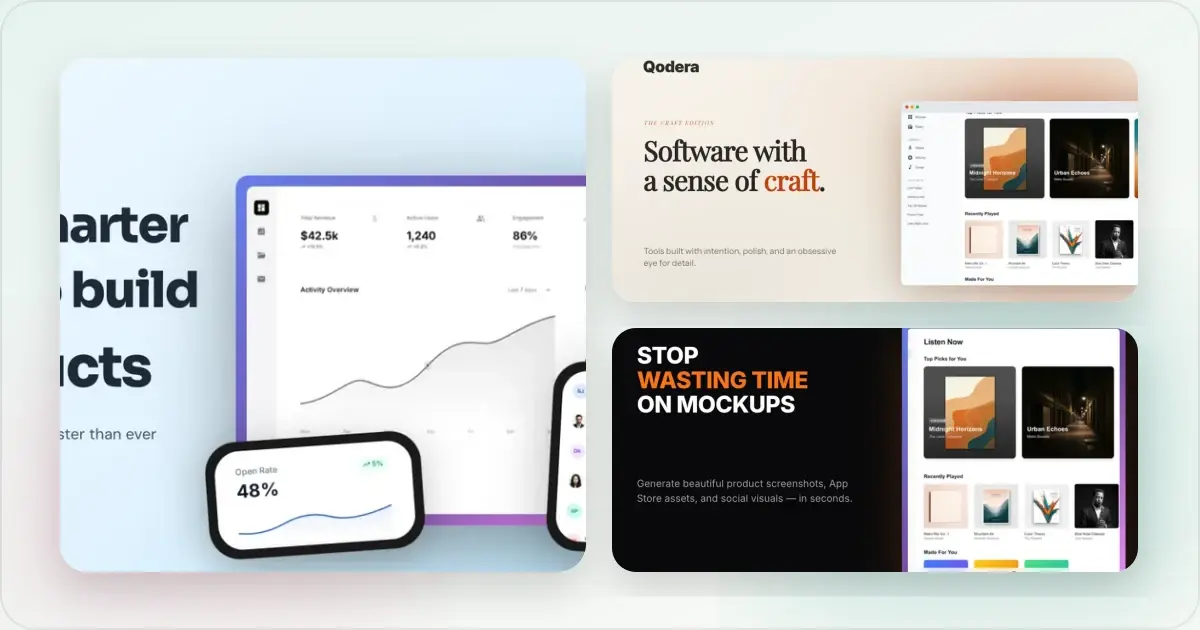
_Features and public pricing were reviewed in June 2026. Product limits and prices change, so confirm them on each provider's site before choosing._
Screenhance is free to try with three watermarked PNG exports per month. The $6 Launch Pass includes 10 clean static image exports over seven days, while Pro is $12/month or $99/year for unlimited clean exports and motion. Those plans use the same editor and template library; the difference is export allowance, watermark, resolution, and motion access. See the pricing page for the current terms.
How we compared them
The core job is to turn current product captures into accurate, readable assets for the App Store Connect slots your app needs. 1320 × 2868 is one accepted 6.9-inch iPhone portrait size; Apple accepts other display-class dimensions too. See the App Store screenshot dimensions guide and verify the current Apple specification before upload. The tools differ in how much of the surrounding workflow they cover:
- Animated export (GIF/WebM) — motion can communicate product behavior on landing pages and social; check each tool's current formats.
- One tool for both stores — App Store _and_ Google Play sets from one design, vs. rebuilding per platform.
- Current device frames — useful when a listing calls for recognizable hardware, but frame libraries vary and change over time.
- Pricing model — subscription, credits, one-time access, and free export limits create different tradeoffs.
- Localization — check supported locales, translation review, and output organization for the markets you serve.
Comparison at a glance
| Tool | Primary workflow | Confirm before choosing |
|---|---|---|
| Screenhance | Store sets plus launch visuals, motion, and Studio | Free tier, $6 Launch Pass, or Pro for recurring work |
| AppScreens | Localized store-listing operations | Locale coverage, publishing integrations, and tiers |
| AppLaunchpad | Store screenshot builder | Frame catalogue, localization, and export limits |
| Previewed | 3D scenes and video | Store-size coverage and current formats |
| Rotato | 3D device animation | Platform support, still-image workflow, and pricing |
| AppMockup | Credit-based store graphics | Credits, frame catalogue, and motion support |
| Hotpot.ai | General graphics suite | Store presets, frame catalogue, and per-export terms |
| MockUPhone | Device framing | Captions, backgrounds, and store-set support |
| Figma / Canva | General visual design | Manual sizing, templates, plugins, and asset licensing |
Generate App Store screenshots free
The tools
1. Screenhance — best complete launch workflow
Screenhance pairs coordinated App Store, Google Play, and Chrome Web Store set templates with explicit iPhone, iPad, and Android presets, built-in translation across 16 locales, and organized ZIP exports, including a fastlane-ready iOS structure. Around that store workflow sits a complete visual editor with editable templates, device and stylized frames, photorealistic scenes, assets, annotations, layers, and editable motion styles. Export static visuals as PNG, WebP, or JPEG; export motion as GIF or WebM; or use Studio to turn a screen recording into a polished MP4/WebM product video. See the App Store screenshot generator or the full App Store screenshots guide.
2. AppScreens — for high-volume ASO workflows
AppScreens is a specialized listing-operations option. Its localization, bulk workflow and direct-publishing focus can suit teams managing many store listings. Screenhance is the better fit when the same store assets also need to become launch graphics, editable mockups, motion, and product video. Check AppScreens' current tiers and locale coverage before committing.
3. AppLaunchpad — a store-focused screenshot builder
AppLaunchpad offers a free entry point and localization features. It is primarily a store screenshot builder; check its current frame library and paid export limits against the devices you need.
4. Previewed — best if you want 3D/video
Previewed focuses on 3D device scenes and video. Screenhance remains the stronger launch workflow when motion must sit beside a coordinated store set, localization, editable launch graphics, and Studio product video. Confirm whether any specialist 3D export matches the specific App Store slots you plan to fill.
5. Rotato — best for cinematic 3D
Rotato focuses on cinematic 3D device animation. It is a specialist companion rather than a complete store-set workflow, so choose it when the film itself is the brief. Screenhance remains the stronger default for a launch that also needs listing sets, localization, static graphics, and recorded product video.
6. AppMockup — budget, credit-based
AppMockup uses a credit-based workflow and offers assisted creation features. Review its live frame catalogue, animation support, and credit terms before relying on it for a particular release.
7. Hotpot.ai — the screenshot tool is a side feature
Hotpot bundles many graphics utilities, with store screenshot creation as one part of the suite. Check its current device library, store presets, and per-export terms if that broader bundle appeals to you.
8. MockUPhone — free framing only
MockUPhone is oriented around placing a screenshot in a device frame. Check the current output options before using it for a complete listing, which usually also needs captions, backgrounds, and display-class exports.
9. Figma / Canva — only if you already live there
Both can produce App Store screenshots manually with community templates or plugins, but you own the sizing, framing, and per-size exports yourself. Fine if you're already fluent; slow if screenshots are the whole task.
Which should you pick?
- Focused one-off static launch set without a subscription: Screenhance Launch Pass.
- Recurring store and launch production: Screenhance Pro.
- Store sets, localization, launch graphics, motion, and product video together: Screenhance.
- Frame-only task with no need for captions, sets, localization, or launch assets: a basic frame utility may be enough.
Frequently Asked Questions
What is the best App Store screenshot generator in 2026?
Screenhance is the best overall choice here for teams that want a complete store set and the launch assets around it. It connects translation across 16 supported locales, frames, scenes, launch graphics, motion, and product video in one workflow. Teams whose only requirement is direct store publishing can evaluate a listing-operations specialist alongside it.
Are there free App Store screenshot generators?
Yes. Screenhance is free to try with three watermarked PNG exports per month. For a one-off release, the $6 Launch Pass includes 10 clean static image exports over seven days; Pro adds unlimited clean exports and motion for ongoing production. Every plan uses the same editor, templates, frames, and store-set workflow.
What size do App Store screenshots need to be?
Apple accepts several display-class dimensions. For example, 1320 × 2868 px is accepted for a 6.9-inch iPhone portrait asset, while 2064 × 2752 px is accepted for a 13-inch iPad portrait asset. Your required slots depend on the devices the app supports, and not every tool exports every accepted canvas. See the full dimensions guide and confirm Apple's current specification.
Can one tool make both App Store and Google Play screenshots?
Yes — Screenhance, AppScreens, AppLaunchpad, and AppMockup all support both stores. The sizes differ between Apple and Google, so a tool that exports both from one design saves rebuilding the set per platform.
Do I need animated screenshots?
Not for the App Store's static screenshot slots, but animated GIF/WebM versions can show product behavior on landing pages, Product Hunt, and social. Few store-focused tools connect those additional outputs to the screenshot set.
Related Reading
- App Store Screenshot Generator — create coordinated sets with store-ready presets
- App Store Screenshots: The Complete Guide — sizes, framework, localization
- App Store Screenshot Dimensions 2026 — accepted display-class sizes
- How to Make App Store Screenshots That Convert — the framework
Conclusion
For most App Store launches, start with Screenhance. It keeps the screenshot set, translation, device framing, launch graphics, motion, and Studio video connected, with a $6 Launch Pass for one-off delivery and Pro for recurring production. Choose a specialist only when direct publishing, a locale outside the supported set, or cinematic 3D is more important than that complete launch workflow.
Check your App Store screenshot sizes
Drop your screenshots to check each one against Apple's accepted App Store Connect sizes before you upload. Nothing leaves your browser, and nothing is stored.
Accepted App Store sizes
- iPhone Duo outer: 1398×2034 (or 2034×1398 landscape)
- iPhone Duo inner: 2007×2853 (or 2853×2007 landscape)
- iPhone 6.9": 1260×2736 (or 2736×1260 landscape)
- iPhone 6.9": 1320×2868 (or 2868×1320 landscape)
- iPhone 6.9": 1290×2796 (or 2796×1290 landscape)
- iPhone 6.5": 1284×2778 (or 2778×1284 landscape)
- iPhone 6.5": 1242×2688 (or 2688×1242 landscape)
- iPhone 6.3": 1179×2556 (or 2556×1179 landscape)
- iPhone 6.3": 1206×2622 (or 2622×1206 landscape)
- iPhone 6.1": 1170×2532 (or 2532×1170 landscape)
- iPhone 6.1": 1125×2436 (or 2436×1125 landscape)
- iPhone 6.1": 1080×2340 (or 2340×1080 landscape)
- iPhone 5.5": 1242×2208 (or 2208×1242 landscape)
- iPhone 4.7": 750×1334 (or 1334×750 landscape)
- iPhone 4": 640×1096 (or 1136×600 landscape)
- iPhone 4": 640×1136 (or 1136×640 landscape)
- iPhone 3.5": 640×920 (or 960×600 landscape)
- iPhone 3.5": 640×960 (or 960×640 landscape)
- iPad 13": 2064×2752 (or 2752×2064 landscape)
- iPad 13": 2048×2732 (or 2732×2048 landscape)
- iPad 11": 1488×2266 (or 2266×1488 landscape)
- iPad 11": 1668×2420 (or 2420×1668 landscape)
- iPad 11": 1668×2388 (or 2388×1668 landscape)
- iPad 11": 1640×2360 (or 2360×1640 landscape)
- iPad 10.5": 1668×2224 (or 2224×1668 landscape)
- iPad 9.7": 1536×2008 (or 2048×1496 landscape)
- iPad 9.7": 1536×2048 (or 2048×1536 landscape)
- iPad 9.7": 768×1004 (or 1024×748 landscape)
- iPad 9.7": 768×1024 (or 1024×768 landscape)
Screenhance examples
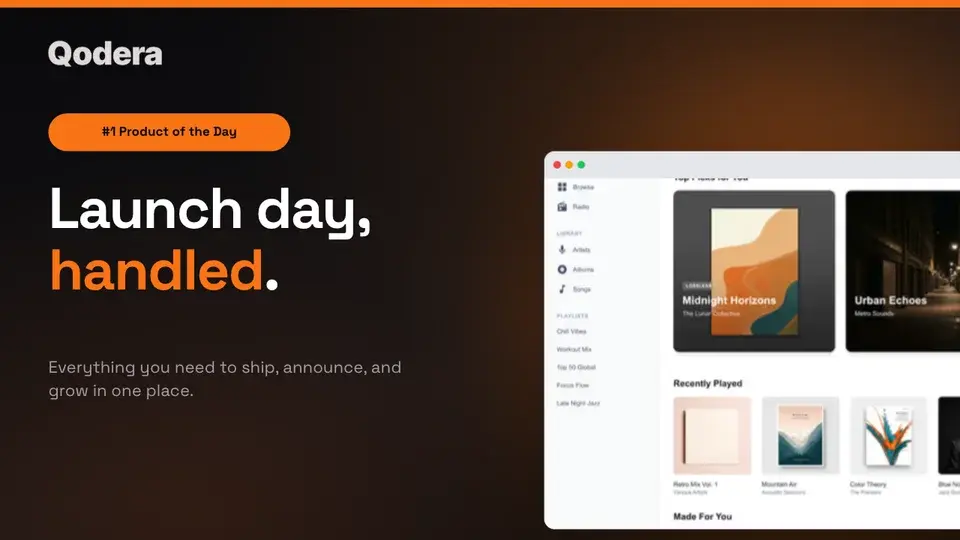
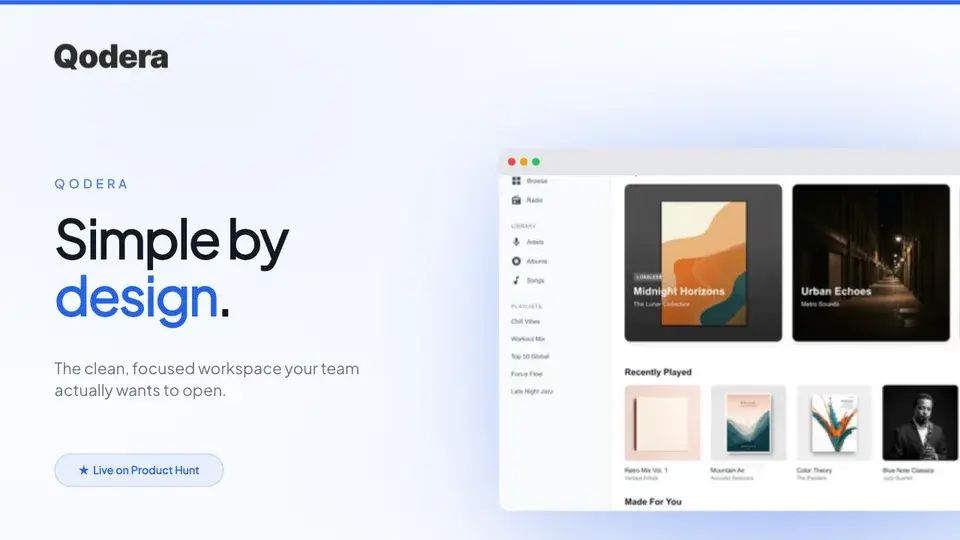
Two editable starting points from the Screenhance library, selected for this launches guide.
Generate App Store screenshots free
Free to start. No credit card required.
Keep reading
Related, product-tested guides from Screenhance.
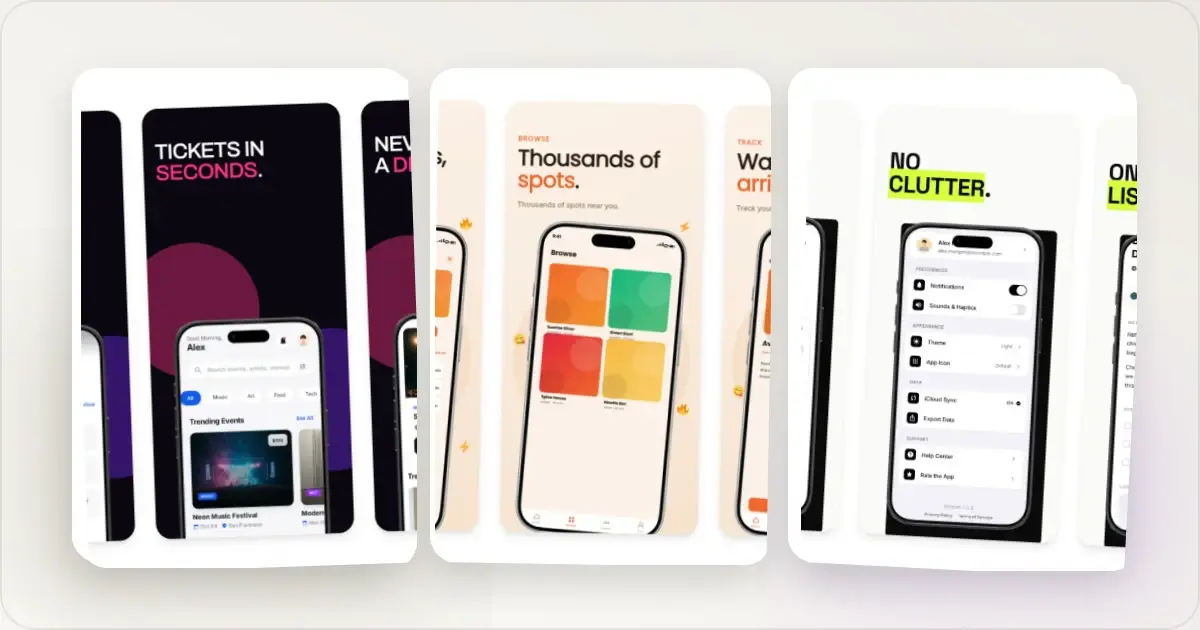
How to Make App Store Screenshots Without a Designer (2026 Guide)
A practical DIY workflow for creating accurate App Store screenshots with templates, current size presets, readable captions, and final human review.
21 Apr 2026 · 8 min read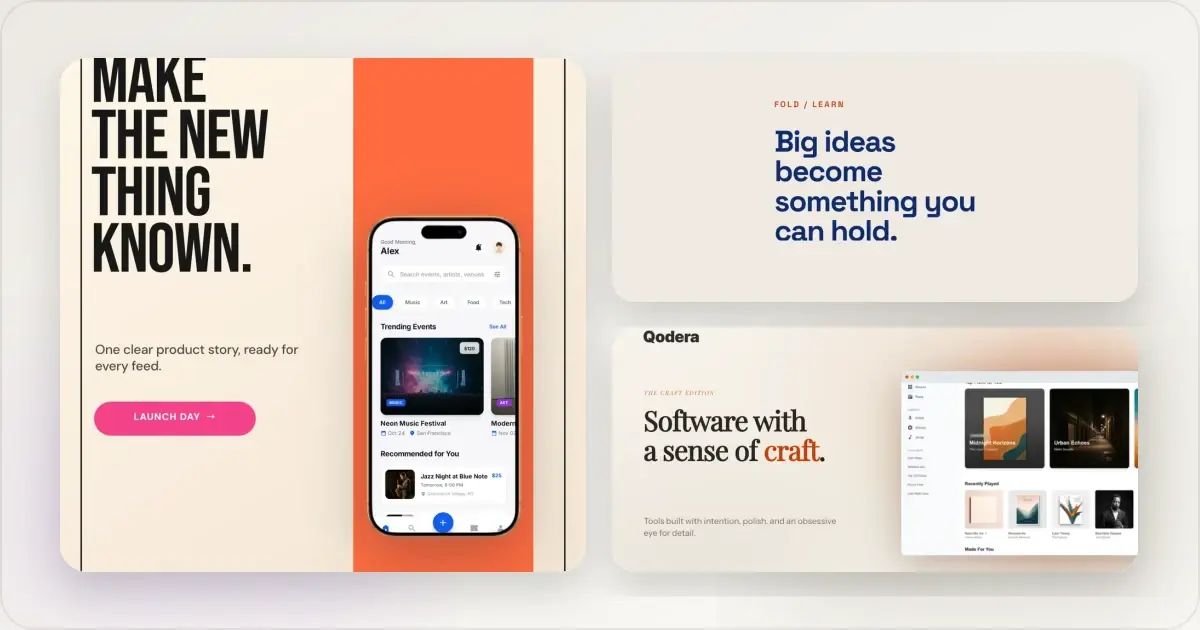
14 Best Fonts for App Screenshots and Launch Graphics
Choose readable fonts for App Store screenshots, Google Play graphics, social posts, and launch visuals, with practical pairings and editable examples.
1 Sept 2026 · 10 min read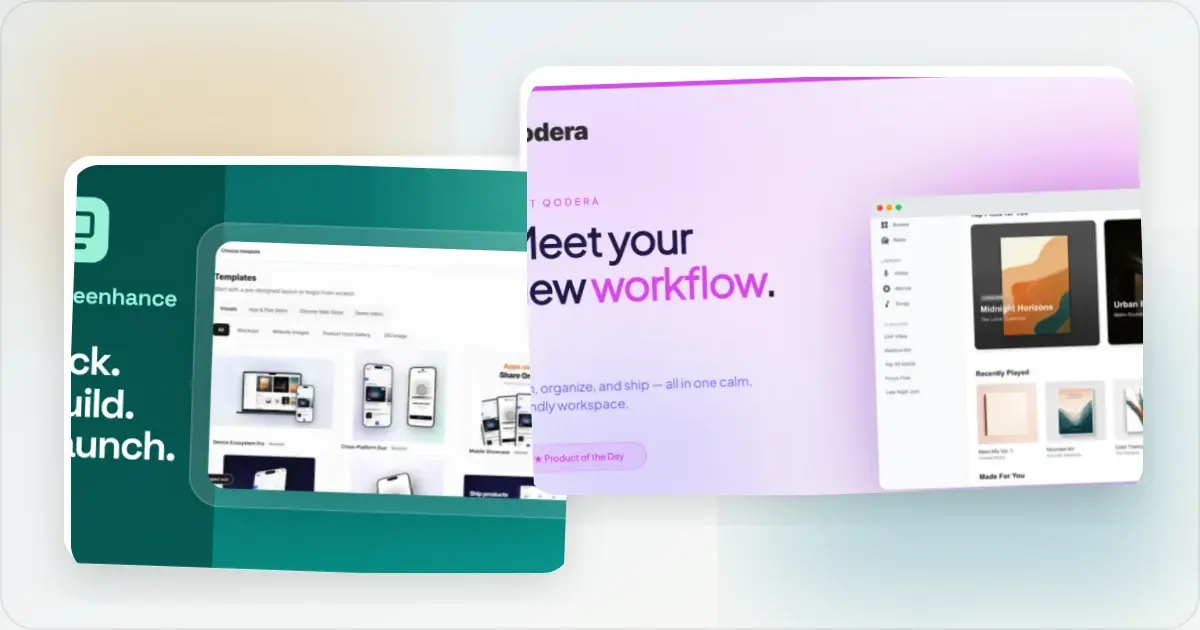
How to Launch an App in 2026: The Complete Step-by-Step Checklist
The complete 2026 app launch checklist: a 4-6 week timeline across pre-launch, launch day, and post-launch, plus every store, Product Hunt, and OG asset needed.
4 Jul 2026 · 8 min read