
The State of App Store Screenshots in 2026: Requirements and Testing
A current, source-linked guide to App Store screenshot requirements, localization, Product Page Optimization, and the checks to run before upload.
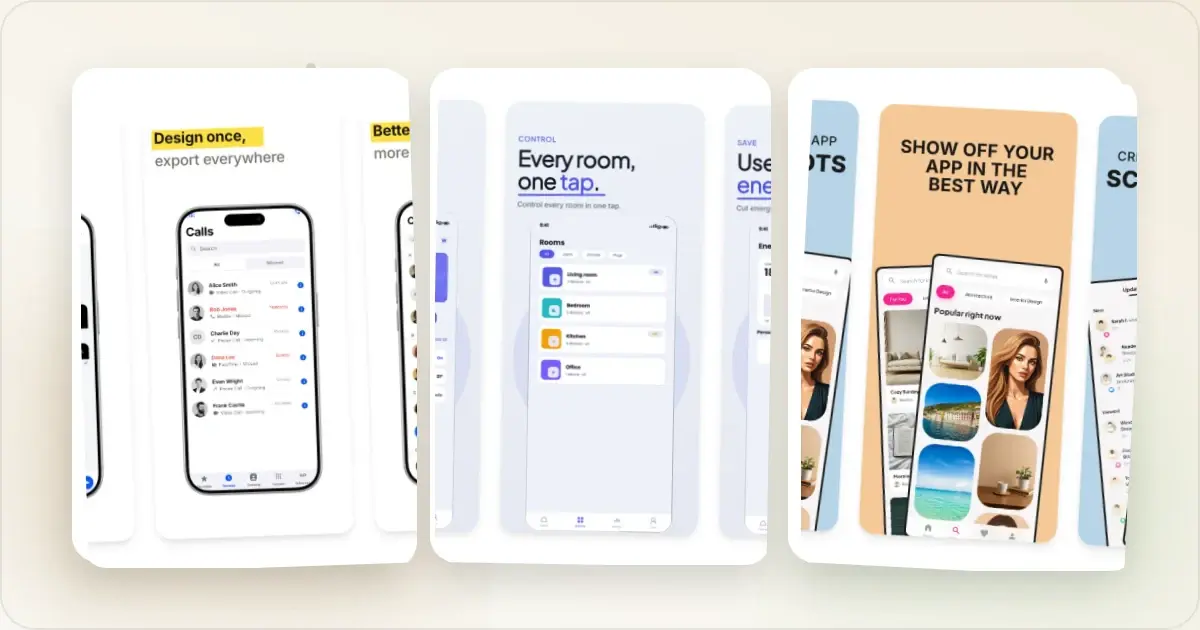
App Store screenshots need to do three things well: represent the current product honestly, fit Apple's current upload rules, and give the publisher a clear hypothesis to test. There is no credible universal percentage for how much a redesign or localization will improve every app.
This guide focuses on the parts Apple documents and the decisions you can verify in your own App Store Connect account.
Measure screenshots instead of borrowing a benchmark
Apple Product Page Optimization lets an eligible iOS or iPadOS app compare up to three treatments containing alternate screenshots, app previews, or icons. App Analytics reports estimated conversion-rate lift and confidence for the app's own traffic.Start with one clear question: does a different lead message, screenshot order, or visual treatment help this audience understand the app? Keep the rest of the treatment stable where possible, wait for the platform's statistical guidance, and keep a record of releases or campaigns that could change the traffic mix.
Another company's case study can suggest a hypothesis. It cannot predict your result.
Localize when the product and audience support it
App Store Connect supports localized metadata and screenshot sets. Choose locales using territory-level traffic, product readiness, retention, revenue, and support capacity—not a generic market ranking.Translate the caption and the experience it describes. When the app UI is localized, use an in-app capture in that language; when it is not, do not use a translated screenshot to imply otherwise. Have a fluent reviewer check terminology, tone, line breaks, dates, currency, and the final composition. Measure each localization against its own baseline.
The 2026 requirements that block uploads
Apple's current screenshot specification lists the accepted portrait and landscape pixel dimensions for each display class. The 6.9-inch iPhone class now accepts several resolutions, including 1260 × 2736, 1290 × 2796, and 1320 × 2868. Do not infer the correct upload slot from an old device nickname; check the pixel pair and current specification.
Apple currently accepts one to ten screenshots in JPEG or PNG format, and screenshots cannot contain an alpha channel. If the interface is the same across sizes and localizations, Apple says you can provide the highest-resolution screenshots required and let App Store Connect scale them down. Use Media Manager when a device size or localization needs its own assets.
Our size-by-size reference is in the App Store screenshot dimensions guide, and the App Store screenshot generator exports selected sizes from one editable set. App Store Connect remains the final validation step.
What to check before generating every size
Export one size and one locale first. Open the PNG and check:
- the pixel dimensions and orientation match the intended App Store Connect slot;
- the file is opaque and opens normally;
- the product screen, price, feature state, and caption are current;
- text remains legible at the size used in the storefront;
- no customer, production, or unreleased data is visible; and
- the slide order tells the same story as the listing copy.
Once the sample is correct, export the remaining sizes and locales. This catches a crop, font, or source-image problem before it is multiplied across a large package.
What to do with this
1. Make the leading asset understandable by itself while keeping the product screen truthful.
2. Localize the complete experience only for markets the product can support.
3. Validate one output before batch export so you are testing a correct listing, not debugging it.
4. Use an App Preview when motion explains the app better, then test it instead of assuming video will help.
You can generate a correctly-sized, on-brand set (and localize it) with the App Store screenshot generator, or generate your whole launch — store screenshots, Product Hunt gallery, OG image, and website hero — from one brief with Launch Kit.
---
_Platform requirements change. The Apple documentation linked above and the target App Store Connect upload slot are the final sources to verify before submission._
Check your App Store screenshot sizes
Drop your screenshots to check each one against Apple's accepted App Store Connect sizes before you upload. Nothing leaves your browser, and nothing is stored.
Accepted App Store sizes
- iPhone Duo outer: 1398×2034 (or 2034×1398 landscape)
- iPhone Duo inner: 2007×2853 (or 2853×2007 landscape)
- iPhone 6.9": 1260×2736 (or 2736×1260 landscape)
- iPhone 6.9": 1320×2868 (or 2868×1320 landscape)
- iPhone 6.9": 1290×2796 (or 2796×1290 landscape)
- iPhone 6.5": 1284×2778 (or 2778×1284 landscape)
- iPhone 6.5": 1242×2688 (or 2688×1242 landscape)
- iPhone 6.3": 1179×2556 (or 2556×1179 landscape)
- iPhone 6.3": 1206×2622 (or 2622×1206 landscape)
- iPhone 6.1": 1170×2532 (or 2532×1170 landscape)
- iPhone 6.1": 1125×2436 (or 2436×1125 landscape)
- iPhone 6.1": 1080×2340 (or 2340×1080 landscape)
- iPhone 5.5": 1242×2208 (or 2208×1242 landscape)
- iPhone 4.7": 750×1334 (or 1334×750 landscape)
- iPhone 4": 640×1096 (or 1136×600 landscape)
- iPhone 4": 640×1136 (or 1136×640 landscape)
- iPhone 3.5": 640×920 (or 960×600 landscape)
- iPhone 3.5": 640×960 (or 960×640 landscape)
- iPad 13": 2064×2752 (or 2752×2064 landscape)
- iPad 13": 2048×2732 (or 2732×2048 landscape)
- iPad 11": 1488×2266 (or 2266×1488 landscape)
- iPad 11": 1668×2420 (or 2420×1668 landscape)
- iPad 11": 1668×2388 (or 2388×1668 landscape)
- iPad 11": 1640×2360 (or 2360×1640 landscape)
- iPad 10.5": 1668×2224 (or 2224×1668 landscape)
- iPad 9.7": 1536×2008 (or 2048×1496 landscape)
- iPad 9.7": 1536×2048 (or 2048×1536 landscape)
- iPad 9.7": 768×1004 (or 1024×748 landscape)
- iPad 9.7": 768×1024 (or 1024×768 landscape)
Screenhance examples
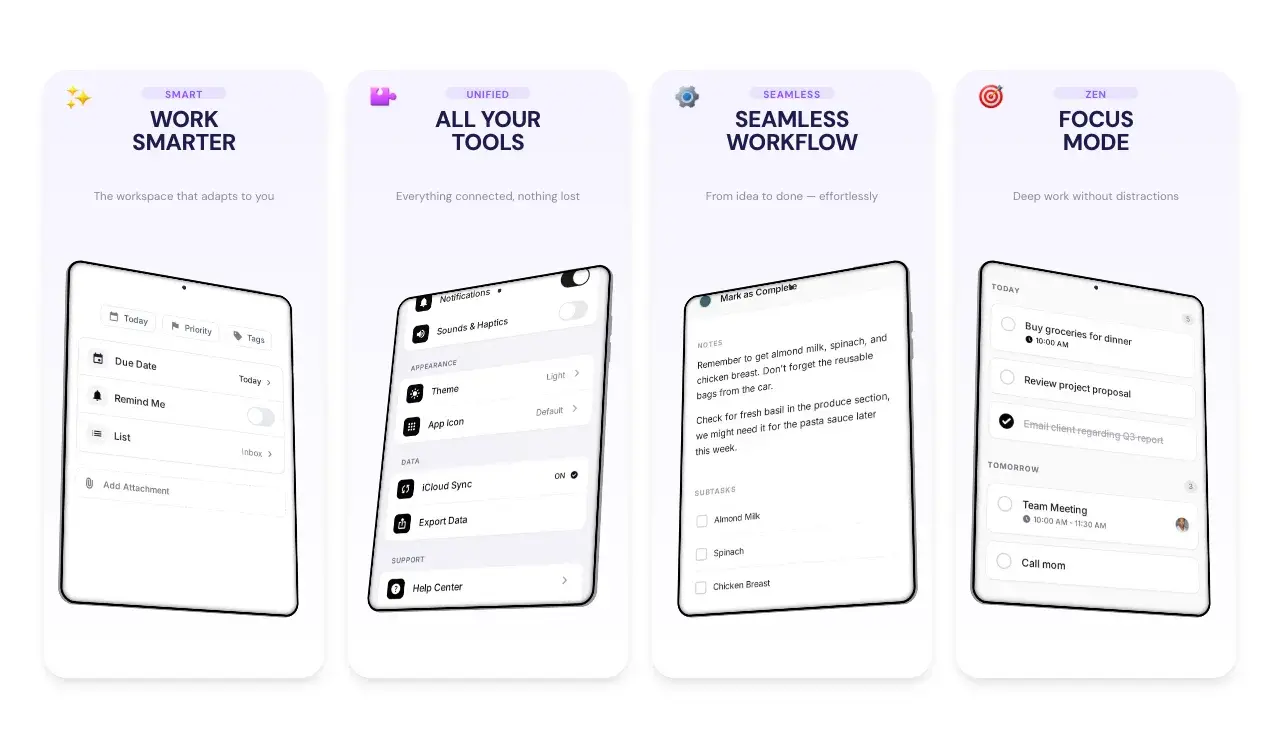
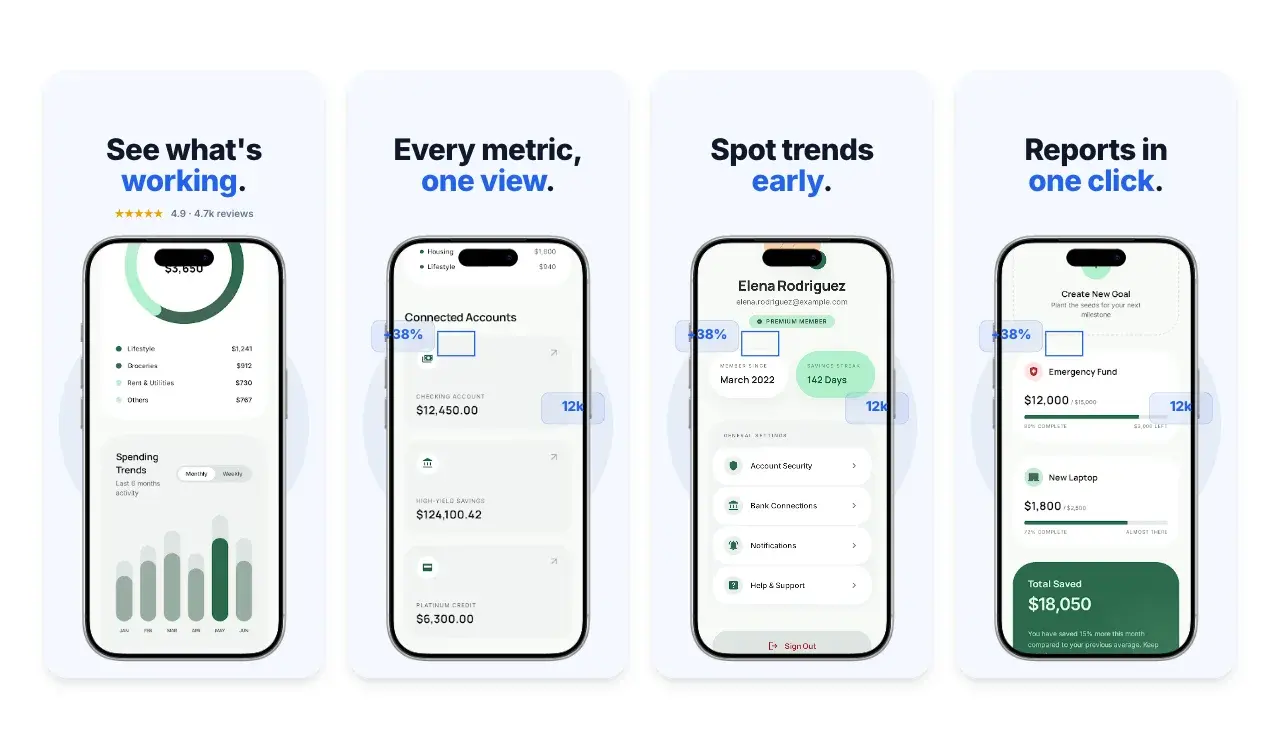
Two editable starting points from the Screenhance library, selected for this app stores guide.
Generate App Store screenshots free
Free to start. No credit card required.
Keep reading
Related, product-tested guides from Screenhance.
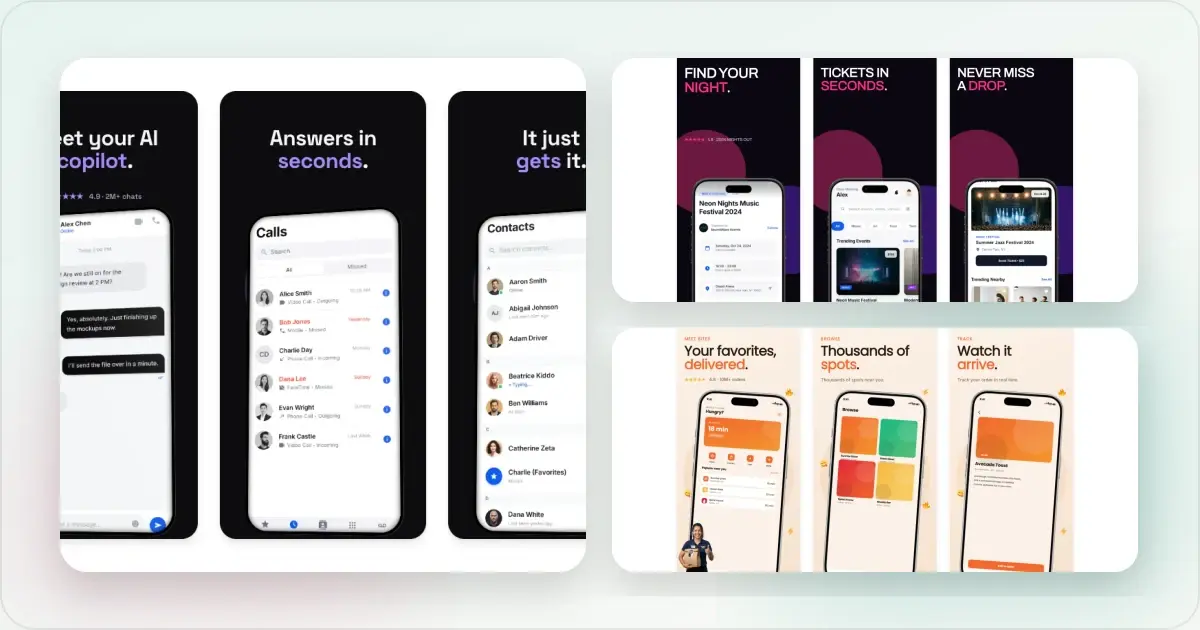
How to Make App Store Screenshots That Convert in 2026
A practical guide to accurate App Store screenshot sizes, clear visual storytelling, localization and Product Page Optimization testing.
21 Mar 2026 · 10 min read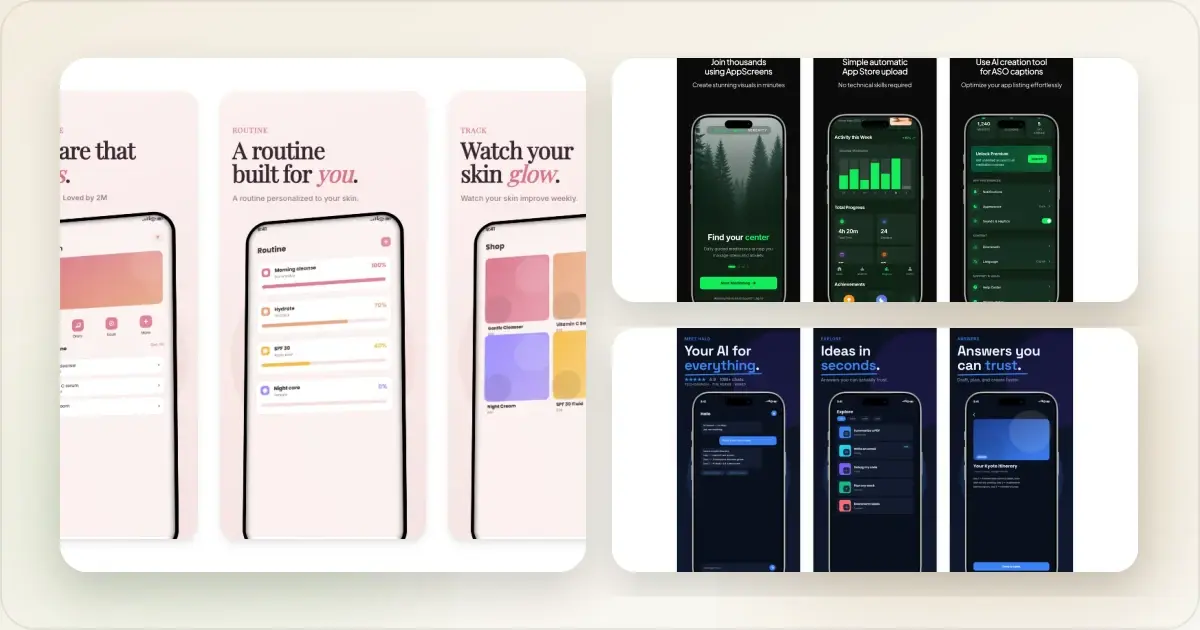
App Store Screenshot Sizes 2026 (+ Fix Wrong Dimensions)
Check accepted App Store screenshot sizes for current iPhone and iPad display classes, then validate or re-export an off-size image before upload.
24 Feb 2026 · 13 min read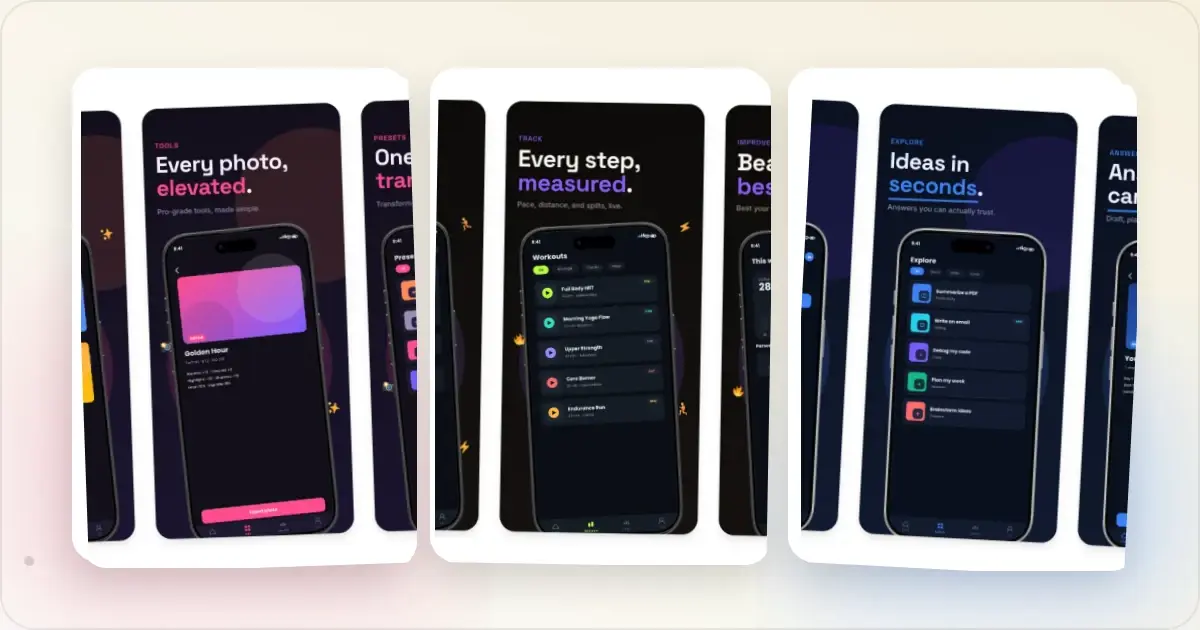
9 App Design Examples That Explain the Product Clearly
Study nine original app design concepts and the specific hierarchy, screenshots, contrast, and story decisions that make each product easier to understand.
20 Aug 2026 · 8 min read