
How to Launch an App in 2026: The Complete Step-by-Step Checklist
The complete 2026 app launch checklist: a 4-6 week timeline across pre-launch, launch day, and post-launch, plus every store, Product Hunt, and OG asset needed.
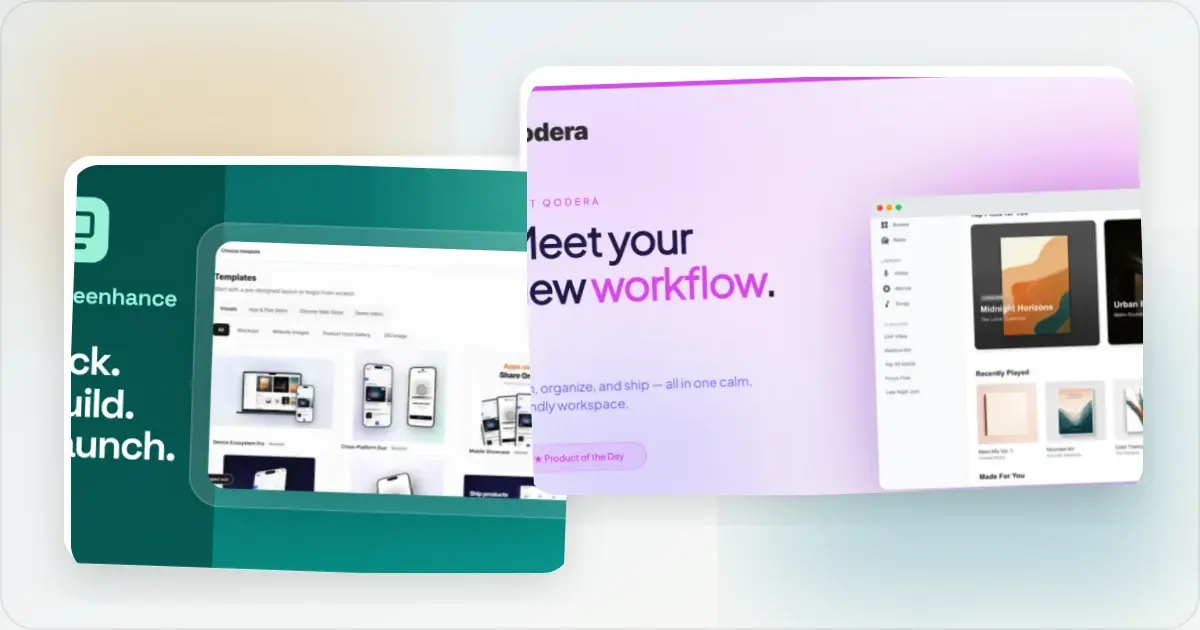
Launching an app in 2026 takes roughly 4 to 6 weeks of preparation across three phases: pre-launch (validate, run a beta, set up your store listing), launch day (App Store or Play Store submission plus a coordinated Product Hunt and social push), and post-launch (30 days of momentum and iteration). Along the way you produce about 15 to 25 visual assets: App Store screenshots at 1320 x 2868 px, Play Store screenshots at 1080 x 1920 px, 6 to 8 Product Hunt gallery images at 1270 x 760 px, a 1200 x 630 px OG image, and a website hero. Most first-time launches fail not on product quality but on preparation: they ship a working app with a broken signup flow, no store screenshots, and no distribution plan. This checklist fixes that.
This is the general cornerstone. It gives you the full map, then points to the deep-dives for each phase: where to launch your app, the Product Hunt launch checklist, and exact App Store screenshot dimensions.
The launch checklist at a glance
This is the featured checklist. Each phase, the key task, and the asset it needs.
| Phase | Task | Asset needed |
|---|---|---|
| Pre-launch | Validate demand and interview 5-10 users | Landing page + waitlist |
| Pre-launch | Run a TestFlight / Play beta | Beta build + tester list |
| Pre-launch | Write store listing copy and metadata | Title, subtitle, keywords, description |
| Pre-launch | Design store screenshots | App Store 1320 x 2868 px, Play 1080 x 1920 px |
| Launch visuals | Build Product Hunt gallery | Coordinated 1270 x 760 px image set |
| Launch visuals | Create the OG / social card | 1200 x 630 px image |
| Launch visuals | Design the website hero | Device mockup + headline |
| Launch day | Submit to App Store / Play Store | Approved build + all screenshots |
| Launch day | Run the Product Hunt + social push | Gallery, tagline, maker comment |
| Post-launch | Ship follow-ups and share results | Update notes + a numbers post |
Generate every launch visual from one brief — App Store, Product Hunt, OG, and website
Pre-launch: validate, beta, and set up the store listing
The month before you launch is where launches are won or lost. Three things have to happen.
Validate demand before you polish. Put up a one-page landing site with a waitlist and interview 5 to 10 people in your target audience. If you cannot get 50 to 100 real waitlist signups from your own network and communities, the launch will not save you. Fix the demand problem first. Run a real beta. For iOS, ship a TestFlight build to 20 to 50 testers for at least a week; for Android, use a closed Play testing track. You are hunting for two things: crashes on real devices, and the one confusing step in onboarding that everyone stumbles on. Fix both before launch. A launch-day crash or a broken signup flow wastes traffic you cannot get back. Set up the store listing early. In App Store Connect and Google Play Console, create the app record and fill in metadata weeks ahead, not the night before. You need the app title, a subtitle, a keyword field (iOS), the full description, a privacy policy URL, and a support URL. Apple review takes anywhere from a few hours to a couple of days, so build in slack. For a deeper distribution map beyond the two stores, read where to launch your app in 2026.The launch visuals you need
Every surface you launch on judges you in the first two seconds on the same thing: your visuals. It is where a single Launch Kit brief pays off, because you generate every surface below from one input instead of rebuilding them tool by tool. The full visual manifest for a 2026 launch:
- App Store screenshots at the current required sizes. In 2026 the primary iPhone size is 1320 x 2868 px (6.9-inch, iPhone 17 Pro Max), with 1290 x 2796 px (6.7-inch) as the accepted fallback, and iPad at 2064 x 2752 px (M4 13-inch). Even one pixel off the spec gets rejected. Generate them at every size with the App Store screenshot generator, and see the full table in the App Store dimensions guide.
- Play Store screenshots at 1080 x 1920 px (portrait) plus a required 1024 x 500 px feature graphic. Produce both with the Play Store screenshot generator.
- Product Hunt gallery using the recommended 1270 x 760 px format, sequenced like a story from hero shot to CTA. Product Hunt requires at least two images for the gallery to be viewable, and the Product Hunt gallery generator sizes the set in one pass.
- OG / social card at 1200 x 630 px, so every share on X, LinkedIn, and Slack renders a branded preview instead of a broken thumbnail. Build it with the OG image generator.
- Website hero with a clean device mockup and a one-line value proposition, matching the same visual style as everything above.
Consistency matters as much as any single asset. A polished App Store gallery next to a blurry OG card reads as inconsistent to the exact people deciding whether to trust you. Generating every visual from one brief keeps the framing, palette, and typography identical across all of them.
Product Hunt launch (the short version)
Product Hunt can be a useful discovery surface for indie and SaaS apps, and it deserves its own runway. The short version: prepare the page and visual story in advance, schedule the launch, write a thoughtful maker comment, share it organically with relevant audiences, and stay available to answer genuine questions throughout the day.
That is the summary. The full day-of-week data, hunter selection, the 14-day runway, the hour-by-hour launch-day timeline, and the 8 most common failure modes live in the dedicated Product Hunt launch checklist for 2026. If Product Hunt is a meaningful part of your plan, read that before you pick a date.
Launch-day timeline
On launch day itself, run these in order:
- The night before: confirm your build is approved and live-scheduled, all screenshots are uploaded, and the signup, payment, and onboarding flows work end to end. Pre-write your Product Hunt maker comment and your first three social posts.
- When the scheduled post goes live: publish the maker comment and verify the gallery, thumbnail, links, and signup flow.
- 6-9 AM PT: publish the App Store / Play Store listing if it is not already live. Email your waitlist with the direct link and a clear, single ask.
- When your audience is active: post to X and LinkedIn with your strongest gallery image and one line of context. Respond thoughtfully to Product Hunt comments as they arrive.
- Later in the day: share only in the communities where you already participate and where the launch is genuinely relevant. Avoid mass messages or coordinated upvote requests.
- Evening PT: thank the people who showed up (DMs, not public), note your final numbers, and draft tomorrow's recap.
Post-launch momentum
Most launches quietly end at midnight on launch day. The ones that compound do not. Over the next 30 days:
- Day +1: post a genuine thank-you with your final rank and one real milestone (signups, revenue, or traffic). This drives a second curiosity wave.
- Days +2 to +7: write one honest long-form post about the launch, the numbers, what worked, and what did not. This piece generates inbound for months.
- Days +7 to +14: ship a visible improvement that addresses launch feedback and credit the specific people who asked for it. It re-engages your launch audience and signals responsiveness.
- Days +14 to +30: if the launch drove real numbers, share them transparently. Refresh your App Store and Play Store screenshots based on what you learned about which value props landed.
Treat the store listing as living, not frozen. Updating screenshots and copy against real conversion data is one of the highest-leverage things you can do in month one, and it costs nothing but a re-export.
Common mistakes
The failures that recur across first-time launches in 2026:
- Launching with a broken flow. A signup, payment, or onboarding step that breaks under launch traffic wastes attention you paid dearly to get. Test the full path on a real device before you go live.
- No store screenshots, or wrong dimensions. Submitting screenshots even one pixel off Apple's spec triggers a rejection and can cost you a day of review. Generate them at the exact required sizes.
- Inconsistent visuals across surfaces. A polished App Store gallery next to a blurry OG card reads as amateur. One brief, one style, every surface.
- Treating Product Hunt as the whole plan. It is one surface among many. Coordinate five to ten surfaces in the same week instead of betting everything on one.
- No distribution list ready. If you have not built a waitlist and lined up people to ping, algorithmic distribution will not carry you. The personal outreach is worth more than most founders expect.
- No post-launch follow-through. Launches that end at midnight do not compound. The day +1, +7, and +30 content is what turns a launch spike into sustained traffic.
Build the app once. Launch it like it matters, and it will. The single biggest shortcut in this whole checklist is the visuals: instead of rebuilding your product across App Store, Play Store, Product Hunt, OG, and your hero one tool at a time, generate every launch visual from one brief in Launch Kit.
Related reading
Screenhance examples
Two editable starting points from the Screenhance library, selected for this launches guide.
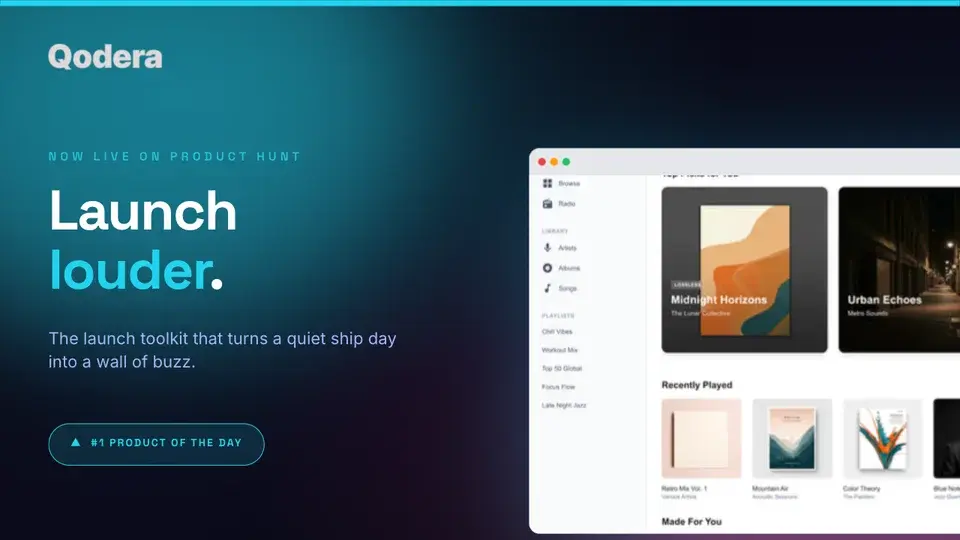
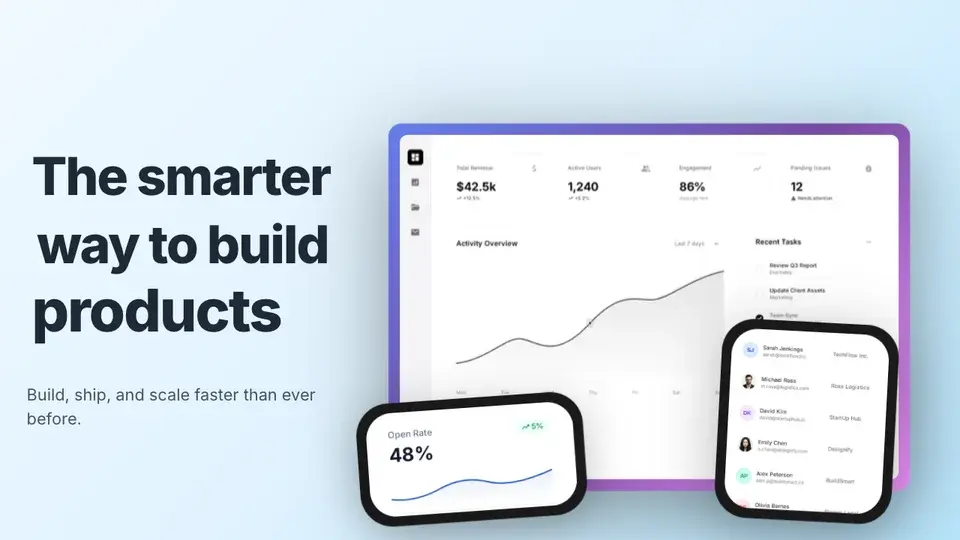
Generate every launch visual from one brief — App Store, Product Hunt, OG, and website
Free to start. No credit card required.
Keep reading
Related, product-tested guides from Screenhance.
How to Create Visual Changelogs That Users Actually Read
Learn when product screenshots, annotations, and short motion clips make release notes clearer, plus how to keep a changelog archive consistent.
7 Feb 2026 · 10 min read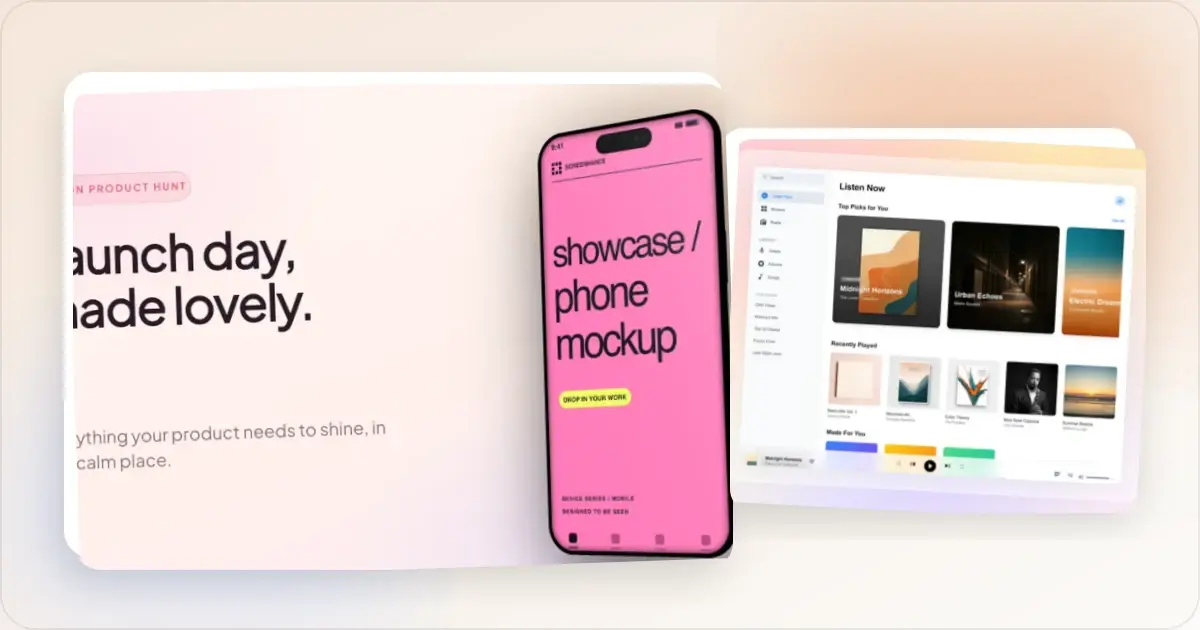
The Complete Visual Asset Checklist for SaaS Startups
A practical checklist for creating consistent SaaS website, store, social, pitch deck, and email visuals.
7 Feb 2026 · 10 min read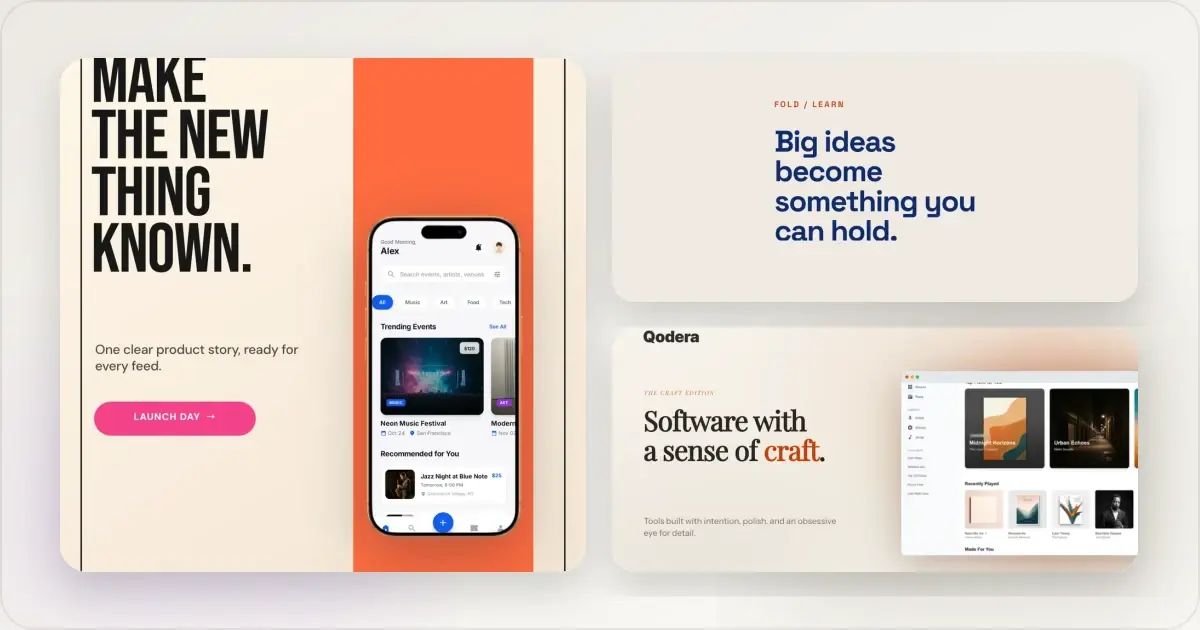
14 Best Fonts for App Screenshots and Launch Graphics
Choose readable fonts for App Store screenshots, Google Play graphics, social posts, and launch visuals, with practical pairings and editable examples.
1 Sept 2026 · 10 min read