
Product Hunt Launch Video Guide (2026 Playbook)
How Product Hunt video submission works in 2026: export your demo, upload it to YouTube, add the full URL, and coordinate it with the rest of your gallery.
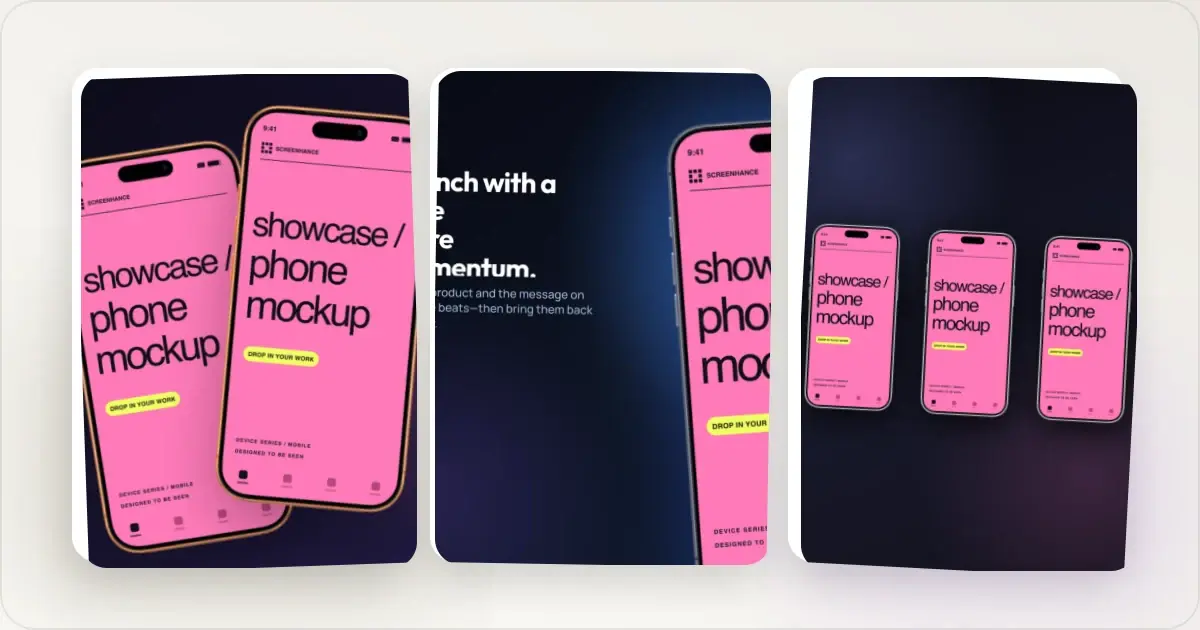
Video is optional. Use it when motion demonstrates something the still gallery cannot explain as quickly: an interaction, a workflow, an animation, or a before-and-after result. This guide covers the format, the submission workflow, the launch timeline, and how to keep the video coordinated with the rest of the launch.
Why the Video Matters on Product Hunt
The Product Hunt gallery is a first impression of the launch. A demo video can do two jobs a screenshot cannot: prove the product actually works and show the relationship between several steps in one continuous flow.
That does not make video mandatory. A weak trailer adds less than a strong still gallery. Add a video when the product becomes meaningfully clearer in motion, and keep the still images strong for visitors who do not press play.
The Format That Works
- Length: 30 to 60 seconds. Long enough for the core loop, short enough to finish.
- Hosting: upload the finished video to YouTube. Product Hunt does not accept a direct MP4 gallery upload.
- URL: use the full YouTube URL and make the video public or unlisted, not private.
- First 3 seconds: the outcome, shown in real UI. No logo intro, no loading screen.
- Sound: make the core story understandable without narration; on-screen labels should carry the important context.
- Content: your actual product doing one clear job, beautified with your brand background so it matches the gallery.
- CTA: none inside the video; your final gallery slide handles that.
The video and the still slides should look like one set. The easiest way to guarantee that is to make them from the same capture and brand kit.
The Launch-Day Timeline
Product Hunt operates in 24-hour periods in Pacific time, and scheduled posts go live at 12:01 am Pacific. The ranking system considers genuine engagement and more than raw upvotes, so the best launch-day use of your time is answering questions rather than re-exporting media. Work backward:
- 1 week before: record your demo, build the video and gallery, upload the video to YouTube, and write your first comment. Lock the assets now.
- 2 to 3 days before: decide whether to self-launch, draft your launch announcement, and make sure the relevant communities know what problem the product solves.
- Night before: double-check the gallery order, confirm the full YouTube URL loads while signed out, and test every launch link.
- 12:01 am PT: go live. Post your first comment immediately explaining what you built and why.
- Launch day: reply thoughtfully to comments and share the launch organically with relevant audiences. Do not ask for coordinated upvotes; the assets should already be done.
- After: save the video and gallery; they become your landing page hero and social proof.
The through-line is that the video is a before-launch task, not a launch-day one.
How to Make It in an Afternoon
The whole production job is compact: record a short screen capture of the product, drop it into a launch template with the frame and background already composed, zoom into the key clicks, and export a clean MP4. Upload that file to YouTube before launch and keep the full URL ready for the submission form.
Screenhance does the recording and production work in the browser. Its Chrome screen recorder preserves cursor and click data for tab recordings, then Studio turns the take into a polished video. Reuse the same visual system for your Product Hunt launch video, gallery slides, hero clip, and launch-post MP4. Build the still slides with the Product Hunt gallery generator so the whole launch reads as one release.
Before You Launch
Run through the full checklist so nothing slips: the Product Hunt launch checklist covers the visual assets, and this guide covers the video. Have both done a week out, and launch day is for engagement, not exports.
Related Reading
- Product Demo Video Examples - Formats that convert, with anatomy
- How to Make a Product Demo Video - The 5-step recipe
- Best Screen Studio Alternatives in 2026 - Tools for making the video, compared
Screenhance examples
Two editable starting points from the Screenhance library, selected for this motion guide.
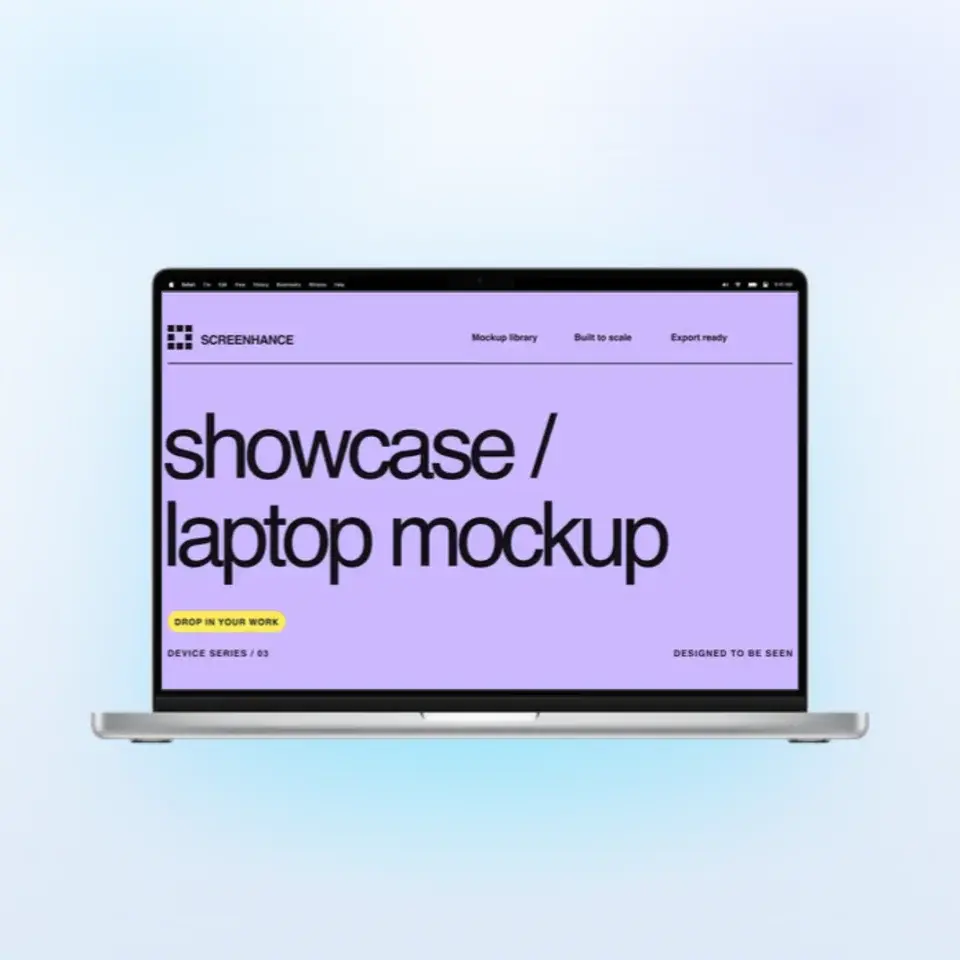

Make a Product Hunt gallery that gets upvotes
Free to start. No credit card required.
Keep reading
Related, product-tested guides from Screenhance.
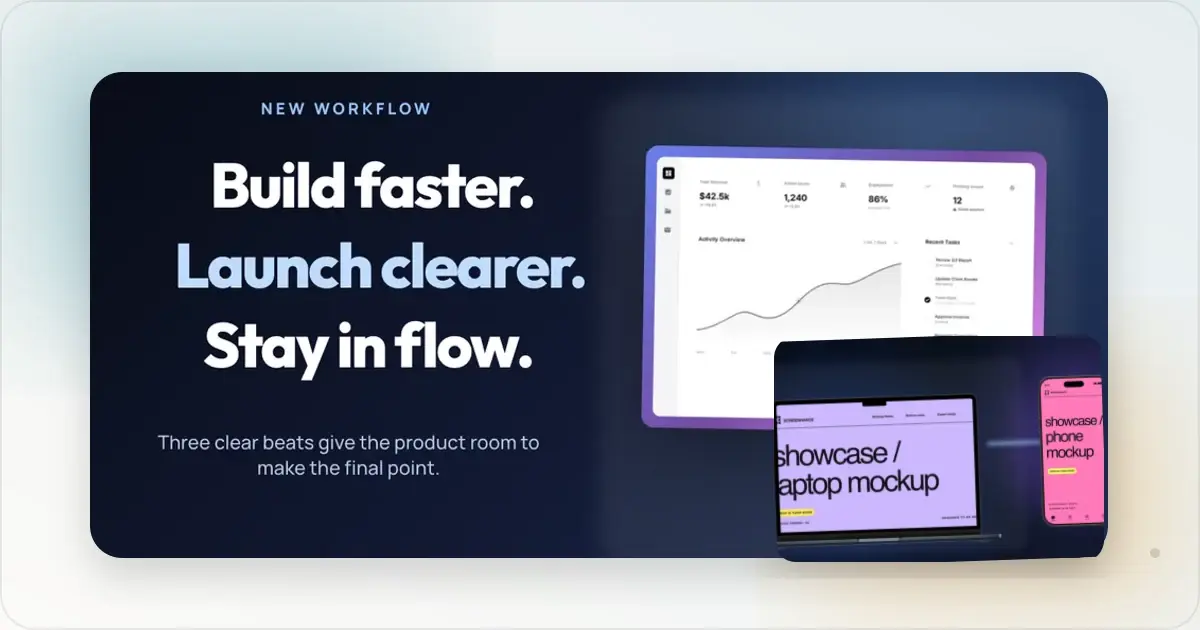
Product Hunt Motion: Gallery Images vs Launch Video
Use motion around your Product Hunt launch without confusing gallery images, YouTube video, animated screenshots, and social launch assets.
7 Feb 2026 · 5 min read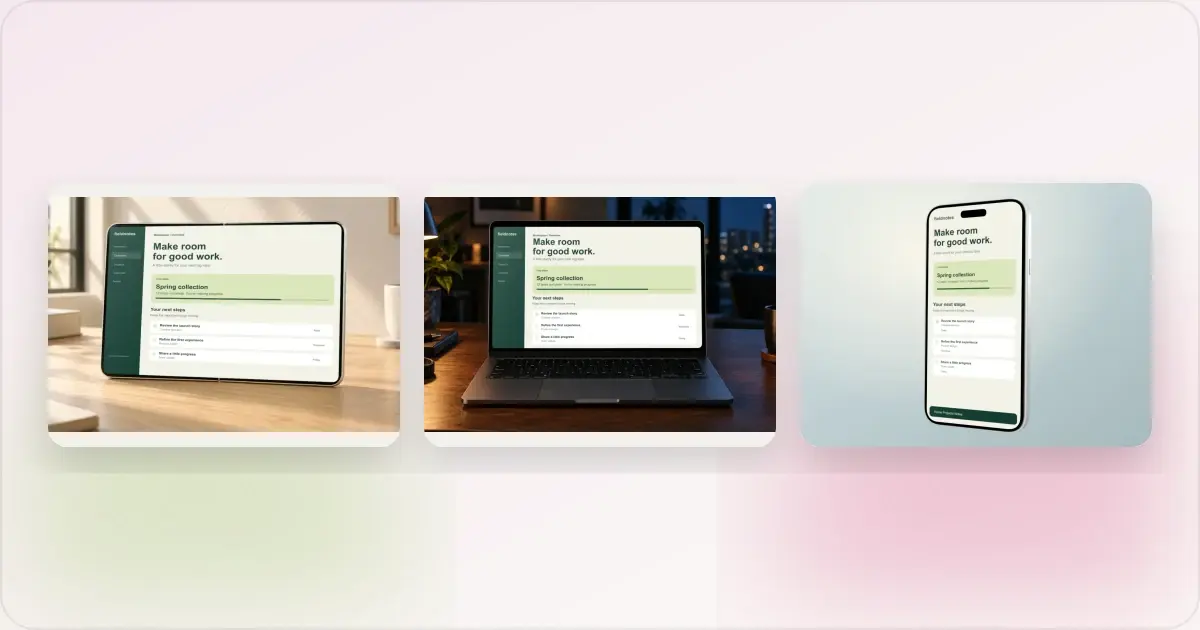
Same App, Three Motion Styles: Real Animated Mockup Exports
Compare actual Duo, MacBook and iPhone 18 animated mockup exports using the same sample app. See how scene, pacing and screen holds change the result.
17 Sept 2026 · 4 min read
GIF vs MP4 for Animated Mockups: File Size and Screen Clarity
Compare real Duo and MacBook GIF and MP4 exports: measured file sizes, actual downloads, screen-detail crops and a responsive video example.
11 Sept 2026 · 4 min read