
Same App, Three Motion Styles: Real Animated Mockup Exports
Compare actual Duo, MacBook and iPhone 18 animated mockup exports using the same sample app. See how scene, pacing and screen holds change the result.
Start with the template shown in this guide
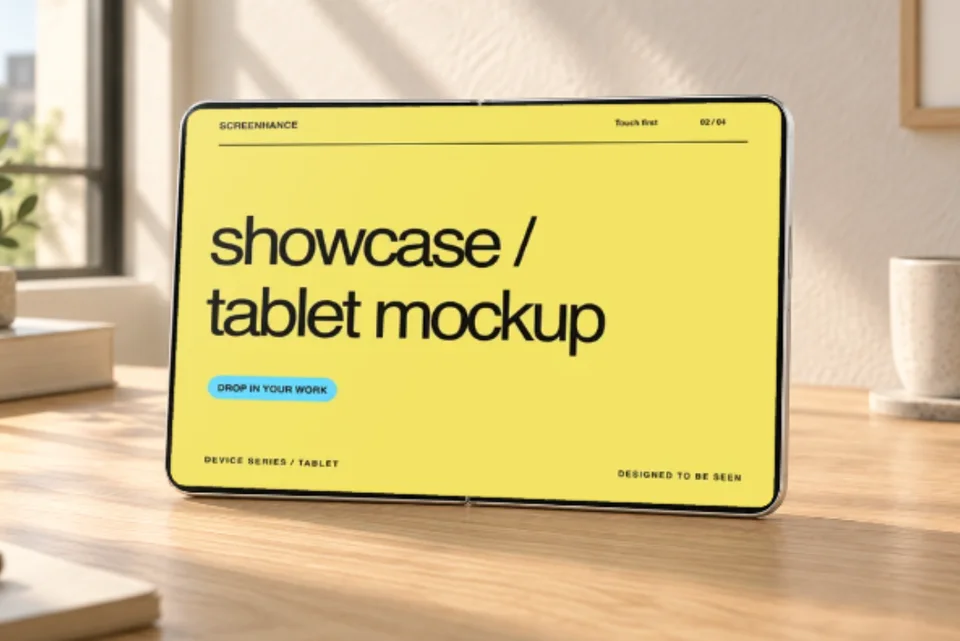
Duo · Sunlit desk
Scene camera motion · 1 screenshot
Use this template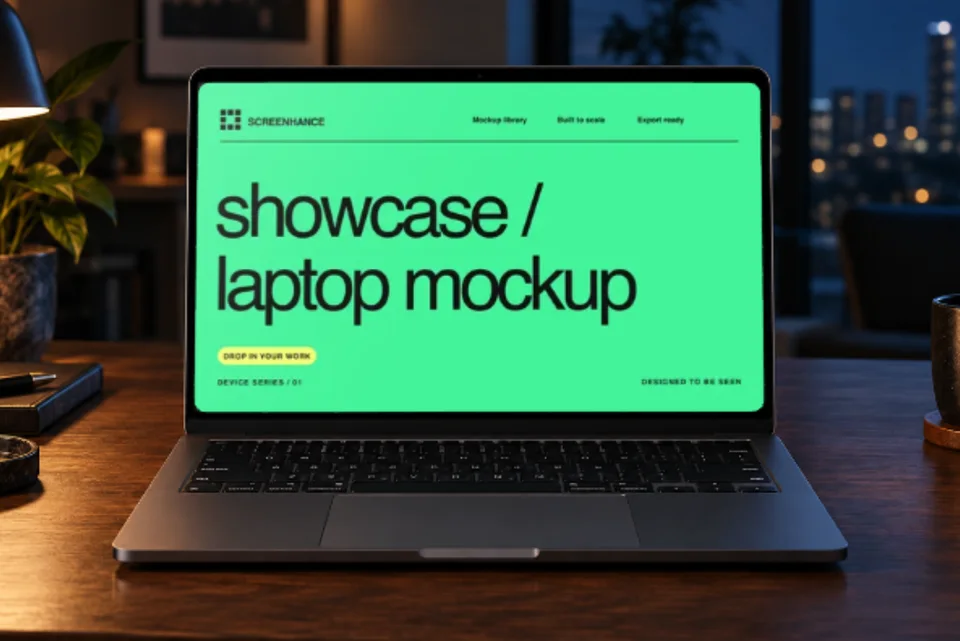
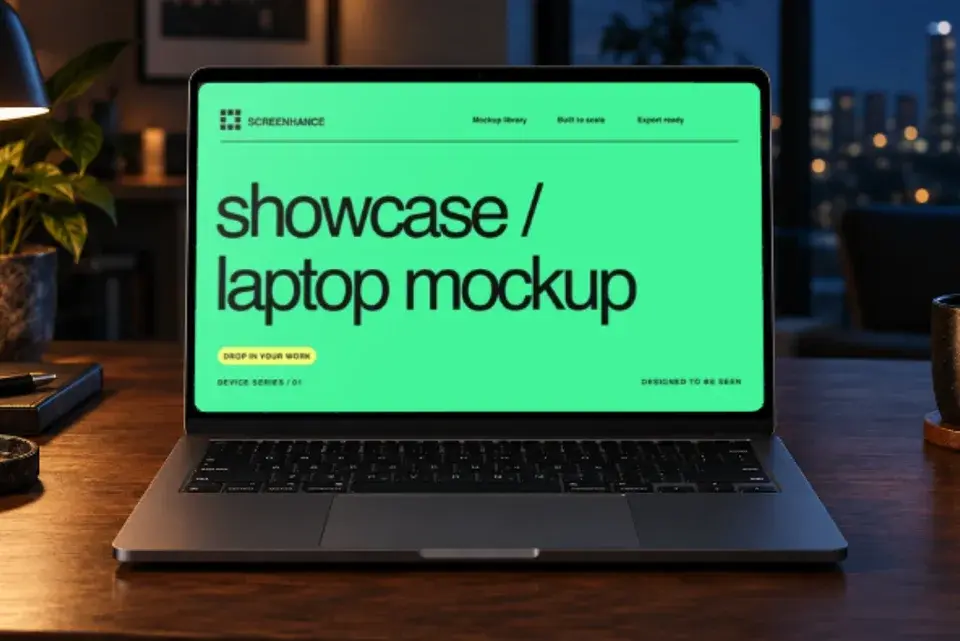
MacBook · Night workstation
Scene camera motion · 1 screenshot
Use this template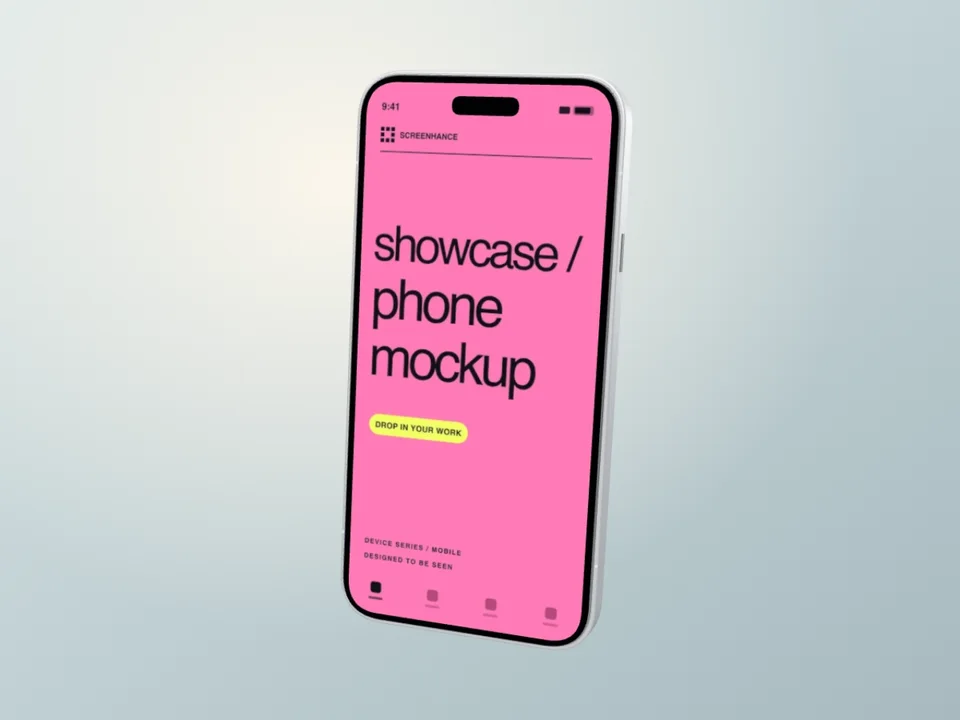
iPhone 18 · Silver reveal
Hardware to screen · 1 screenshot
Use this templateOpen a template, add your screenshots, then adjust the movement. GIF and video downloads require Pro.
The videos below are the actual MP4 downloads. The library cards use Screenhance’s standard demo artwork; this comparison replaces it with the same Fieldnotes overview, using wide and portrait layouts. The interface is still artwork. Its buttons and progress bar do not animate independently.
Compare the three results
| Style | What moves | Best fit | Native export |
|---|---|---|---|
| Duo Sunlit Desk | A slow camera push across the complete photograph and screen | A calm product hero or design case study | 1200 × 800, 8 seconds |
| MacBook Night Workstation | A small camera arc across the complete desk scene | A desktop launch visual with atmosphere | 1200 × 800, 8 seconds |
| iPhone 18 Silver Screen Reveal | The 3D phone turns from its back through its side to the screen | A hardware-led announcement with a clear app hold | 1200 × 900, 8 seconds |
Make your own animated device mockup
These are a creative comparison, not a speed benchmark. The hardware, framing, screen crop and canvas shape differ. Keeping the app’s content, palette and eight-second duration consistent makes those creative differences easier to see.
1. Sunlit Duo: give the product a place
The oak surface and natural light establish context immediately. The camera moves slowly enough that the overview remains the subject. It is a useful starting point when the surrounding page is already doing the explaining and the visual needs to feel settled.
This photo scene has one editable wide screen. It does not fold. For a moving hinge and separate outer-cover image, use the Duo folding walkthrough.
2. Night MacBook: change the atmosphere
The warm lamp and blue window provide contrast around a quiet interface. The camera arc adds a little movement without lifting the laptop off its desk. This treatment suits a desktop product hero where the setting is part of the mood.
The lid position and lighting belong to the photograph. You can replace and crop the screenshot and tune the layer’s motion. Choose the connected 3D laptop in the MacBook guide if you want an opening lid instead.
3. iPhone 18: hardware first, then the screen
The opening focuses on the silver finish and wide camera housing. The phone then turns toward the app and holds before returning to its opening pose. Use this when the device reveal earns its time; a reader who needs an immediate explanation may be better served by the sunlit scene.
This is Screenhance’s original illustrative iPhone 18 Pro model. The screenshot remains replaceable. In Mockups → Device film, choose Hardware to screen and adjust the duration. A slower reveal needs enough screen time to repay the wait.
Make the comparison yours
Use the same meaningful product state across the three templates. Prepare a wide screenshot for Duo and MacBook and a portrait version for iPhone. Keep the main task visible in each crop; uploading a desktop page does not automatically create its mobile layout.
Watch each export at the size it will occupy on your page. Check the opening, the moment the screen is most readable, and the loop boundary. The most dramatic move is not automatically the most useful one.
These files were exported in Chrome at 1× with an eight-second loop. Animated exports require Pro. Inspect the file measurements and hashes, or compare formats in our GIF versus MP4 export test.
Put motion where it helps
Use a clear poster, explicit playback controls and reserved video dimensions. These examples load on demand and do not autoplay. That keeps the static product image available before playback and avoids making visitors watch motion to understand the page.
Browse all animated device mockup templates, including folding phones, laptop reveals, tablets and multi-screen compositions.Screenhance examples
Two editable starting points from the Screenhance library, selected for this motion guide.
Make your own animated device mockup
Free to start. No credit card required.
Keep reading
Related, product-tested guides from Screenhance.

GIF vs MP4 for Animated Mockups: File Size and Screen Clarity
Compare real Duo and MacBook GIF and MP4 exports: measured file sizes, actual downloads, screen-detail crops and a responsive video example.
11 Sept 2026 · 4 min read
How to Make an iPhone Duo Folding Mockup With Two Screens
Make an iPhone Duo mockup with two editable screens. Follow the folding tutorial, crop each screenshot, or start with a realistic photo scene.
11 Sept 2026 · 6 min read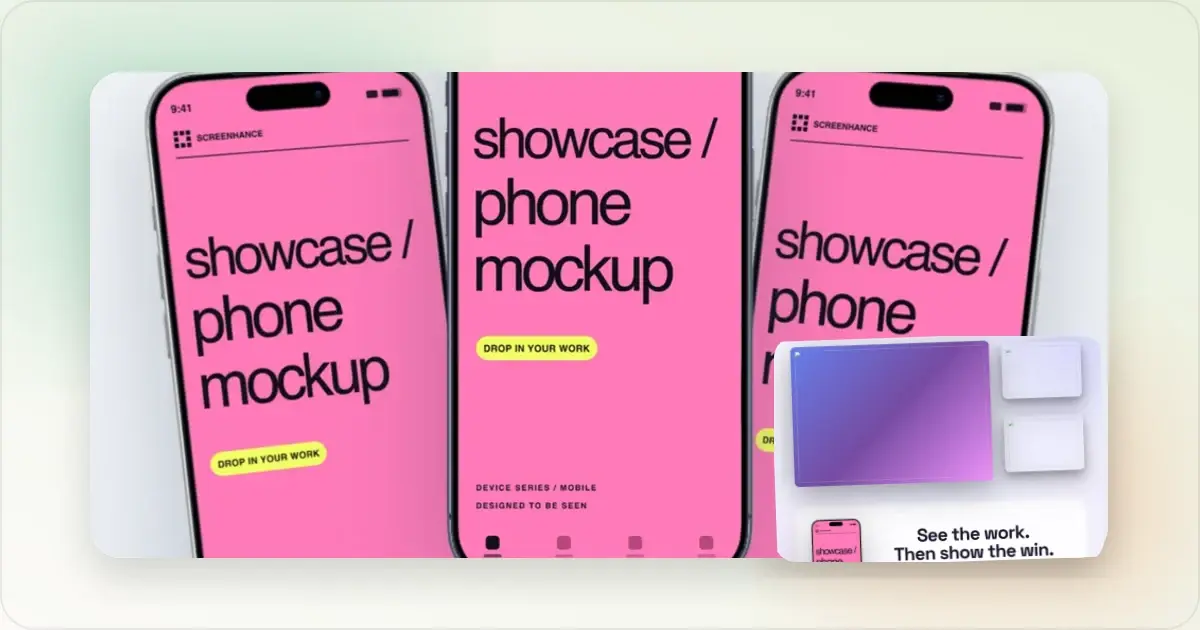
Best Screen Studio Alternatives in 2026 (Windows & Browser)
Compare Screen Studio alternatives for Windows, browser recording, auto zoom, hosted sharing, and complete launch visuals, with current pricing.
31 Jul 2026 · 5 min read