
Product Hunt Motion: Gallery Images vs Launch Video
Use motion around your Product Hunt launch without confusing gallery images, YouTube video, animated screenshots, and social launch assets.
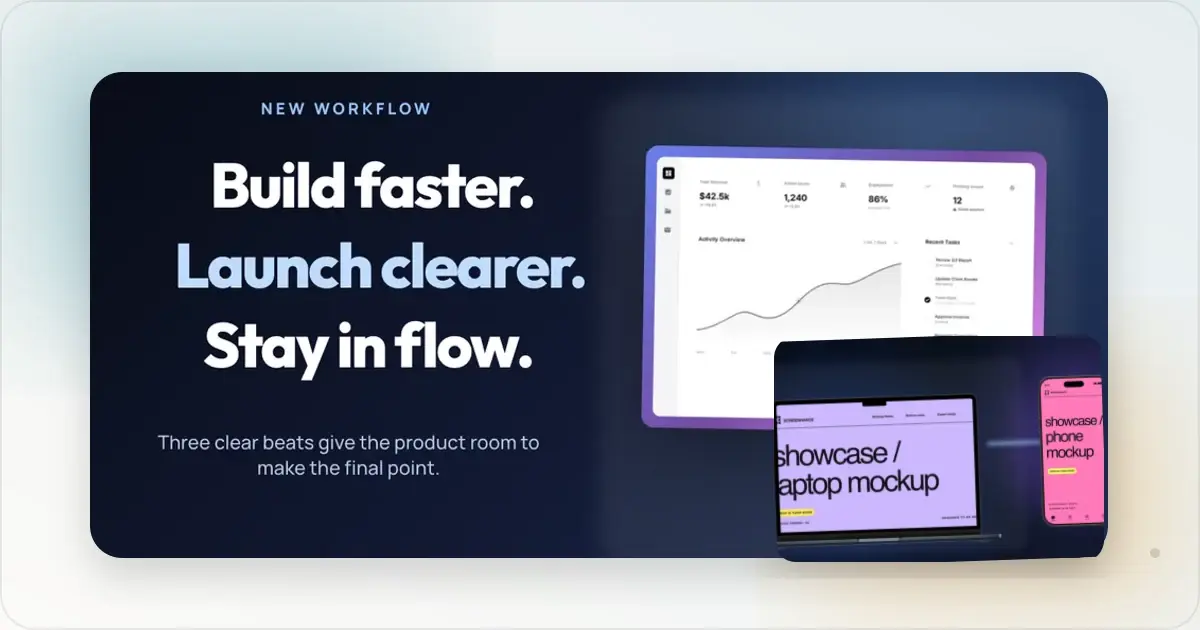
A Product Hunt launch can use both static gallery images and motion, but they belong in different places. Product Hunt's current posting guide recommends 1270×760 gallery images, requires at least two images for the gallery to be viewable, and accepts an optional YouTube video link. It does not document direct GIF, WebM, or MP4 uploads as the standard gallery workflow.
That distinction matters. Your gallery should explain the product quickly with readable static images. A launch video can then show the interaction, pacing, and product flow that a still image cannot.
What Product Hunt Currently Supports
Use these documented requirements as your launch baseline:
- Gallery images: Product Hunt recommends 1270×760 pixels.
- Gallery minimum: Add at least two images so visitors can open the gallery.
- Thumbnail: Upload a separate square image; Product Hunt recommends 240×240 pixels.
- Video: Add a public YouTube link if the product benefits from a walkthrough.
Product Hunt can change its submission interface, so confirm the latest requirements in its official posting guide before launch day.
When Static Gallery Images Work Best
Static images are the core of the gallery because visitors can scan them at their own pace. Use them for:
- a clear opening promise
- product screens in device or browser mockups
- individual feature explanations
- before-and-after comparisons
- use cases, proof, pricing, or a closing call to action
A coordinated visual sequence is stronger than a collection of unrelated screenshots. Keep the typography, colours, frames, and spacing consistent while giving every slide one job.
When a Product Hunt Video Helps
Add a video when the value lives in the interaction rather than the final screen. A short walkthrough is useful for showing:
- a multi-step workflow
- drag-and-drop behaviour
- real-time collaboration
- a generated result appearing
- the transition from input to outcome
Do not turn the video into a complete feature tour. Start with the problem, show the key product moment, and end once the value is clear.
A Practical Launch Workflow
1. Build the Static Gallery First
Create the images that tell the product story without requiring playback. Screenhance's Product Hunt gallery generator keeps every 1270×760 slide visually consistent and lets you reuse the same product screens across the set.
2. Record the Interaction That Needs Motion
Capture one focused workflow. Remove cursor hesitation, waiting states, unrelated navigation, and anything that delays the result.
3. Edit a Short Launch Video
Crop around the product, add a clear opening frame, and use zoom or cursor emphasis only when it helps viewers follow the action. Upload the final video to YouTube and add its public link to the Product Hunt submission.
4. Reuse Motion Beyond Product Hunt
You can still export short animated screenshots or UI mockups for your landing page, social posts, launch emails, and teaser assets. Screenhance motion templates animate existing screenshots automatically; they are separate from the longer screen-recorder workflow.
A Clear Gallery Sequence
A concise gallery might use:
1. Promise: what the product helps someone achieve.
2. Core workflow: the main product screen in context.
3. Key benefit: one feature and why it matters.
4. Proof or outcome: the result after using the product.
5. Next step: who it is for or what to do next.
This is a planning framework, not a Product Hunt upload limit. Use the number of images needed to explain the product clearly, while remembering that the gallery needs at least two.
Common Motion Mistakes
Treating Motion as a Substitute for Clear Images
Some visitors will not play a video. The static gallery must still communicate the product on its own.
Showing Too Much
A long tour hides the product's best moment. Focus the video on the workflow that is hardest to understand from a still image.
Starting With Setup
Do not spend the first seconds signing in, opening menus, or arranging windows. Start close to the meaningful action.
Mixing Visual Systems
Use the same product UI, colour palette, and framing across the gallery, thumbnail, video cover, website, and social launch assets.
Frequently Asked Questions
Can I upload a GIF directly to a Product Hunt gallery?
Product Hunt's current public posting guide describes gallery images and an optional YouTube video link. It does not document direct GIF uploads as the standard workflow, so use supported static images for the gallery and YouTube for video.
What size should Product Hunt gallery images be?
Product Hunt recommends 1270×760 pixels for gallery images. It separately recommends a square 240×240 product thumbnail.
How many gallery images do I need?
Product Hunt says a gallery needs at least two images to be viewable. Build a concise sequence that explains the product instead of targeting an unsupported fixed maximum.
Is Screenhance motion the same as a product demo video?
No. Motion templates add automatic movement to screenshots and mockups. A product demo is a longer screen recording that explains a workflow. Use the motion library for animated website or social assets, and the screen recorder when you need a narrated or step-by-step video.
Should every launch include a video?
No. Add one when motion makes the product meaningfully easier to understand. A strong static gallery is enough when the product's value is visible in the final screens.
Related Reading
- How to Create Product Hunt Mockups That Get Upvotes - Complete guide to PH mockup creation
- How to Create Product Hunt Launch Visuals That Stand Out - Visual strategy for your entire gallery
- Product Hunt Gallery Size: Image Dimensions That Get Clicks - Dimensions and file specs for PH images
- Social Media Screenshots: How to Make Them Stand Out - Optimizing screenshots across platforms
Screenhance examples
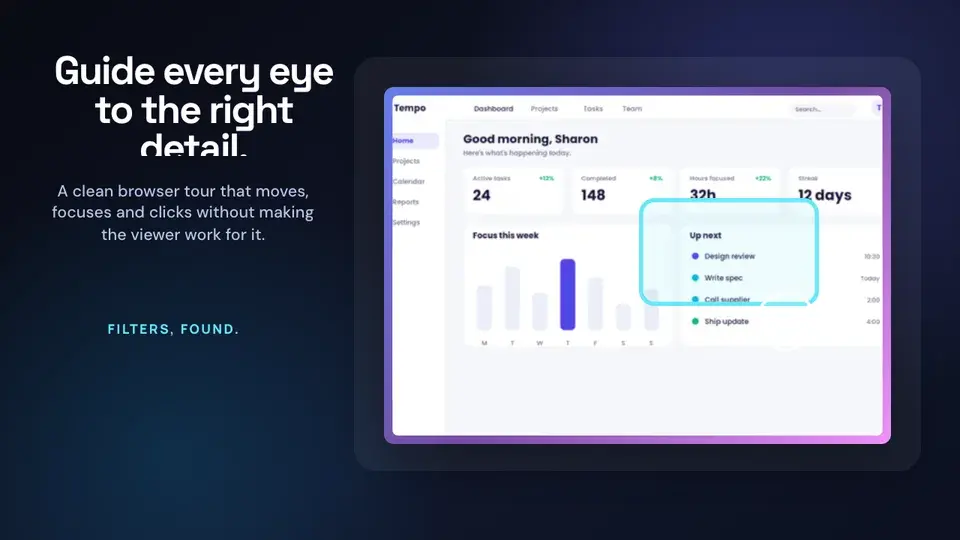
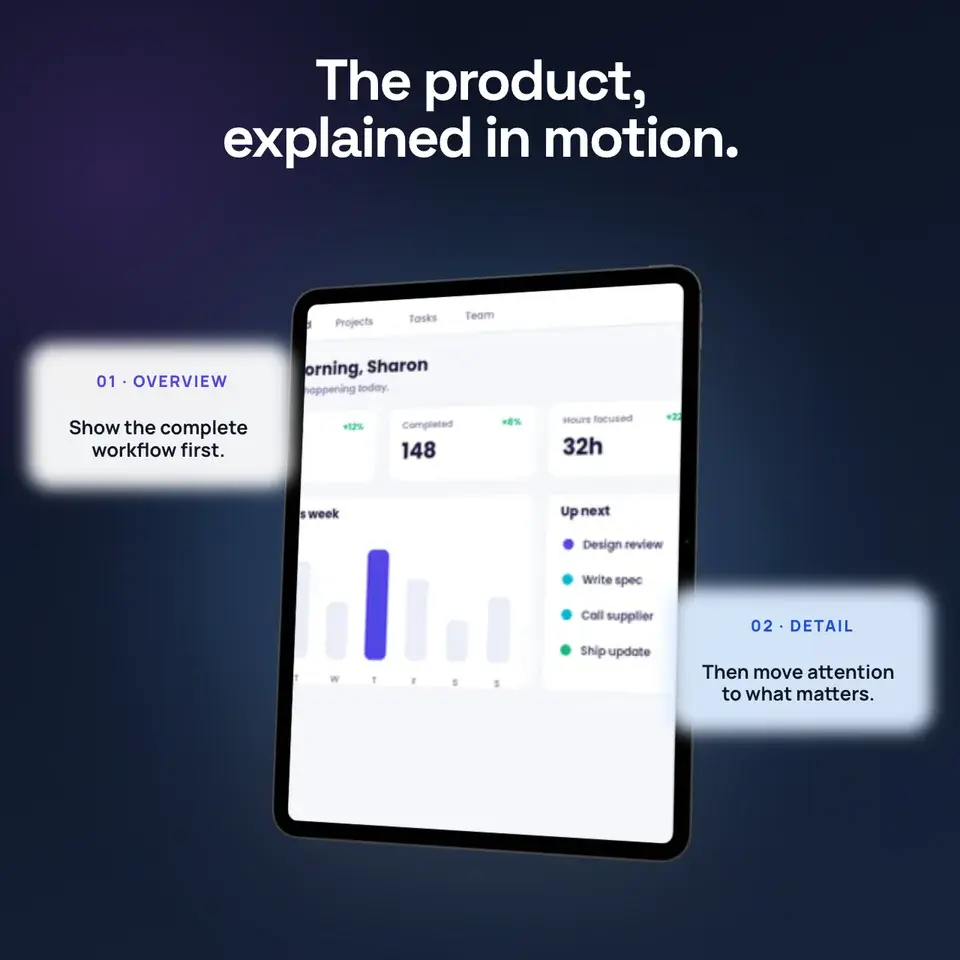
Two editable starting points from the Screenhance library, selected for this motion guide.
Make a Product Hunt gallery that gets upvotes
Free to start. No credit card required.
Keep reading
Related, product-tested guides from Screenhance.
Product Hunt Launch Video Guide (2026 Playbook)
How Product Hunt video submission works in 2026: export your demo, upload it to YouTube, add the full URL, and coordinate it with the rest of your gallery.
31 Jul 2026 · 4 min read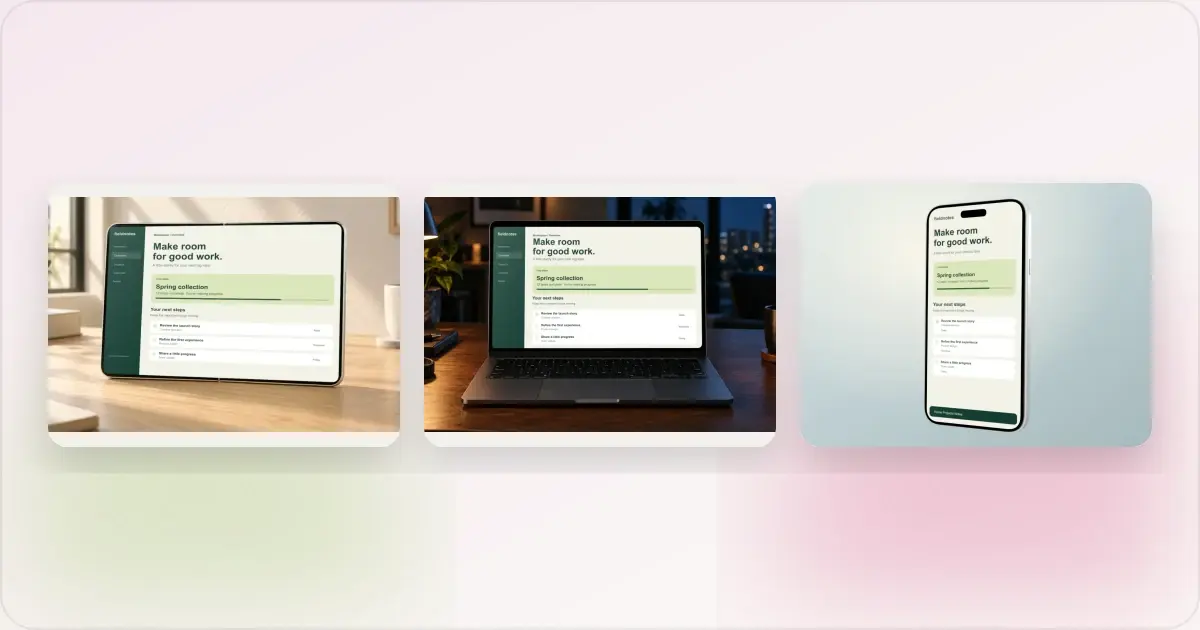
Same App, Three Motion Styles: Real Animated Mockup Exports
Compare actual Duo, MacBook and iPhone 18 animated mockup exports using the same sample app. See how scene, pacing and screen holds change the result.
17 Sept 2026 · 4 min read
GIF vs MP4 for Animated Mockups: File Size and Screen Clarity
Compare real Duo and MacBook GIF and MP4 exports: measured file sizes, actual downloads, screen-detail crops and a responsive video example.
11 Sept 2026 · 4 min read