
4 Product Demo Video Examples and Why They Work
Four original product demo video examples for feature tours, launch films, before-and-after stories, and vertical clips—with editable templates.
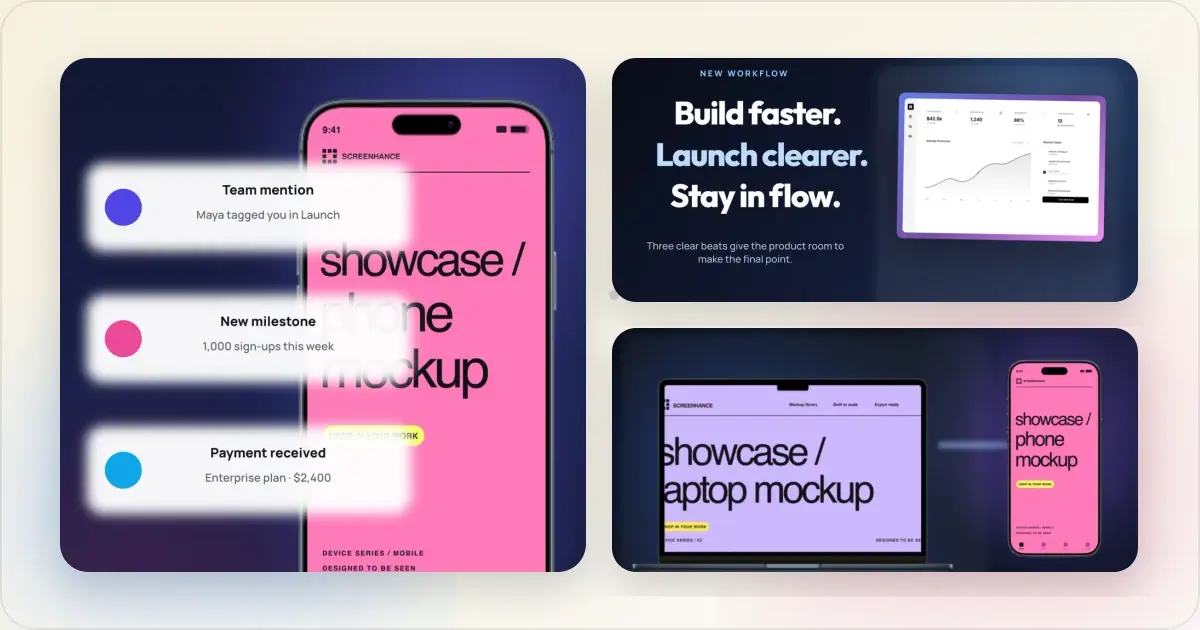
A good product demo video does one job: it makes the value of a product easy to understand. That may mean following a real interaction, showing several surfaces as one launch story, comparing two states, or isolating one feature for a vertical feed.
The four examples below are original Screenhance template outputs, included so you can inspect the layout and motion instead of reading abstract advice. They are editable starting points—not claims about conversion performance. Replace the sample screens and copy with real product evidence, then adapt the pacing to the channel where the video will appear.
1. Cursor-Led Feature Tour: guide the viewer through one job
This 16:9 example pairs a concise promise with a browser scene, a highlighted area, and a visible click cue. The composition works because the viewer never has to decide where to look.
Use this structure for a landing-page demo, a focused feature announcement, or the opening beat of a longer walkthrough. Keep it to one task. If a viewer has to follow three unrelated features at once, the cursor stops being guidance and becomes noise.
For a real interaction, capture the flow with the browser screen recorder, then use the visual treatment as a frame around the recording. Screenhance can record a screen, a camera, or both; the Chrome extension is especially useful when precise cursor and click data matters.
2. Product Film Sequence: show a product across surfaces
This square, 16-second sequence moves between laptop, tablet, phone, and watch compositions. Rather than cramming every device into one frame, it gives each surface a short turn and lets the shared art direction connect them.
Use a sequence when the breadth of the product is part of the story: a cross-platform launch, a major redesign, or a new ecosystem of features. The order should still make sense. Start with the surface most people recognize, move through supporting experiences, and finish on the strongest frame.
This is designed motion rather than a literal screen recording. In Screenhance, the Visual Editor can animate screenshots, devices, text, and layouts; Studio is the separate workflow for recording actual product use.
3. Before-and-After Reveal: make the change visible
The before-and-after pattern is useful when the product’s value is a transformation. This six-second square example puts two states side by side and uses motion to relay attention between them.
The states must be honestly comparable. Keep the device, scale, and context consistent so the motion reveals the product change rather than disguising it. Good subjects include an empty versus populated dashboard, an unorganized versus organized workspace, or an old versus redesigned screen.
4. Vertical Feature Spotlight: one feature for the feed
This 9:16 example gives one phone most of the frame, then uses two short callouts as supporting evidence. The hierarchy is deliberately simple enough to understand on a small screen.
Use this format for a Reel, Short, story, or vertical launch post. One headline and one feature are usually enough. Replace the sample proof points with claims you can substantiate, and check the latest placement and safe-area guidance for the channel before publishing.
Match the demo to the destination
The same product story should not be exported blindly to every surface.
| Destination | Best starting format | What to verify |
|---|---|---|
| Landing-page hero | 16:9 feature tour or short loop | Legible first frame, muted playback, page performance |
| Product Hunt | Landscape product walkthrough | Full YouTube URL, public video, launch gallery prepared in advance |
| App Store | Real in-app footage sized for the device | Apple’s 15–30 second limit, accepted formats, current device specifications |
| Social feed | 1:1 or 4:5 comparison/sequence | Copy remains readable without audio |
| Stories, Reels, Shorts | 9:16 feature spotlight | Safe areas, captions, one clear action |
Turn a real product flow into a polished demo video
Apple’s current documentation says an App Preview must be 15–30 seconds and supports H.264 .mov, .m4v, and .mp4 files, with specifications varying by device. Product Hunt says gallery videos use a full YouTube URL and should be uploaded before launch. Check the official Apple App Preview specifications and Product Hunt’s posting guide before final export.
Build one honest product story, then adapt it
Start with the clearest real workflow, not a montage. Record the product in Screenhance Studio when the interaction itself is the evidence. Use the motion templates when the job is to animate screenshots, devices, copy, and launch layouts. Both routes end in Screenhance, but they solve different parts of the story.
The extension and the in-browser recorder are also different entry points. The extension can record the current tab or a desktop source with optional camera and microphone; recording inside Studio can capture a screen, a camera, or both without the extension. The recording guide explains which route to choose.
Make your own product demo video
Use the product demo video maker for the complete workflow, or open any example above to replace its screenshots and edit the motion. If you need actual product footage first, start with the free screen recorder. For an App Store preview or a launch-day gallery, continue with the app demo video maker or Product Hunt launch video maker.
Related reading
- How to make a product demo video — a step-by-step recording and editing workflow
- Product Hunt launch video guide — prepare the hosted video and supporting gallery
- Best Screen Studio alternatives in 2026 — compare recorder and editor workflows
Screenhance examples
Two editable starting points from the Screenhance library, selected for this motion guide.
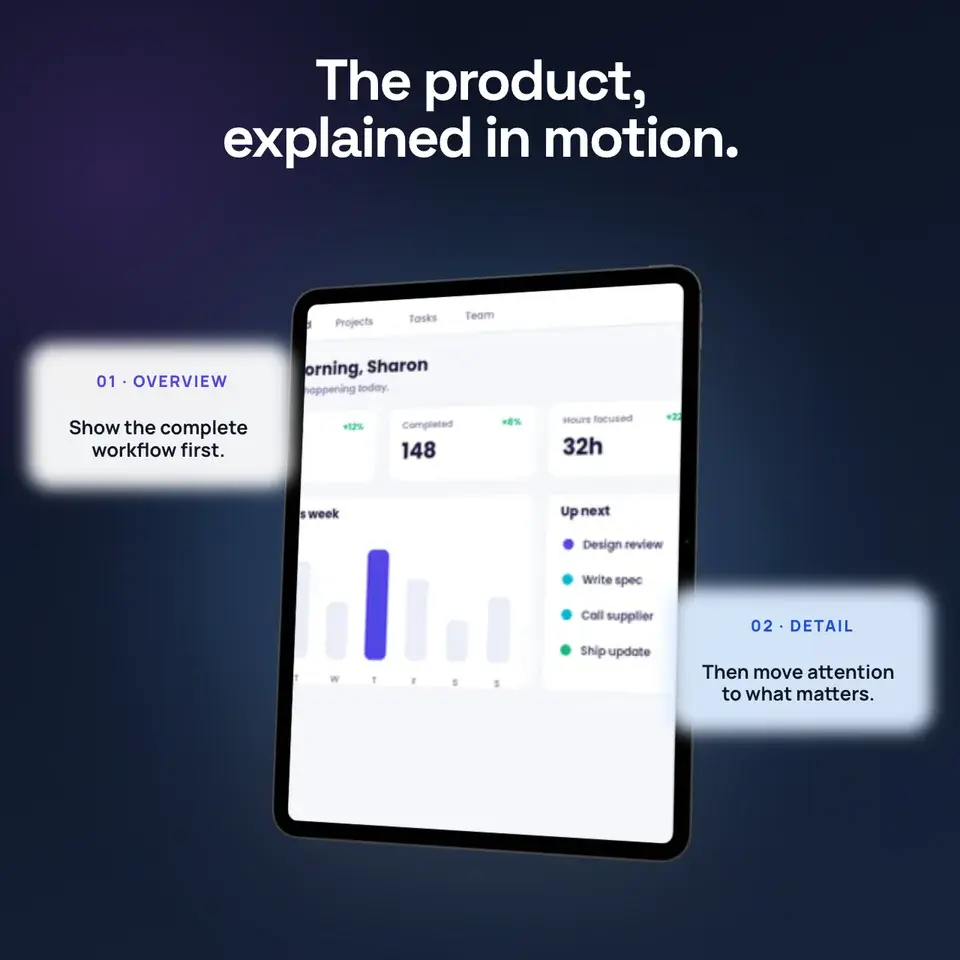
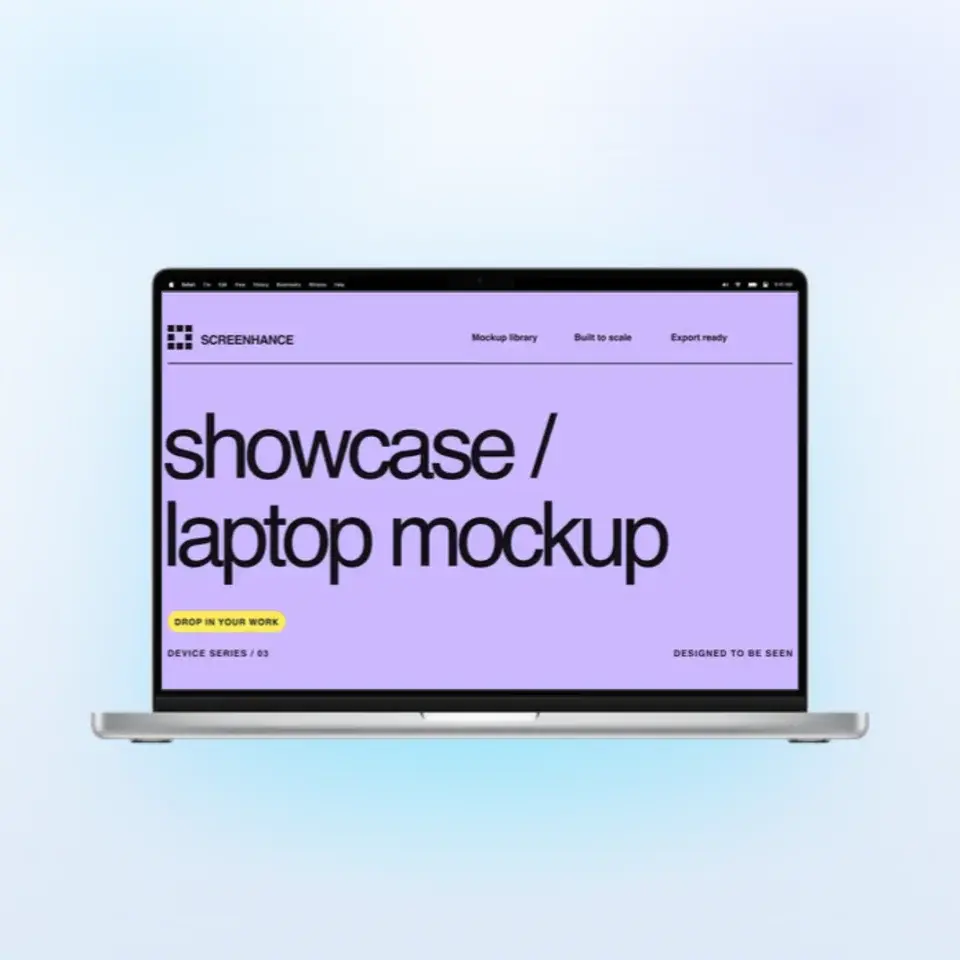
Turn a real product flow into a polished demo video
Free to start. No credit card required.
Keep reading
Related, product-tested guides from Screenhance.
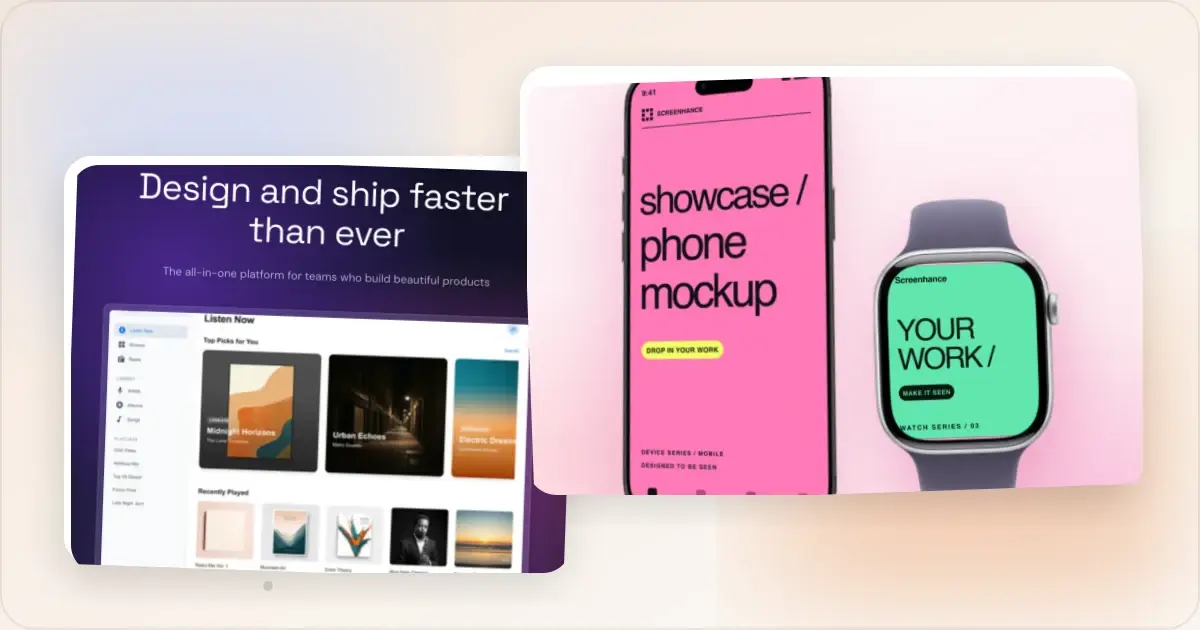
How to Make a Product Demo Video (5-Step Recipe)
A 5-step product demo video recipe: show the outcome first, frame each click, keep it focused, and export a polished 1080p MP4.
1 Jul 2026 · 4 min read
Same App, Three Motion Styles: Real Animated Mockup Exports
Compare actual Duo, MacBook and iPhone 18 animated mockup exports using the same sample app. See how scene, pacing and screen holds change the result.
17 Sept 2026 · 4 min read
GIF vs MP4 for Animated Mockups: File Size and Screen Clarity
Compare real Duo and MacBook GIF and MP4 exports: measured file sizes, actual downloads, screen-detail crops and a responsive video example.
11 Sept 2026 · 4 min read