
Best Screen Studio Alternatives in 2026 (Windows & Browser)
Compare Screen Studio alternatives for Windows, browser recording, auto zoom, hosted sharing, and complete launch visuals, with current pricing.
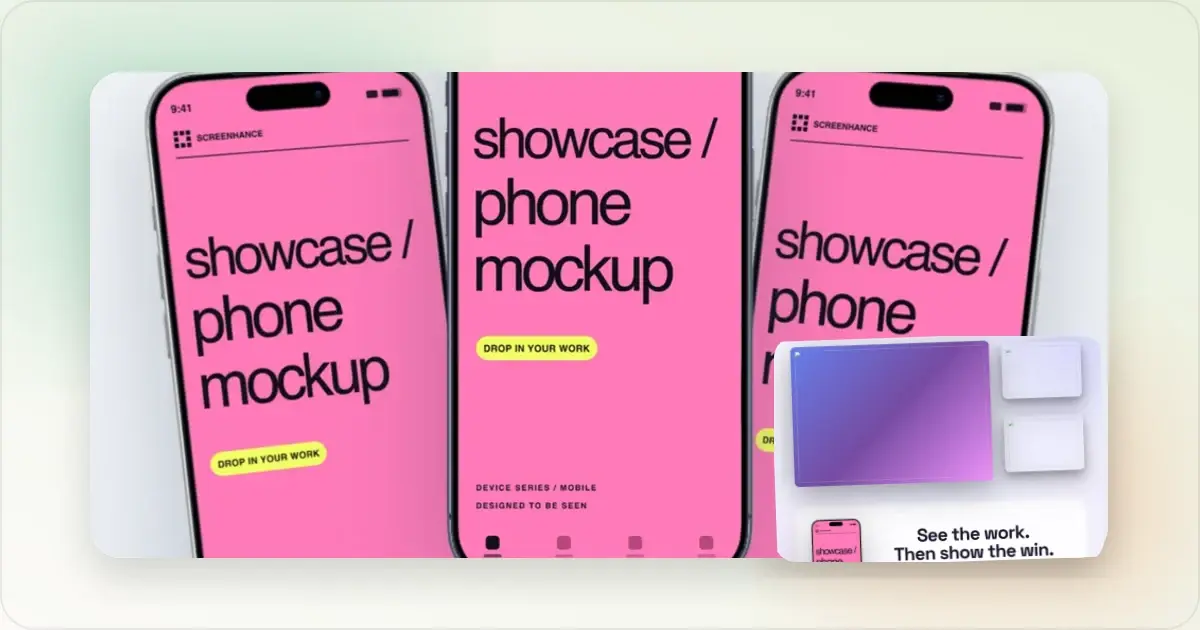
Screen Studio is one of the strongest native tools for turning a Mac screen recording into a polished video. It smooths the cursor, adds automatic zoom, supports detailed timeline editing, and now includes shareable links. But it is designed for macOS, and its current pricing is $29 month-to-month or $9 per month billed yearly, according to Screen Studio's official site. That leaves real openings for teams that work on Windows or Linux, want the editing flow in a browser, or need the video to match the rest of a product launch.
The best alternative depends on the deliverable:
| What you need | Best fit |
|---|---|
| A polished product demo plus matching launch images | Screenhance |
| Deep native editing on macOS | Screen Studio |
| Free recording, streaming, and multi-source production | OBS Studio |
| Hosted async sharing and viewer collaboration | Loom |
| A traditional Windows/macOS tutorial editor | Camtasia |
Ready to create stunning visuals?
Best Overall for Product Launches: Screenhance
Screenhance is the strongest alternative when the screen recording is one part of a larger launch. Its Chrome screen recorder captures a browser tab while preserving the real cursor path and clicks as data. When the take opens in Studio, that data powers smooth cursor motion, click highlights, and automatic zoom suggestions instead of leaving the pointer baked permanently into the pixels.
The recording then lives in the same visual system as Screenhance's mockups, App Store and Google Play screenshot sets, Product Hunt gallery images, social cards, billboards, apparel, packaging, print scenes, TVs, and other launch assets. That is the strategic difference: Screenhance does not stop at making one video look polished. It helps the video and every still image around it look like one campaign.
Screenhance runs in the browser across macOS, Windows, and Linux. It is free to record and preview with a watermark; Pro is $12 per month or $99 per year and includes clean MP4 demo export. The $6 Launch Pass covers watermark-free image exports only, so a clean video requires Pro.
For the focused feature and platform comparison, see the Screen Studio alternative for Windows and the web.
Choose Screenhance when you want:
- Chrome-tab recording with cursor and click data
- smooth cursor treatment, click highlights, and auto zoom
- a template-led browser editor instead of a desktop installation
- matching product-demo videos, mockups, store screenshots, launch galleries, and social assets
- square, portrait, and landscape versions from the same product story
Start with the screen recorder, product demo video maker, or Launch Kit.
Best Native Mac Editor: Screen Studio
Screen Studio remains an excellent choice when you are on a Mac and want a mature, native editor focused specifically on screen-recording polish. Its official product page highlights automatic cursor zoom, cursor smoothing, social reframing, and shareable links. Its changelog also shows a deep set of recording and editing controls built over several years.
That depth is why this is not a claim that Screen Studio is a weak product. It is a different product shape. Screen Studio is native, macOS-first, and centred on the recording itself. Screenhance is browser-based, cross-platform, and connects the recording to a much wider launch-asset workflow.
Best Free Production Tool: OBS Studio
OBS Studio is the right choice when you need a free, open-source recorder with advanced scene composition, multiple sources, and live streaming. It gives technical users far more capture control than a lightweight product-demo workflow.
The tradeoff is the work after recording. OBS produces the footage; it is not designed to automatically turn a product click path into a branded launch video with smooth cursor treatment, product templates, and matching static assets. Use OBS when capture flexibility is the priority. Use Screenhance when fast product presentation is the priority.
Best for Async Sharing: Loom
Loom is built around recording quickly, sharing a hosted link, collecting reactions, and communicating asynchronously. That makes it a strong fit for team updates, customer replies, and internal walkthroughs.
Screenhance is the better fit when the output is a designed marketing asset rather than a collaboration link. Its focus is the downloadable product demo: cursor treatment, zoom, captions, frames, backgrounds, and formats for a landing page, launch post, or store campaign.
Best Traditional Tutorial Editor: Camtasia
Camtasia is a long-established desktop editor for Windows and macOS. It suits course creators and documentation teams that want a conventional timeline, screen capture, annotations, and detailed post-production in one installed application.
For a founder who wants a concise product demo and the images around a launch, that breadth may be more editor than the job needs. Screenhance keeps the workflow closer to choosing a template, preserving the important interactions, applying the brand system, and exporting the finished asset.
Screenhance vs Screen Studio
| Capability | Screenhance | Screen Studio |
|---|---|---|
| Platforms | Browser on macOS, Windows, Linux | Native macOS app |
| Chrome extension | Yes, with cursor and click data | Not its primary workflow |
| Cursor smoothing and zoom | Yes | Yes |
| Hosted collaboration links | Not the core product | Yes |
| App Store and Play screenshot sets | Yes | Not the core product |
| Photorealistic product mockups | Yes, including device, print, apparel, packaging, billboard, and TV scenes | Device mockups inside video |
| Product Hunt and social stills | Yes | Video-focused |
| Screenhance pricing | Free; $12/month or $99/year Pro | — |
| Screen Studio pricing | — | $29 monthly or $9/month billed yearly, checked July 31, 2026 |
Which One Should You Choose?
Choose Screen Studio if you use a Mac, want the depth of a native screen-recording editor, and the recording itself is the whole job.
Choose Screenhance if you work across operating systems, want a Chrome recording path with preserved interaction data, or need the finished video to match mockups, store screenshots, Product Hunt images, social cards, and the rest of a launch.
For the fastest Screenhance path, add the Chrome screen recorder, record one focused product flow, and polish the take in Studio. Then reuse the same brand system for the Product Hunt launch video, App Store screenshots, and product mockups.
Related Reading
Screenhance examples
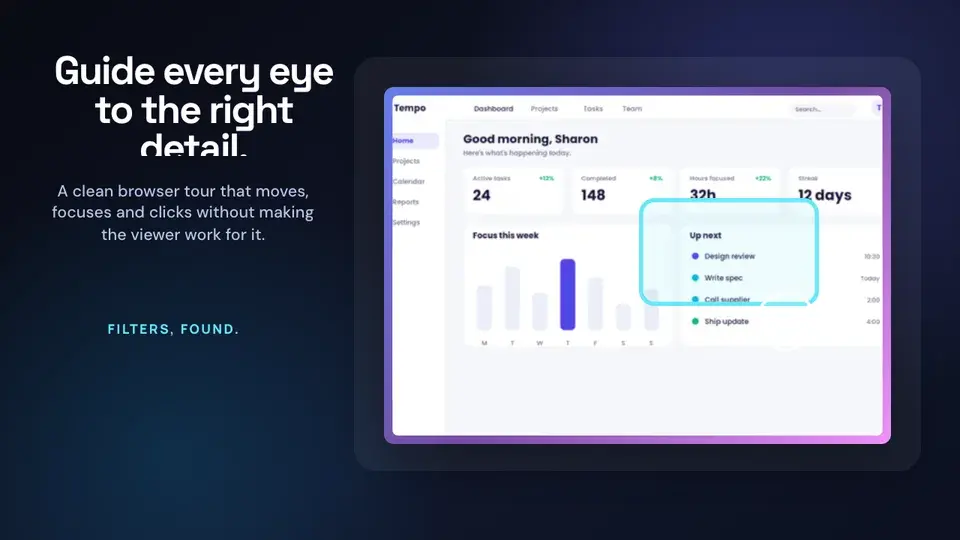
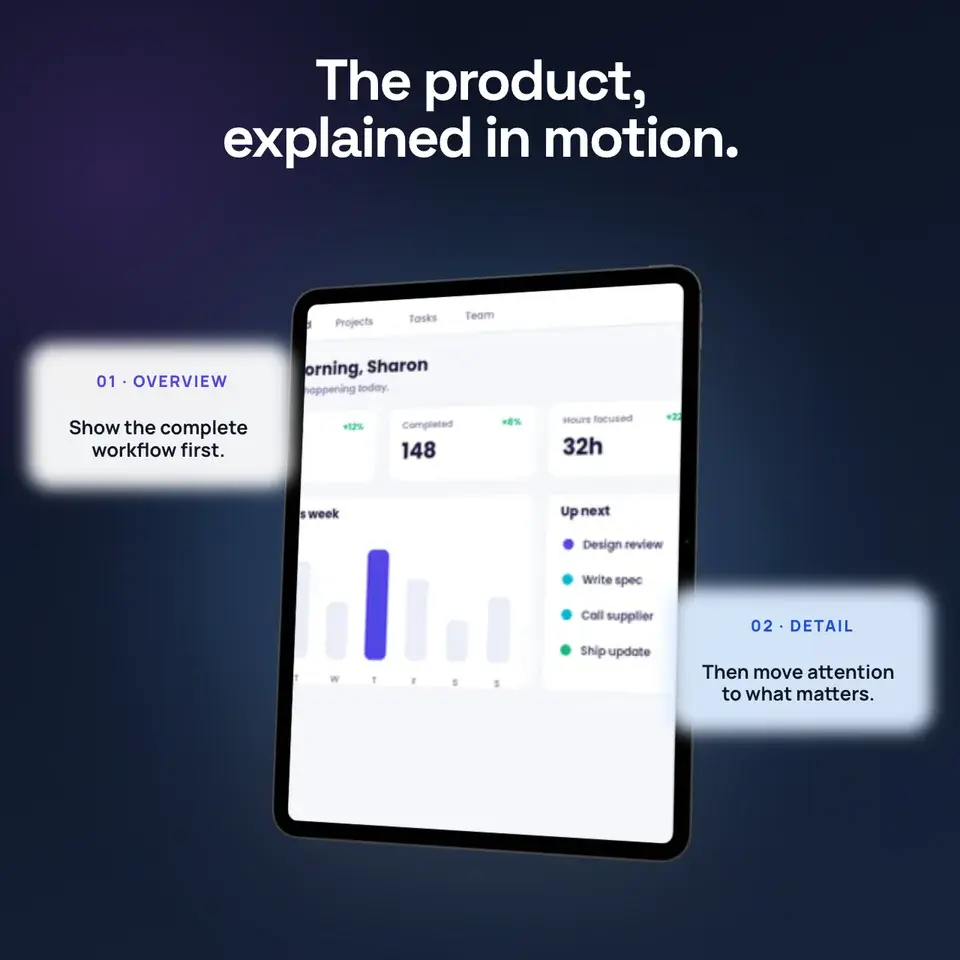
Two editable starting points from the Screenhance library, selected for this motion guide.
Ready to create stunning visuals?
Free to start. No credit card required.
Keep reading
Related, product-tested guides from Screenhance.
Screenhance Studio vs Screen Studio: Product Video Workflow Compared
Compare Screenhance Studio and Screen Studio for product demos, screen recording, launch visuals, store screenshots, and multi-format campaigns.
13 May 2026 · 4 min read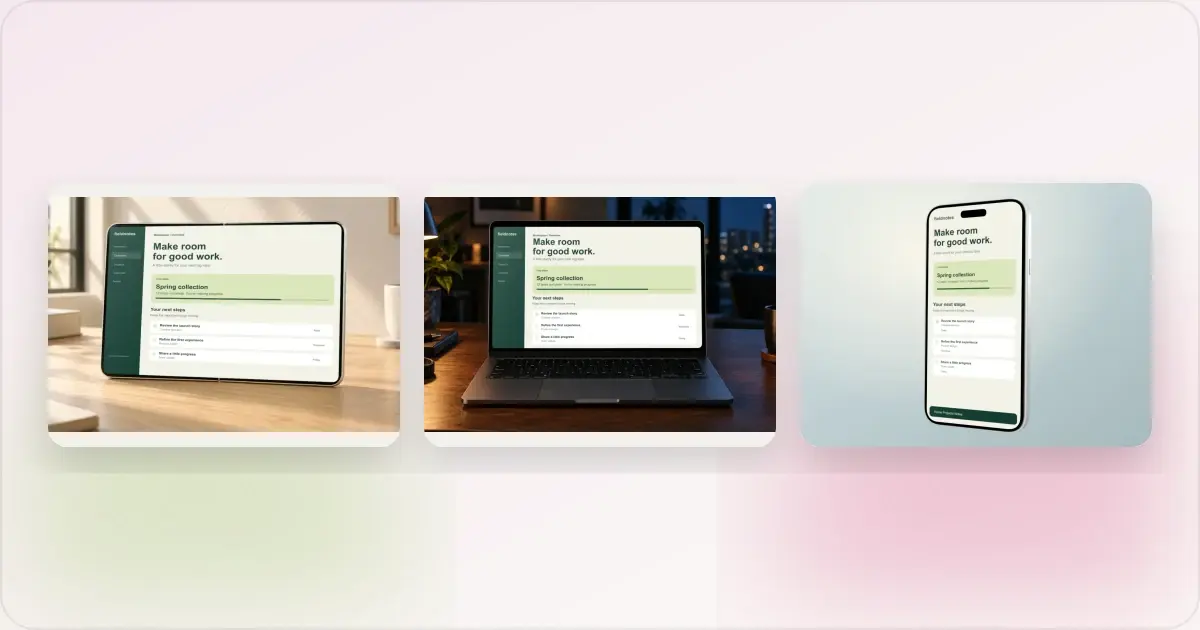
Same App, Three Motion Styles: Real Animated Mockup Exports
Compare actual Duo, MacBook and iPhone 18 animated mockup exports using the same sample app. See how scene, pacing and screen holds change the result.
17 Sept 2026 · 4 min read
GIF vs MP4 for Animated Mockups: File Size and Screen Clarity
Compare real Duo and MacBook GIF and MP4 exports: measured file sizes, actual downloads, screen-detail crops and a responsive video example.
11 Sept 2026 · 4 min read