
iPhone 15 Pro Mockup Free: Create Professional Mockups in Seconds
Need a free iPhone 15 Pro mockup? Here's how to create stunning device mockups without Photoshop or design skills.
You need an iPhone 15 Pro mockup but don't want to pay for templates or learn Photoshop.
Good news: you can create professional mockups for free in under a minute.
Free iPhone 15 Pro Mockup Options
Option 1: Online Mockup Generators (Fastest)
Tools like Screenhance's iPhone mockup generator let you create iPhone 15 Pro mockups instantly:
1. Upload your screenshot
2. Select iPhone 15 Pro as the device
3. Choose a background
4. Export
Time: Depends on the source image, styling, and review required Cost: Free (with limits) or paid for unlimited Skill required: NoneThis is the fastest option for most people.
Option 2: Figma (Free with Setup)
Figma has free iPhone 15 Pro mockup templates:
1. Create a free Figma account
2. Search the community for "iPhone 15 Pro mockup"
3. Duplicate a template to your workspace
4. Replace the screen content with your screenshot
5. Export
Time: 5-10 minutes (first time), 2-3 minutes after Cost: Free Skill required: Basic Figma knowledgeGood if you're already using Figma for design work.
Option 3: Free PSD Templates
Sites like Freepik, Mockup World, and GraphicBurger offer free PSD templates:
1. Download the PSD file
2. Open in Photoshop (requires subscription) or Photopea (free)
3. Replace the smart object with your screenshot
4. Export
Time: 5-15 minutes Cost: Free (but Photoshop costs $20+/month) Skill required: Photoshop basicsOnly worth it if you already have Photoshop.
iPhone 15 Pro Specifications
When creating mockups, these specs matter:
| Spec | Value |
|---|---|
| Screen resolution | 1179 x 2556 px |
| Aspect ratio | 19.5:9 |
| Display | 6.1" Super Retina XDR |
| Notable features | Dynamic Island, titanium frame |
Make a free device mockup
For the Pro Max version:
| Spec | Value |
|---|---|
| Screen resolution | 1290 x 2796 px |
| Display | 6.7" Super Retina XDR |
iPhone 15 Pro Color Options
The iPhone 15 Pro comes in these finishes:
- Natural Titanium - Light silver/gray, clean and neutral
- Blue Titanium - Subtle blue-gray, professional
- White Titanium - Bright, minimal look
- Black Titanium - Dark, premium feel
Creating Your Mockup Step-by-Step
Using Screenhance (Recommended)
Step 1: Prepare your screenshot- Export from your app at native resolution (1179 x 2556 for 15 Pro)
- Or use any clean screenshot—it will be resized
- Go to app.screenhance.com
- Drag and drop your image
- Choose "iPhone 15 Pro" from the device menu
- Pick your preferred color (titanium finish)
- Select a background (gradient, solid, or custom)
- Adjust padding if needed
- Add shadow for depth
- Download as PNG for best quality
- Use 2x or 3x for retina displays
Done in under a minute.
Best Practices for iPhone 15 Pro Mockups
Show the Dynamic Island
The Dynamic Island is a distinctive iPhone 15 Pro feature. If your app uses it, show it. If not, that's fine—just make sure your UI looks natural with it visible.
Match the Frame to Your App
| App Style | Best Frame Color |
|---|---|
| Dark mode app | Black Titanium |
| Light/minimal app | White or Natural Titanium |
| Professional/business | Natural Titanium |
| Creative/bold | Blue Titanium |
Use Appropriate Backgrounds
- Gradients work for most use cases
- Solid colors for minimalist brands
- Brand colors for marketing materials
- Transparent if placing on existing designs
Maintain Consistency
If creating multiple mockups:
- Use the same iPhone color throughout
- Use the same background style
- Keep padding consistent
- Export at the same resolution
Where to Use iPhone 15 Pro Mockups
App Store
Required for iOS app submissions. Use mockups to make screenshots more appealing than raw captures.
Landing Pages
Device mockups add hardware context to a hero image; test them against plain screenshots with your own audience.
Social Media
Polished mockups can make social posts easier to understand, but engagement depends on the audience, message, and channel.
Product Hunt
Essential for launch galleries. Device frames look more professional.
Pitch Decks
Investors expect polished visuals. A pitch deck mockup generator helps you create investor-ready slides quickly. Mockups signal product maturity.
Why iPhone 15 Pro Is Still a Current-Feeling Frame in 2026
The iPhone 15 Pro shipped in late 2023. Three Apple cycles later, it still works as a "current" marketing frame for most apps. This is unusual. Apple's design language used to age faster — an iPhone X frame in 2020 already looked tired, and an iPhone 11 frame in 2022 felt budget. The 15 Pro escapes this because Apple did not radically redesign the chassis afterward.
The titanium edges, the Dynamic Island, the Action Button, the flat side rails — all of that visual vocabulary carried straight into the iPhone 16 Pro and iPhone 17 Pro. From a marketing standpoint, the 15 Pro frame reads as "modern flagship" rather than "specifically last year's flagship." Casual viewers cannot pick it out of a Pro lineup without studying the camera bump.
That matters because most marketing audiences are not Apple obsessives. They glance at a hero image and register "current iPhone" or "old iPhone." The 15 Pro lands cleanly in the first bucket. For indie developers and small teams, this means a 15 Pro mockup asset you made in 2024 probably still does its job in 2026 without anyone noticing.
The exceptions are device-aware apps — anything that markets Camera Control button integrations, iPhone 16+ AI features, or iPhone 17-specific capabilities. There you obviously need the matching frame. For everything else, do not feel pressured to redo your mockup library every September.
Comparing iPhone 15 Pro to iPhone 16 Pro and iPhone 17 Pro for Marketing Visuals
Side by side, the differences between the three Pro generations are subtle. Here is what actually changes for mockup purposes.
iPhone 15 Pro has the cleanest right-side button layout: power, Action Button, that is it. The minimal silhouette photographs well. The camera bump is the most rectilinear of the three, which makes it easier to integrate into perspective compositions. iPhone 16 Pro added the Camera Control button on the right side. That button is visible in any mockup that shows the device edge. If your app does not interact with Camera Control, the button is just visual noise — and a small percentage of viewers will subconsciously expect your app to use it. For non-camera apps, this is a mild reason to stick with a 15 Pro frame. iPhone 17 Pro kept the Camera Control but refined the camera plateau into a wider, more horizontal shape. The frame reads as "newest" but also takes up more visual weight in compositions. For dense layouts (pitch decks with multiple slides, App Store hero images), the 17 Pro frame can feel heavier than the cleaner 15 Pro silhouette.The practical recommendation: if you have a working 15 Pro asset and your app is not pitching camera features, keep it. If you are starting fresh, the iPhone mockup generator lets you preview the same screenshot in all three frames and pick the one that fits your composition.
Related Reading
- How to Create an iPhone Mockup: Step-by-Step Tutorial - Detailed mockup guide
- App Store Screenshot Dimensions 2026 - Required sizes
- Best Free Mockup Tools in 2026 - Tool comparison
- How to Present App Screenshots: A Complete Guide - Presentation tips
Frequently Asked Questions
Where can I get a free iPhone 15 Pro mockup?
You can create free iPhone 15 Pro mockups using online generators like Screenhance, Figma's free community templates, or free PSD files from sites like Freepik. Online generators are fastest—upload your screenshot and export in seconds.
What resolution should an iPhone 15 Pro mockup be?
The iPhone 15 Pro screen resolution is 1179 x 2556 pixels. For mockups, export at 2x (2358 x 5112) or higher for crisp display on retina screens. For App Store submissions, use Apple's exact required dimensions.
Do I need Photoshop to create iPhone mockups?
No, you don't need Photoshop. Online mockup generators create professional results in seconds without any design skills. Figma is another free alternative. Photoshop is only necessary for highly customized mockups.
What's the difference between iPhone 15 and iPhone 15 Pro mockups?
iPhone 15 Pro has a titanium frame with sharper edges and the Dynamic Island. The standard iPhone 15 has an aluminum frame with slightly rounder edges. Pro mockups look more premium and are preferred for professional apps.
Can I use free mockups for commercial projects?
It depends on the license. Most online mockup generators allow commercial use. For downloaded templates, check the license—some require attribution or prohibit commercial use. When in doubt, use a paid tool or template with a clear commercial license.
Which titanium finish should I pick for my mockup?
Default to Natural Titanium or Black Titanium. They behave like neutral typography — they recede and let the screen do the work. Blue Titanium pulls focus and clashes with about half of typical app colour palettes. White Titanium is the safest pick if your app UI is dark, because it gives strong frame-to-screen contrast. If your brand is built around a specific colour and you want subtle harmony, match the titanium tone to that brand colour rather than fighting it.
Should I use Pro or non-Pro iPhone frames for marketing?
Pro frames signal "this is a serious product made by people with taste." Non-Pro frames signal "this is for everyone." Productivity tools, fintech, B2B, and developer products almost always benefit from Pro framing. Mass-market consumer apps — utilities, casual social, kids' apps — often do better with the standard iPhone, especially in regions where the Pro line is less common.
When should I upgrade existing iPhone 15 Pro mockup assets?
Upgrade when your app starts using a feature that only exists on a later device (Camera Control integration, Apple Intelligence flows, iPhone 17 specific hardware), when you do a brand refresh and want a visual reset, or when an App Store review cycle forces you to redo screenshots anyway. Do not upgrade just because a new iPhone shipped. The frame is not the bottleneck for downloads.
How do I keep frame consistency across an App Store screenshot set?
Use the same iPhone model, the same titanium colour, the same shadow direction, and the same background treatment across all six to ten screenshots in the set. Switching frames mid-set — even between two colours of the same device — creates a subtle visual jump that reviewers notice. The iPhone mockup generator lets you save a template and reuse it across the whole batch.
iPhone 15 Pro Max vs Pro for landscape captures: which is better?
Pro Max. The wider screen gives landscape content more horizontal room before it has to crop, which matters for dashboards, games, and any UI designed for tablet-like layouts. The Pro Max also looks more dramatic in landscape compositions because the device width fills more of the frame. Use the regular Pro only if your app is genuinely designed around the smaller screen and you want the mockup to reflect that.
Conclusion
You don't need to pay for templates or learn Photoshop to create professional iPhone 15 Pro mockups.
Use an online mockup generator for speed, Figma for more control, or free PSDs if you have Photoshop. The fastest path: upload your screenshot to a mockup tool and export in under a minute.
Professional mockups are now accessible to everyone. No excuses for posting raw screenshots.
Screenhance examples
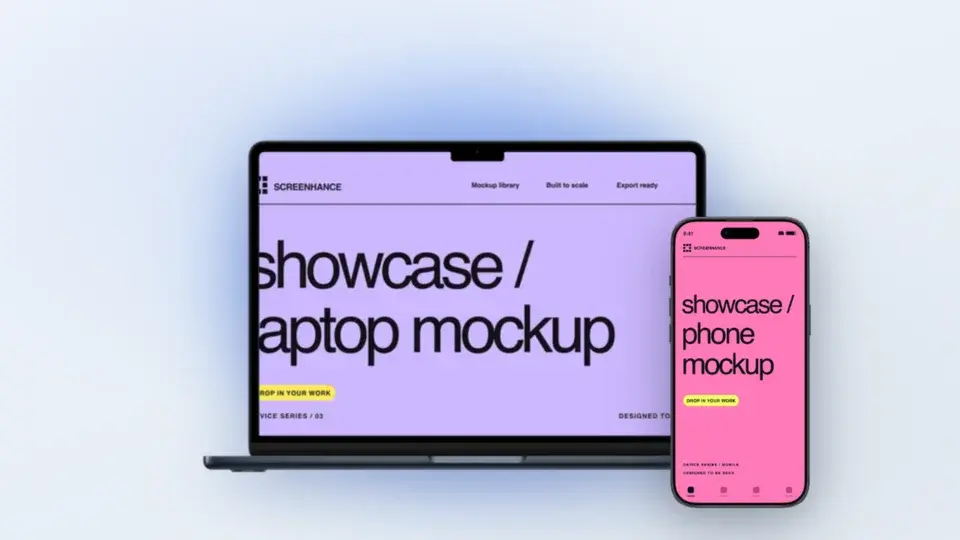
Two editable starting points from the Screenhance library, selected for this mockups guide.
Make a free device mockup
Free to start. No credit card required.
Keep reading
Related, product-tested guides from Screenhance.
How to Create Effective iPhone Mockups
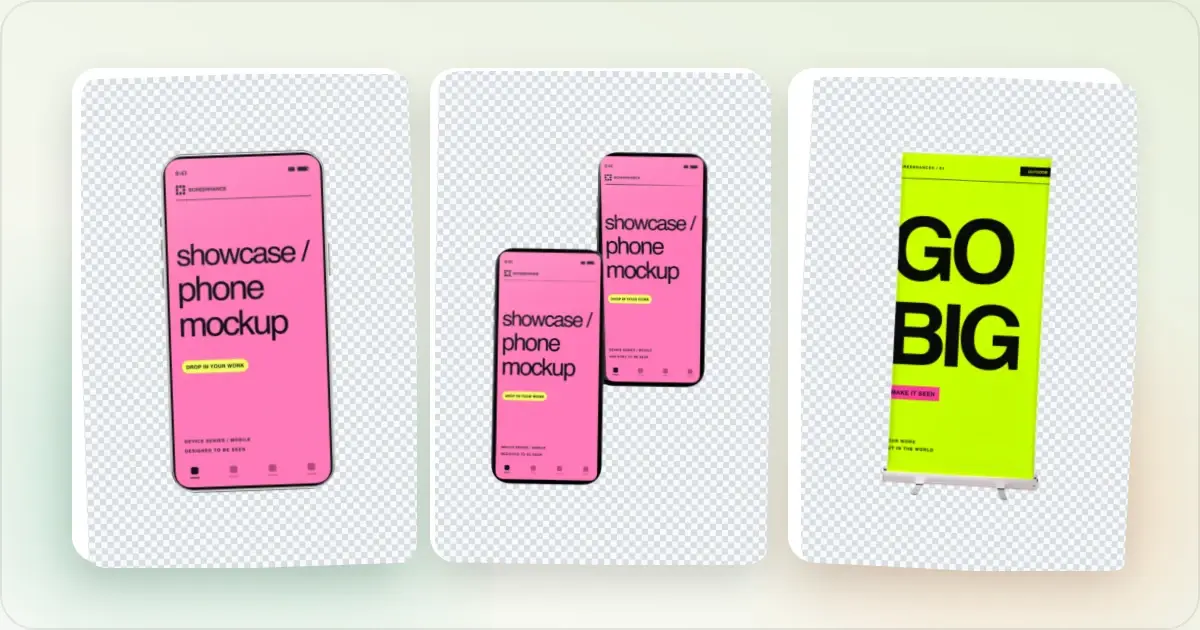
Make an iPhone mockup from your screenshot: try editable transparent and laptop-and-phone examples, replace the demo screens, check the crop, and export.
7 Feb 2026 · 10 min read
12 Places to Get Free iPhone Mockup PNGs (Transparent Device Frames, 2026)
12 sources for free transparent iPhone mockup PNGs in 2026. Apple's official frames, Figma plugins, download bundles, and when to switch to a generator.
13 May 2026 · 7 min read
iPhone 16 Mockup Free: Create Stunning Mockups in Seconds
Need a free iPhone 16 mockup? Create professional device mockups with the latest iPhone 16 and iPhone 16 Pro frames. No Photoshop or design skills required.
21 Apr 2026 · 11 min read