
Best Free Mockup Tools in 2026: A Practical Comparison
We tested 8 free mockup generators in 2026 and ranked them by speed, quality, and device frame variety. See which ones are actually worth using.
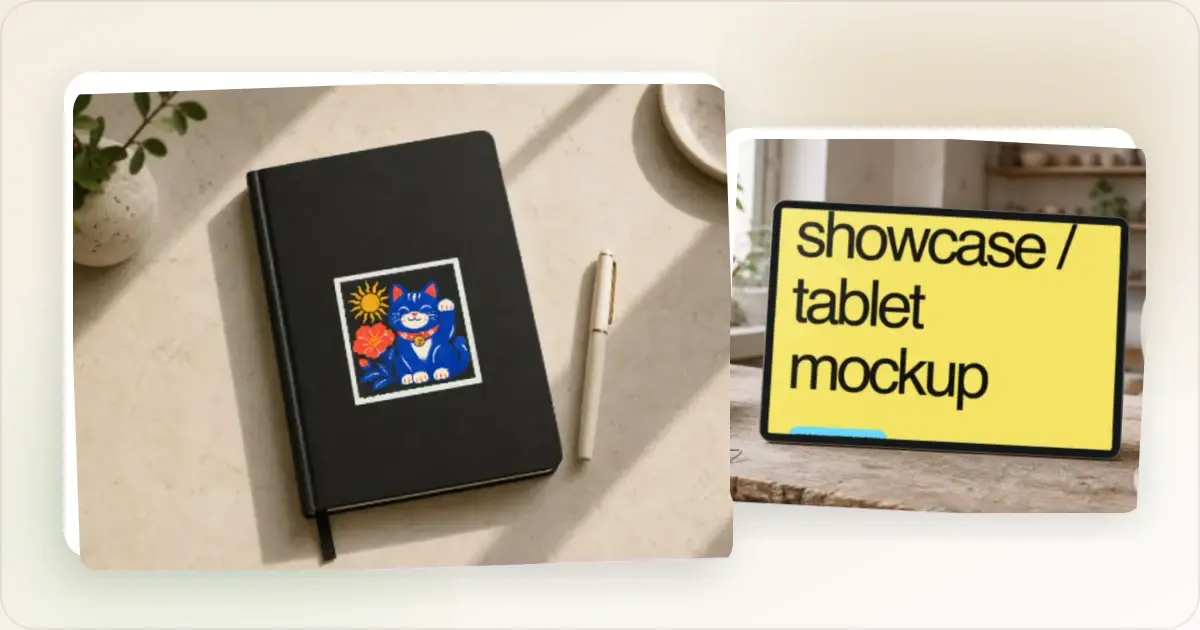
Not everyone has budget for premium design tools. The good news? You can use a mockup generator to create professional mockups for free.
Here's what's actually worth using in 2026.
What to Look for in Free Tools
Before diving in, know what matters:
- No watermarks - Some "free" tools add branding to exports
- Decent resolution - Low-res mockups look amateur
- Current devices - iPhone 15, not iPhone X
- Easy to use - You shouldn't need tutorials
The Options
Screenhance (Free Tier)
Best for: Editable mockups, complete launch visuals, store sets, motion, and product video- editable visual templates, device and stylized frames, and photorealistic scenes across device, print, apparel, and outdoor formats
- Full layers, text, assets, annotations, backgrounds, and editable motion styles
- Built-in App Store translation across 16 locales
- PNG, WebP, and JPEG exports up to 3x plus animated GIF/WebM
- coordinated store-set templates for iOS, Google Play, and the Chrome Web Store
- Launch Kit and Studio product-video workflows in the same product
- Small watermark on the free tier; the $6 Launch Pass or Pro removes it
Most tools on this list export a single static image and stop. Screenhance keeps the composition editable, can translate store captions across 16 locales, exports animated GIF/WebM assets, and continues into Launch Kit and Studio video. Upgrade when you need more exports or watermark-free files.
Figma (Free)
Best for: Designers who need full control- Unlimited creative possibilities
- Requires finding/making templates
- Steeper learning curve
- Time-consuming for quick mockups
Great if you're already in Figma. Overkill if you just need a quick mockup.
Canva (Free Tier)
Best for: Non-designers who need various graphics- Drag-and-drop interface
- Some device mockup templates
- Limited device frame options
- Can feel cluttered
Good for general graphics, but mockups aren't its strength.
Smartmockups (Free Tier)
Best for: Physical product mockups- T-shirts, mugs, packaging
- Limited tech device options
- Watermarks on some exports
- Slow interface
Better for merch than app screenshots.
MockuPhone (Free)
Best for: Basic device mockups- Simple interface
- Limited backgrounds
- Outdated device frames
- Basic export options
Works in a pinch but feels dated.
The Honest Truth
Free tools have limitations. You'll hit one of these walls:
- Watermarks on exports
- Low resolution
- Outdated devices
- Limited customization
- Slow/clunky interface
For occasional use, free tools work fine. For regular content creation, the limitations add up.
My Recommendation
Start with a free tool and see if it meets your needs.
For most product teams, the Screenhance free tier covers far more than a basic device frame:
- Upload screenshot
- Start from a template, frame, or scene
- Refine text, assets, annotations, layers, backgrounds, and motion
- Export for a launch, store listing, website, social post, or product video
That's it. No learning curve, no hassle. The free tier adds a small watermark; a one-time $6 Launch Pass removes it for 10 image exports when you're ready to ship.
When to Upgrade
Consider paid tools when you need:
- Bulk exports
- Custom branding
- More export capacity
- Advanced customization
- Priority support
For specific use cases, you might also want a dedicated startup screenshot tool or feature screenshot generator. Check our pricing page to see what upgrade options are available. Until then, free tools get the job done.
Frequently Asked Questions
What is the best free mockup generator?
The best free mockup generator depends on your needs. For quick device mockups, Screenhance's free tier is excellent (exports carry a small watermark; a $6 Launch Pass or Pro removes it). For full creative control, Figma's free plan works if you're willing to invest time learning it.
Are there any free mockup tools without watermarks?
Yes, some free mockup tools don't add watermarks: Figma and some features of Canva export clean. Screenhance's free tier adds a small watermark, removed by the one-time $6 Launch Pass or Pro. Always test exports before committing to a tool for important projects.
Can I create iPhone mockups for free?
Yes, you can create iPhone mockups for free using tools like Screenhance, Figma, or MockuPhone. Look for tools with current device frames (iPhone 15, 14) rather than outdated models that make your product look dated.
Is Canva good for mockups?
Canva is decent for basic mockups but isn't specialized for device mockups. It's better for general graphics. For professional device mockups, dedicated tools like Screenhance or Figma produce better results faster.
Do I need Photoshop for mockups?
No, you don't need Photoshop for a straightforward mockup. A dedicated generator can handle framing and export with fewer manual steps; Photoshop remains useful when the composition needs detailed pixel-level control.
How do I tell if a "free" mockup tool will end up costing me?
Read the export and watermark rules before signing up. The three places where free tools quietly become paid are: (1) watermark on every export, removable only on paid plans; (2) low-resolution exports (1x only) when modern displays need at least 2x; (3) limited device frames, with the latest iPhone or MacBook locked behind a subscription. A tool that gates any of these isn't really free for production use — it's a long demo of the paid tier.
Can I use free mockup tools for client work?
Check the licence. Most reputable free tools allow commercial use, but a few carve out client work as a paid tier. Screenhance's free plan is commercial-safe (watermark is the only restriction), Shots.so's free tier is fully commercial-safe, and most other widely-used generators allow client work. Always confirm before billing a client for outputs from a free tool.
The Hidden Costs of Free Tools
"Free" is the marketing label, but every free mockup tool charges you in one of three currencies. Knowing which currency a tool is asking for tells you whether it actually fits your workflow.
Currency 1. Time. Manual frame alignment, a weak template library, or slow exports can make a free workflow costly in practice. Time one representative asset using your real inputs before choosing. Currency 2 — Watermark + reputation. Free tools with a corner watermark are charging you in brand perception. Every export shipped to a customer carries a small ad for the tool. For internal use this is fine; for landing pages, App Store listings, and Product Hunt launches, the watermark undermines the polish you're trying to create. Currency 3 — Output quality. Free tools that cap exports at 1× resolution, restrict format choice to PNG only, or block animated exports are charging you in capability. The mockup is fine until the moment you need 3× Retina for App Store submission or WebM for a hero animation — then you're either upgrading or starting over in another tool.The Screenhance free tier is deliberately charged in (2) — a small corner watermark — and not in (1) time or (3) quality. The reasoning: time is the scarcest resource for indie founders, and a paywalled 3× export defeats the purpose of evaluating a tool before paying.
When to Stop Using Free Tools
There's a clear inflection point where free mockup tools cost more than they save:
- You're publishing mockups more than once a week
- Watermarks are visible on customer-facing pages
- You need 2x+ Retina for shipping to the App Store
- You're shipping animated mockups (WebM, GIF) for landing-page heroes
- You're a team that needs consistent brand application across exports
Most indie founders hit this point inside their first three months. The right move at that stage isn't to upgrade to a $30/month enterprise plan. It's a $6 Launch Pass for the launch week and a decision after launch about whether monthly Pro is justified. Stage your tooling spend to your usage, not to your aspiration.
Free Mockup Tool Stack for Common Use Cases
The right free tool depends entirely on what you're shipping. Tool comparisons that don't condition on use case are worse than useless — they push everyone toward whichever tool the reviewer likes most.
Solo founder shipping App Store screenshots. Use a free mockup generator with App Store presets (Screenhance free tier or a similar tool with iOS device presets). Watermark is acceptable for the first round of submissions to test layouts; switch to a $6 Launch Pass (10 watermark-free image exports) before shipping the final set. Avoid Figma here, too slow at the volume the App Store requires. Indie hacker posting daily build-in-public updates. A combination of Shots.so (one-screenshot polish, very fast) and a free mockup generator for occasional multi-device compositions. Free tiers cover daily volume cleanly. Don't over-invest in tooling for build-in-public posts; the audience values the substance more than the polish. SaaS founder building a landing page. Free mockup generator for the hero image, OG card, and 3-5 feature shots. If the team needs collaborative editing, add Figma's free tier. Photoshop is overkill at this stage; the marginal quality lift doesn't justify the complexity. Agency or freelancer doing client work. Free tier limits become a problem fast — clients aren't paying for visuals with someone else's watermark. Default to paid plans starting on day one of any client engagement and bill the cost through. Open-source maintainer. Free tools are fine for everything. README screenshots, project page hero images, blog post headers — none of it justifies paid tooling. Pick one browser mockup generator and stick with it for consistency.How to Audit a "Free" Mockup Tool Before Committing
Before you build a workflow around any free tool, run this five-point audit using one representative production asset.
Test the worst export. Render the largest, most complex mockup the tool allows on its free tier. Look for compression artefacts, blurry edges, and colour shifts. If the free output is dramatically worse than the paid samples on the homepage, the free tier is a bait-and-switch. Check the watermark. Where does it sit? How removable is it (legally)? Is it embedded in the image or applied as an overlay? Tools with bottom-corner watermarks are usable for internal work; tools with diagonal across-the-image watermarks are not. Test the device frame library. Look for the most current model (iPhone 17 Pro, MacBook M4, Pixel 10). If the latest device is missing from the free tier, mockups built on the tool will date quickly. Tools that lock new frames behind paid plans for months are charging in capability, not in subscription. Time a complete workflow. Measure the steps from screenshot upload to an approved exported file, including corrections. Decide what is acceptable from your actual volume and review process. Read the licence. Specifically, the commercial use clause and the redistribution clause. Some free tools allow internal use but not customer-facing assets; others allow customer-facing but not white-label or reseller usage. Read it once and document the rules in your team wiki.Related Reading
- How to Make a Mockup: Complete Beginner's Guide - Step-by-step mockup tutorial
- What Is a Mockup? Types, Uses, and Examples - Mockup fundamentals
- Figma vs Photoshop vs Mockup Generators - Detailed tool comparison
- Best Screenshot Tools for Developers in 2026 - Developer-focused tools
- How to Create App Store Screenshots That Convert - Put your mockup tool to use
Conclusion
You don't need to spend money on mockup tools. The free options are good enough for most use cases.
The key is finding one that doesn't compromise on quality. High resolution, current devices, and a clear, cheap path to watermark-free exports when you ship. Everything else is nice-to-have.
Start free, upgrade when you outgrow it.
Screenhance examples
Two editable starting points from the Screenhance library, selected for this mockups guide.
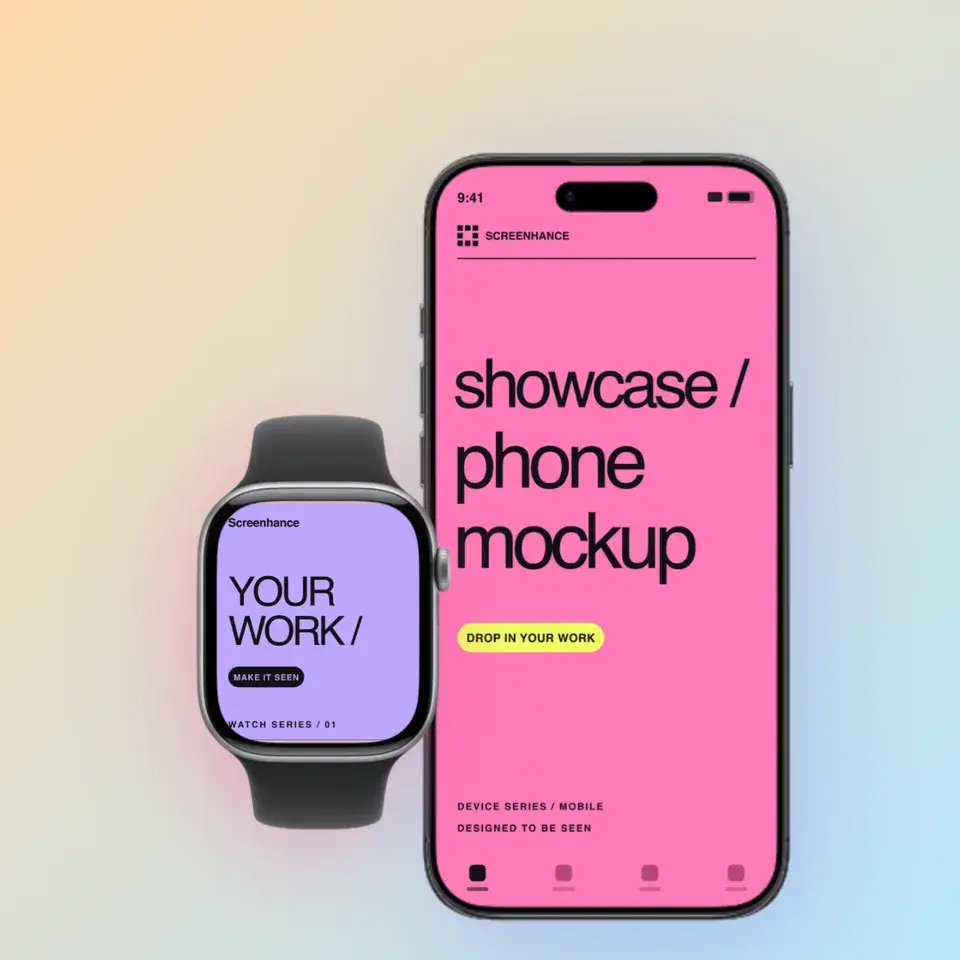
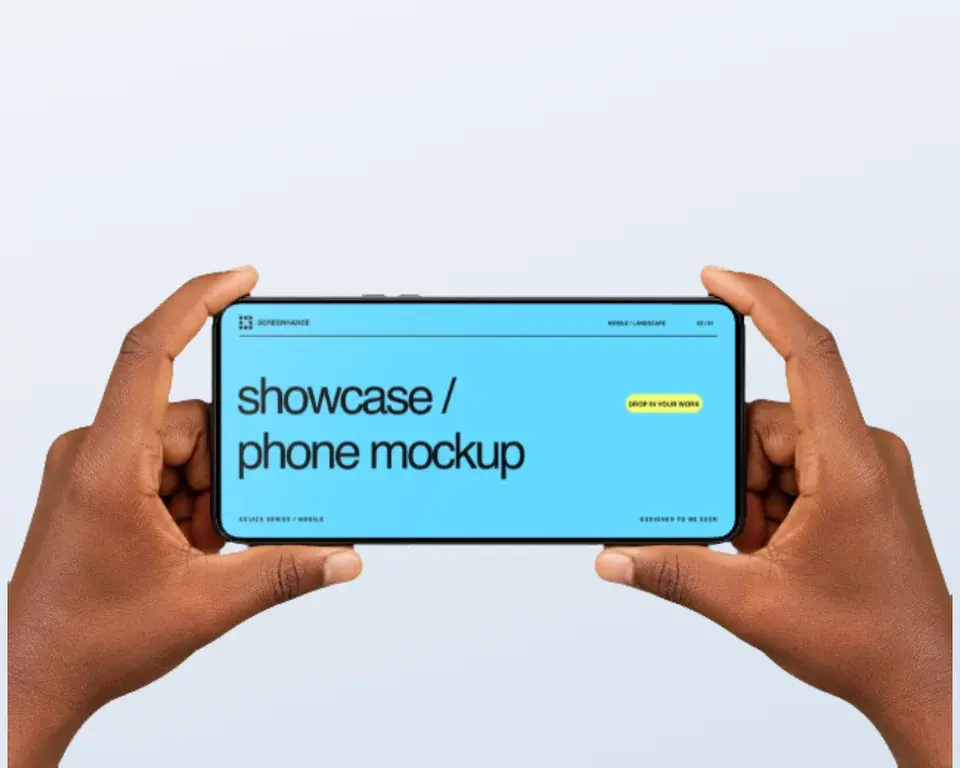
Make a device or physical-product mockup in minutes
Free to start. No credit card required.
Keep reading
Related, product-tested guides from Screenhance.
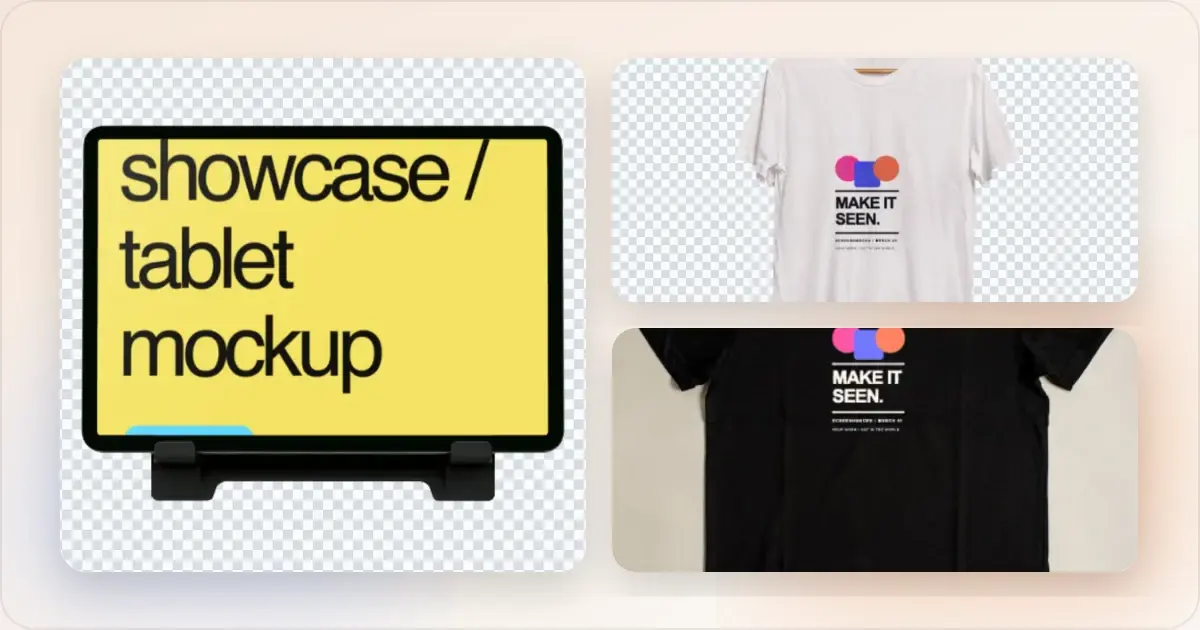
What Is a Mockup? Types, Uses, and Examples
Everything you need to know about mockups. Learn what they are, why they matter, and how to use them for your product or business.
21 Apr 2026 · 11 min read
Mockup Design Trends for 2026: What's In and What's Out
A practical review of current mockup styles in 2026, when each treatment helps the product, and which choices are worth testing with your audience.
24 Feb 2026 · 8 min read
12 Places to Get Free iPhone Mockup PNGs (Transparent Device Frames, 2026)
12 sources for free transparent iPhone mockup PNGs in 2026. Apple's official frames, Figma plugins, download bundles, and when to switch to a generator.
13 May 2026 · 7 min read