
Screenhance Studio vs Screen Studio: Product Video Workflow Compared
Compare Screenhance Studio and Screen Studio for product demos, screen recording, launch visuals, store screenshots, and multi-format campaigns.
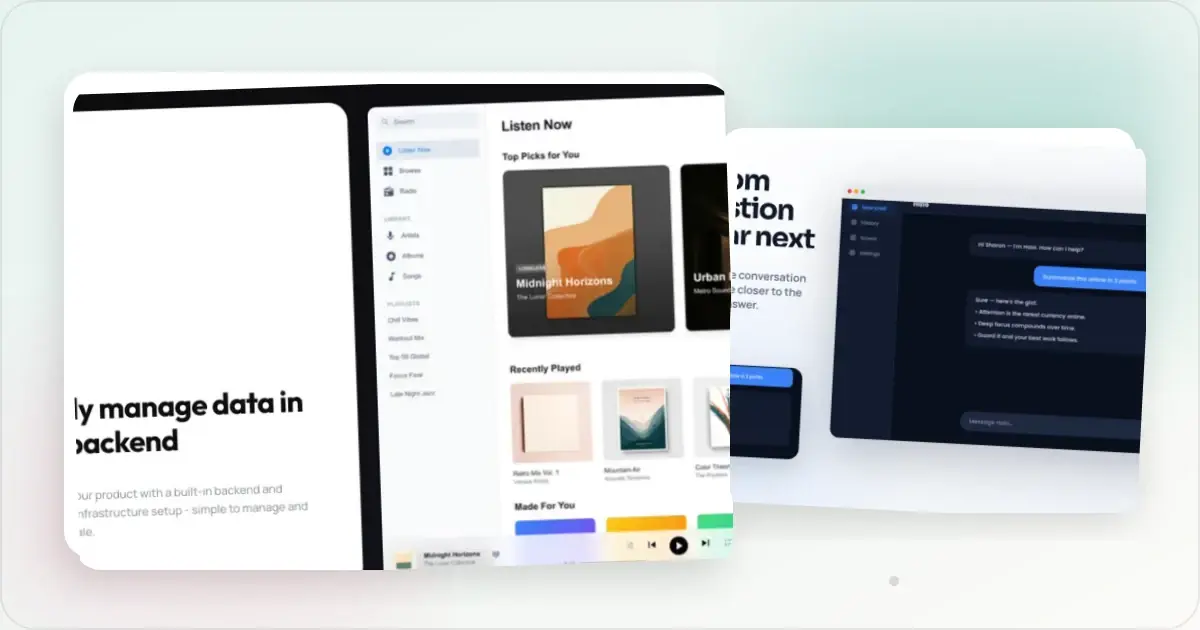
Screen Studio and Screenhance Studio both turn screen activity into polished product video. Screen Studio is a dedicated native Mac recording application. Screenhance Studio is part of a browser-based product-visual system that also produces the stills, store listings, mockups, and launch assets surrounding the video.
The choice is therefore not “video or stills.” Screenhance now does both. The decision is between a specialized Mac recording workflow and a connected cross-format launch workflow.
Quick comparison
| Capability | Screenhance | Screen Studio |
|---|---|---|
| Screen recording | Yes, through Studio | Yes |
| Product-video export | MP4 and WebM | Video and GIF formats |
| Device/browser framing | Yes | Yes |
| Cursor treatment and guided zooms | Yes | Yes |
| Captions and audio | Yes | Yes |
| Browser-based | Yes | No, native macOS app |
| Editable product stills | Full visual editor | Video-centered workflow |
| Store screenshot sets | template catalogue | No dedicated store-set builder |
| Built-in store translation | 16 locales | No dedicated localization workflow |
| Mockup library | device and stylized frames + photorealistic scenes | Recording presentation frames |
| Coordinated launch generation | Launch Kit | No comparable launch-system workflow |
Ready to create stunning visuals?
Where Screenhance is the stronger fit
The video is one part of a launch
Screenhance Studio records and edits product walkthroughs with frames, backgrounds, cursor treatment, guided zooms, captions, audio, and MP4/WebM export. Once the video is complete, the same product can continue into:
- editable visual templates
- device and stylized frames
- photorealistic scenes across device, print, apparel, and outdoor formats
- coordinated store-set templates for iOS, Google Play, and the Chrome Web Store
- Built-in store translation across 16 locales
- editable visual motion styles with GIF/WebM output
- Launch Kit for coordinated assets from a brief, screenshots, logo, and palette
This is the key Screenhance advantage: fewer handoffs between the product demo and the still assets that introduce, explain, and distribute it.
Cross-platform access
Screenhance runs in the browser, so the workflow is not limited to a native Mac application. That is useful for founders and marketing teams working across operating systems.
Store and campaign production
Screenhance manages complete screenshot series and related launch formats, not just a video frame. Store projects use explicit presets, organized ZIP output, and an optional fastlane-ready iOS structure. The visual editor also handles Product Hunt galleries, website heroes, social assets, annotations, and multi-page exports.
Where Screen Studio is a better fit
Screen Studio is a strong choice for Mac users who want a specialized desktop recorder and whose workflow ends with the polished recording. Its native capture experience and narrow focus make it a natural tool for teams already happy to build the rest of the campaign elsewhere.
It can also be the preferred option when a team's established recording process, presets, and editing habits already live in Screen Studio. Screenhance's advantage grows as the number of surrounding deliverables grows.
Choose by workflow
Choose Screenhance when:
- The release needs video plus store screenshots, launch galleries, website visuals, and social assets
- You want the demo and stills to share frames, backgrounds, fonts, and visual direction
- Cross-platform browser access matters
- Localization, product annotations, physical scenes, or organized set delivery are part of the job
- You want one system for screen recording, visual motion, and static campaigns
Choose Screen Studio when:
- You want a dedicated native Mac recording application
- Polished screen-recording video is the only major deliverable
- Your team already has a stable Screen Studio-to-publishing pipeline
A practical launch workflow in Screenhance
1. Record the core product walkthrough in Studio.
2. Add the frame, background, cursor treatment, guided zooms, captions, and audio.
3. Export the finished demo as MP4 or WebM.
4. Build the store listing from coordinated set templates and translate captions across the supported locales when needed.
5. Reuse the same product story in Product Hunt, website, social, and OG templates.
6. Add short visual motion in the main editor where GIF/WebM loops suit the placement better than a full demo.
Frequently asked questions
Can Screenhance replace Screen Studio?
For many product-launch workflows, yes. Screenhance Studio records and edits product video, while the rest of Screenhance handles the supporting mockups, store sets, localization, launch visuals, and animated assets. Screen Studio may remain the better fit for teams specifically attached to a native Mac recording workflow.
Is Screenhance only for short animated mockups?
No. The main visual editor handles template-driven GIF/WebM motion. Studio separately creates polished MP4/WebM videos from screen recordings.
Can Screen Studio replace Screenhance?
It can cover the recording when video is the only deliverable. It does not provide Screenhance's complete visual editor, photorealistic scene library, coordinated store-set templates, 16-locale translation workflow, Launch Kit, or coordinated multi-format export path.
Do I need both tools?
Only if you prefer Screen Studio's dedicated Mac capture experience while using Screenhance for the rest of the launch. Screenhance itself can now cover the common recorded-video, animated-visual, static, mockup, and store-listing outputs.
Related reading
Screenhance examples
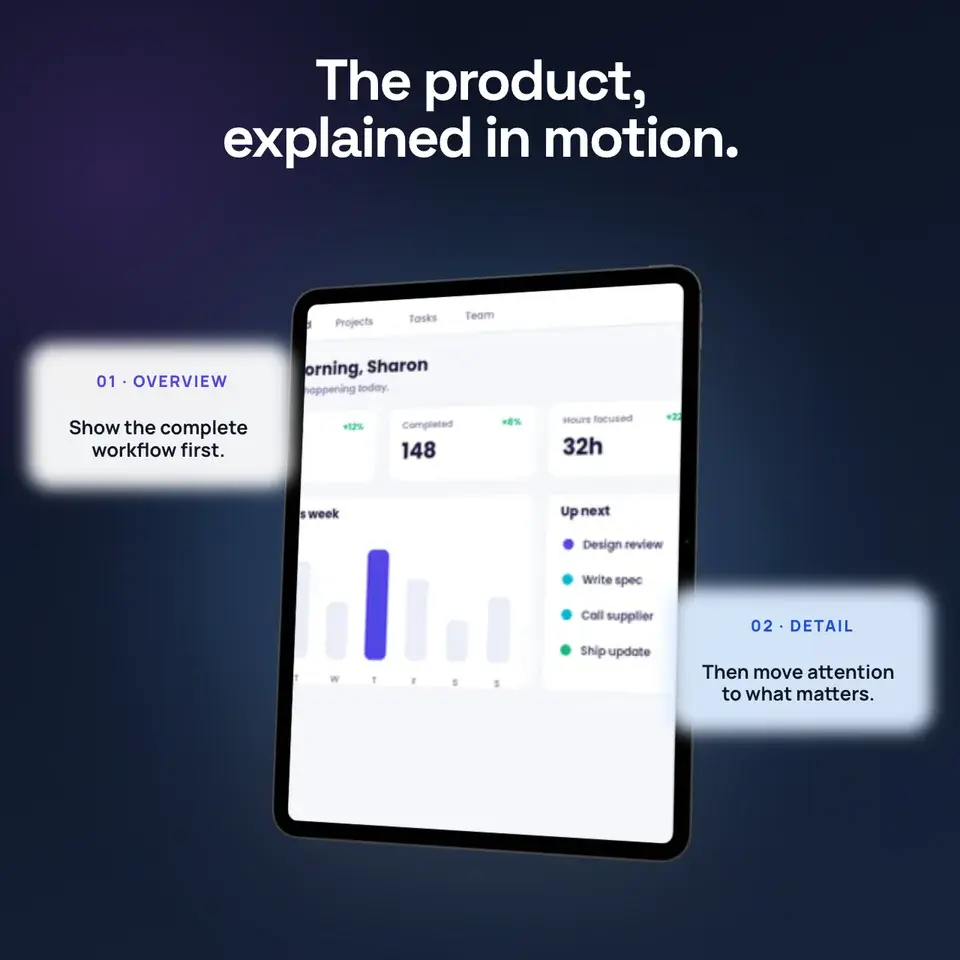
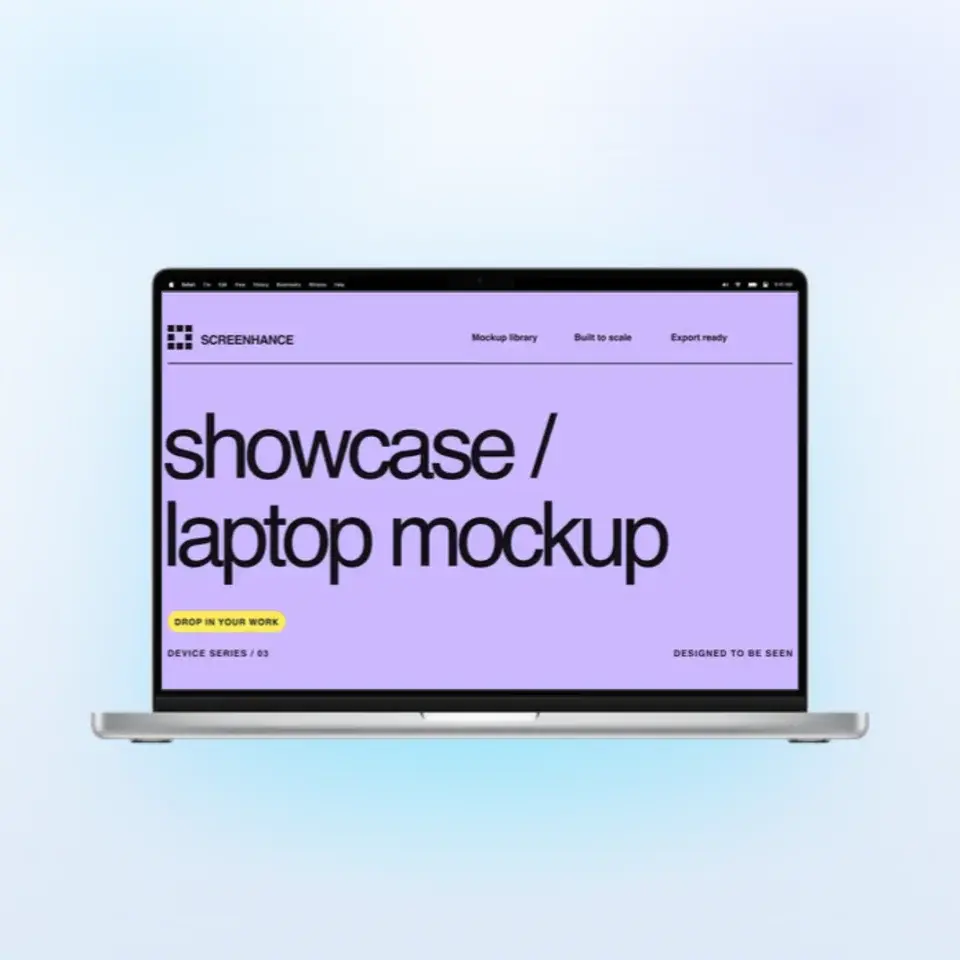
Two editable starting points from the Screenhance library, selected for this motion guide.
Ready to create stunning visuals?
Free to start. No credit card required.
Keep reading
Related, product-tested guides from Screenhance.
Best Screen Studio Alternatives in 2026 (Windows & Browser)
Compare Screen Studio alternatives for Windows, browser recording, auto zoom, hosted sharing, and complete launch visuals, with current pricing.
31 Jul 2026 · 5 min read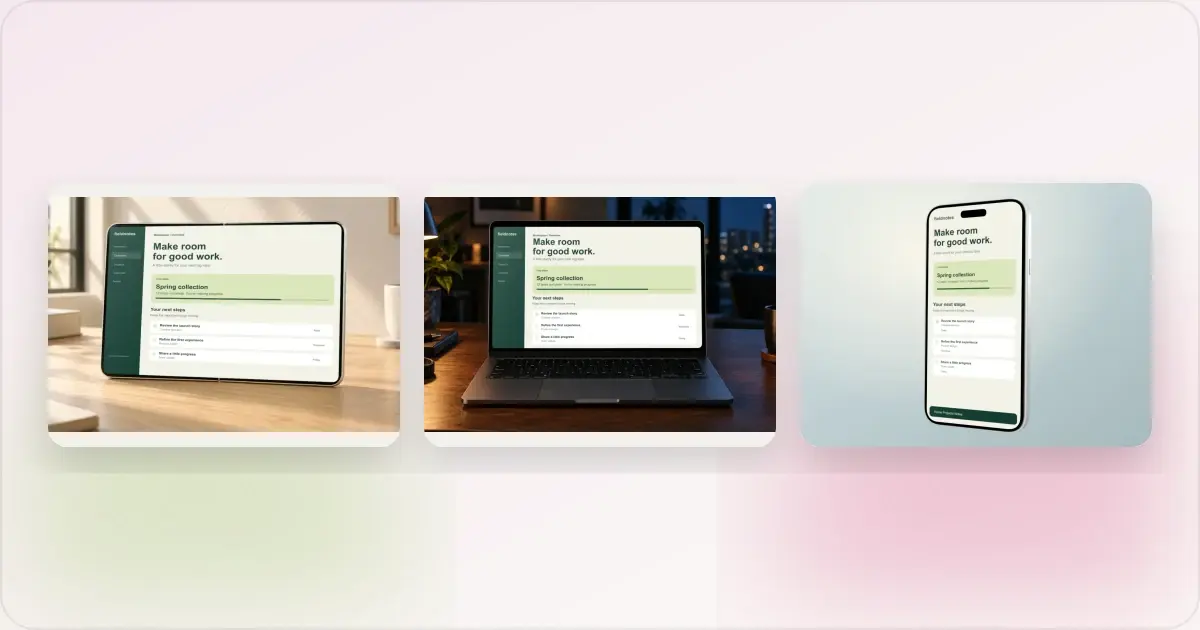
Same App, Three Motion Styles: Real Animated Mockup Exports
Compare actual Duo, MacBook and iPhone 18 animated mockup exports using the same sample app. See how scene, pacing and screen holds change the result.
17 Sept 2026 · 4 min read
GIF vs MP4 for Animated Mockups: File Size and Screen Clarity
Compare real Duo and MacBook GIF and MP4 exports: measured file sizes, actual downloads, screen-detail crops and a responsive video example.
11 Sept 2026 · 4 min read