
App Preview Videos vs Screenshots: Which Should You Make?
A practical, source-backed way to choose between App Store preview videos and screenshots, with current Apple and Google Play requirements.
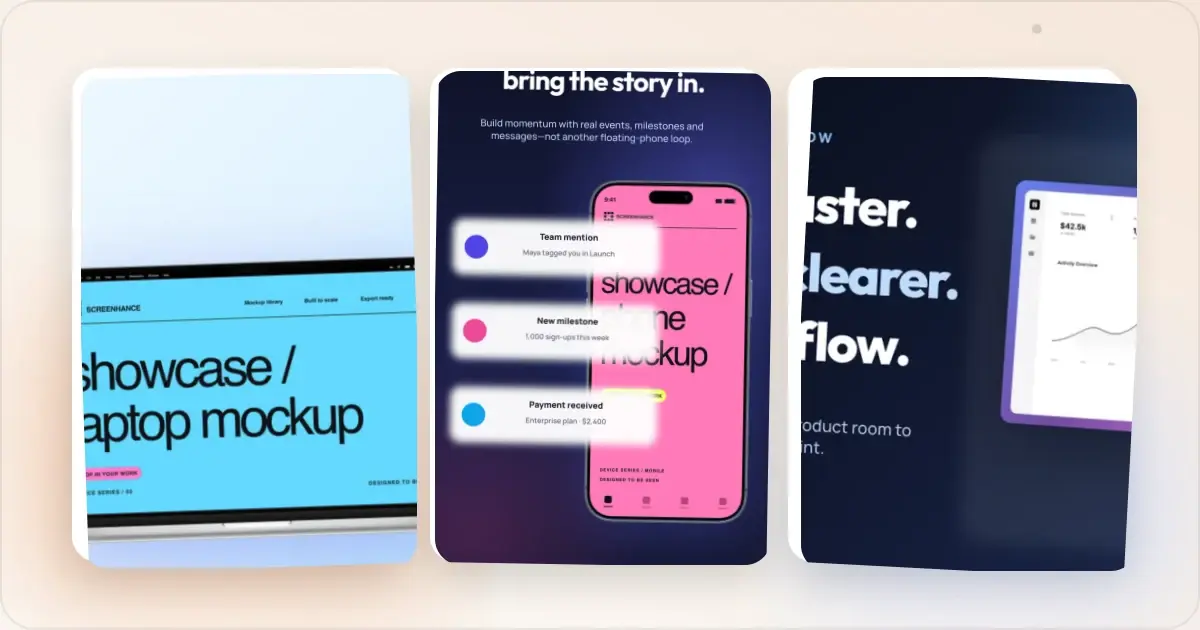
There is no reliable rule that says an app preview video will convert better than screenshots, or that screenshots always win. The formats answer different questions:
- Screenshots help someone scan the product, compare features and read a value proposition at their own pace.
- Video helps someone understand motion, pacing and interactions that are difficult to explain in a still image.
Screenshots are required for an App Store product page; an App Preview is optional. That makes the sensible default clear: build an accurate screenshot set first, then add video when motion materially improves the explanation. If you have enough traffic, test the decision instead of relying on a category-wide benchmark.
How Apple App Previews Work
Apple lets you upload up to three App Previews for each supported device size and language. When a preview is present, it appears before screenshots on iPhone, iPad, Mac and Apple TV product pages. Apple documents these rules in its upload guide.
An App Preview must be 15 to 30 seconds and no larger than 500 MB. Apple accepts H.264 in .mov, .m4v or .mp4, or ProRes 422 HQ in .mov, at up to 30 frames per second. Accepted resolutions differ from screenshot resolutions, so check Apple's current App Preview specifications before exporting.
The creative rule is as important as the file spec. Apple's App Review Guidelines say previews may use video screen captures of the app itself. Narration and text or video overlays can explain what is not obvious, but the preview still needs to represent the real product experience. Screenshots should likewise show the app in use and stay current.
How Google Play Promotional Videos Work
On Google Play, the standard preview video is a YouTube URL added to the store listing. It appears before the screenshots and uses the feature graphic as its cover. Depending on the device, settings, network and Play surface, the video may autoplay inline with muted audio for up to 30 seconds; when it does not autoplay, a play button appears instead.
Google recommends showing the real app or game experience early and keeping promotional material secondary. The video must be public or unlisted, embeddable, not age-restricted and free of ads. See Google's current preview asset requirements before publishing.
This is why an iOS App Preview file and a Google Play video should not be treated as one interchangeable upload. They have different hosting, technical requirements and display behavior, even when they use the same source recording.
When Video Makes Sense
Video is most useful when a still frame hides an important part of the experience. Common examples include:
- gameplay, animation or camera effects;
- gesture-driven interactions;
- a multi-step workflow whose speed is part of the value;
- before-and-after editing where the transition matters;
- collaborative or real-time behavior.
Video is less urgent when the product's value is already obvious from a few static screens, or when the available recording would be outdated, hard to follow or unrepresentative. A preview is not automatically an upgrade. Apple has published a Product Page Optimization example where the original page without video beat the treatment with video, which is a useful reminder to test the hypothesis for your own app.
A Practical Decision Framework
Watch a clean recording of the core product flow with the sound off, then ask:
1. Does motion reveal something a screenshot cannot?
2. Can the important interaction be shown using actual in-app footage?
3. Will the result still make sense when viewed silently?
4. Can the team keep the preview current when the interface changes?
If the answer is yes to all four, video is a reasonable next asset. If not, invest in a clearer screenshot sequence first.
Combining Both Effectively
Avoid making the video and screenshot carousel repeat the same message frame for frame.
Use the preview to show a short, coherent task: start with the product, demonstrate the interaction and stop before the story becomes a feature tour. Use screenshots to make the listing scannable: one idea per image, readable copy and real screens that support the claim.
A useful sequence might be:
1. a preview showing the main workflow;
2. a first screenshot stating the primary outcome;
3. two or three screenshots explaining key capabilities;
4. a screenshot for an important use case, privacy detail or supported workflow.
That is a starting point, not a universal slot formula. Preview the listing at the sizes customers will see and keep only the assets that add information.
How to Test Video Against Screenshots
Apple's Product Page Optimization lets eligible iOS and iPadOS apps test up to three treatments with alternate icons, screenshots or previews. A test can run for up to 90 days, and App Analytics reports estimated lift, conversion rate and the confidence of the result. Apple advises allowing a test to gather enough evidence instead of ending it early. See the current PPO overview and analytics guidance.
For a clean video test:
- keep the screenshots and other metadata the same;
- add or change only the preview in the treatment;
- decide in advance which metric and audience matter;
- account for launches, promotions and product changes that could distort the period;
- use Apple's reported interval and confidence, not an arbitrary view count or fixed number of days.
Google Play Store Listing Experiments can test graphic assets too. Google recommends changing one asset at a time and provides an estimate based on the app's traffic, minimum detectable effect and confidence settings. Follow the Play experiment workflow rather than copying a sample-size threshold from another app.
Make Both From One Capture
Record a representative product flow, select the clearest moments for stills and use the continuous sequence for motion. Screenhance can turn the same source material into framed App Store screenshots and an MP4 with the app demo video maker. Keep the visual system consistent, but edit each asset for its job and validate the export against the store's current specifications.
App Store Preview Video Specs (Quick Reference)
Before uploading, check that:
- every claim is visible in the released app;
- no real personal data appears in the capture;
- captions work without sound;
- the useful interaction arrives early;
- screenshot and preview dimensions match the current destination;
- localized overlays match the storefront language.
Apple's preview resolutions are not the same as its screenshot dimensions. For still-image sizes, use the App Store screenshot size checker and verify the result against Apple's live reference.
The Practical Answer
Make screenshots first because they are required and easy to scan. Add an App Preview when movement is central to understanding the product, not because a generic conversion statistic says you should. Then use the store's own testing tools to learn what works for your app and audience.
Related Reading
- How to Make a Product Demo Video - The 5-step recipe for the video half of your listing
- How to Create App Store Screenshots That Convert - Screenshot design strategies that drive installs
- ASO Screenshot Best Practices 2026 - What actually works for screenshot optimization right now
- Google Play Store Screenshot Guide - Complete Play Store screenshot specs and strategy
Screenhance examples
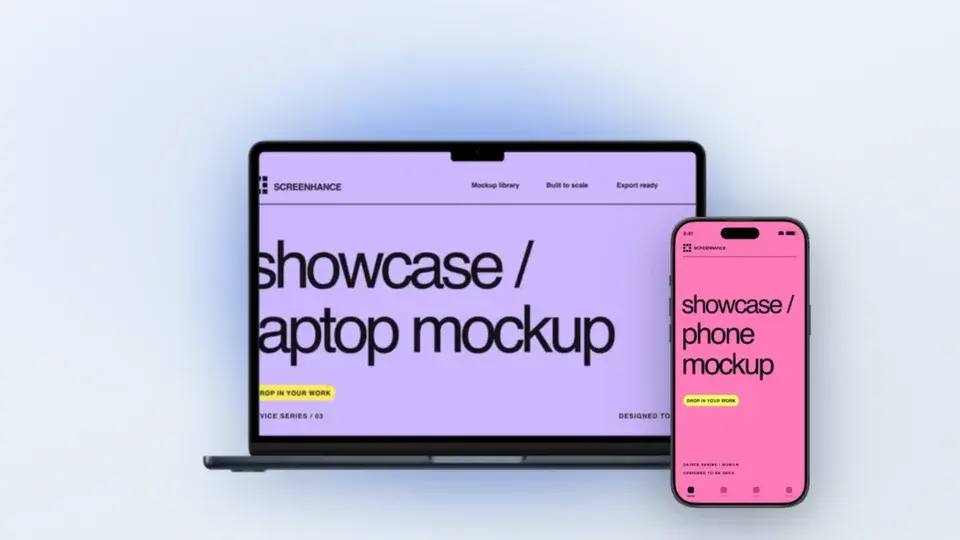
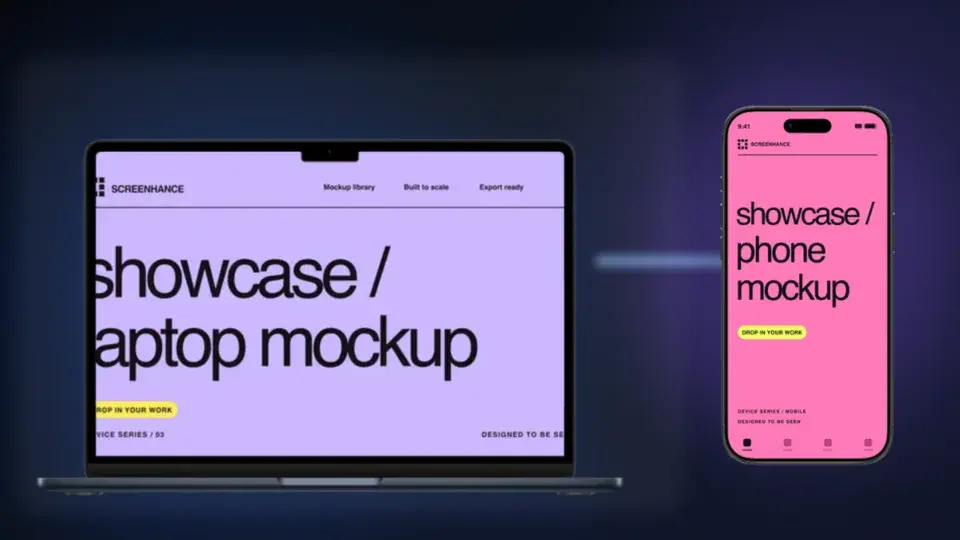
Two editable starting points from the Screenhance library, selected for this motion guide.
Ready to create stunning visuals?
Free to start. No credit card required.
Keep reading
Related, product-tested guides from Screenhance.
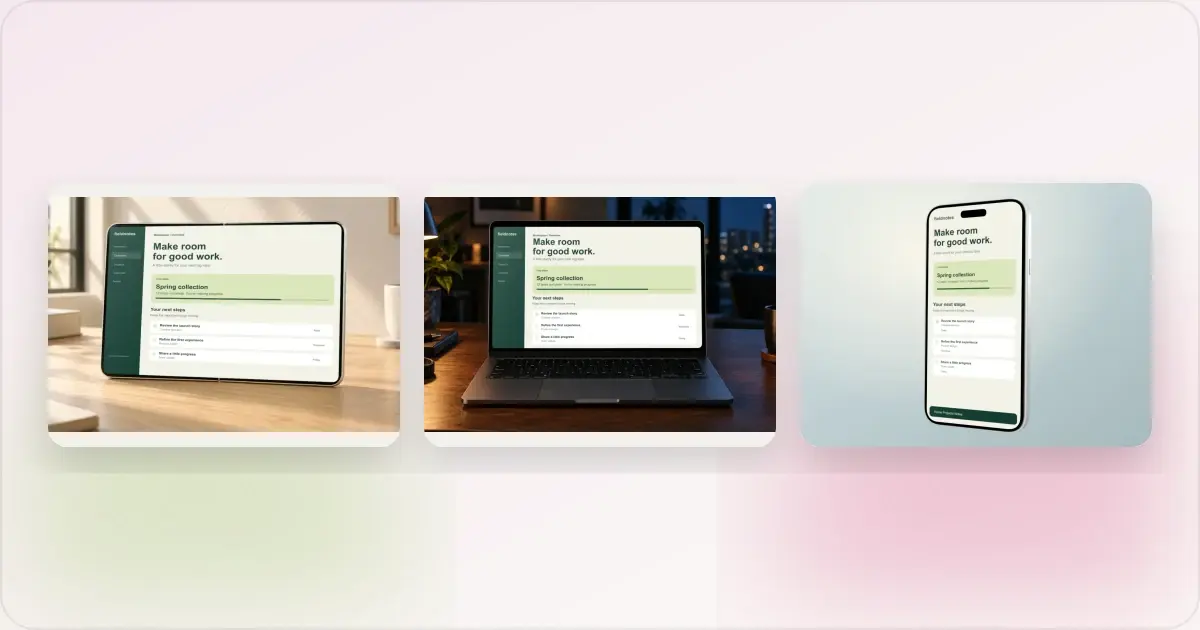
Same App, Three Motion Styles: Real Animated Mockup Exports
Compare actual Duo, MacBook and iPhone 18 animated mockup exports using the same sample app. See how scene, pacing and screen holds change the result.
17 Sept 2026 · 4 min read
GIF vs MP4 for Animated Mockups: File Size and Screen Clarity
Compare real Duo and MacBook GIF and MP4 exports: measured file sizes, actual downloads, screen-detail crops and a responsive video example.
11 Sept 2026 · 4 min read
How to Make an iPhone Duo Folding Mockup With Two Screens
Make an iPhone Duo mockup with two editable screens. Follow the folding tutorial, crop each screenshot, or start with a realistic photo scene.
11 Sept 2026 · 6 min read