
Best Mockup Tools for Product Hunt Launches: 2026 Comparison
Compare the best tools for creating Product Hunt gallery images. Screenhance, Figma, Canva, Photoshop, and Shots.so: honest pros, cons, and pricing.
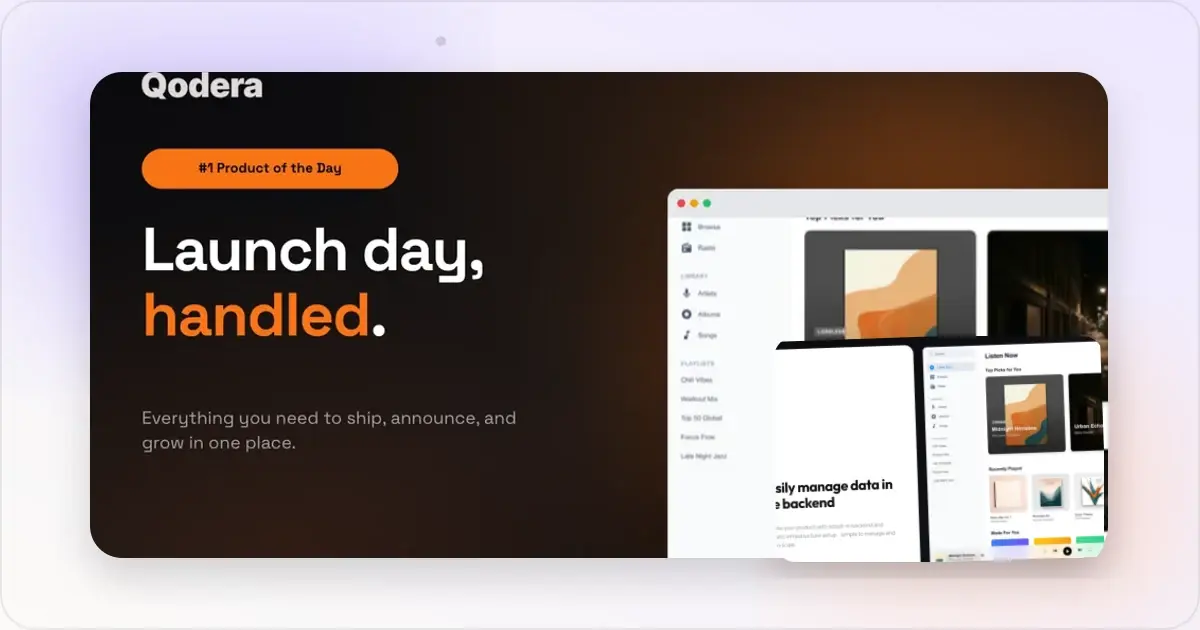
You have built something great. Now you need Product Hunt gallery images that do it justice. But which tool should you use?
The answer depends on your design skills, your budget, and how much time you have before launch. Here is an honest comparison of the most popular tools makers use to create Product Hunt visuals in 2026.
What You Actually Need
Before comparing tools, let us define the requirements. For a Product Hunt launch, you need:
- A coordinated gallery with at least 2 images; Product Hunt recommends 1270 x 760 pixels
- Device frames (browser, phone, or laptop mockups) to give your screenshots context
- Consistent styling across all images — same colors, fonts, and backgrounds
- High-resolution exports that look crisp on retina screens
- Fast turnaround because launch prep is already overwhelming
With those requirements in mind, here is how each tool stacks up.
Screenhance
Screenhance is a complete product-launch visual workspace. It powers the Product Hunt gallery generator and mockup generator, with the same assets available across website, social, store, motion, Launch Kit, and Studio video workflows.
What It Does Well
- Pre-sized Product Hunt templates. Gallery images export at exactly 1270 x 760 pixels. No manual resizing, no guessing at dimensions.
- an expanding catalogue of editable templates. Product Hunt, product visuals, websites, social, features, mockups, and more.
- device and stylized frames and photorealistic scenes. Device, browser, print, apparel, outdoor, and multi-device compositions.
- Full editor. Layers, text, assets, annotations, backgrounds, uploads, adjustments, and motion.
- editable motion styles. Export animated compositions as GIF or WebM.
- Launch Kit and Studio. Coordinate the gallery with the rest of the release and turn screen recordings into polished MP4/WebM product videos.
- Brand consistency. Saved brand settings, editable templates, reusable uploads, and coordinated Launch Kit palettes.
Choose a Specialist Instead When
- The work must remain inside Figma's live component system and multiplayer design workflow
- The hero asset needs a freely animated cinematic 3D device scene
- Maximum stock-scene or model-photography count is more important than a connected launch workflow
Pricing
Free tier available with core features. Paid plans for additional templates and export options.
Best For
Indie makers and small teams who want polished gallery images fast, without opening Figma or hiring a designer.
Figma
Figma is the industry standard for product design. Many makers already use it for their product UI, so it feels natural to create launch visuals there too.
What It Does Well
- Total creative control. You can design literally anything. Custom layouts, unique compositions, pixel-perfect positioning.
- Component reuse. If you have a design system, you can maintain brand consistency effortlessly.
- Collaboration. Share designs with teammates or advisors for feedback before launch.
- Free tier. Generous free plan covers most individual needs.
Where It Falls Short
- No Product Hunt templates. You start from a blank canvas. You need to know the right dimensions, set up your own device frames, and handle all the layout work yourself.
- Requires design skills. If you are not comfortable with Figma, the learning curve is steep. A bad Figma mockup looks worse than a templated one.
- Time-consuming. Building several coordinated images manually can take a substantial part of launch prep.
- No device frames built in. You need to find and import mockup files from third-party sources.
Pricing
Check Figma's official pricing page for current project, collaboration, and editor limits.
Best For
Designers and design-savvy founders who want full creative control and have the time to invest.
Canva
Canva is the go-to tool for non-designers who need to create graphics quickly. It is widely used for social media, presentations, and marketing materials.
What It Does Well
- Extremely easy to use. Drag and drop interface that anyone can pick up in minutes.
- Huge template library. Thousands of templates for various use cases.
- Built-in stock assets. Photos, icons, and illustrations included.
- Quick exports. Download in multiple formats easily.
Where It Falls Short
- No device mockup frames. This is a significant gap for Product Hunt galleries. You cannot easily place your screenshot inside a browser or phone frame. You would need to manually overlay your screenshot onto a static device image, which is clunky.
- No Product Hunt presets. You need to manually create a custom canvas at 1270 x 760 pixels.
- Generic look. Canva templates are used by millions of people. Your gallery may look like everyone else's marketing materials.
- Limited precision. Alignment and spacing tools are not as refined as Figma.
Pricing
Check Canva's official pricing page for current free and paid plan limits.
Best For
Quick social media graphics and supporting visuals — but not ideal as your primary tool for Product Hunt gallery images.
Adobe Photoshop
Photoshop is the classic image editing powerhouse. Some makers reach for it out of habit.
What It Does Well
- Unmatched image editing. If you need to retouch screenshots, adjust colors, or create complex compositions, Photoshop can do it all.
- Professional output quality. The tools for export optimization are best in class.
- Smart objects. Place screenshots into device mockup PSDs with one click.
Where It Falls Short
- Overkill for Product Hunt. You do not need Photoshop's photo editing, layer effects, or advanced compositing for gallery images. It is like using a crane to hang a picture frame.
- Broader than this job. Photoshop can be excessive when the only requirement is a small launch gallery.
- Steep learning curve. If you are not already proficient, you will spend more time learning the tool than creating images.
- No collaboration. File-based workflow makes feedback loops slow.
Pricing
Check Adobe's official pricing page for current regional plans and billing terms.
Best For
Makers who are already Photoshop users and need advanced image editing capabilities beyond simple mockups.
Shots.so
Shots.so is a browser-based mockup tool that has gained some popularity for creating device mockups.
What It Does Well
- Quick device mockups. Upload a screenshot and place it in a device frame with a few clicks.
- Clean output. The default styles look modern and minimal.
- Browser-based. No software to install.
Where It Falls Short
- Limited template variety. Fewer background options and layout choices compared to other tools.
- No Product Hunt-specific sizing. You need to manually ensure your exports match 1270 x 760 pixels.
- Basic feature set. Limited text overlay, no batch processing, fewer device frame options.
- Fewer export controls. Less flexibility in resolution and format options.
Pricing
Check the official pricing page for current export, watermark, and feature limits.
Best For
Quick one-off device mockups when you do not need a full gallery solution.
The Verdict: Which Tool Should You Use?
Here is the practical recommendation based on your situation.
If you are a non-designer launching on Product Hunt — use Screenhance. Product Hunt templates, device frames, scenes, annotations, motion, and consistent styling are handled in the same editor, and the gallery can continue into the rest of the launch without a tool switch. If you are a designer who wants full control — use Figma. You already know the tool, and you can create exactly what you envision. Just budget enough time, because it will take longer than you expect. If you need supporting social graphics — use Canva alongside your primary mockup tool. It is great for Twitter cards, LinkedIn posts, and community announcements, even if it is not ideal for the gallery itself. If you are already paying for Creative Cloud — Photoshop works, but consider whether the extra time is worth it compared to a faster, purpose-built tool.The most important thing is not which tool you pick. It is that you start early enough to iterate. Whatever tool you choose, give yourself at least a week before launch to create, review, and refine your gallery images.
Your Product Hunt gallery is your storefront. The tool is just what you use to build it.
The Five Mockup Tools Most Successful PH Launches Used in 2025-26
Looking across the top of the leaderboard over the last twelve to eighteen months, five categories of tools keep showing up. I'm describing categories rather than specific brand combinations because the winners change quarter to quarter — but the archetypes are stable, and one of them probably matches your situation.
Category one: the product-launch visual system. Product Hunt templates, device frames, scenes, backgrounds, annotations, motion, and multi-page delivery are already connected. The Product Hunt gallery generator is in this category and can continue the same visual direction into website, social, store, and video assets. Category two: the design-tool-plus-template-pack. Founders who already live in a vector design tool buy or build a Product Hunt template pack, then maintain the frames, layouts, backgrounds, and export rules themselves. This fits teams that want the gallery to remain inside their broader design system and live collaboration workflow. Category three: the in-browser screenshot beautifier. Lightweight web tools that take a raw screenshot and apply a device frame and background in two clicks. Fast for individual images, less integrated for full galleries. Founders use these to polish supplementary screenshots that aren't part of the main hero set — feature detail shots, comment-thread images, social posts during launch week. Category four: the AI-generated visual. A handful of 2025-26 launches used generative tools to produce the background art around the product screenshot, then composited the actual UI on top. The results are hit-or-miss; generative backgrounds can look striking or look like AI slop depending on prompt discipline. When it works, it produces visuals nothing else can match. When it fails, the launch looks unserious. Category five: the contract designer. Some better-funded launches still bring in a designer for two to four days of dedicated work. This makes sense when the brand work needs to live beyond launch day — the gallery, OG images, landing page hero, and email visuals all get done in one engagement. Cost is real ($1,500-$5,000 typical range), but the surface area covered is much larger than just the PH gallery.The pattern across all five: successful launches commit to one tool early and don't switch mid-week. Mixing four tools for one gallery produces visual inconsistency that costs you upvotes. Pick one, learn it, ship the full set, move on.
Tool Selection as a Function of Launch Budget, Team Size, and Visual Ambition
Most "which tool should I use" advice ignores the three variables that actually determine the answer. Here's the practical decision tree.
Budget under $50, solo founder, conservative visual ambition. Free tier of a purpose-built mockup generator. The visuals will look templated — and that's fine, because templated-but-consistent beats custom-but-rough every time. Goal is to ship a credible gallery without disappearing into design work for a week. The mockup generator free tier handles this. Budget $50-$200, solo or two-person team, moderate visual ambition. Paid tier of a mockup tool plus 2-4 hours of your own time per image. You get access to more templates, larger export sizes, and batch features. The investment is small enough that you don't agonize over it; the time spent is your real cost. Most successful indie launches sit in this bracket. Budget $500-$2000, two-to-four-person team, high visual ambition. Hybrid approach: a purpose-built tool for the main gallery, plus 1-2 days of a freelance designer for the hero image and OG image polish. The designer takes your templated work and elevates the highest-leverage assets. You don't need them touching every gallery image; you need them on the two images that get seen most. Budget $2000+, well-funded team, brand-defining ambition. Full design engagement, 3-5 days, covering gallery, landing page hero, OG images, email visuals, and post-launch marketing assets. Worth it only if the launch is a major moment for the company (Series A milestone, pivot announcement, category-defining release). For a typical PH launch among many, this is overinvestment.The mistake at every budget tier is pricing the software but ignoring the workflow. Learning time, iteration, review, and export can differ substantially between tools. Test one representative gallery before committing.
The other mistake: switching tools mid-launch week because you didn't get the result you wanted from your first choice. Switching costs you 2-3 hours of restart time and introduces inconsistency between the images you already shipped and the ones you're redoing. Commit to your first tool through launch day; reassess for the next launch.
Frequently Asked Questions
Does the mockup tool actually change your upvote outcome?
Marginally, not dramatically. The tool affects how fast and how consistently you can produce visuals, not the underlying quality ceiling. A great launch with templated mockups beats a mediocre launch with custom design every time. The variables that move upvotes more than tool choice: hunter relationship, comment quality, timing in the day, audience pre-launch warm-up, and the actual product being interesting. Pick a tool that gets you to "good enough" fast; spend the saved time on the things that actually move the needle.
Free tier or paid plan for a Product Hunt launch?
Free tier is fine for first launches. Most purpose-built mockup tools include the Product Hunt presets and basic device frames on the free tier; you'll only hit the paywall on advanced templates, larger export sizes, or batch features. If you're launching for the first time, start free and upgrade only if you hit a feature you actually need. For repeat launches or teams managing multiple products, paid plans usually pay back within one launch cycle.
Should I switch mockup tools mid-launch week if I'm not getting the result I want?
No. Switching tools at T-3 or T-2 introduces inconsistency between images you've already finalized and new ones, plus 2-3 hours of restart time you don't have. The right move: stick with your current tool, simplify the design until it works within the tool's constraints, and ship. Note the friction for next launch. The wrong move: re-evaluate tools while you're already behind on the gallery.
Custom design versus templated mockups — when does custom actually pay off?
Custom pays off when your product's value prop is fundamentally visual — design tools, creative software, anything where "the product is the visual." For those products, templated mockups look like you don't take your own craft seriously. For everything else — most B2B SaaS, dev tools, productivity apps, infrastructure — templated mockups are indistinguishable from custom in the launch context. The viewer doesn't know or care; they're evaluating the product, not your gallery's design provenance.
What's the alternative to a designer-on-retainer for small teams?
Three options are a purpose-built tool for repeatable assets, a freelance designer for selected high-impact work, or a broader design engagement when the launch also needs a reusable brand system. Choose from the volume and complexity of the work, not an arbitrary company-revenue threshold.
Related Reading
- How to Create Product Hunt Mockups That Get Upvotes - Mockup creation strategies for Product Hunt
- Product Hunt Gallery Size: Image Dimensions That Get Clicks - Exact dimensions and specs for every PH asset
- How to Create Product Hunt Launch Visuals That Stand Out - Complete visual strategy for launch day
- Social Media Screenshots: How to Make Them Stand Out - Optimizing screenshots for social sharing
Screenhance examples
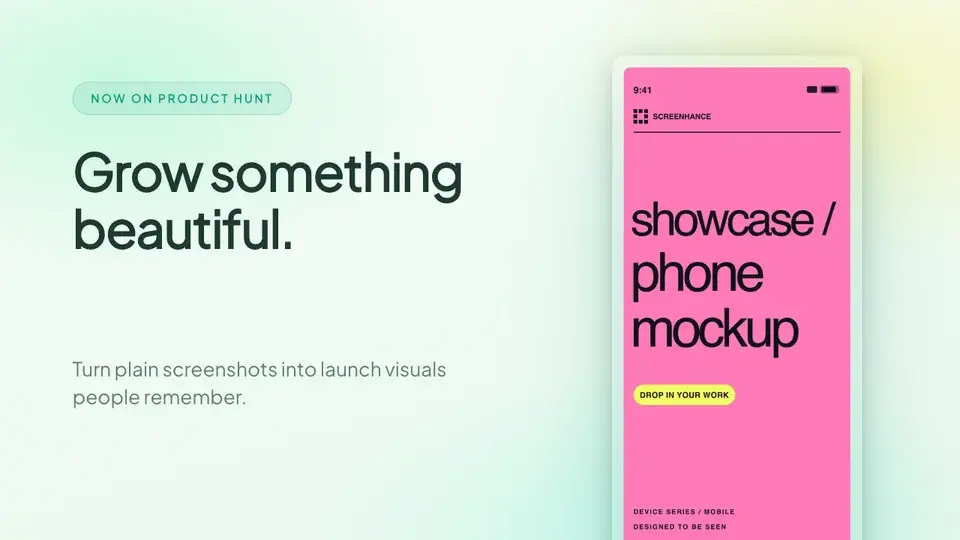
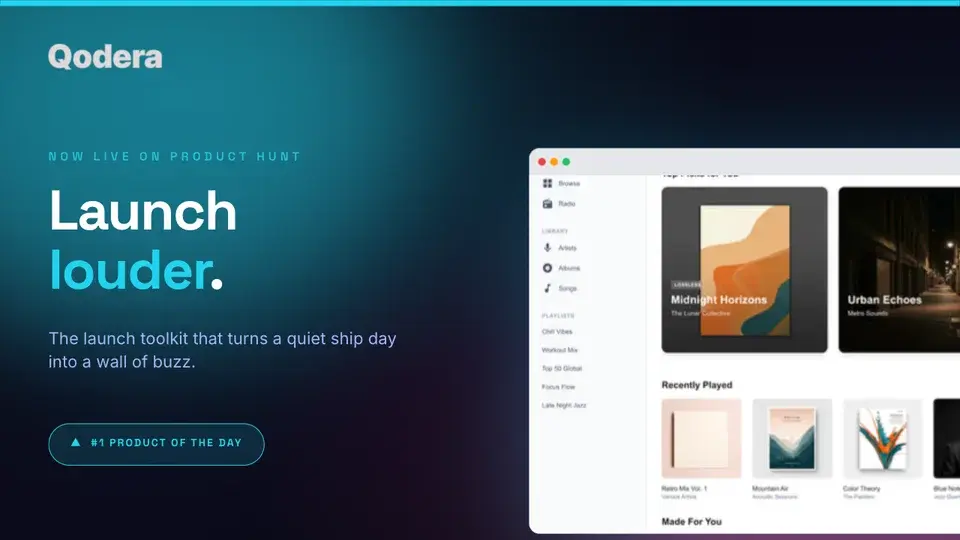
Two editable starting points from the Screenhance library, selected for this launches guide.
Make a Product Hunt gallery that gets upvotes
Free to start. No credit card required.
Keep reading
Related, product-tested guides from Screenhance.
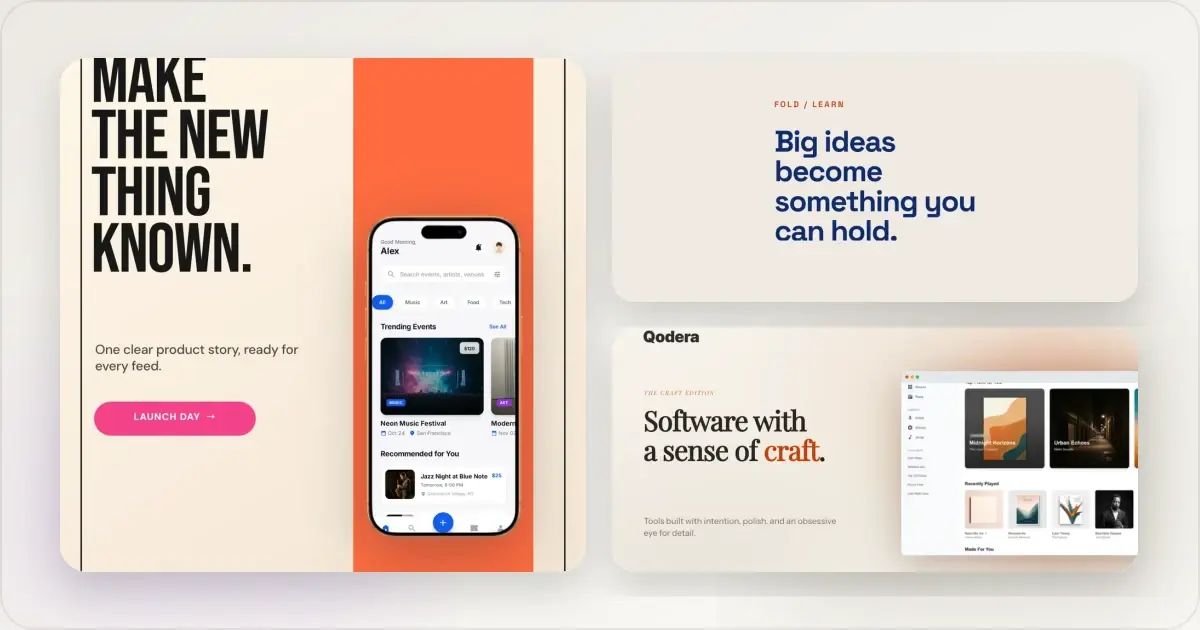
14 Best Fonts for App Screenshots and Launch Graphics
Choose readable fonts for App Store screenshots, Google Play graphics, social posts, and launch visuals, with practical pairings and editable examples.
1 Sept 2026 · 10 min read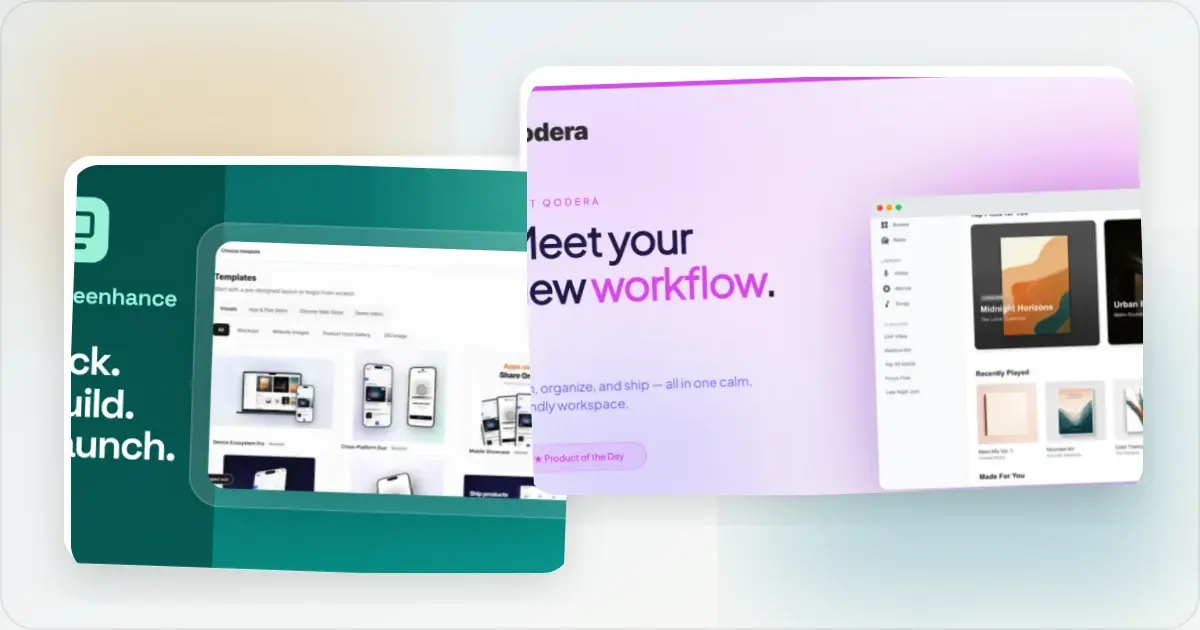
How to Launch an App in 2026: The Complete Step-by-Step Checklist
The complete 2026 app launch checklist: a 4-6 week timeline across pre-launch, launch day, and post-launch, plus every store, Product Hunt, and OG asset needed.
4 Jul 2026 · 8 min read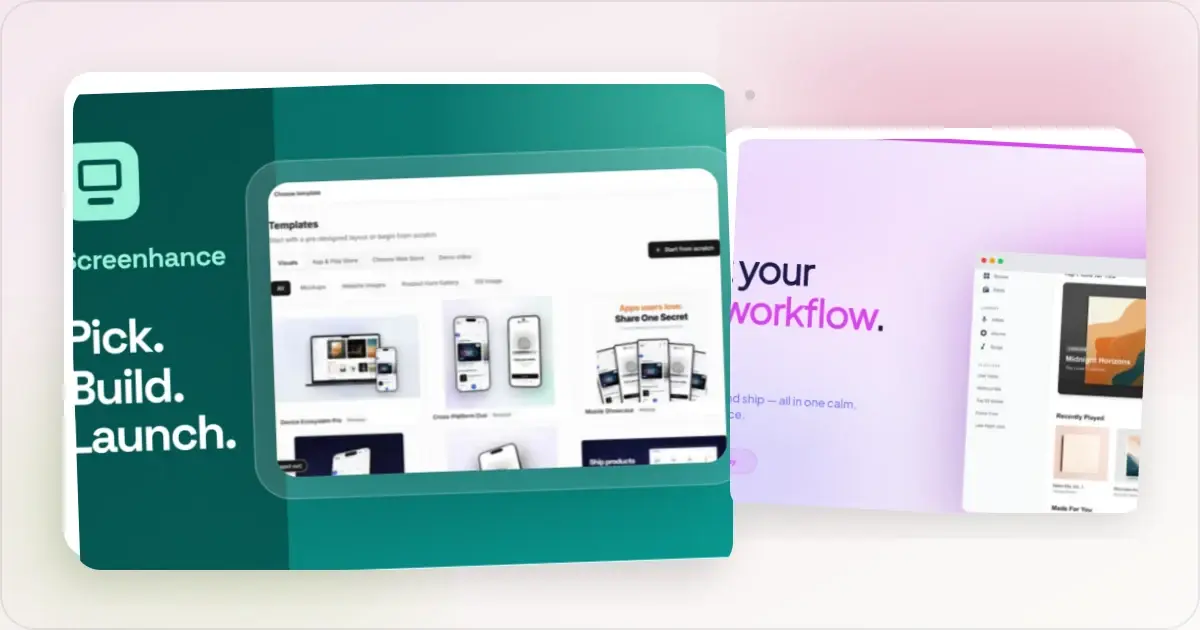
How to Publish an AI-Built App to the App Store (Lovable, Bolt, Replit)
A practical App Store submission walkthrough for AI-assisted apps: enrollment, builds, listing metadata, screenshots, privacy details, and review preparation.
2 Jul 2026 · 5 min read