
Product Hunt Gallery and Thumbnail Sizes (2026)
Use Product Hunt's current 1270 × 760 gallery recommendation, a separate 240 × 240 thumbnail, and a clear visual sequence for your launch.
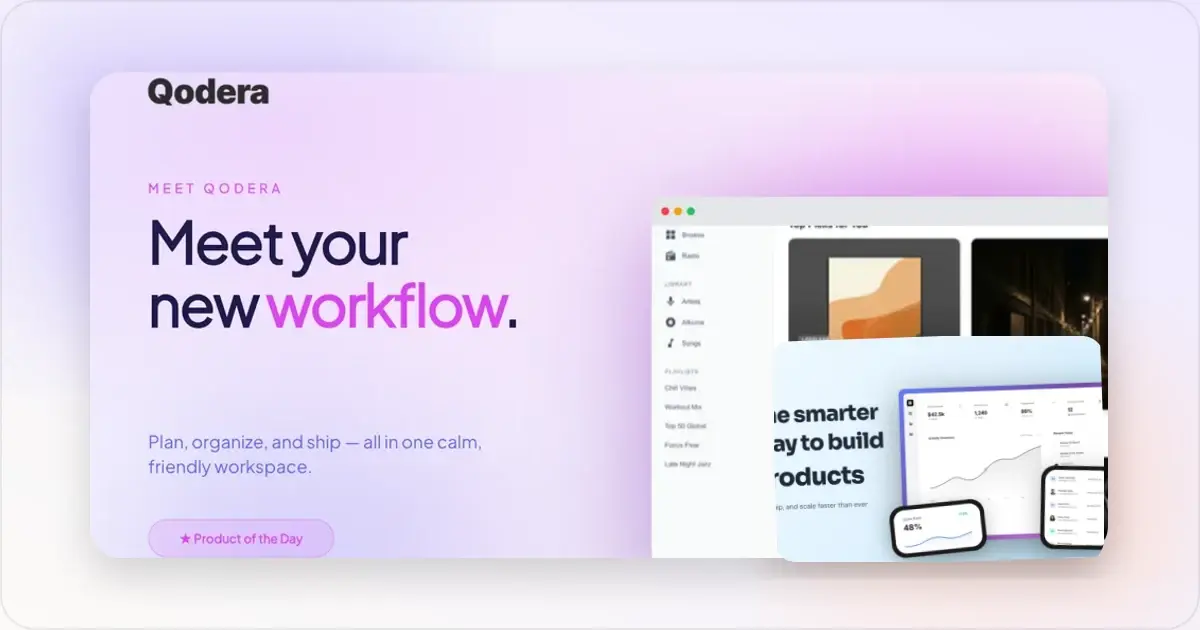
Product Hunt's official posting guide recommends 1270 × 760 px for gallery images and 240 × 240 px for the separate product thumbnail. A gallery needs at least two images before it can be viewed.
Those dimensions are only the container. A useful gallery still needs to explain what the product is, show credible product evidence, and give each image a distinct job.
Current Product Hunt image guidance
| Asset | Product Hunt guidance | What to remember |
|---|---|---|
| Gallery image | 1270 × 760 px | Use at least two images for a viewable gallery |
| Product thumbnail | 240 × 240 px | Upload separately; design it as a square |
| Animated thumbnail | GIF under 3 MB | Animation appears on hover; avoid flashy or unreadable motion |
Make a Product Hunt gallery that gets upvotes
Product Hunt lets you add and reorder multiple gallery images. Its posting flow also accepts a full YouTube URL when you want to include a product video.
The public guide does not state one universal file-size ceiling for static gallery images. Do not apply the thumbnail GIF's 3 MB limit to every gallery file. Export a clear, reasonably optimized image and verify it in Product Hunt's submission preview.
Gallery and thumbnail are different assets
The gallery image is a wide product-story canvas. The thumbnail is a small square identifier that appears in discovery contexts. Do not depend on Product Hunt cropping the first gallery slide into the thumbnail.
For the thumbnail, use a recognizable mark or simple product visual, strong contrast, and little or no small text. If you use a GIF, keep the still frame recognizable because the animation may only appear on hover.
Six useful gallery patterns
These are editorial planning patterns, not a formula for ranking or upvotes. Choose the few that best explain your product and omit anything you cannot support.
1. Clear product overview
Open with a real product view and one plain-language value statement. A visitor should be able to identify the product category and intended user without decoding several slogans.
2. Core workflow
Show the important sequence: the input, the action, and the useful result. Use separate images when squeezing the entire workflow into one slide would make the interface unreadable.
3. Feature detail
Crop close enough to show the actual interaction. Pair the screen with a short caption that explains the outcome rather than repeating the control's label.
4. Honest before and after
Use a comparison only when both states are representative and easy to verify. Label the conditions clearly and avoid exaggerating the “before” state to manufacture a dramatic result.
5. Verified evidence
Include a customer quote, usage figure, rating, or result only when it is current, attributable, and supported by the linked product. A second product example or workflow image is more useful than invented social proof.
6. Current next step
If pricing, availability, or onboarding is important, close with information that matches the live site on launch day. Avoid adding a price or promotional deadline that may be stale when the image is viewed later.
You can assemble the wide images with the Product Hunt gallery generator and use the Product Hunt launch checklist to review the rest of the submission.
A practical gallery sequence
There is no required story order beyond Product Hunt's minimum of two images. A compact sequence might be:
1. Product overview
2. Main workflow
3. Strongest feature detail
4. A second use case or honest comparison
5. Verified evidence or the next step
Stop when the next image would repeat information. Product Hunt lets you reorder the gallery, so review the sequence as a story rather than treating every image as an isolated poster.
Design and content checks
Use one visual system
Keep typography, colour, spacing, and screenshot treatment consistent across the set. Variation can help the story, but every image should still look like it belongs to the same product.
Preserve interface legibility
Preview each 1270 × 760 image at the approximate size it will be seen, not only at 100% in a design tool. Crop to the relevant product detail and avoid long paragraphs inside the artwork.
Prefer product truth over decoration
A device frame can add context, but it also reduces the space available for the interface. Compare a framed composition with a direct screen crop and choose the version that explains the product more clearly. There is no universal rule that mockups outperform raw screenshots.
Build accessibility into the image
Use strong text contrast, avoid communicating a comparison through colour alone, and repeat essential claims in the launch copy. Text embedded in an image is not a substitute for accessible page text.
Creation workflow
1. List the questions a new visitor needs the gallery to answer.
2. Assign one question to each image.
3. Capture current product screens with realistic, non-sensitive data.
4. Design gallery images at 1270 × 760.
5. Create the 240 × 240 thumbnail separately.
6. Export and optimize the files without blurring interface text.
7. Upload, reorder, and review the full submission in Product Hunt's preview.
8. Check every claim, price, URL, and product screen immediately before launch.
Common mistakes
- Treating the thumbnail as an automatic crop of the first gallery image
- Repeating the same hero composition across the whole gallery
- Making real interface details too small to inspect
- Using placeholder or outdated product screens
- Adding unsupported ratings, customer counts, or performance claims
- Assuming the 3 MB animated-thumbnail limit is a universal gallery-image limit
- Publishing without checking the launch preview
Frequently asked questions
What size should Product Hunt gallery images be?
Product Hunt recommends 1270 × 760 px. The service may display assets in different contexts, so keep important content away from the extreme edges and inspect the submission preview.
How many gallery images do I need?
Product Hunt says at least two images are needed before the gallery is viewable. Add only the number needed to explain the product clearly; its official posting guide does not prescribe a fixed storytelling sequence.
What size is the Product Hunt thumbnail?
Product Hunt recommends a separate 240 × 240 px square thumbnail. A GIF can be used if it is under 3 MB, but Product Hunt warns against flashy or unreadable animation.
Can I add a product video?
Yes. Product Hunt's posting guide says to enter the full YouTube URL when adding a video to the gallery.
Do device mockups get more upvotes?
Product Hunt does not make that claim in its posting guide. Use a frame when it makes the product context clearer; use a direct product crop when legibility is more important.
Is there a universal file-size limit for gallery images?
The current public posting guide does not state one universal static-gallery limit. Its documented 3 MB limit applies to an animated GIF used as the thumbnail. Optimize static images sensibly and confirm the upload in Product Hunt's submission flow.
Next step
Start with Product Hunt's current dimensions, then spend the real effort on sequence and accuracy. A five-image gallery that clearly demonstrates the product is more useful than a longer set built around unsupported claims about what “gets upvoted.”
Screenhance examples
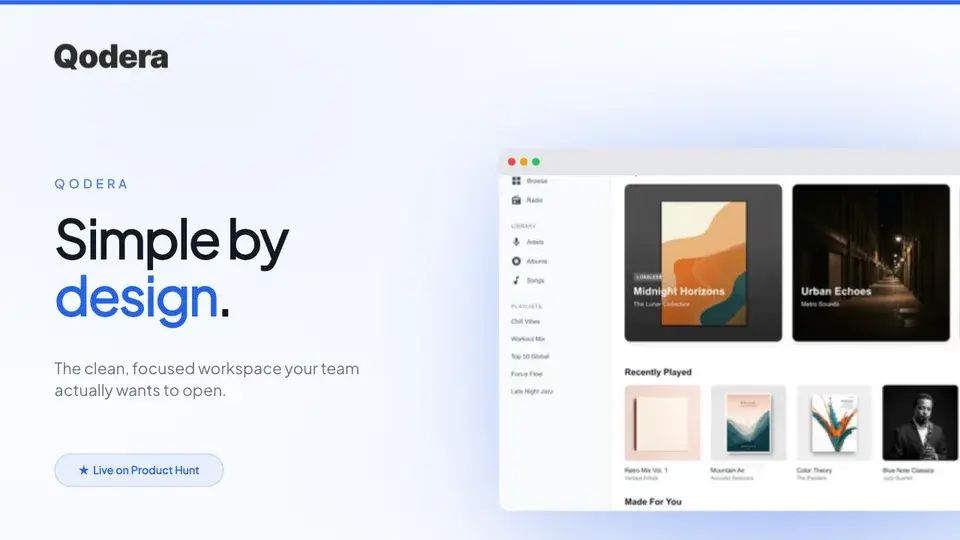
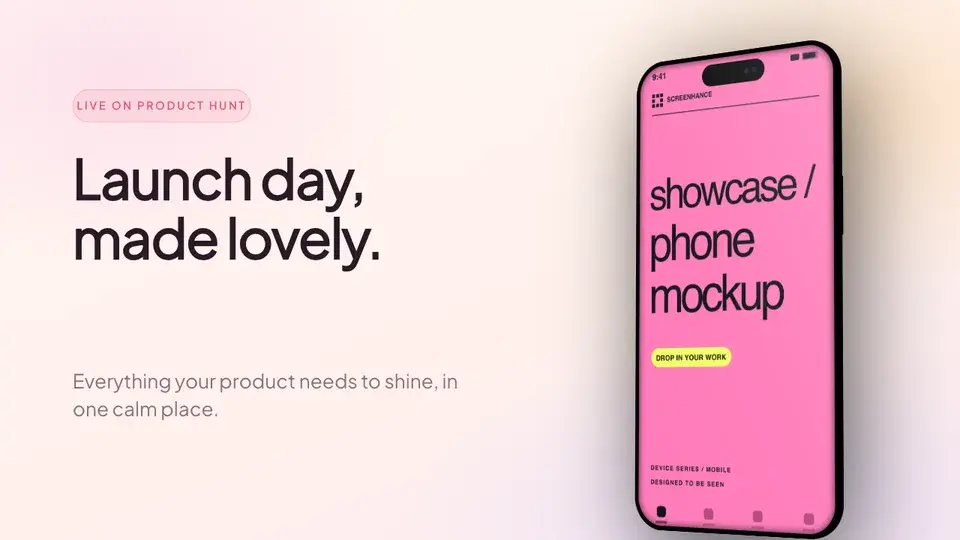
Two editable starting points from the Screenhance library, selected for this launches guide.
Make a Product Hunt gallery that gets upvotes
Free to start. No credit card required.
Keep reading
Related, product-tested guides from Screenhance.
Product Hunt Gallery Examples: What Top-Voted Products Do Right
Analyze the visual patterns behind successful Product Hunt galleries. Learn the structures, styles, and strategies that top-voted products use to win upvotes.
7 Feb 2026 · 11 min read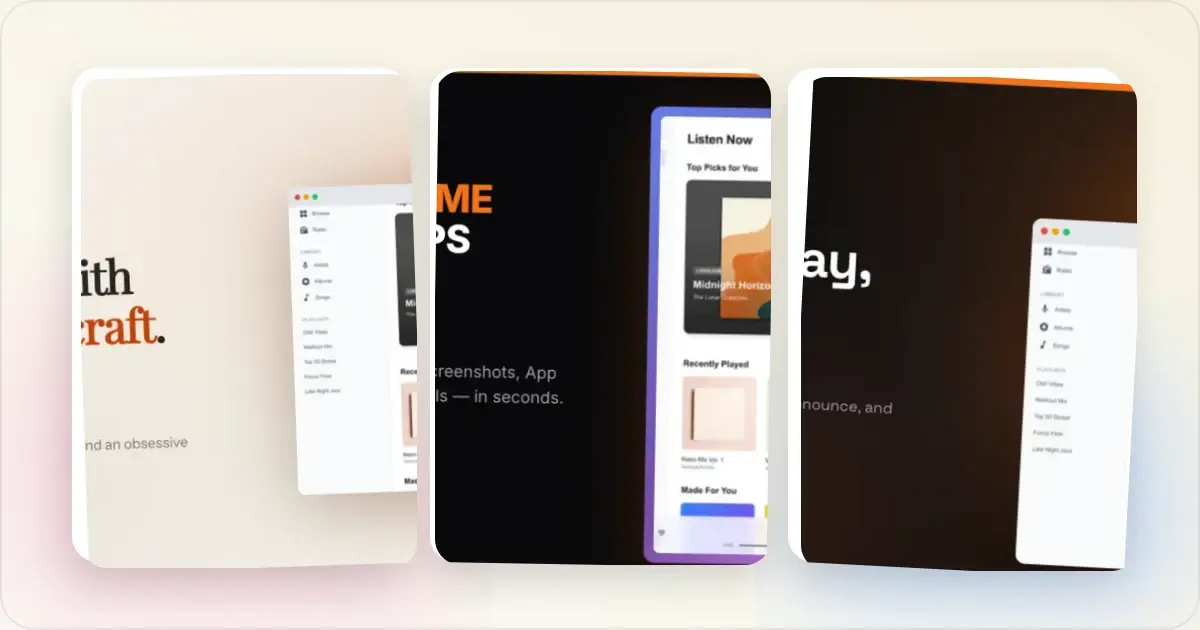
Product Hunt Visual Strategy: A Practical Guide for Makers
Plan a clear Product Hunt thumbnail and gallery, coordinate launch visuals across channels, and avoid common submission mistakes.
7 Feb 2026 · 7 min read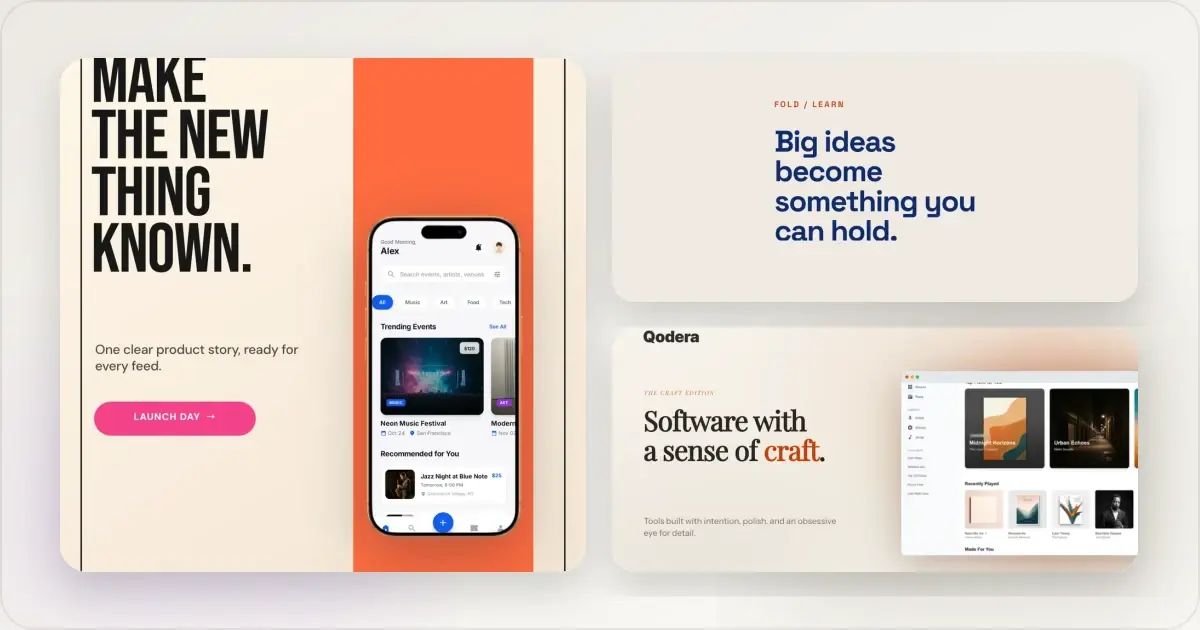
14 Best Fonts for App Screenshots and Launch Graphics
Choose readable fonts for App Store screenshots, Google Play graphics, social posts, and launch visuals, with practical pairings and editable examples.
1 Sept 2026 · 10 min read