
How to Present Product Screenshots on Social Media
Prepare clear product screenshots for X, LinkedIn, Instagram, and other feeds with practical layouts, crops, captions, and testing advice.

You've built something worth sharing. A raw capture may still need context, cropping, or a short caption before it makes sense in a fast-moving feed.
Why plain screenshots can be hard to read
Social feeds combine text, images, documents, and video in limited space.
A raw screenshot can include browser chrome, tiny UI, private data, or empty space that distracts from the point. A considered crop and a clear caption help viewers understand what changed and why it matters. Polish is useful only when it supports that explanation.
What Makes Screenshots Pop
Purposeful backgroundsA gradient or solid color can separate the screenshot from the feed. It should preserve contrast and remain secondary to the UI.
Device framesA device frame can establish platform context. Omit it when the bezel makes the product too small.
WhitespaceDon't crop too tight. Give your screenshot room to breathe. The padding makes it feel designed, not just captured.
ShadowsSubtle drop shadows add depth. They make the screenshot feel like it's floating on the background rather than pasted on.
Platform-Specific Tips
Twitter/X:- Landscape and square images can render differently across clients
- Preview the draft instead of assuming one fixed crop
- Keep essential UI and text away from the edges
- Use a mobile frame only for a mobile product
- Choose the frame that matches the product
- Keep UI and captions readable on mobile
- Use accurate business context when it is relevant
- A LinkedIn image generator helps you create images sized for LinkedIn's feed
- Square (1:1) and portrait (4:5) are useful feed canvases
- 9:16 suits Stories and vertical video
- Preview any profile-grid or feed crop before publishing
The Instagram mockup examples guide compares native posts, publishable graphics, profiles, Stories, Reels, and photographed scenes so you can choose the right kind of preview before styling it.
The "Build in Public" Formula
If you're sharing progress updates, this is one useful structure:
- Screenshot of the feature/progress
- Device frame that matches the context
- Clean gradient background
- Optional: small text overlay with what changed
This format is easy to recognize because people can see exactly what you built.
Before and After Posts
Before-and-after posts are useful when the change is visually meaningful:
- Left side: the old/plain version
- Right side: the new/improved version
- Same device frames on both
- Clear visual improvement
Label the two states clearly and keep the scale, crop, and data comparable.
Tools That Help
A social media mockup generator can provide:
- Fast upload and export
- Multiple device frame options
- Background presets
- Practical export canvases that should still be previewed on each destination
This is the workflow Screenhance supports: upload, style, inspect, and export without rebuilding the composition for every post.
Posting Strategy
Timing:- Test different times for your audience
- Consistency matters more than perfection
- Tell people what they're looking at
- Ask a relevant question when you genuinely want responses
- Keep it concise
- Use only tags that accurately describe the post and fit the destination
- Check current platform guidance instead of relying on a fixed hashtag formula
Quick Workflow
Here's my process for social media screenshots:
- Capture a clean screenshot
- Upload to mockup tool
- Pick a background that pops
- Add device frame
- Export at the right dimensions
- Write a quick caption
- Post
The time depends on how much cropping, redaction, and caption work the source image needs.
Platform-Specific Crops and Caveats
A single export can render differently across platforms. Treat these dimensions as practical starting points and preview the live post composer before publishing.
X. A 1200×675 (16:9) canvas is a useful landscape option, while square can provide more height. Add padding when the screenshot needs separation from the interface, and keep critical text away from edges that may be cropped in different clients. LinkedIn. 1200×627 is a common landscape card canvas and 1080×1080 is a useful square native-image canvas. Check LinkedIn's current specifications and preview the result; choose the visual treatment that fits your audience rather than assuming one style performs better. Instagram. 1080×1080 is a common square feed canvas, 1080×1350 provides a 4:5 portrait option, and 1080×1920 fits Stories and vertical video covers. A short carousel can explain a sequence such as problem → product → outcome, but compare it with a single image using your own account data. Threads / Bluesky. Landscape and square versions are sensible starting points. Preview each platform because feed rendering can change. TikTok / Shorts. Use a 9:16 composition for vertical video. A product screenshot can appear inside a short recording with motion, narration, or captions when a static image alone cannot explain the interaction.Keep an editable master, then crop and inspect separate exports for each destination. Do not rely on automatic cropping for headlines or important UI.
Make the screenshot and caption work together
Specific, verifiable context is more useful than a vague claim. Pair a release note with the changed interface, a before/after caption with comparable captures, or a workflow explanation with the step being discussed. Redact customer and financial data unless you have permission to share it.
Frequently Asked Questions
What's the single best aspect ratio for cross-platform social posts?
Square (1080×1080) is a practical cross-platform master, but no single file is guaranteed to avoid every platform crop. If possible, add a landscape version and preview both before posting.
Should I include my logo on every social screenshot?
A small corner mark can preserve attribution when an image is reposted, but it is optional. Keep it legible without covering the product, and do not use opacity so low that it fails in dark or compressed previews.
Are animated GIF/WebM screenshots worth posting on social?
Motion can explain an interaction that a still cannot. Export a static fallback and compare static and motion posts using destination-specific analytics rather than assuming a universal engagement lift.
How important is the text on the image vs in the caption?
Keep on-image text concise and readable at thumbnail size. Put nuance, evidence, links, and calls to action in the caption, where they can be edited and read accessibly.
Should I post the same screenshot to multiple platforms?
Cross-post the design, not necessarily the file. Re-crop when a destination needs a different aspect ratio, and adapt the caption to the audience and context. Reusing one export is fine when it previews correctly.
A simple build-in-public screenshot cadence
A repeatable cadence can make publishing easier. Use only the categories that match work you can share truthfully.
Milestone or metric. If you can share the data, label the timeframe and explain what changed. Remove customer details and avoid implying causation the chart does not establish. Process or behind-the-scenes. A roadmap, code view, or design iteration can explain how a feature developed. Check the image for private URLs, tokens, names, and unreleased commitments. Visual product update. A polished mockup can present a feature that has shipped or is clearly labelled as upcoming. A mockup generator can keep the presentation consistent. Occasional before/after. Use comparable captures and explain what changed rather than relying on the visual alone.Choose a sustainable frequency and review which topics lead to useful replies, visits, or sign-ups for your account.
When to refresh a recurring template
Repeated layouts can become less useful when they no longer fit the content or when crops, branding, or product UI have changed. Review performance over a meaningful sample, but do not attribute a decline to the template alone. Test one controlled variation—such as the crop, headline, or featured screen—while keeping the rest of the post comparable. A social media mockup generator makes those variations easier to produce.
Related Reading
- How to Present App Screenshots: A Complete Guide - Screenshot presentation strategies
- How to Make Screenshots That Go Viral on Twitter/X - Twitter-specific tips
- LinkedIn Post Image Guide - LinkedIn-specific sizes and strategies
- Best Screenshot Size: Complete Guide - Optimal dimensions for every platform
Conclusion
Good social screenshots are accurate, readable, and suited to their destination. Use an OG image generator for link-preview artwork, and keep native post images focused on the message the caption introduces.
See how your link looks when shared
Paste a public page URL to inspect its Open Graph tags, image dimensions and missing metadata. The card is an approximation; each platform controls its final preview.
Screenhance examples
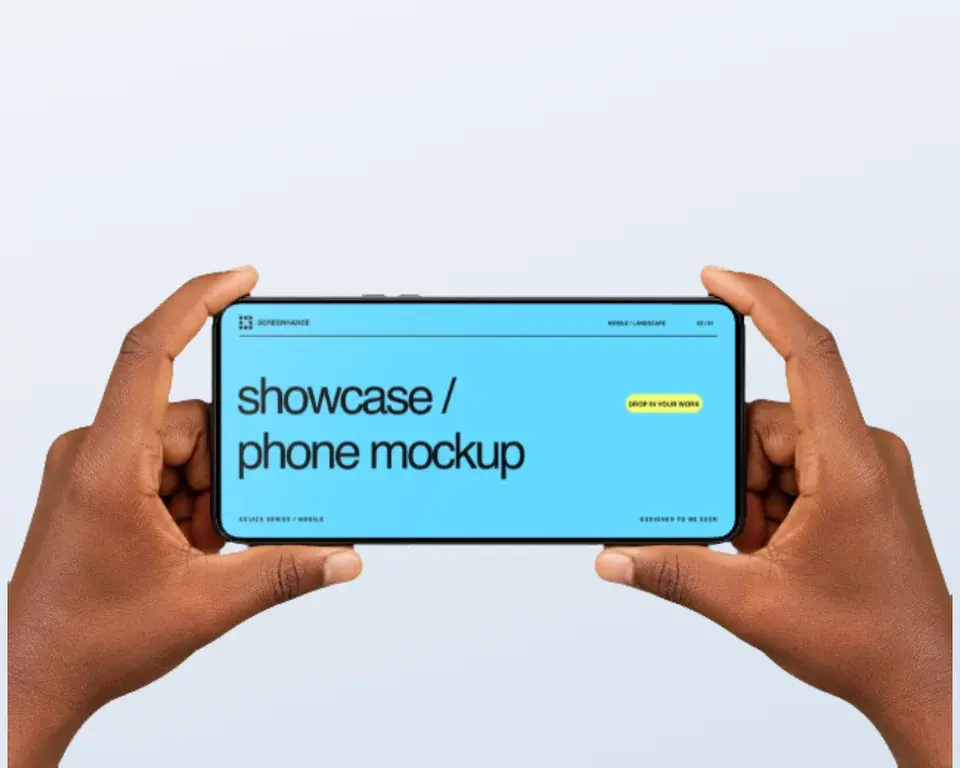
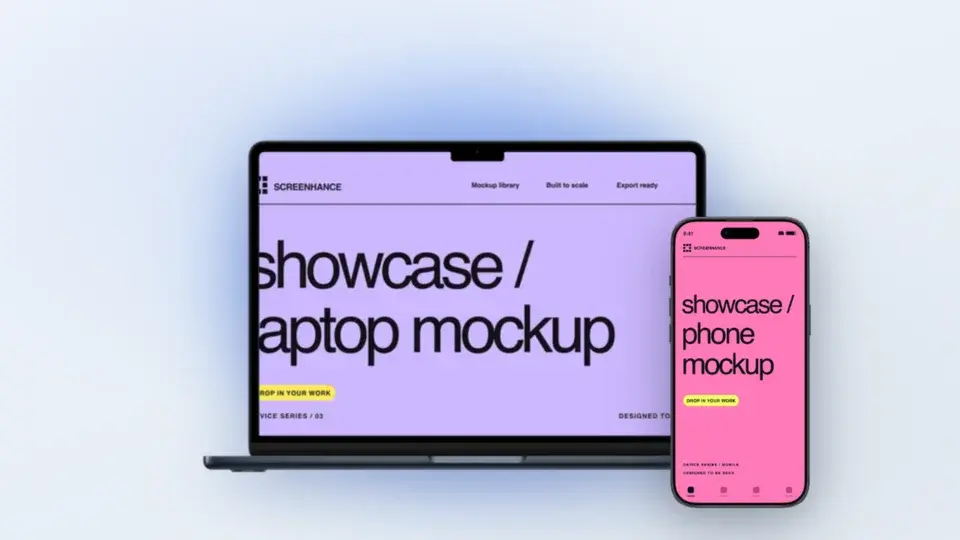
Two editable starting points from the Screenhance library, selected for this mockups guide.
Make a social card that earns clicks
Free to start. No credit card required.
Keep reading
Related, product-tested guides from Screenhance.
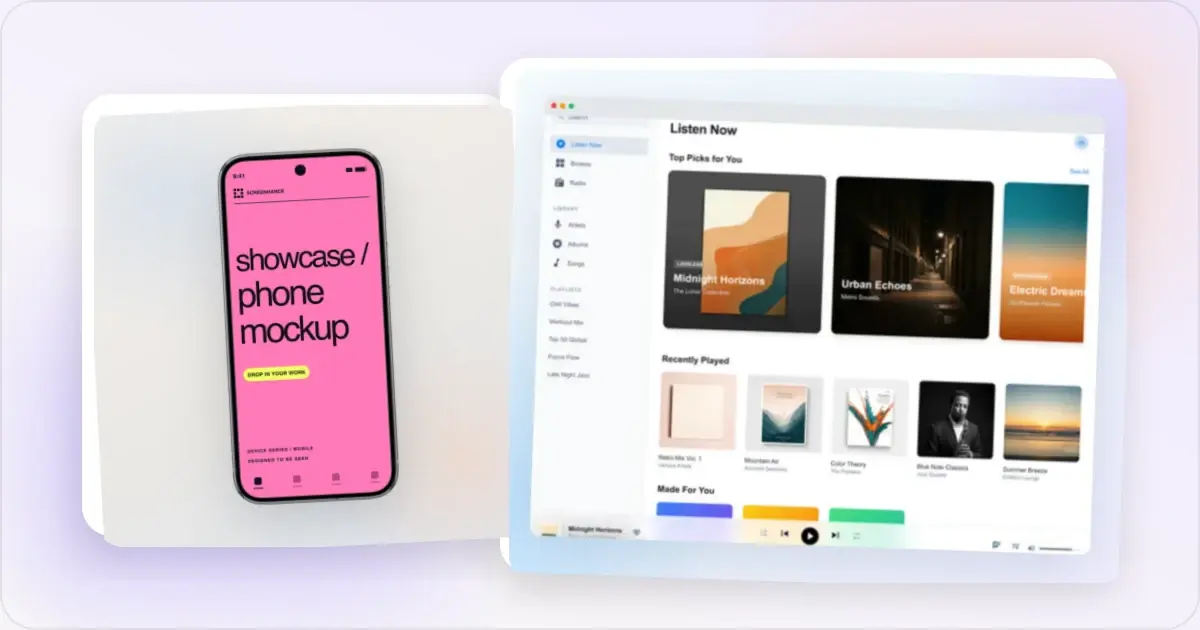
50 Screenshot Background Ideas: Gradients, Colors & Styles That Pop
Stop using plain white backgrounds for your screenshots. Here are 50 background ideas — gradients, mesh, glass, and aurora styles — organized by use case.
21 Apr 2026 · 11 min read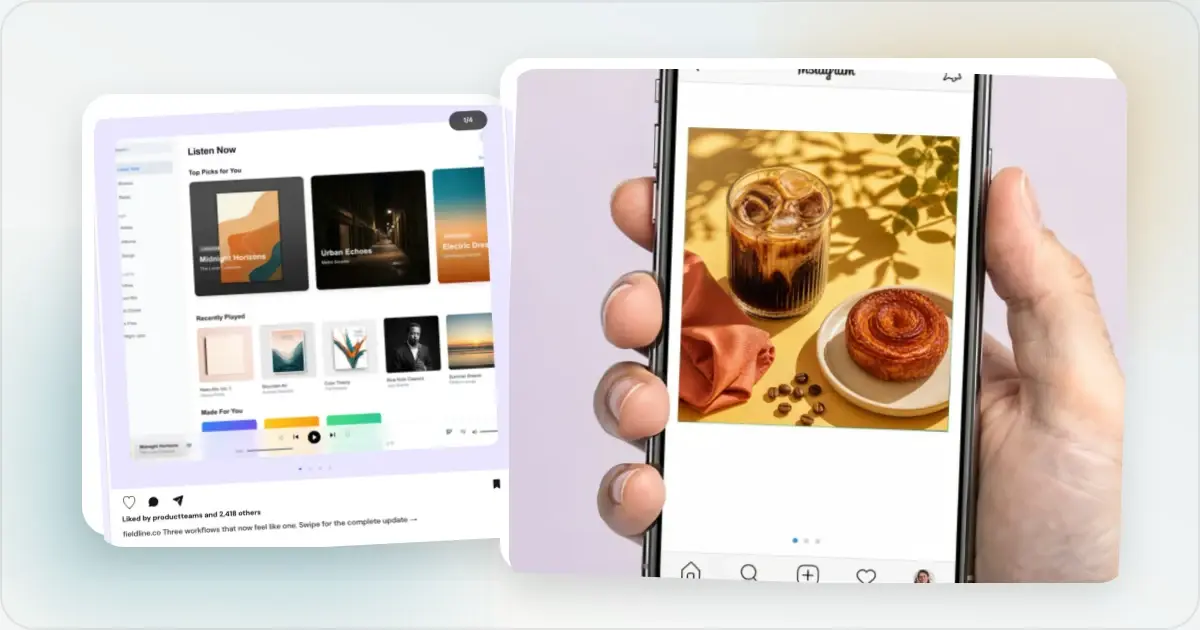
12 Instagram Mockup Examples for Better Product Launches
Explore 12 original Instagram mockup examples for feed posts, carousels, Reels, Stories, profiles, reviews, launch graphics, and product scenes.
1 Sept 2026 · 9 min read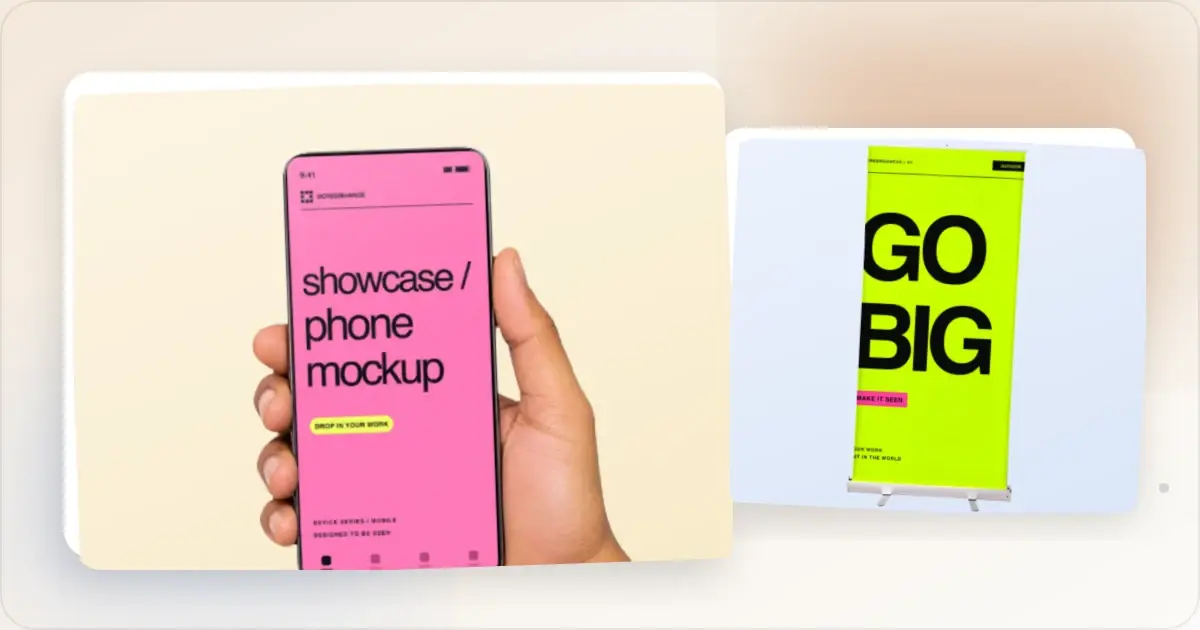
How to Make Screenshots That Go Viral on Twitter/X
Twitter is visual. Learn how to create scroll-stopping screenshots that get likes, retweets, and followers.
21 Apr 2026 · 8 min read