
How to Create Clear Product Hunt Launch Visuals
Plan a clear Product Hunt thumbnail and gallery, preview the real upload, choose static or motion assets, and prepare an accurate visual story.
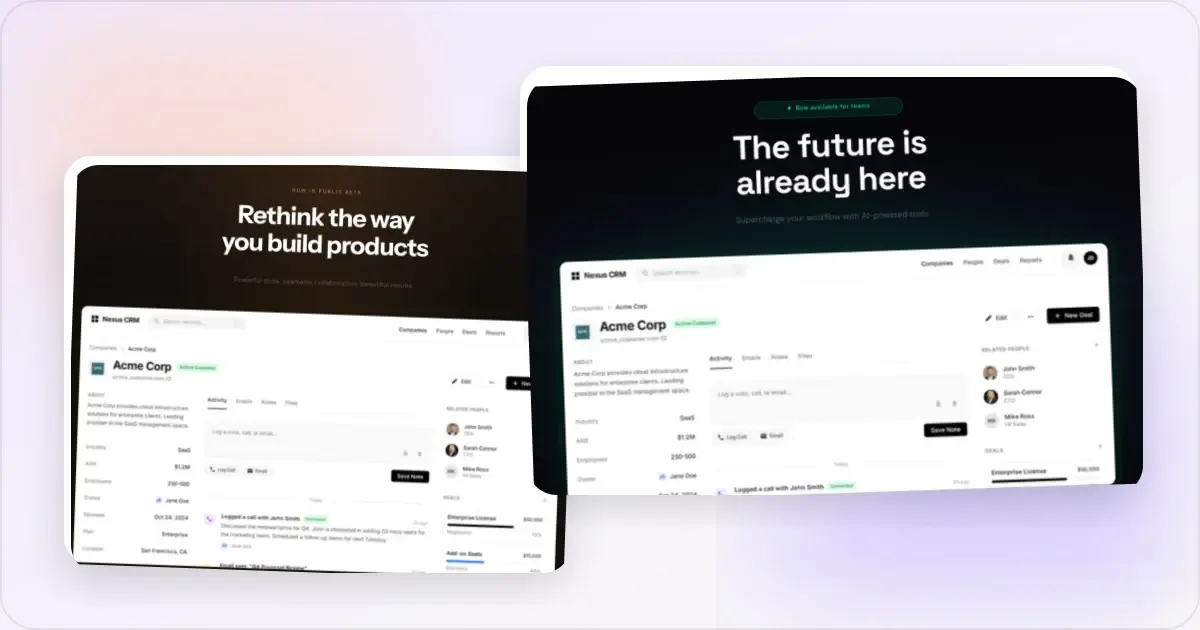
Product Hunt listings can include a thumbnail and gallery that help visitors understand the product. Clear visuals matter, but they do not guarantee ranking, clicks, or upvotes.
Open the Gallery Clearly
Your first gallery image does not become the Product Hunt thumbnail; the thumbnail is uploaded separately. Give the opening gallery image a clear job:
- State what the product does
- Show a representative product screen
- Remain legible in the submission preview
- Match the product's actual visual identity
A raw screenshot can work when the interface is self-explanatory. Add a frame, background, or caption only when it supplies useful context.
What Your Gallery Should Include
A gallery can draw from the following roles. Use only the items that explain the product without repetition, and check the current upload cap in Product Hunt's launch form:
- Overview — the product and its main use case
- Feature explanation — one real workflow per image where useful
- Before/after — only when the comparison uses equivalent, truthful states
- Proof — attributable testimonials or current user numbers when you have permission to publish them
- Pricing or next step — only when the information is current and relevant to the listing
Design Tips That Work
Use a coherent visual systemShared styling can make a sequence easier to follow. Reuse these elements where they fit, without forcing every image into an identical composition:
- Background colors or gradients
- Device frames
- Typography (if adding text)
- Spacing and margins
A device frame can establish whether the product is a desktop, browser, or mobile experience. Leave it out when the bezel makes important UI too small or implies unsupported hardware.
Keep text minimalIf you add text overlays, make them concise enough to read in Product Hunt's actual preview. The appropriate length depends on the language, type size, and composition; there is no universal word limit.
Mind the aspect ratioUse Product Hunt's current launch form and submission preview to confirm the accepted canvas and crop. Do not rely on an old ratio quoted in a blog post.
Common Mistakes to Avoid
- Using a raw screenshot that is too dense to understand at the rendered size
- Styling changes that make a sequence difficult to follow
- Too much text that's unreadable at small sizes
- Low resolution exports
- Device frames that conflict with the source capture or product claim
The Quick Workflow
Here's a fast way to create your launch gallery:
- Screenshot your product's key screens
- Upload each to a mockup generator
- Apply the same device frame and background to all
- Export at high resolution
- Add to Product Hunt in the right order
With a tool like Screenhance, the shared layout reduces repeated setup across the gallery. Leave time to check every claim, crop, and upload preview.
Timing Your Visual Prep
Prepare visual assets early enough to review them in the submission flow. The Product Hunt launch checklist can help track the work:
- Create all your gallery images
- Get feedback from someone who hasn't seen your product
- Make sure they tell a coherent story
- Test how they look at thumbnail size
The First-Image Test
Give the opening gallery image a self-contained job: state what the product is and show a representative screen. The thumbnail is a separate asset, placements can change, and no published evidence assigns 80% of launch performance to one image.
Use these checks before publishing.
The comprehension check. Show the image to someone unfamiliar with the product and ask what they think it does. If the answer misses the intended message, revise the screen, crop, or caption. Treat this as qualitative feedback, not a prediction of launch performance. The rendered-size check. Preview each gallery image at the size shown in Product Hunt's submission flow. Test the separate thumbnail on its own; it should remain recognizable without copying the whole gallery composition into a square. The context test. Compare the asset with Product Hunt's current interface and surrounding cards. Make sure the product remains recognizable without choosing a deliberately unusual treatment that weakens brand consistency or readability.Iterate until a person unfamiliar with the product can explain the main idea; there is no required number of rounds.
Animated vs Static for the Gallery
Check Product Hunt's current launch form for accepted static and video formats. A possible mix is:
- Opening gallery image — static. Explain the product clearly; remember that it is not the separately uploaded thumbnail.
- Motion asset — optional. Show one real interaction only when the accepted format and playback behavior suit it.
- Remaining images — static where useful. Feature explanations and text-heavy details are often easier to inspect as stills.
There is no evidence-backed six-second cutoff. Keep motion concise, inspect the loop, and follow the current accepted formats rather than assuming WebM is always preferred or even accepted. Maintain a static fallback for other launch surfaces.
Frequently Asked Questions
What dimensions should Product Hunt gallery images be?
Use Product Hunt's current launch form as the source of truth for gallery dimensions. The Product Hunt gallery generator provides a practical preset, and the submission preview is where you should confirm the crop.
How many images do I really need?
Use enough gallery items to explain the product without repetition. Check the current upload cap in Product Hunt's launch form. A useful sequence might include an overview, key workflow, secondary capability, real proof when permission allows it, and pricing only when the information is current.
Should the headline text be on the image or in the launch comment?
Use on-image text only when the screen needs a concise explanation. Put the longer story and context in the launch copy, where it remains readable and accessible. The two can reinforce the same accurate message without being identical.
Can I reuse the same images across Twitter, LinkedIn, and Product Hunt on launch day?
Reuse the visual system, not necessarily one file. Re-crop for the destinations you use and confirm Product Hunt's current gallery canvas. Destination-specific exports prevent accidental clipping, but they do not guarantee higher performance.
When should I start preparing visuals before launch?
Start early enough to capture current product screens, review claims, obtain approvals, and test the uploaded assets. The necessary lead time depends on the team and number of outputs; there is no evidence-backed two-week requirement.
Should I A/B test the first gallery image before launch day?
You can test the underlying message on channels you already use, but a result from X or LinkedIn does not transfer cleanly to Product Hunt because the audience and placement differ. Treat those tests as directional. Keep copy, timing, and audience as comparable as practical and avoid declaring a winner from one post.
Do hunter and maker comments need different visuals attached?
If an image genuinely helps explain the maker comment, use a secondary visual that adds context rather than repeating the opening gallery image. The comment should still make sense without the image.
How should multi-product launches handle visuals across the suite?
Use a shared frame, palette, and type system when it helps people recognize related products. Allow exceptions when a different product or crop needs them; consistency is a design aid, not a performance guarantee.
What visual should I use in a follow-up post?
If you post a follow-up, use an accurate result or a thank-you visual and preserve the date or context. Do not imply a final rank before it is final, and do not turn a temporary placement into an evergreen claim.
Why Launch-Day Visuals Can Fail Outside Figma
A gallery can look polished on a large design canvas and still fail at the smaller sizes where people first encounter it. The problem is context, not necessarily visual quality.
Product Hunt uses separate gallery and thumbnail assets. Check the current dimensions in the launch form. Trying to make one composition do both jobs can produce tiny text or an unrecognizable crop, so create a simpler square thumbnail using the same product identity.
Preview both assets in the submission flow. The thumbnail needs a strong silhouette at feed size; the gallery can carry more product detail once someone opens the launch.
The second risk is reviewing every asset only on a large design canvas. Use Product Hunt's submission preview before publishing and test the separate thumbnail at its rendered size. The Product Hunt gallery generator provides a gallery preset; the current form and preview still need a human check.
Visual Prep Timeline That Survives a Real Launch Week
The schedule below is a planning example, not a required timetable. Expand or compress it based on team size, approvals, localization, and the stability of the product UI.
Early planning: Concept and first drafts. Define the gallery narrative and give each proposed image one purpose. Draft the complete sequence at low fidelity before polishing individual assets. Opening-image review. Create materially different options if time allows. Ask people unfamiliar with the product what each image communicates, then choose the clearest version without assuming a small preference test predicts launch performance. Build the remaining set. Polish the other useful gallery items against the visual system established for the opening image. Preserve consistency where it aids comprehension, but let different content use a different crop when needed. External feedback. Show the full set to reviewers who were not involved in making it. Ask them to flag unclear claims, unreadable text, accidental private data, and missing context. T-2: Final edits and exports. Make the feedback edits, export to the current accepted dimensions and file-size limits, and stage assets in a dated folder. Upload a draft and check the actual platform rendering. T-1: Buffer day. Reserve time for factual corrections, broken assets, or product changes. Avoid unnecessary late visual churn after the set has been approved. T-0: Launch. Avoid reactive visual changes based on a few hours of activity. Fix factual mistakes or broken assets immediately, but save subjective redesigns for a calmer review after the launch.Related Reading
- How to Make a Mockup: Complete Beginner's Guide - Step-by-step mockup tutorial
- How to Create Product Hunt Mockups That Get Upvotes - Detailed mockup guide for Product Hunt
- 7 Screenshot Mistakes That Make Your Product Look Amateur - Avoid these common pitfalls
- Best Screenshot Size: Complete Guide - Optimal dimensions
Conclusion
Your Product Hunt gallery should explain the product accurately at its rendered size. A Product Hunt gallery generator can reduce repeated layout work, but the current upload form and preview remain the source of truth for the final assets.
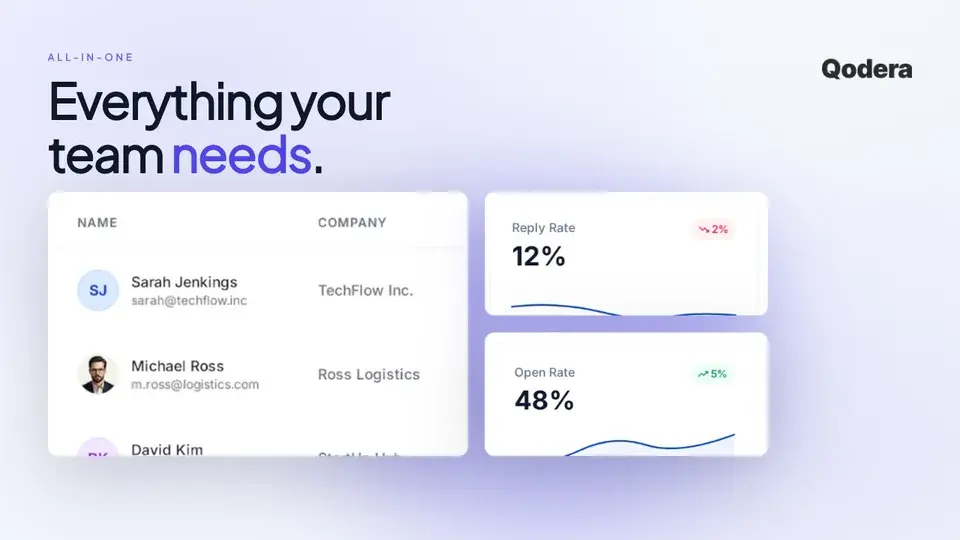
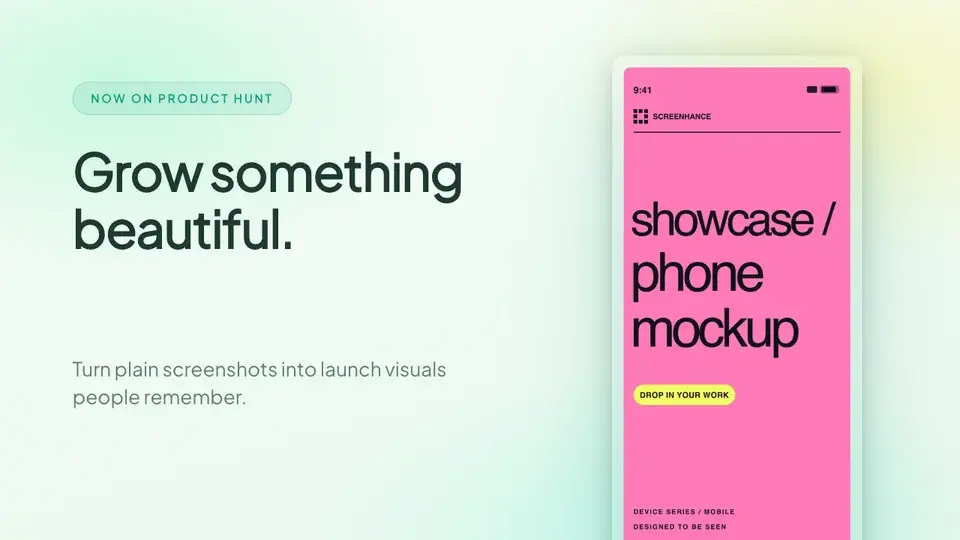
Screenhance examples
Two editable starting points from the Screenhance library, selected for this launches guide.
Make a Product Hunt gallery that gets upvotes
Free to start. No credit card required.
Keep reading
Related, product-tested guides from Screenhance.
Best Mockup Tools for Product Hunt Launches: 2026 Comparison
Compare the best tools for creating Product Hunt gallery images. Screenhance, Figma, Canva, Photoshop, and Shots.so: honest pros, cons, and pricing.
7 Feb 2026 · 12 min read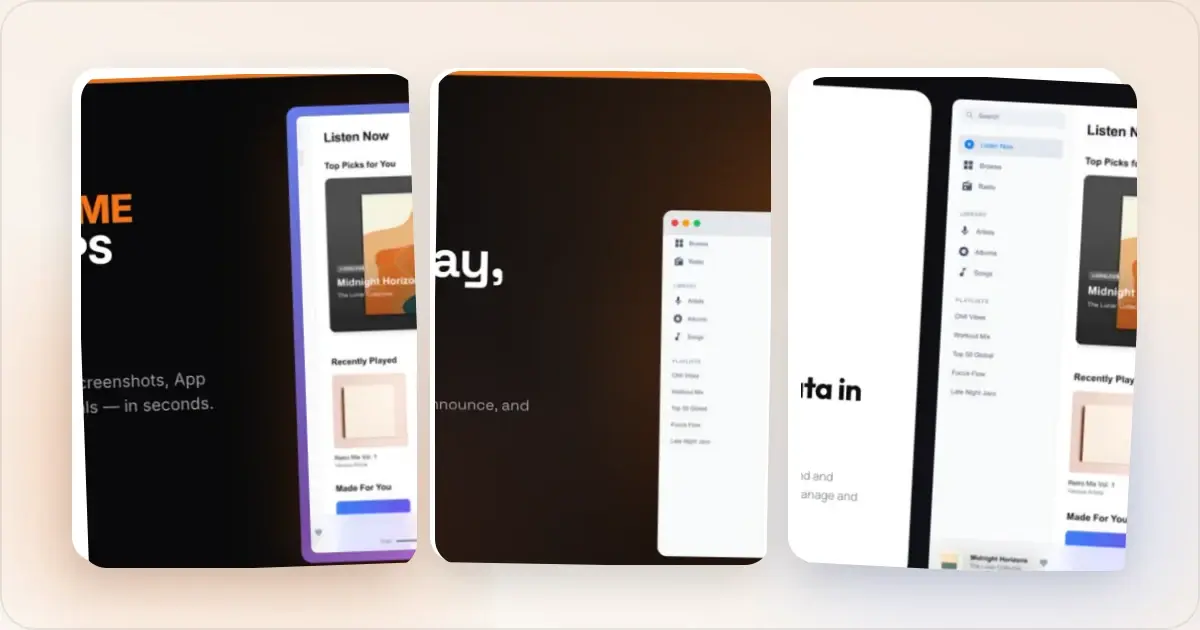
Product Hunt Gallery Examples: What Top-Voted Products Do Right
Analyze the visual patterns behind successful Product Hunt galleries. Learn the structures, styles, and strategies that top-voted products use to win upvotes.
7 Feb 2026 · 11 min read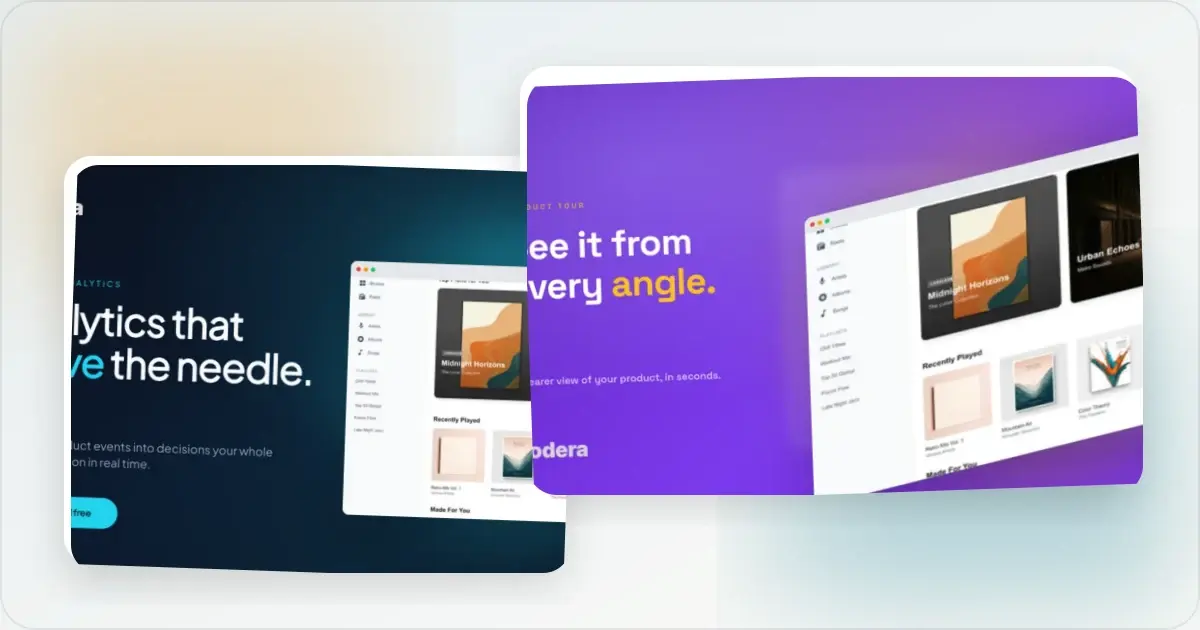
Product Hunt Launch Guide 2026: A Practical Maker Checklist
A practical 2026 Product Hunt launch checklist covering submission assets, preparation, launch-day review, authentic sharing, and follow-up.
7 Feb 2026 · 12 min read