
Figma vs Photoshop vs Mockup Generators: Which Should You Use?
Compare Figma, Photoshop, and modern mockup generators for product visuals, store listings, physical scenes, motion, and launch production.
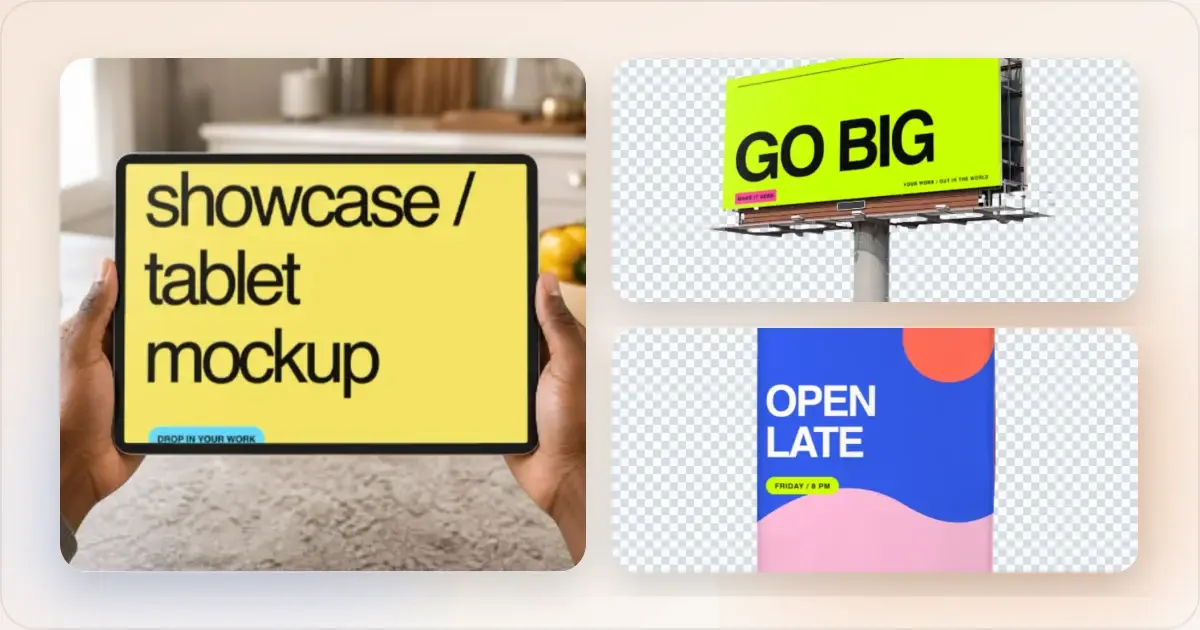
Figma, Photoshop, and dedicated mockup generators can all create excellent mockups. The meaningful difference is the production model: an open design canvas, an image-compositing workstation, or a workflow that already understands common launch outputs.
Modern generators are also much more capable than the old “upload, frame, export” category. A product-focused system such as Screenhance now combines editable layers, device and physical scenes, store screenshot sets, localization, motion, and product video. The best choice therefore depends on the work surrounding the mockup, not simply how much design control you want.
Quick comparison
| Capability | Screenhance | Figma | Photoshop |
|---|---|---|---|
| Product-launch starting points | editable visual templates | Community files and custom systems | PSD templates and custom documents |
| Device and stylized frames | built-in library | Plugins/community assets | PSD assets/smart objects |
| Photorealistic scenes | Built-in catalogue | Community assets/compositing | Maximum custom compositing control |
| Layer editing | Yes | Yes | Yes |
| Live multiplayer collaboration | No | Yes | Limited/shared workflows |
| Store screenshot sets | Coordinated dedicated templates | Manual setup/plugins | Manual setup/actions |
| Built-in store translation | 16 locales | Manual/plugins | Manual |
| Visual motion | 18 styles; GIF/WebM | Plugins/prototyping workflow | Timeline/video workflow |
| Screen-recording product video | Studio; MP4/WebM | Third-party workflow | Video timeline; no native capture workflow |
| CMYK/advanced image prepress | No | Limited | Yes |
Make a free device mockup
Figma
Best fit: teams whose mockups must remain inside a collaborative interface-design system.Figma provides an open canvas, components, variables, prototyping, and live multiplayer editing. It is a natural choice when the marketing composition is tightly connected to the source UI or several designers must iterate in the same file.
The tradeoff is setup. Device assets usually come from community files or plugins, and store sizes, localization variants, naming, and delivery structure must be assembled by the team. That flexibility is valuable for bespoke work but inefficient for repeated launch formats.
Photoshop
Best fit: advanced compositing, custom photography, retouching, and print production.Photoshop remains the strongest option when the job depends on masks, perspective transforms, complex lighting, pixel-level retouching, custom hardware, CMYK workflows, or a PSD smart-object library. It can create nearly anything, provided the user has the assets and production skill.
The tradeoff is repetition. Photoshop does not inherently understand that five screenshots belong to one store listing, that captions must be localized consistently, or that the same source needs Product Hunt, social, and website variants.
A modern product-focused mockup generator
Best fit: recurring product marketing and launch production.Screenhance provides editable visual templates, device and stylized frames, and photorealistic scenes across phone, tablet, laptop, desktop, watch, TV, browser, print, apparel, and outdoor formats. A full layer editor supports text, assets, uploads, backgrounds, adjustments, and product annotations including arrows, highlights, blur, redaction, and step markers.
The dedicated workflows go further:
- coordinated store-set templates for iOS, Google Play, and the Chrome Web Store
- Built-in translation across 16 locales
- Organized ZIP export and an optional fastlane-ready iOS structure
- editable motion styles with GIF/WebM output
- Studio for polished MP4/WebM product videos from screen recordings
- Launch Kit for a coordinated direction from a brief, screenshots, logo, and palette
The tradeoff is at the far edge of bespoke work. Photoshop still provides deeper photographic compositing and prepress controls; Figma still provides richer live collaboration and open-ended interface design.
Choose by deliverable
Choose Screenhance when:
- A screenshot or recording must become several launch assets
- You need store listings, localization, Product Hunt galleries, website heroes, or social graphics
- Device and physical scenes should share one editable visual system
- Repeatability, annotations, motion, and organized export matter
Choose Figma when:
- The mockup belongs inside the product-design source file
- Live multiplayer editing and design-system integration are essential
- The composition is bespoke and will be maintained by designers
Choose Photoshop when:
- The work requires advanced retouching, custom photography, masks, or unusual perspective
- You need CMYK or specialized print-production control
- A precise PSD smart-object workflow already exists
Common edge cases
Physical products and lifestyle scenes
You do not automatically need Photoshop. Screenhance includes photorealistic scenes across print, apparel, outdoor, and device formats. Use Photoshop when the particular object, camera angle, lighting, or brand hardware is not covered and must be composited from scratch.
Multi-device compositions
These are also not exclusive to a general design tool. Screenhance templates and scenes include multi-screen arrangements. Choose Figma or Photoshop when a completely custom perspective or large art-directed composition is the requirement.
Screenshot annotation and privacy
Screenhance includes arrows, curved and connector lines, highlights, blur, redaction, and step markers inside the editor. A separate annotation app is unnecessary for most product-marketing work.
Store listings
A dedicated store workflow is normally the strongest choice because the screenshot series, presets, translation, and export structure remain connected. Figma and Photoshop are valuable when a designer needs a completely bespoke system and is prepared to maintain every variant manually.
Frequently asked questions
Can a mockup generator replace Figma?
For recurring product-launch visuals, it often can. For UI design, prototyping, component systems, and live multiplayer work, Figma remains the broader tool.
Can a mockup generator replace Photoshop?
For common device, print, apparel, outdoor, and store-listing work, it can remove most compositing setup. Photoshop remains stronger for custom retouching, unusual objects, advanced lighting, and print prepress.
Does Screenhance have editable layers?
Yes. Templates and scenes open inside a full editor with layers, text, assets, uploads, frames, backgrounds, annotations, adjustments, and motion.
Is Screenhance only for static images?
No. The visual editor exports animated GIF/WebM assets, and Studio creates MP4/WebM product videos from screen recordings.
Which tool is best for a complete product launch?
Screenhance is the most direct fit among these three when the launch needs coordinated stills, store sets, localized screenshots, animated assets, and demo video. Figma and Photoshop remain useful for the bespoke design and compositing work that sits outside those repeatable formats.
Related reading
Screenhance examples
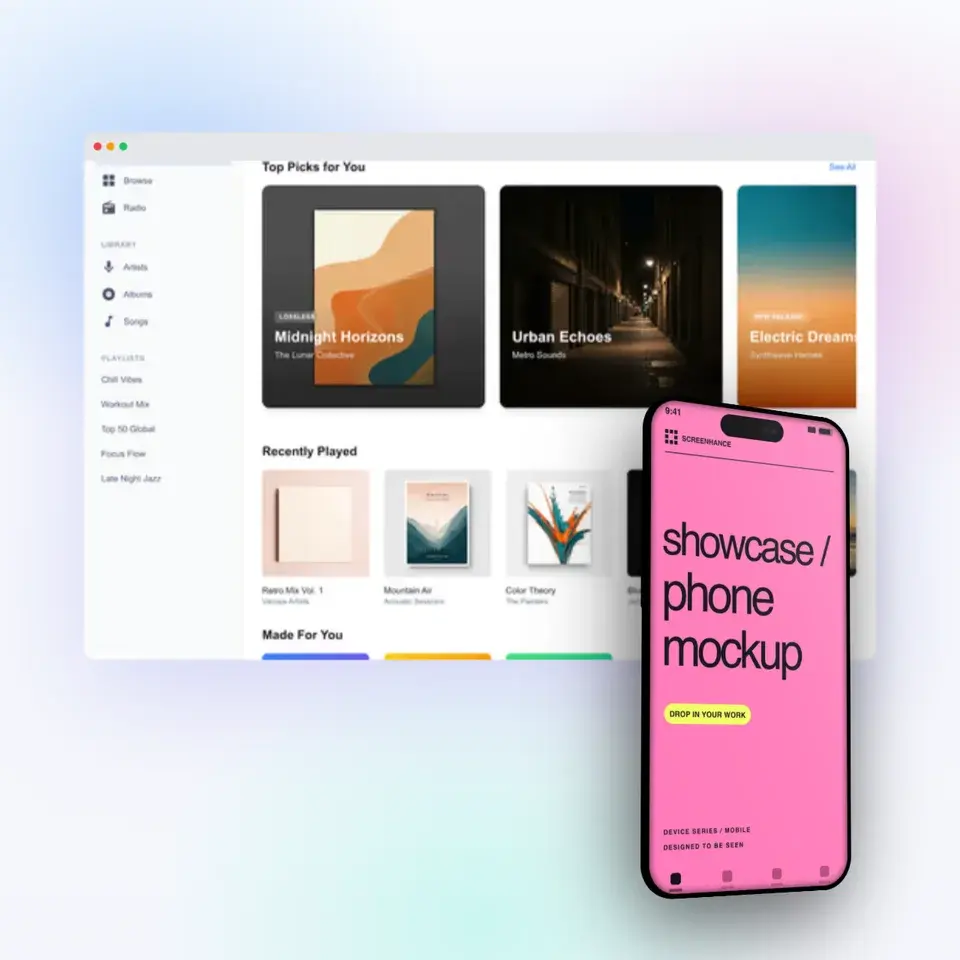
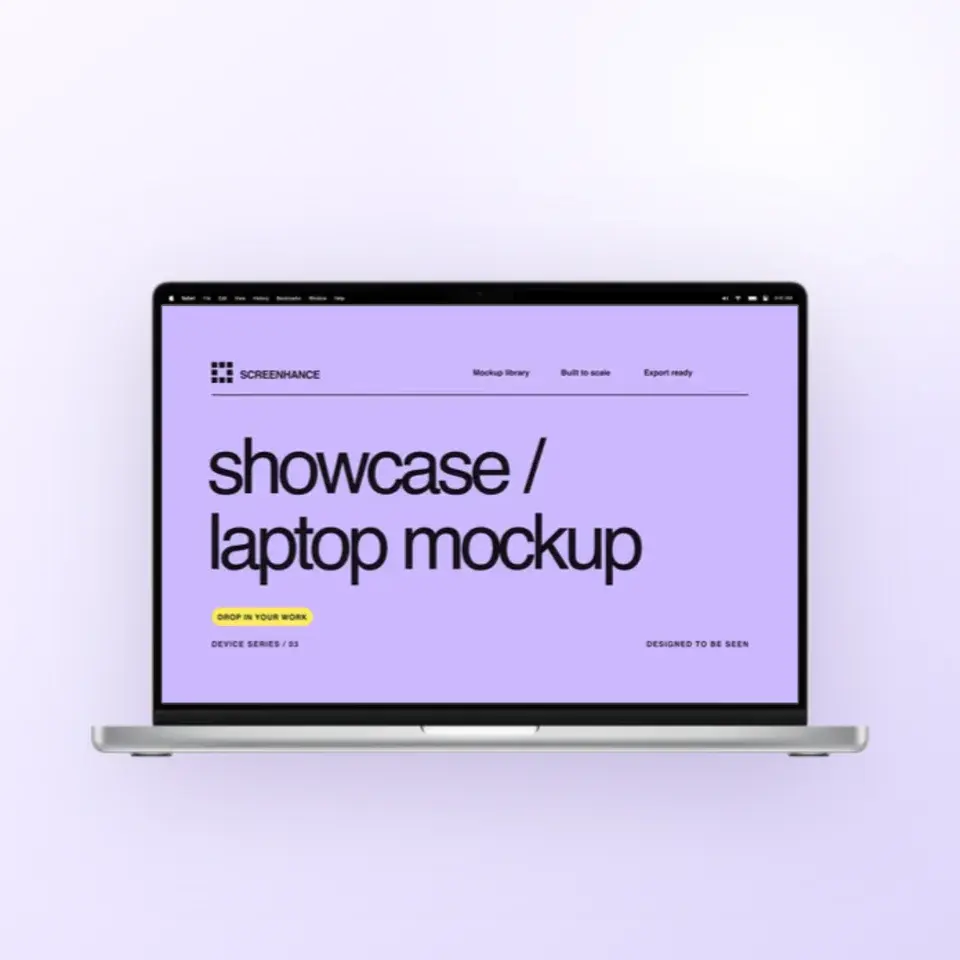
Two editable starting points from the Screenhance library, selected for this mockups guide.
Make a free device mockup
Free to start. No credit card required.
Keep reading
Related, product-tested guides from Screenhance.
How to Create Compelling Before & After Mockups
Before and after comparisons are powerful marketing tools. Learn how to create them effectively for maximum impact.
21 Apr 2026 · 7 min read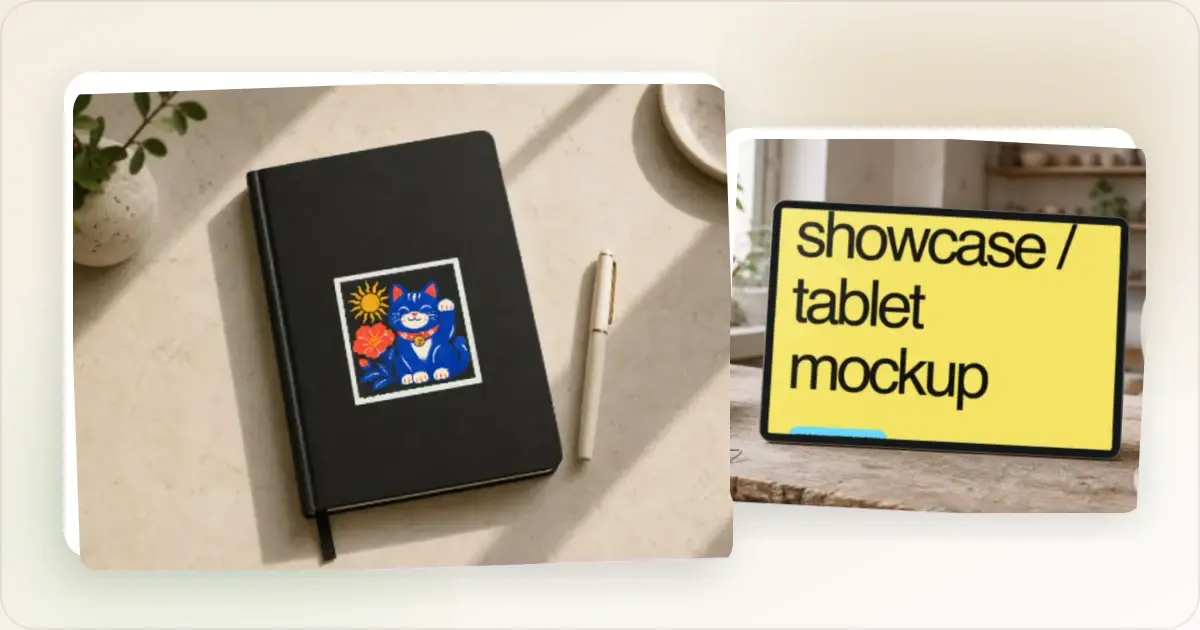
Best Free Mockup Tools in 2026: A Practical Comparison
We tested 8 free mockup generators in 2026 and ranked them by speed, quality, and device frame variety. See which ones are actually worth using.
24 Feb 2026 · 9 min read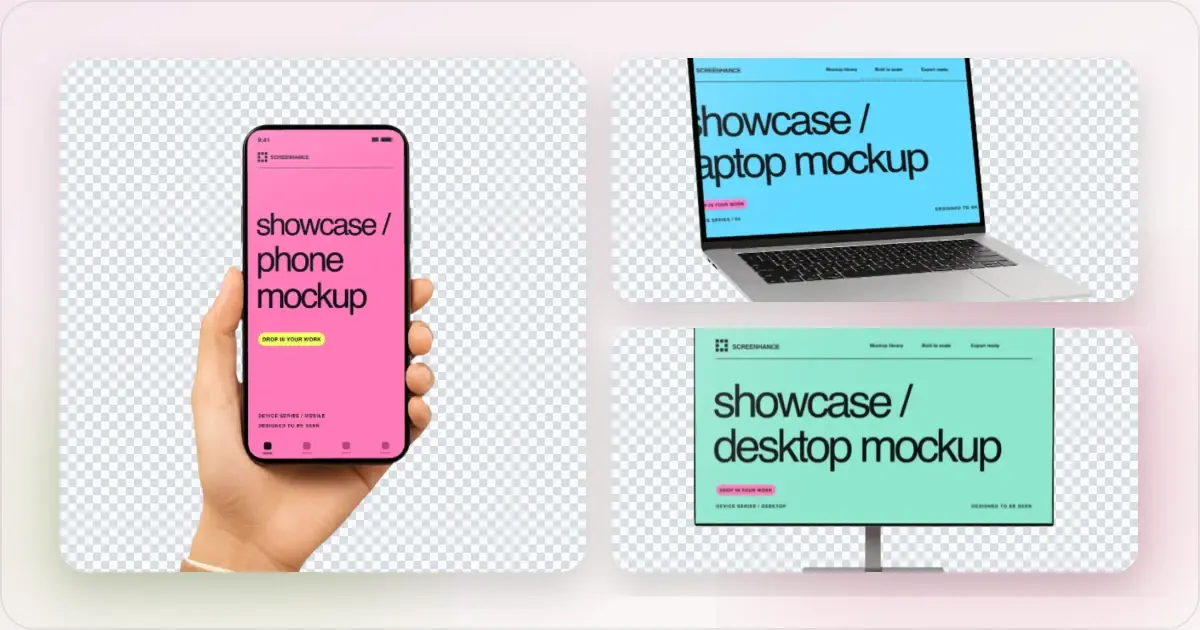
Apple Watch Mockup Guide: Framing watchOS Apps in 2026
How to create Apple Watch mockups that sell a watchOS app: choosing 46mm vs 42mm, capturing clean watch screenshots, and the iPhone-plus-Watch layout.
29 May 2026 · 6 min read