
What Is a Mockup? Types, Uses, and Examples
Everything you need to know about mockups. Learn what they are, why they matter, and how to use them for your product or business.
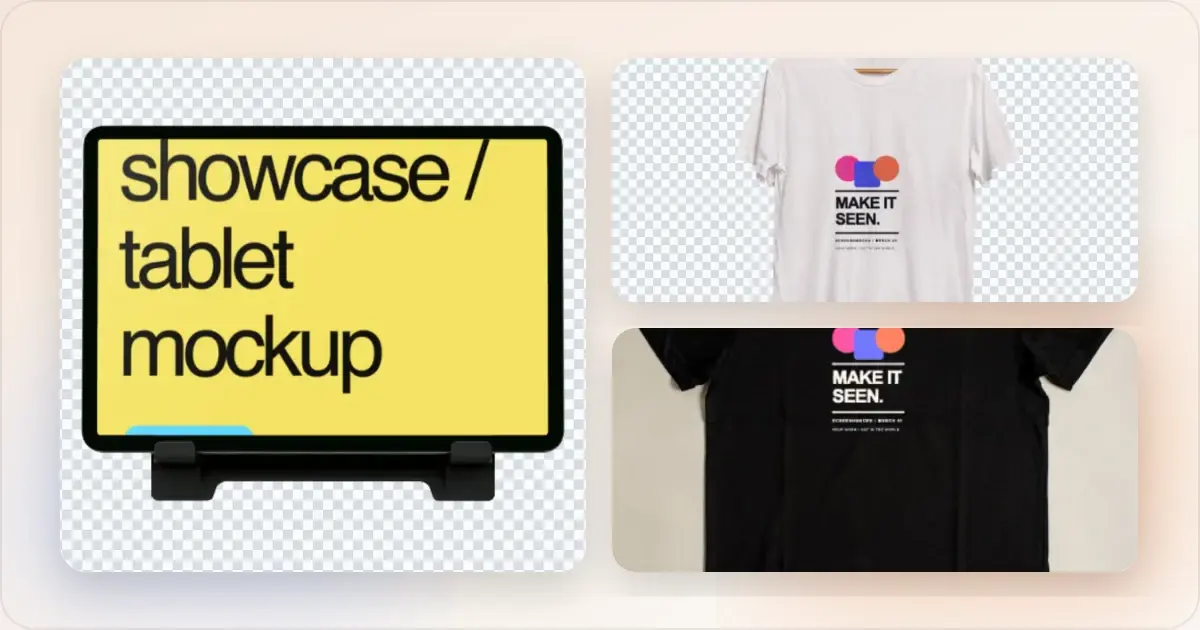
That is the short definition. The useful distinction is that a mockup communicates appearance and context; a wireframe communicates structure, while a prototype demonstrates interaction.
What Is a Mockup?
A mockup is a realistic preview of how a design will look in context. Instead of showing a flat source file, it places the design into a recognisable surface or setting.
Example: Instead of showing a plain screenshot of your app, you place it inside an iPhone frame. Now viewers can visualize actually using your app on their phone.Mockups bridge the gap between "here's my design" and "here's how it looks in real life."
What Are Mockups Used For?
Marketing and Advertising
Mockups make products look professional and desirable:
- Landing page hero images
- Social media posts
- Ad creatives
- Email marketing images for newsletters and campaigns
App Store Optimization
Store-listing screenshots need to explain the app clearly. A mockup can help organize that presentation:
- Device frames show context
- Backgrounds add visual appeal
- Text overlays communicate value
Portfolios and Case Studies
Designers use mockups to present work:
- Show designs in realistic contexts
- Demonstrate how products will look
- Create professional presentations
Pitch Decks and Presentations
Startups use mockups to impress. A pitch deck mockup generator helps create investor-ready visuals quickly:
- Make early-stage products look polished
- Help investors visualize the product
- Create professional slide decks
Documentation and Tutorials
Technical writers use mockups for:
- User guides and help docs
- Feature announcements
- Tutorial content
Types of Mockups
Device Mockups
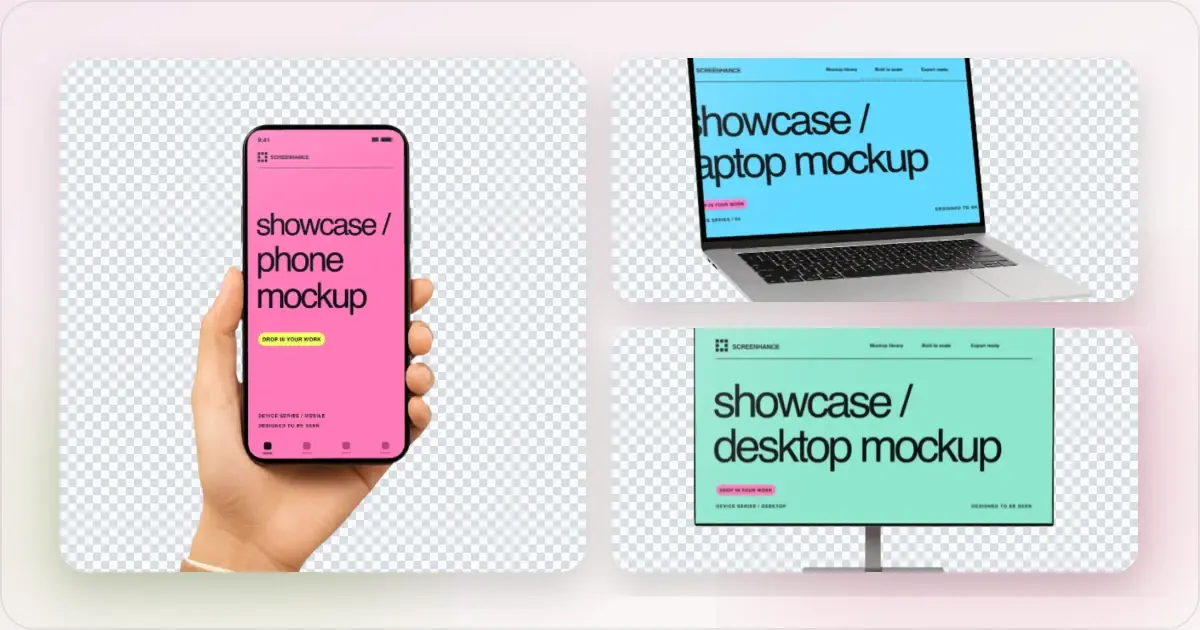
The most common type. Your design inside a device:
- Phone mockups - iPhone, Samsung, Pixel
- Laptop mockups - MacBook, generic laptops
- Tablet mockups - iPad, Android tablets
- Desktop mockups - iMac, monitors
- Watch mockups - Apple Watch, smartwatches
Browser Mockups
Your website in a browser window:
- Chrome, Safari, Firefox frames
- Light and dark mode options
- With or without URL bar
Print Mockups
Physical products and materials:
- Business cards
- Brochures and flyers
- Posters and banners
- Packaging
Apparel Mockups
Clothing and merchandise:
- T-shirts and hoodies
- Hats and accessories
- Bags and totes
Environmental Mockups
Designs in physical spaces:
- Billboards
- Signage and transit displays
- Office environments
- Retail displays
Screen and Entertainment Mockups
Wide-format products and campaigns on displays:
- Living-room and wall-mounted TVs
- Streaming and connected-TV interfaces
- Game artwork and playback screens
- Digital signage and presentation displays
Merchandise and Object Mockups
Artwork on sellable or promotional objects:
- Mugs and drinkware
- Tote bags, caps, and accessories
- Stickers, notebooks, and greeting cards
- Album covers, canvases, and wall art
Why Do Mockups Matter?
They Make a Presentation Easier to Evaluate
A mockup can make the intended device, placement, and scale clearer. A plain screenshot may be more useful when the viewer needs to inspect the interface closely. Polish alone does not establish trust or guarantee conversion.
They Provide Context
A device frame can distinguish a mobile interface from a desktop website. A photographed poster or package can show the setting and approximate visual scale of artwork that is otherwise only a flat file.
They Help Visualization
Mockups help viewers discuss how a design might appear in use. They can reveal an awkward crop, a label hidden by a fold, or interface text that becomes too small in a presentation. Check the real product or a physical proof when fit, material, or function matters.
They Differentiate
Using consistent framing, background, and spacing can make a collection of product images feel related. Keep that visual system subordinate to the design being shown.
One design, three different mockup briefs
Suppose you are launching a fictional reading app. The same library screen can appear in several mockups, but each needs to answer a different question.
| Brief | Source material | Composition | What to check |
|---|---|---|---|
| Explain the app on a website | A current library screenshot with sample book titles | One readable phone frame beside a short product description | Can someone recognize the reading workflow at the rendered size? |
| Show an App Store feature | A screenshot of a real feature, such as reading progress | A store-size slide with one benefit-led caption | Do the caption and visible interface describe the same shipped behavior? |
| Present a launch poster | Finished poster artwork containing the app's name and visual identity | The artwork on a photographed poster surface | Are the headline and artwork visible within the surface's perspective and crop? |
Make a free device mockup
The phone mockup demonstrates device context. The store slide explains a feature. The poster mockup previews a physical placement. None proves that people can navigate the app, that a store listing will convert, or that printed colors will match the image.
Choose an iPhone frame for the first brief, the App Store screenshot workflow for the second, or a poster mockup for the third. For an interaction question such as “Can a reader find their saved books?”, use the running app or an interactive prototype.
Mockup vs. Prototype vs. Wireframe
These terms are often confused:
| Term | What It Is | Interactivity |
|---|---|---|
| Wireframe | Basic layout/structure | None |
| Mockup | Visual design preview | None |
| Prototype | Interactive demo | Clickable |
How to Create Mockups
Option 1: Mockup Generators (Easiest)
Dedicated tools for creating mockups quickly:
1. Upload your screenshot
2. Select a device frame
3. Choose a background
4. Export
Best for: Quick, professional results without design skills.
Option 2: Figma/Sketch
Design tools with mockup capabilities:
1. Find or create a mockup template
2. Place your design
3. Customize as needed
4. Export
Best for: Designers who need more control.
Option 3: Photoshop
Maximum flexibility with PSD templates:
1. Download a mockup PSD
2. Replace the smart object
3. Adjust settings
4. Export
Best for: Complex, highly customized mockups.
Mockup vs Prototype vs Wireframe: A Comparison That Actually Matters
The table above is fine for trivia night, but the practical question is: which artefact do you reach for, and when? Treat it as a function of audience and decision speed.
Reach for a wireframe when the conversation is about information architecture — what goes on the page, in what order, with what hierarchy. Wireframes are deliberately ugly so nobody argues about colour palettes when they should be arguing about whether the checkout has too many steps. If a stakeholder is debating button shade in a wireframe review, the wireframe has failed.
Reach for a mockup when the design decision is locked and you need a third party — investor, customer, internal sponsor — to feel what shipping looks like. A mockup is a marketing artefact more than an engineering one. Its job is to compress "imagine this on a phone in someone's hand" into a single image. You can build one in under a minute with a device frame generator; you do not need a design sprint.
Reach for a prototype when you have a real flow that needs validation. Prototypes answer "can a user complete the task?" Mockups never can. If somebody asks for a "mockup" but means "I want to click through it," what they actually need is a Figma prototype or a coded preview — and you should push back on the vocabulary before the deliverable gets confused.
When NOT to Use a Mockup
The contrarian take: mockups are the wrong choice more often than the design Twitter consensus admits. Skip the frame entirely when:
- You're filing a bug report. Engineers want pixel-accurate context, not a stylised iPhone frame at 15-degree rotation. The shadow obscures the bug; the gradient hides the colour issue. Raw screenshot, please.
- You're writing internal documentation. A help-centre article about "how to change your password" does not benefit from a MacBook frame on a sunset gradient. It benefits from a tight crop, an annotation arrow, and shipping.
- You're answering a support ticket. "Click here, then here" works in raw pixels. A beautified mockup makes the customer wonder if you understood the urgency.
- The screenshot is the evidence. Compliance screenshots, legal screenshots, audit trails — the whole point is unmodified pixels. Adding a frame is at best wasted effort and at worst suspicious.
- You're embedding in a context that already provides the frame. App Store listings, on certain templates, are already rendered inside a device. A second frame is just nesting devices.
The general rule: if the screenshot is the artefact, beautify it. If the screenshot is the evidence, leave it alone.
Related Reading
- How to Make a Mockup: Complete Beginner's Guide - Step-by-step tutorial
- Best Free Mockup Tools in 2026 - Tool comparison
- Mockup Design Trends for 2026 - Current styles
- The Complete Guide to Browser Mockups - Browser frames deep dive
Frequently Asked Questions
What is a mockup in simple terms?
A mockup is a realistic preview that shows how a design will look in real life. For digital products, this usually means placing a screenshot inside a device frame (like an iPhone or laptop) with a professional background. It helps people visualize your product in context.
What is the difference between a mockup and a prototype?
A mockup is a static visual representation—it shows how something looks but isn't interactive. A prototype is interactive and lets users click through and experience the product. Mockups are for presentation; prototypes are for testing functionality.
Why are mockups important?
Mockups help people evaluate a design in its intended context. They can make device choice, scale, crop, and presentation easier to discuss. A plain screenshot is often better for close inspection or support instructions; choose the format that answers the viewer's question.
Are mockups only for designers?
No, anyone can create mockups. Dedicated mockup tools require no design skills—you just upload a screenshot and make simple choices about frames and backgrounds. You don't need to know Photoshop or Figma to create professional mockups.
What makes a good mockup?
A good mockup is clean, contextual, and current. Use modern device frames, subtle backgrounds that don't compete with your design, and high-resolution exports. The mockup should enhance your design, not distract from it.
Can a mockup be animated?
Yes. The underlying mockup can remain a visual presentation rather than an interactive prototype while the composition moves. Screenhance supports editable motion styles and exports animated mockups as GIF or WebM; its Studio workflow turns screen recordings into MP4 or WebM product videos. Use animation when behaviour or attention matters, and a static mockup when the audience needs to inspect the design closely.
What is the difference between a digital mockup and a physical mockup?
A digital mockup is an image — your design composited into a device, browser, or environment via software. A physical mockup is a tangible model: a 3D-printed product, a cardboard package, a foam-core sign. They share a name and almost nothing else. In software contexts the word "mockup" almost always means the digital kind. In industrial and packaging design, it usually means the physical one.
What is the difference between a mockup and a render?
A mockup composites a 2D design (a screenshot, a logo, a label) onto a photographed or pre-existing scene. A render is generated from a 3D model — lighting, materials, and camera are computed from scratch. Mockups are faster and cheaper; renders are more flexible because you can change angle, lighting, and material without finding a new template. For most app and web work, mockups are sufficient; renders matter when you're showing a product that doesn't physically exist yet.
Does "mockup" mean the same thing in software and industrial design?
No. In software design a mockup is a static visual preview of an interface. In industrial design a mockup is an early physical prototype used to test form, fit, and ergonomics — sometimes non-functional, sometimes partially working. Both meanings predate the digital one; the software industry borrowed the word. If you're hiring across disciplines, clarify which definition you mean before the brief goes out.
Who actually creates mockups in 2026?
Almost everyone, and that's the point. Five years ago mockups were a designer deliverable. Today they're produced by founders for landing pages, by marketers for ad creatives, by support teams for changelogs, and by PMs for Loom recordings. Dedicated tools removed the Photoshop bottleneck, so the work shifted to whoever needed the asset next. Designers still own the high-stakes hero shots; the long tail of mockups has democratised.
Have any tools replaced traditional mockup workflows?
Yes. The PSD-template-plus-Photoshop workflow that dominated 2010-2020 has largely been replaced by browser-based generators for everyday work. Sites like Screenhance, plus point tools for specific device families such as an iPhone 16 mockup generator or a browser mockup generator, produce production-grade output in seconds without smart objects, layer masks, or licence files. Photoshop still wins for bespoke, multi-layer compositions; it's no longer the default.
Conclusion
Mockups are useful whenever a design needs context before the final product, print run, photoshoot, or placement exists. They turn flat source files into credible device, product, merchandise, interior, and outdoor presentations.
You don't need Photoshop or a library of PSD smart objects to create them. A browser-based mockup generator can place the real screenshot or artwork into a scene, then carry it into the rest of a launch while the source remains editable.
Start with the exact context your audience needs to understand, then keep the product or design—not the decoration—as the focal point.
Screenhance examples
Two editable starting points from the Screenhance library, selected for this mockups guide.
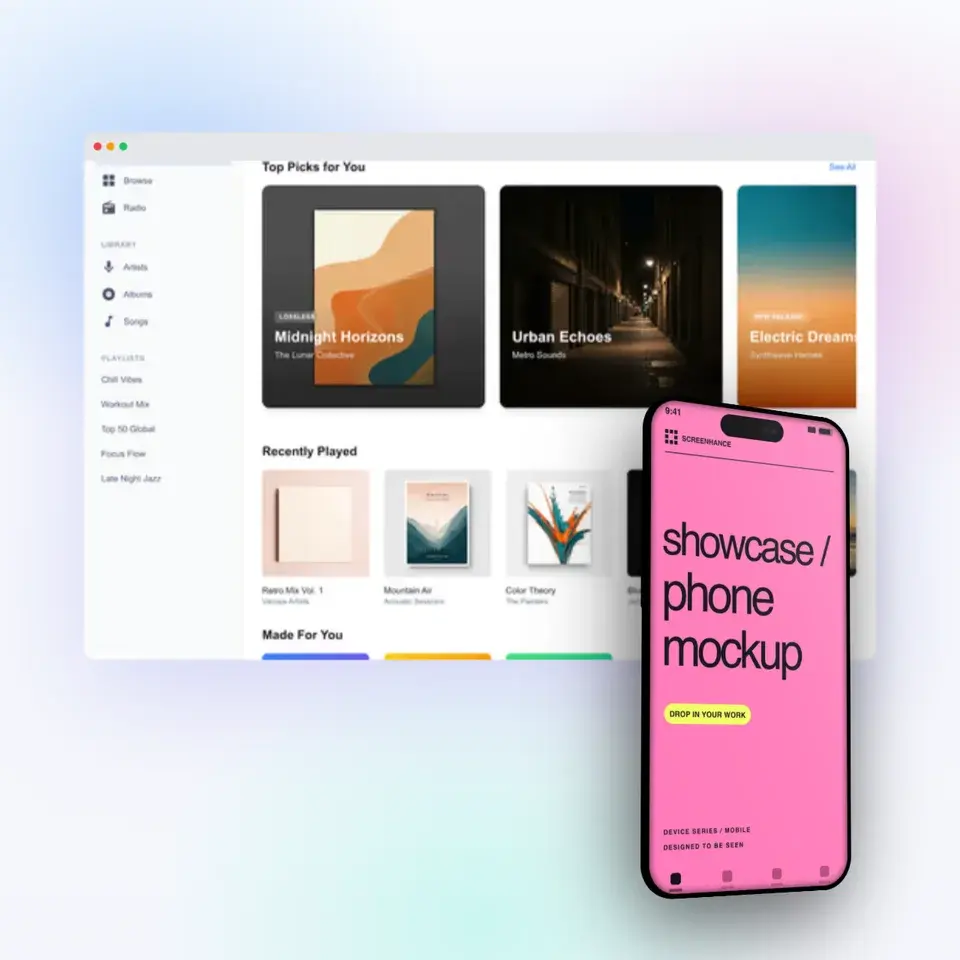
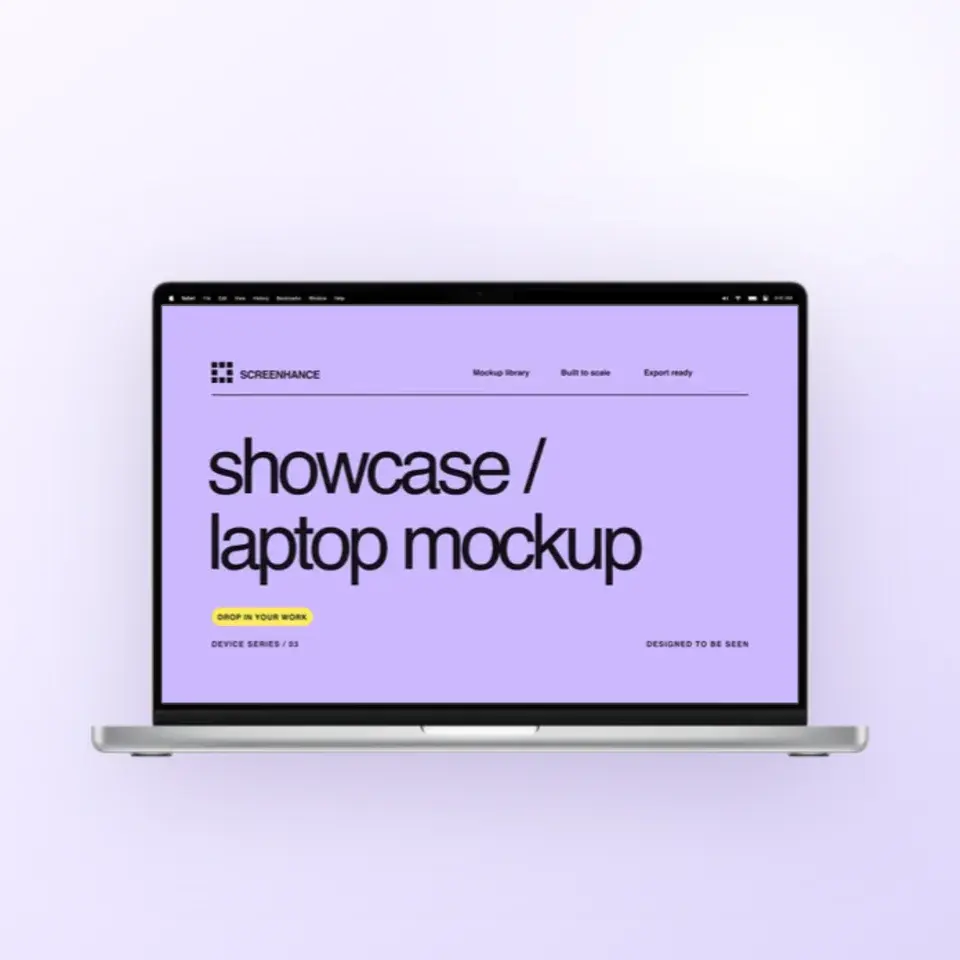
Make a free device mockup
Free to start. No credit card required.
Keep reading
Related, product-tested guides from Screenhance.
Apple Watch Mockup Guide: Framing watchOS Apps in 2026
How to create Apple Watch mockups that sell a watchOS app: choosing 46mm vs 42mm, capturing clean watch screenshots, and the iPhone-plus-Watch layout.
29 May 2026 · 6 min read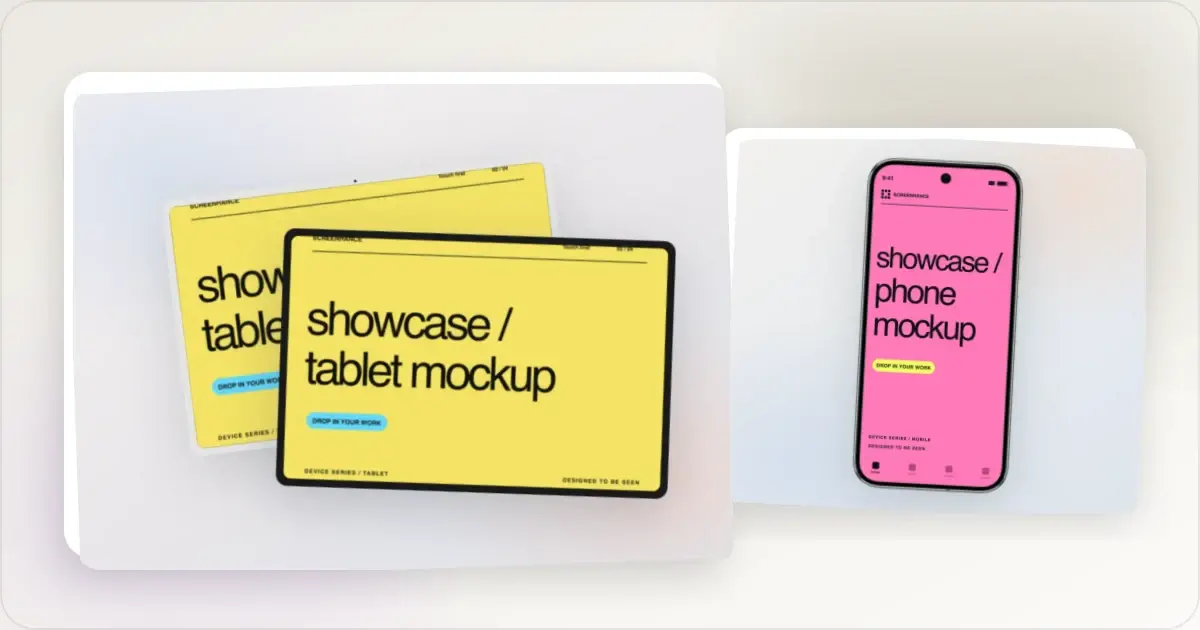
Google Pixel Mockup Guide for Android Marketing in 2026
Choose and use a Google Pixel frame for Android marketing, compare it with a Galaxy treatment, and prepare accurate Play Store visuals.
29 May 2026 · 5 min read
AI Mockup Generators in 2026: Where They Help and Where They Fail
A practical guide to AI mockup generators: when generated scenes help, when real product screenshots matter, and how to build a repeatable launch workflow.
13 May 2026 · 6 min read