
Animated App Demos in 2026: Screen Studio, Jitter, Rotato, and Screenhance
Compare Screen Studio, Jitter, Rotato, and Screenhance for screen-recording video, motion design, 3D mockups, and complete launch assets.
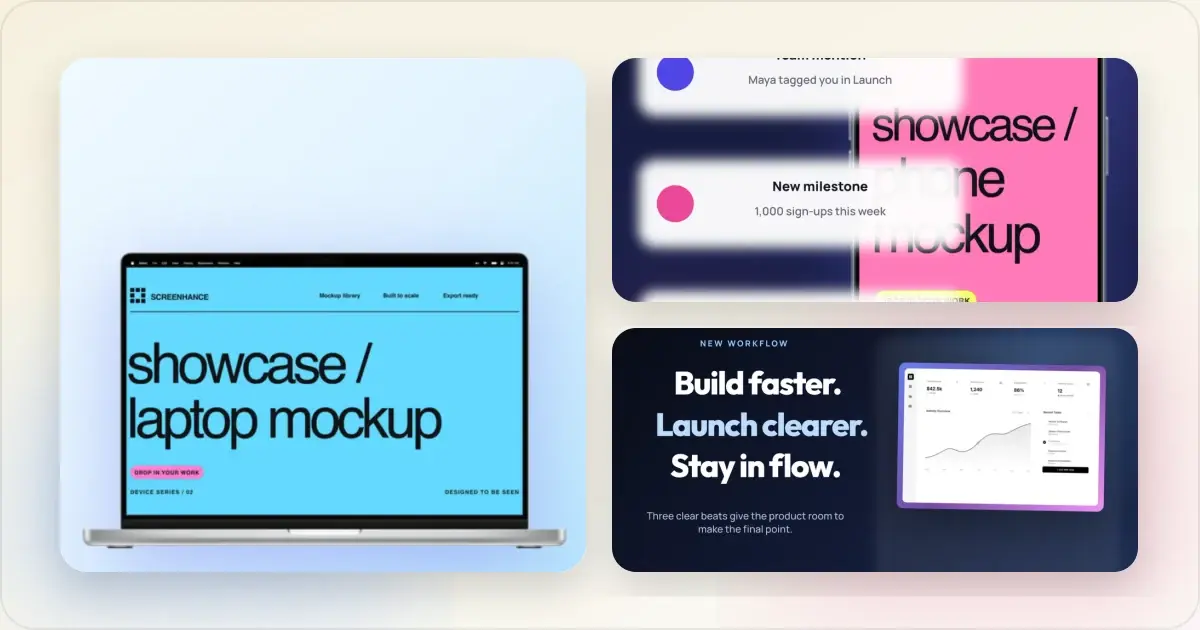
“Animated app demo” describes several different outputs: a polished screen recording, a keyframed design animation, a cinematic 3D device render, or a launch composition with motion. Screen Studio, Jitter, Rotato, and Screenhance approach those outputs from different centers.
Screenhance now spans more than framed stills. Its visual editor includes editable composition motion and 3D device templates with GIF and video export, while Studio records and edits product walkthroughs for MP4/WebM delivery. Around that video workflow sit the still assets, store listings, scenes, and launch system the same campaign needs.
Quick comparison
| Tool | Center of gravity | Best fit |
|---|---|---|
| Screenhance | Product-launch visuals and screen-recording video | One system for stills, store sets, animated assets, and product demos |
| Screen Studio | Polished macOS screen recording | Dedicated native recording and automatic presentation polish |
| Jitter | Keyframed motion design | Custom animation from designed layers and motion systems |
| Rotato | Cinematic 3D device rendering | Perspective-controlled, rotating hardware presentations |
Ready to create stunning visuals?
Screenhance: the connected launch workflow
Best fit: founders and product marketers who need a demo video plus the still, store, and campaign assets around it.Screenhance supports two distinct motion workflows:
- The visual editor includes 3D device motion templates for iPhone, iPhone Duo, MacBook, laptops, iPad, Pixel and Studio Display, plus editable composition motion. It exports GIF or video, targeting MP4 with a WebM fallback where browser encoding requires it.
- Studio turns a screen recording into a polished MP4 or WebM with device/browser framing, backgrounds, cursor treatment, guided zooms, captions, and audio.
The surrounding product system includes editable visual templates, device and stylized frames, photorealistic scenes, coordinated store-set templates, built-in translation across 16 locales, and Launch Kit. The video and supporting visuals can share one product story.
Try the animated mockup generator for composition motion or the product demo video workflow for a recorded walkthrough.
Start with an editable device animation
For a website or dashboard, MacBook Pro · Onyx Opening reveals the screen as the laptop opens. Use the central hold to show one meaningful product state, and check that navigation labels remain readable at the final size.

For a mobile app, iPhone Pro · Rose in the Air uses a soft floating arc over a blush background. Replace the demo with a portrait screen and crop it inside the phone before adjusting the motion.
The iPhone Duo folding template needs attention to both displays. Select the device, open Media → 2 screens, and use the Open display and Outer cover cards. Each has separate Replace and Crop controls. Use one wide screenshot across the open display and a portrait screenshot for the cover. Preview the full fold to check both crops.
The device templates offer 4, 6, 8 and 12-second durations. A longer clip gives viewers more time to inspect the screen, but increases file size. Export a static counterpart for placements where the animation will not play. Watch the animated mockup examples or browse the motion library to choose a starting point.
Screen Studio: dedicated macOS recording polish
Best fit: Mac users who want a specialized native recorder for polished product walkthroughs.Screen Studio is centered on recording and post-processing the screen. Smooth cursor presentation, click-driven zooms, window treatments, and a dedicated desktop workflow make it a strong choice when video capture is the entire job.
Its specialization is the distinction. It does not replace the store-set builder, localized screenshot workflow, physical scenes, multi-format visual editor, or coordinated Launch Kit surrounding Screenhance Studio.
Jitter: custom motion design
Best fit: designers animating imported layers with precise timelines and keyframes.Jitter is closer to a motion-design canvas. It is the stronger fit when every element needs custom timing, easing, and choreography, or when a design team is producing motion graphics rather than demonstrating a live product.
That open-ended control requires more motion-design decisions. Screenhance offers preset composition motion and device choreography when you want an editable starting point; Studio handles recordings.
Rotato: 3D device cinematics
Best fit: campaigns where the moving hardware and 3D perspective are central to the concept.Rotato specializes in animated 3D device presentation. It is the stronger fit for camera moves, perspective changes, and cinematic hardware reveals.
Screenhance now includes 3D device choreography: hardware turns, laptop lid openings, screen close-ups, floating arcs and an iPhone Duo folding tour. These are editable templates with preset camera moves. Rotato remains a specialist option when you need more freely directed 3D scenes; Screenhance connects its device templates to store screenshot sets, product annotations, localization and recorded demos.
Choose by deliverable
Choose Screenhance when:
- You want one workspace for a recorded demo and its supporting launch visuals
- App Store, Google Play, or Chrome Web Store sets are part of the release
- Product Hunt galleries, website heroes, social assets, or localized variants are required
- You want template-driven motion without building a keyframed motion system
- Frames, photorealistic scenes, annotations, and brand consistency matter across formats
Choose Screen Studio when:
- You want a dedicated native Mac screen recorder
- The only important output is a polished screen-recording video
Choose Jitter when:
- The project is custom motion design built from individual layers
- Precise keyframes and motion-system control matter more than launch automation
Choose Rotato when:
- The concept requires true 3D device rotation, lighting, or perspective animation
Frequently asked questions
Is Screenhance a screen-recording tool?
Yes. Studio supports screen-recording product demos with frames, backgrounds, cursor treatment, guided zooms, captions, audio, and MP4/WebM export.
Is Screenhance also a motion-design tool?
It provides composition motion and 3D device animation templates. Jitter remains the better fit for fully custom, timeline-based animation of arbitrary design layers.
Does Screenhance support 3D device animation?
Yes. Its 3D templates include iPhone and MacBook turns, laptop lid openings, iPad movement and an iPhone Duo folding tour. You can replace screens, change finishes and backgrounds, and adjust device-motion duration. These preset scenes do not provide the unrestricted camera and lighting controls of a specialist 3D tool.
Can Screenhance handle the supporting launch assets?
Yes. The same workspace covers editable stills, store screenshot sets, localization, physical and device scenes, Product Hunt galleries, website visuals, animated compositions, Launch Kit, and Studio video.
Do I need multiple tools for one launch?
Not necessarily. Screenhance can cover the standard still, store, motion, and recorded-video deliverables in one system. Add a specialist only when the creative direction specifically requires deeper keyframed animation, native Mac recording preferences, or 3D cinematics.
Sources and scope
Updated September 11, 2026. This guide compares documented workflows, not a timed benchmark. See the official Screen Studio product page, Jitter product page and Rotato feature documentation. Rotato also now advertises a web public beta; older Mac-only comparisons are out of date.
Related reading
- Screenhance and Screen Studio compared
- Screenshot tools in 2026
- Best mockup tools for mobile app launches
- Product Hunt gallery generator
- App Store screenshot generator
Worked examples to try next
Follow the Duo two-screen folding tutorial to replace both displays, compare the measured GIF and MP4 exports, or build a MacBook hero with a readable screen. Each guide links to the exact editable scene it demonstrates.
Screenhance examples
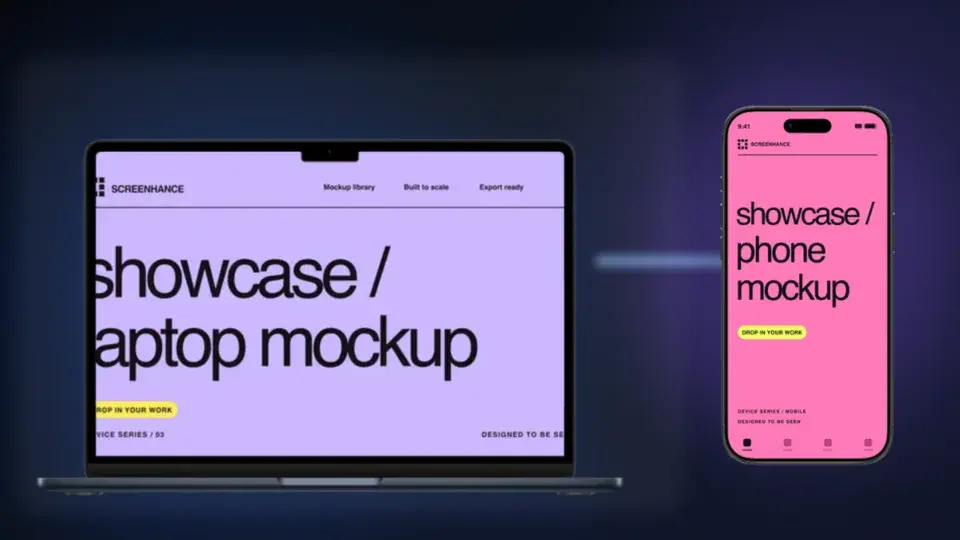
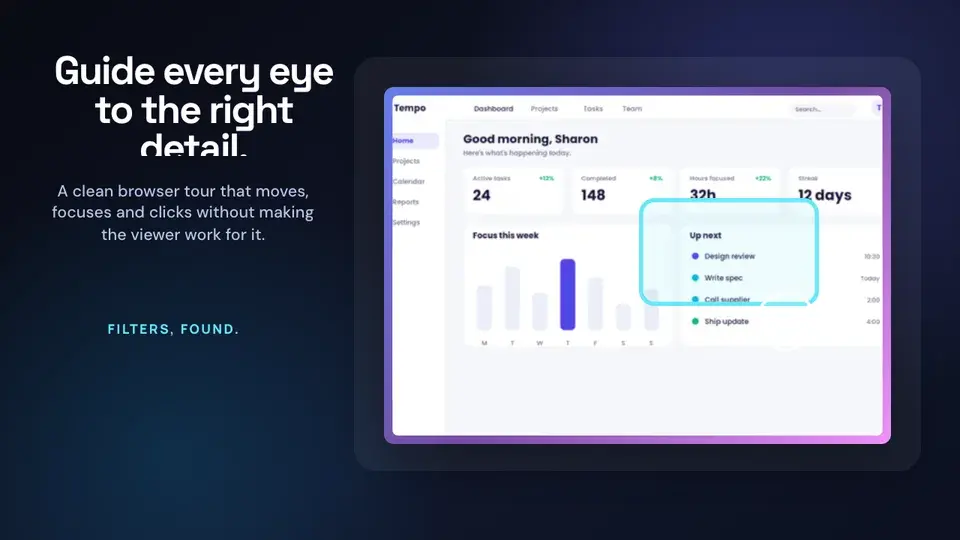
Two editable starting points from the Screenhance library, selected for this motion guide.
Ready to create stunning visuals?
Free to start. No credit card required.
Keep reading
Related, product-tested guides from Screenhance.
Best Mockup Generators in 2026: 10 Compared & Ranked
Compare 10 mockup generators for device and product scenes, editing, Figma workflows, store sets, motion, video, pricing, and free access.
24 Feb 2026 · 12 min read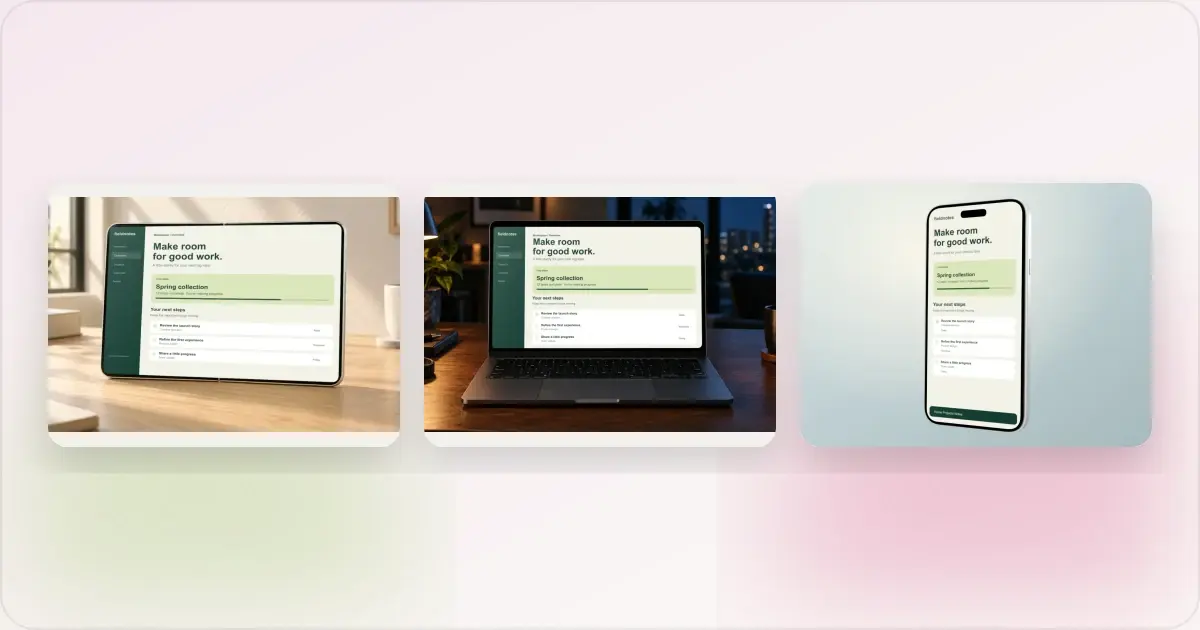
Same App, Three Motion Styles: Real Animated Mockup Exports
Compare actual Duo, MacBook and iPhone 18 animated mockup exports using the same sample app. See how scene, pacing and screen holds change the result.
17 Sept 2026 · 4 min read
GIF vs MP4 for Animated Mockups: File Size and Screen Clarity
Compare real Duo and MacBook GIF and MP4 exports: measured file sizes, actual downloads, screen-detail crops and a responsive video example.
11 Sept 2026 · 4 min read