
Smartmockups vs Screenhance: Which Mockup Tool Should You Use?
Compare Smartmockups and Screenhance for device mockups, physical scenes, app-store sets, editing, motion, and product-launch production.
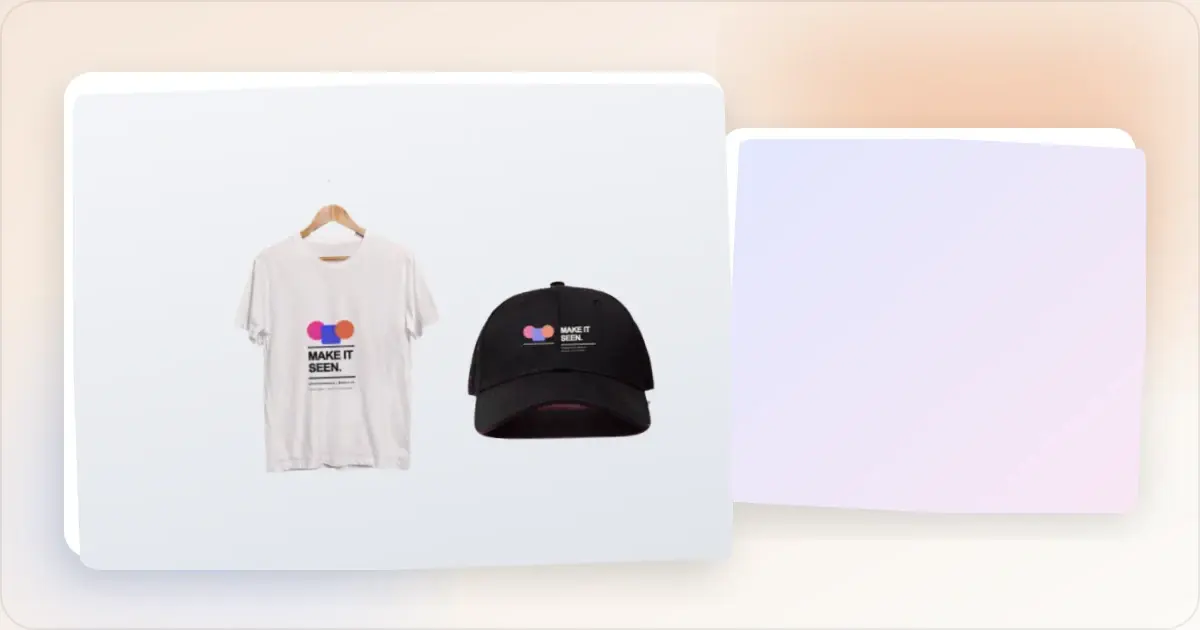
Smartmockups and Screenhance both place real artwork into polished scenes. Smartmockups is closely connected to Canva's broad design ecosystem and stock-style mockup catalog. Screenhance is a product-visual workspace that joins editable mockups to store listings, launch assets, motion, and product video.
The old distinction — Smartmockups for physical scenes, Screenhance for simple device frames — is no longer accurate. Screenhance now includes photorealistic scenes across device, print, apparel, and outdoor formats, alongside its frame, template, and launch workflows.
Quick comparison
| Capability | Screenhance | Smartmockups |
|---|---|---|
| Editable visual templates | Expanding catalogue | Large catalog through Canva |
| Device and stylized frames | Built-in library | Broad device catalog |
| Photorealistic scenes | across device, print, apparel, and outdoor | Broad lifestyle and product catalog |
| Full product-visual layer editor | Yes | Canva-centered editing workflow |
| Store screenshot sets | Coordinated dedicated set templates | Manual layouts |
| Store translation | Built in across 16 locales | Manual or general design workflow |
| Visual motion | 18 styles; GIF/WebM | Static mockup emphasis |
| Screen-recording product video | Studio; MP4/WebM | General Canva video workflow |
| Coordinated launch workflow | Launch Kit | General-purpose design workflow |
| Collaboration | Teams, shared projects and assets, review links | Canva live editing and review workflow |
Make a free device mockup
Where Screenhance is the stronger fit
Software and product launches
Screenhance is designed around showing a real product consistently. Start from editable visual templates, device and stylized frames, photorealistic scenes, or a blank canvas, then edit layers, text, assets, uploads, backgrounds, annotations, adjustments, and motion.For mobile apps and browser extensions, the store editor provides coordinated set templates for iOS, Google Play, and the Chrome Web Store. It adds explicit presets, built-in translation across 16 locales, organized ZIP exports, and an optional fastlane-ready iOS structure.
Connected still and motion workflows
The visual editor applies editable motion styles and exports GIF or WebM. Studio turns a screen recording into a polished MP4 or WebM with frames, backgrounds, cursor treatment, guided zooms, captions, and audio. Launch Kit can establish a coordinated direction from a brief, screenshots, logo, and palette.
This makes Screenhance especially useful when a campaign needs several related assets rather than one isolated mockup.
Teams, shared assets, and review
Screenhance Teams keeps product-visual work shared without reducing it to an individual export workflow. Teams can work from shared projects and assets, then send review links for focused feedback and approval. That collaboration model is built around moving a launch from source material to finished deliverables.
Physical and environmental scenes
Screenhance's scene library is not limited to software devices. Print, apparel, and outdoor placements sit alongside phone, tablet, laptop, desktop, watch, TV, browser, and stylized frames. Product teams can therefore combine real-world campaign scenes with their store and website assets inside one system.
Where Smartmockups is a better fit
Smartmockups remains a strong choice when access to Canva and its wider stock, template, collaboration, and general-design ecosystem is the main requirement. Teams already producing most collateral in Canva may value keeping the mockup inside that established review and editing environment.
Its catalog-first workflow also suits work driven primarily by finding a particular photographed composition. Screenhance offers a large scene collection, but its distinguishing advantage is what happens around that scene: deeper product annotations, store-set production, localization, coordinated launches, and screen-recording video.
Which should you choose?
Choose Screenhance when:
- Your mockups are part of a software or app launch
- You need device, print, apparel, or outdoor scenes without leaving the product workflow
- Store screenshot sets, localization, or organized batch delivery matter
- You want still visuals, animated compositions, and product video to share one visual system
- You need editable product annotations and reusable launch templates
- Your team needs shared projects, shared assets, and review links around launch production
Choose Smartmockups when:
- Your team is already centered on Canva's general design and collaboration environment
- The job begins with browsing for a particular stock-style mockup composition
- Most deliverables extend beyond product marketing into broad visual-communication work
Verdict
Smartmockups has the advantage of Canva's broad ecosystem. Screenhance has the stronger end-to-end workflow for turning screenshots and recordings into a consistent product launch. With photorealistic scenes now spanning physical as well as device formats, choosing Screenhance no longer means giving up real-world mockup variety.
Frequently asked questions
Does Screenhance support apparel and print mockups?
Yes. Its photorealistic scenes include print, apparel, outdoor, and device formats.
Does Screenhance make animated mockups?
Yes. Visual compositions can use editable motion styles and export as GIF or WebM. Studio separately creates MP4/WebM product videos from screen recordings.
Is Screenhance an App Store screenshot generator?
Yes. It includes coordinated set templates across iOS, Google Play, and the Chrome Web Store, plus built-in translation across 16 locales and organized ZIP output.
Which tool provides live multiplayer collaboration?
Screenhance collaboration is organized through Teams, shared projects, shared assets, and review links, so product, marketing, and client stakeholders can work from the same launch material and review finished directions. Canva provides live multiplayer editing inside its broader general-design environment; Screenhance keeps collaboration centered on product-visual production and delivery.
Related reading
Screenhance examples
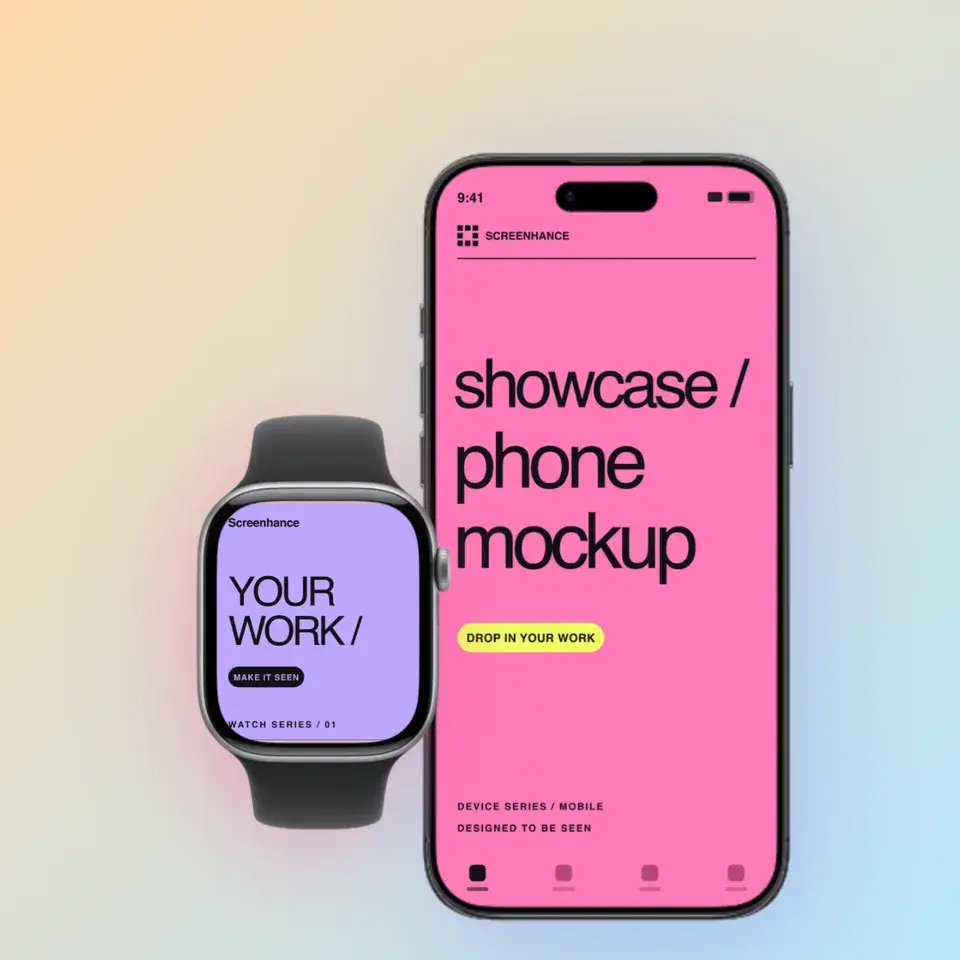
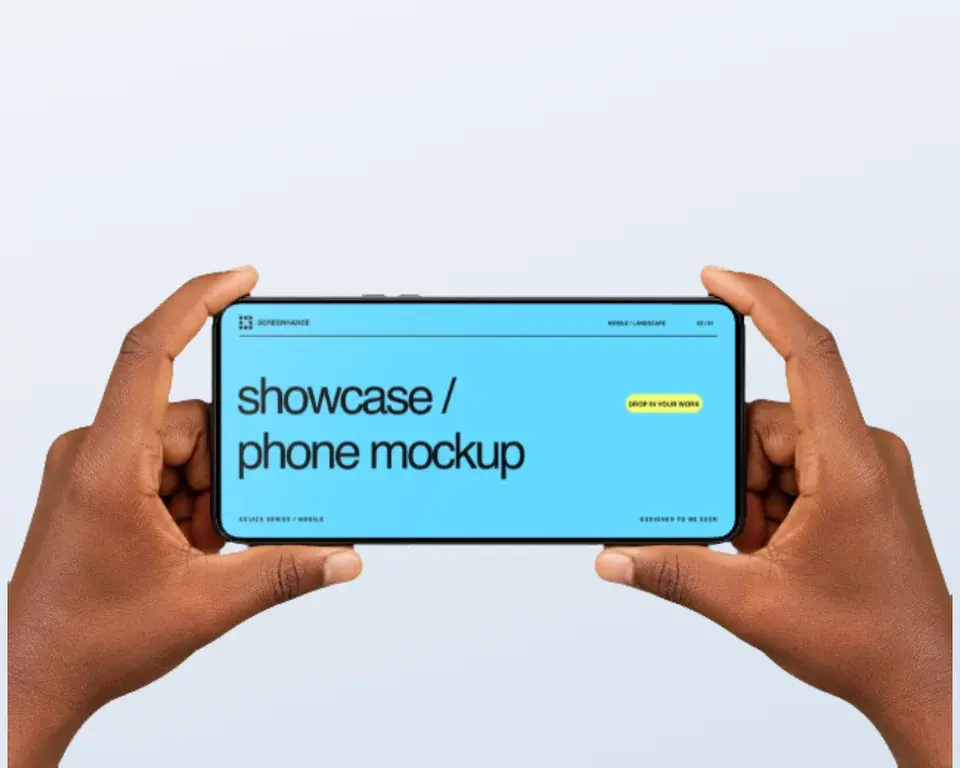
Two editable starting points from the Screenhance library, selected for this mockups guide.
Make a free device mockup
Free to start. No credit card required.
Keep reading
Related, product-tested guides from Screenhance.
Apple Watch Mockup Guide: Framing watchOS Apps in 2026
How to create Apple Watch mockups that sell a watchOS app: choosing 46mm vs 42mm, capturing clean watch screenshots, and the iPhone-plus-Watch layout.
29 May 2026 · 6 min read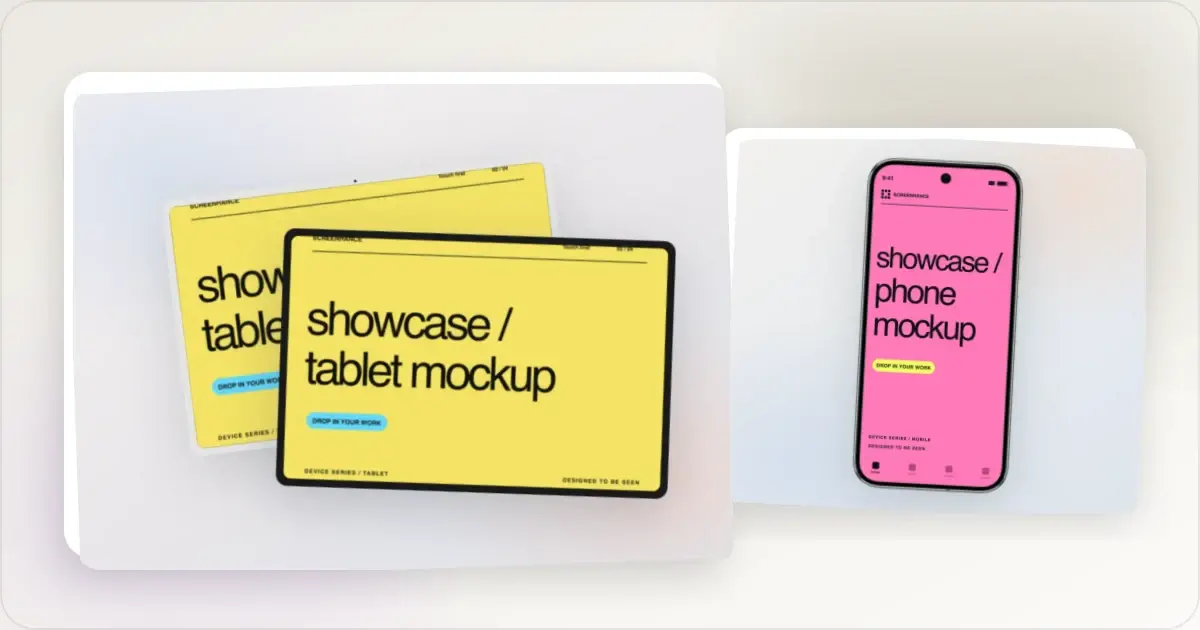
Google Pixel Mockup Guide for Android Marketing in 2026
Choose and use a Google Pixel frame for Android marketing, compare it with a Galaxy treatment, and prepare accurate Play Store visuals.
29 May 2026 · 5 min read
AI Mockup Generators in 2026: Where They Help and Where They Fail
A practical guide to AI mockup generators: when generated scenes help, when real product screenshots matter, and how to build a repeatable launch workflow.
13 May 2026 · 6 min read