Placeit vs Screenhance: Mockup Generator Comparison
A detailed comparison of Placeit and Screenhance for creating mockups. Covers pricing models, template quality, export formats, and which tool delivers better value.
By Sharon Onyinye

Placeit by Envato is one of the biggest names in the mockup space. With thousands of templates covering devices, apparel, print, and video, it has been the default choice for many marketers and creators. But its pricing model and workflow are not ideal for everyone.
Screenhance takes a different approach. It is a purpose-built tool for turning screenshots into device mockups quickly, without the template browsing overhead. This comparison covers pricing, template quality, export options, and which tool fits different workflows.
Placeit Overview
Placeit is part of the Envato ecosystem. Its biggest selling point is sheer volume. The template library contains thousands of options across dozens of categories: device mockups, t-shirt mockups, logo animations, social media templates, business card designs, and more. If you need variety across many product types, Placeit has it.
What Placeit does well:- Enormous template library covering nearly every mockup category
- Video mockup templates that show your design in motion within a scene
- Regular additions of new templates
- Logo maker and design tools bundled with the subscription
- Templates for physical products, print materials, and digital devices
Placeit is a strong choice for marketing agencies and e-commerce brands that need mockups across many different product categories. The breadth of the library is its primary competitive advantage.
Placeit Pain Points
Despite the large library, Placeit has friction points that become apparent with regular use.
Pricing Model
Placeit charges $14.95 per month for unlimited access, or $7.95 per individual template download. The per-download pricing adds up fast. If you need five mockups for a product launch, that is almost $40 in individual downloads. The subscription is more economical for regular use but is expensive compared to tools focused specifically on device mockups.
For context, many users only need device mockups from screenshots. Paying for access to thousands of t-shirt templates, logo makers, and video intros when you only use the device mockup category means you are subsidizing features you do not need.
Template Quality Varies
With thousands of templates, quality is inconsistent. Some templates look professional and modern. Others feel generic, dated, or overused. Finding the good ones requires browsing and evaluation time that adds up across sessions.
The sheer size of the library can be overwhelming. Searching for "iPhone mockup" returns hundreds of results, and sorting through them to find one that matches your brand aesthetic takes longer than creating the mockup itself in a purpose-built tool.
Interface Clutter
Placeit's interface includes significant upselling. Banners promoting upgrades, related templates, and bundled offers appear throughout the workflow. This is not unusual for a platform of this scale, but it adds visual noise that slows down the experience compared to cleaner, more focused tools.
Export Limitations
Placeit exports at fixed resolutions determined by each template. You do not always get control over the exact output dimensions. For specific use cases like App Store screenshots that require precise pixel dimensions, this can be a problem.
How Screenhance Compares
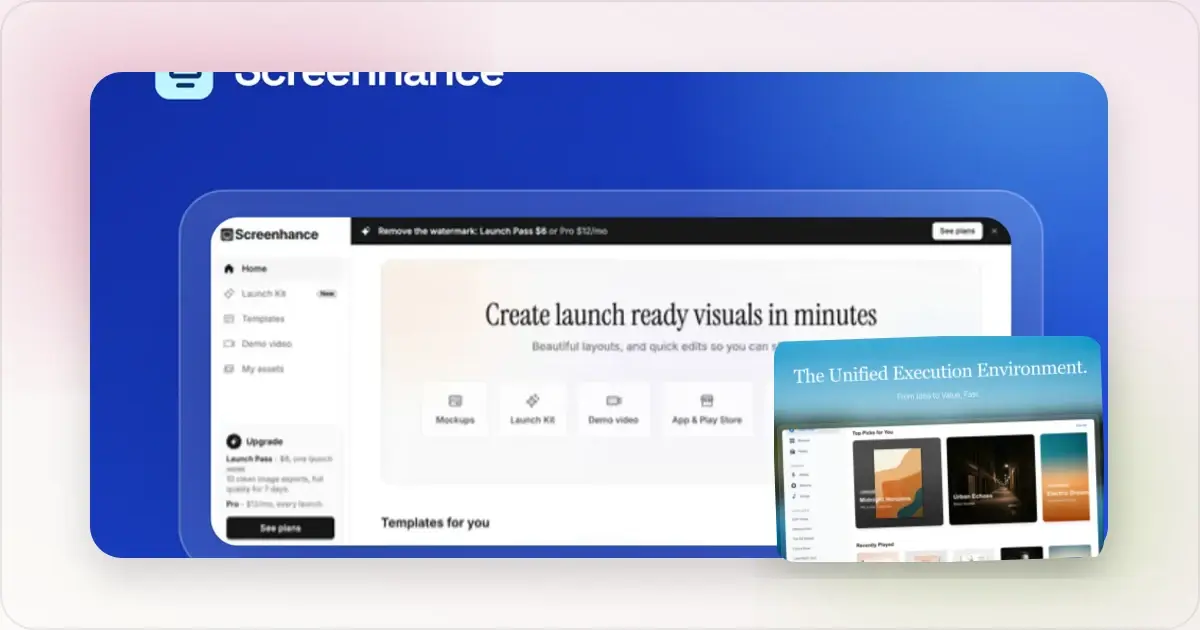
Screenhance approaches mockup creation from the opposite direction. Instead of browsing a template library, you upload a screenshot and build the mockup directly. The workflow is optimized for speed and control.Pricing
Screenhance offers a free tier with watermark-free exports, device frames, and gradient backgrounds. Premium plans add bulk export, App Store screenshot generation, animated exports, and additional features. The pricing is straightforward and focused on the features you actually use for device mockups.
Compared to Placeit's $14.95 per month for access to a massive general-purpose library, Screenhance's pricing is more aligned with users who specifically need device mockups from screenshots.
Speed
Creating a mockup in Screenhance takes under 30 seconds. Upload, choose a device frame, select a background, export. There is no template browsing step. For someone who creates mockups regularly, this speed difference compounds into significant time savings over weeks and months.
Placeit's template-first workflow means every mockup starts with a search. Even if you know what you want, finding the right template, evaluating it, and then inserting your screenshot adds minutes to each mockup.
Device Frames
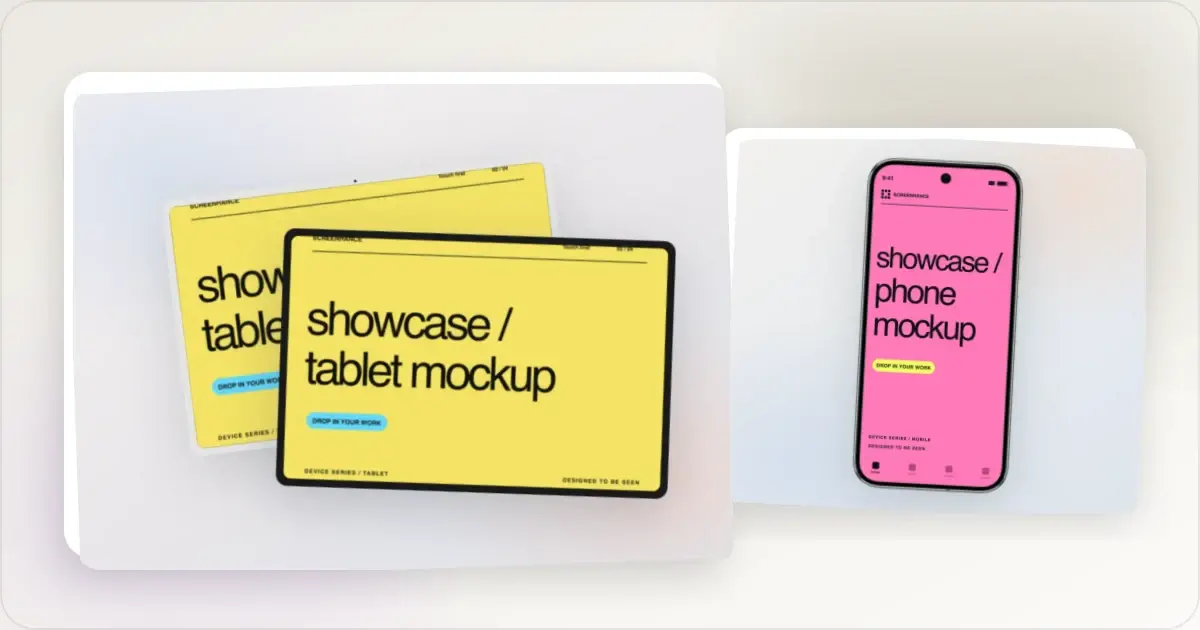
Screenhance maintains current device frames including iPhone 16, MacBook Pro, iPad Pro, and more. Frames are updated as new devices launch. Placeit also offers device mockup templates, but new device models may take longer to appear since each requires a new template set to be designed and published.
App Store Screenshot Sets
Screenhance generates complete App Store and Google Play screenshot sets with correct dimensions for every required device size. This is a one-click operation from a single screenshot upload. Placeit does not offer automated screenshot set generation, so you would need to manually find and use templates at each required size.
Animated Exports
Screenhance supports GIF and video exports showing your screenshot within a device frame. These animated mockups are effective for social media posts, landing page hero sections, and Product Hunt launches. Placeit offers some video mockup templates, but these are pre-designed scenes rather than customizable animated device mockups.
Batch Processing
Screenhance supports bulk export, allowing you to apply the same styling to multiple screenshots and export them together. This is particularly useful for creating consistent sets of mockups for product pages or marketing campaigns. Placeit processes templates individually.
Template Quality vs Speed
This comparison comes down to a fundamental trade-off. Placeit offers more creative variety through its template library, including lifestyle scenes and physical product mockups. Screenhance offers more speed and control for the specific task of device mockup creation.
If you need a mockup of your app on a desk next to a plant in a sunlit office, Placeit has templates for that. If you need a clean, professional device mockup with a gradient background exported in 30 seconds, Screenhance is the faster path.
Which Should You Choose?
Choose Placeit if you:
- Need mockups across many categories including physical products, apparel, and print
- Want lifestyle and contextual scene mockups with real-world settings
- Need video mockup templates with pre-designed motion scenes
- Run a marketing agency or e-commerce business with diverse mockup needs
- Value creative variety over workflow speed
Choose Screenhance if you:
- Primarily create device mockups from app or website screenshots
- Want the fastest possible mockup workflow without template browsing
- Ship mobile apps and need App Store or Google Play screenshot sets
- Need animated device mockups you can customize
- Want watermark-free exports on a free tier
- Prefer paying only for mockup-specific features
The Bottom Line
Placeit is a broad platform with impressive template volume. Screenhance is a focused tool with impressive mockup speed. They serve different needs.
If your work requires diverse mockup types across many product categories, Placeit's library justifies its subscription. If your work is centered on turning screenshots into device mockups for app marketing, social media, and landing pages, Screenhance is faster, more affordable, and purpose-built for that job.
Why Placeit's Per-Asset Pricing Makes Sense for Some Teams and Not Others
The $7.95 per individual download model is a quietly important detail that gets dismissed too quickly in most comparison posts. For a freelancer who needs three mockups every couple of months for client deliverables, paying per asset is genuinely cheaper than a year-long subscription. The math only flips when the volume crosses roughly two downloads per month, at which point the unlimited tier pays for itself. The teams who get the worst deal from Placeit are the ones who fall between those two extremes, the agency that needs eight mockups in March and nothing in April, because they will end up paying for an annual subscription to handle the spiky months and still feel the cost in the slow ones.
The per-asset model also masks a second cost: search time. Even if you are paying per download, you still have to browse the library to find the template worth paying for, and that browsing time is unbilled but not free. A purpose-built tool charges you nothing for browsing because there is nothing to browse. For a solo founder who values their own hour at any reasonable rate, the speed argument almost always beats the per-asset price argument once you account for the hidden time. The clearest test is to track your last five Placeit sessions and add up the minutes spent searching before downloading. If that number is over twenty across five sessions, you are paying twice, once in cash and once in time, and a tool like a placeit alternative is mathematically the better deal.
Placeit's Video Mockup Feature: Is It Useful for SaaS Marketing?
The video mockup library is one of the most heavily promoted parts of the Placeit catalog, and on first impression it looks like a meaningful answer to the demand for motion content. The reality is more nuanced. Placeit's video mockups are pre-rendered scenes with a slot where your image or short clip can be composited in. The motion belongs to the scene, not to your product. A typical example is a hand-held phone rotating in a coffee shop with your screenshot on the display. For consumer apps that benefit from lifestyle context, this can work. For most B2B SaaS launches, where the audience cares about the product working rather than the aesthetic of a human holding it, the format adds noise rather than signal.
The bigger limitation is that you cannot easily put a recording of your actual product inside a Placeit video mockup. The slots are designed for still images, not for a thirty-second screen capture of your real UI in motion. So if your goal is to show your app working, you either accept a still image inside a moving scene, which feels off, or you fall back to a different tool that frames a real screen recording inside a device shell. SaaS marketing in 2026 increasingly favors the second approach, because investors, prospects, and Product Hunt voters all respond more strongly to a real demo than to a stylized lifestyle clip. Placeit's video templates remain a reasonable choice for consumer launch trailers and social posts where the human element matters, but they are not a substitute for native animated device mockups when you need to show real product motion.
Frequently Asked Questions
How does Envato Elements compare to a standalone Placeit subscription?
Envato Elements is the broader Envato subscription that bundles Placeit access alongside stock photos, fonts, video, audio, and templates for tools like After Effects and Premiere. If you already need stock assets for other work, Elements is usually the better value. If you only need mockups, the standalone Placeit subscription is cheaper and avoids paying for asset categories you will not touch.
What licensing applies to Placeit downloads?
Placeit assets ship under a standard commercial license that covers most marketing, social, and client deliverable use cases. The license does not allow you to resell the templates themselves or to use them as the primary product in your own paid offering. For most agencies and in-house teams this license is fine, but it is worth reading the actual terms before using assets in any context where you are licensing your own work downstream.
Is the quality of Placeit's video mockups good enough for a paid ad campaign?
The video mockups render at 1080p and look acceptable on social feeds, but they show their template origins when scaled up for a YouTube pre-roll or a paid placement on a publisher site. For low-friction social ads they are fine. For higher-budget campaigns where every frame is scrutinized, most teams end up producing custom footage or using a mockup generator that handles native device-framed video output of the real product.
Does Placeit offer team plans?
Yes, Placeit supports multi-seat team subscriptions through both its standalone team tier and the Envato Elements business plan. Team plans include shared billing and centralized seat management, but they do not include collaborative editing or template review workflows. Most teams that need real collaboration use Placeit as an asset source and handle review inside a separate tool like Figma, Frame.io, or Notion.
How does downloading from Placeit's marketplace actually work?
Each template generates a download on demand, meaning the rendered output is created server-side after you finalize your edits. This takes anywhere from a few seconds to a minute depending on the template and your current load on the platform. Files are delivered as PNG, JPG, or MP4 depending on the template type, and you can usually re-download a generated asset for a short period without re-purchasing. The flow is reliable but slower than a tool that exports locally in the browser.
Related Reading
- Placeit Alternative: Faster Mockups Without the Template Hunt - Full comparison page
- SmartMockups vs Screenhance: Which Mockup Tool Should You Use? - Another template-based tool compared
- Shots.so vs Screenhance: Feature Comparison for 2026 - Screenshot beautifier comparison
- Best Screenshot Beautifier Tools in 2026 - Roundup of the top tools