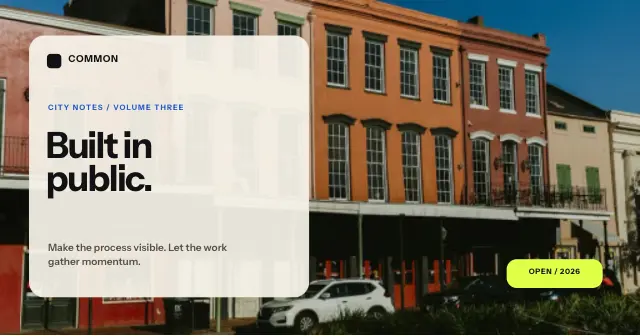
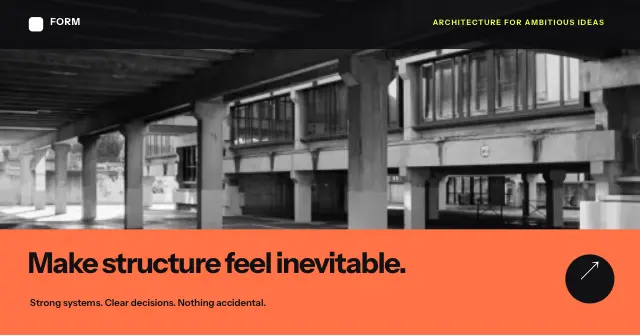
You prompted your way to a working app. Now ship the launch: OG images, Product Hunt gallery, website hero visuals, and App Store screenshots, all built from a few browser screenshots of your deployed app.
Loved by 2,000+ creators
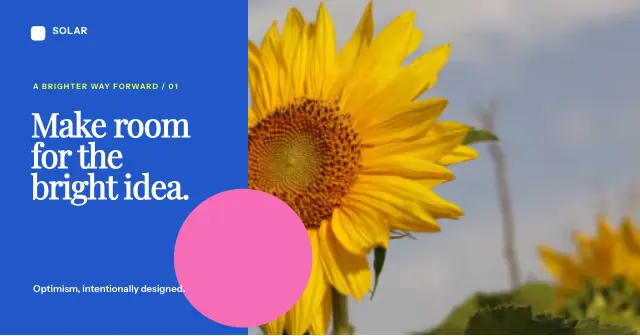
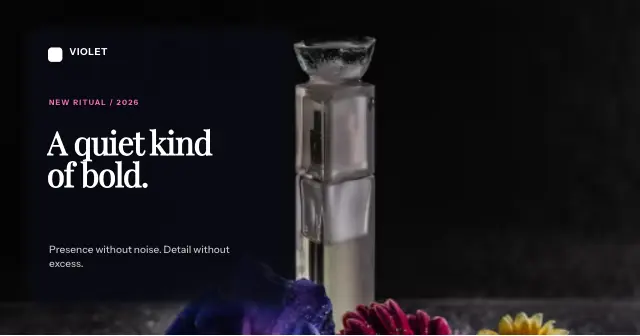
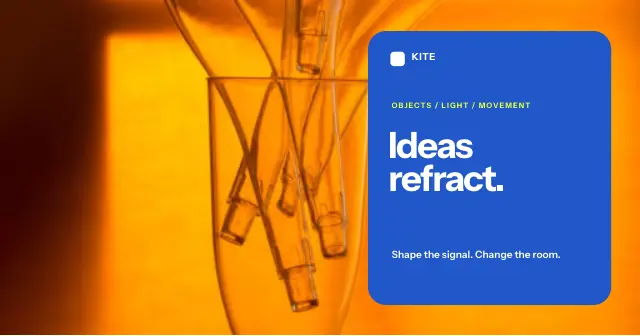
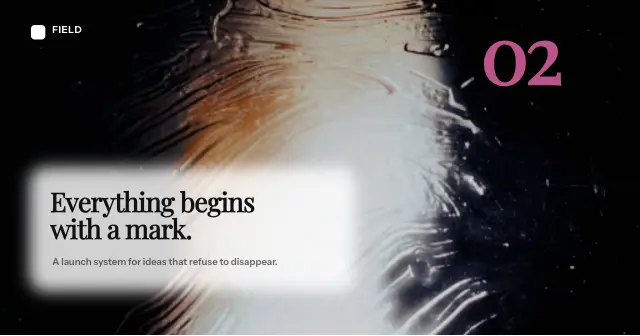
Flip through every asset type your launch needs: OG images, Product Hunt slides, device mockups, and store screenshots. Drop in screenshots of your Lovable app and export.
One set of screenshots of your app, four launch surfaces. Jump straight into the templates for each one.
Your Lovable app is a web app, so it gets shared as a link. The OG image is what people actually see in Slack, X, LinkedIn, and iMessage. Export at 1200×630, ready to wire into your meta tags.
Make your OG imageA coordinated 1270×760 gallery: a hero shot, feature highlights, and a closing CTA. Templates keep the whole set consistent so your launch page looks intentional, not improvised.
Build your galleryPolished browser and device mockups of your app for the landing page hero, feature sections, and changelog. The screenshots that make visitors believe the product is real.
Create hero visualsShipping your Lovable app to the stores later through a wrapper? Design App Store screenshots at Apple's exact required resolutions, with device frames and captions built in.
Design store screenshotsLovable users have created over 25 million projects, and nearly all of them are web apps. A web app does not get discovered through an app store listing; it gets discovered when someone pastes a link into Slack, X, LinkedIn, or a group chat. At that moment the only thing anyone sees is your OG image. If it is a blank gray card or a stretched favicon, the link looks unfinished and the click never happens.
That is why the OG image for your Lovable app is the first asset to make, before the Product Hunt gallery and before the landing page polish. Screenhance's OG image generator templates are pre-sized to 1200×630, so you drop in a screenshot, add your app's name and one line of value, and export an image that makes every shared link look like a product.
No integration needed. Screenhance does not import from Lovable; you bring ordinary screenshots and it does the rest.
Step 1
Visit your published Lovable URL in any browser. Use seeded demo data so the screens look alive, and hide anything half-finished.
Step 2
Cmd+Shift+4 on macOS, Snipping Tool on Windows, or your browser's full page capture. Aim for 3 to 5 screens that show the core action of your app.
Step 3
Drop the screenshots into a template. Device frames, backgrounds, and headlines are handled; raw captures come out looking like launch visuals.
Move from source material to a polished launch asset without rebuilding the design in another tool.
Choose a visual template, a store-listing set, a Launch Kit, or an empty canvas for full control.
Add screenshots, photo scenes, device frames, text, icons, annotations, backgrounds, layers, and motion in the browser editor.
Download PNG, WebP, JPEG, GIF, WebM, or MP4, or export organized iOS, Google Play, and Chrome screenshot ZIPs.
Screenhance covers the full path from a raw screenshot or screen recording to coordinated, editable launch assets.
Use current device frames, stylized treatments, or photorealistic placements across phones, tablets, laptops, watches, TVs, print, apparel, and outdoor media.
Start with a complete composition for mockups, Product Hunt, OG images, website heroes, Play feature graphics, or Chrome Web Store promo assets, then edit every layer.
Create coordinated iOS, Google Play, and Chrome Web Store screenshot sets, edit localized copy across supported languages, and export organized PNG ZIPs, including fastlane-ready iOS folders.
Animate layers with editable motion styles and export GIF or WebM, or record and polish a product demo in Studio with frames, cursor motion, captions, audio, and MP4/WebM export.
The strange thing about vibe coding is that the app is the easy part. Lovable turns a prompt into a working React and Supabase product in an afternoon, but launch day still asks for a stack of visuals that no prompt produces: the share card, the gallery, the hero section, the store listing. Most builders hit this wall the night before they post, and the result is a great app wrapped in a raw browser screenshot.
The fix is a short, ordered checklist. First the OG image, because every channel you announce on renders it. Second the Product Hunt gallery, if Product Hunt is part of your plan: eight slides that walk a stranger from "what is this" to "I want to try it." Third, hero visuals for your landing page, where a framed device mockup of your real UI beats any illustration. And if your app is headed to the stores later through a wrapper like Capacitor, App Store screenshots for your Lovable app come last, sized to Apple's exact requirements.
All four assets start from the same handful of screenshots, which is why making them together, in one tool, keeps the whole launch looking like one brand instead of four separate rush jobs. If you want the strategy side too, the timing, the copy, where to post, read our full launch checklist for AI-built apps. This page is for the part where you make the assets.

Yes. Screenhance works with screenshots of any app, including apps built in Lovable. There is no plugin or import step: you capture screenshots of your deployed app in the browser, upload them to Screenhance, and turn them into OG images, Product Hunt gallery slides, website hero visuals, and App Store screenshots.
Open your deployed Lovable app in any browser and take a normal screenshot. On macOS press Cmd+Shift+4, on Windows use the Snipping Tool, or use your browser's built-in full page capture. Any clean browser screenshot works. Screenhance handles the framing, backgrounds, device mockups, and text on top.
At minimum: an OG image, because a web app is shared as a link and the OG image is what people actually see. If you launch on Product Hunt, use a coordinated gallery in the recommended 1270×760 format. Most launches benefit from polished hero visuals for the landing page, and if you later ship to app stores through a wrapper, you will need App Store screenshots too.
OG images export at 1200×630 pixels, Product Hunt gallery images at 1270×760 pixels, and App Store screenshots at the exact resolutions Apple and Google require. Every Screenhance template is pre-sized to its platform's spec, so you never have to look up dimensions.
Yes, Screenhance has a free plan with 3 exports per month, enough to cover the essentials of a launch. Pro plans unlock higher resolution exports, more exports, and additional features.
No. You already prompted your way to a working app; the assets work the same way. Pick a template, drop in your screenshots, tweak the headline, and export. Device frames, backgrounds, and typography are handled for you.
One brief covers your whole launch: App Store, Play Store, Product Hunt, OG, and website visuals. Upload your screenshots once and Launch Kit generates them all, on-brand and matching.
Explore more ways to create stunning visuals with Screenhance.
Showcase apps in iPad Pro and Air frames
Try it freePut an interface or creative on a photorealistic television
Try it freeCreate iOS and Android store visuals
Try it freeWrap your design around a real ceramic mug
Try it freeYour artwork on a real outdoor vinyl banner
Try it freeYour card design on real folded card stock
Try it freeGrab a few screenshots of your Lovable app and turn them into every asset your launch needs, in minutes.