
Product launch visual examples for every place you ship

See how one visual system can carry a launch across Product Hunt, the Chrome Web Store, demo videos and social posts while keeping the product itself easy to understand.

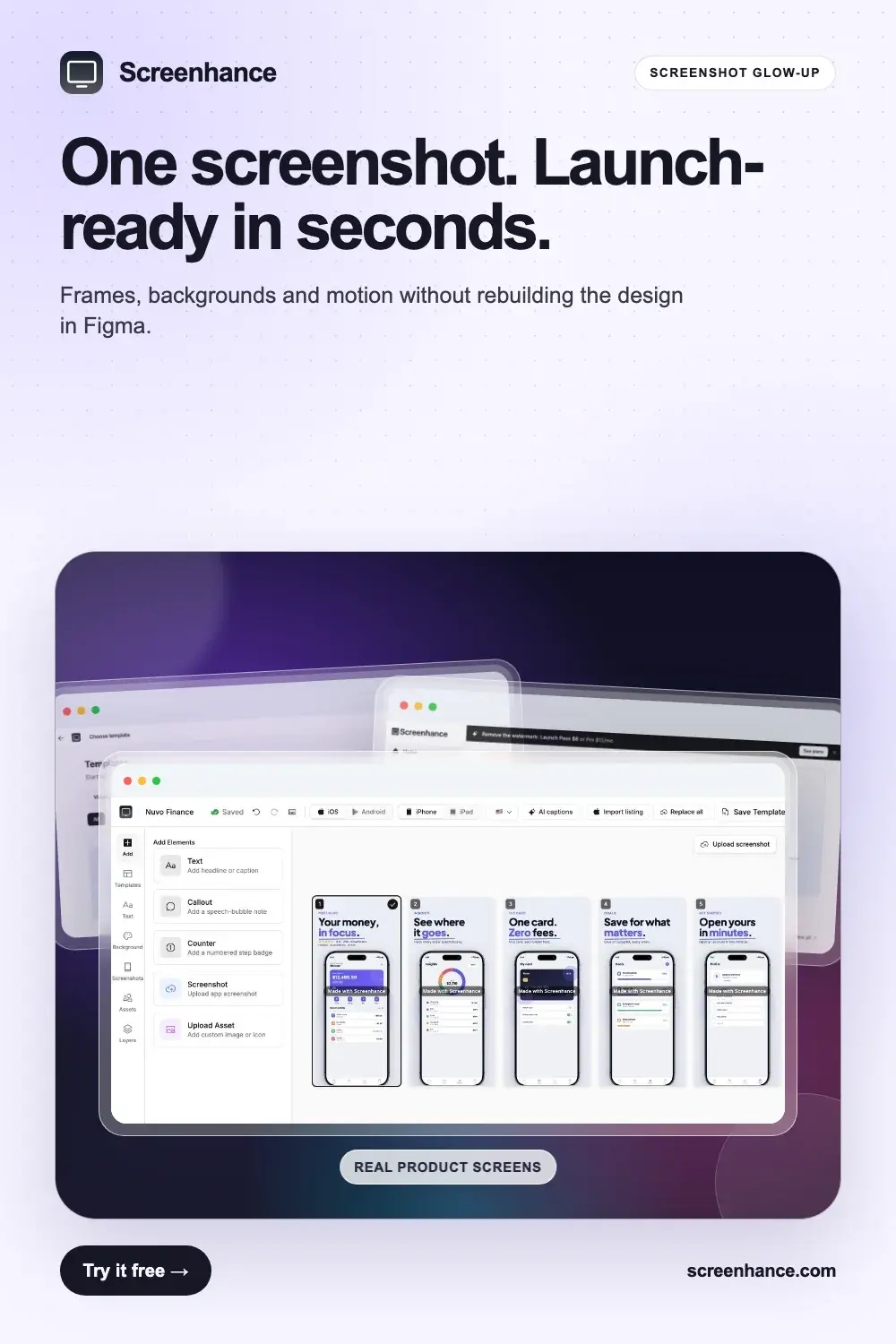
SaaS product launch visual with a large real product screenshot in a polished browser frame

Turn the screenshot into the launch asset

A real interface becomes the focal point for landing pages, social posts and launch galleries.

More examples from this collection

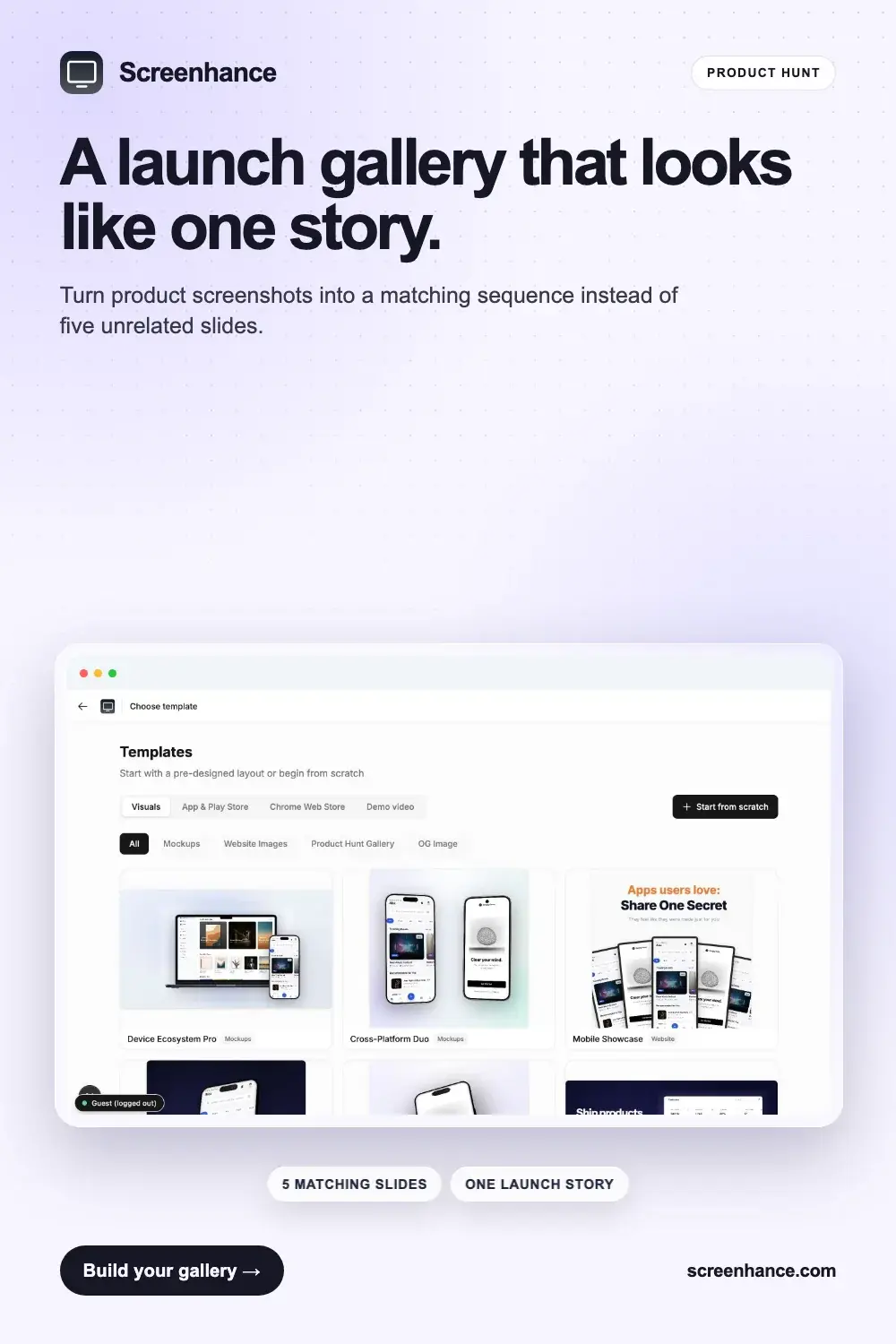
Product Hunt gallery example with coordinated feature slides and SaaS screenshots

Build the Product Hunt story as a set

A coordinated gallery explains the promise, workflow and proof without changing visual language.

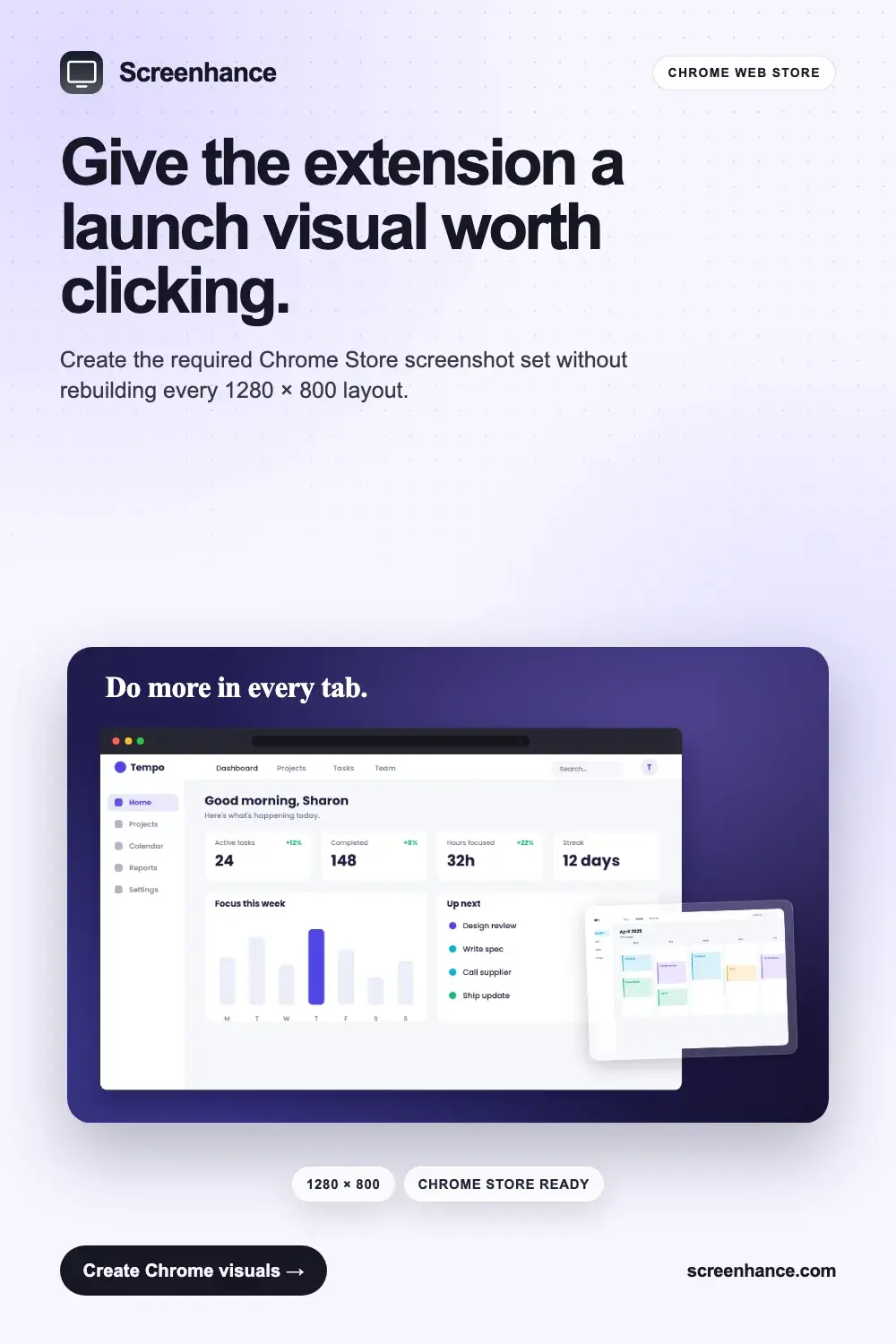
Chrome Web Store screenshot set example with browser extension screens and promotional tiles

Design the Chrome Store listing together

Screenshots and promotional tiles share the same headline, colour and product framing.

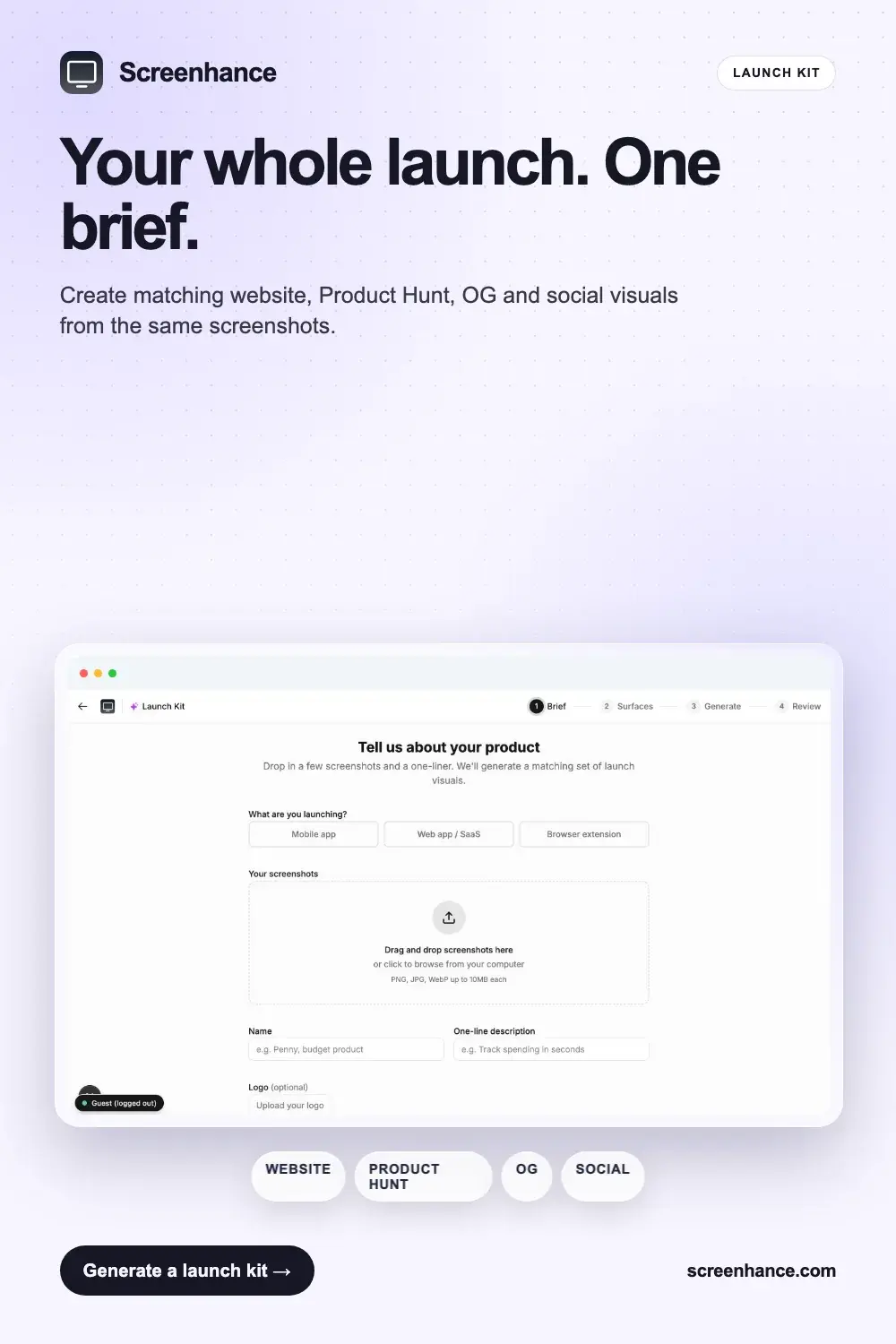
Complete product launch visual kit for a website, Product Hunt and social media

Create every launch visual from one brief

The website hero, gallery slides and social cards feel like one campaign rather than separate tasks.

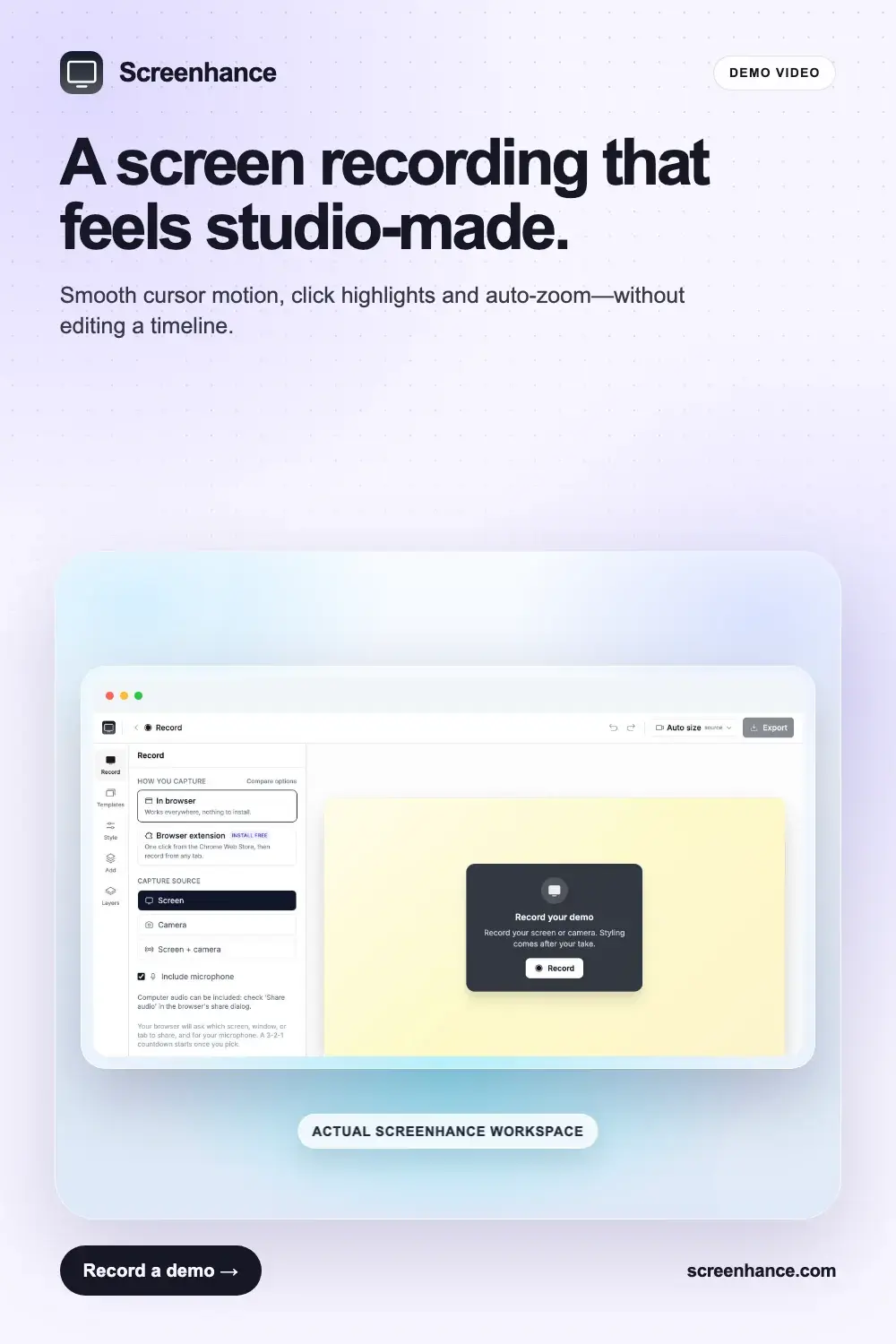
Product demo video example with automatic zoom, cursor effects and product interface

Add motion when the workflow needs proof

A short demo can show cursor movement, clicks and zoom while keeping the same visual identity.

How to design one visual system for a whole launch

Choose one product promise, one background system and one type treatment before creating individual assets. Product Hunt slides can explain more, while store tiles and social previews need a shorter message. The visual identity should still feel consistent in every format.

Use the product itself as the proof. Large interfaces, restrained decoration and consistent framing help people understand what is being launched. Once the system is set, create each required aspect ratio from the same source instead of inventing a new design for every channel.

Want to make one? Start with the matching template gallery, or use the product launch kit for the full workflow and export sizes.