
Silver Studio
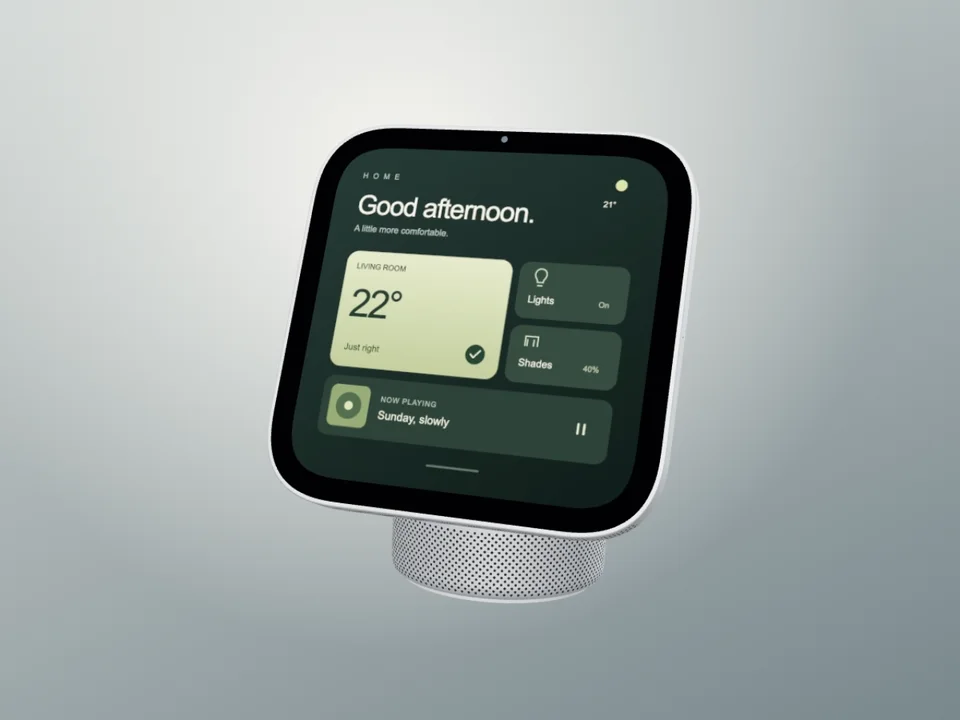
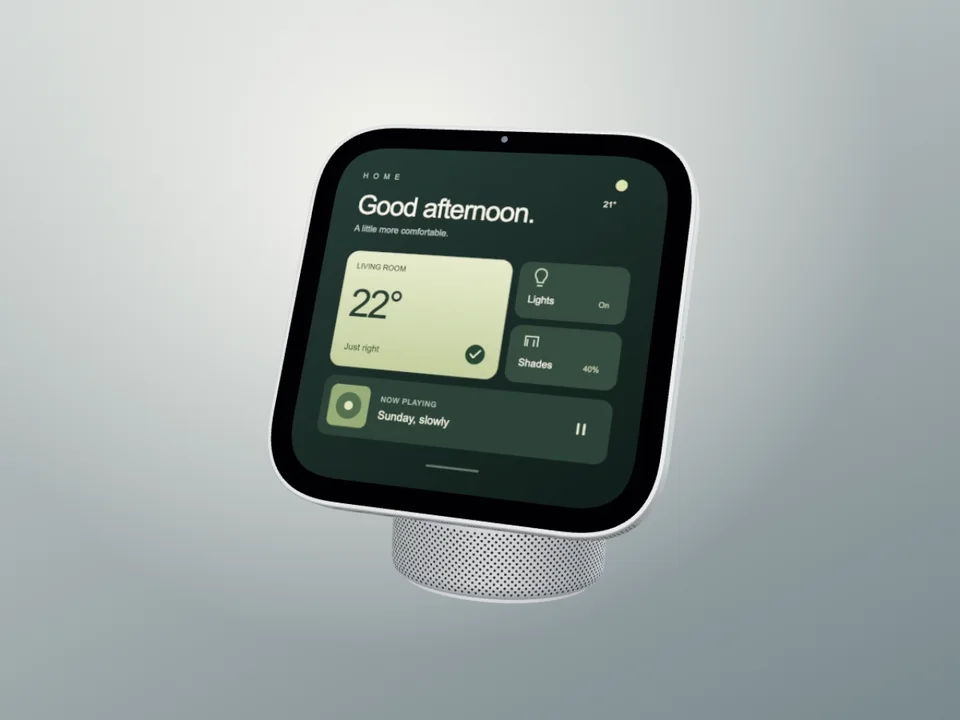
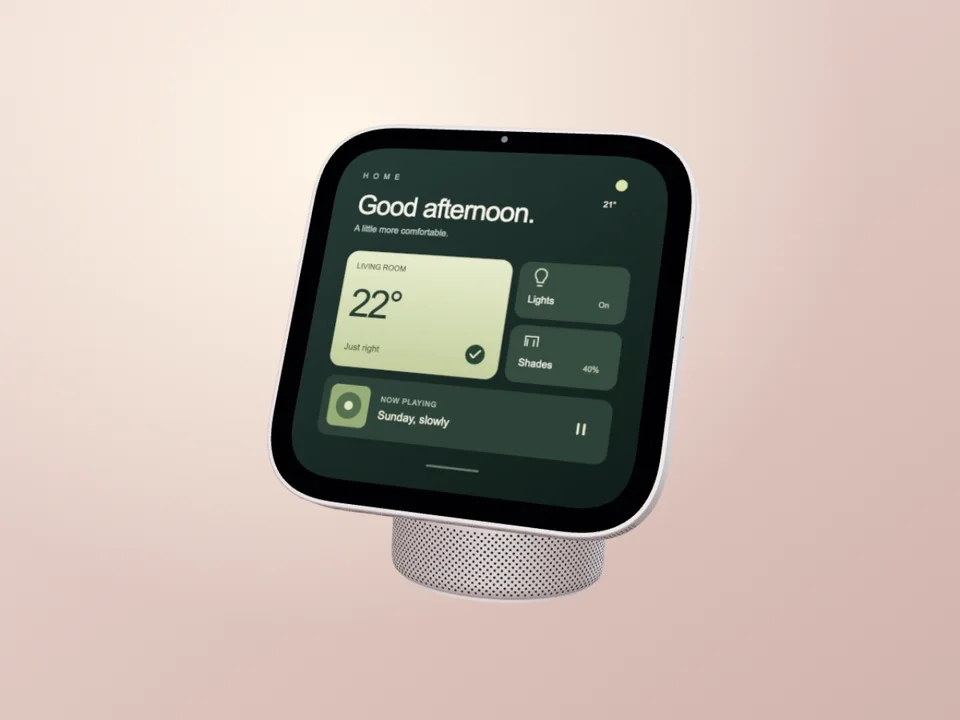
A neutral studio backdrop keeps the square screen and domed speaker in focus. Choose the still for a product page or the hardware turn to introduce the display from several angles.
New: studio mockups and room motion
Put your own screen on HomeView. Choose a studio still, a hardware turn or a warm walnut room video for your smart home dashboard, media concept or product presentation.
Start free · independently created by Screenhance
Search by product, surface, or style. Open any result in the editor.
A neutral studio backdrop keeps the square screen and domed speaker in focus. Choose the still for a product page or the hardware turn to introduce the display from several angles.
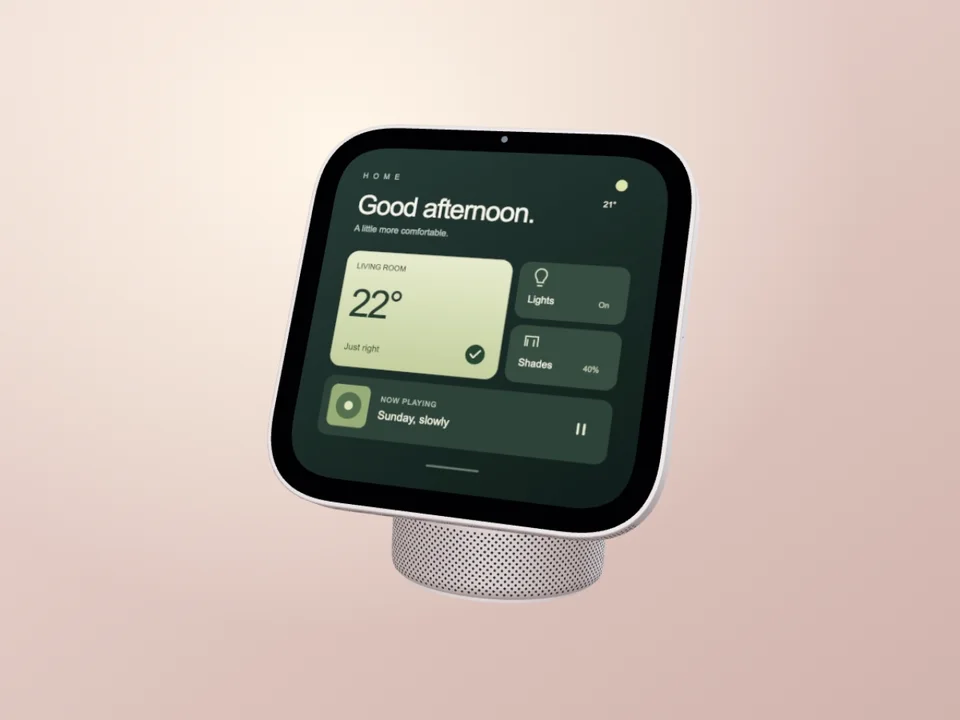
A warm rose treatment and floating arc suit a softer campaign. The color is a creative template treatment; it is not a claim about available Apple finishes.
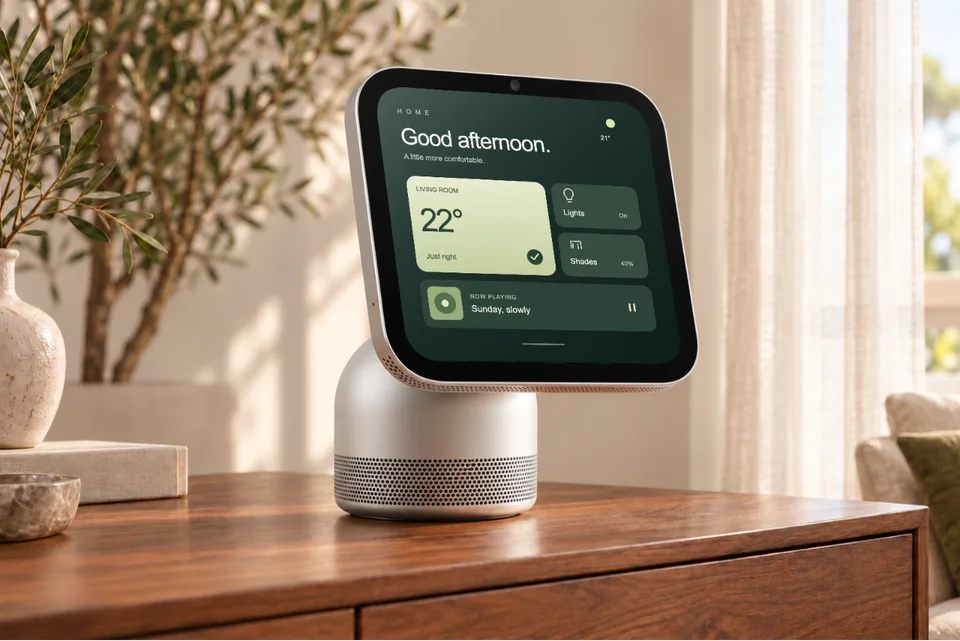
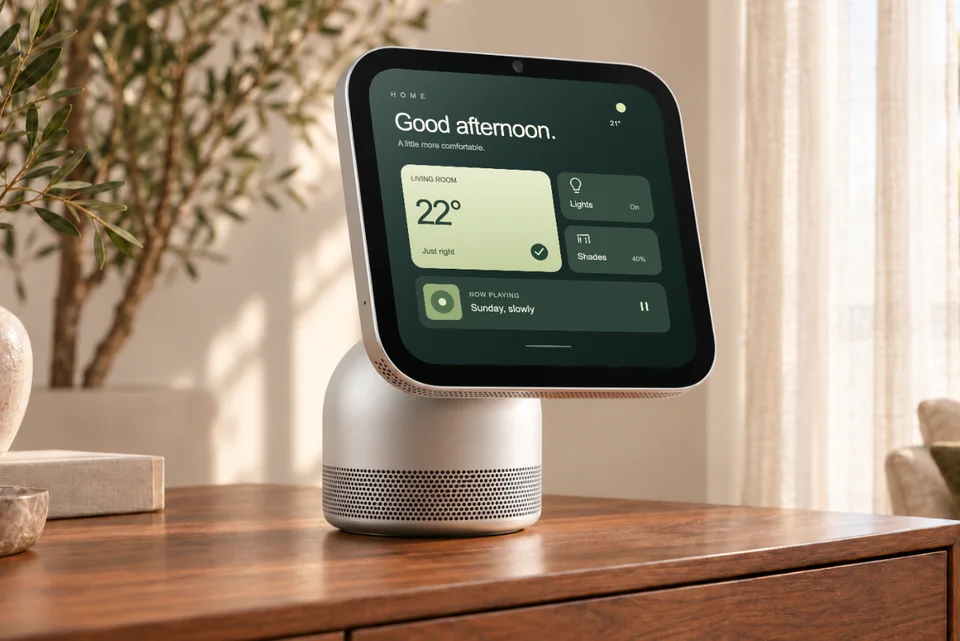
A sunlit sideboard puts your dashboard in a home setting. The motion version moves the complete scene and inserted screen together in a slow push.
We checked the studio silhouette and proportions against Apple’s HomeView product references and AR model. The room artwork, finishes and promotional movement are Screenhance interpretations. Replace the example screen with your own interface and label speculative concepts clearly.
For a tablet app, use iPad mockups and motion. For a broader launch, explore animated device mockups or the handheld phone collection.
A HomeView mockup places your screenshot or artwork on a representation of Apple's HomeView display. Use it to present a smart home dashboard, a media interface or a home screen concept in a product image or promotional video.
Silver Studio and Rose Air present a 3D HomeView in a studio setting. Walnut Room places the display on a sunlit sideboard. Each has a still version and a motion version with a replaceable screen.
Yes. Select a HomeView Film template, replace its example screen, and preview the full loop. Silver Studio turns the hardware, Rose Air uses a floating arc, and Walnut Room makes a slow camera push. The animation belongs to the mockup composition; your screenshot does not need to be a video.
The studio model's proportions and silhouette were checked against Apple's published product references and AR model. Materials and small details remain approximations. The room scene is an AI-generated illustration. Screenhance's demo screen is original artwork, not Apple's HomeView interface, and the animations are promotional compositions.
No. These are independently created Screenhance templates for presenting your own design. Apple does not supply or endorse them. A mockup can illustrate a concept; it does not establish that an app or interaction runs on HomeView.