Use Cases
Editable in the browser
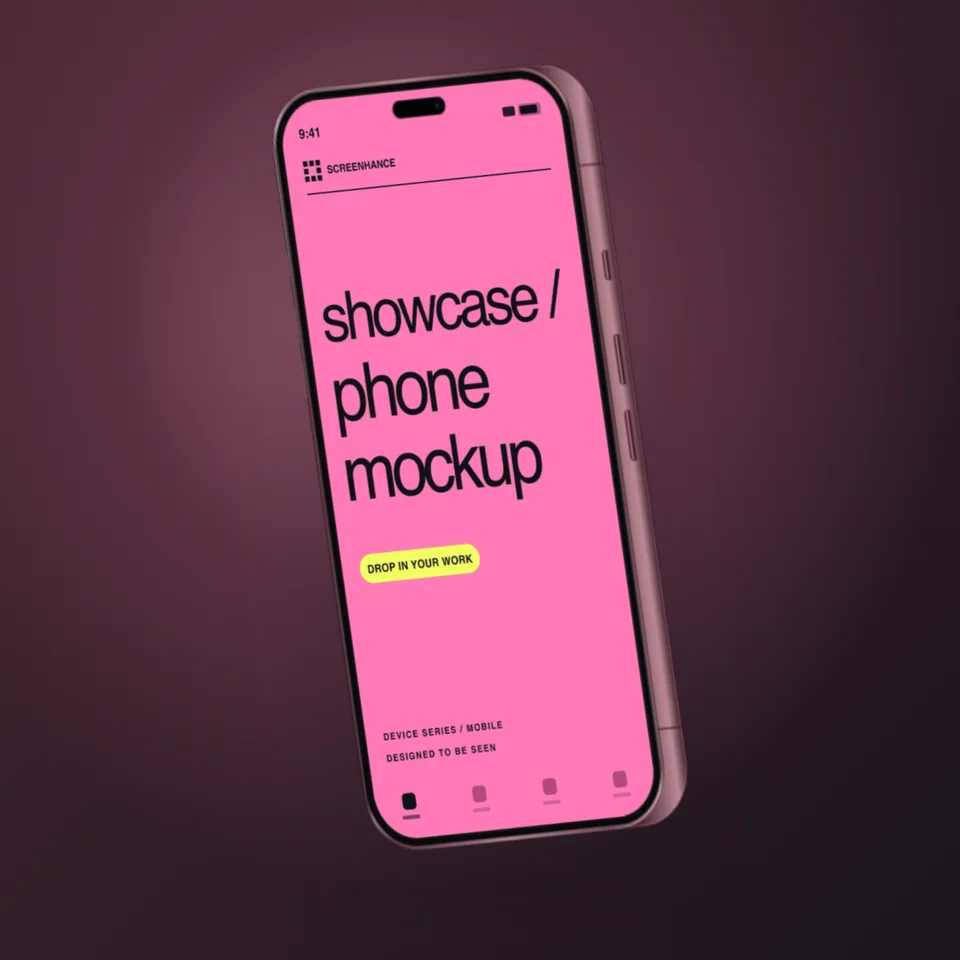
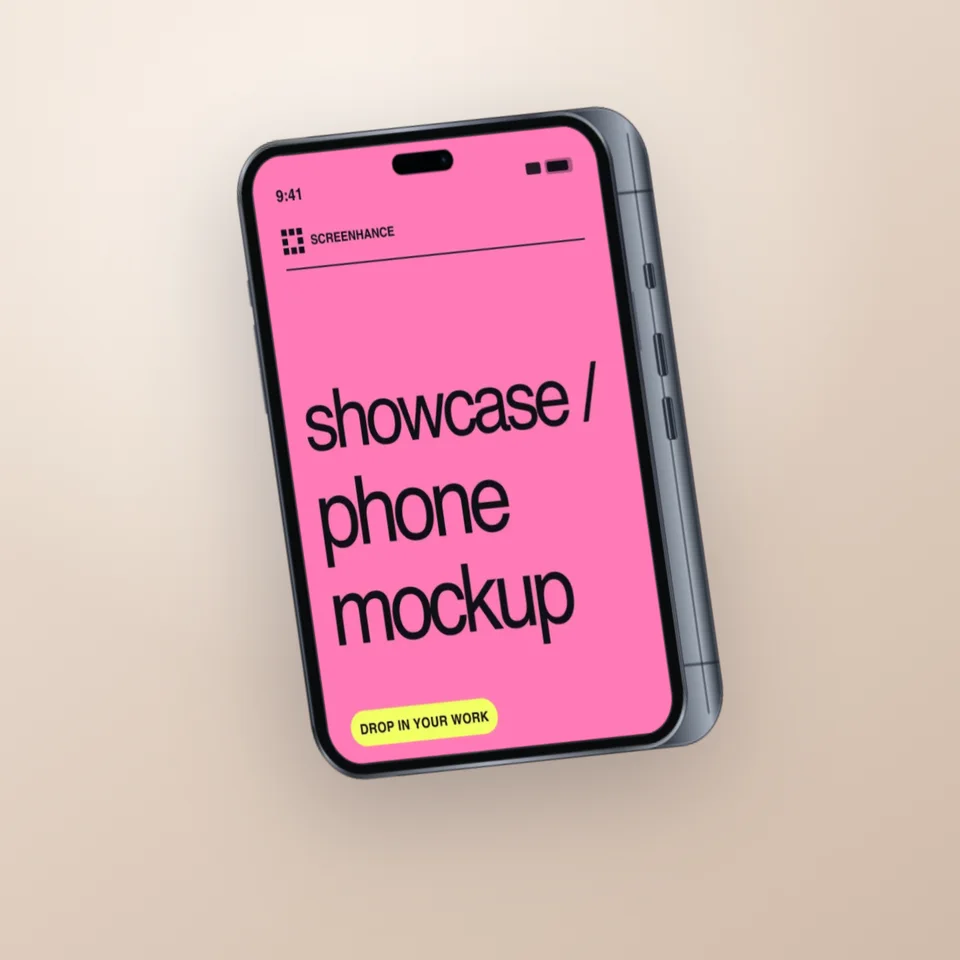
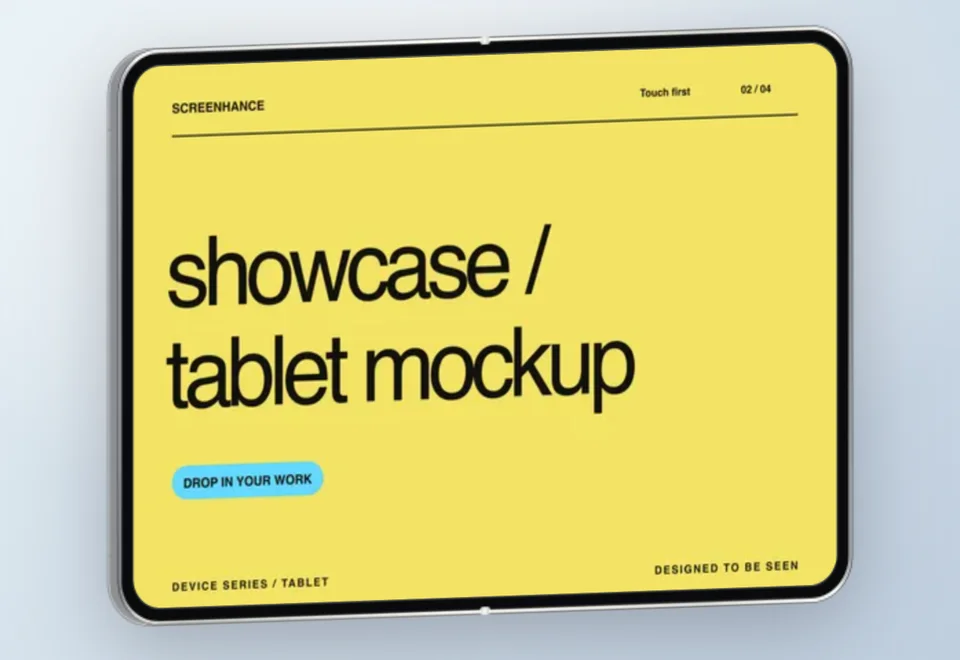
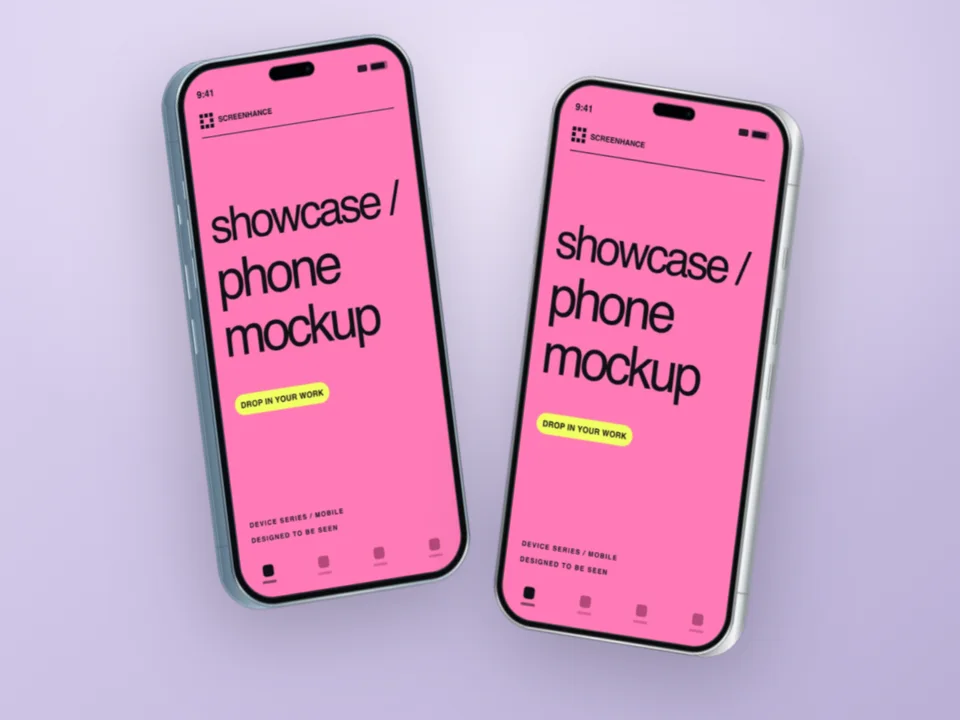
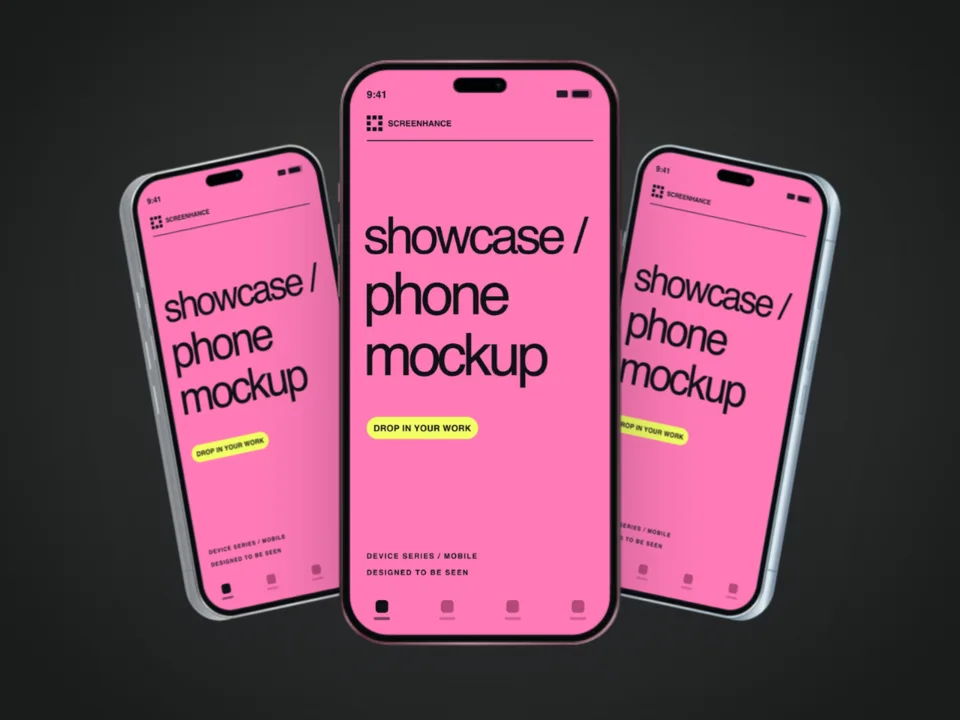
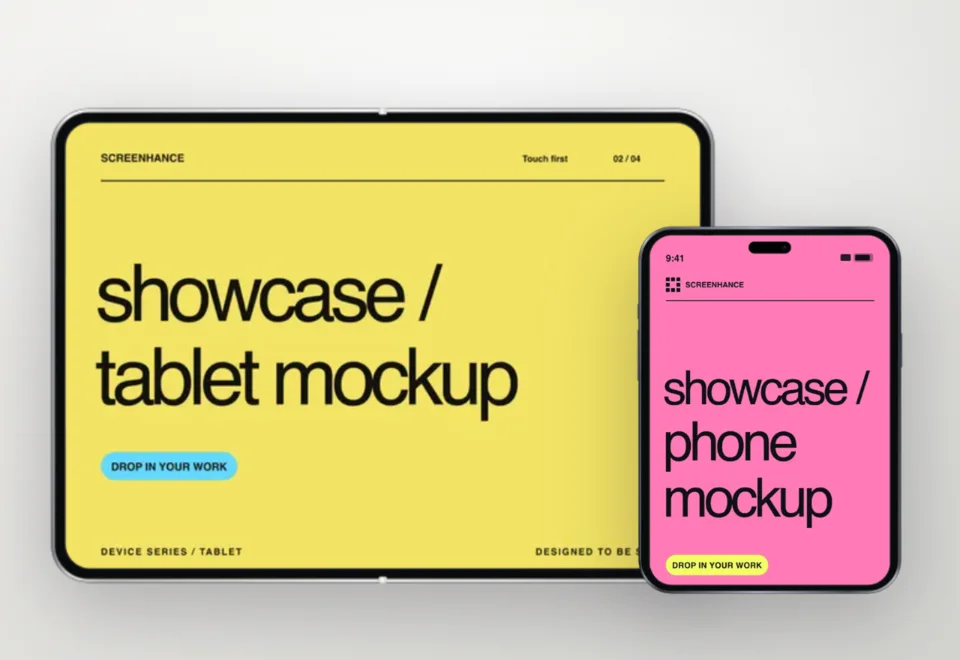
Start with a photorealistic scene, replace the example with your real screenshot or artwork, and keep editing. Browse focused templates for phones, TVs, apparel, print, books, business cards, billboards, and more—without downloading a PSD.
Each preview uses the same scene compositor as the editor and export. Click a card to open that exact template with your own design.
Scene-by-scene guidance
These focused pages explain what each scene communicates, what artwork fits it best, and how to compose it for a real campaign.
Lifestyle phone mockup
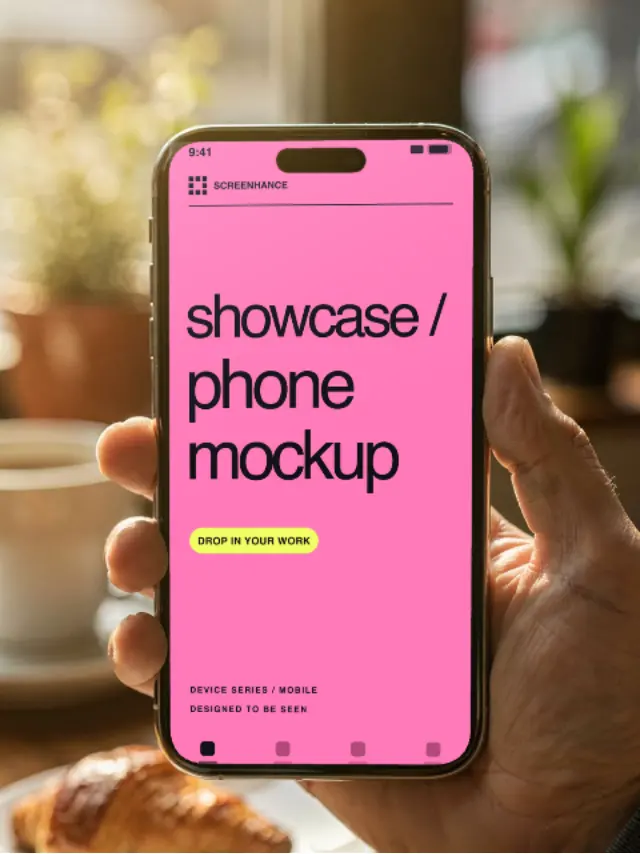
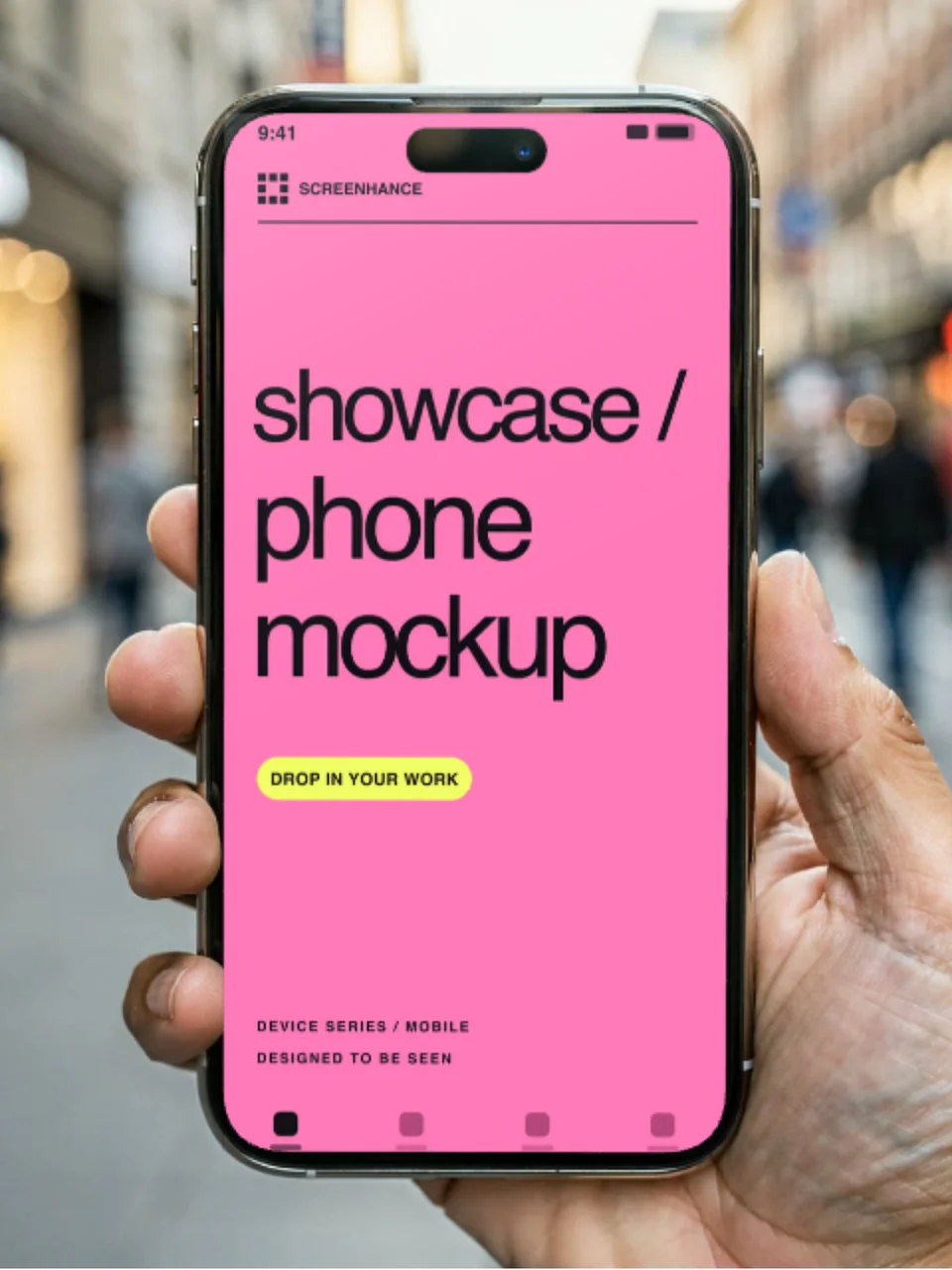
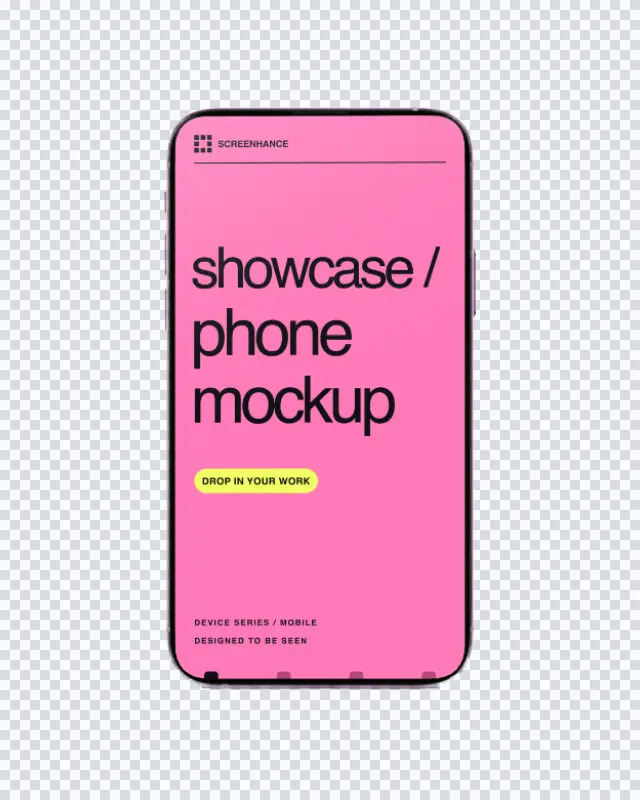
Place your real app screen in a naturally held iPhone with warm cafe light and a softly blurred background. The result feels like a product photo, while the interface remains the focus.
View template guide →On-the-go phone mockup
Show your app being used out in the world. This daylight street scene combines a real hand, natural perspective, and an active background with your pixel-accurate screenshot on the phone.
View template guide →Photorealistic TV screen
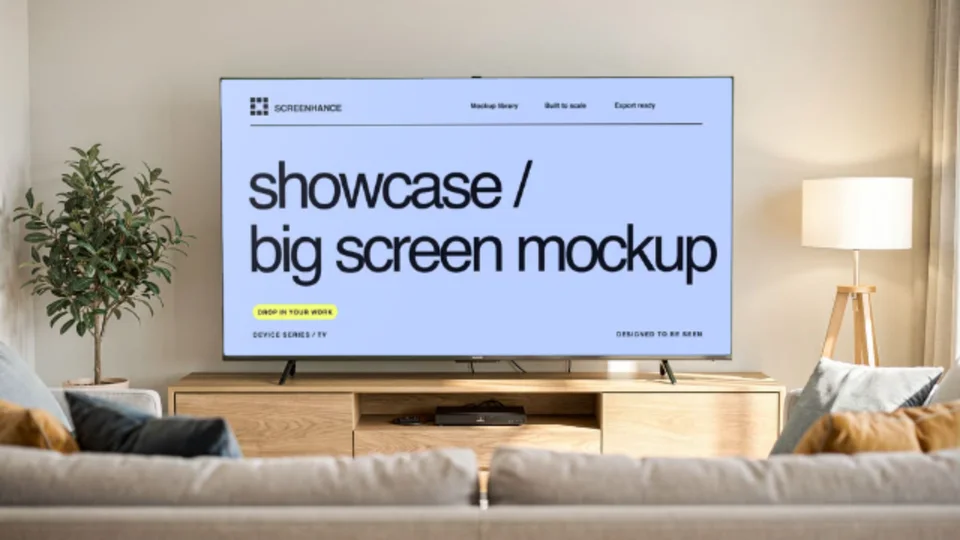
Present a streaming interface, game, website, presentation, or campaign on a television in a finished living room. Screenhance fits your artwork to the screen perspective inside the browser.
View template guide →Interior display mockup
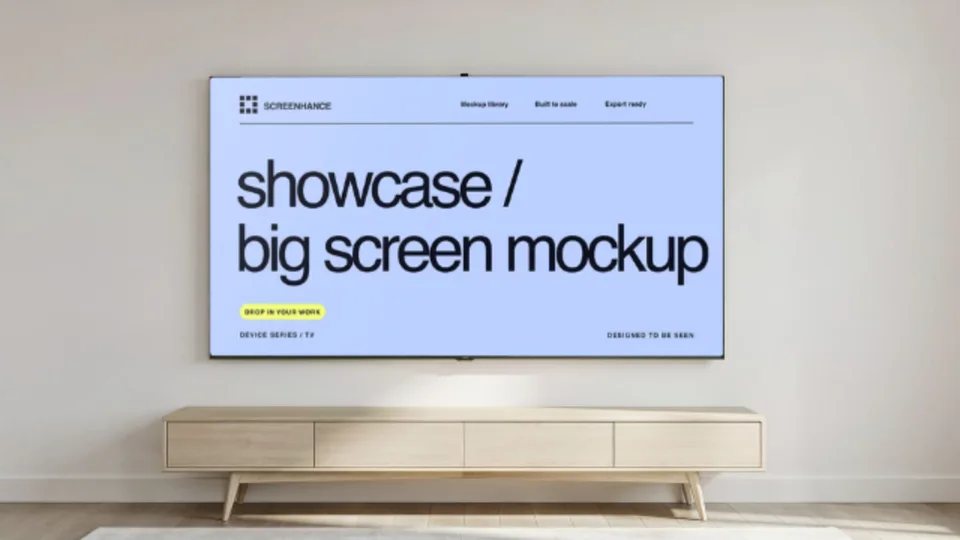
Show wide-format content on a wall-mounted television without staging a photoshoot. The architectural setting gives your screen a premium, installed look for campaigns, decks, and product pages.
View template guide →City advertising mockup
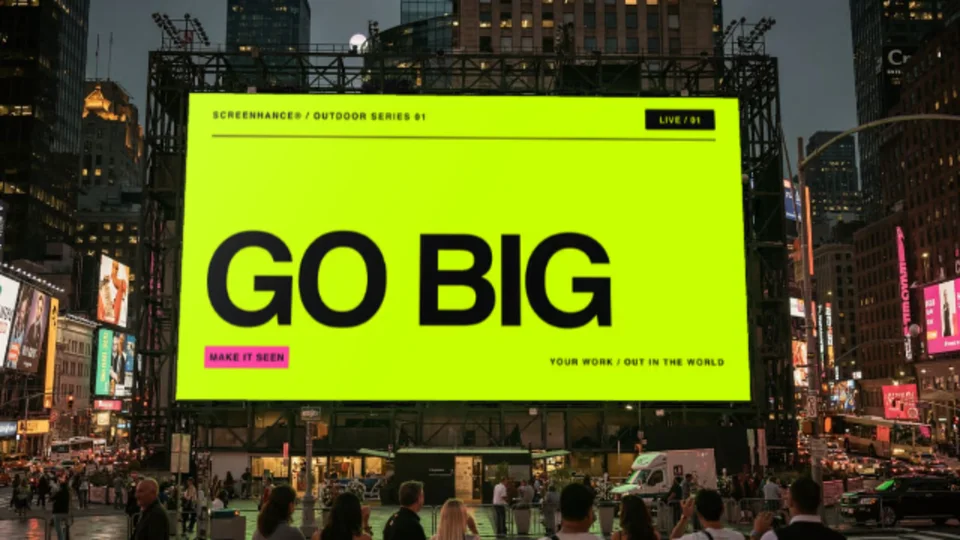
See how your campaign looks at landmark scale. This bright city scene places your real design on a large digital display, ready for pitches, launch announcements, case studies, and social reveals.
View template guide →Roadside advertising mockup
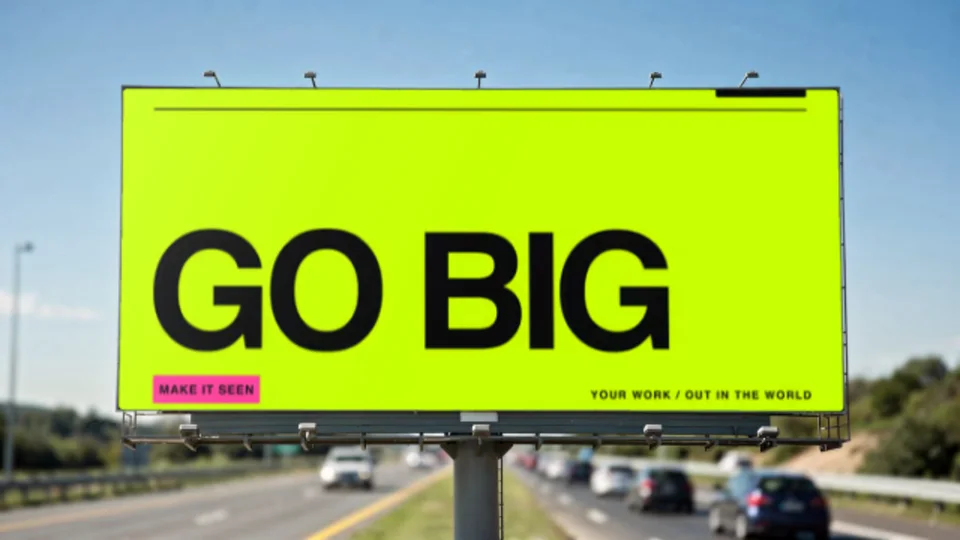
Put your ad into a wide roadside placement and judge it the way drivers will see it: large, fast, and at a distance. Screenhance handles the scene perspective while preserving your actual artwork.
View template guide →Editable apparel mockup
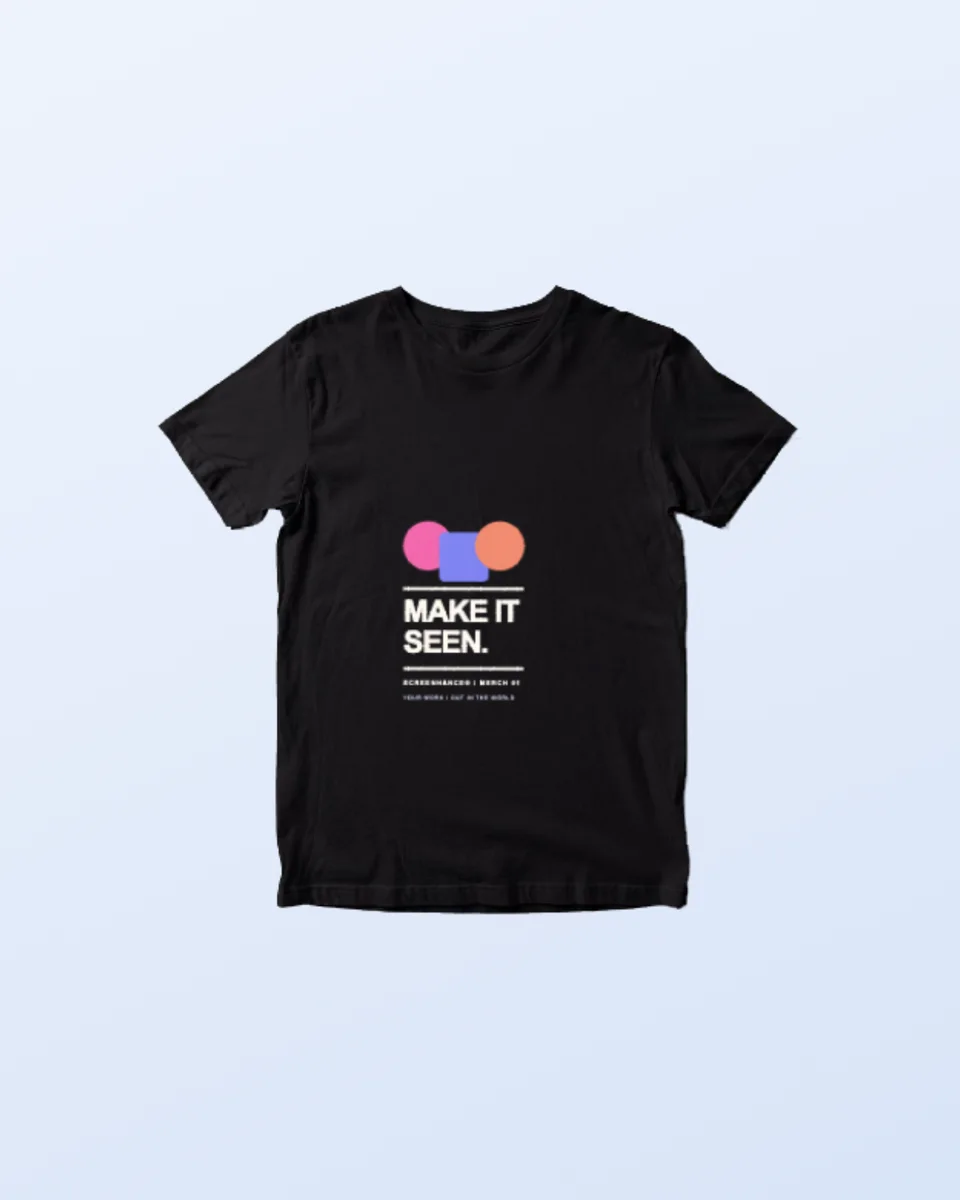
Preview a logo, illustration, event design, or merch graphic on a black T-shirt with natural fabric texture and folds. The cutout format also lets you build the surrounding composition in Screenhance.
View template guide →Editable apparel mockup
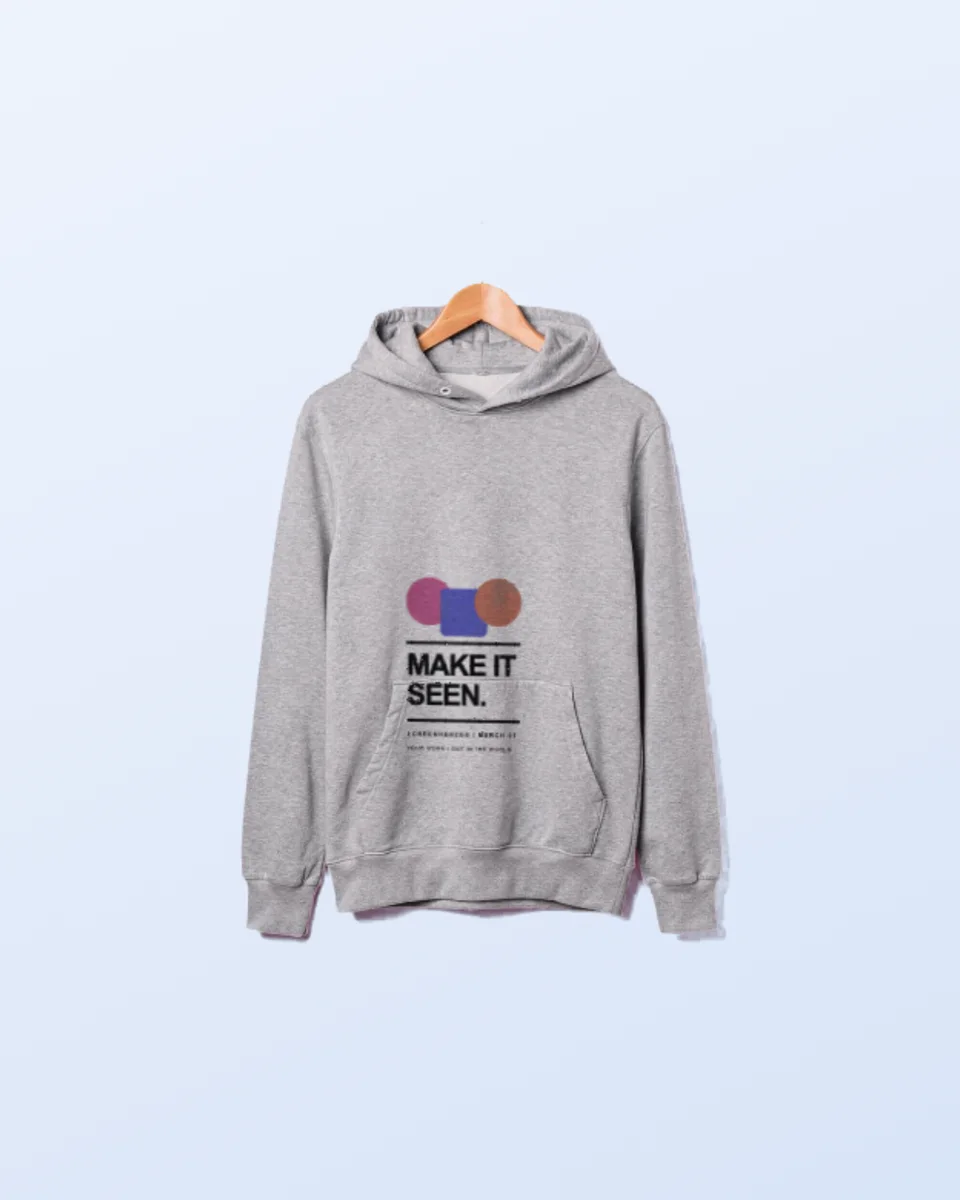
Turn a flat graphic into a convincing black hoodie presentation with realistic material, shape, and folds. Use the isolated garment as a clean product shot or build it into a complete launch graphic.
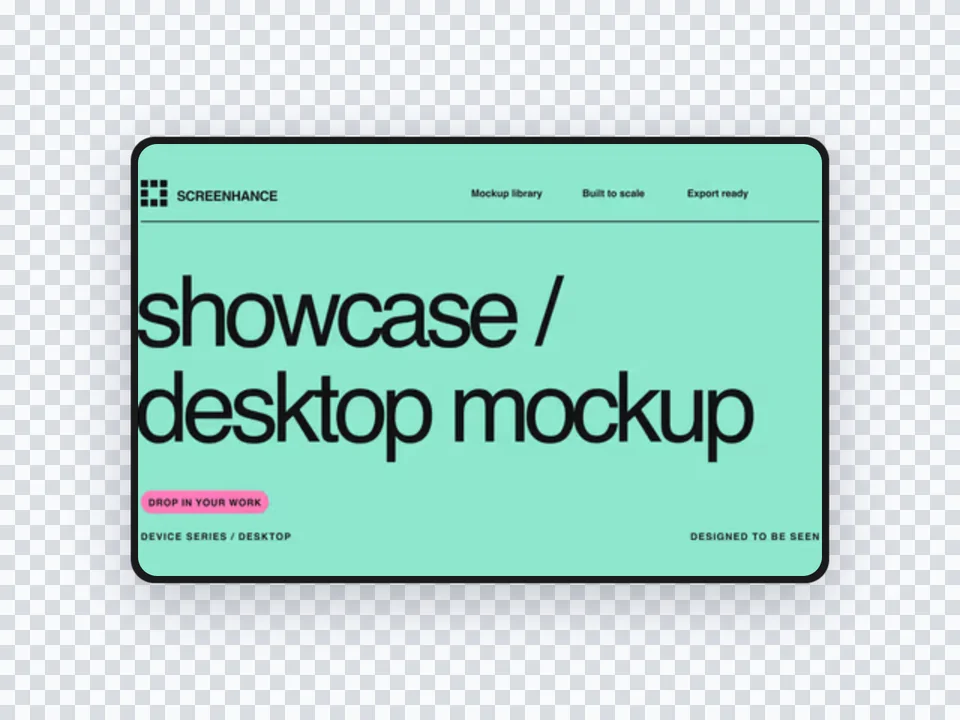
View template guide →Desktop product mockup
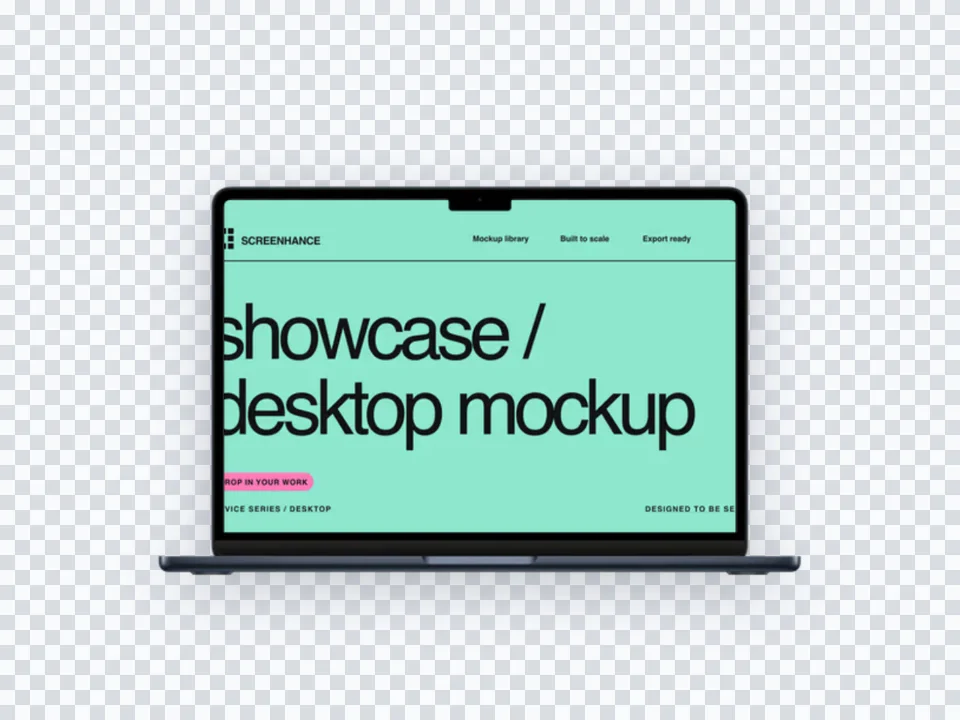
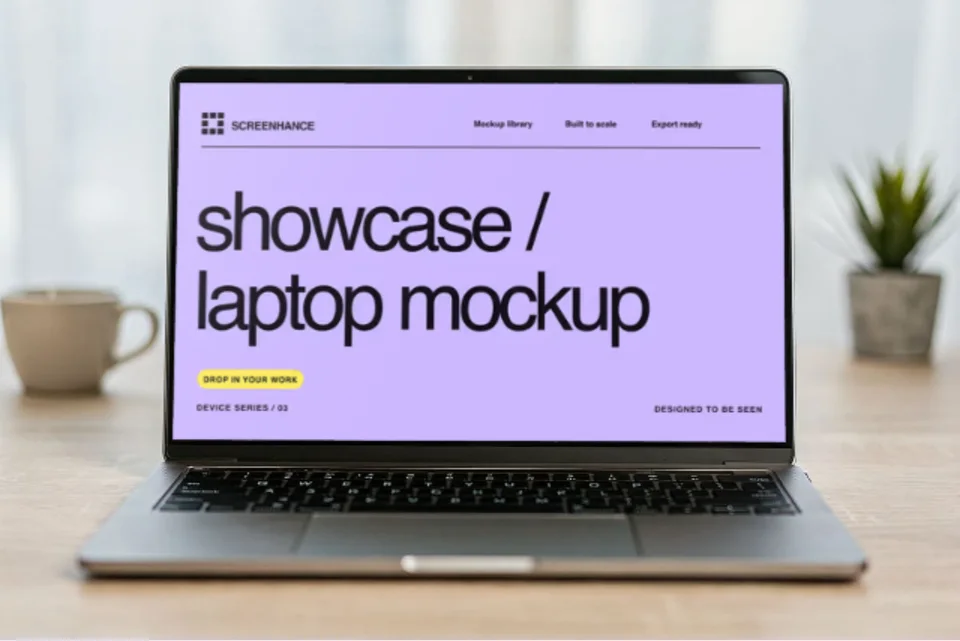
Present your website, SaaS dashboard, or desktop product on a MacBook in a natural workspace. The scene adds professional context without making the screen too small to understand.
View template guide →Photorealistic book mockup
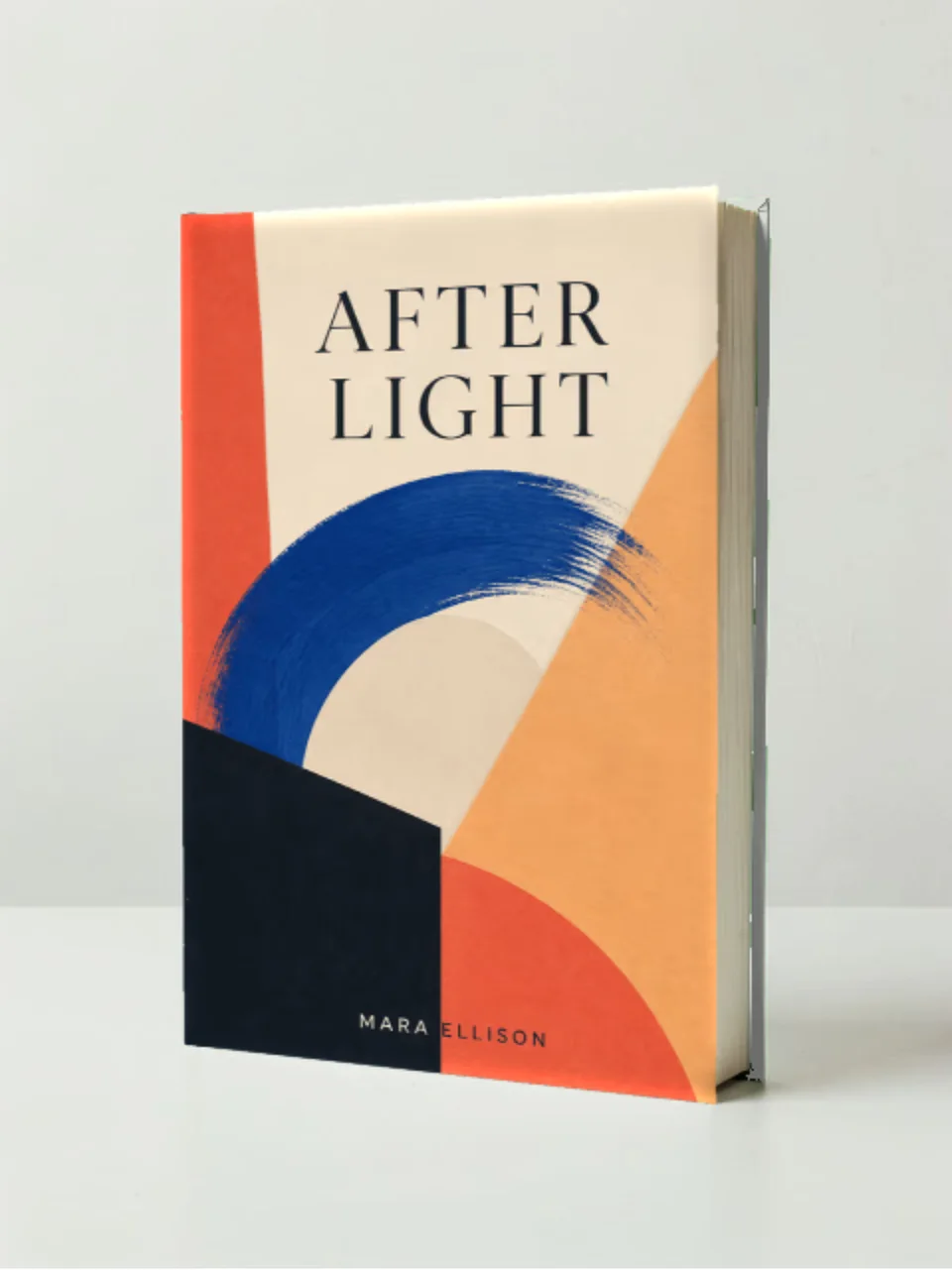
Show a cover design on a finished hardcover book in a natural desk setting. It is a fast way to create preorder images, publishing presentations, author announcements, and portfolio work before a printed copy exists.
View template guide →Wall art and print mockup
Put your poster, artwork, event creative, or print design into a realistic frame and interior. Screenhance handles the scene perspective so you can focus on the design and the surrounding campaign.
View template guide →Brand identity mockup
Present a business card as a finished physical brand touchpoint. The realistic desk scene adds material and scale while keeping the typography, logo, and layout easy to inspect.
View template guide →Use a broad generator page when you want to compare every scene and surface in one category.
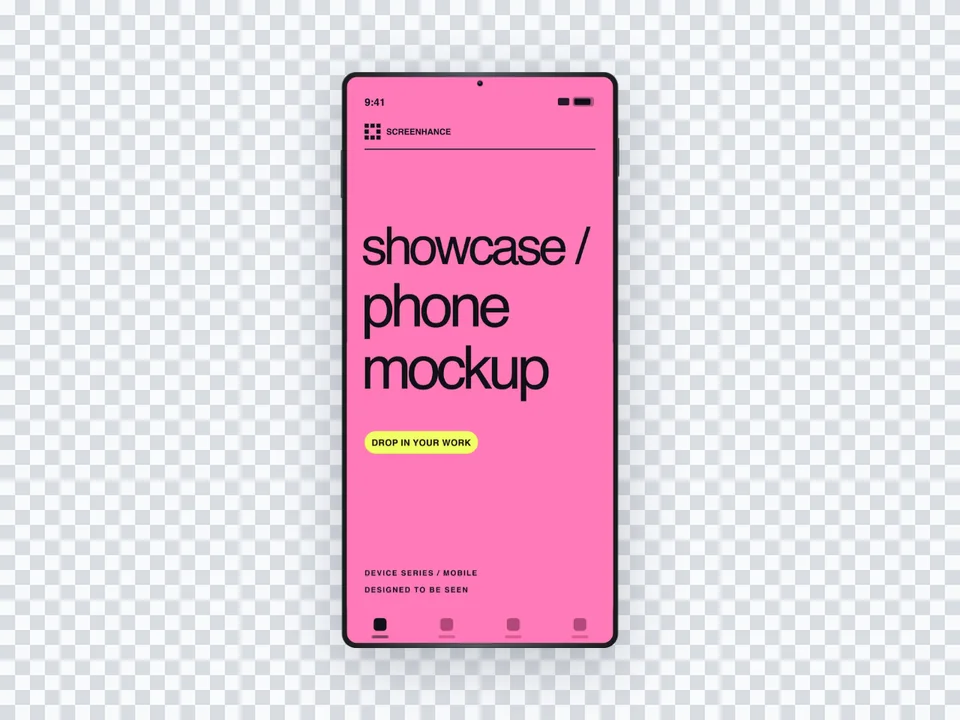
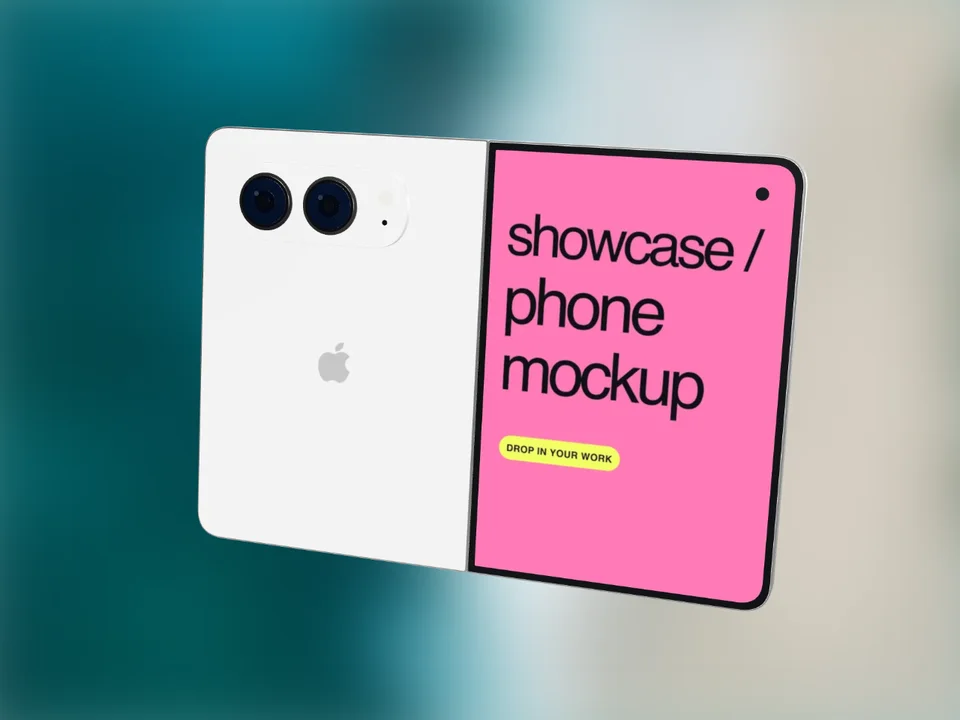
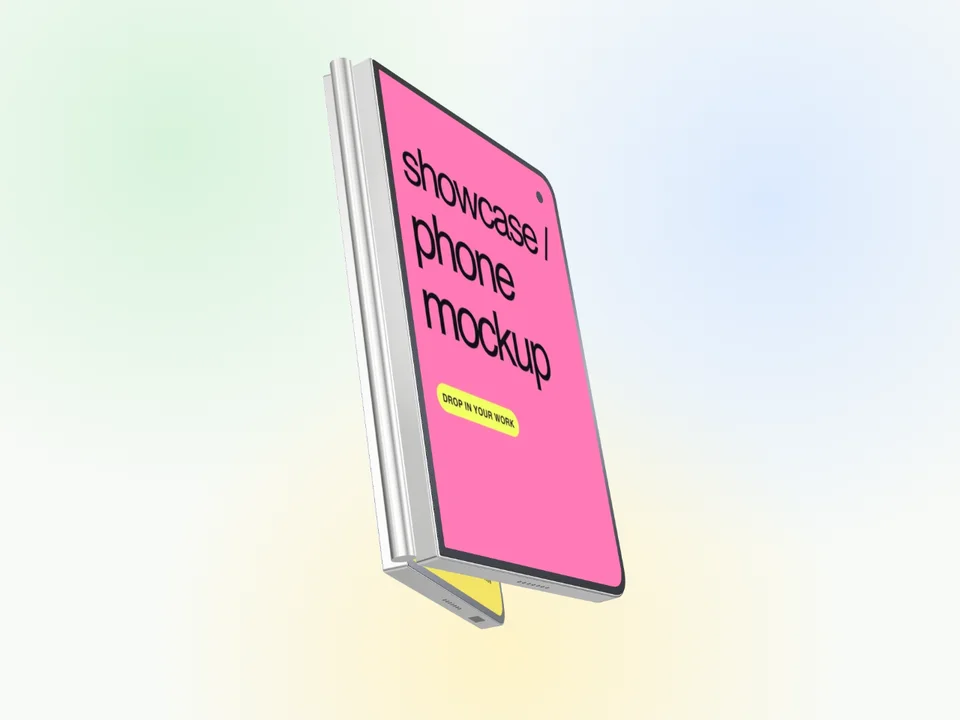
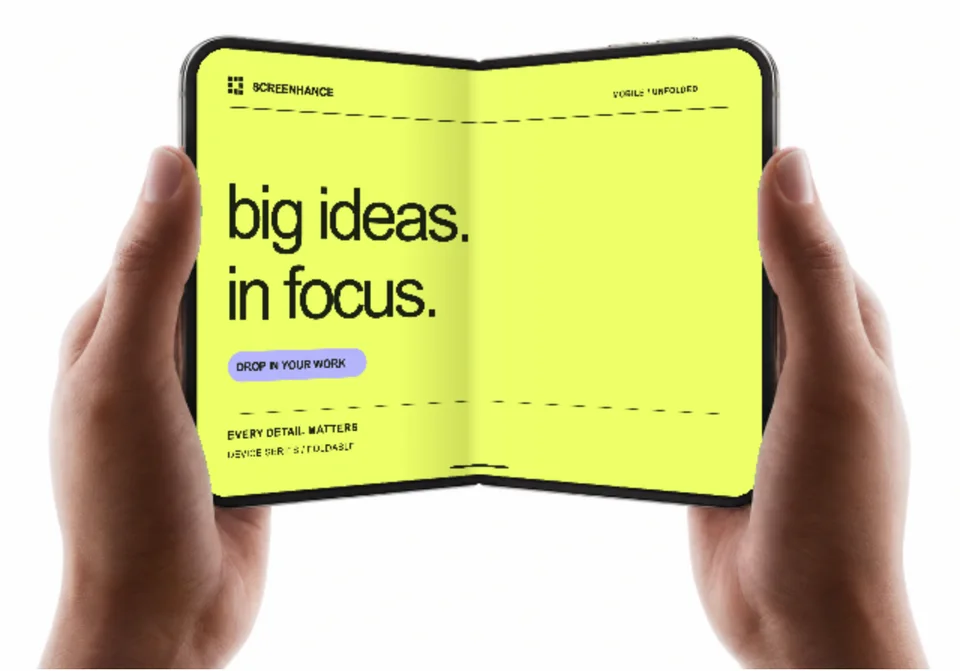
In-hand, lifestyle, studio, cutout, and clean device compositions.
Living-room, wall-mounted, gaming, and isolated television scenes.
T-shirts, hoodies, sweatshirts, caps, and tote bags with realistic material.
Posters, books, magazines, business cards, flyers, and brochures.
City, highway, transit, digital, wall, storefront, and signage placements.
Search every frame, scene, surface, and editable composition in Screenhance.
A better starting point
Context: use lifestyle and environmental scenes when the audience must imagine the design in use. Use clean frames or cutouts when interface detail is the main story.
Legibility: choose a scene whose photographed surface is large enough for the feature, headline, or artwork to survive at thumbnail size.
Campaign fit: start with the destination. A hand-held phone fits a consumer launch, a desk scene fits SaaS, a framed print fits a shop, and a billboard fits a campaign reveal.
A mockup template is a reusable composition that places your real screenshot or artwork into a device, physical product, or environment. Screenhance templates open in the browser editor, so the source design, surrounding layout, text, background, assets, and motion can remain editable.
No. These templates do not require Photoshop or smart objects. Open a scene in Screenhance, upload the artwork, and the editor composites it into the photographed surface with the scene's perspective and treatment.
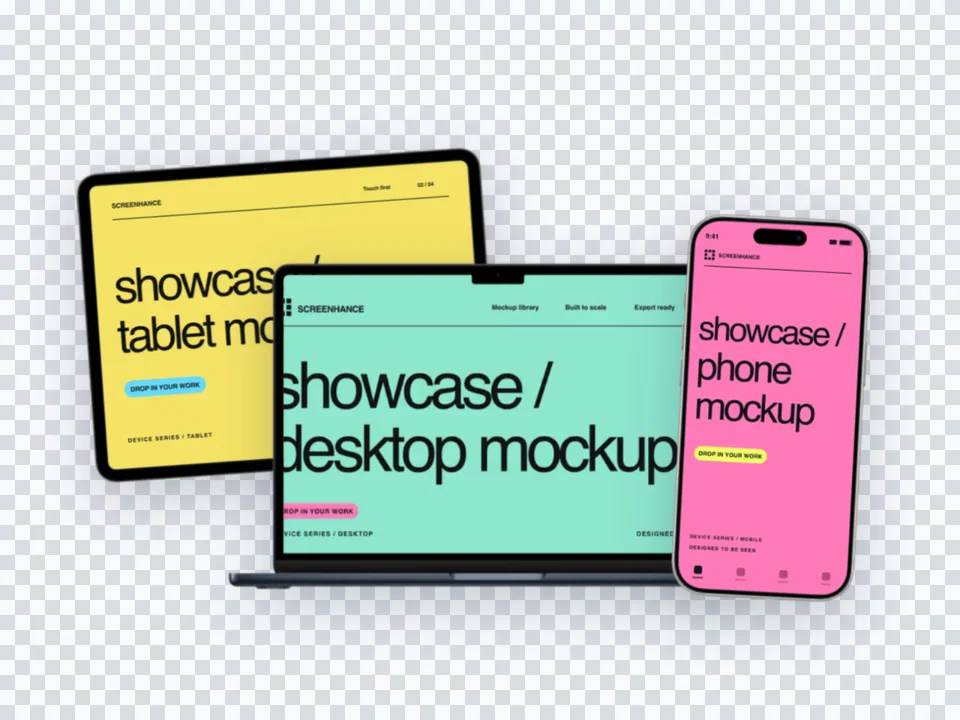
Screenhance has 170+ photorealistic scenes across phones, laptops, tablets, watches, TVs, print, apparel, packaging, merchandise, interiors, billboards, and signage, plus 113 device and stylized frames and 180+ editable visual templates.
Yes. Reuse the same screenshot, logo, cover, poster, or merchandise artwork across related scenes, then continue it into website visuals, social assets, store screenshot sets, animated compositions, and product video.
Open a template, add the actual design, and carry it into every still, store set, animated asset, and product video you need.
Browse templates free