SaaS landing pages
Give dashboards and product interfaces an immediate professional context above the fold.
Desktop product mockup
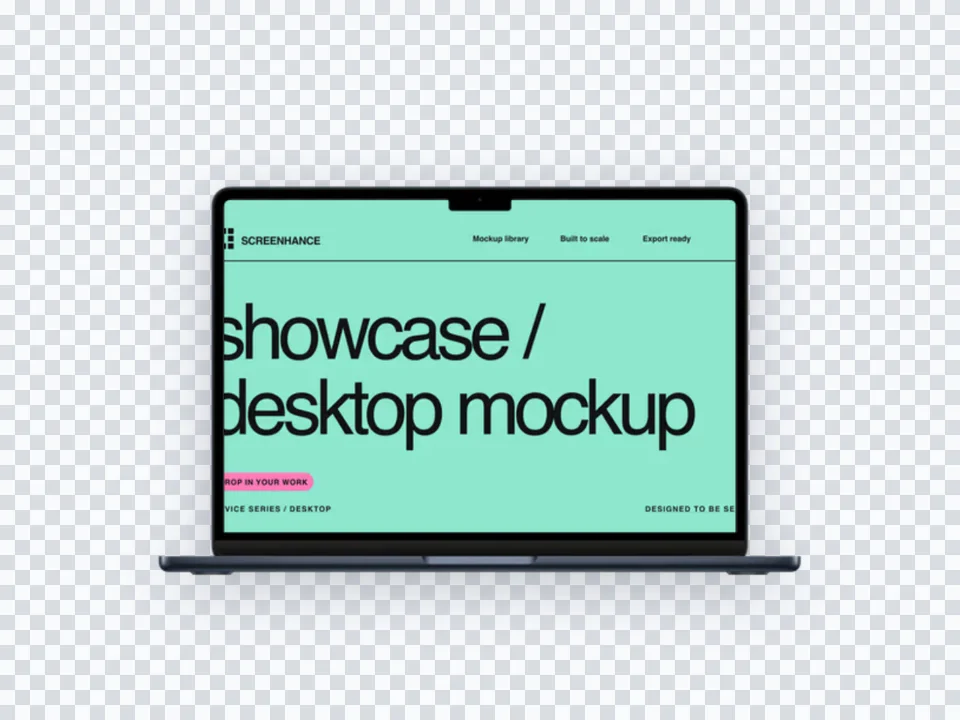
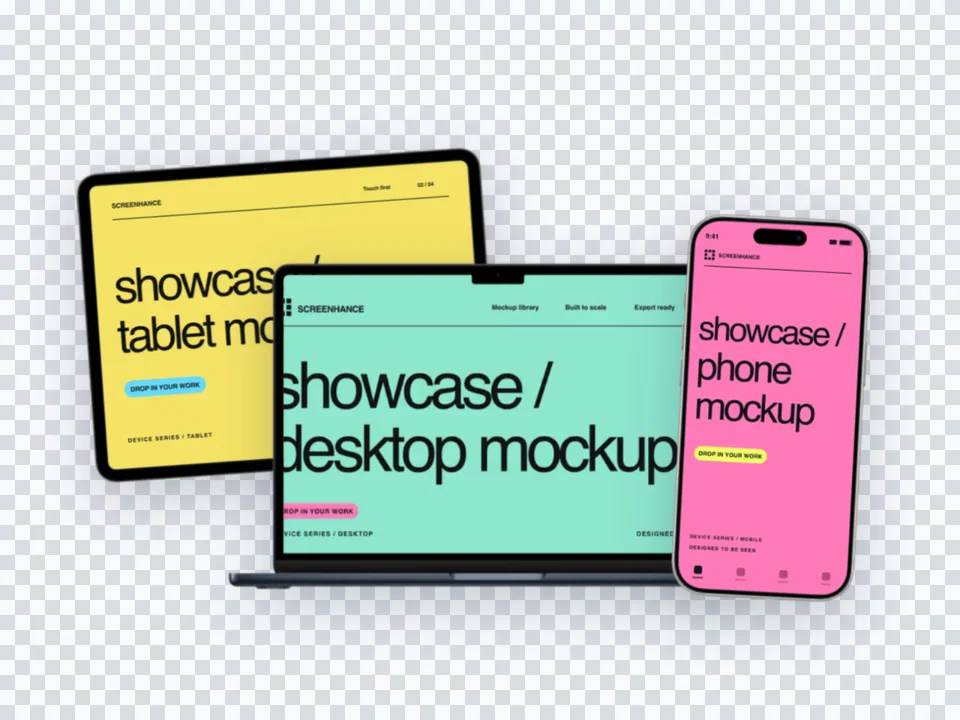
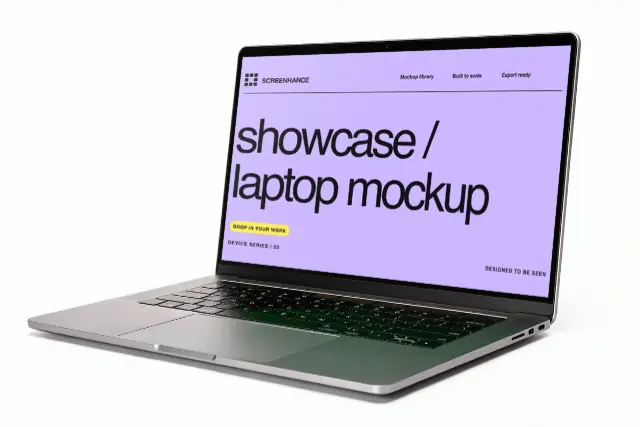
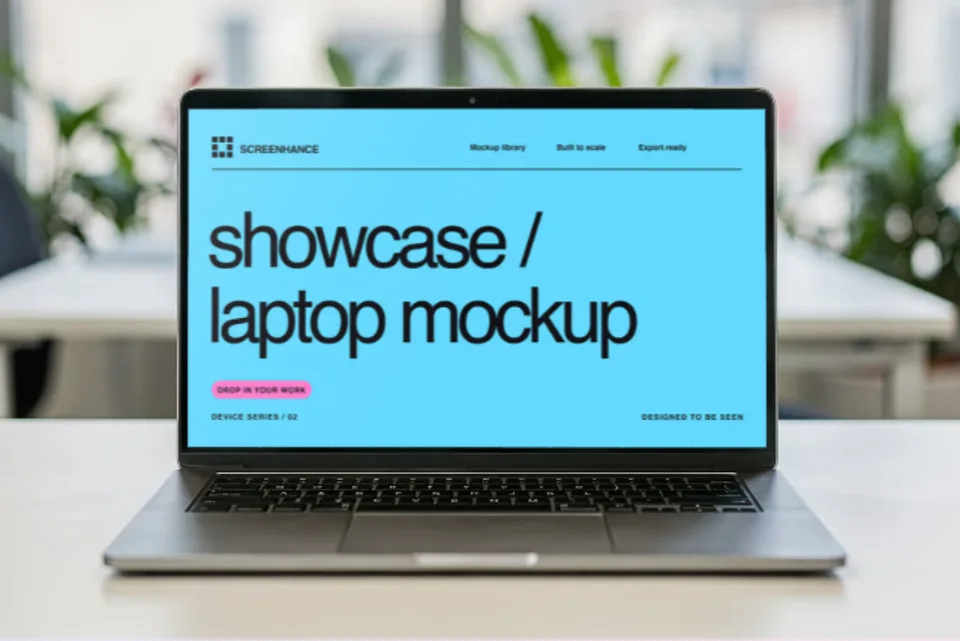
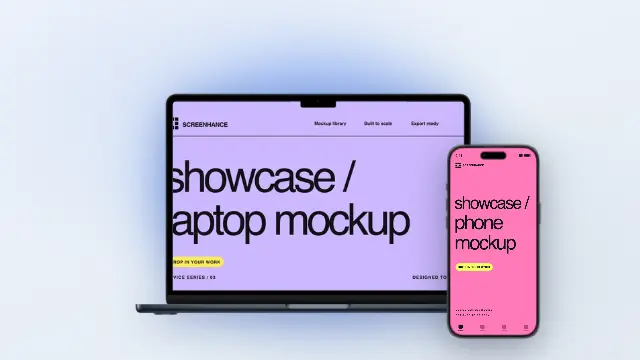
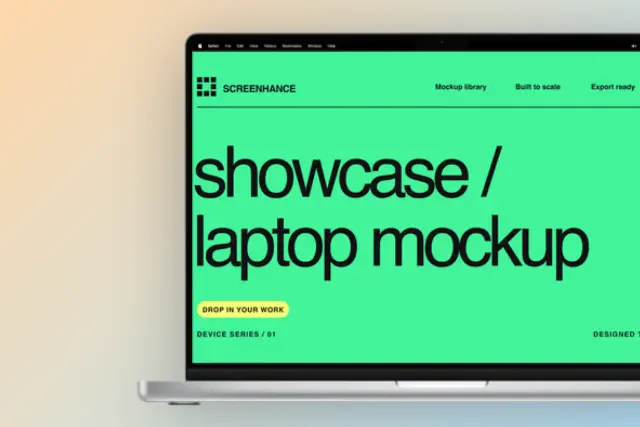
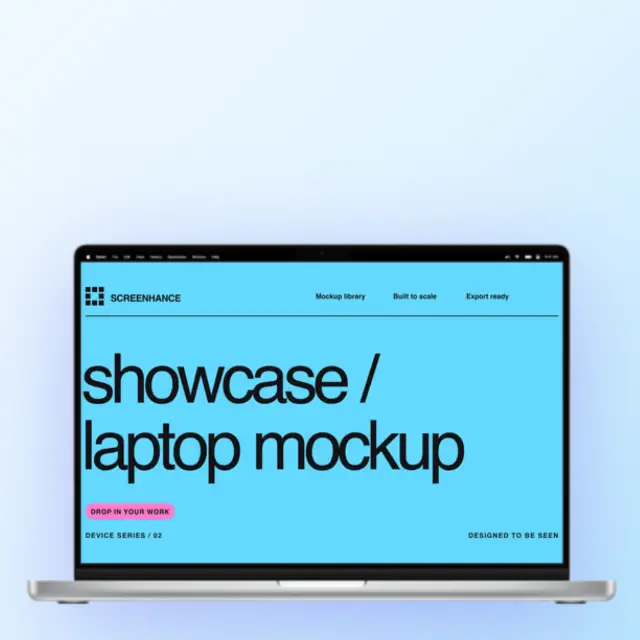
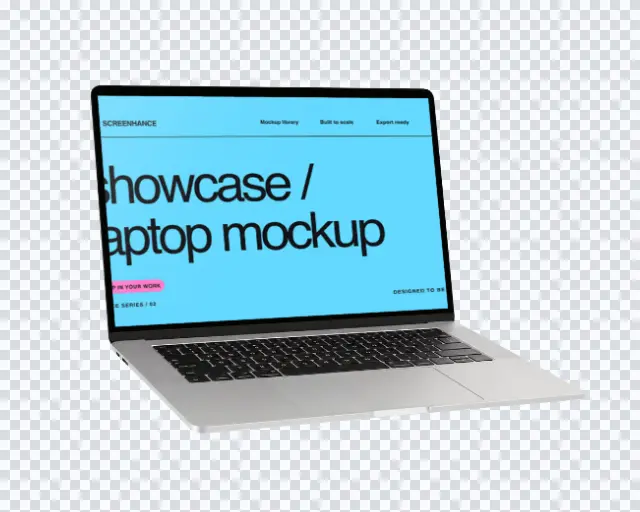
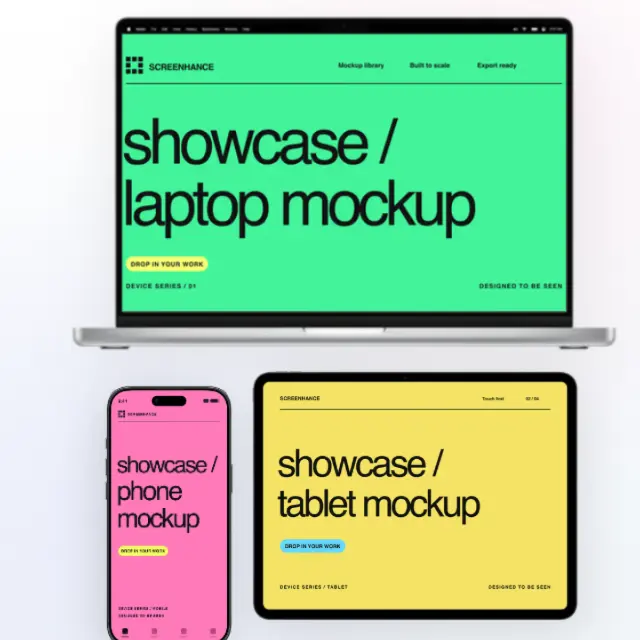
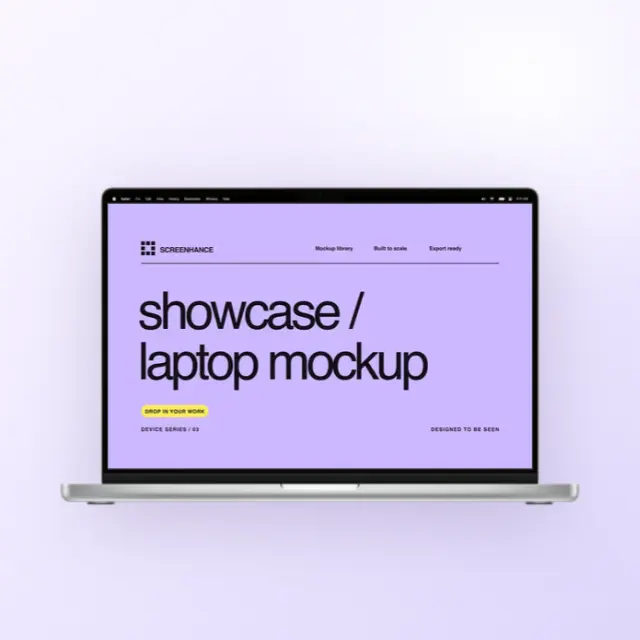
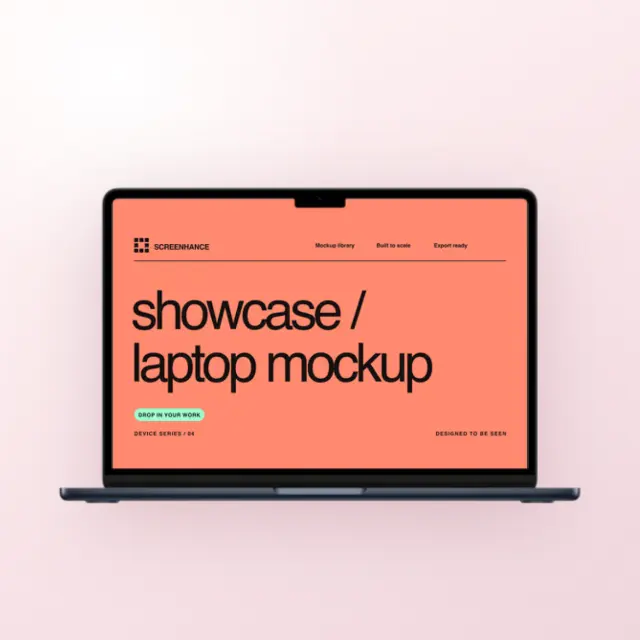
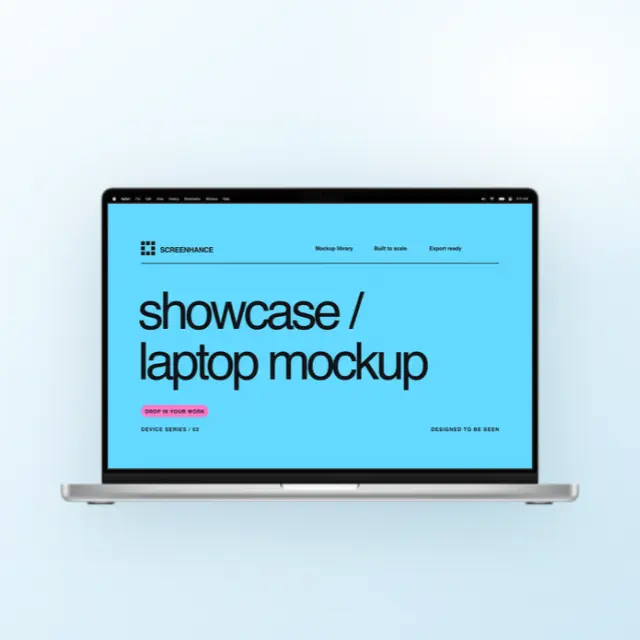
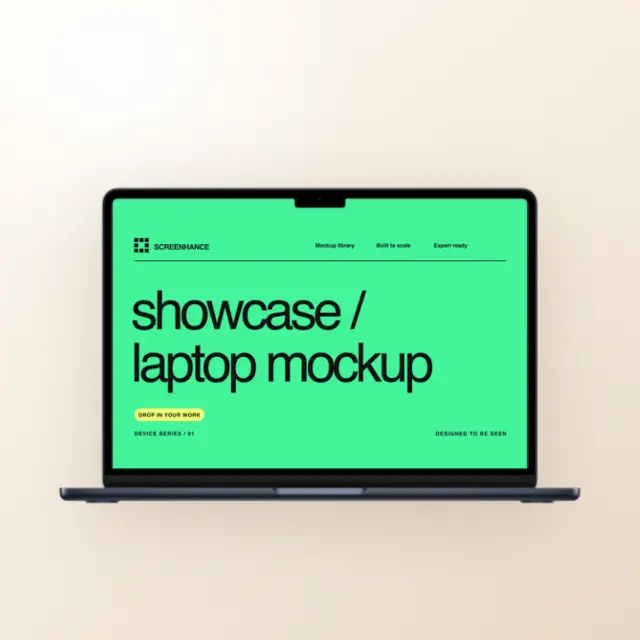
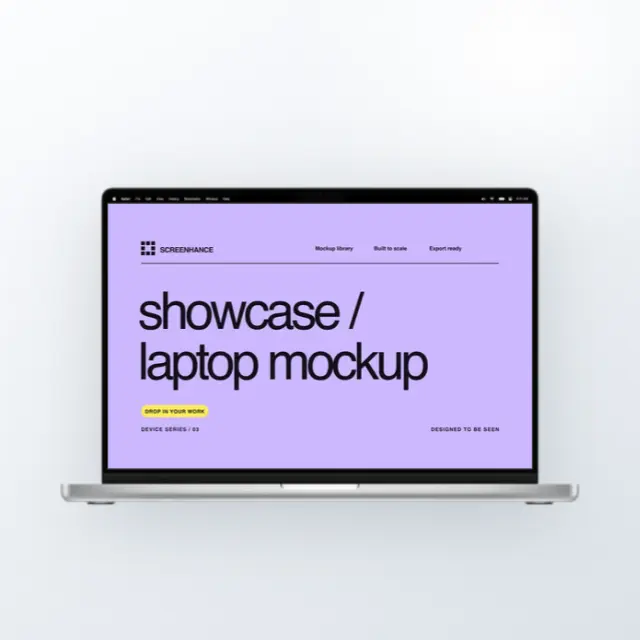
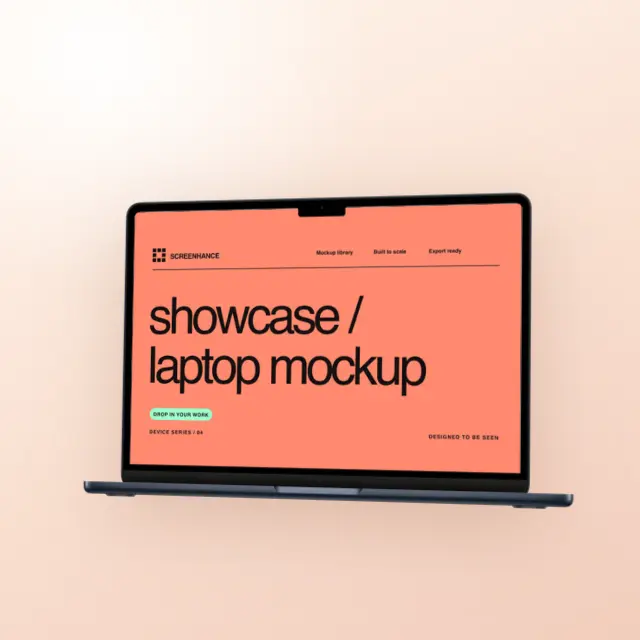
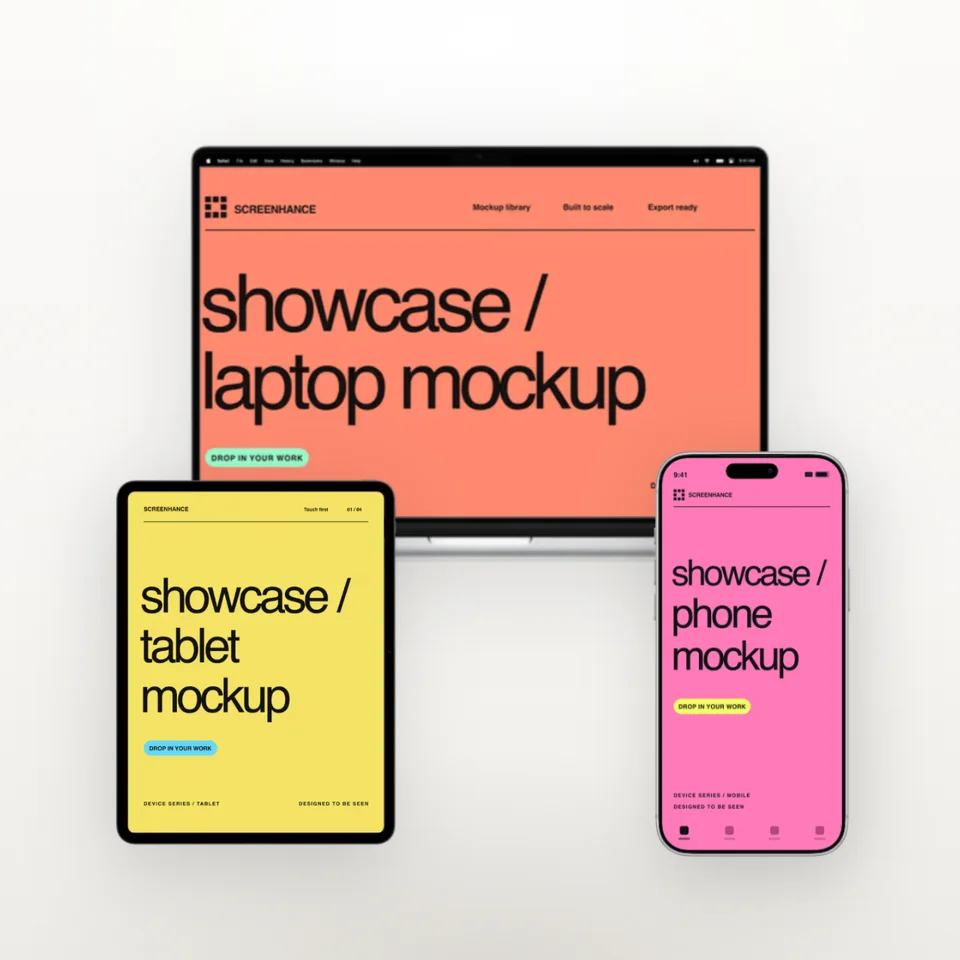
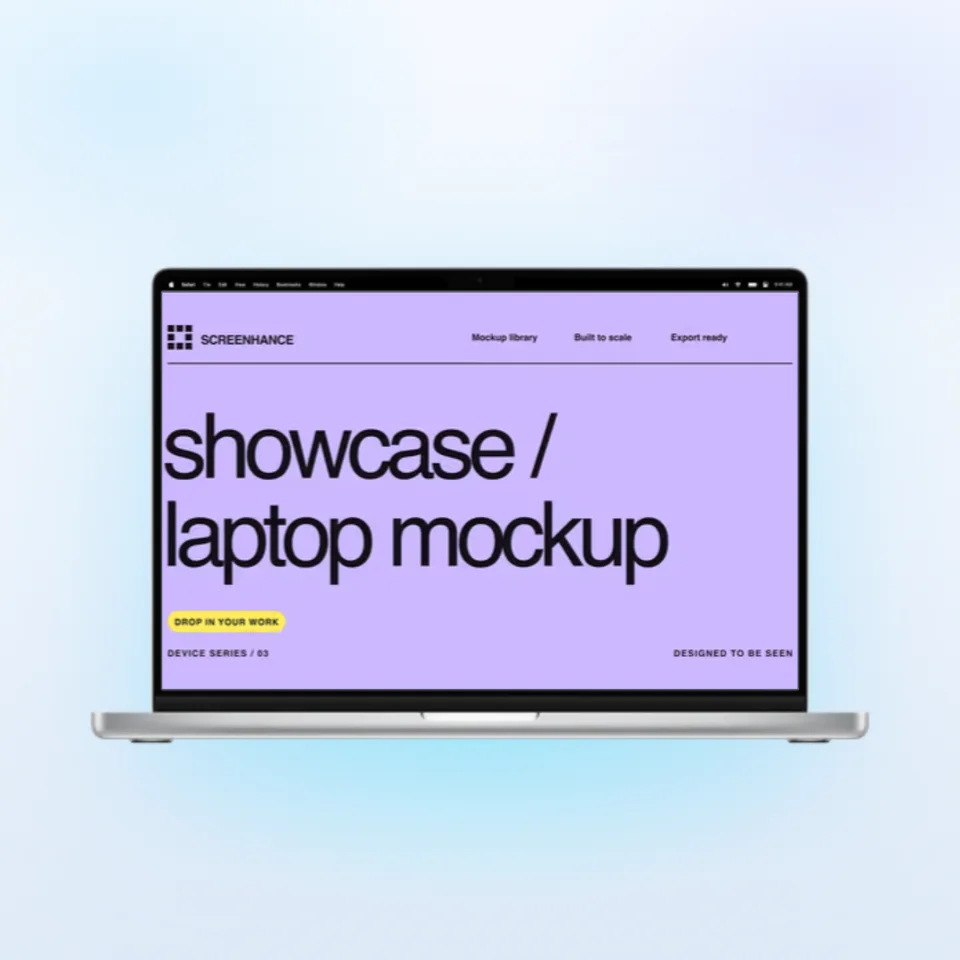
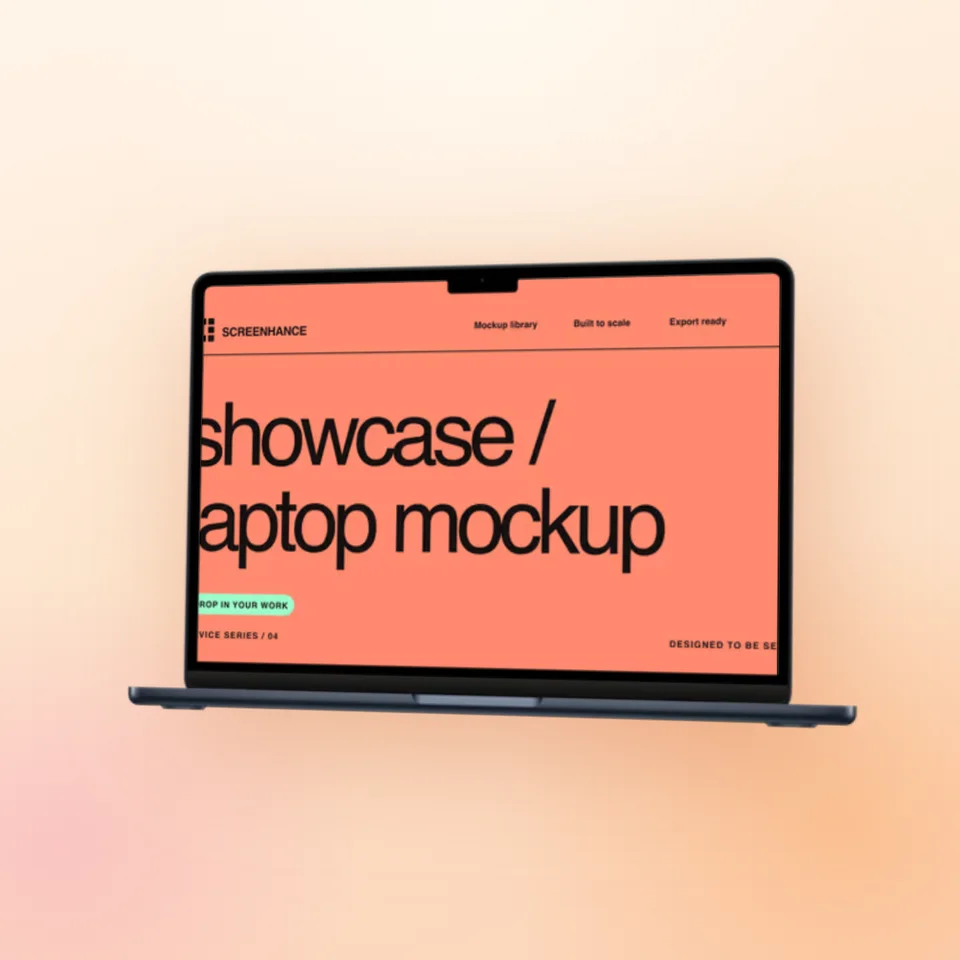
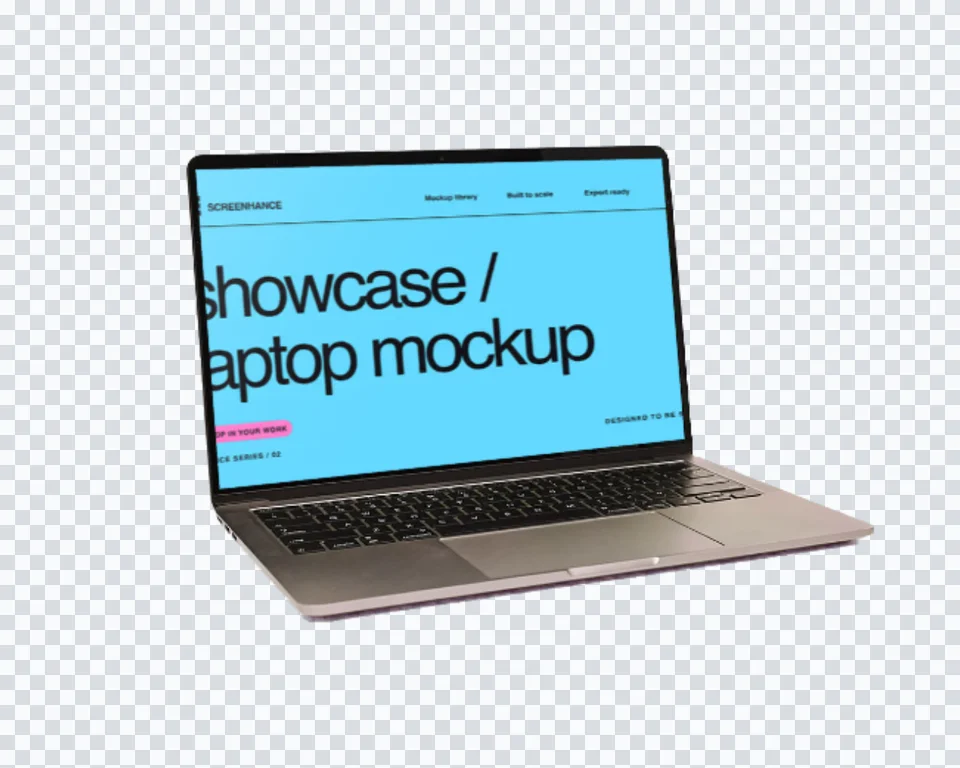
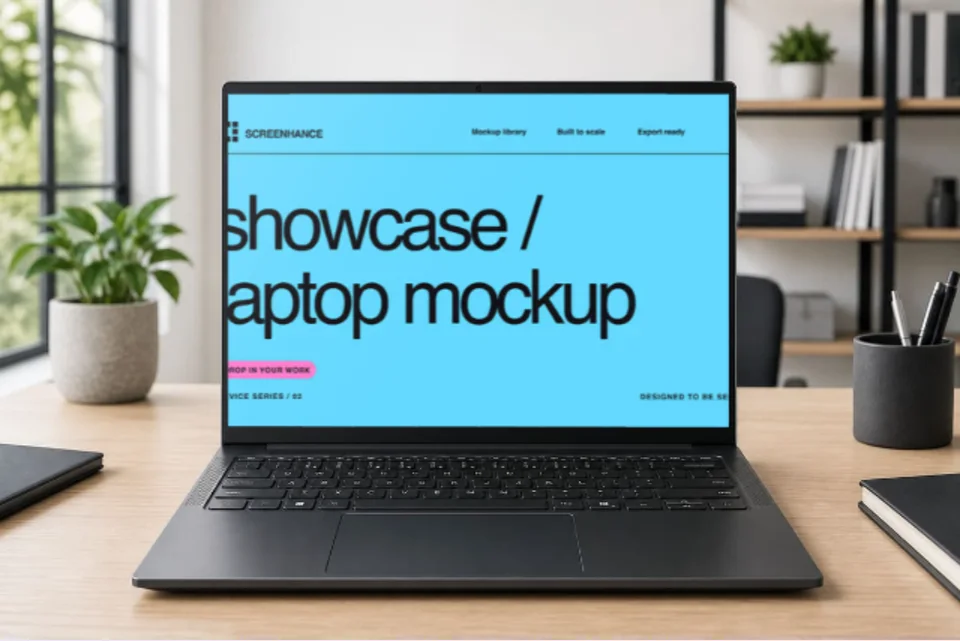
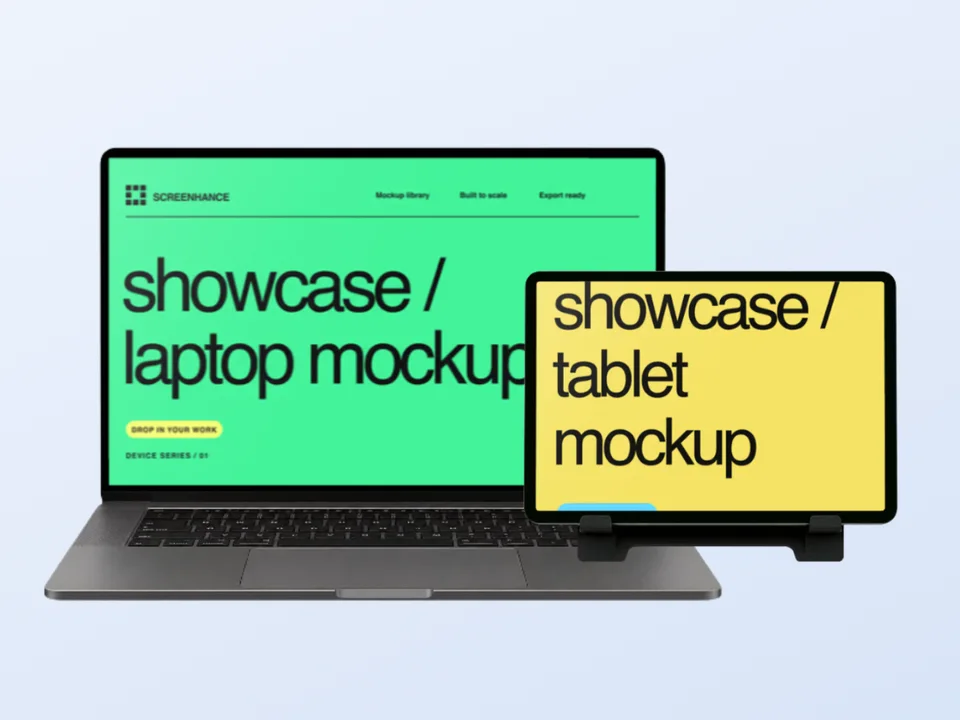
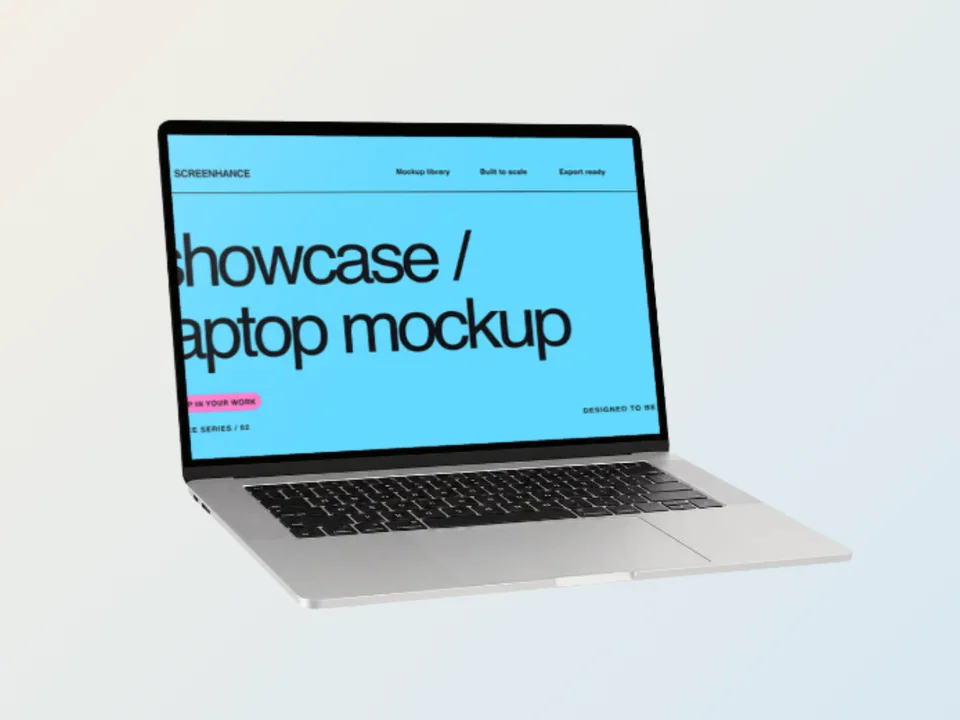
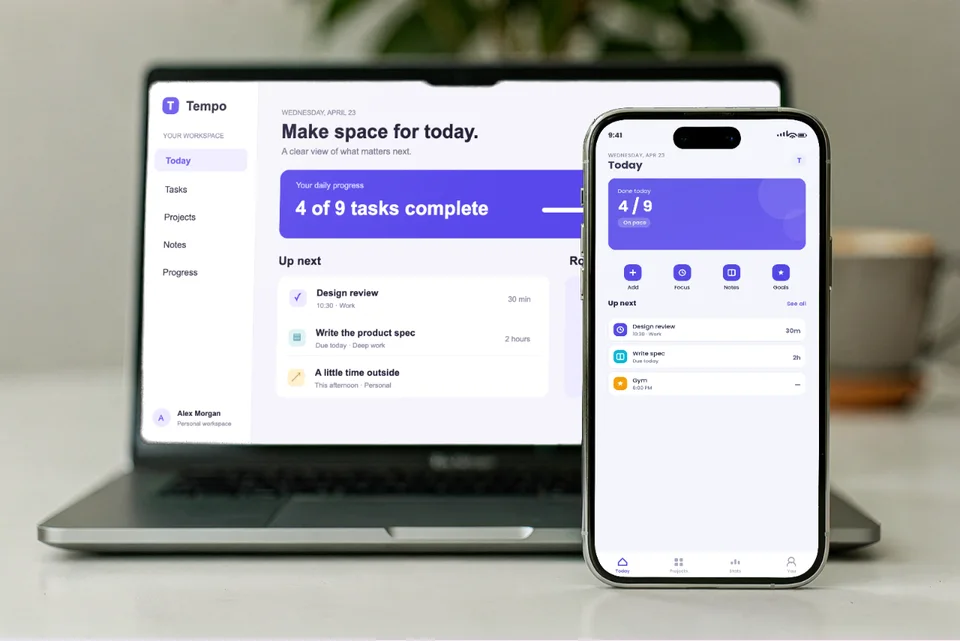
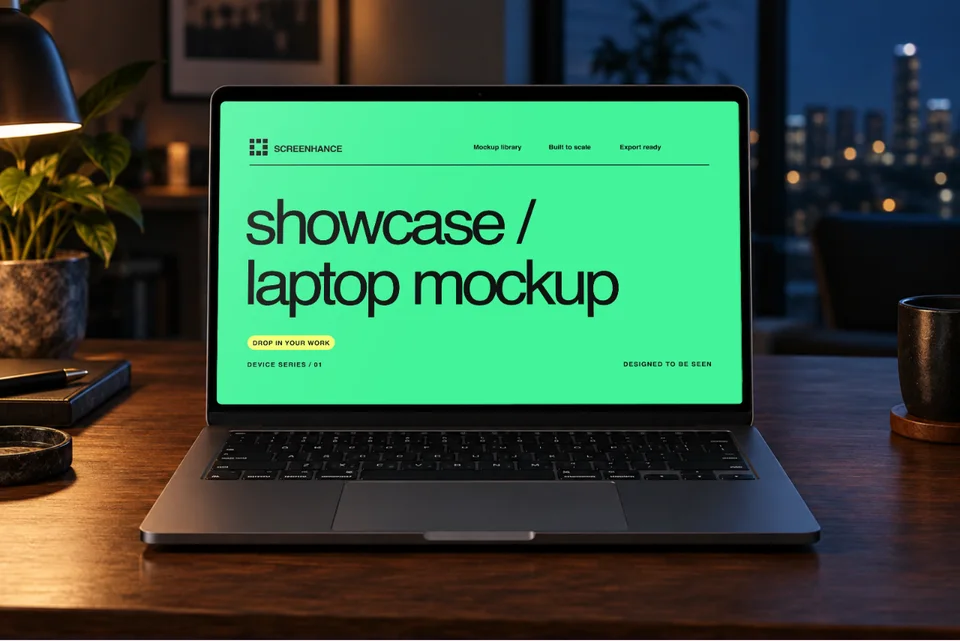
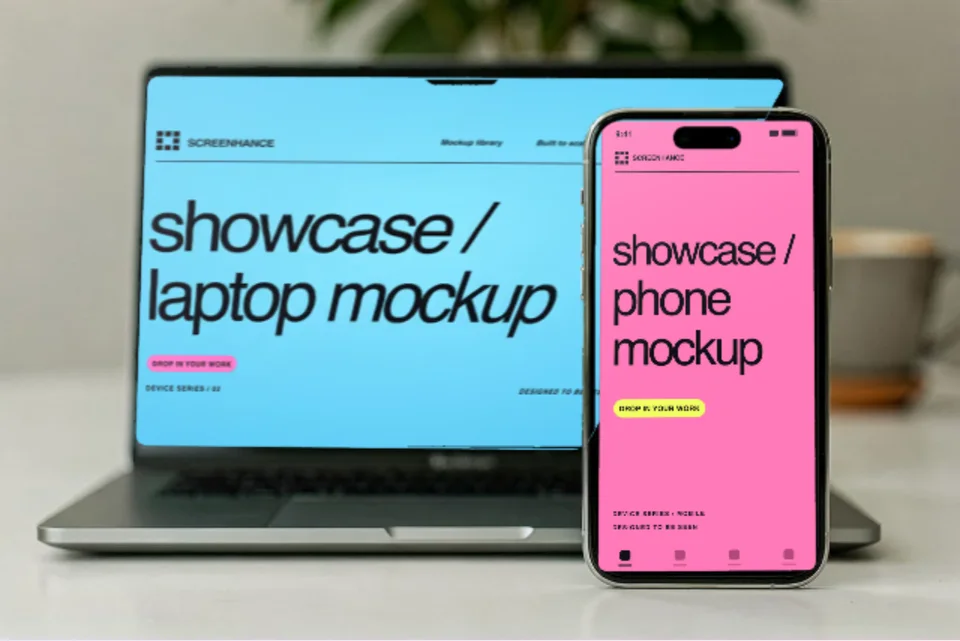
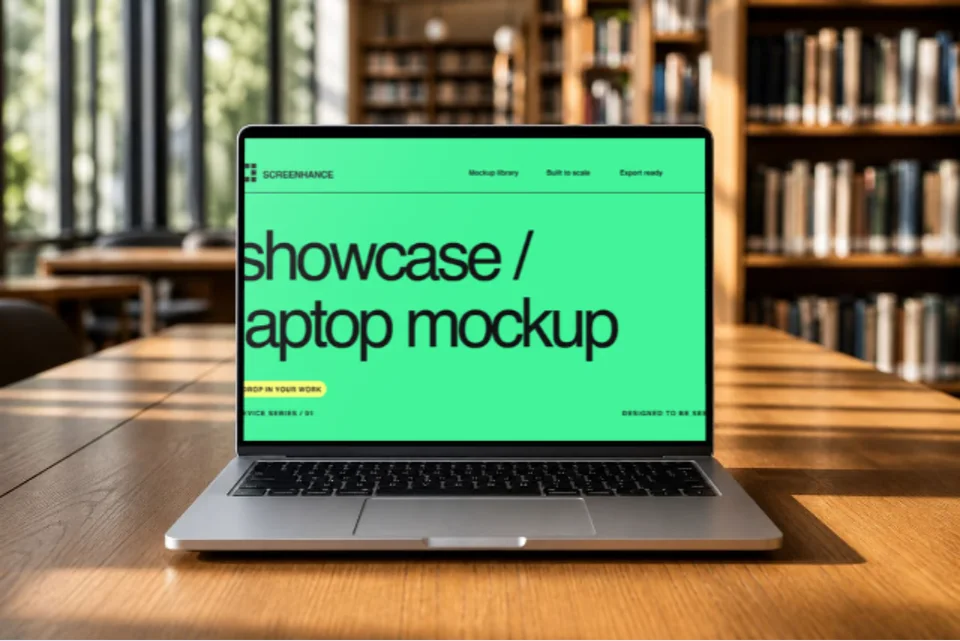
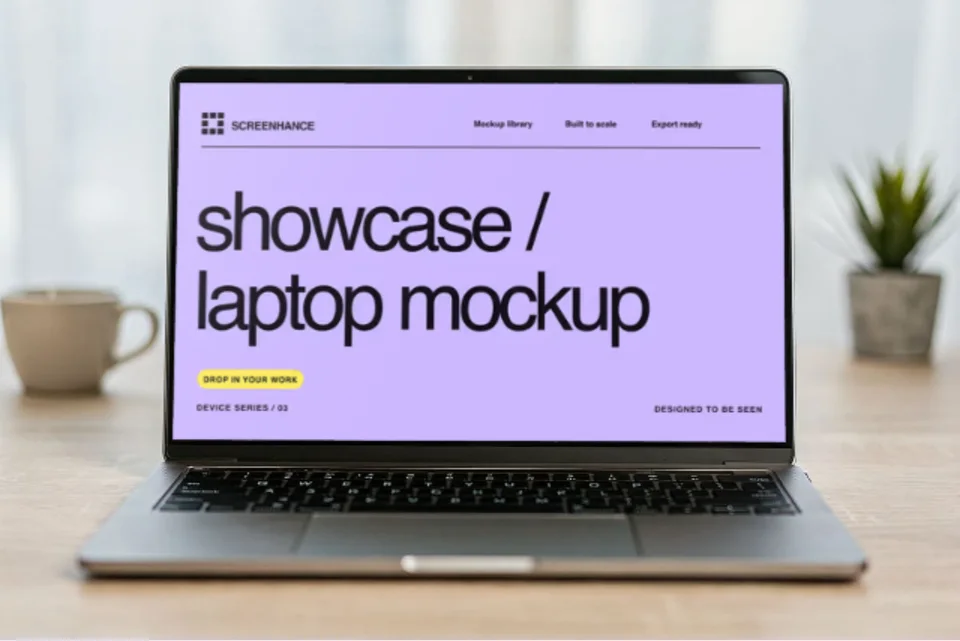
Present your website, SaaS dashboard, or desktop product on a MacBook in a natural workspace. The scene adds professional context without making the screen too small to understand.
Why this scene works
A real desk makes software feel established and usable while the laptop screen remains the visual centre.
The landscape composition adapts well to website heroes, case studies, launch galleries, and presentations.
Unlike a flat downloadable placeholder, this template opens directly in the Screenhance editor. Replace the sample with your own website or desktop screenshot, then carry the result into text, brand assets, annotations, motion, and other launch formats.
One scene can support several parts of the same launch when the source design stays editable.
Give dashboards and product interfaces an immediate professional context above the fold.
Break up feature slides with a credible lifestyle image of the product in use.
Turn a flat desktop screenshot into a presentation-ready product image.
Open a related scene with the same website or desktop screenshot, or browse the full macbook mockups collection.
Make it convincing
Use a wide screenshot and crop away browser chrome that does not help the story.
Choose a screen with one strong feature rather than an entire dense admin interface.
Follow the lifestyle hero with clean browser or laptop frames for close-up detail.
Open the template, upload your website or desktop screenshot, and Screenhance fits it into the photographed surface with the scene's perspective. You can then adjust the composition, background, text, assets, and export settings in the same browser editor.
No. This is an editable browser template, not a PSD download. Screenhance composites your artwork into the scene and lets you continue the wider design without Photoshop, masks, or smart objects.
Yes. You can open the template and build the composition on Screenhance's free plan. The free plan includes 3 exports per month with a small watermark; the one-time Launch Pass and Pro plans remove it from image exports.
This scene opens on a 1536 × 1024 canvas that matches the source photograph's aspect ratio. Paid export options can produce higher-resolution versions for launch pages, social campaigns, presentations, and client delivery.
Yes. Keep the source artwork available in the editor, then reuse it across related photorealistic scenes, editable launch graphics, social assets, store listings, animated compositions, and Studio product video.
Move the same campaign across devices, interiors, print, apparel, and outdoor placements.
Lifestyle phone mockup
Place your real app screen in a naturally held iPhone with warm cafe light and a softly blurred background. The result feels like a product photo, while the interface remains the focus.
Photorealistic TV screen
Present a streaming interface, game, website, presentation, or campaign on a television in a finished living room. Screenhance fits your artwork to the screen perspective inside the browser.
Interior display mockup
Show wide-format content on a wall-mounted television without staging a photoshoot. The architectural setting gives your screen a premium, installed look for campaigns, decks, and product pages.
Upload the real design, refine the composition, and continue into every asset your launch needs.
Open this template