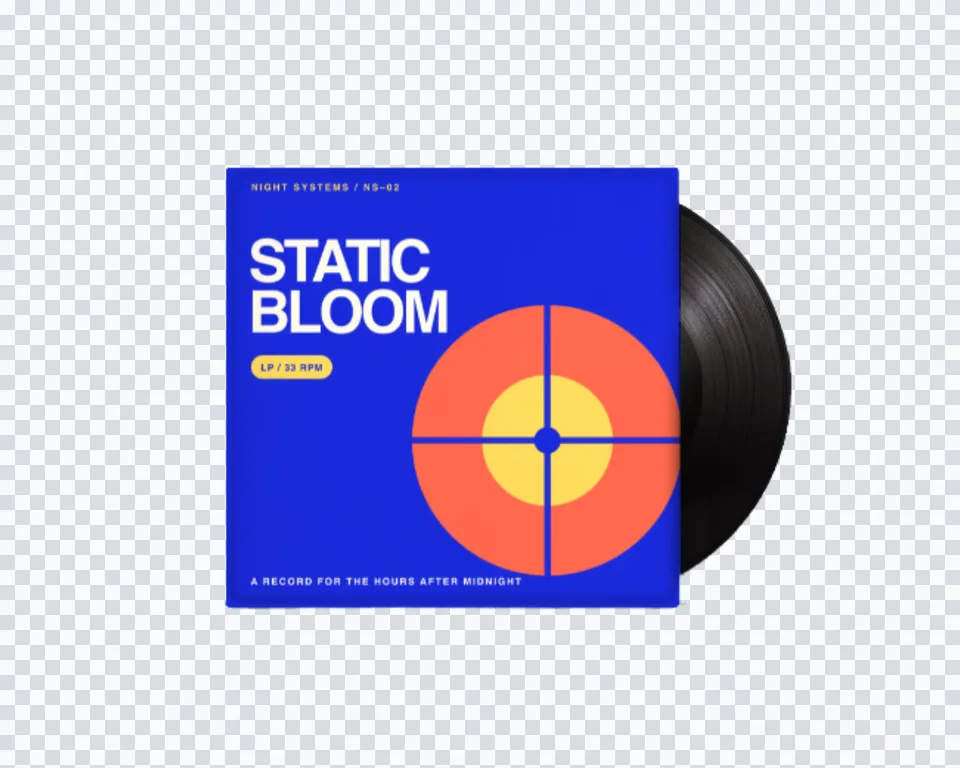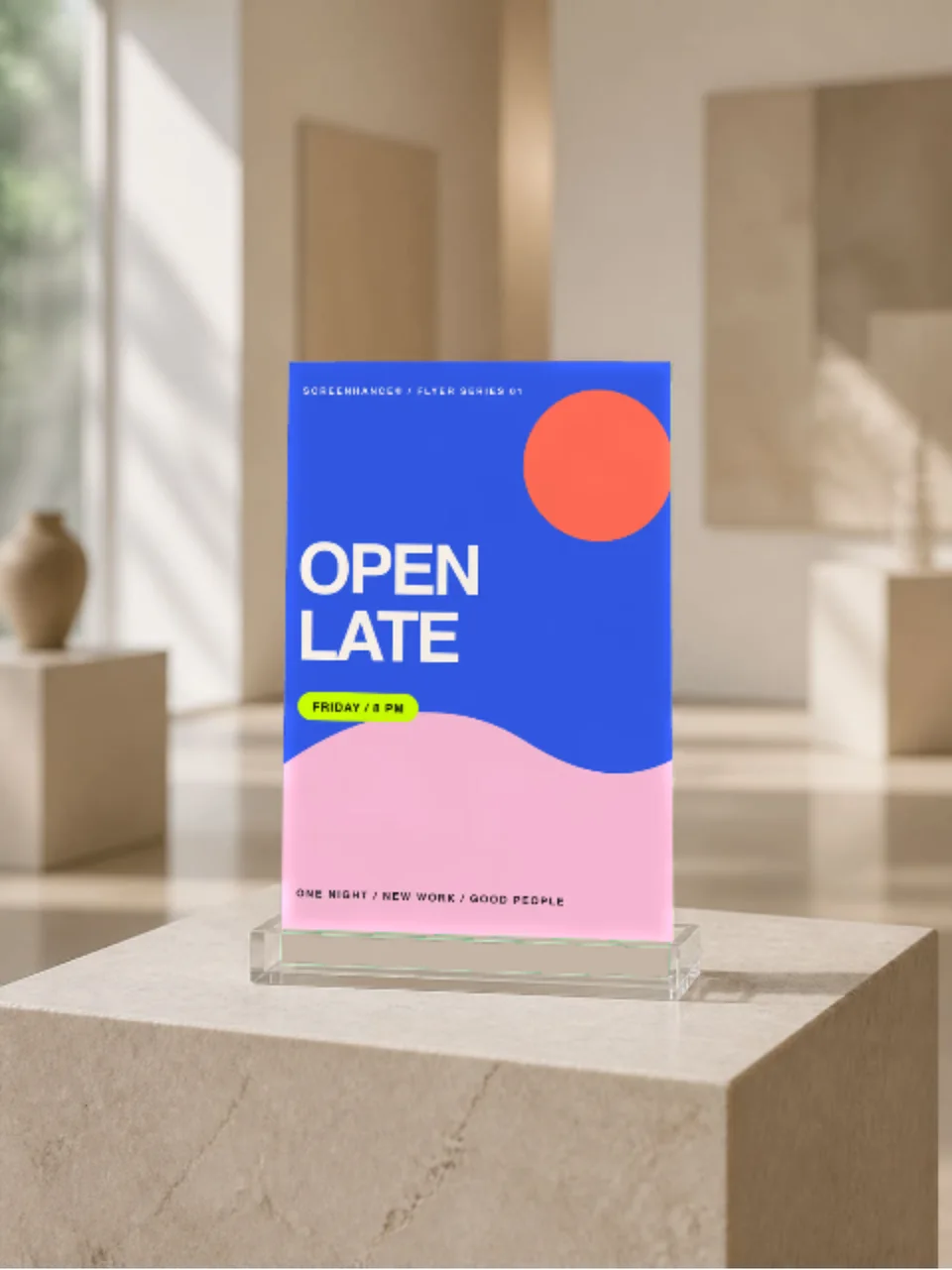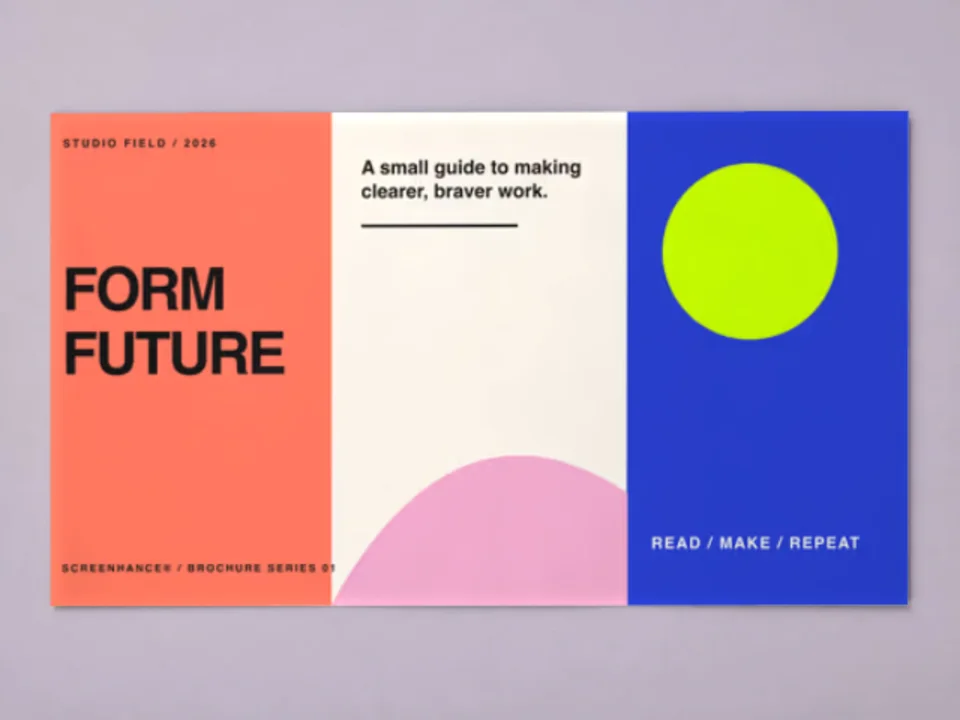
Book launches
Create preorder, cover reveal, newsletter, and social assets before final print copies arrive.
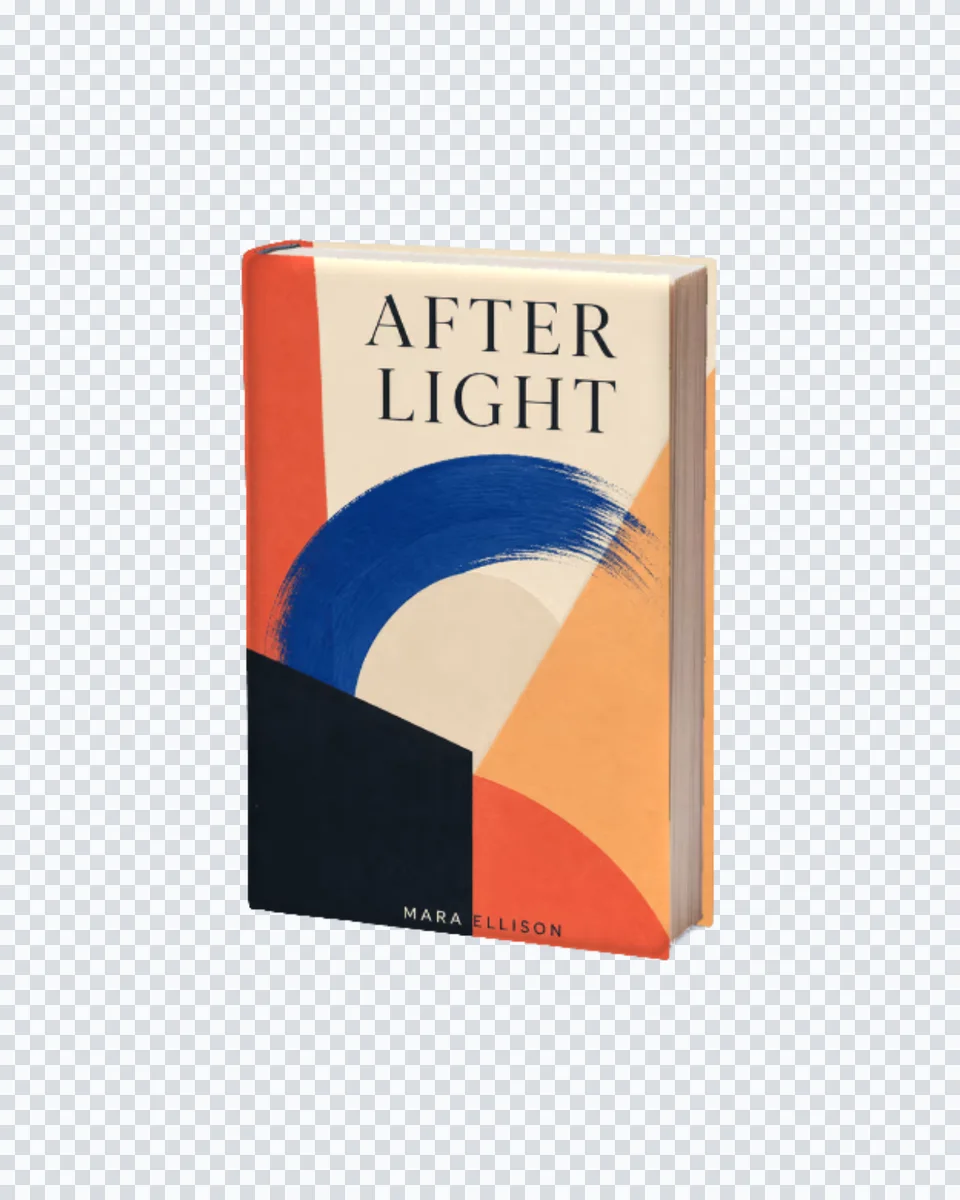
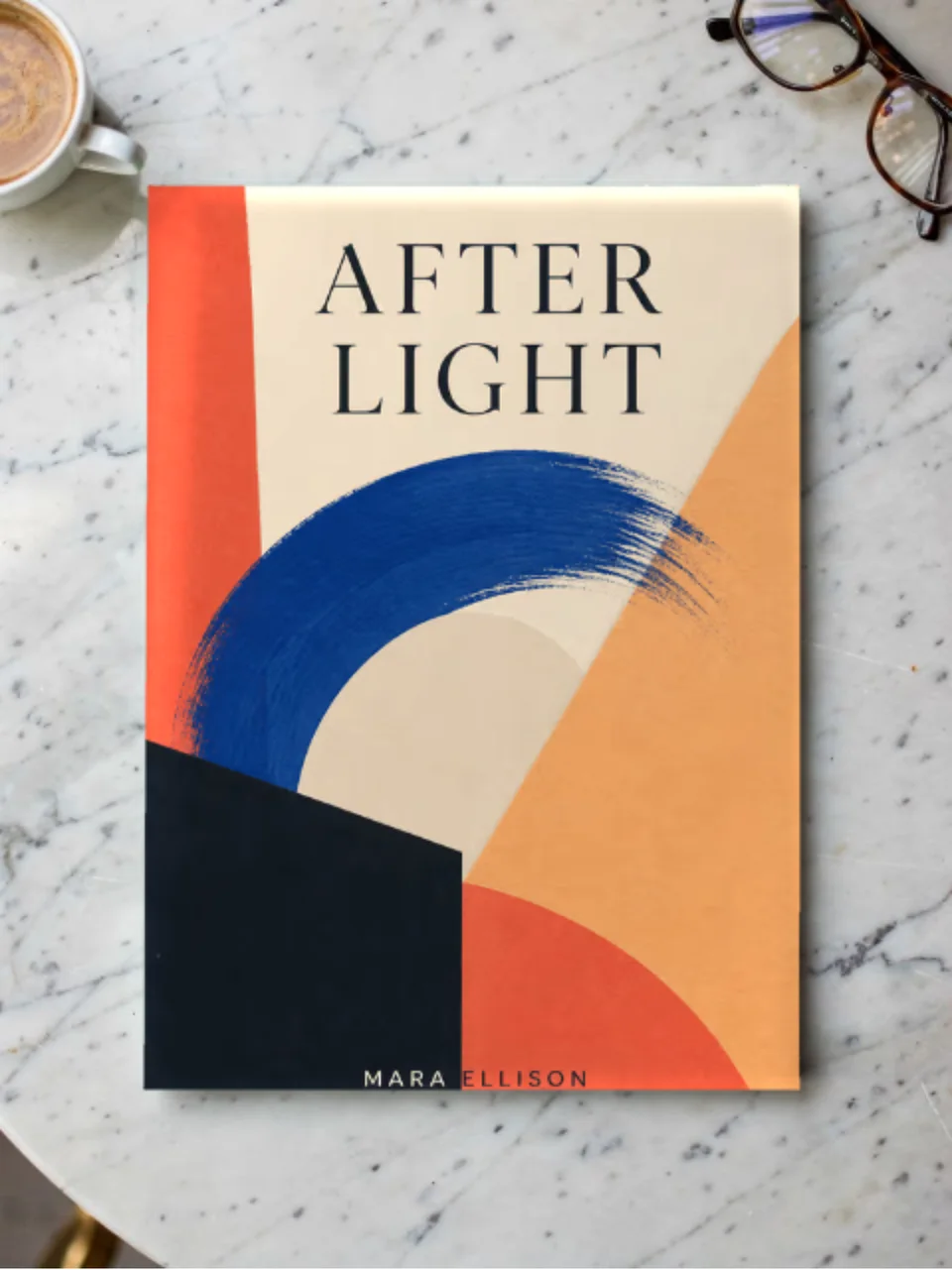
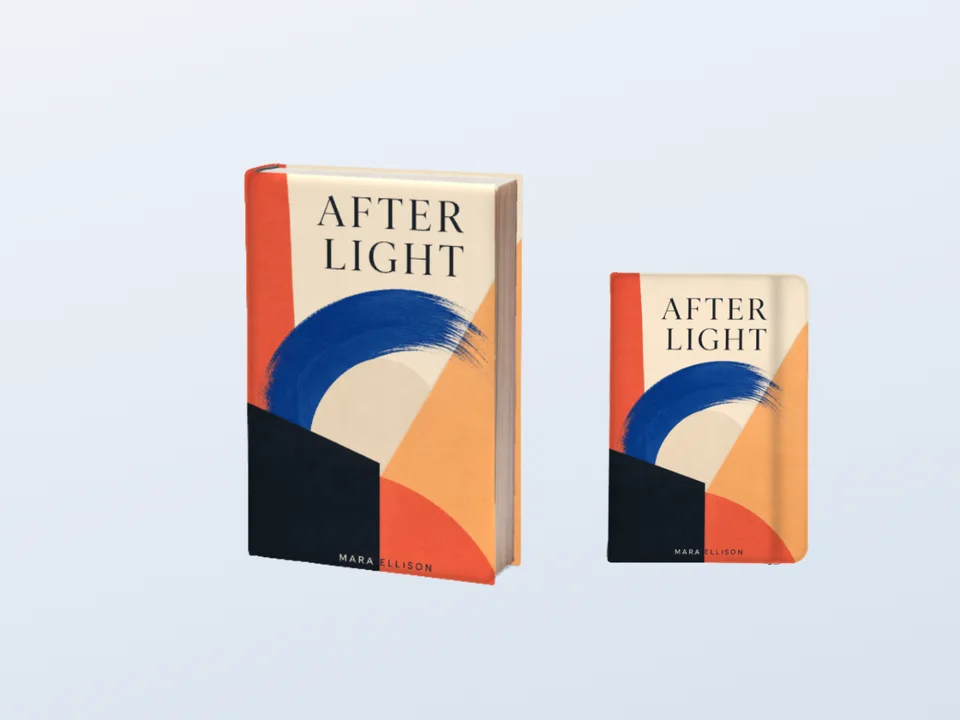
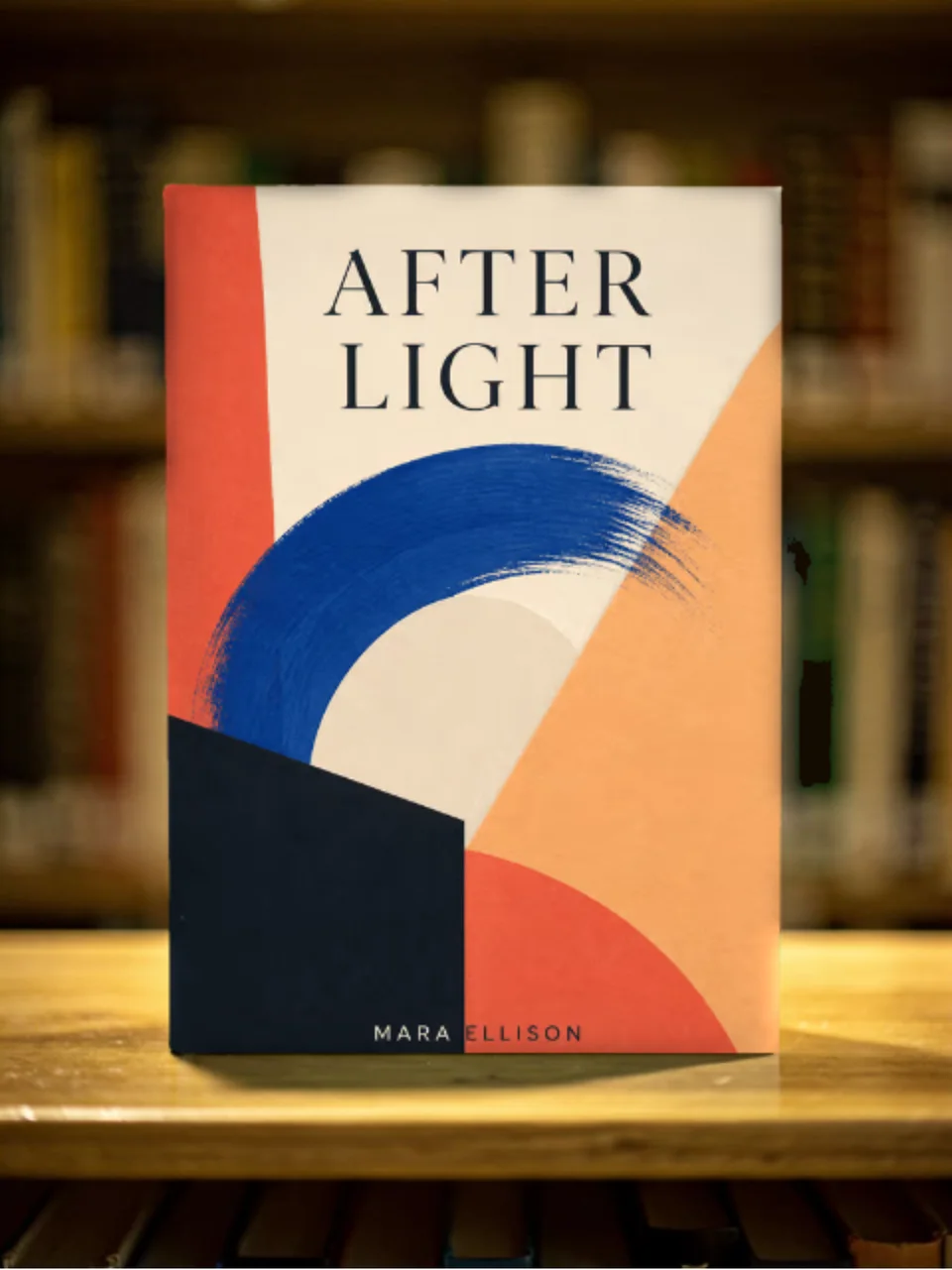
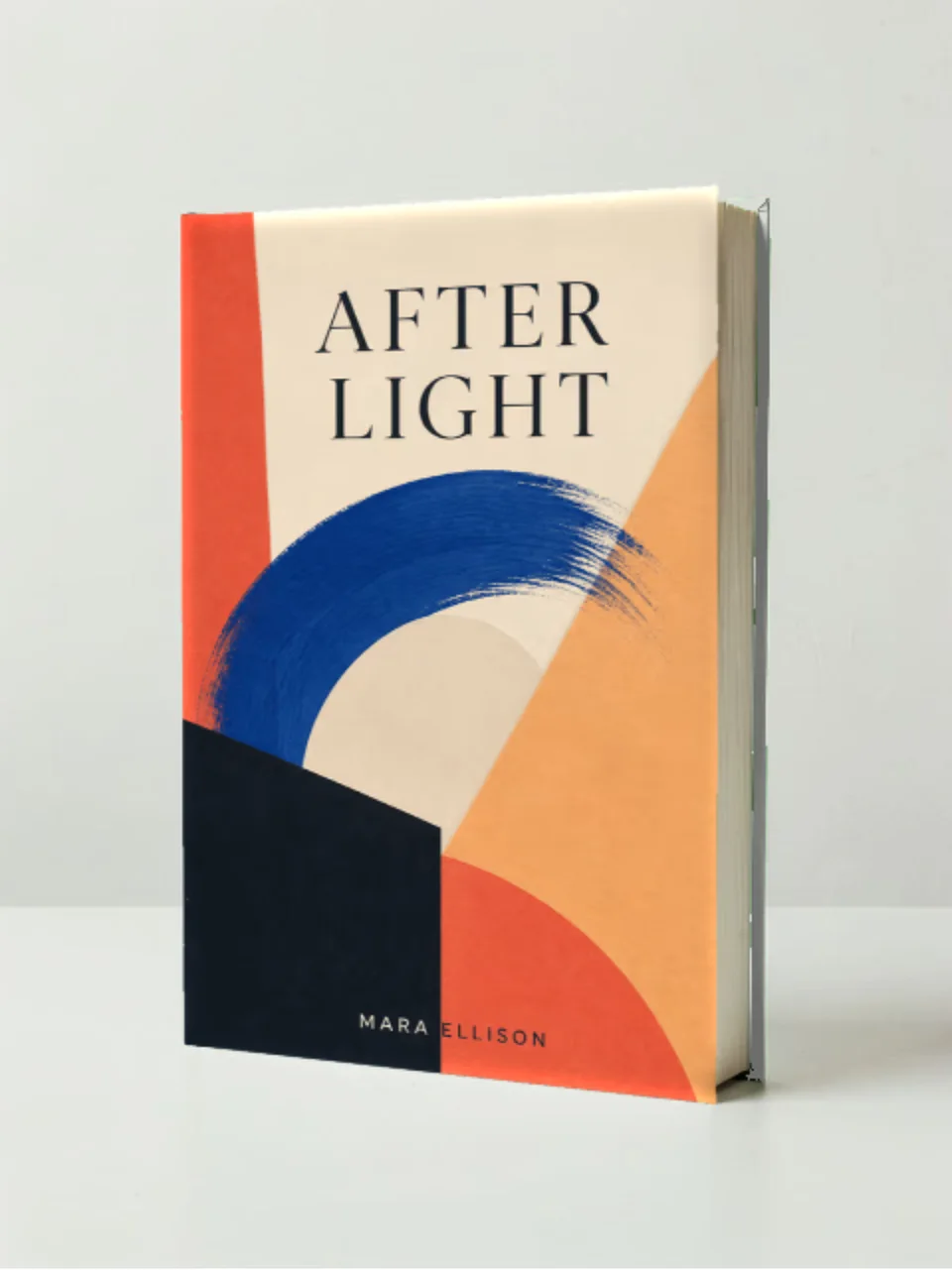
Photorealistic book mockup
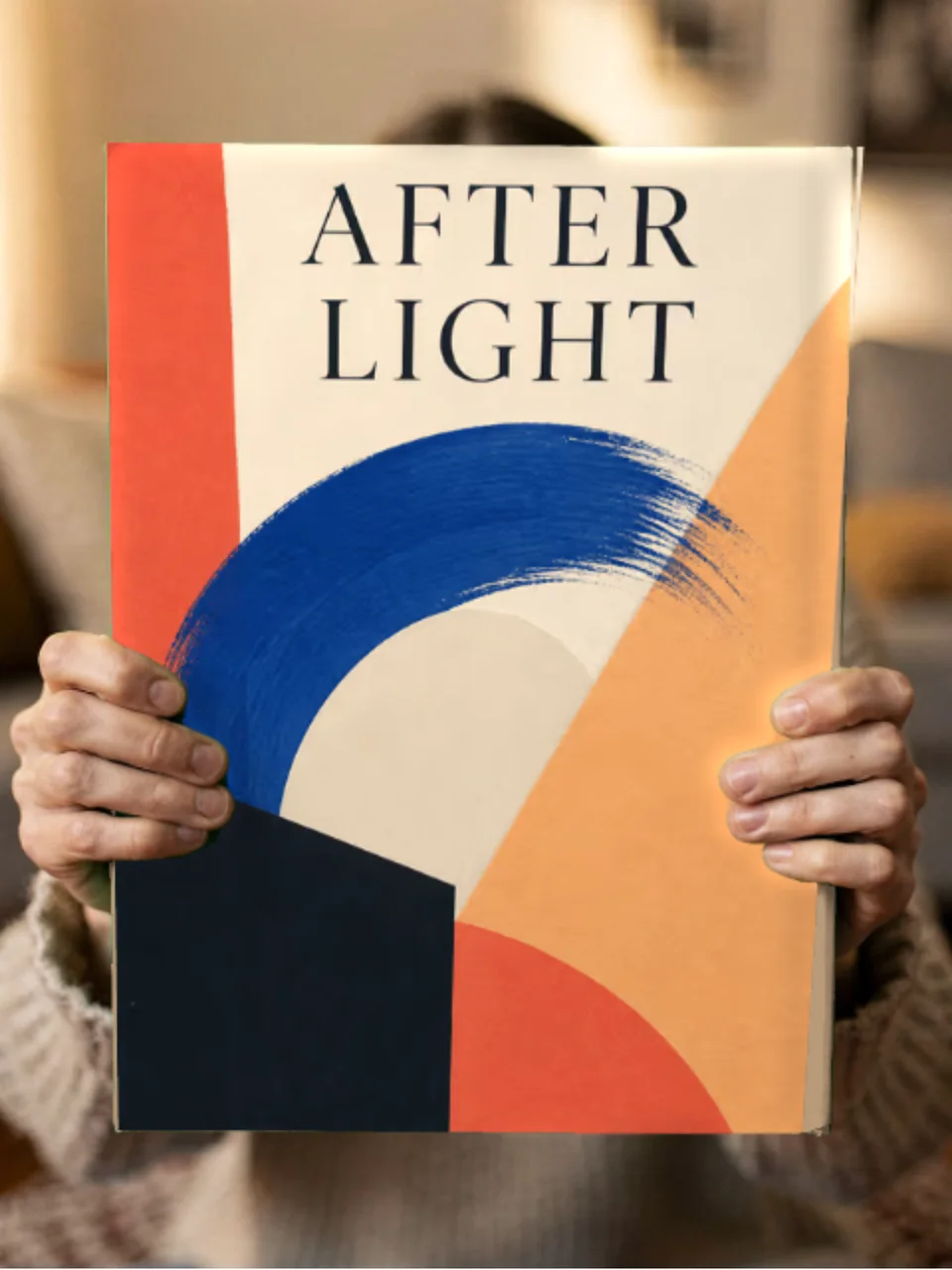
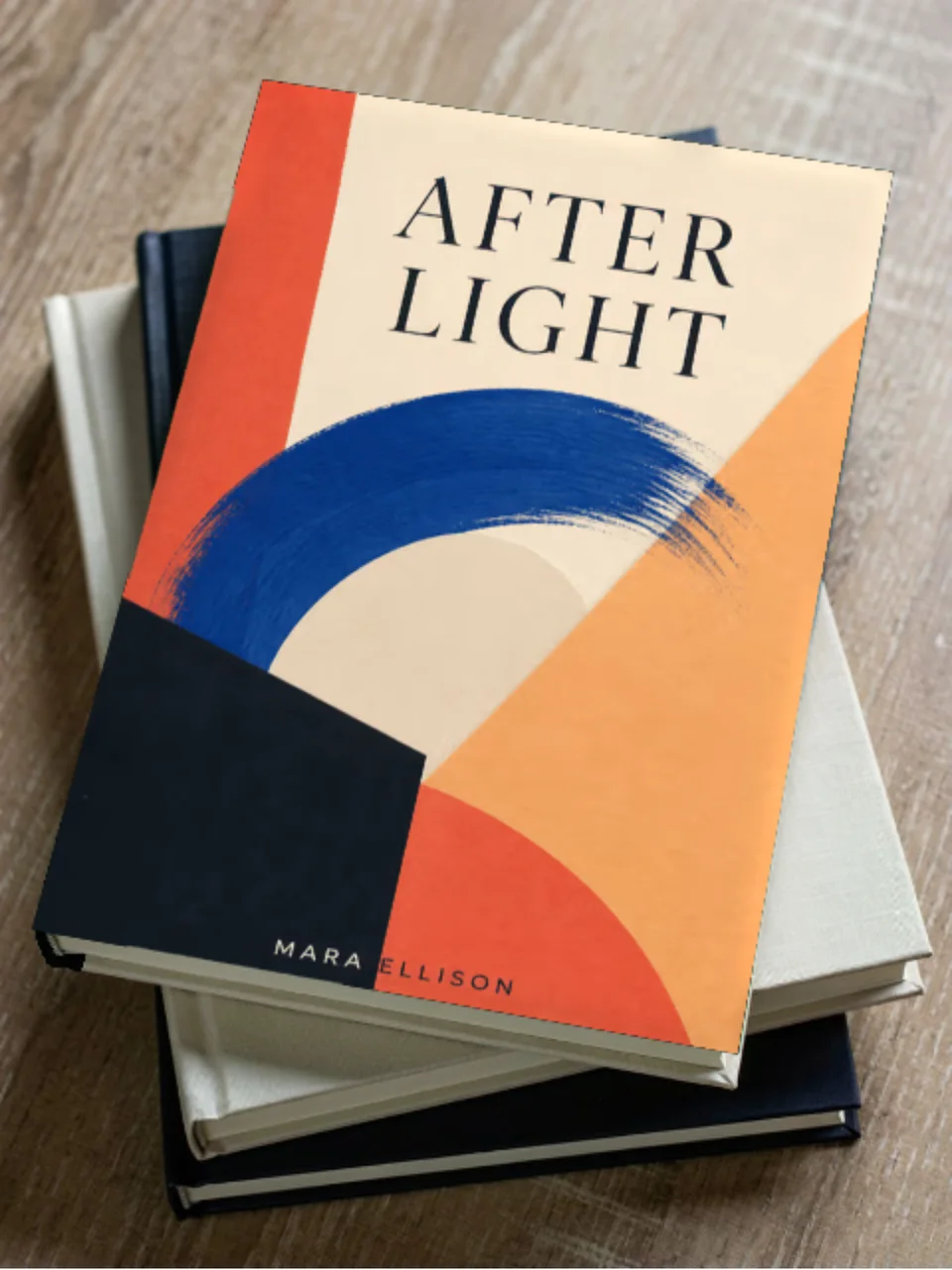
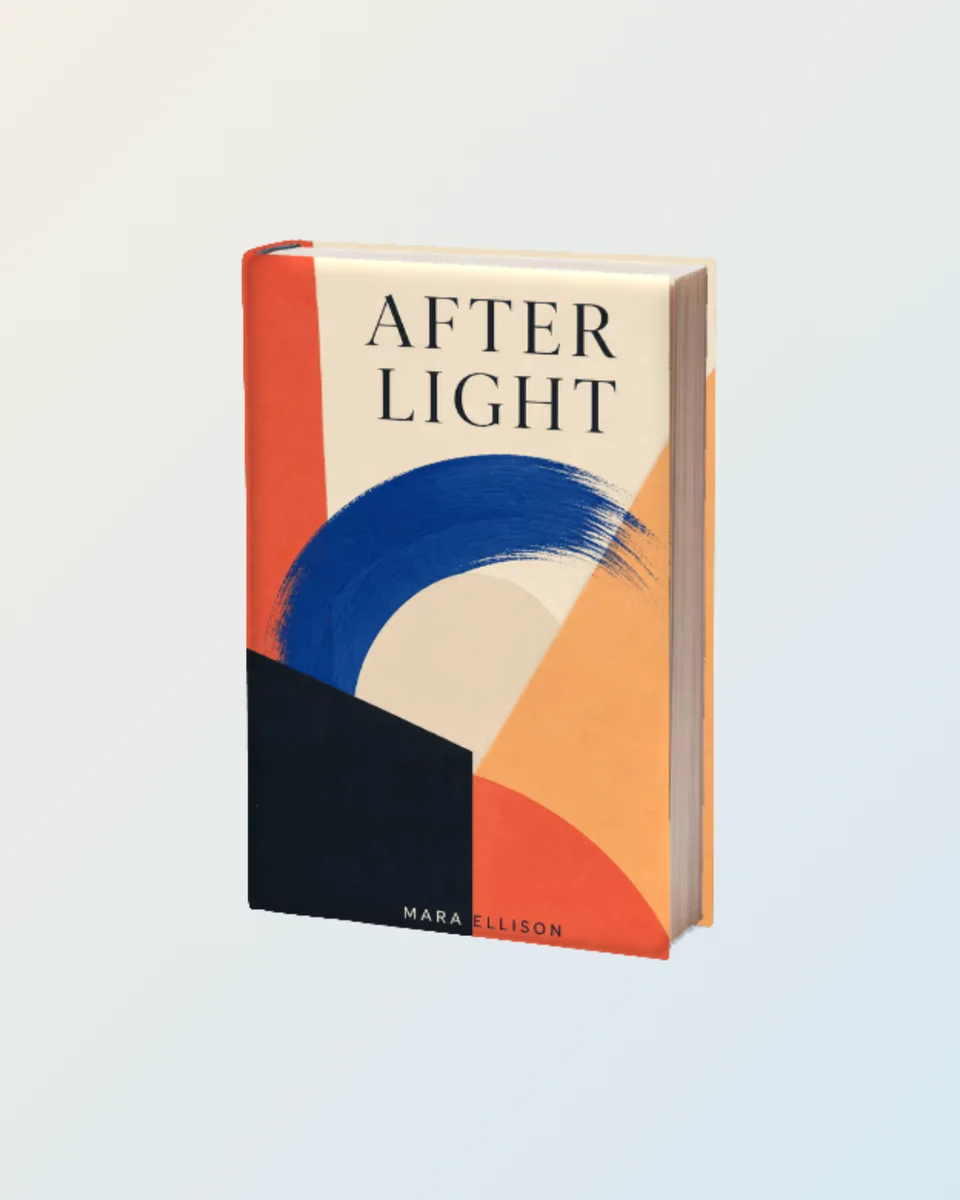
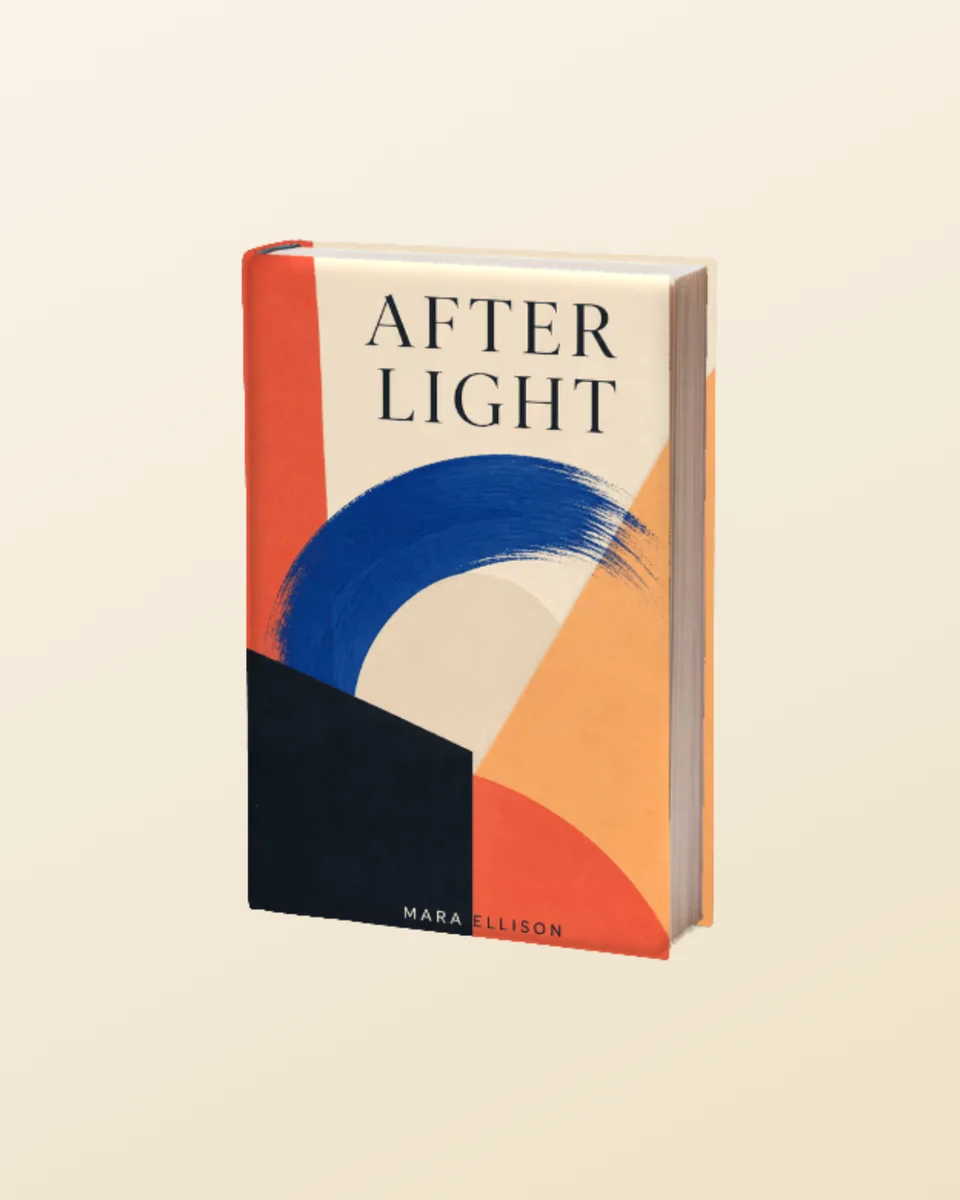
Show a cover design on a finished hardcover book in a natural desk setting. It is a fast way to create preorder images, publishing presentations, author announcements, and portfolio work before a printed copy exists.
Why this scene works
A real desk and hardcover form communicate texture, scale, and finish that a flat cover file cannot show.
The environment is polished enough for marketing while remaining neutral across fiction, business, education, and editorial projects.
Unlike a flat downloadable placeholder, this template opens directly in the Screenhance editor. Replace the sample with your own book cover, then carry the result into text, brand assets, annotations, motion, and other launch formats.
One scene can support several parts of the same launch when the source design stays editable.
Create preorder, cover reveal, newsletter, and social assets before final print copies arrive.
Help authors and stakeholders judge a cover as a physical product rather than a flat rectangle.
Present cover work with convincing material and environmental context.
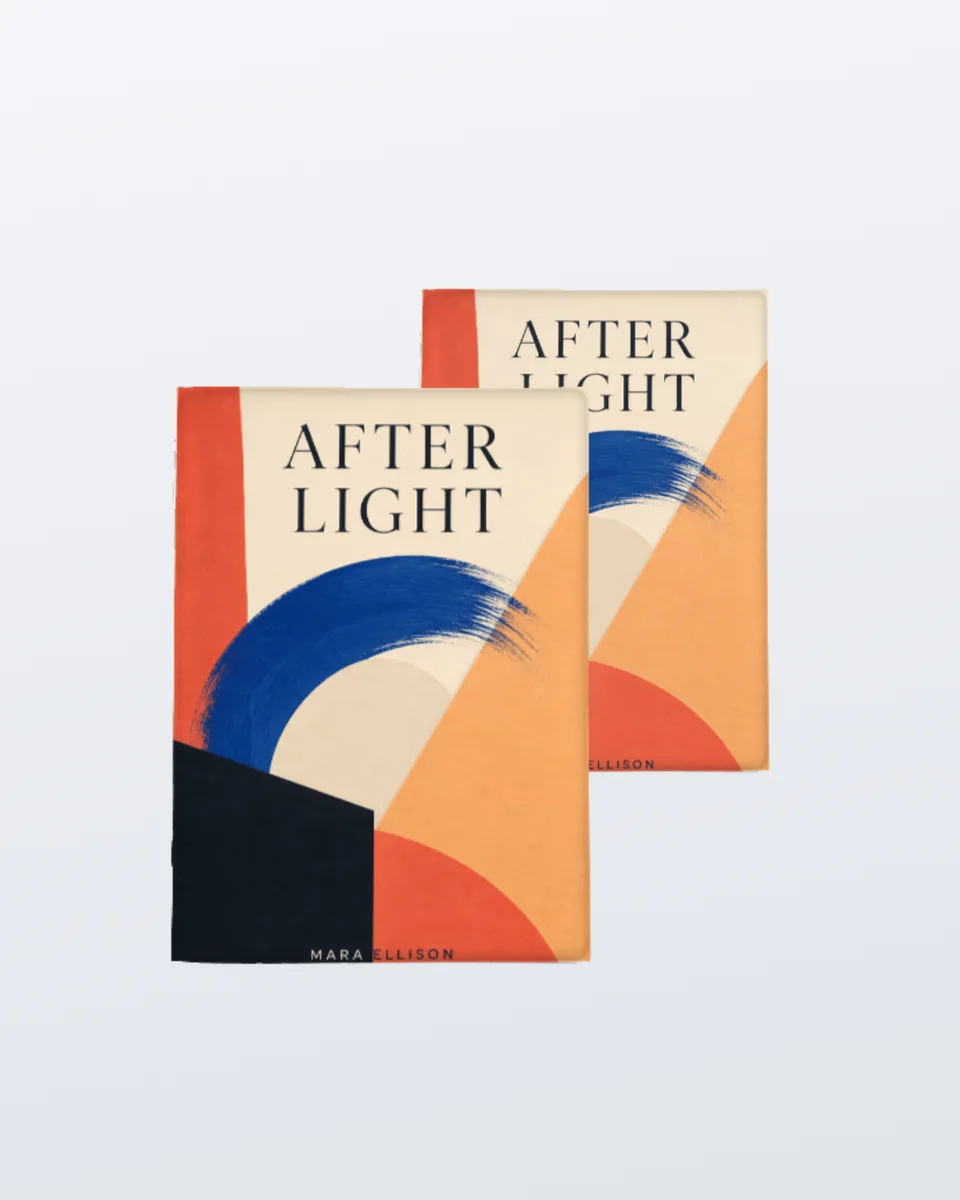
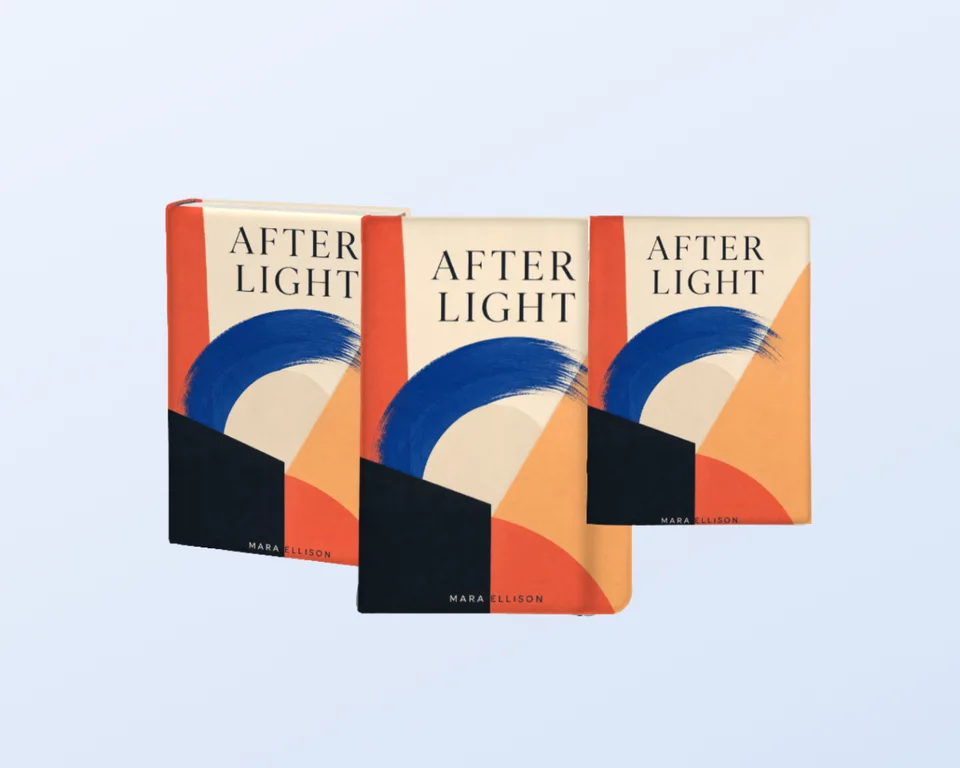
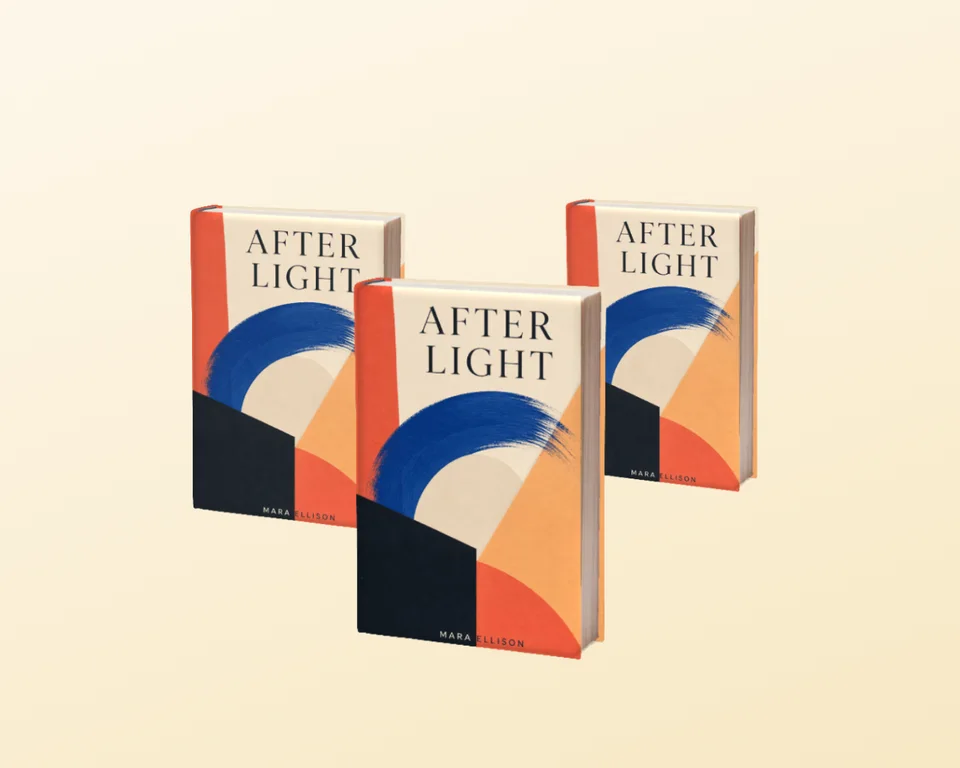
Open a related scene with the same book cover, or browse the full book mockups collection.
Make it convincing
Upload a high-resolution front cover with important type away from the trim edge.
Check title readability at thumbnail size for storefront and social use.
Use related book and magazine scenes to build a varied launch carousel from the same artwork.
Open the template, upload your book cover, and Screenhance fits it into the photographed surface with the scene's perspective. You can then adjust the composition, background, text, assets, and export settings in the same browser editor.
No. This is an editable browser template, not a PSD download. Screenhance composites your artwork into the scene and lets you continue the wider design without Photoshop, masks, or smart objects.
Yes. You can open the template and build the composition on Screenhance's free plan. The free plan includes 3 exports per month with a small watermark; the one-time Launch Pass and Pro plans remove it from image exports.
This scene opens on a 1152 × 1536 canvas that matches the source photograph's aspect ratio. Paid export options can produce higher-resolution versions for launch pages, social campaigns, presentations, and client delivery.
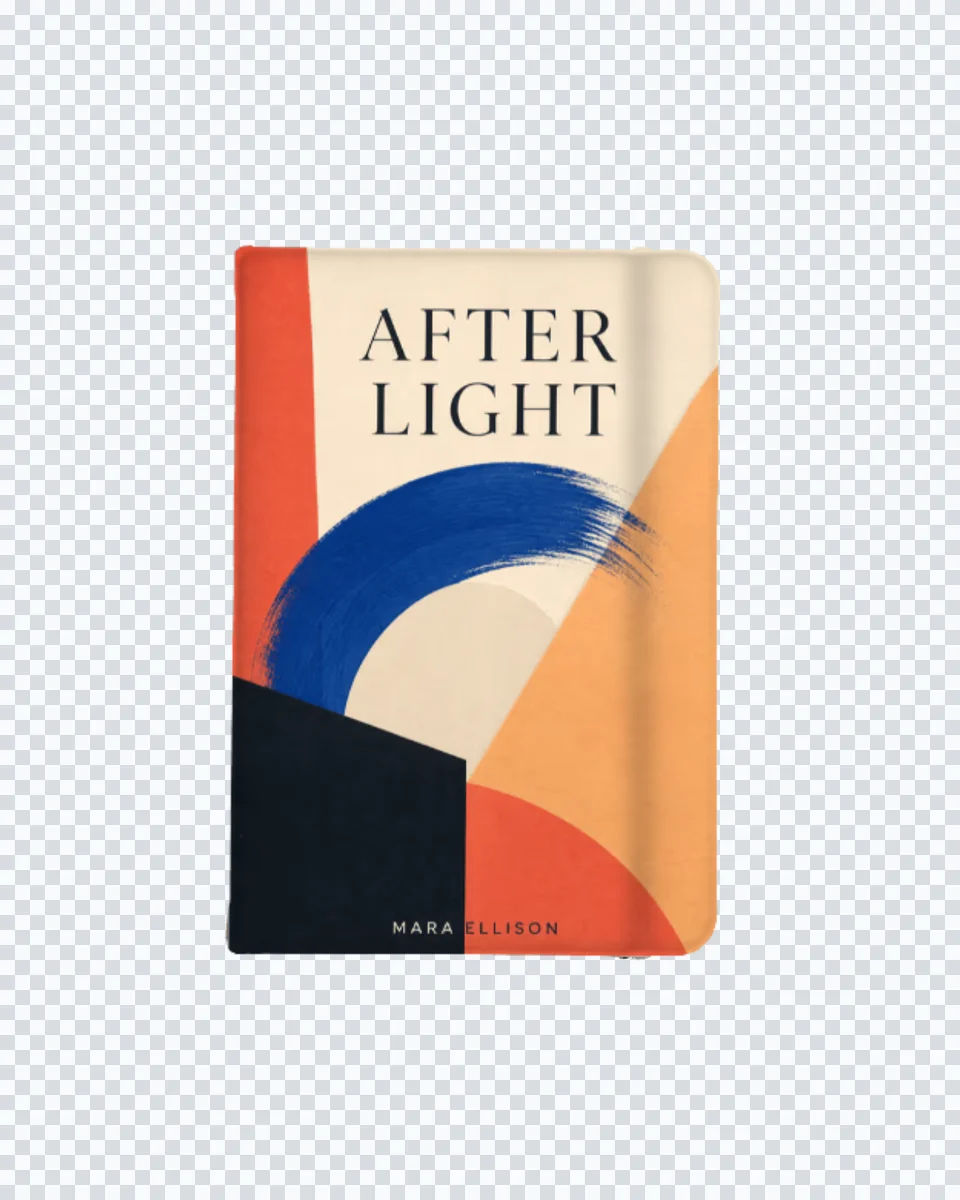
Yes. Keep the source artwork available in the editor, then reuse it across related photorealistic scenes, editable launch graphics, social assets, store listings, animated compositions, and Studio product video.
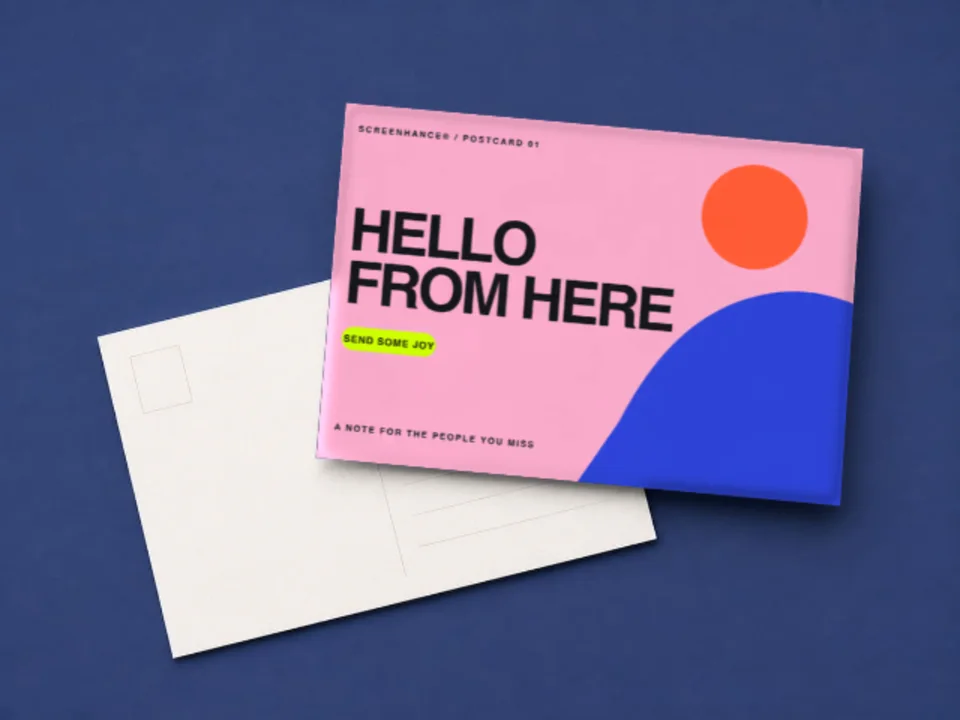
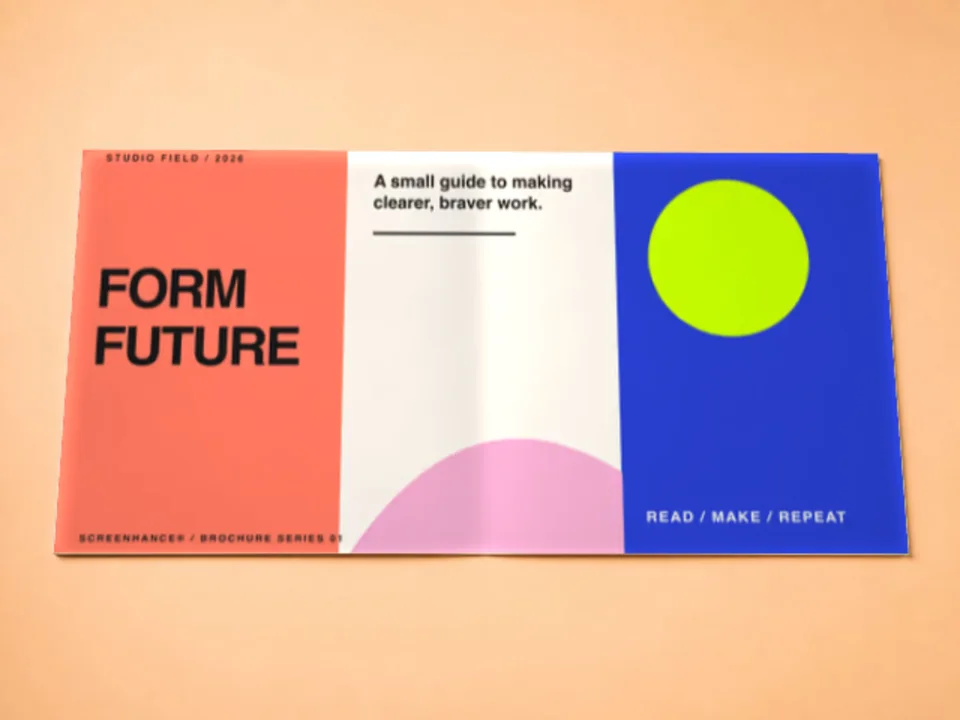
Move the same campaign across devices, interiors, print, apparel, and outdoor placements.
Wall art and print mockup
Put your poster, artwork, event creative, or print design into a realistic frame and interior. Screenhance handles the scene perspective so you can focus on the design and the surrounding campaign.
Brand identity mockup
Present a business card as a finished physical brand touchpoint. The realistic desk scene adds material and scale while keeping the typography, logo, and layout easy to inspect.
Editable apparel mockup
Preview a logo, illustration, event design, or merch graphic on a black T-shirt with natural fabric texture and folds. The cutout format also lets you build the surrounding composition in Screenhance.
Upload the real design, refine the composition, and continue into every asset your launch needs.
Open this template