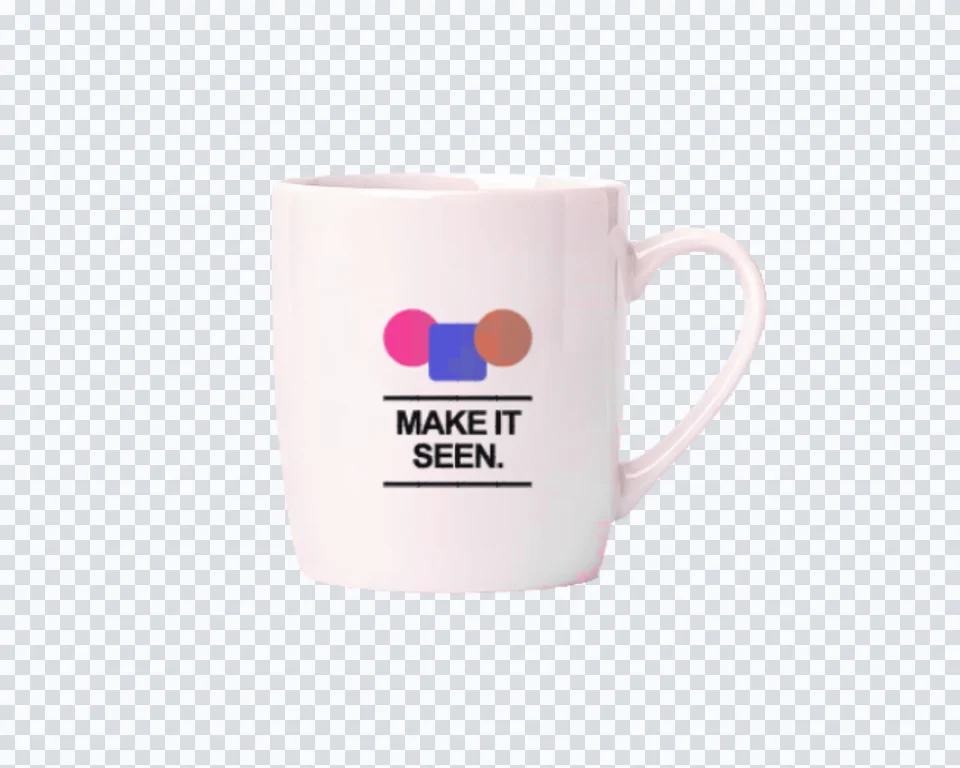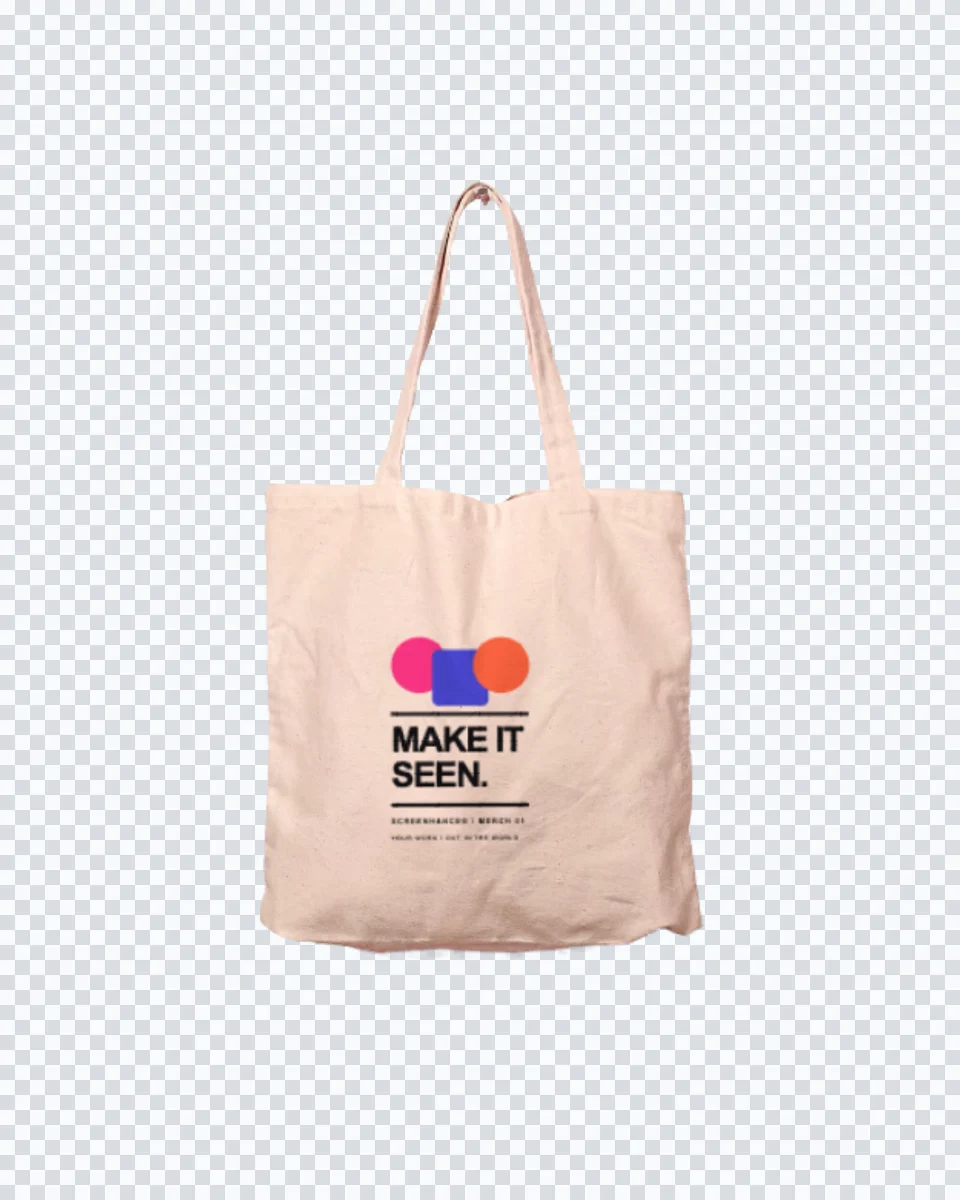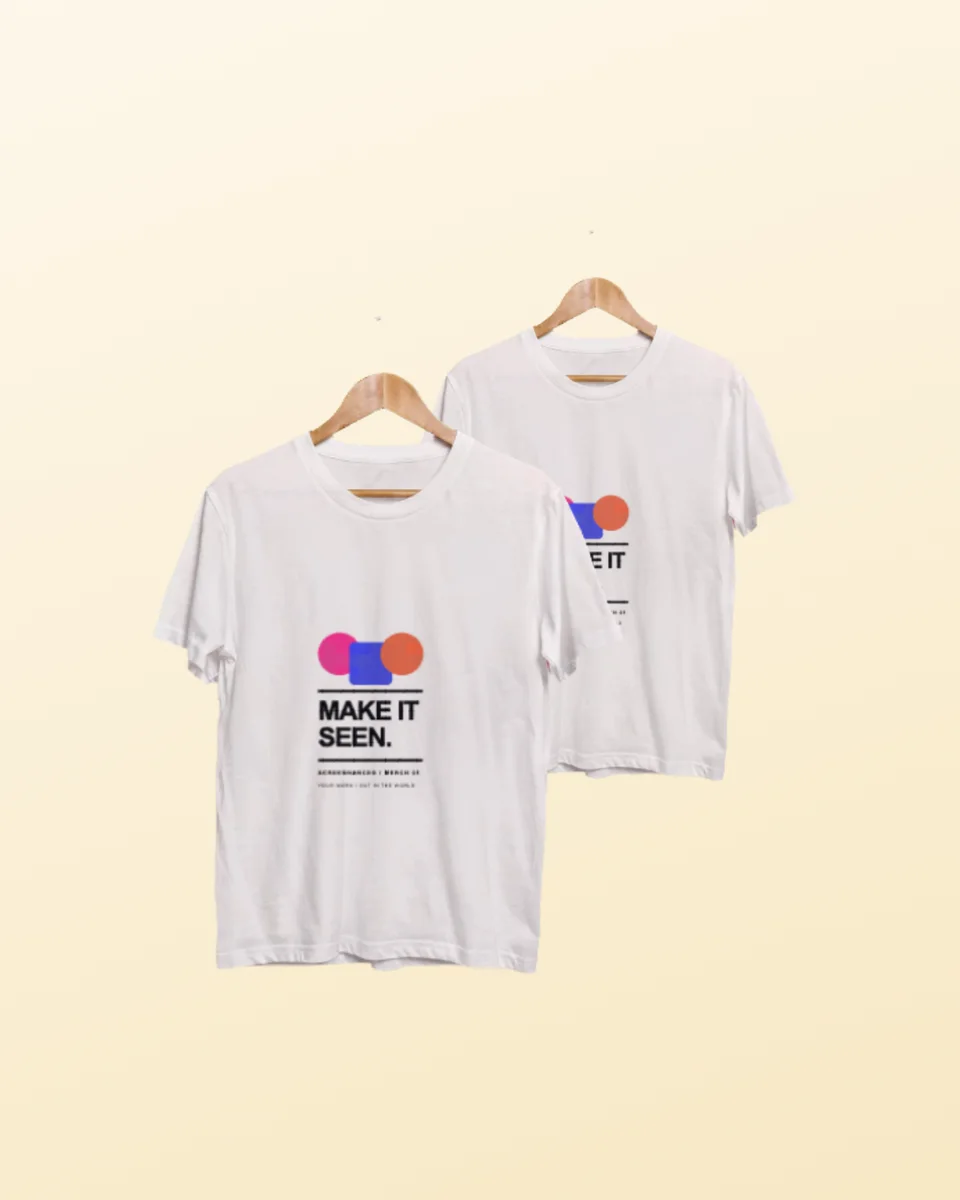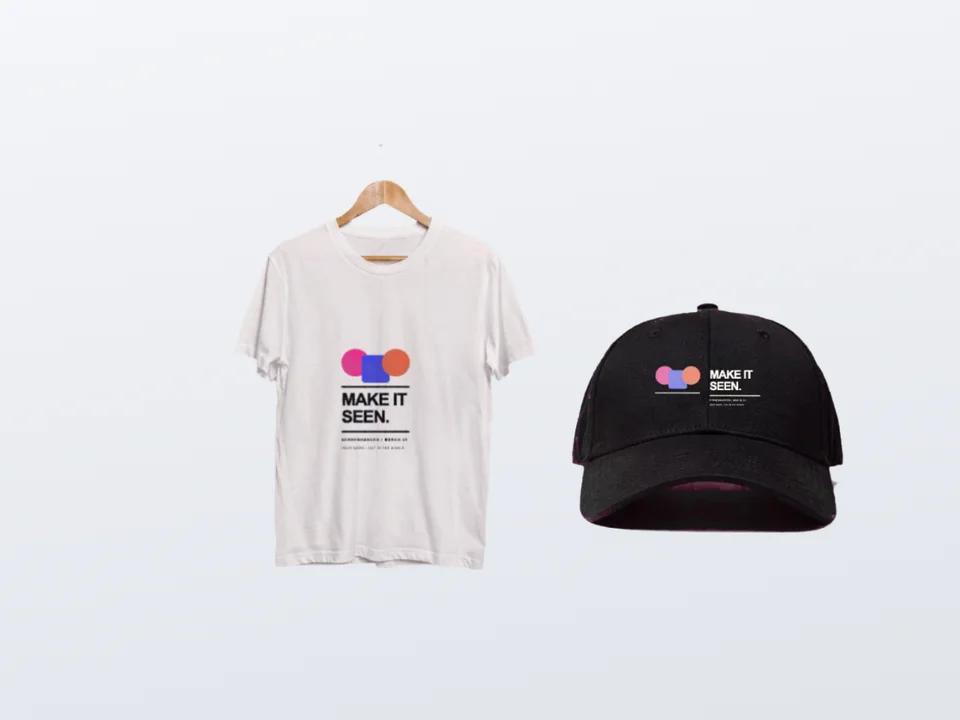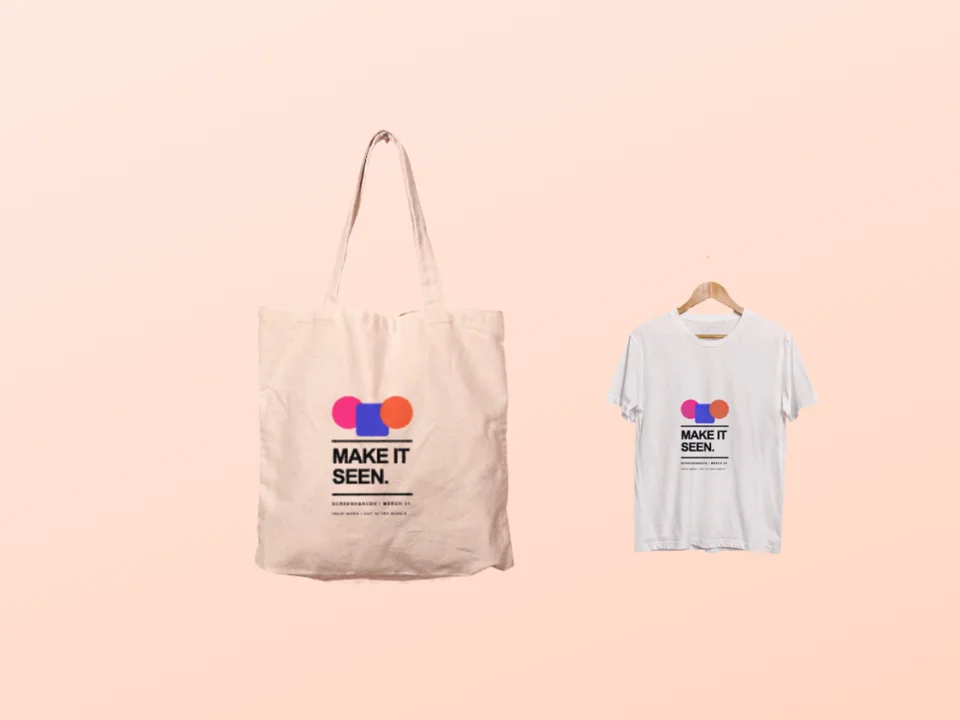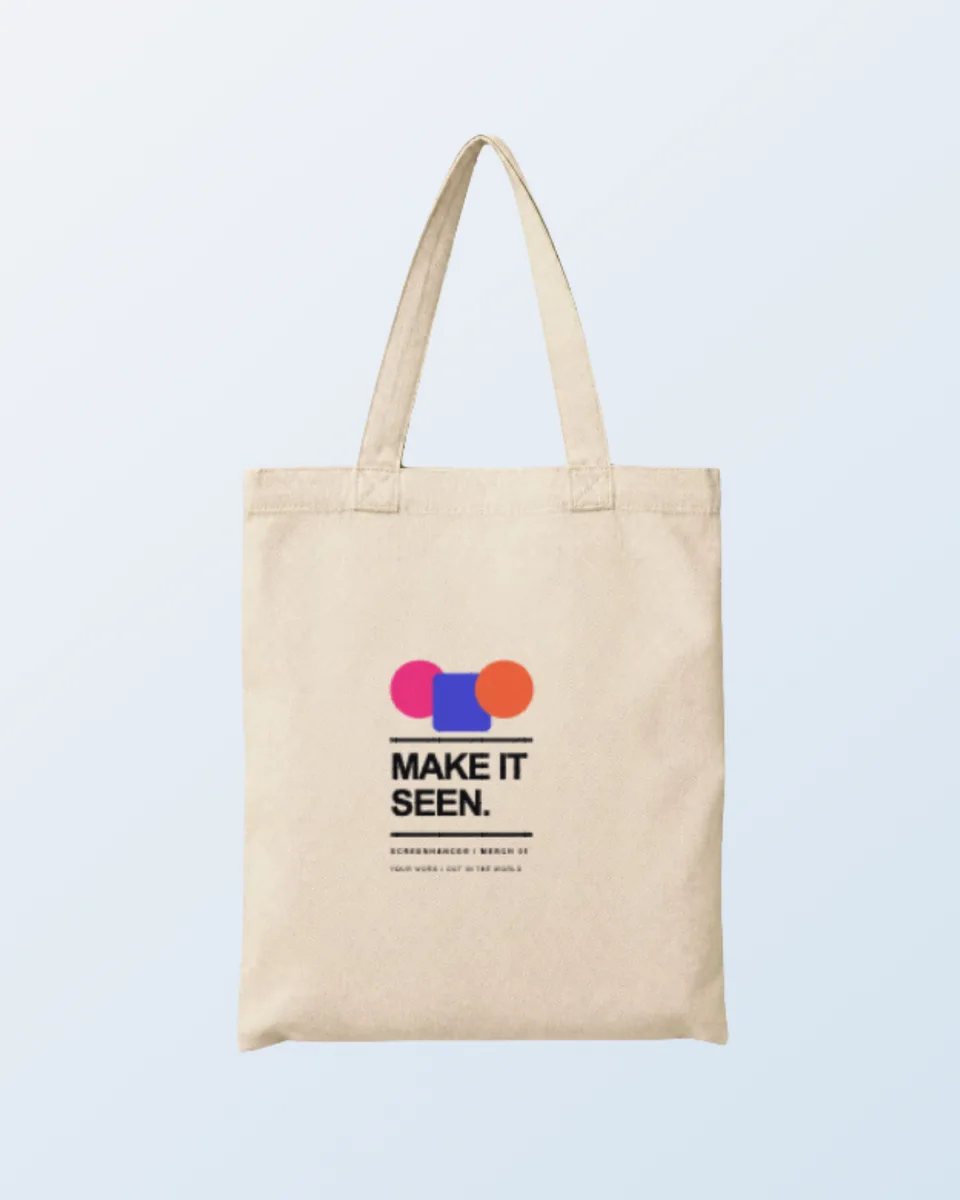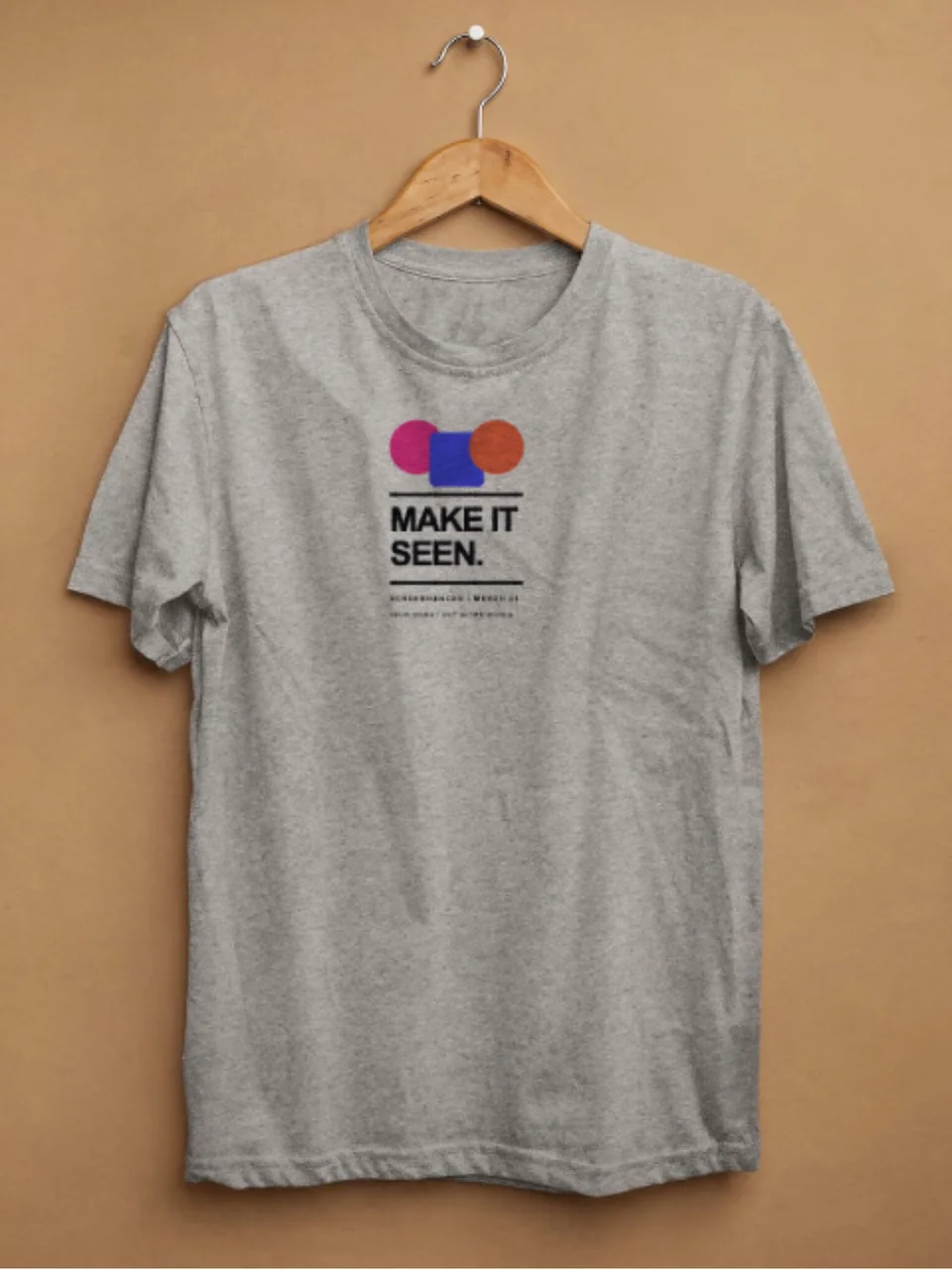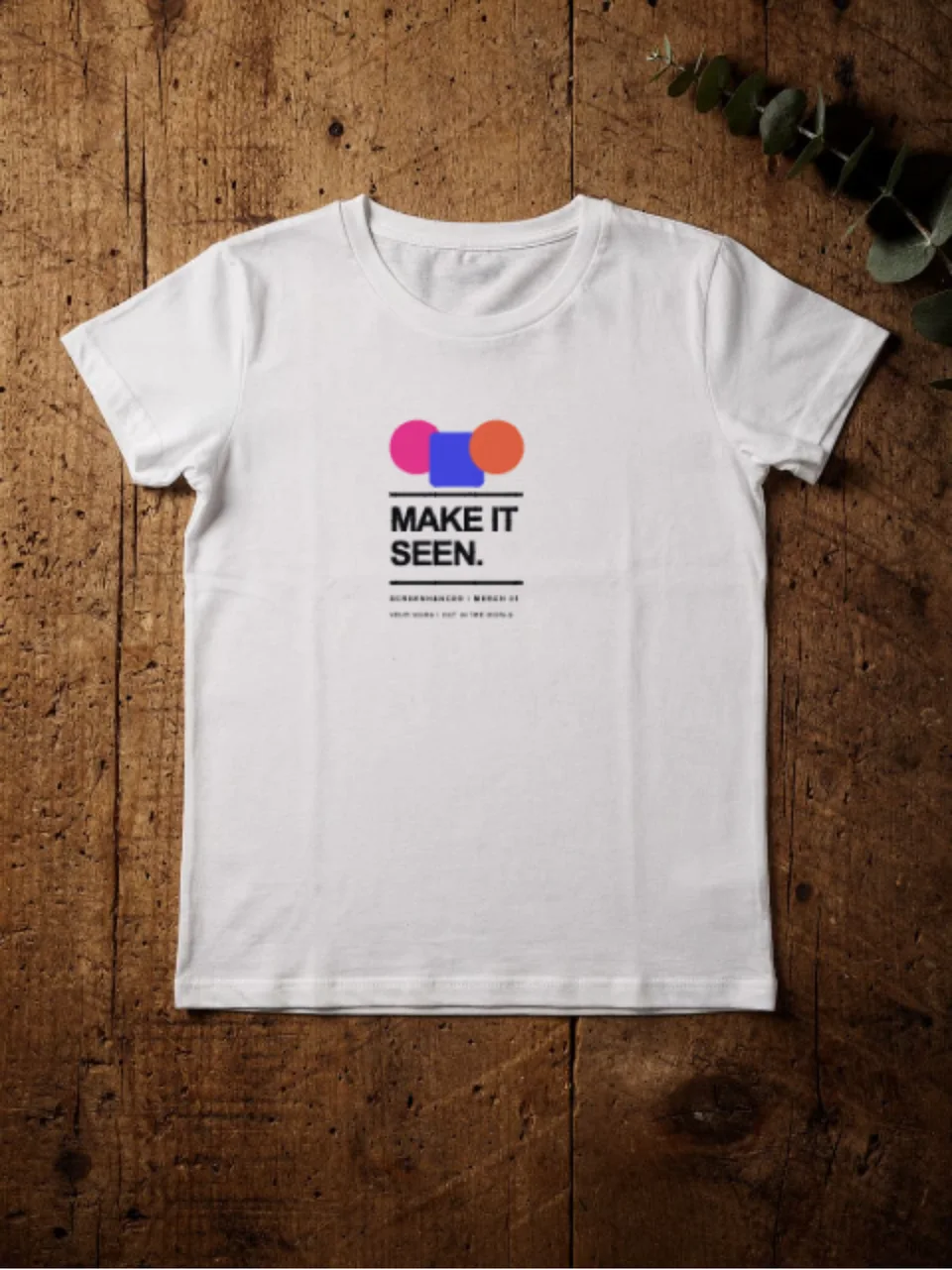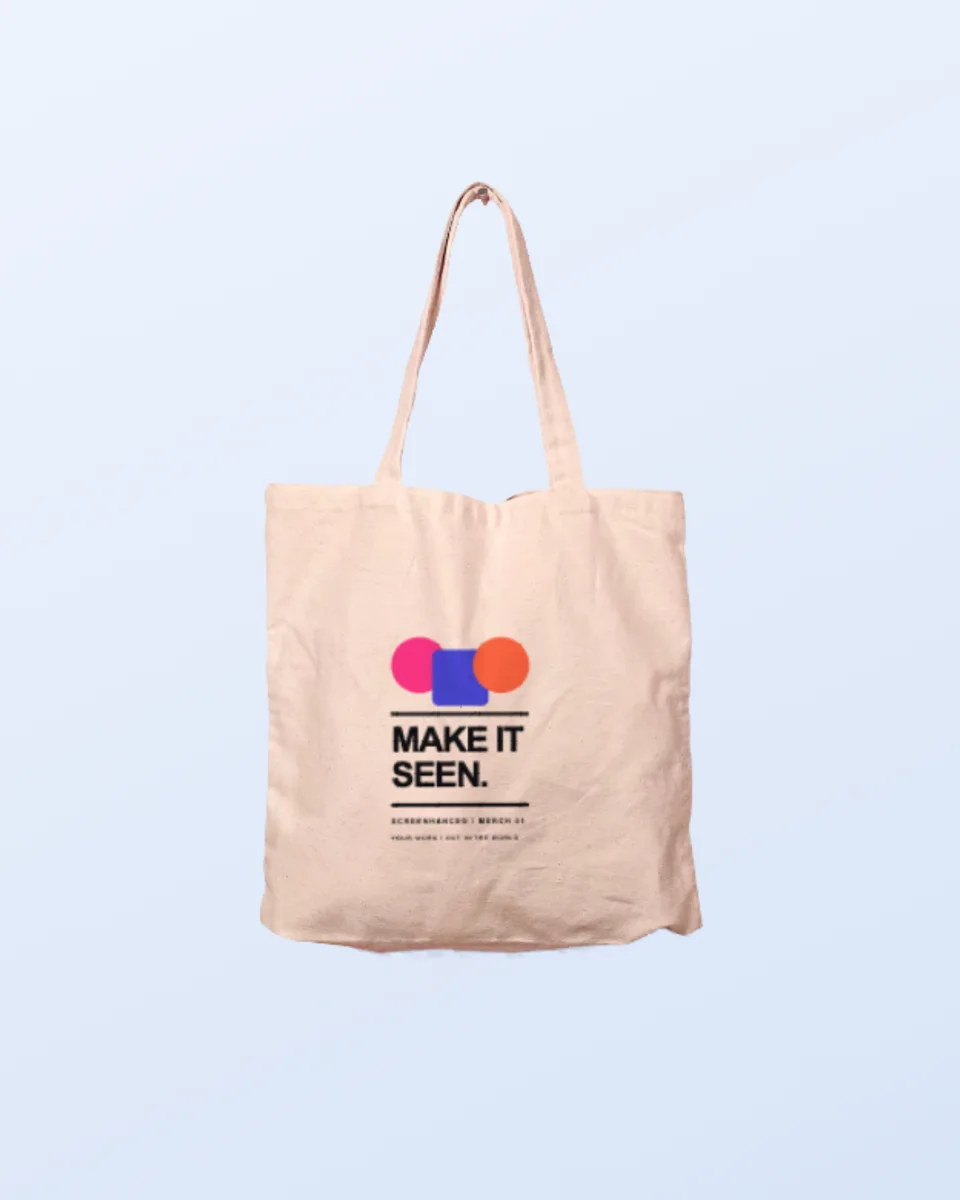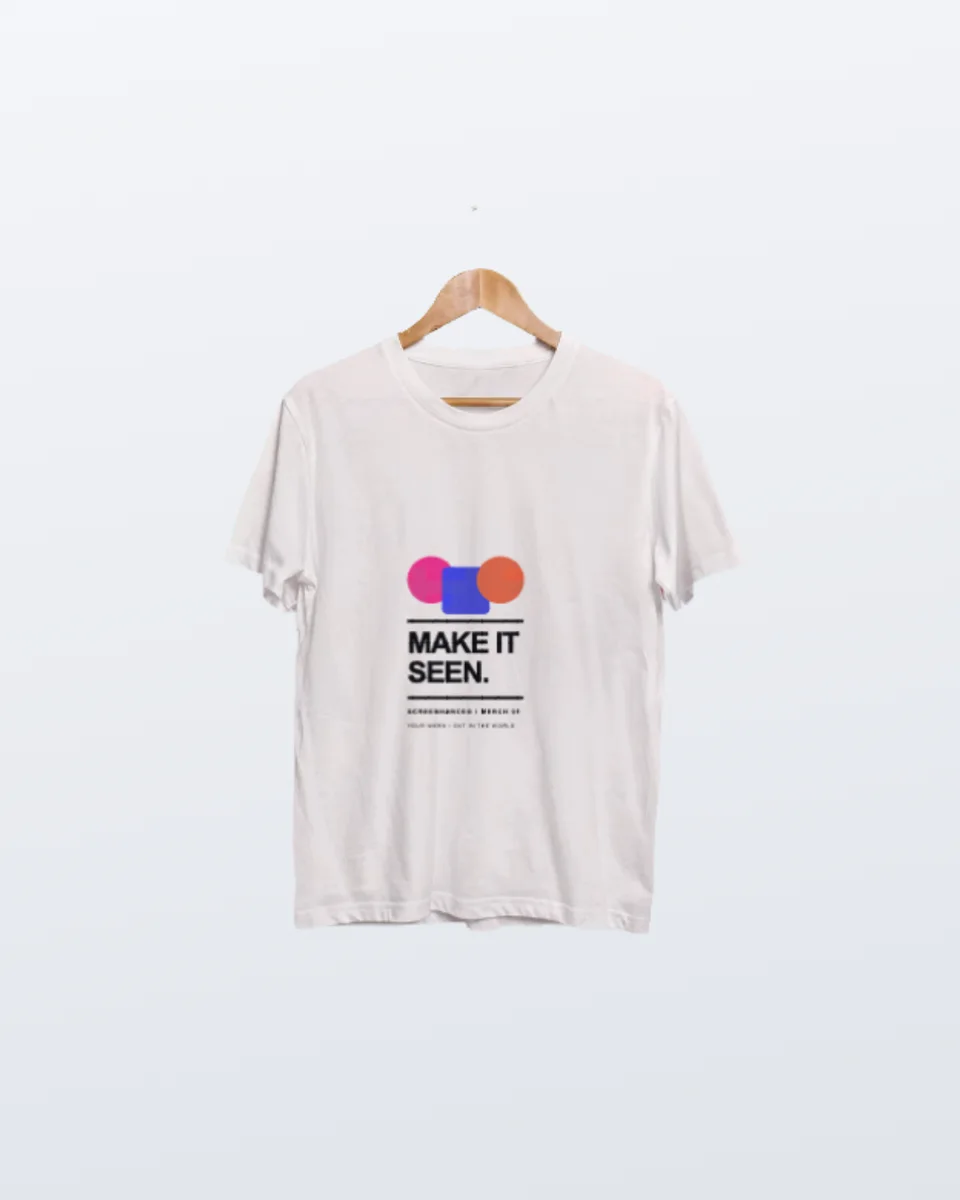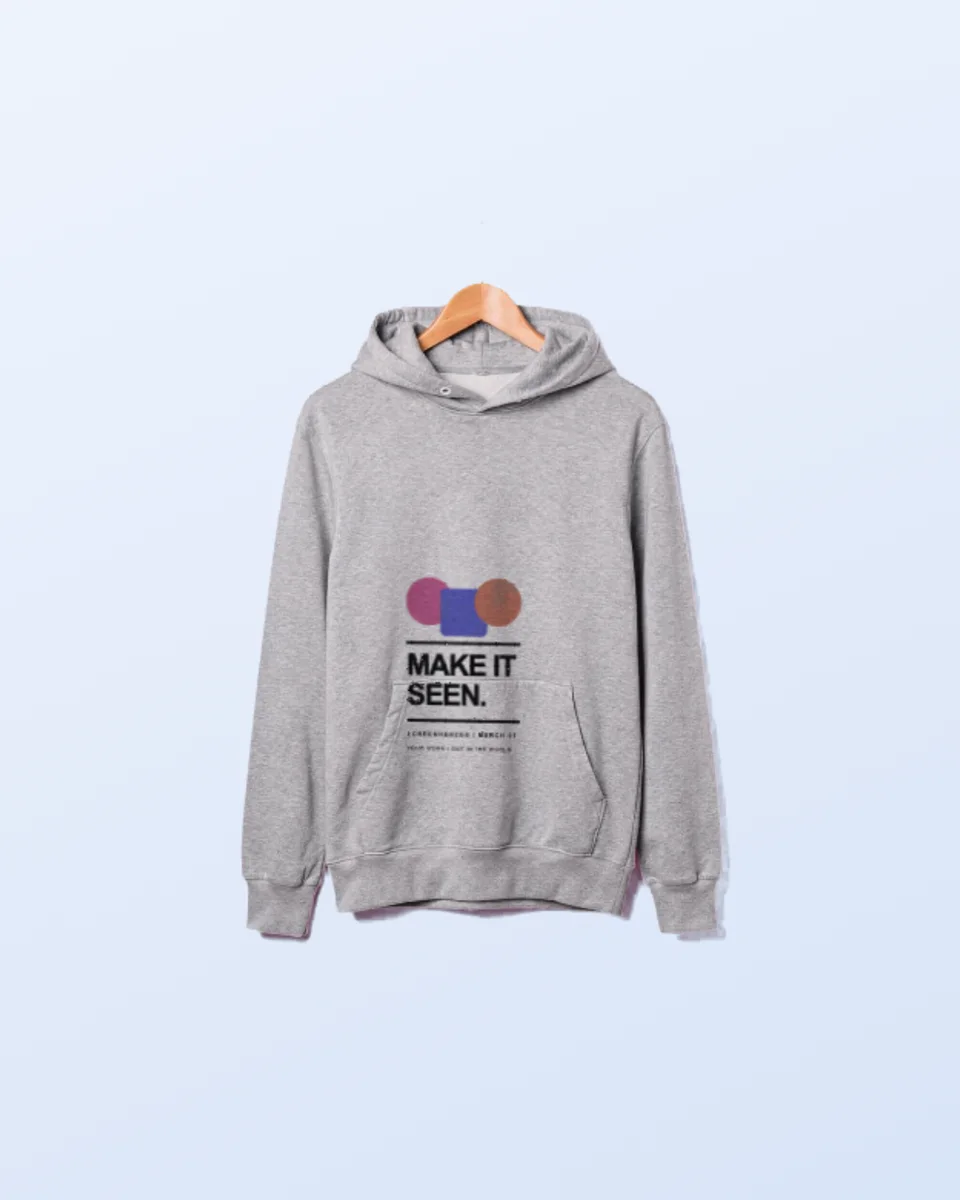
Preorder campaigns
Validate and market a drop before committing to photography or inventory.
Editable apparel mockup
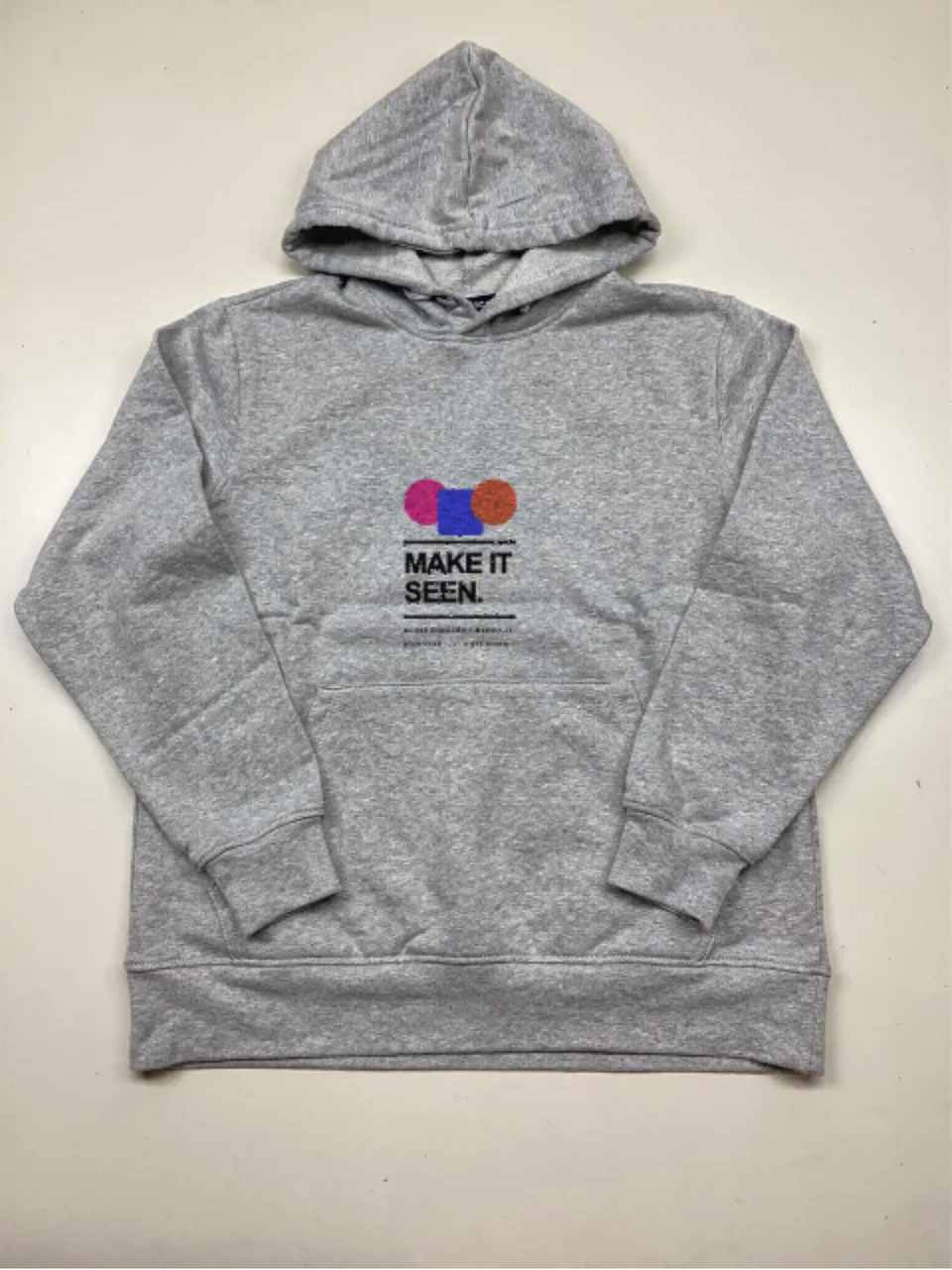
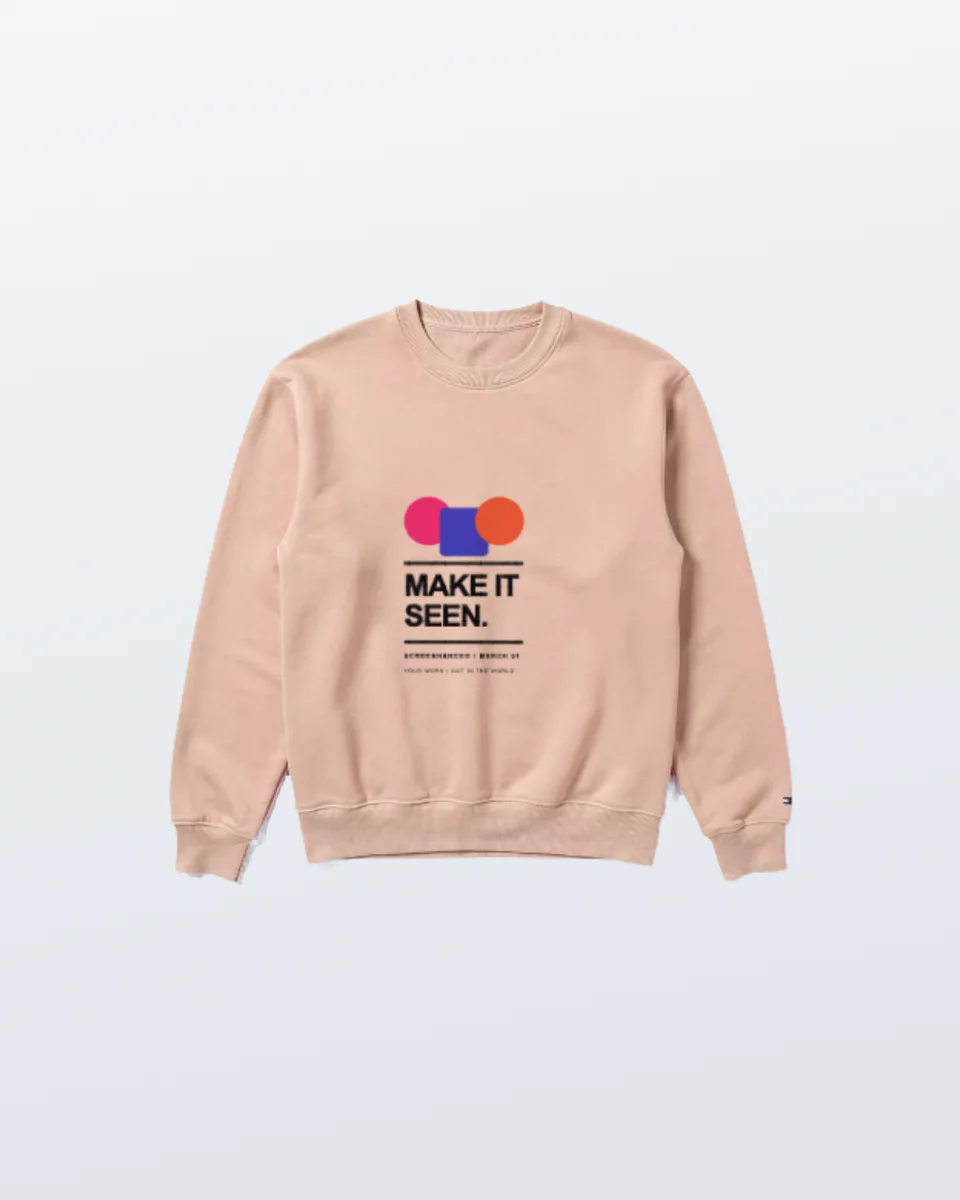
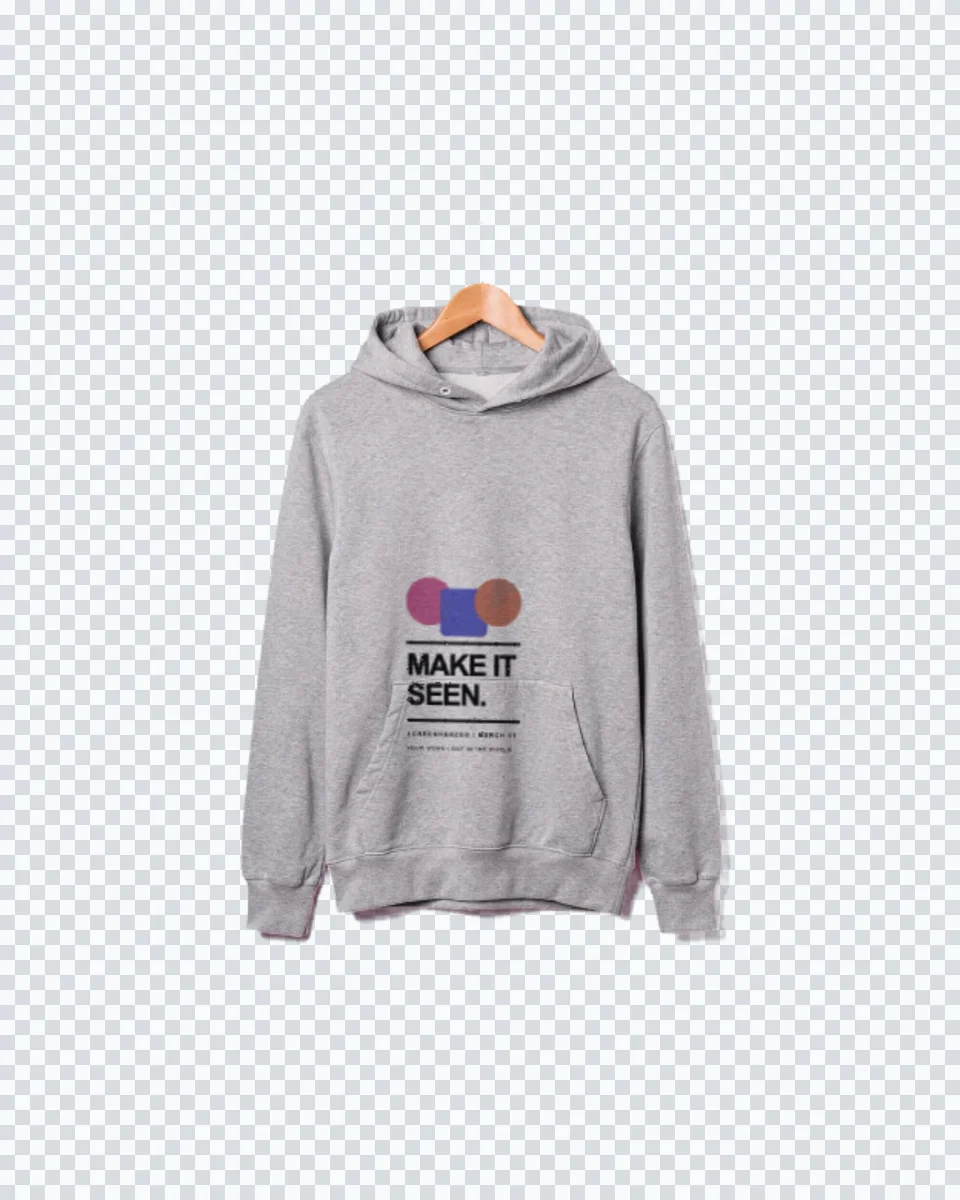
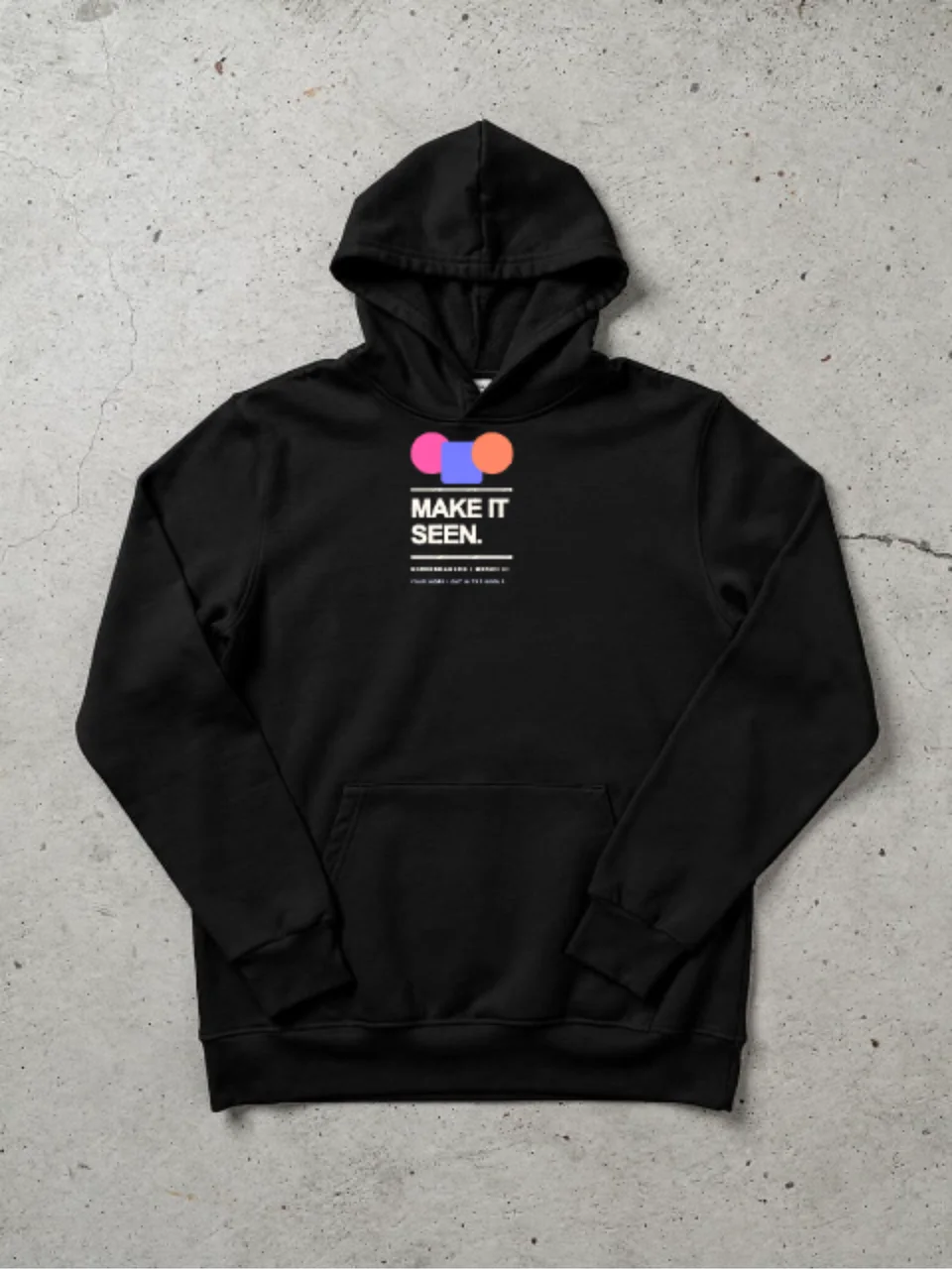
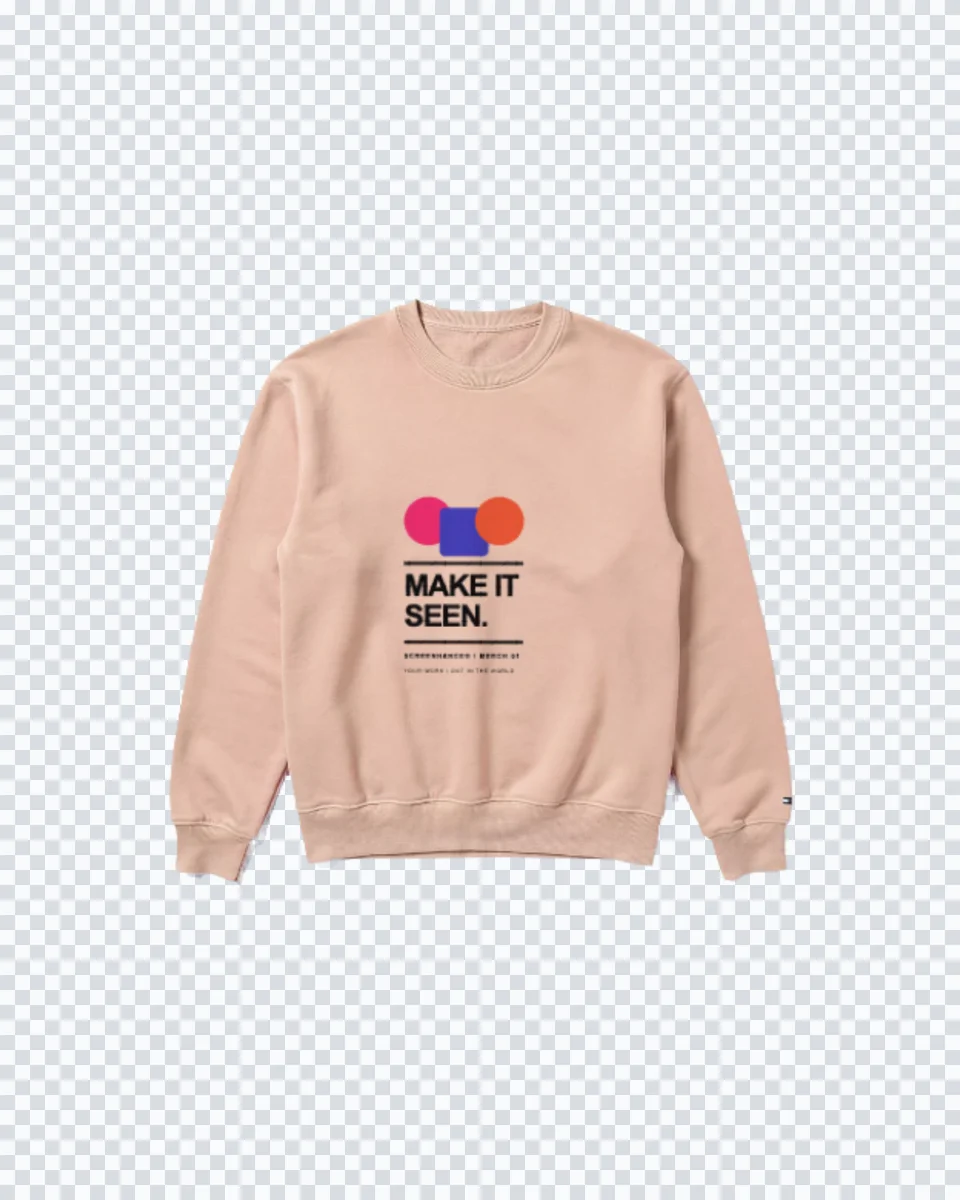
Turn a flat graphic into a convincing black hoodie presentation with realistic material, shape, and folds. Use the isolated garment as a clean product shot or build it into a complete launch graphic.
Why this scene works
The dark garment gives logos, type, and illustration a strong high-contrast canvas.
An isolated hoodie is flexible enough for ecommerce images, launch posts, lookbooks, pitch decks, and brand guidelines.
Unlike a flat downloadable placeholder, this template opens directly in the Screenhance editor. Replace the sample with your own hoodie design, then carry the result into text, brand assets, annotations, motion, and other launch formats.
One scene can support several parts of the same launch when the source design stays editable.
Validate and market a drop before committing to photography or inventory.
Build announcement graphics around a product-focused hoodie cutout.
Show stakeholders how an identity translates from screen to physical apparel.
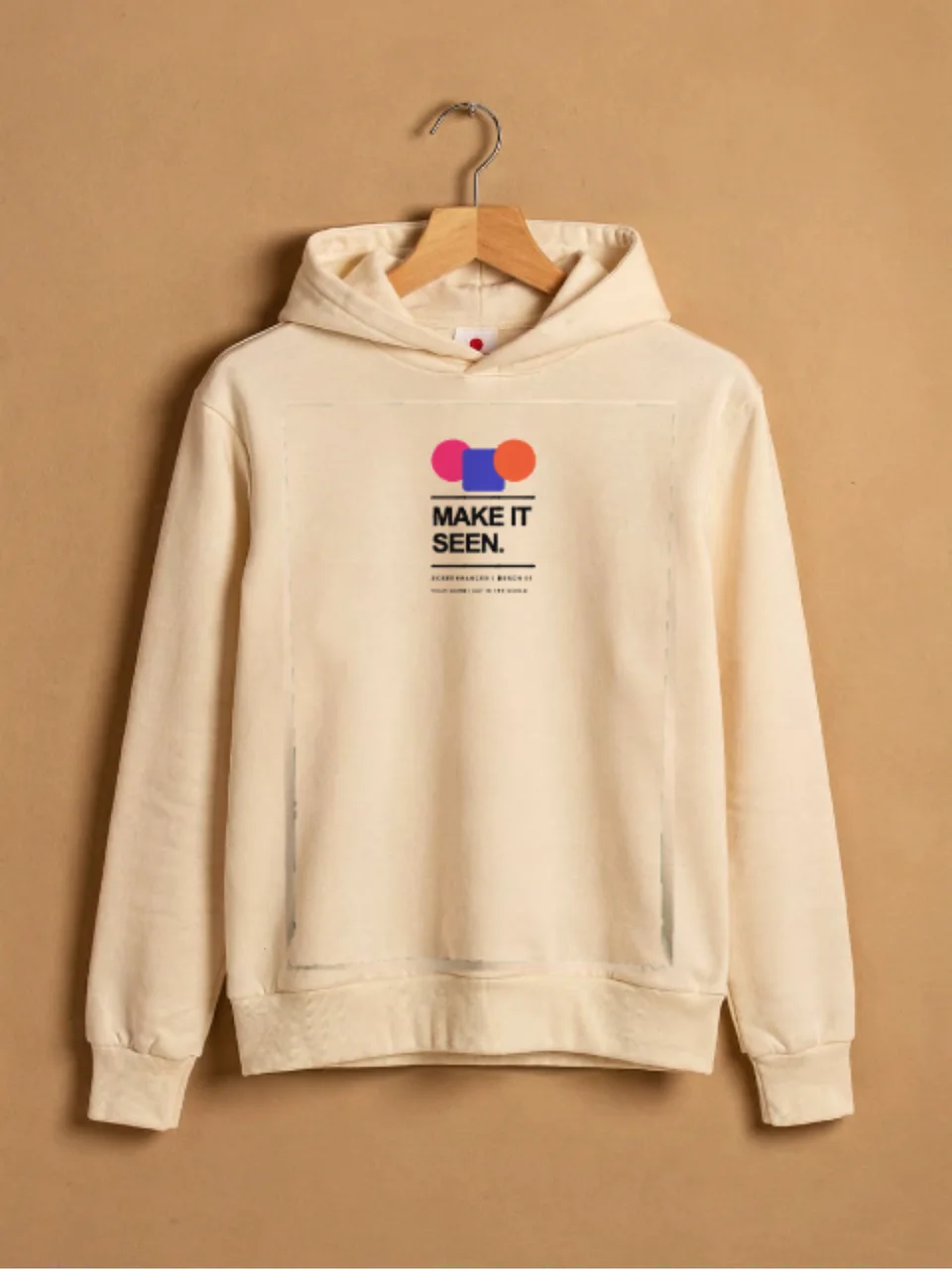
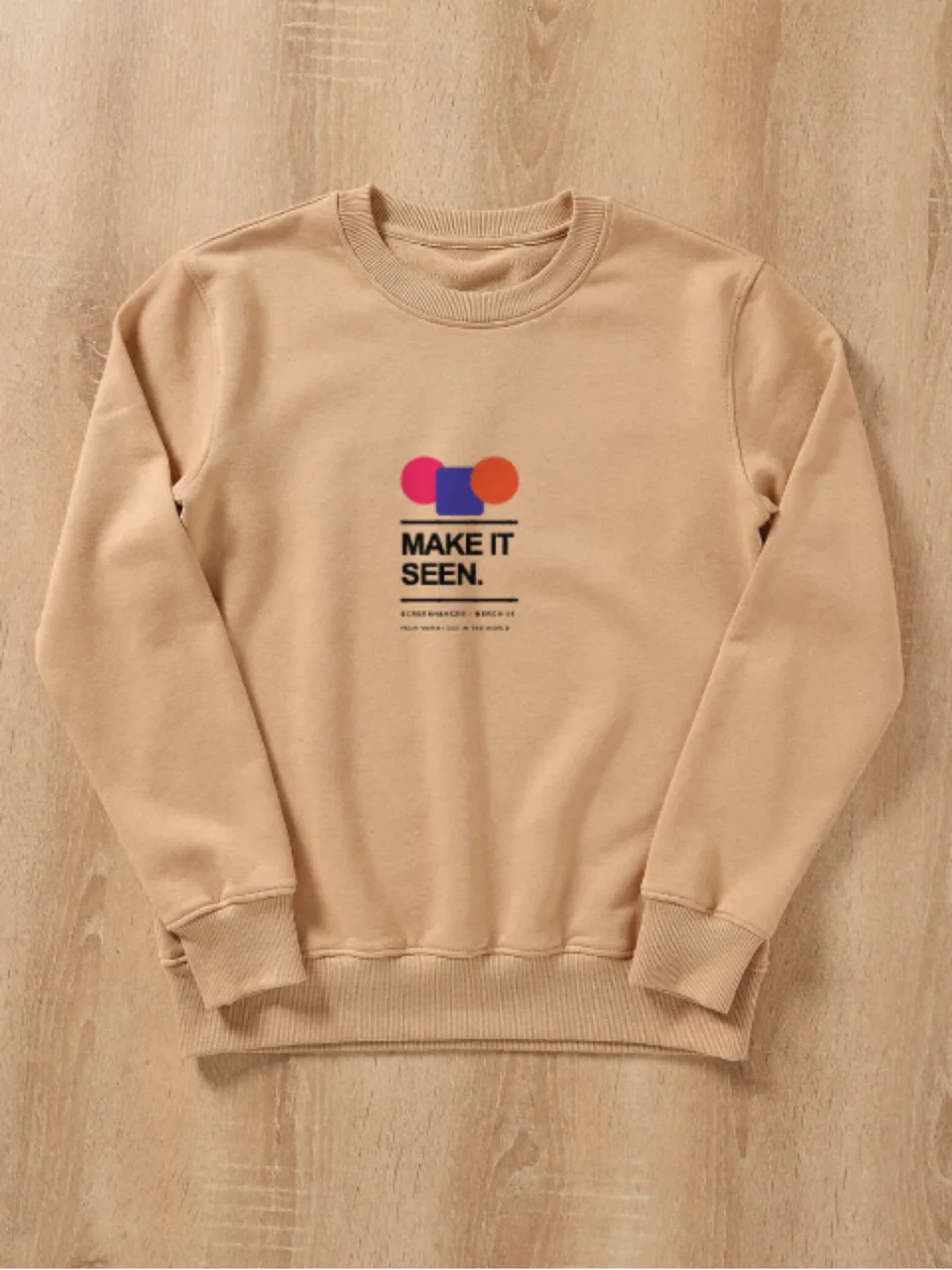
Open a related scene with the same hoodie design, or browse the full hoodie mockups collection.
Make it convincing
Prepare artwork with a transparent background and enough contrast for black material.
Use bold shapes and readable type; subtle dark tones can disappear into the fabric.
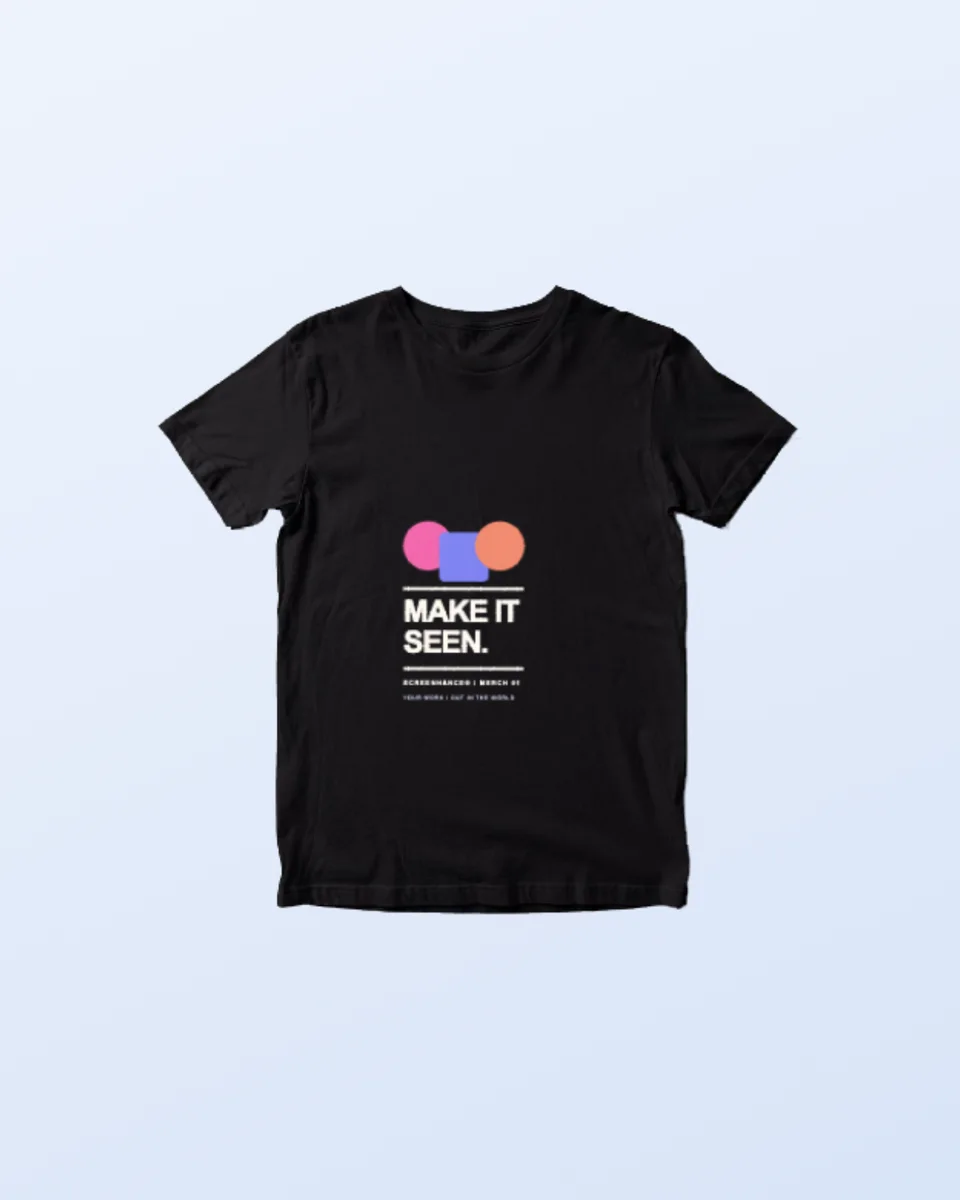
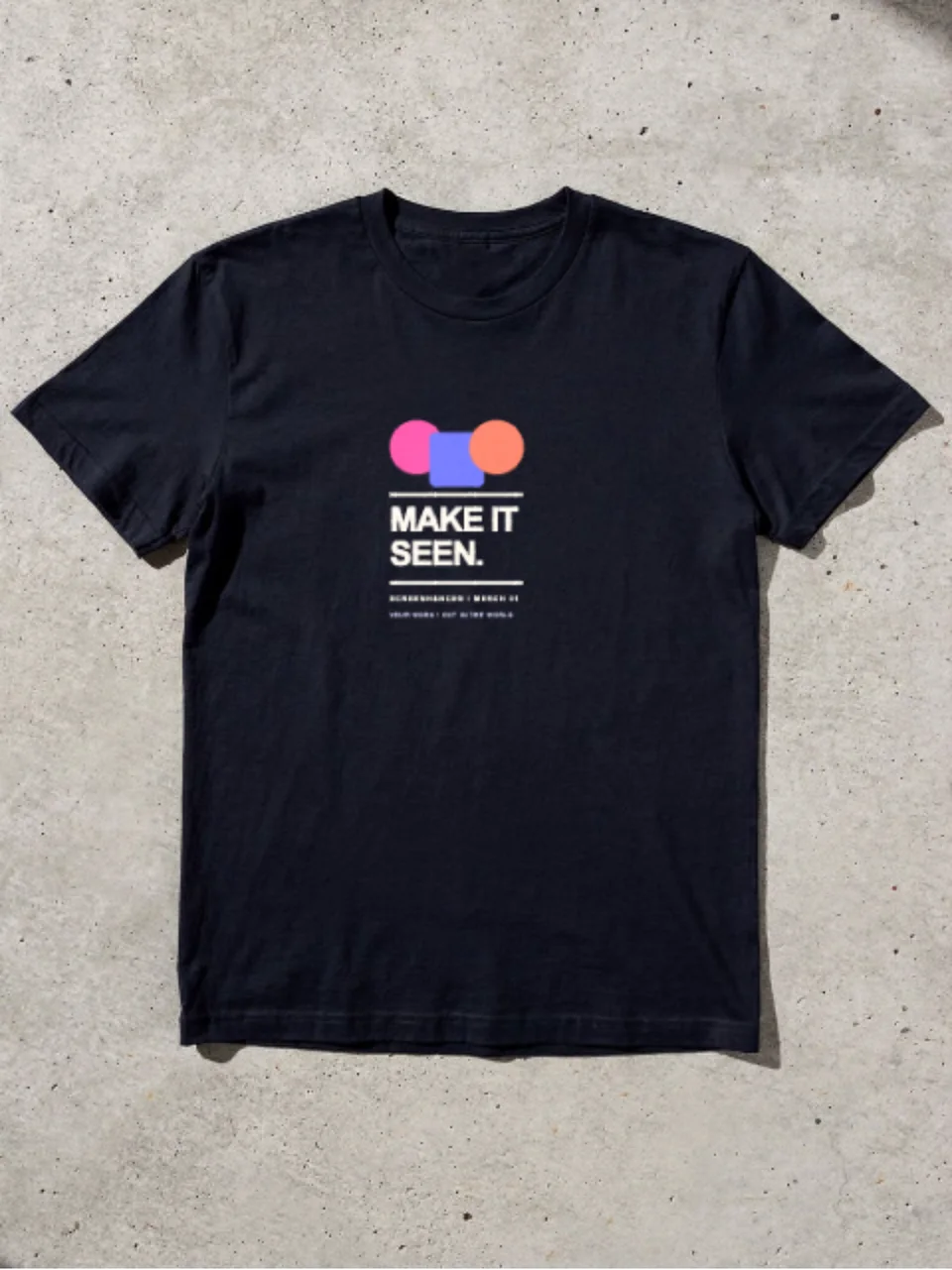
Pair the hoodie with the black T-shirt scene for a coordinated merchandise range.
Open the template, upload your hoodie design, and Screenhance fits it into the photographed surface with the scene's perspective. You can then adjust the composition, background, text, assets, and export settings in the same browser editor.
No. This is an editable browser template, not a PSD download. Screenhance composites your artwork into the scene and lets you continue the wider design without Photoshop, masks, or smart objects.
Yes. You can open the template and build the composition on Screenhance's free plan. The free plan includes 3 exports per month with a small watermark; the one-time Launch Pass and Pro plans remove it from image exports.
This scene opens on a 1080 × 1350 canvas that matches the source photograph's aspect ratio. Paid export options can produce higher-resolution versions for launch pages, social campaigns, presentations, and client delivery.
Yes. Keep the source artwork available in the editor, then reuse it across related photorealistic scenes, editable launch graphics, social assets, store listings, animated compositions, and Studio product video.
Move the same campaign across devices, interiors, print, apparel, and outdoor placements.
Editable apparel mockup
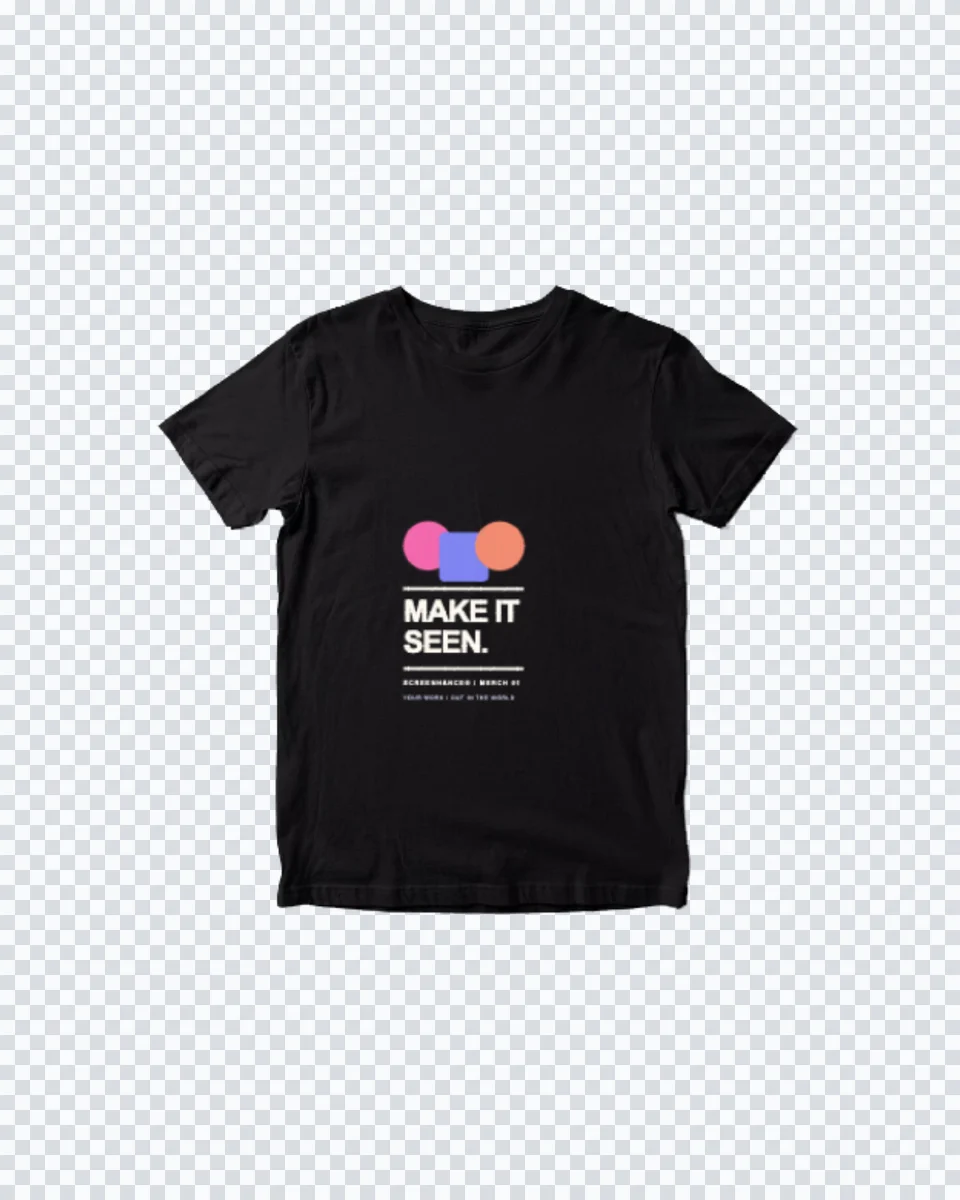
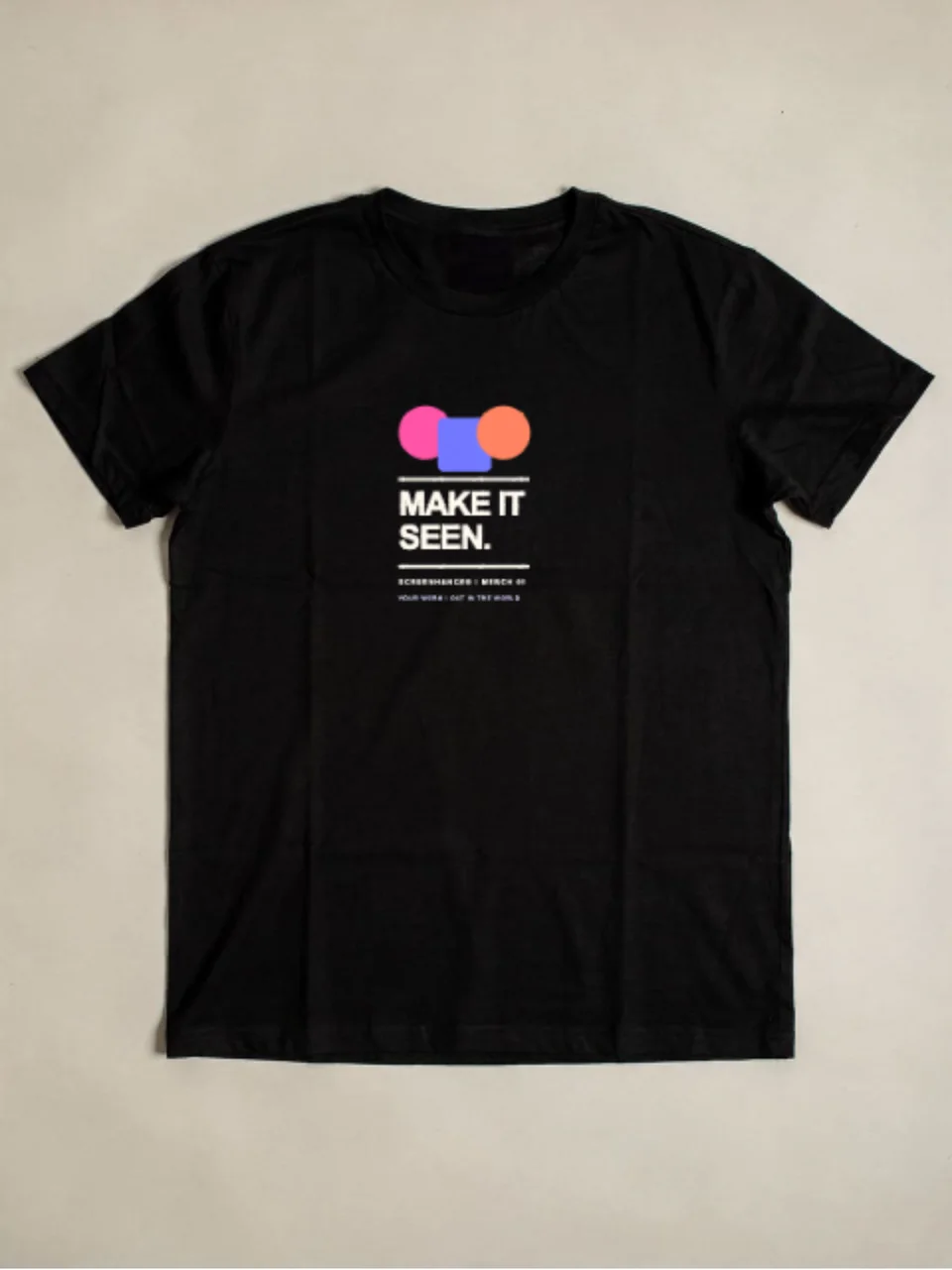
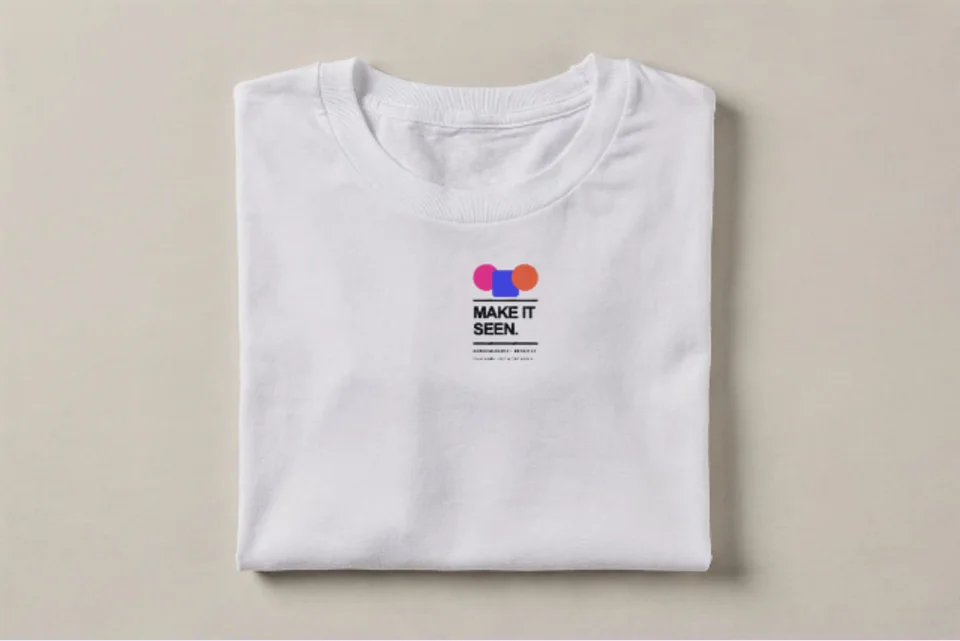
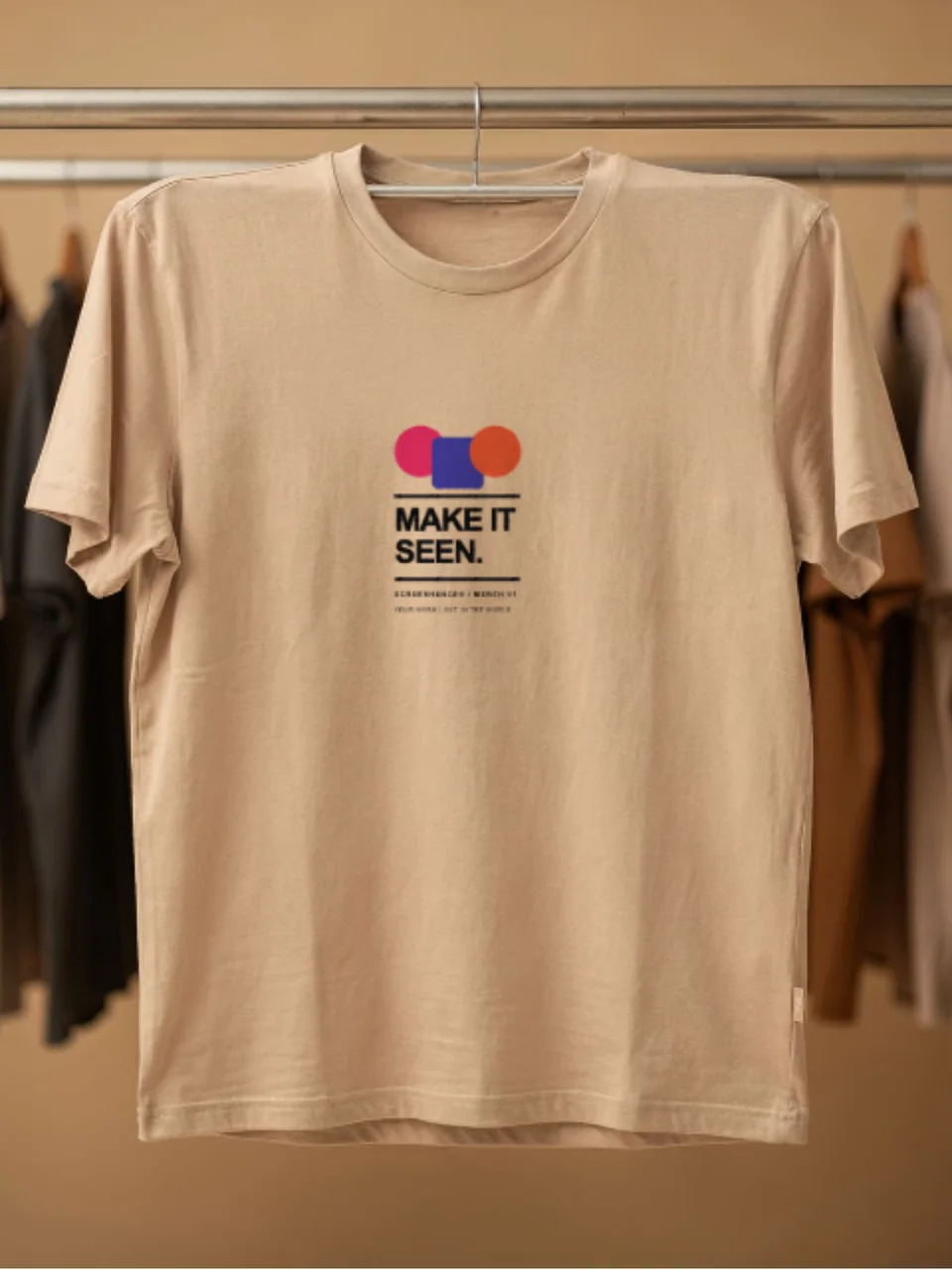
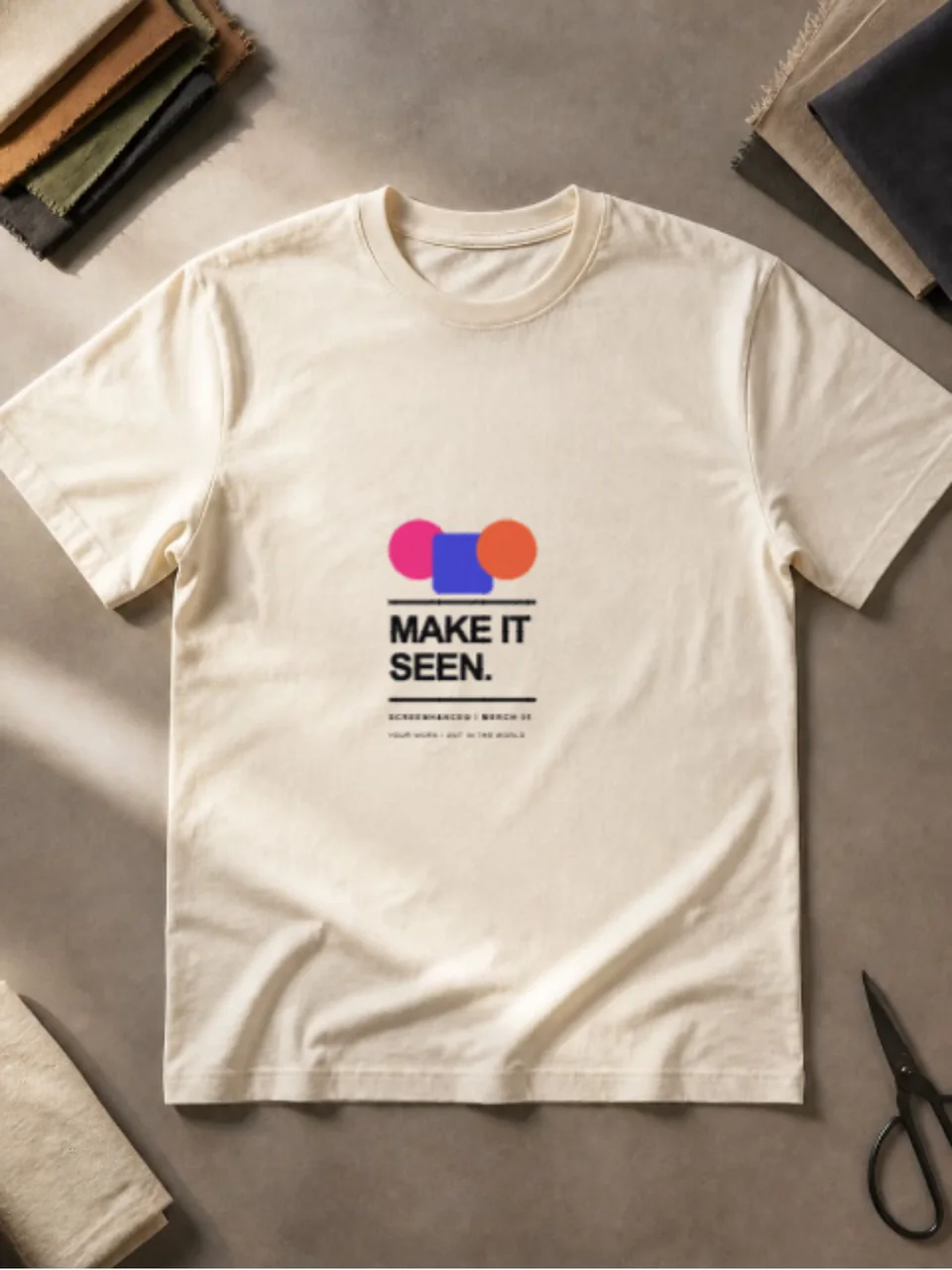
Preview a logo, illustration, event design, or merch graphic on a black T-shirt with natural fabric texture and folds. The cutout format also lets you build the surrounding composition in Screenhance.
Brand identity mockup
Present a business card as a finished physical brand touchpoint. The realistic desk scene adds material and scale while keeping the typography, logo, and layout easy to inspect.
Wall art and print mockup
Put your poster, artwork, event creative, or print design into a realistic frame and interior. Screenhance handles the scene perspective so you can focus on the design and the surrounding campaign.
Upload the real design, refine the composition, and continue into every asset your launch needs.
Open this template