Screenhance

LinkedIn Carousel Generator

Turn a product story into a document people can actually follow. Start with a complete multi-page system for a launch, framework, changelog, customer story, or case study—then replace the product proof and edit every page.

4.9

Loved by 3,000+ creators

A narrative system, not a stack of slides

The sequence does the hard work: earn attention, develop one clear idea, show proof, and close without turning every page into a sales pitch.

Multi-page from the start

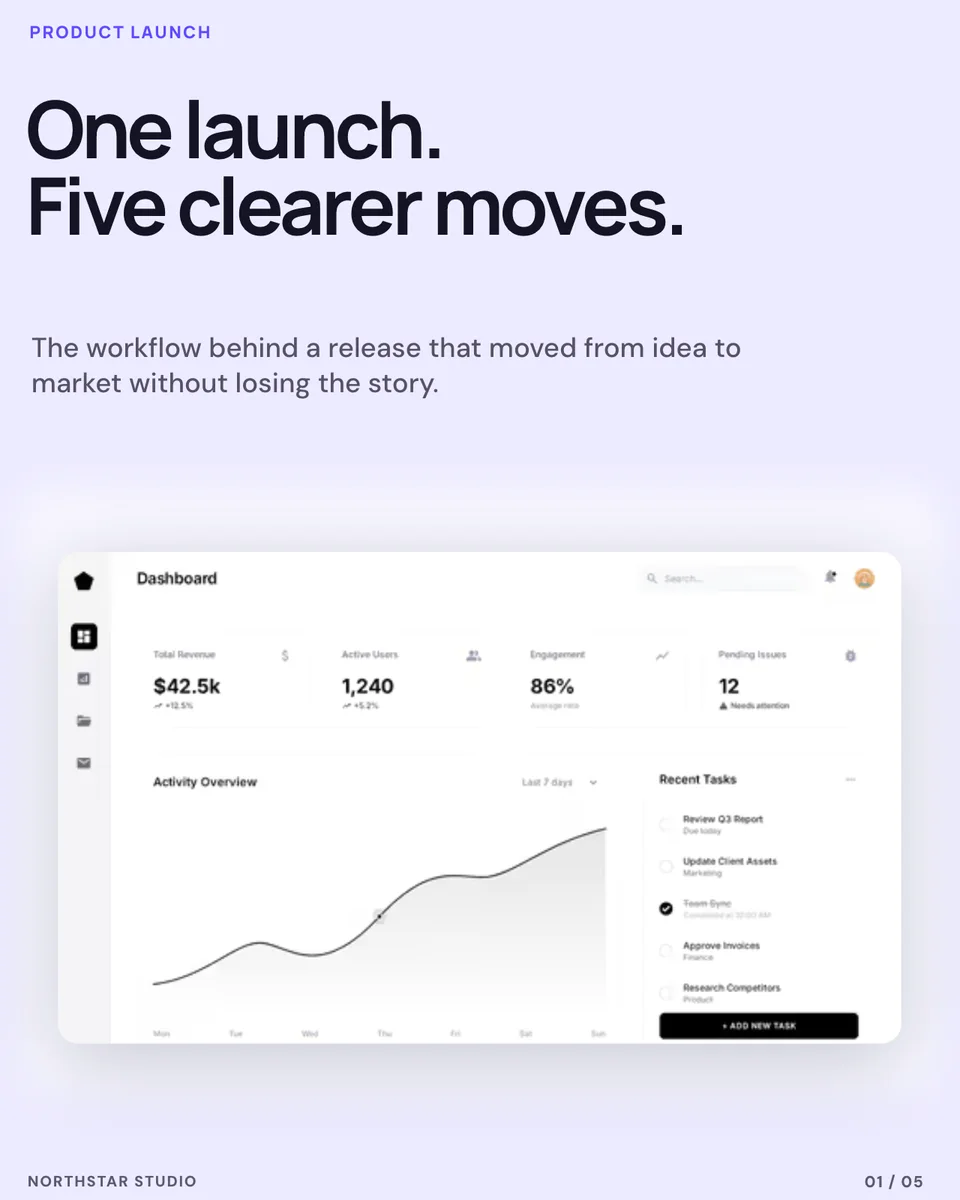
Each template includes a complete ordered set, with a cover, development pages, product proof, and a deliberate ending.

Product screenshots belong

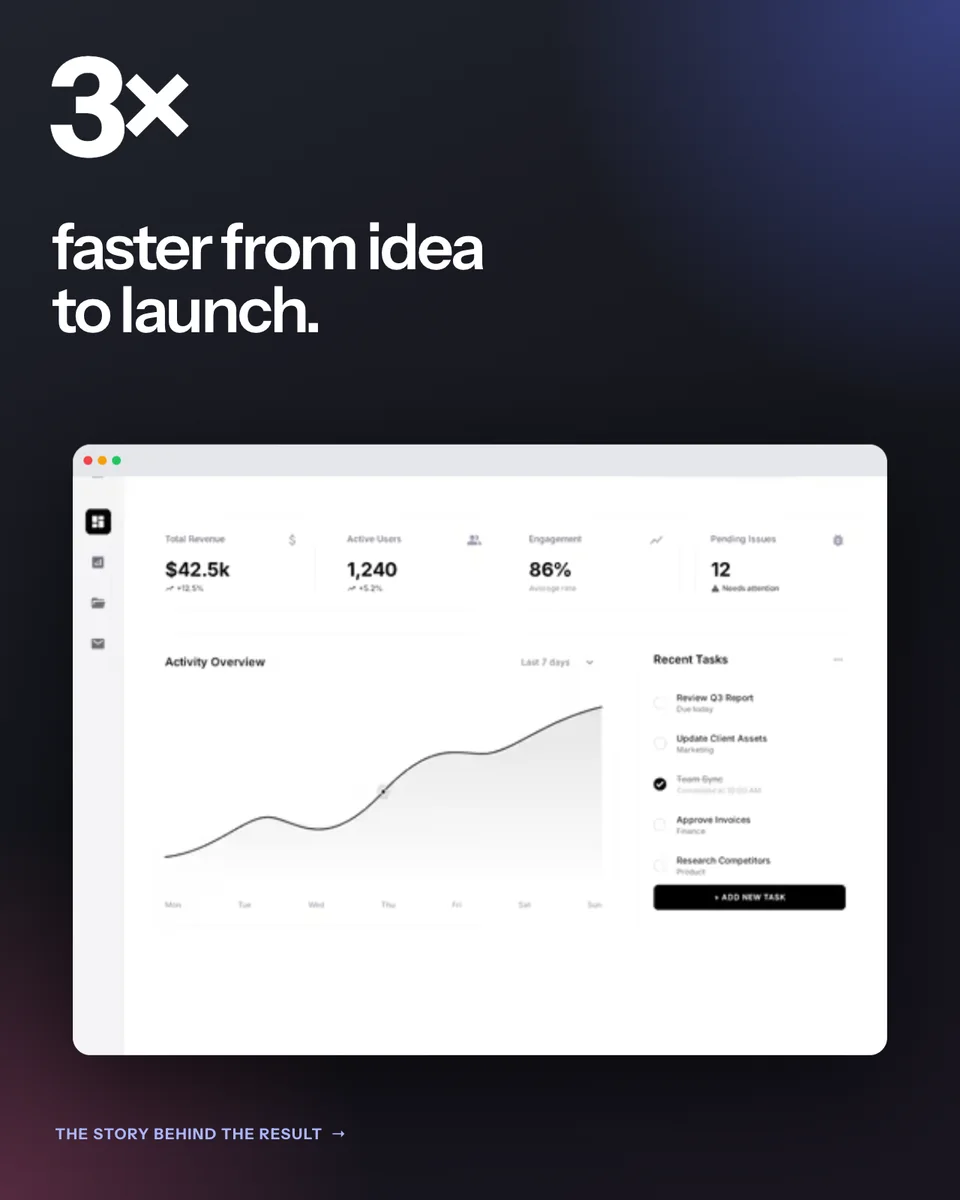
Replaceable product-image layers let the carousel explain real software, not just decorate generic text advice.

Consistent but not repetitive

Shared type, colour, rhythm, and page markers hold the system together while layouts change enough to keep the swipe moving.

Three steps, no blank canvas

01

Choose the story

Start with a product launch, launch framework, changelog, customer story, or concise case-study structure.

02

Edit page by page

Replace screenshots, rewrite the narrative, and move through the thumbnail strip to refine every slide in one editor.

03

Export the set

Download all pages together, then upload them as a LinkedIn document carousel in the intended order.

Built for product-led LinkedIn posts

Product launches

Move from the big promise to the workflow and the product without squeezing the entire launch into one image.

Release notes

Turn a changelog into a readable before-and-after story with space for the interface that changed.

Founder education

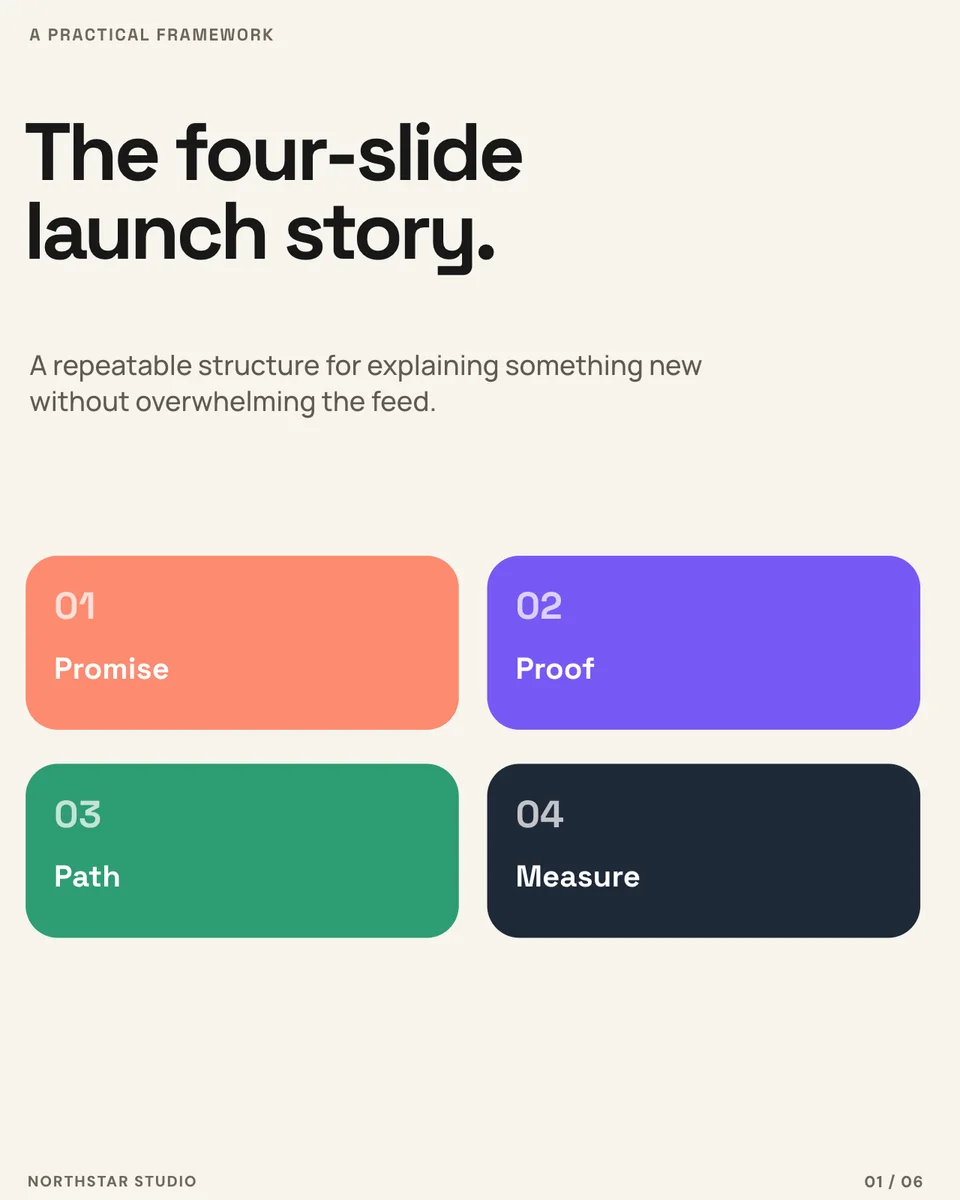
Package a useful framework into a paced sequence that readers can save and revisit.

Customer proof

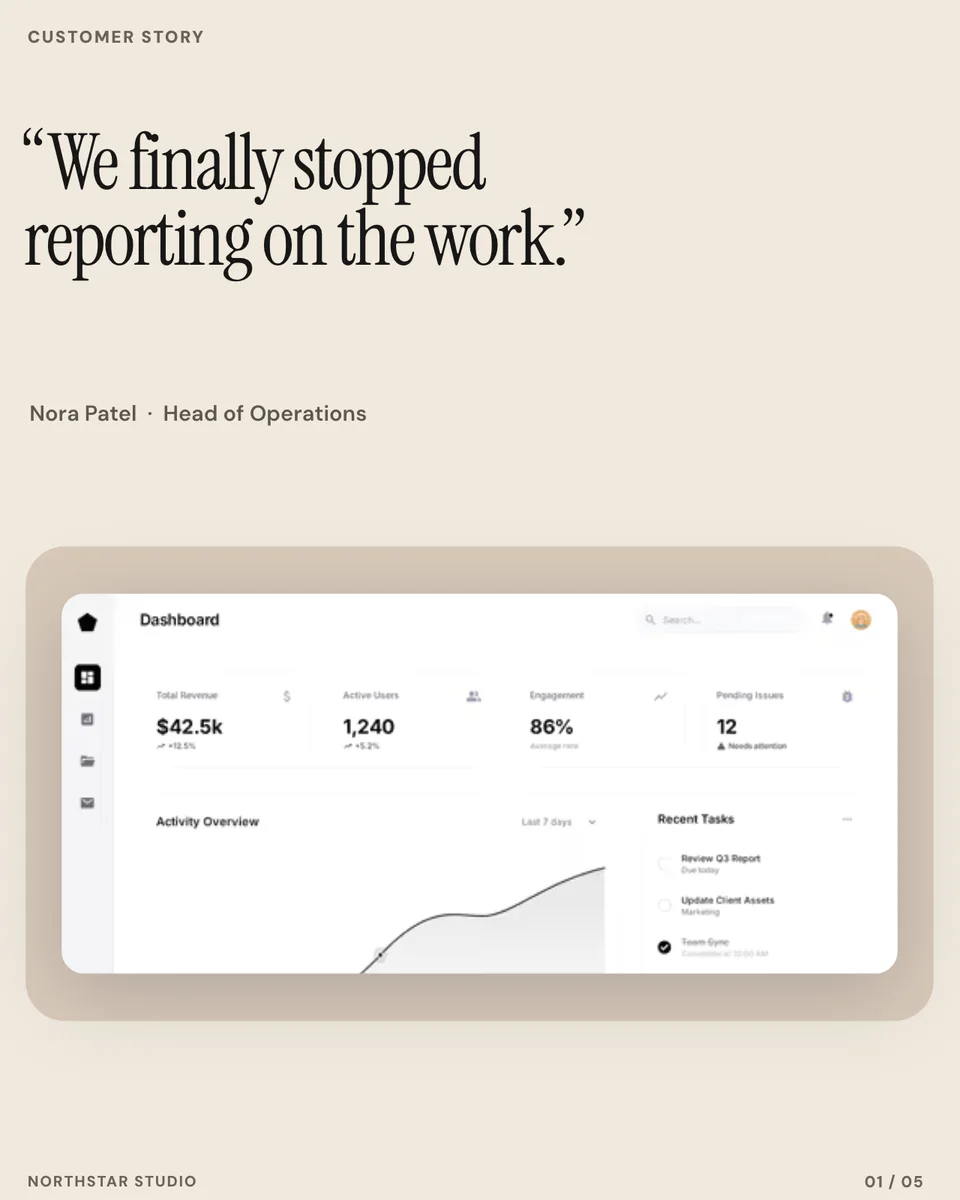
Give the outcome, context, workflow, product evidence, and customer voice their own moments.

The best LinkedIn carousels reward the next swipe

A cover earns attention, but the sequence earns trust. Every page should either sharpen the idea, introduce useful evidence, or move the reader toward the outcome. Repeating the same composition with different copy makes the carousel feel longer than it is.

Screenhance templates vary the page composition while preserving the system. The reader sees a coherent document; the creator gets editable pages, screenshots, copy, and page markers in one place.

Designed for product stories, not generic quote decks

Most carousel makers begin with text and add a decorative shape. These templates make room for the interface, workflow, release, or customer result that the post is actually about.

Use the broader LinkedIn image generator for single-image posts, polls, events, hiring cards, and link previews. Use this generator when the idea needs a multi-page document and a deliberate reading order.

Frequently Asked Questions

What is a LinkedIn carousel?

A LinkedIn carousel is a multi-page document post that readers move through page by page. It is commonly used for product launches, educational frameworks, changelogs, case studies, and customer stories.

How many pages are included?

The focused templates include three to six coordinated pages, depending on the story. You can edit each page individually while keeping the set together.

Can I replace the product screenshots?

Yes. Product images are replaceable screenshot layers. Text, colours, shapes, page numbers, and supporting content remain editable as well.

How do I post the carousel on LinkedIn?

Export the pages in order, combine them into the document format LinkedIn accepts if needed, and upload the document to a new LinkedIn post. Review the page order before publishing.

Can I make a single LinkedIn image instead?

Yes. The LinkedIn image generator includes single-image product posts, polls, events, hiring cards, and link previews. This page is specifically for multi-page carousel stories.

Give the product story room to unfold

Choose a complete carousel system, replace the product proof, and export every page as one coherent LinkedIn story.

Open a LinkedIn carousel